CRMAlternatives
HubSpot Lifetime Deal Alternatives: 4 AppSumo Tools Compared
Four AppSumo lifetime deals named as HubSpot alternatives, from a $39 Google Sheets CRM to an AI outreach tool. See what each does, where it's thin, and who it suits.
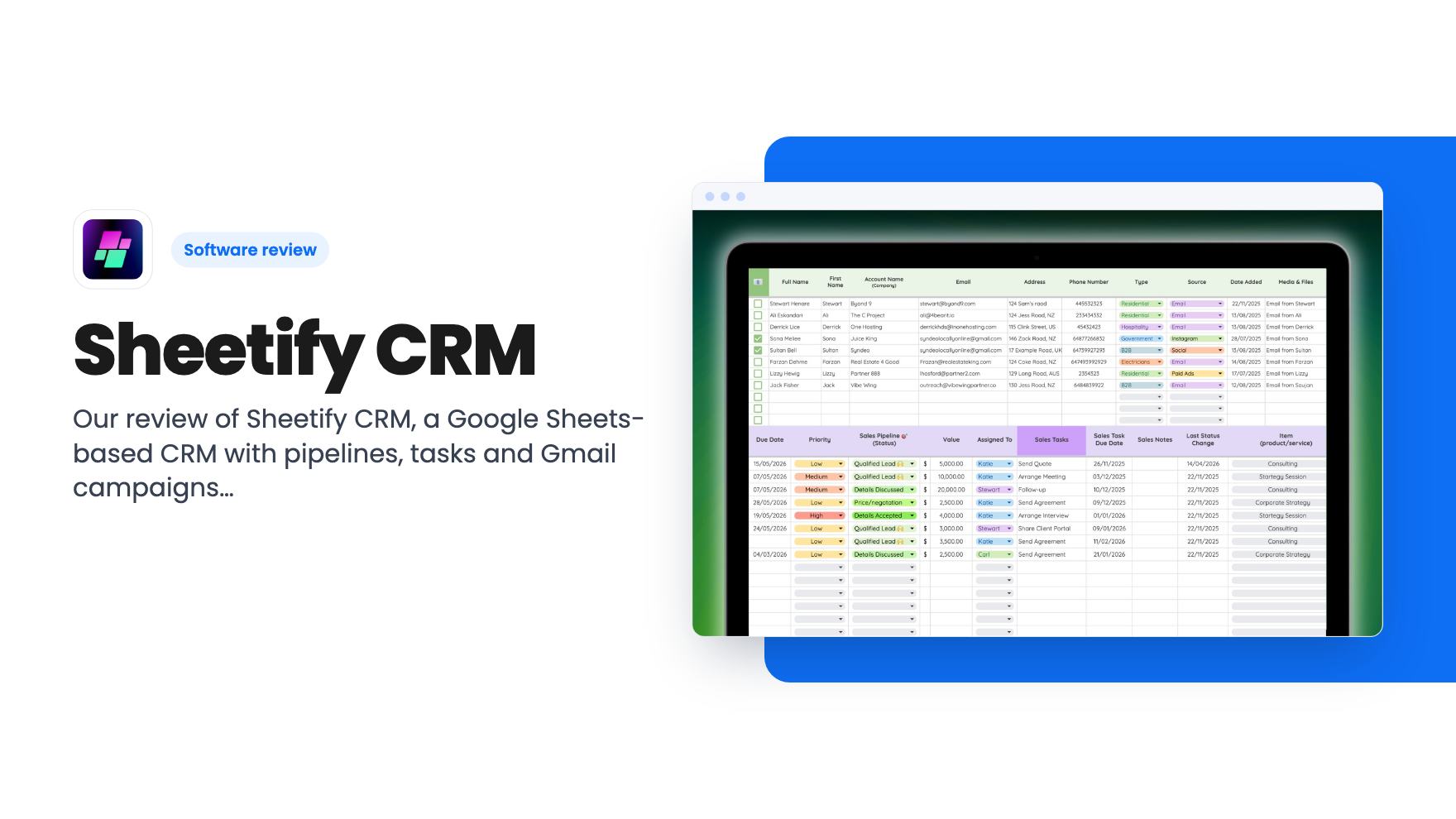
Our review of Sheetify CRM, a Google Sheets-based CRM with pipelines, tasks and Gmail campaigns, now on AppSumo as a $39 lifetime deal. Here are the limits.
Lifetime deal price
$39$10061% off
Lifetime Deal
Our take: Sheetify CRM suits solo owners and tiny teams who already live in Google Sheets and Gmail and want a cheap, no-subscription CRM they can tweak. Skip it if you need a polished standalone app, high-volume email sending, or deep customization without Apps Script knowledge.
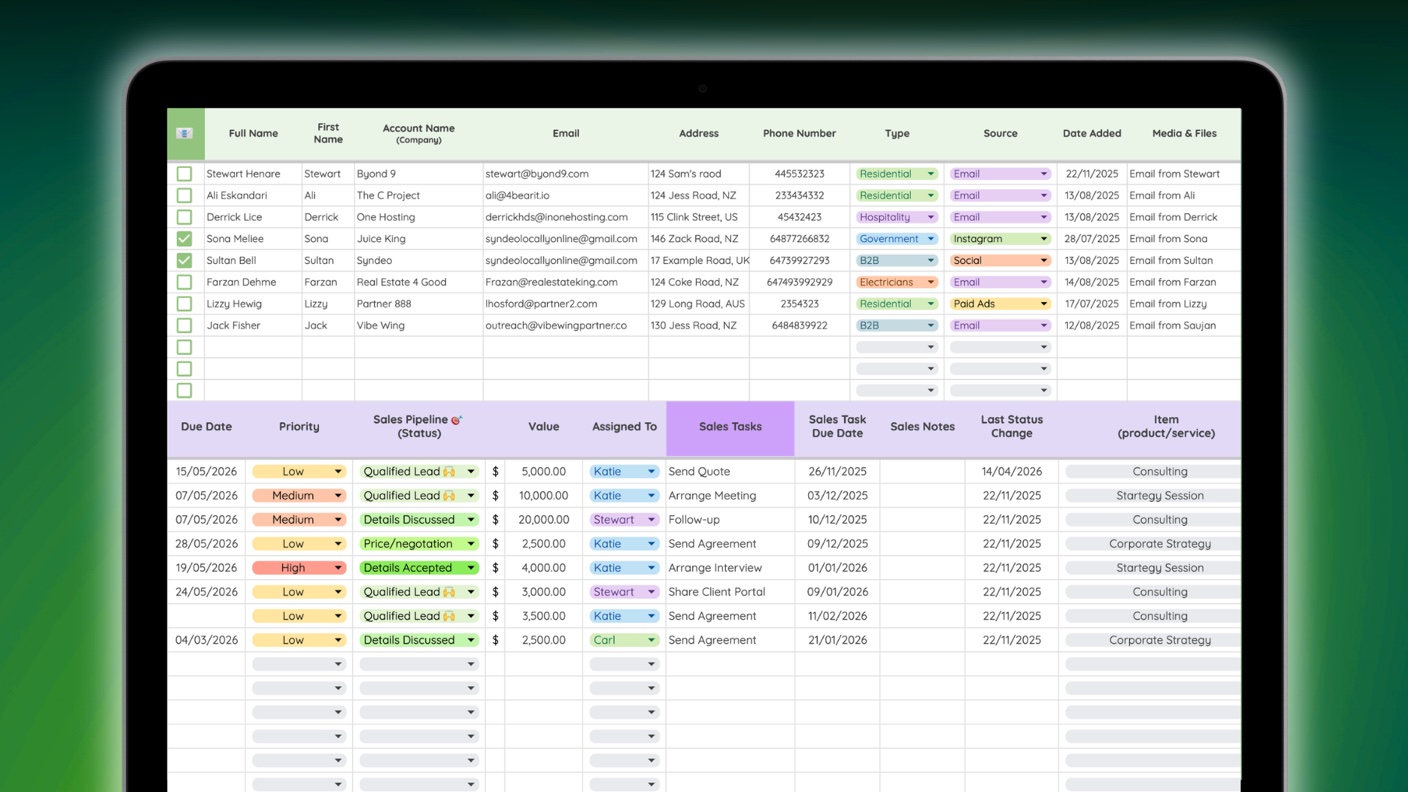
Sheetify CRM is a customer relationship management tool that runs entirely inside Google Sheets. You don’t log into a separate web app. You copy a template into your own Google Drive, and Google Apps Script powers the automations.
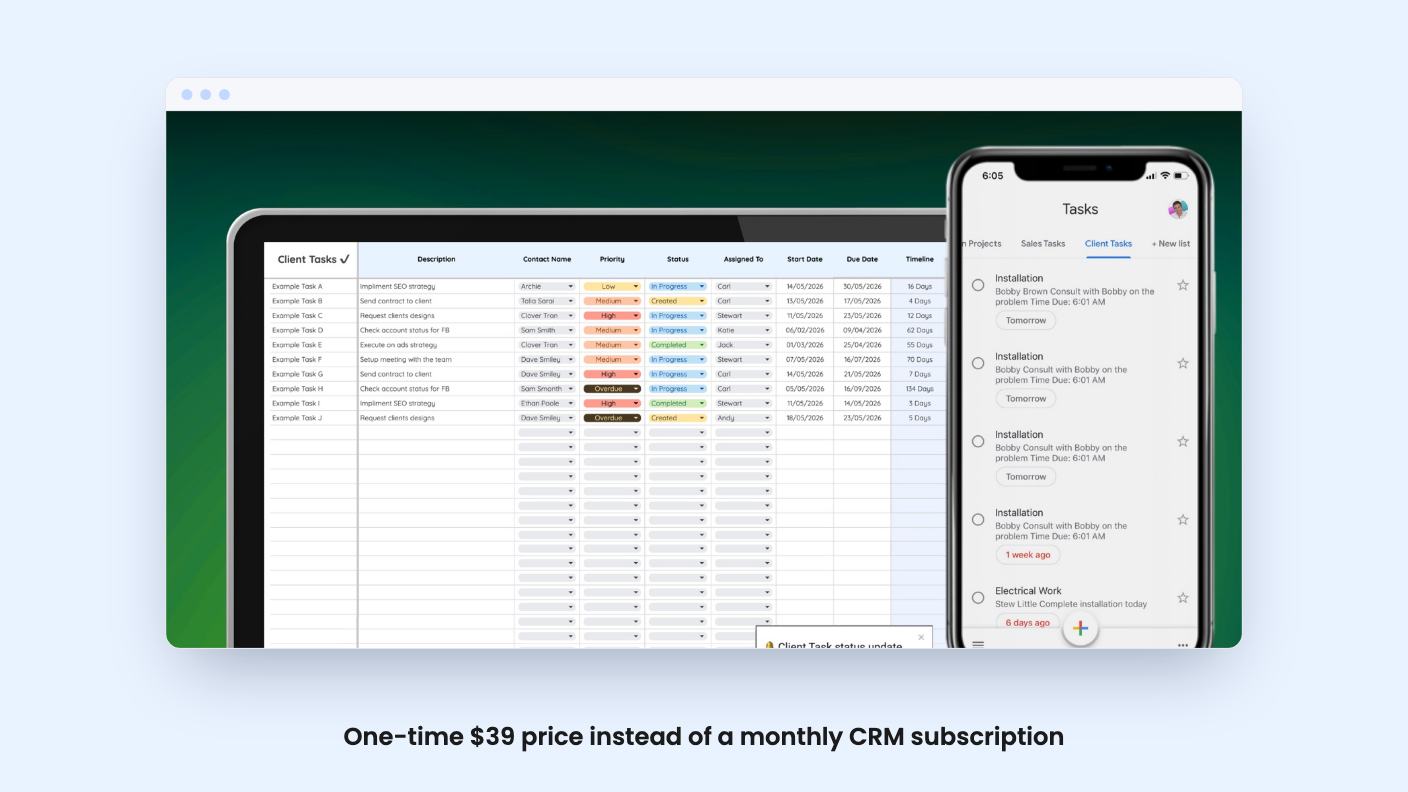
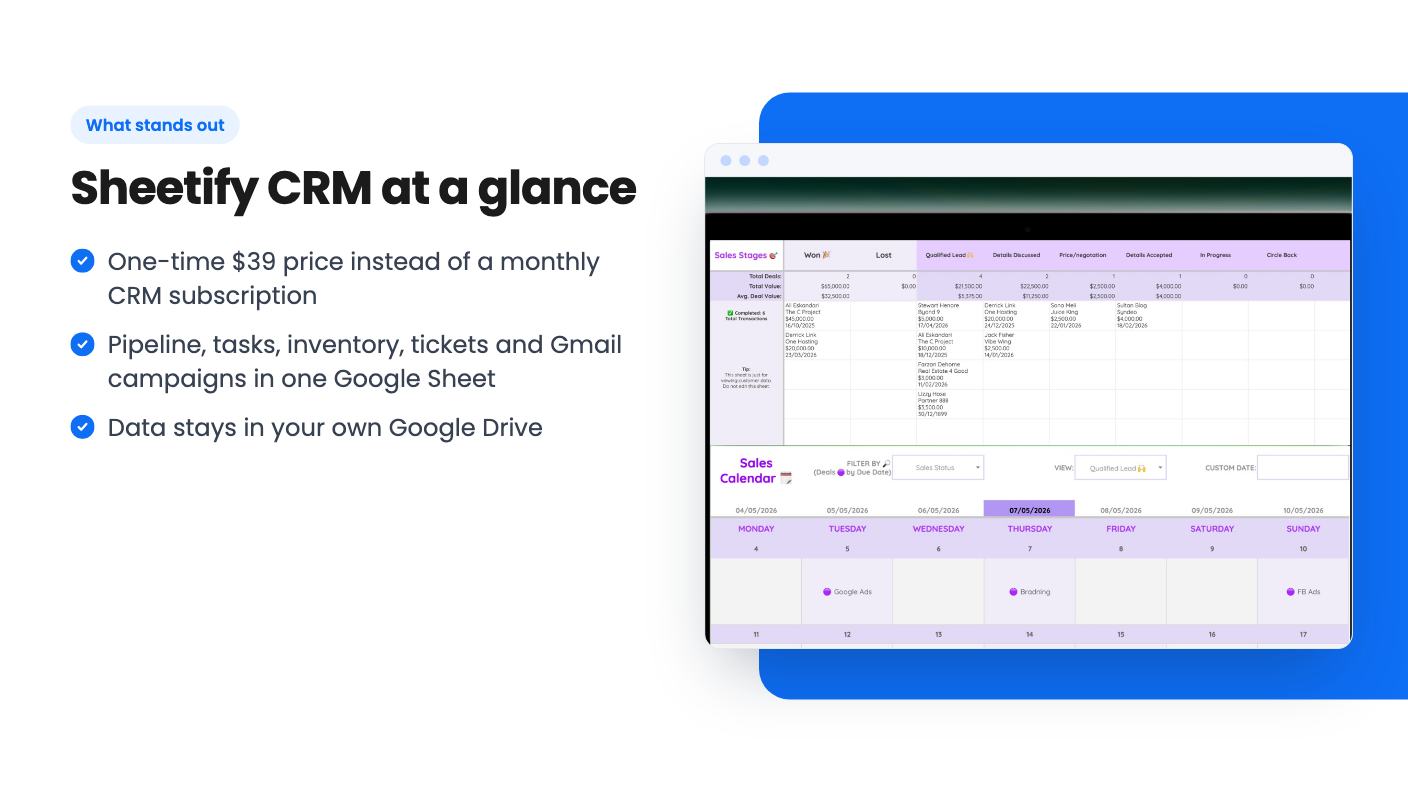
According to the listing, one sheet covers contacts and leads, a visual sales pipeline, task tracking, inventory, support tickets and Gmail campaigns. The pitch is to skip the monthly CRM subscription and keep your data in a file you already own.
The trade-off is that you work inside a spreadsheet, not a purpose-built app. Setup, per the listing FAQ, takes three steps:
Here is what the listing says is included:
The listing also mentions an add-on called Sheetify Flow. It links multiple Sheetify templates, such as CRM, Bookkeeping and Projects, so you can switch on pre-made automations that sync data and cut double entry.
The video is titled “From the Founders Sheetify CRM + AppSumo”. It is a short pitch from founder Stuart Gould, not a product walkthrough.
In it he says Sheetify is built with Google Sheets and Apps Script and is about “saying no to expensive and increasing business subscriptions.” He promises everything a business owner needs “without the fluff, without the subscription,” plus lifetime updates. He also mentions CRM, project management and bookkeeping toolkits.
The transcript doesn’t walk through the pipeline, the campaign tool or the dashboard. So we can’t point to demo evidence for how any of them work or how polished they are. The feature claims above come from the listing alone.
There are two lifetime tiers:
Both include lifetime access to Sheetify CRM and plan updates. The listing says updates cover the Sheetify CRM, Bookkeeping and Project plans. If your plan name changes, it should transfer automatically to the new plan.
Check these terms before you buy:
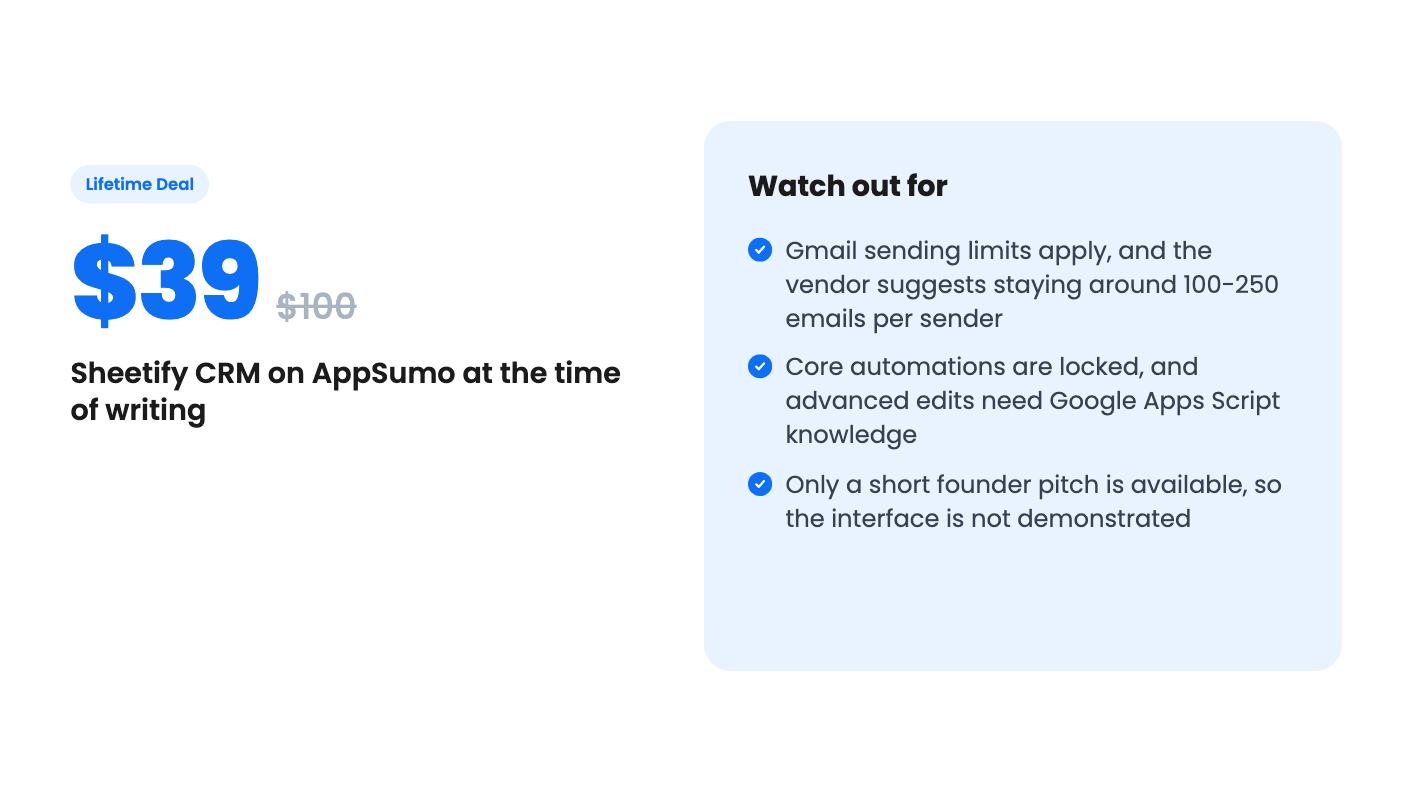
There are practical limits too. The listing says Workspace accounts may send up to 500 emails a day. It recommends staying around 100-250 per sender for deliverability. That is fine for follow-ups and small outreach, but it is not a replacement for a dedicated email platform if you send large volumes.
Customization has limits as well. You can adjust date formats, add sheets and columns, and edit dropdowns in the Settings sheet. Some automation areas are locked, and renaming core sheets or changing automation logic needs Apps Script knowledge or developer services.
A good fit if you:
Consider skipping if you:
At $39 the downside is small, and the 60-day activation window gives some room to try it. Treat the listing’s claims as marketing copy until you’ve copied the template and tried your own data.
According to the listing, no. It is a Google Sheets template you copy into your own Google Drive. You then run Sheetify > Set Up Sheetify from the sheet's menu and grant the requested authorizations.
Yes. The listing says Google Workspace accounts may send up to 500 emails per day. It recommends staying within roughly 100-250 emails per sender for better deliverability, and using multiple accounts to scale.
Partly. According to the listing, you can change date formats, add sheets and columns, and edit dropdowns such as Source, Type and Sales Status in the Settings sheet. Some areas that power automations are locked, and deeper changes need Google Apps Script knowledge.
How this review was made: researched from Sheetify CRM's official listing and a transcript of its demo video, and written with help from AI. We have not tested Sheetify CRM hands-on yet. Prices and deal terms change, so check AppSumo before you buy. See our affiliate disclosure.
Four AppSumo lifetime deals named as HubSpot alternatives, from a $39 Google Sheets CRM to an AI outreach tool. See what each does, where it's thin, and who it suits.
Five AppSumo lifetime deals filed under CRM, from $19 to $349. Only one is a full CRM, so here is who each suits and what the listings leave out.
Both are $49 AppSumo client management deals, but CoachPro Tools helps you run coaching sessions and OnboardHive helps you close and onboard clients.