


Lifetime deal price
$84$39979% off
Lifetime Deal · ends Dec 1, 2026
Price checked on AppSumo
4.7(85 AppSumo reviews)
What is Agency Handy?
Agency Handy is an all-in-one platform that helps digital agencies manage clients, projects, invoicing and payments from a white-labeled portal, with a service catalog for taking orders. It suits freelancers, marketing agencies and web design agencies.
Is the Agency Handy lifetime deal worth it?
Our take: Agency Handy is a sensible buy for a small agency or consultancy that wants CRM, orders, invoices and client tickets in one place, and can afford Tier 3 ($409) or higher for white labeling. Skip the $84 and $199 tiers if a branded portal matters to you, and skip the whole deal if you need deep project management or want proof of how the AI credits work before paying.
Key facts: Agency Handy sells for $84 once on AppSumo (list price $399), the deal ends Dec 1, 2026 and 85 AppSumo buyers rate it 4.7 out of 5 (price checked Nov 23, 2026).
Best for: Freelancers
Alternative to: Honeybook
What we like
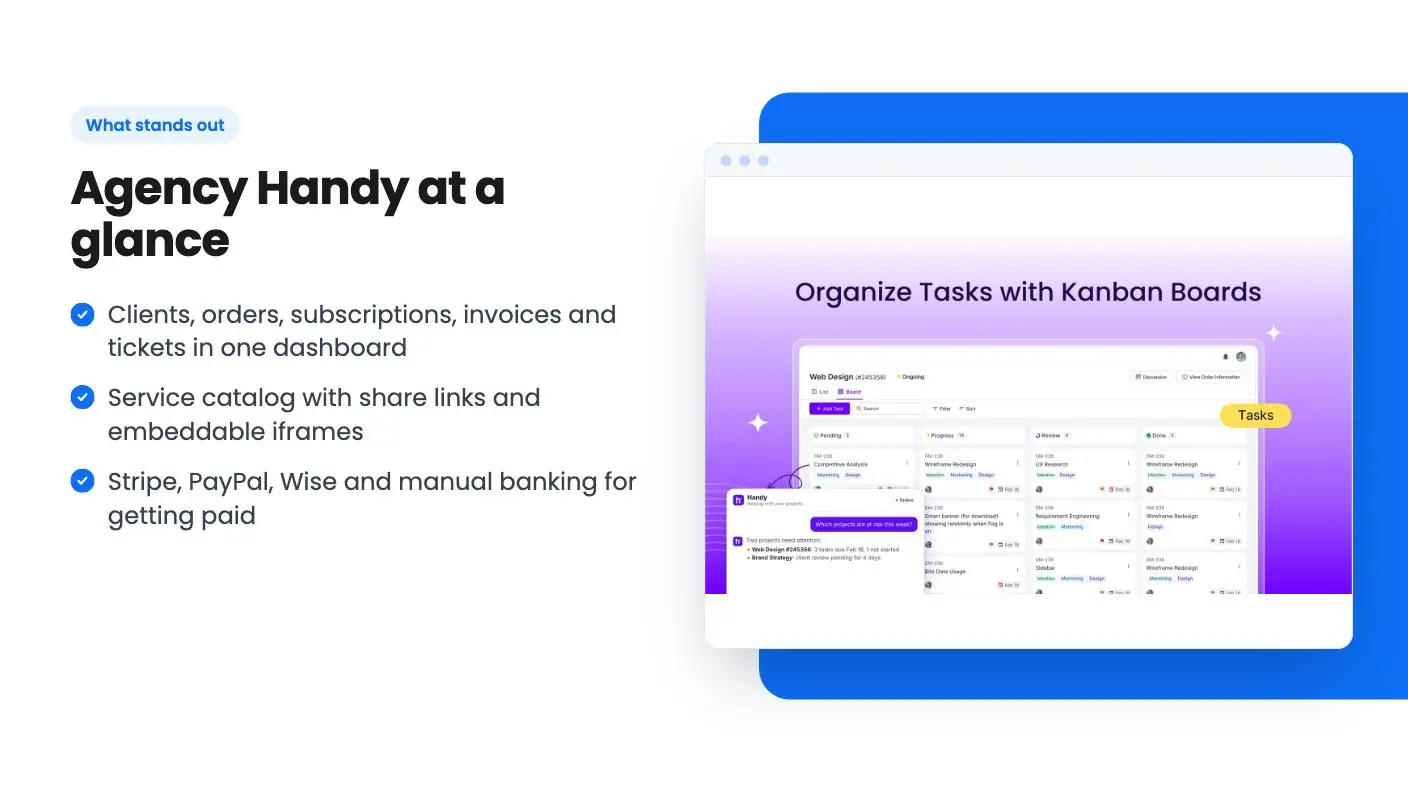
- Clients, orders, subscriptions, invoices and tickets in one dashboard
- Service catalog with share links and embeddable iframes
- Stripe, PayPal, Wise and manual banking for getting paid
- Lifetime deal grandfathers existing buyers into new features and limits
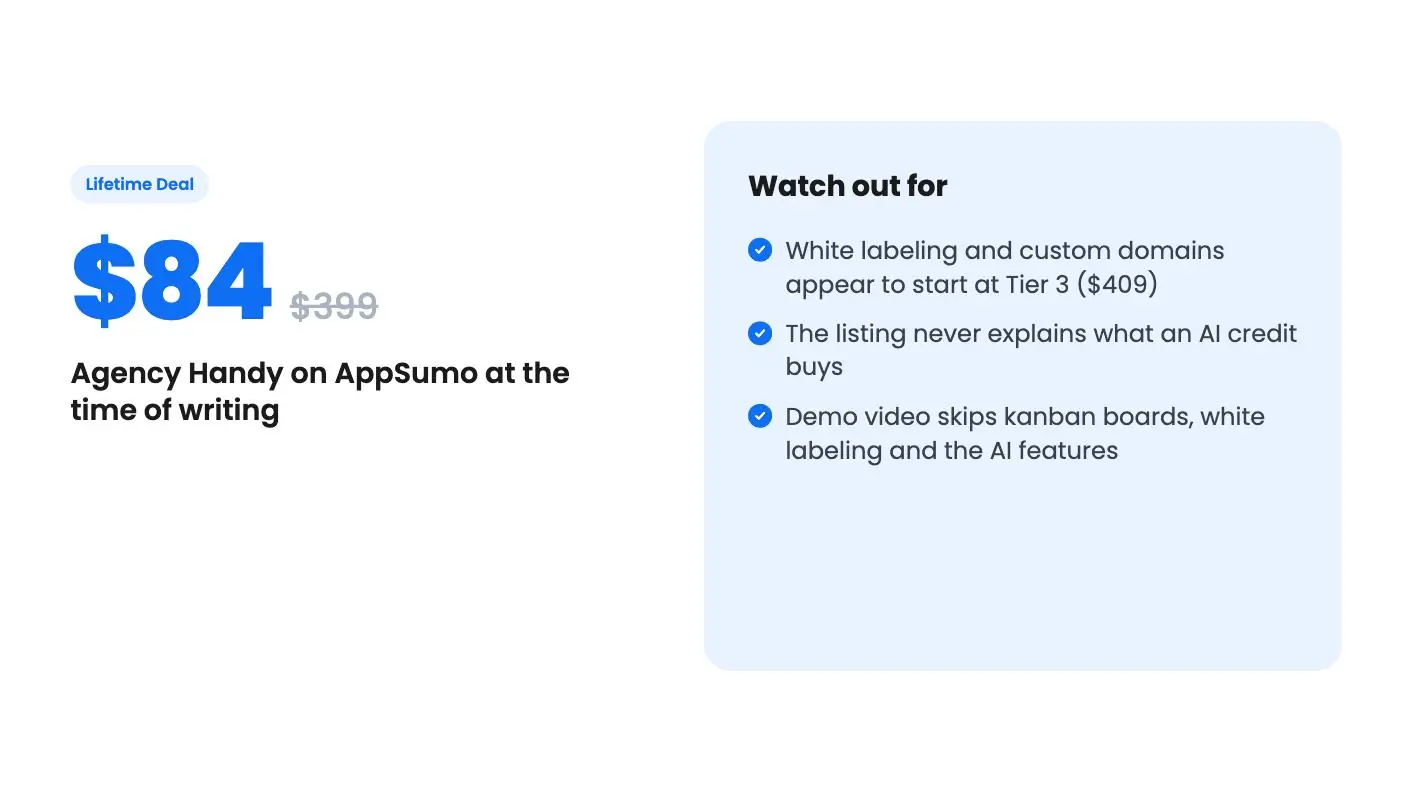
Watch out for
- White labeling and custom domains appear to start at Tier 3 ($409)
- The listing never explains what an AI credit buys
- Demo video skips kanban boards, white labeling and the AI features
You sell a design package. The proposal lives in one tool, the files in email, the invoice in a third app, and the client still messages you asking where to pay. That scattered setup is the situation Agency Handy is built for. It puts clients, orders, subscriptions, invoices and support tickets under one login, and it’s sold here as a lifetime deal from $84 to $2,199.
The listing positions it as an alternative to HoneyBook for freelancers, marketing agencies and web design agencies. It also says coaches and consultants can use it. We haven’t tested it hands-on, so everything in this Agency Handy review comes from the listing and the demo video.
What does Agency Handy actually do?
The listing groups the product into four jobs, and this review follows the same split. You get a service catalog where clients can see packages, pricing and reviews and place orders. You get project boards with tasks, assignees, due dates and labels, plus client approval inside the task window. You get invoicing for one-time, split and recurring payments. And you get a white-label portal with your fonts, colors, logo and custom domain.
Payments go through PayPal, Stripe, Wise or manual banking. The listing’s integrations line only names PayPal, Slack and Stripe, so treat Wise as something to verify.
There’s also a CRM section, intake and order forms, ticketing and a central dashboard, according to the listing’s FAQ.
How one client order could move through the platform
Picture a new client who finds your service menu link. That’s where the listing’s four pieces start to connect, so it helps to walk through them in order.
First, the client opens your service catalog and sees details, pricing, packages and reviews. They place an order directly. In the demo video, creating a service leads straight into an intake form, where you collect the details you need before work starts. The presenter says you can reuse a form from an earlier order, and that forms can use paragraphs, radio buttons, attachments, spreadsheets and terms and conditions. That’s a sensible way to stop the endless back-and-forth emails asking for logins and brand files.
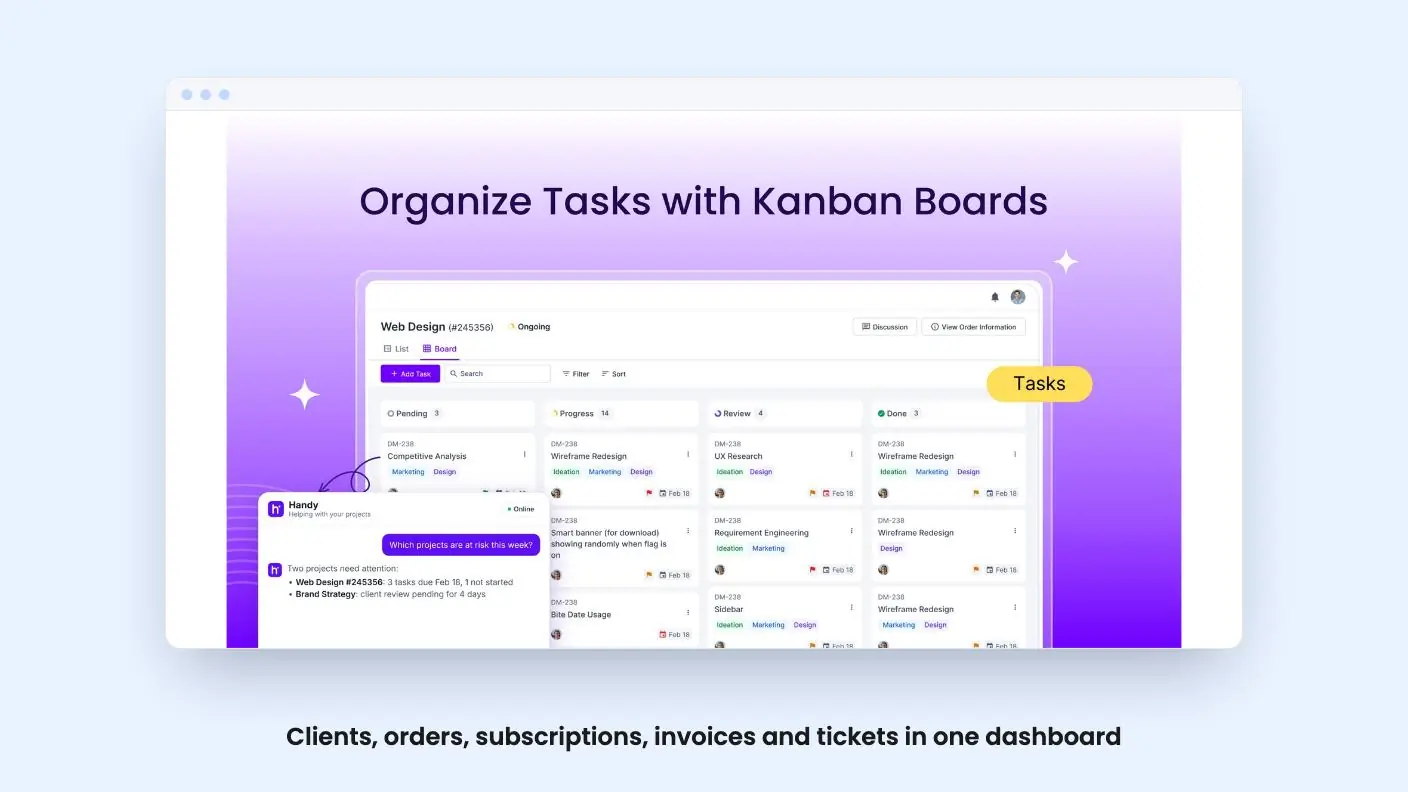
Next comes the work itself. The listing describes kanban boards where you break a project into tasks with assignees, due dates and labels. Clients can give feedback and approval inside the task window, and the deal page says they can do it directly on files too.
Then the money. You can send an invoice with payment upfront, split it into several payments, or set up a subscription that collects automatically each billing cycle. The demo shows a recurring example billed every two weeks.
What the sources don’t say is how automatic the handoff is. We can’t tell from the listing whether an order creates a project board by itself or whether you build that by hand. Treat that as a question to answer before you pick a tier.
What do Agency Handy credits and caps actually buy?
The plan table is the part that decides this purchase, and it has a quirk. The columns aren’t labeled, and they run from the largest limits down to the smallest. The last column has 1 user, 500 GB and 2,000 AI credits, so we read that as the $84 tier. Confirm that on the page before paying.
Here’s what the two smallest tiers give you on that reading:
| Tier | Price | Limits | What you get |
|---|---|---|---|
| Tier 1 | $84 | 1 user, 1 workspace, 100 leads at a time, 500 GB total storage with a 1 GB limit per file, 5,000 webhook events a month | 2,000 AI credits; no white labeling, no custom domain, no custom emails |
| Tier 2 | $199 | 5 users, 1 workspace, 500 leads, 1 TB storage, 2 GB per file, 10,000 webhook events | 5,000 AI credits; still no white labeling |
Some quick maths. A cap of 100 leads at any given time is tight even for a solo freelancer with a busy pipeline. Once you close or archive old ones you free the room, but the listing doesn’t say how that works. The 5,000 webhook events a month work out to about 160 a day, which is plenty if you only connect a few automations.
Storage looks generous until you do the division. The 1 GB per-file limit rules out large raw video, and 500 GB across a single user is fine for documents and design files.
AI credits are the unclear piece. They’re a one-time pool that doesn’t expire, which is nice. But the listing never says which features spend them or how many credits an action costs. Without that, 2,000 credits could be a lot or a little. We’d treat the AI side as a bonus until the vendor spells it out.
Check Agency Handy’s plan limits on AppSumo →
When do the higher Agency Handy tiers make sense?
White labeling and custom domains show up from the $409 tier, which is worth flagging in any Agency Handy review. That’s where you get 10 users, 5 workspaces, 3,000 leads, 12,000 AI credits and 5 custom emails.
That makes Tier 3 the real entry point for an agency that wants a branded client portal. It costs $409, not $84. If your clients only ever see your invoices and order forms, the cheaper tiers may be enough. If you want them logging into something that carries your name and domain, plan on Tier 3.
Per-unit costs help you compare the upper tiers. Tier 3 works out to about $82 per workspace and $41 per user. Tier 4 ($799) gives 10 workspaces and 30 users, so roughly $80 per workspace and $27 per user. Tier 5 ($1,059) brings that to about $71 per workspace and $21 per user. Tier 6 ($1,499) has 30 workspaces and unlimited users, about $50 per workspace. Tier 7 ($2,199) covers 60 workspaces and 100,000 AI credits, about $37 per workspace.
The workspace count matters mainly if you want one branded space per client. Most solo operators will never need more than a few.
Three kinds of business, and the limits that matter to each
Solo freelancer
If you’re one person selling a few fixed packages, the $84 tier lines up with how you work. It has 1 user, 1 workspace and 100 leads at a time. The catch is branding. Without white labeling or a custom domain, clients see the platform’s setup rather than yours. For some freelancers that’s fine, because the invoice and order form matter more than the login page.
Small web design or marketing agency
Here the tier jump matters. The $409 tier is the first with white labeling and a custom domain, and it adds 10 users and 5 workspaces. That fits a small team with a handful of retained clients. The $799 tier raises that to 30 users and 10 workspaces, but most small teams won’t need 30 seats. Check how many client workspaces you’d actually want before paying for more.
Coach or consultant
The listing’s FAQ says coaches, consultants and other service businesses can use it, and the subscription billing suits retainer-style work. What the sources don’t mention is anything built for coaching, such as scheduling or session notes. You’d be adapting an agency tool. If your work is mostly selling a package and collecting payment, that may be enough. If you need calendar features, the listing gives you no reason to expect them.
What the demo video shows, and what it skips
The video is a walkthrough of recent updates, and the transcript is messy, with long stretches of repeated phrases. We’d lean on the parts that are clear.
The dashboard shows revenue, client count and order count, compared against the last 30 days, with bar charts, recent tickets and recent orders. New interface languages have been added. Services can be shared by URL or embedded on your site as an iframe. Subscription-based pricing is new, and the example shows a recurring charge every two weeks.
Creating a service leads you to an intake form. The presenter lists paragraphs, radio buttons, attachments, spreadsheets and terms and conditions as field types. You can reuse forms from earlier orders.
The clients section works like a simple CRM with Excel or CSV import and export. Orders show status, subscriptions have their own tab, and proposals appear under another one. Invoices list due dates, type and service name and can be exported too.
What the video doesn’t show matters just as much in this review. There’s no look at the kanban boards, the client approval flow on files, the white-label setup or the AI features. Those are the parts we’d most want to see before choosing a tier, and the listing’s summary of buyer feedback, which is marketing copy, only gestures at them.
What to check before you buy
The deal’s terms are generous on paper, but a few details deserve a close read.
Start with activation. The listing says you must activate your license within 60 days of purchase. You can upgrade between the seven tiers while the deal is available, but downgrading is only allowed within 60 days. So if you’re torn between two tiers, buying the lower one is the safer move, since moving up stays open while the deal runs. Existing AppSumo customers are grandfathered into new features and limits, which is a decent sign for anyone buying now.
Then look at the connections. The integrations line lists PayPal, Slack and Stripe, while the feature copy and FAQ add Wise and manual banking. The listing doesn’t say what the Slack connection does. If notifications in a team channel matter to you, find out first.
If you’re coming from another tool, the demo shows Excel and CSV import and export for clients and CSV export for invoices. That should cover moving a contact list. The sources say nothing about importing old projects, files or invoices, so assume you’d rebuild those.
Finally, check the small print on custom emails. The two cheapest tiers include none, and the $409 tier includes 5. If branded email matters, that’s one more reason Tier 3 is the practical starting point.
Who should skip it
Skip this if you need serious project management, and this review should say so plainly. Boards, tasks and labels are listed, but nothing mentions time tracking, dependencies or reporting, and the listing doesn’t say either way.
Skip the two smallest tiers if a white-labeled portal is why you’re shopping. Also skip it if you need a mature product with years of history. The listing mentions earlier concerns about rigidity and customization that were reportedly addressed, which suggests the product is still changing.
The Agency Handy review comes down to this: it fits better if you’re a small agency, freelancer or consultant who wants orders, invoices and tickets in one place and doesn’t mind a product still maturing. The deal page says you must activate your license within 60 days, and the AppSumo summary mentions a 60-day money-back guarantee. The deal ends November 22, so decide soon, and if you’re unsure which tier you need, start at Tier 3 and use the guarantee window to check that the white-label setup and limits suit your clients.
Related reading: AutomateNexus CRM review, Plutio review.
All Agency Handy features
Taken from Agency Handy's AppSumo listing. We haven't tested these features hands-on.
Create a white-label platform
- White label your agency portal so it looks and feels like your brand at every client touchpoint
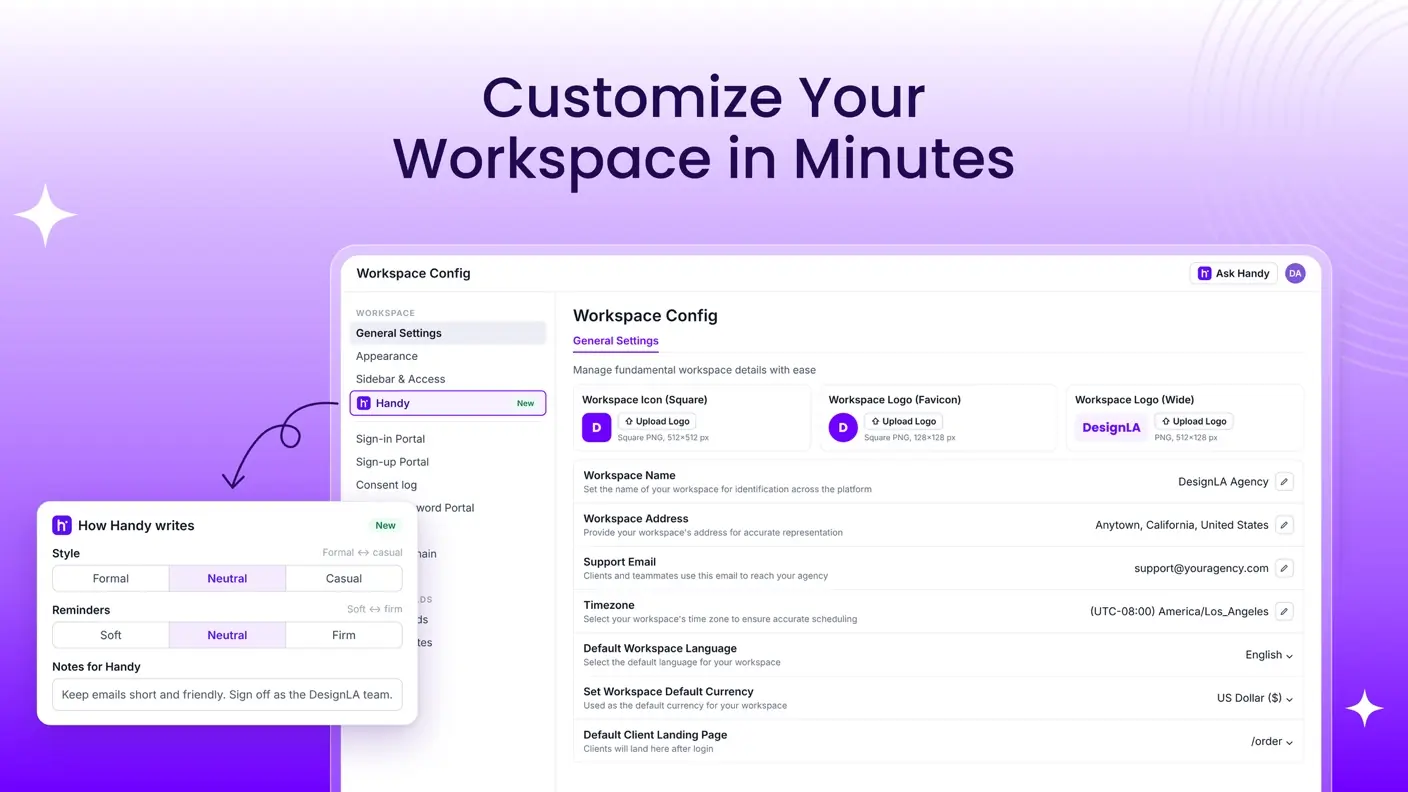
- Customize workspace appearance including fonts, colors, and logo
- Set up your custom domain sign-in portal, and emails to customize your workspace
Handle all your client projects
- Manage client projects, tasks, and documents in one place and organize your workflow on kanban boards
- Break projects down into smaller tasks with assignees, due dates, labels, and more
- See an overview of project progress using task statuses
- Get feedback and approval from clients directly in the task modal
Send invoices and collect payments
- Get an overview of all your invoicing and payments for one-time and recurring payments
- Send custom invoices with payment upfront or broken up into multiple payments
- Manage subscriptions to collect automated payments after each billing cycle
- Choose where you get paid—PayPal, Stripe, Wise, or manual banking
Showcase all your services
- List available services and take orders directly from clients with your own service catalog
- Share a link to your service menu with details, reviews, pricing, and packages
- Link to your payment gateways to get orders directly from your clients
What changes by plan
Price checked Nov 23, 2026 on AppSumo. Tier prices and limits can change; the AppSumo page has the current ones.
| Feature | Tier 1 $84 | Tier 2 $209 | Tier 3 $419 | Tier 4 $809 | Tier 5 $1,069 | Tier 6 $1,509 | Tier 7 $2,209 |
|---|---|---|---|---|---|---|---|
| User(s) | 1 | 5 | 10 | 30 | 50 | Unlimited | Unlimited |
| Total storage | 500 GB | 1 TB | 2 TB | 5 TB | 10 TB | 15 TB | 20 TB |
| Individual storage | 1 GB | 2 GB | 3 GB | 5 GB | 10 GB | 15 GB | 20 GB |
| Webhooks (events per month) | 5,000 | 10,000 | 15,000 | 20,000 | 30,000 | 50,000 | 75,000 |
| Leads (at any given time) | 100 | 500 | 3,000 | 5,000 | 10,000 | 30,000 | 60,000 |
| AI credits (one-time; do not expire) | 2,000 | 5,000 | 12,000 | 25,000 | 40,000 | 60,000 | 100,000 |
| Workspace(s) | 1 | 1 | 5 | 10 | 15 | 30 | 60 |
| Custom emails | 0 | 0 | 5 | 7 | 10 | 20 | 40 |
| White labeling | — | — | ✓ | ✓ | ✓ | ✓ | ✓ |
| Custom domain | — | — | ✓ | ✓ | ✓ | ✓ | ✓ |
What the lifetime deal includes
- Lifetime access to Agency Handy
- All future Freelancer (Tier 1), Team Starter (Tiers 2-4), or Business Pro (Tiers 5-7) Plan updates
- If Plan name changes, deal will be mapped to the new Plan name with all accompanying updates
- No codes, no stacking—just choose the plan that’s right for you
- You must activate your license within 60 days of purchase
- Ability to upgrade between 7 license tiers while the deal is available
- Ability to downgrade between 7 license tiers within 60 days of purchase
- Previous AppSumo customers who purchased Agency Handy can upgrade their license to increase their feature limits
- Previous AppSumo customers will be grandfathered into any new features and feature limits
At a glance
- Best for
- Freelancers
- Alternative to
- Honeybook
- Integrations
- PayPal, Slack, Stripe
- Category
- Sales & Leads › CRM
- Website
- www.agencyhandy.com
Decided Agency Handy fits? The lifetime deal starts at $84, until Dec 1, 2026. Check the tier limits on AppSumo before you pick one.
Get Agency Handy on AppSumoKeep reading about Agency Handy
Agency Handy FAQ
Does the $84 tier include white labeling?
Going by the plan table, no. White labeling, custom domains and custom emails are listed as unavailable in the two smallest columns, which we read as Tiers 1 and 2. The table is not labeled by tier, so check the listing page before you buy.
Do the AI credits expire?
The listing says they are one-time and do not expire. It does not say what an AI feature costs in credits, so you can't yet work out how long a pool will last.
Can I use Agency Handy if I'm not an agency?
The listing says yes. It names coaches, consultants and other service businesses that need to take payments and manage deliverables.
Topic guide