CRMAlternatives
HubSpot Lifetime Deal Alternatives: 4 AppSumo Tools Compared
Four AppSumo lifetime deals named as HubSpot alternatives, from a $39 Google Sheets CRM to an AI outreach tool. See what each does, where it's thin, and who it suits.
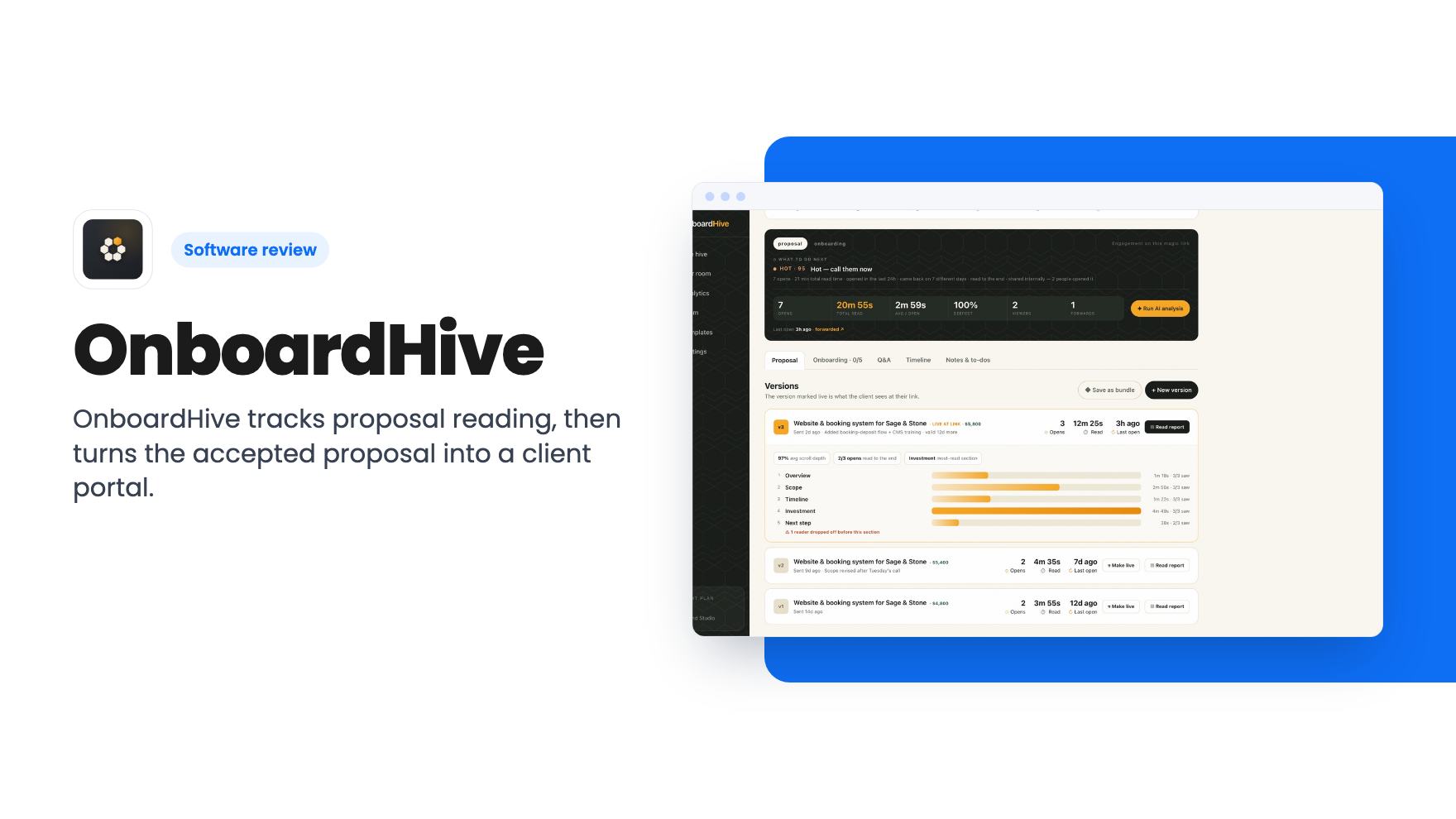
OnboardHive tracks proposal reading, then turns the accepted proposal into a client portal. Here is what the AppSumo tiers include and where the listing is vague.
Lifetime deal price
$49$54991% off
Lifetime Deal
Our take: Worth a look for solo consultants and small agencies who lose track of proposals and onboarding steps. Skip it if you need invoicing, scheduling or a full CRM, or if you can't confirm which tier gets which features. The product looks young and has one AppSumo review.
You send a proposal as a PDF and then wait. Four days later you still don’t know whether the client read it, skimmed to the price, or forwarded it to a partner who never replied. If they do say yes, you start a second round of work: a contract, a deposit request, an intake form, a “please share access” email, and a string of nudges when half of it goes quiet.
OnboardHive is built around that gap. It’s a proposal and client onboarding tool aimed at consultants, freelancers and agencies, and AppSumo positions it as an alternative to Dubsado, HoneyBook and PandaDoc. It’s currently a lifetime deal starting at $49.
We haven’t used it, so everything below comes from the AppSumo listing. There’s no demo video to check it against.
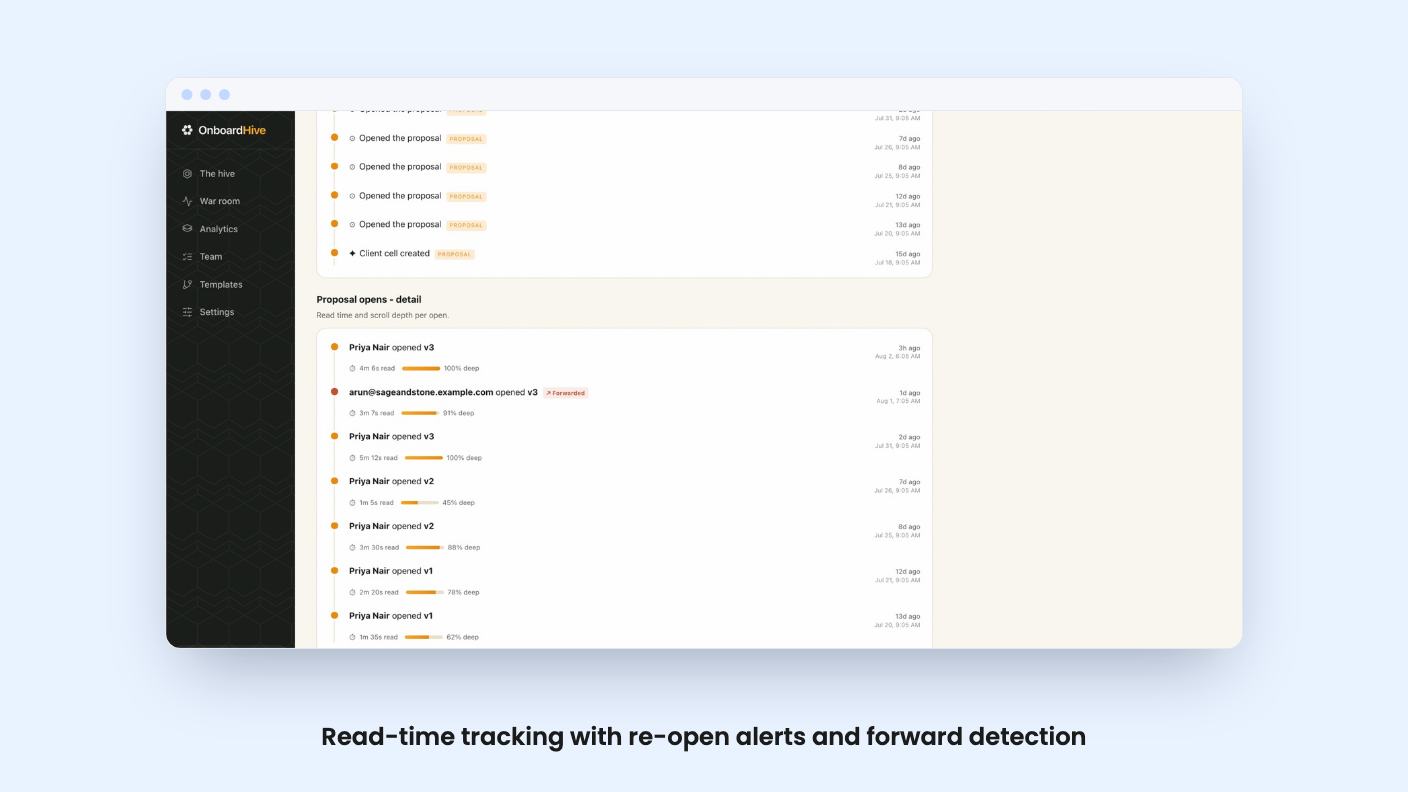
Most proposal tools tell you a document was opened. OnboardHive says it measures active read time in 10 second heartbeats instead. In theory that separates the client who read your scope from the one who jumped to the price and left.
There’s more along the same lines. You get a re-open alert when a client returns 30 or more minutes later, section-level reports with scroll depth, and a lead temperature sort that stacks hot, warm and cool clients. A “live reading now” indicator shows when someone is on the page at that moment.
This is the part I’d care about most as a buyer, and also the part I’d treat with some caution. Engagement data is useful as a nudge to pick up the phone. It isn’t proof of intent, and the listing doesn’t say how “lead temperature” is scored. Treat it as a sorting aid, not a forecast.
Each proposal lives on a single URL. When you revise it, you publish v2 or v3 on the same link, so nobody ends up reading an old PDF. You can gate the view by email, and the tool says it detects forwarding, so you’d know when your contact passes it along.
The clever bit is what happens on acceptance. The same URL flips into a branded onboarding portal. The client signs with a typed e-signature, confirms the deposit, and moves into intake, with no second link and no handoff email.
The listing calls one client’s private link a “client cell”, covering both the proposal and the portal it becomes. That’s a tidy idea for small shops. A client keeps one bookmark for the whole relationship’s early stage.
One thing to be careful about is the e-signature. It’s a typed signature with a timestamp and a user agent audit trail. The listing itself says it can’t advise on signature rules in your jurisdiction, so check yours before you rely on it for a high-value contract.
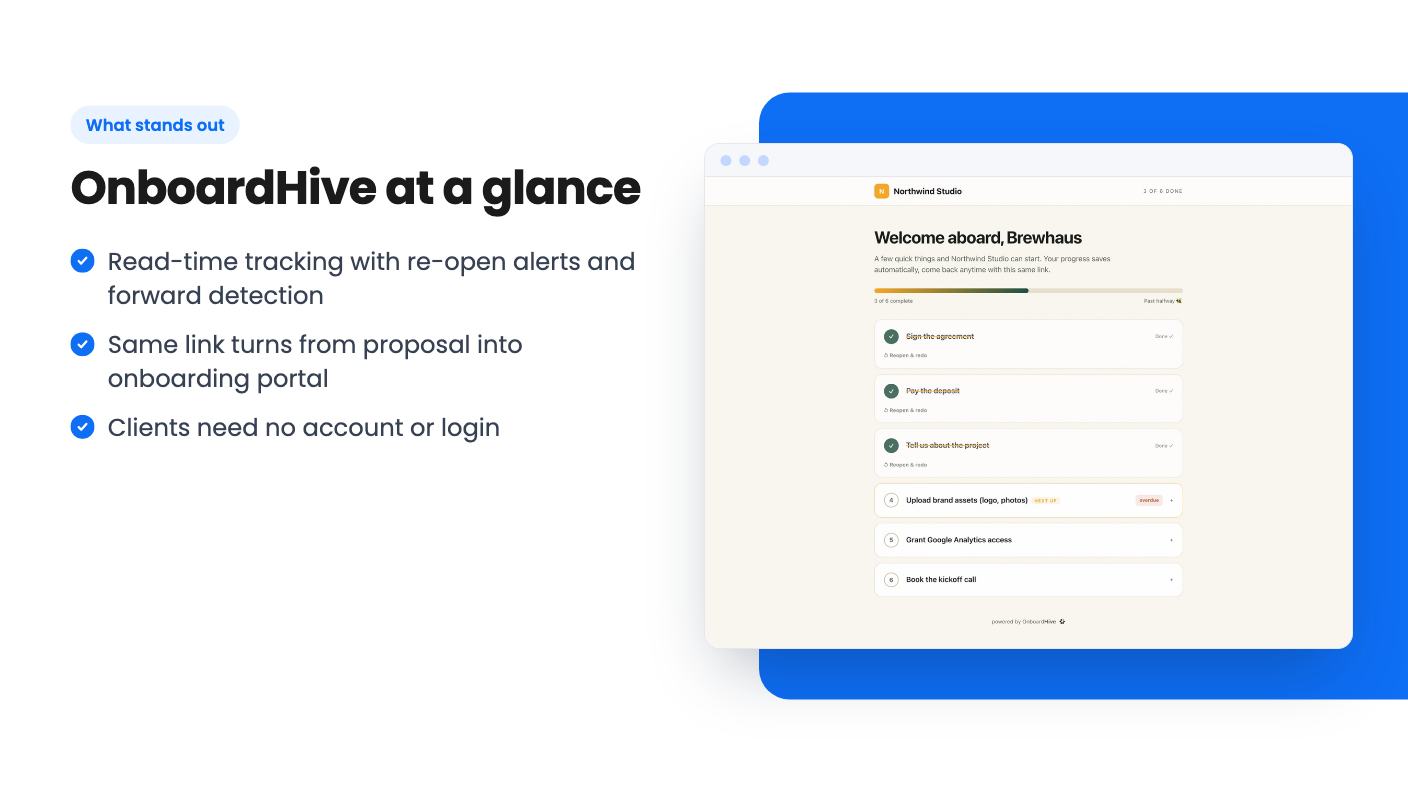
After acceptance, OnboardHive tracks progress across sign, pay, intake, access steps and uploads. If a client stalls, auto-reminders email them the exact items still pending, so you don’t write that nudge by hand.
There’s also an AI step that drafts a kickoff brief from the intake answers, ready to hand to your team. AI use is metered by monthly credits, and those credits differ a lot between tiers (more on that below). The listing doesn’t say how many credits a brief uses, so you can’t work out how far an allowance goes.
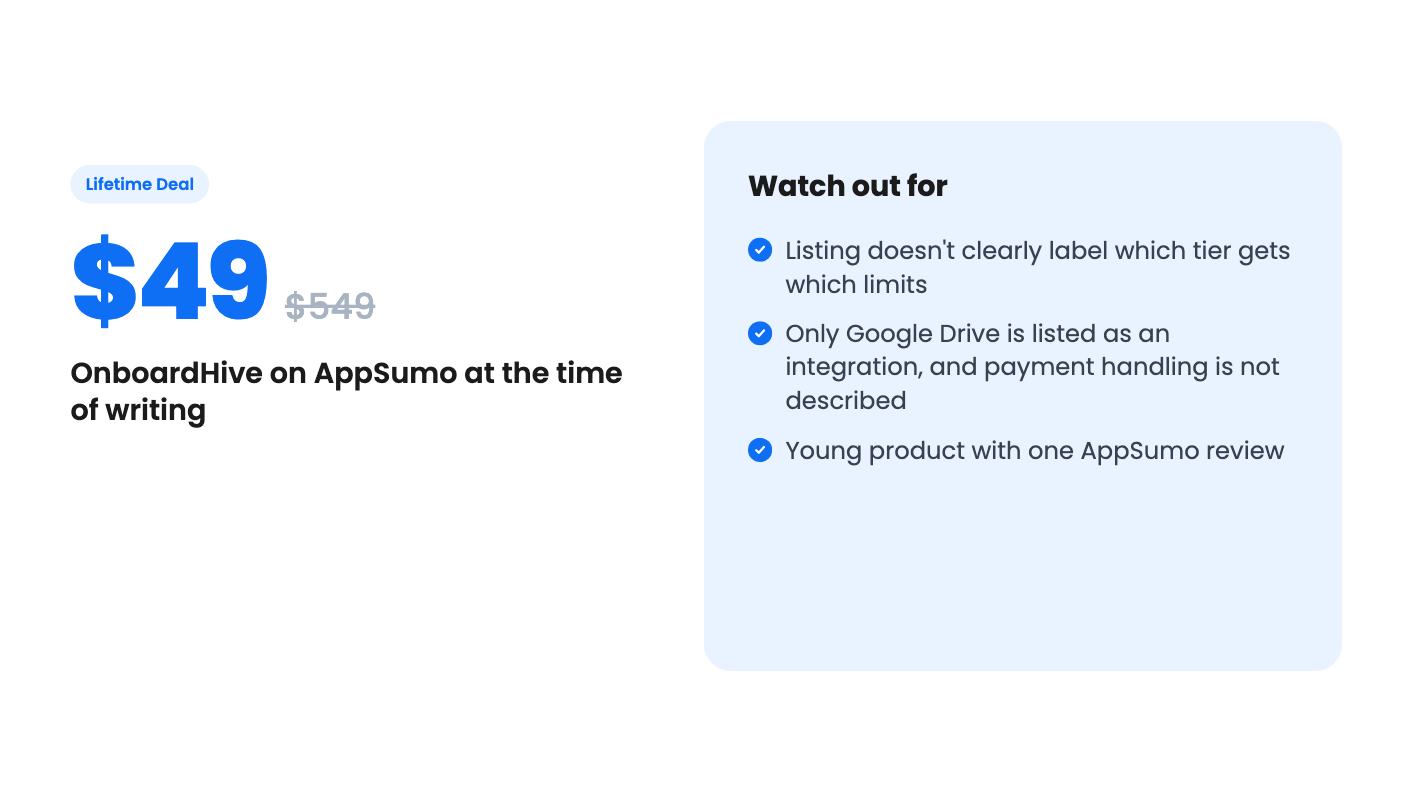
Uploads can go to your own Google Drive or to encrypted hosting on OnboardHive. Google Drive is the only integration the listing names. If your stack depends on a specific payment processor, calendar or accounting tool, the listing doesn’t say whether any of it connects.
The deal has three tiers: $49 (list $549), $79 (list $999) and $199 (list $2,499). All three include lifetime access, future plan updates, and the right to move between tiers. You have to activate your license within 60 days of purchase.
Here is where the listing gets awkward. The feature table shows three columns of values, but it doesn’t label which column belongs to which price. Going by the numbers, the first column looks like the top tier and the third like the entry tier. Here’s what each column shows:
If that mapping is right, the $49 tier caps you at 20 onboardings a month and strips out white-labelling and custom domains. That would matter a lot for an agency that wants clients to see its own brand. I’d confirm the exact tier contents on the AppSumo page before paying, because the listing as written leaves room for a wrong guess.
The credit numbers also look odd. The column with the fewest features shows 1,000 credits per user, while the middle one shows 400 in total. The listing doesn’t explain it.
The product is young. AppSumo shows one review, a 4.00 average, which tells you almost nothing yet. Two of the feature sections in the listing end with empty bullet points, which suggests the page was published before it was finished.
The listing also doesn’t tell you several things you’d want to know. It doesn’t say how deposits are collected or which payment provider is involved, only that the tool will “confirm the deposit”. It doesn’t mention invoicing, recurring billing, scheduling or contract templates, which is where HoneyBook and Dubsado have years of polish. And although it’s filed under CRM, nothing in it describes a contact database or sales pipeline beyond the lead temperature sort.
On the plus side, the data story is reasonable. You can export proposals, intake answers and signature audit trails, and you can keep client files in your own Drive. If the company disappeared, you’d at least have your records.
This suits a solo consultant or a small agency that sells with proposals and already feels the pain of chasing clients after a yes. If your current process is a PDF, a separate form and a pile of reminder emails, the single-link idea and the stalled-step reminders could save real time. At $49 to $199 for a lifetime license, the cost of being wrong is small, particularly with AppSumo’s refund window, so check the current terms.
Skip it if you need an all-in-one back office with invoicing, scheduling and automated billing, since none of that is described. Skip it too if branding matters to you and you can’t confirm which tier includes white-label and a custom domain. And if you’re nervous about a young product with a thin review history, wait for more buyers to report on how it holds up.
No. According to the listing, each client works from one private link with no login at any point, from reading the proposal through to intake and uploads.
The listing says it records a typed signature with a timestamp and user agent audit trail, and it states plainly that it can't advise on your jurisdiction's requirements. For high-value contracts, check your local rules first.
Yes, according to the listing. You can export proposals, intake answers and signature audit trails, and you can route client uploads to your own Google Drive.
How this review was made: researched from OnboardHive's official listing, and written with help from AI. We have not tested OnboardHive hands-on yet. Prices and deal terms change, so check AppSumo before you buy. See our affiliate disclosure.
Four AppSumo lifetime deals named as HubSpot alternatives, from a $39 Google Sheets CRM to an AI outreach tool. See what each does, where it's thin, and who it suits.
Five AppSumo lifetime deals filed under CRM, from $19 to $349. Only one is a full CRM, so here is who each suits and what the listings leave out.
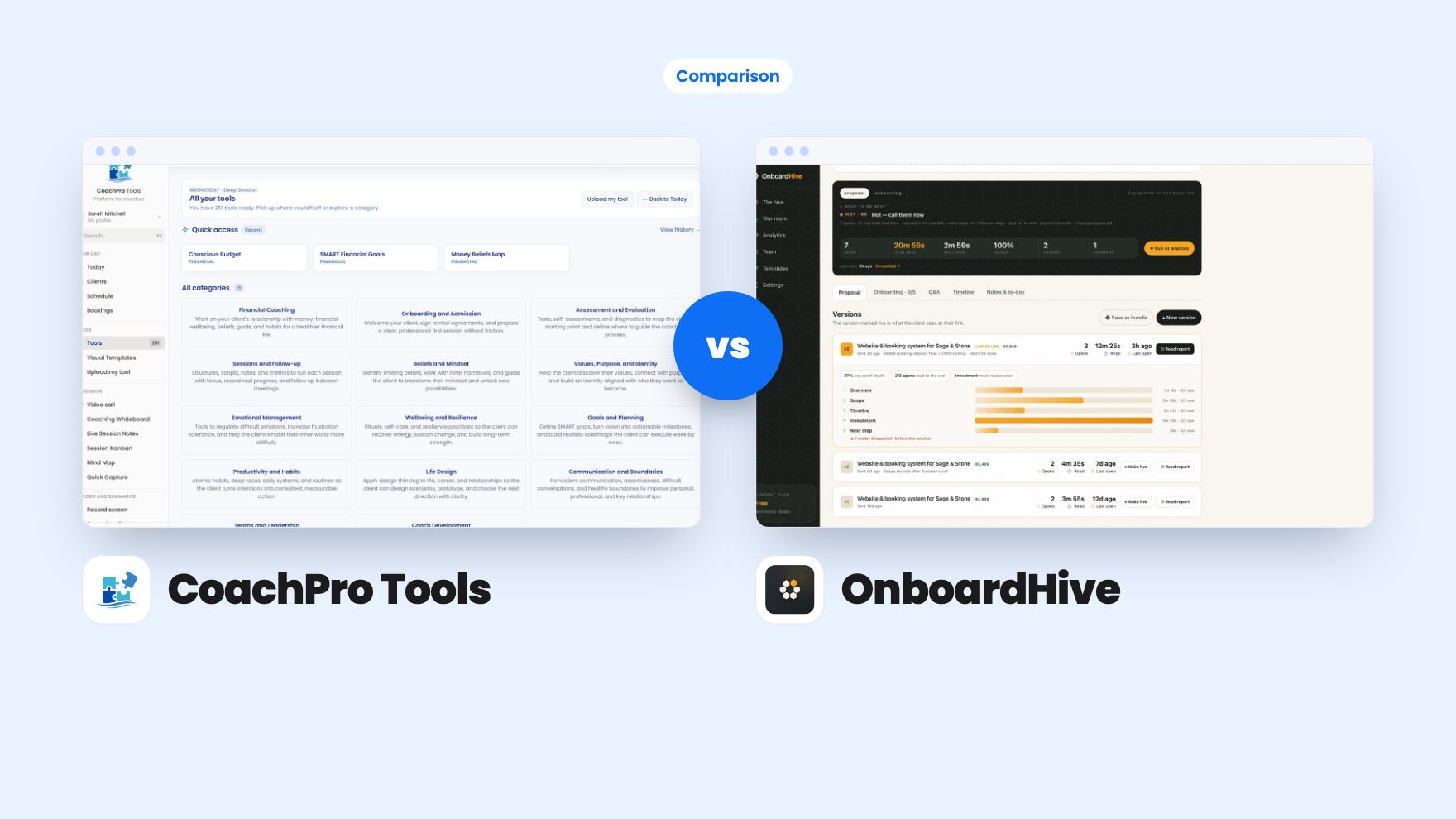
Both are $49 AppSumo client management deals, but CoachPro Tools helps you run coaching sessions and OnboardHive helps you close and onboard clients.