


Lifetime deal price
$49$58892% off
Lifetime Deal
4.5(4 AppSumo reviews)
Quick verdict
Our take: Worth a look at $49 or $149 if you're a consultant or small agency who wants a CRM with supervised AI follow-up and a branded client portal, and who is happy to bring your own AI key and Twilio account. Skip it if you want to resell the CRM to clients, need extensive proof of track record, or want email campaigns and AI to be fully included without extra costs.
Best for: Consultants, Small businesses, Agencies
Alternative to: GoHighLevel, HubSpot, Pipedrive
What we like
- Unlimited contacts, companies and deals on every tier
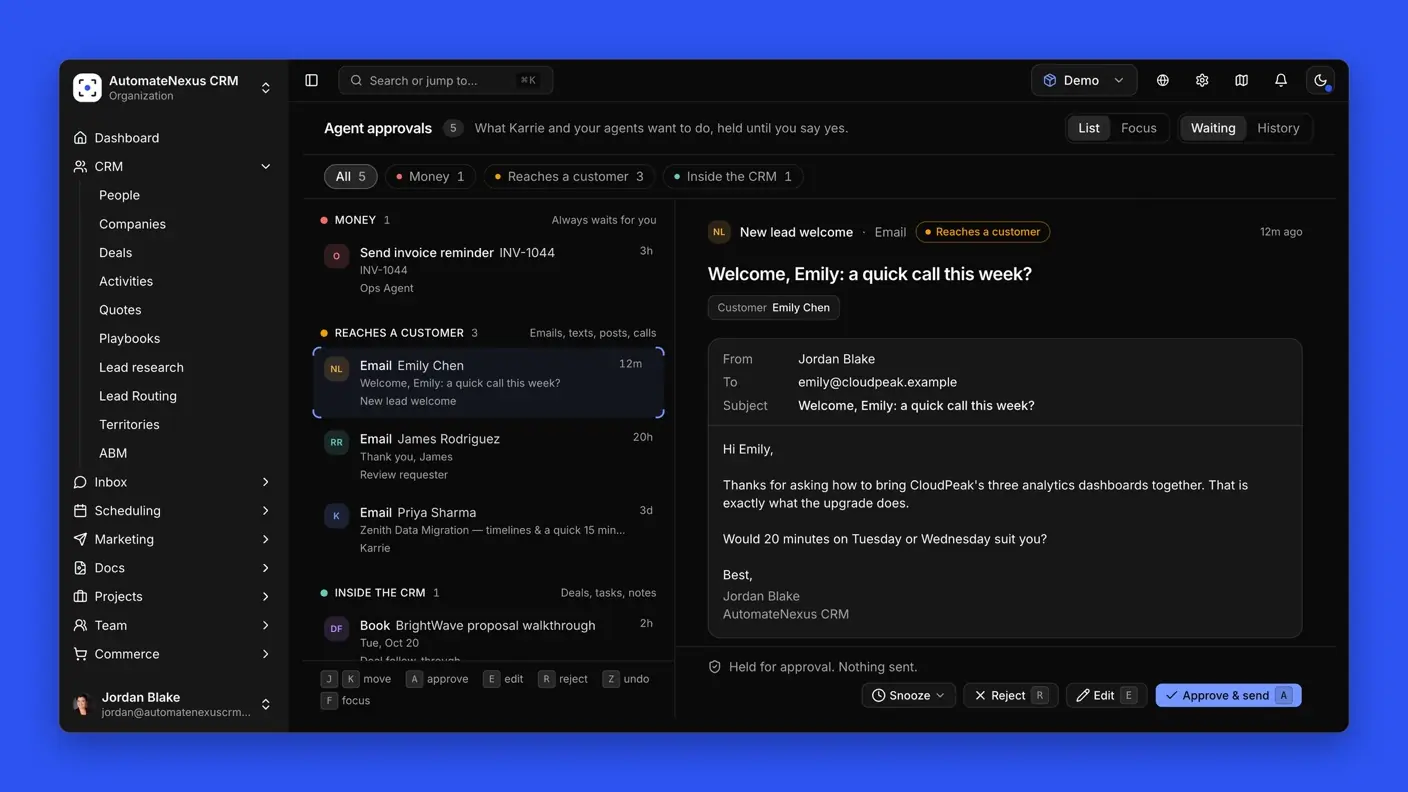
- AI agents run on your own key, with approval required before anything reaches a customer
- White label and branded client portal included, and clients don't take a seat
- Quote, e-signature, invoice and Stripe payment all connect to the deal record
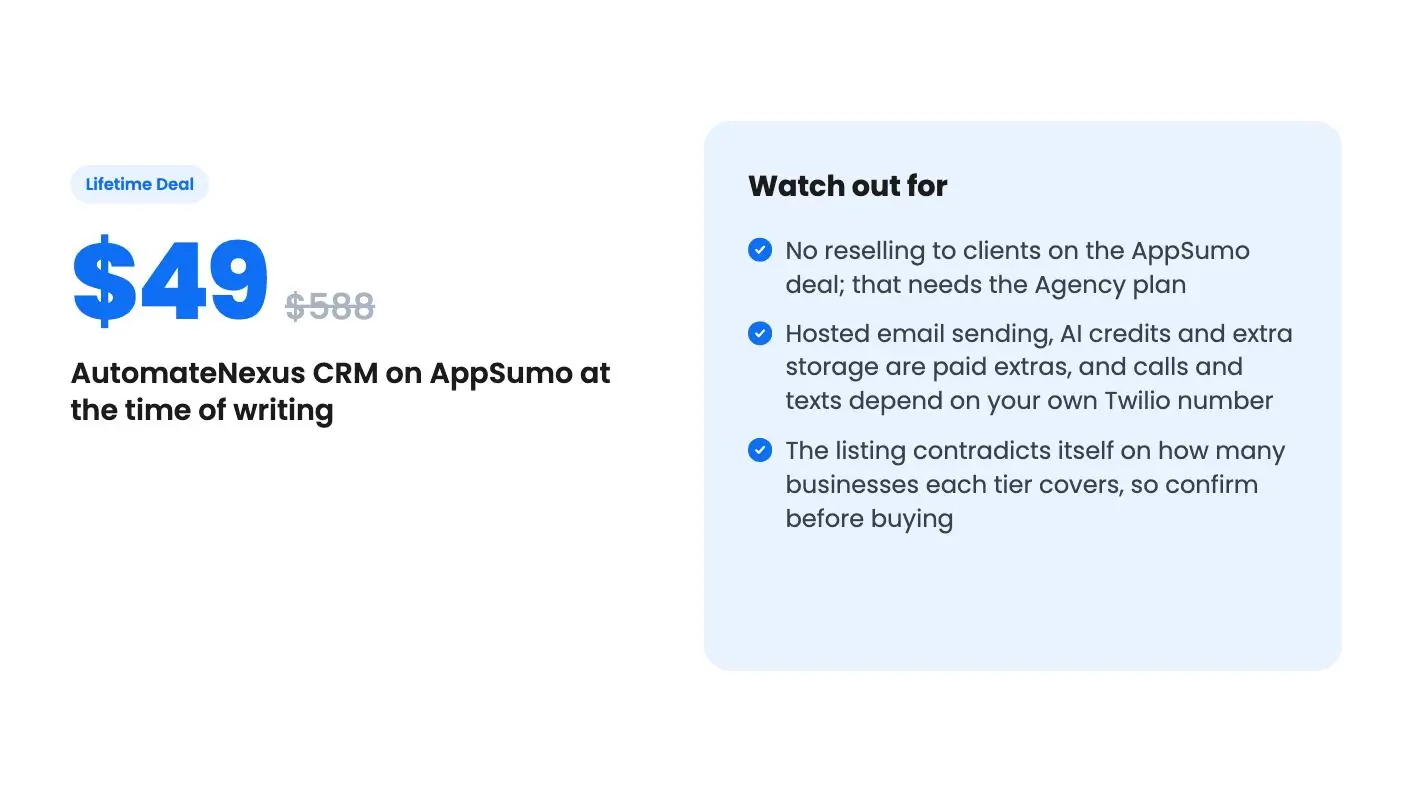
Watch out for
- No reselling to clients on the AppSumo deal; that needs the Agency plan
- Hosted email sending, AI credits and extra storage are paid extras, and calls and texts depend on your own Twilio number
- The listing contradicts itself on how many businesses each tier covers, so confirm before buying
Most small businesses don’t lose deals because the pitch was bad. They lose them because nobody replied on Thursday. A lead comes in while the owner is on a call, the follow-up slips, and the prospect goes with whoever answered first.
Get AutomateNexus CRM for $49 on AppSumo →
AutomateNexus CRM is built around that gap. It’s a CRM with AI agents that draft and send follow-up, and it’s currently on AppSumo as a lifetime deal starting at $49. We haven’t used it hands-on, so everything below comes from the listing and the founder’s demo video. Treat this AutomateNexus CRM review as a buyer’s read of the claims, not a test report.
What AutomateNexus CRM covers
The listing groups the product into four jobs. The first is AI agents that handle follow-up. The second is keeping every conversation on one contact record. The third is moving a deal from first call to paid invoice. The fourth is a client portal under your own brand.
It positions itself against GoHighLevel, HubSpot and Pipedrive, and it names consultants, small businesses and agencies as the target. That’s a sensible pitch. Those buyers usually want a pipeline, email, a booking page and invoicing without stitching four subscriptions together.
Contacts, companies and deals are unlimited on all three tiers. That’s the part of the deal this AutomateNexus CRM review finds easiest to value, because contact caps are where most CRM pricing bites.
The AI agents and the guardrails around them
This is the headline feature, so it deserves the closest look.
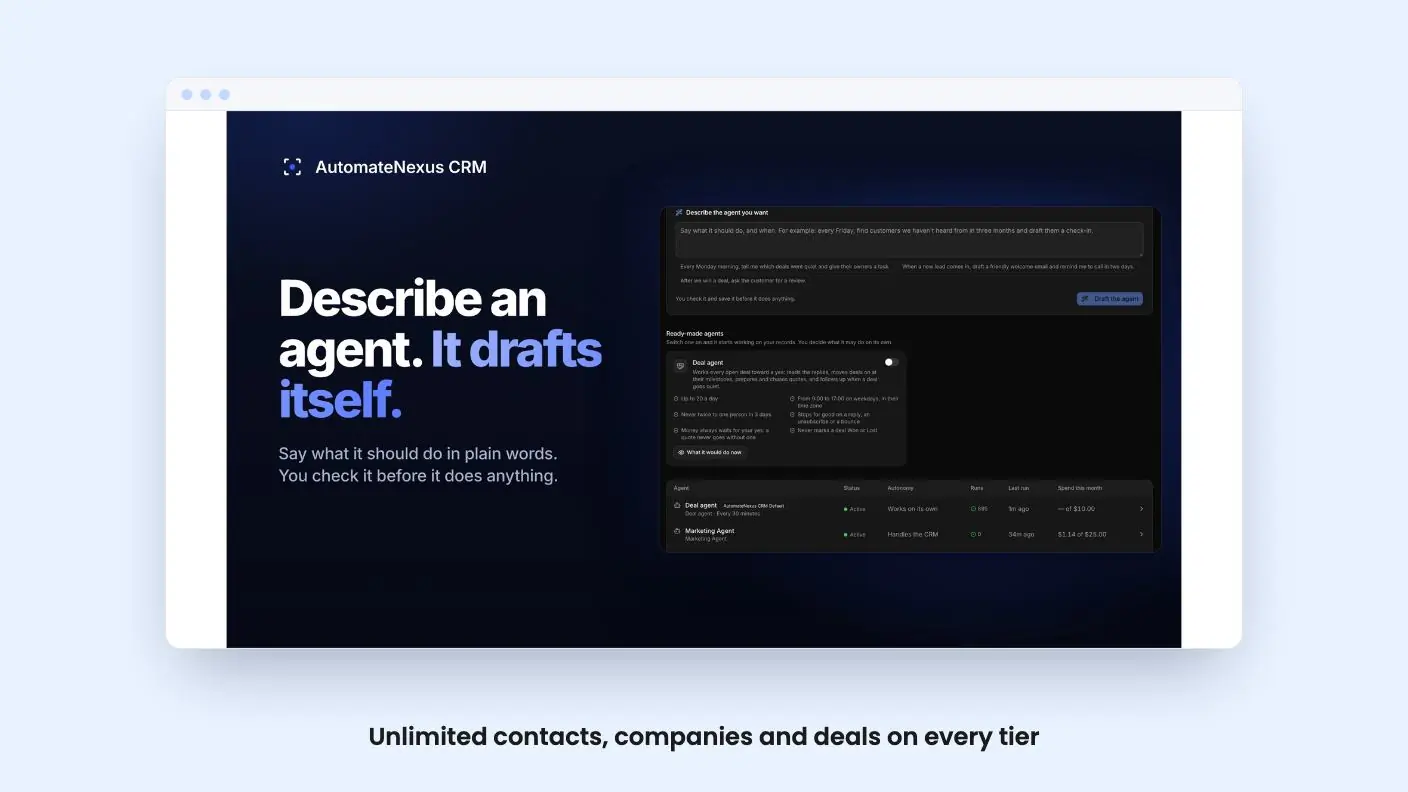
The listing describes ready-made agents that welcome new leads within minutes, set the next step when a deal changes stage, prepare you for the day’s meetings and ask happy customers for a review. You can also describe a new agent in one sentence, and the builder sets up its instructions, tools and triggers for you to check before it runs.
The control model is the thing we like. A supervised agent holds every action for your approval, and anything involving money always waits for you. The listing’s FAQ says an agent only emails customers without asking if you allow it. For a tool that writes to your customers on your behalf, that default is the right one.
The other notable choice is the AI billing. There are no required AI credits. You plug in your own key from OpenAI, Anthropic, Google or DeepSeek, or point it at a model on your own computer, and you pay that provider directly. That’s cheaper for light use and gives you control, but the listing doesn’t estimate what a busy month of agent activity would cost. It also lists AI credits as a paid extra, so the vendor does sell a bundled route.
There’s also an AI receptionist for calls that answers in your business’s name and books meetings. The listing doesn’t say how well it handles unusual questions, and we can’t judge that from a description.
Get AutomateNexus CRM for $49 on AppSumo →
Conversations, deals and the client portal
Email goes out from your own Gmail or Outlook inbox, with two-way sync so replies land on the right contact. Calls, texts and WhatsApp run through your own Twilio number. That means a Twilio account and Twilio’s usage charges sit outside the lifetime price. The listing doesn’t give a figure for them.
Campaigns and sequences are a different matter. They send through your own email provider, or through sending credit you add in the app. So one-to-one email is covered, but bulk email has a running cost or needs a provider you already pay for.
Booking pages stay in step with Google and Outlook calendars, and meeting notes plus a recap email are drafted after each call, ready for you to send.
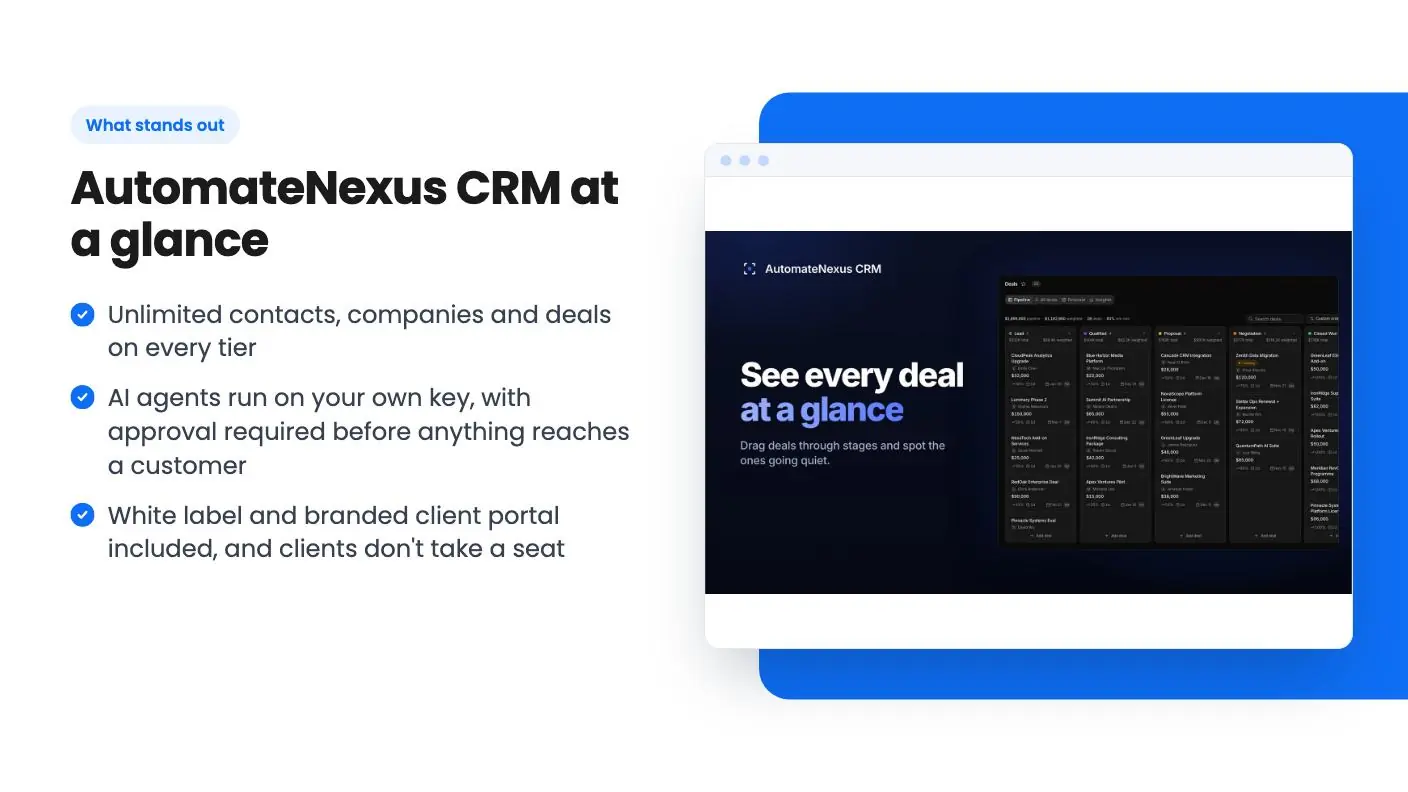
The deal side is a drag-and-drop pipeline with a forecast. From there you build quotes and proposals that the customer reviews and signs online, turn the signed quote into an invoice, and collect payment through Stripe. Delivery is tracked in projects and tasks next to the deal.
The portal is where agencies and consultants may get the most value. You put your name, logo and colors on the app, its emails and the client sign-in page, on your own domain. Clients can approve deliverables, open support tickets, see invoices and download files. Each client gets a sign-in without using a team seat, which matters when seat counts are limited.
What the demo video shows
The video is a short founder pitch, and it’s more about tone than detail. It opens with the line that most CRMs are filing cabinets and this one does the work.
What it shows is a home screen with your day and pipeline, a deal board, and an assistant called Carrie who answers from your CRM and names the record she used. Carrie leads a team of eight AI agents that score leads, draft follow-ups and book meetings. The video repeats that nothing reaches a customer until you say yes by default.
It also mentions a few things the AppSumo listing doesn’t describe: a workflow builder, a site builder that creates a website from a description, forms that feed the CRM, and a lead finder that enriches contacts and adds them to the CRM. Those could be useful, but the listing doesn’t give limits or tier details for them, so don’t count them in your buying decision until the vendor confirms what’s included.
AutomateNexus CRM tiers and where they pinch
All three tiers get the same features. What changes is capacity:
| Tier | Price | List price | Limits |
|---|---|---|---|
| Tier 1 | $49 | $588 | 5 team seats and 25 GB of storage |
| Tier 2 | $149 | $1,788 | 10 seats and 100 GB |
| Tier 3 | $249 | $4,188 | 25 seats and 250 GB |
You can move between the three tiers, and you must activate your license within 60 days of purchase. When you hit the storage limit, new uploads pause until you free space or upgrade. Nothing already stored is removed. Extra storage is also sold as a paid extra.
Here’s the confusing part the AutomateNexus CRM review has to flag. The plan table lists ‘businesses of your own’ as 3, 2 and 1 going from Tier 1 to Tier 3. The FAQ says the opposite: Tier 1 covers 1 business, Tier 2 covers 2 and Tier 3 covers 3. The FAQ reads more logically, since higher tiers add seats and storage. But the listing contradicts itself on a number that affects how you’d use the product, so ask the vendor before you buy.
Updates are promised for the life of the deal, with exceptions. Agency features for reselling and paid extras such as hosted email sending, AI credits and extra storage are excluded. The listing doesn’t say how long the product has been around, and there’s no reviews summary we can verify, so you’re backing the vendor’s roadmap as much as the current feature set.
Who should skip it
Skip this if you plan to resell a white-labeled CRM to clients. The deal explicitly excludes that. It’s for running your own businesses, and reselling lives in the Agency plan.
Skip it if you want everything included in one price. Calls and texts need Twilio, campaigns need an email provider or sending credit, and heavy AI use costs whatever your chosen provider charges. None of that is unreasonable, but it’s real money on top of $49.
And skip it if your team is bigger than 25 or you need deep reporting and marketplace-scale integrations. The listed integrations are Gmail, Google Calendar, Outlook, Stripe and Twilio, and that’s the whole list the listing gives us.
The short version of this AutomateNexus CRM review: for a solo consultant or a small agency, $49 for unlimited contacts, a branded portal and supervised AI follow-up is a low-risk bet, as long as you test the import and the agents early. Do that well inside the 60-day activation window.
Related reading: OnboardHive review, SiteBeacon review.
All AutomateNexus CRM features
Taken from AutomateNexus CRM's AppSumo listing. We haven't tested these features hands-on.
Hand the follow-up to AI agents, and approve what goes out
- Start with ready-made agents that welcome each new lead within minutes, set the next step when a deal changes stage, prepare you for the day's meetings and ask happy customers for a review
- Describe a new agent in one sentence and the agent builder sets up its instructions, tools and triggers for you to check before it runs
- Choose how far each agent may go: a supervised agent holds every action for your approval, and anything that involves money always waits for you
- Run the AI on your own key from OpenAI, Anthropic, Google or DeepSeek, or on a model running on your own computer
Keep every customer conversation on one record
- Email from your own Gmail or Outlook inbox, with two-way sync so every reply lands on the right contact
- Call, text and message on WhatsApp through your own Twilio number, with an AI receptionist that answers in your business's name and books meetings
- Share booking pages that stay in step with your Google and Outlook calendars
- Get meeting notes and a recap email drafted after each meeting, ready for you to send
Move every deal from first call to paid invoice
- Watch every deal move through a drag-and-drop pipeline with a forecast that updates as you work
- Build quotes and proposals that your customer reviews and signs online
- Turn the signed quote into an invoice your customer pays online through Stripe
- Track the delivery in projects and tasks next to the deal that started it
Give every client a portal under your own brand
- Put your name, logo and colours on the app, its emails and the client sign-in page, on your own domain
- Let clients approve deliverables, open support tickets, see their invoices and download files in one place
- Give every client their own sign-in to your portal without using a team seat
What changes by plan
| Feature | Tier 1 $49 | Tier 2 $149 | Tier 3 $249 |
|---|---|---|---|
| Team seats | 5 | 10 | 25 |
| Storage | 25 GB | 100 GB | 250 GB |
| Contacts, companies and deals | Unlimited | Unlimited | Unlimited |
| Businesses of your own | 3 | 2 | 1 |
What the lifetime deal includes
- Lifetime access to AutomateNexus CRM
- All future plan updates
- You must activate your license within 60 days of purchase
- Ability to upgrade or downgrade between 3 license tiers
- No codes, no stacking—just choose the plan that is right for you
At a glance
- Best for
- Consultants, Small businesses, Agencies
- Alternative to
- GoHighLevel, HubSpot, Pipedrive
- Integrations
- Gmail, Google Calendar, Outlook, Stripe, Twilio
- Category
- Sales & Leads › CRM
- Website
- automatenexuscrm.com
Decided AutomateNexus CRM fits? The lifetime deal starts at $49. Check the tier limits on AppSumo before you pick one.
Get AutomateNexus CRM on AppSumoKeep reading about AutomateNexus CRM
AutomateNexus CRM FAQ
Do I have to pay for AI credits to use the agents?
Not according to the listing. You connect your own key from OpenAI, Anthropic, Google or DeepSeek, or a model running on your own computer, and you pay that provider's rates. The vendor also lists AI credits as a paid extra, so you can choose either route.
Can I resell AutomateNexus CRM to my clients?
No. The AppSumo deal is for running your own businesses. Your clients can sign in to your branded portal without taking a team seat, but setting up client organizations you charge for belongs to the separate Agency plan.
Can I move my data in and out?
The listing says you can import from HubSpot, GoHighLevel, Pipedrive, Salesforce or a spreadsheet, with the option to undo an import that looks wrong. You can export records to CSV whenever you like.