Project ManagementAlternatives
Monday.com lifetime deal alternatives on AppSumo, compared
Five AppSumo lifetime deals named as Monday.com alternatives, from $49 to $109, with the limits and gaps that matter and who each one suits.
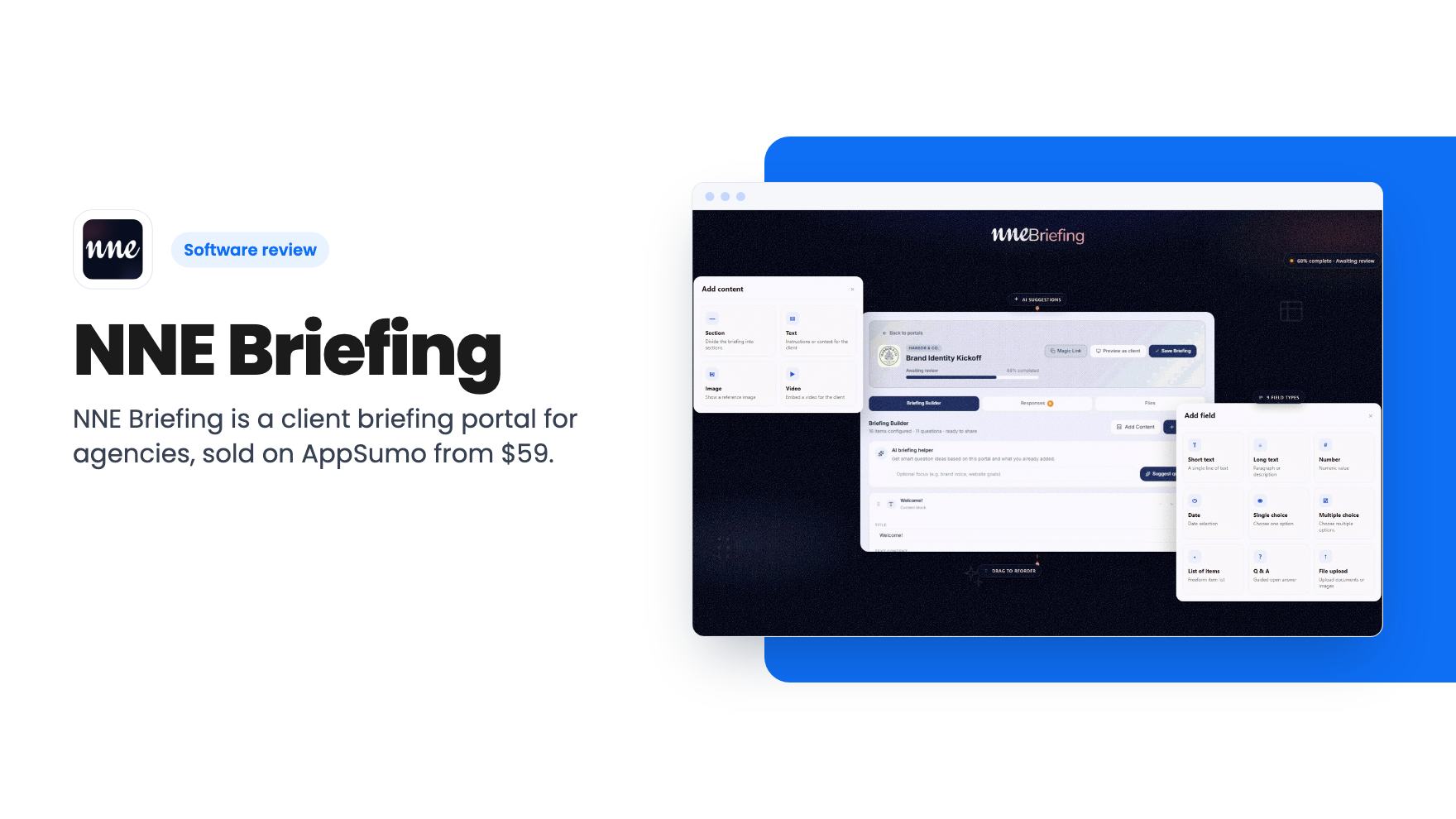
NNE Briefing is a client briefing portal for agencies, sold on AppSumo from $59. Unlimited portals and magic links, but SMS and WhatsApp cost extra.
Lifetime deal price
$590
Lifetime Deal
Our take: Worth a look at $59 if you run a small agency and keep chasing clients for kickoff answers and files. Skip it if you want a general form builder, need proven track record, or plan to rely on SMS and WhatsApp reminders, since those cost extra.
Every agency knows the kickoff mess. You send a Google Doc or a long email asking for brand colours, competitors, deadlines and a logo. Two days later the client has answered half of it, attached the logo in a separate message, and asked what you meant by “tone of voice”. You chase. They chase you back. The project hasn’t started and you’ve already lost a few hours.
NNE Briefing is built for that exact stretch. It’s a client briefing tool for design studios, branding agencies, web shops and marketing teams, and it’s currently a lifetime deal on AppSumo starting at $59.
We haven’t used it ourselves, and there’s no product video available, so everything below comes from the listing. Treat it as a buyer’s read of the marketing, not a verdict from hands-on use.
You create a branded portal for a client. Inside it you drag and drop checklists, file requests and questions. Save that as a template and you can reuse it across clients, which is where the time saving should come from if you run the same discovery process every month.
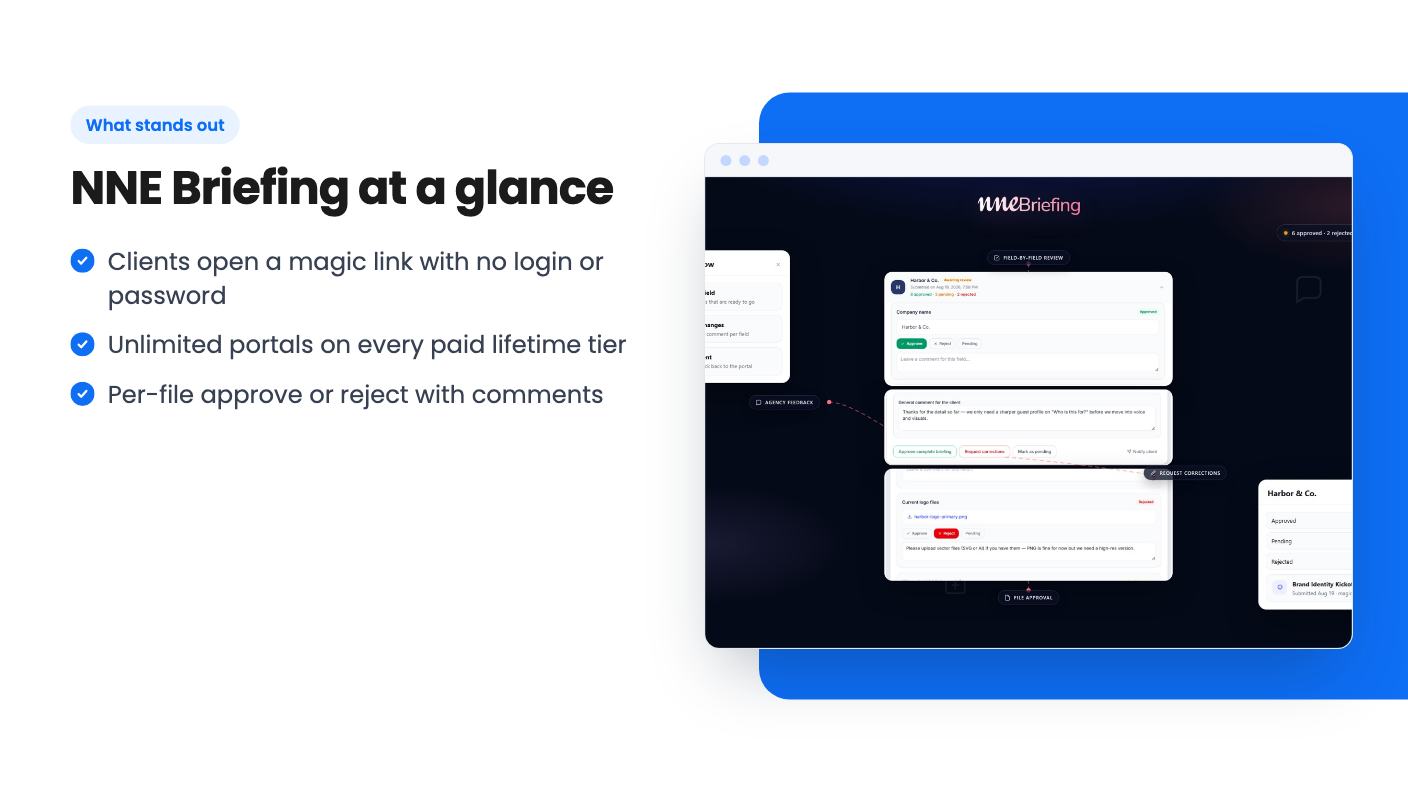
The client gets a magic link. No account, no password. They fill in what they can, the work autosaves, and they come back later on their phone or laptop to finish. For a small business owner who will never remember a login for your agency’s tool, this is the right design choice.
The listing positions it as an alternative to Honeybook and Typeform. That’s a stretch in both directions. It isn’t a full client management suite like Honeybook, and it’s not a general form builder like Typeform. It does one job, client briefings, and that narrower focus is the whole pitch.
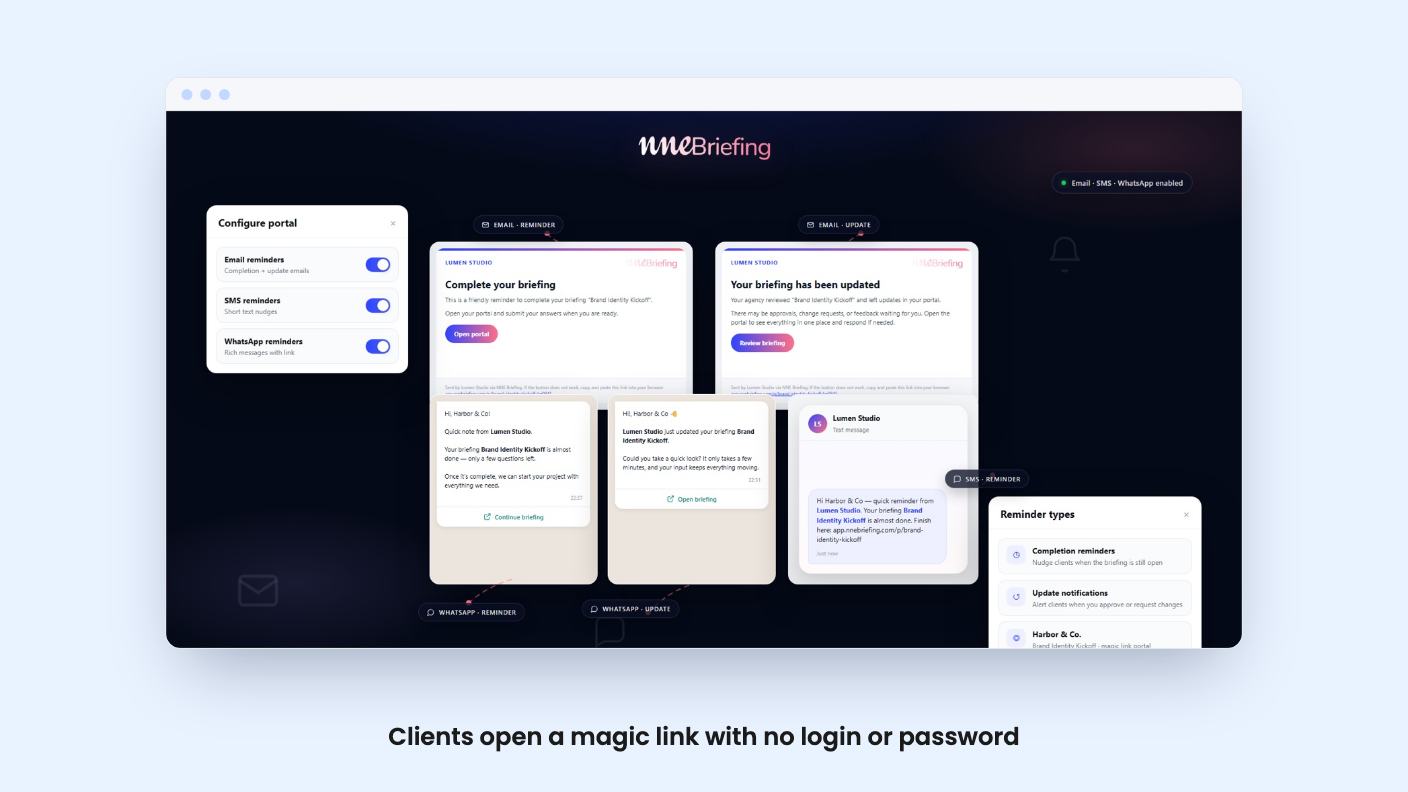
This is the part that replaces your chasing emails. NNE Briefing sends automated email nudges when a client hasn’t finished. You can also toggle SMS and WhatsApp notifications per portal.
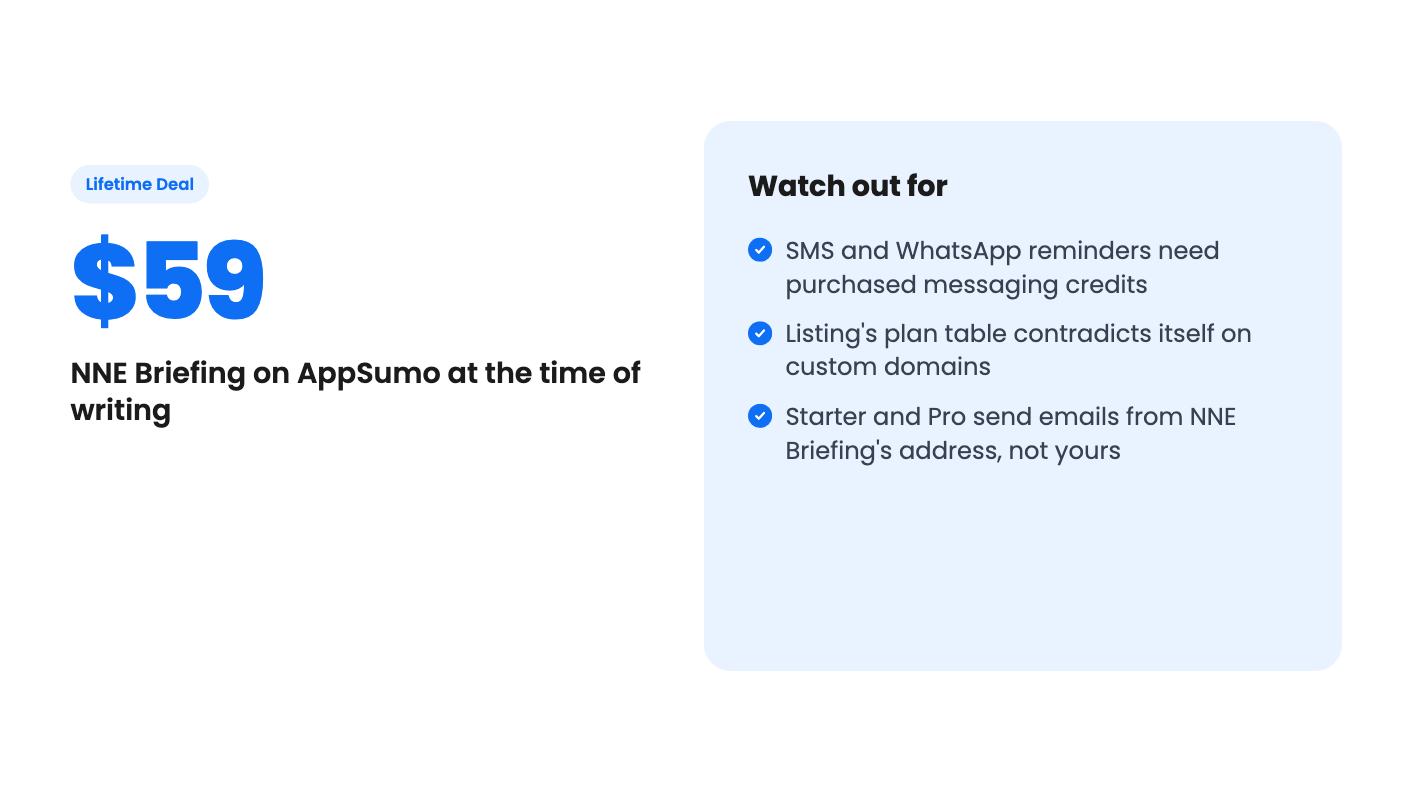
Here’s the catch. Per the listing’s FAQ, email reminders come with paid plans, but SMS and WhatsApp use messaging credits you buy inside the app. The listing doesn’t say what those credits cost or how far they go. If you were picturing WhatsApp nudges for free, adjust your expectations.
The file workflow is more interesting. You can approve or reject each upload with a comment, and each file carries a clear status. So when a client sends a 72 dpi logo, you reject it with a note instead of writing another email. You also get notified when the client responds.
The listing mentions integrations with Asana, HubSpot, Slack and Zapier. It doesn’t explain what each one does. My guess is that Slack handles alerts and Zapier handles everything else, but that’s a guess. API access and outbound webhooks are listed only for the top tier.
The deal has three prices: $59, $149 and $299. The FAQ calls the tiers Starter, Pro and Agency, and the listing doesn’t say outright which price maps to which. Presumably it’s in that order.
Here’s what the listing gives you:
Then there’s the domain count. The FAQ says 1 custom domain on Starter, 3 on Pro and unlimited on Agency. The plan table lists “3 / 1 / Unlimited” in a column order that otherwise runs Agency, Pro, Starter. Those two don’t match. It’s probably a typo, but check with the seller before you pay for a tier because of domains.
A smaller point on branding. Client portals are white-label on every tier. Transactional emails on Starter and Pro, though, are sent via NNE Briefing unless you’re on Agency with your own SMTP. If a client sees a sender name that isn’t yours, the white-label story gets thinner.
First, the add-ons. SMS and WhatsApp credits, extra storage and AI boost packs are all sold separately under Plans. None of the prices are in the listing. The lifetime fee covers the software, not every way of using it.
Second, the AI. Clients get an AI answer assist with limits per briefing by tier, and the question-suggestion helper has monthly limits on Pro and Agency. The listing gives no numbers for either. Don’t buy a tier because of the AI until you know what the caps are.
Third, the storage. 10 GB sounds fine until clients start sending raw design files and video. Starter’s 10 GB could fill up on a busy agency’s book of clients. The extra storage add-on helps, but again, no price shown.
Finally, the practical stuff. You must activate your license within 60 days. You can move between the three tiers, and there’s no code stacking. The listing says plan updates are included.
Buy it if you’re a freelancer or a small studio that onboards several clients a month and spends real time collecting the same information. At $59 the downside is small. If it saves you one round of back-and-forth per client, it pays for itself fast. Starter is the sensible entry point, and the upgrade path means you aren’t locked in if it works.
Go for Agency at $299 only if you actually need the API, webhooks, role-based permissions or your own SMTP. Those are the features that justify the gap, and most small shops won’t need them on day one.
Skip it if you want a general form or survey tool for other purposes. Skip it if your clients live on WhatsApp and you expect those reminders to be cheap, because the credits are an unknown cost. And skip it, or at least wait, if you need a vendor with a long track record. The listing offers no customer count, no founding date and no reviews we can verify, so this looks like a young product.
One more thing. A tool like this lives or dies on whether your clients fill in the form. The magic link approach is smart, but nothing in the listing shows completion rates or results. So before you commit, build one real briefing, send it to a patient client and see what comes back. If AppSumo’s refund window is still open, that’s your test.
No. According to the listing, clients open a magic link with no login or password. They can save progress, upload files and submit when they're ready. Autosave works on desktop and mobile.
No. Email reminders are included on paid plans, but SMS and WhatsApp run on messaging credits you buy inside the app under Plans, add-ons. The listing doesn't give credit prices.
Yes. The listing says you can redeem a higher-tier code on the same workspace and typically pay the difference between deal prices. You also have to activate your license within 60 days of purchase.
How this review was made: researched from NNE Briefing's official listing, and written with help from AI. We have not tested NNE Briefing hands-on yet. Prices and deal terms change, so check AppSumo before you buy. See our affiliate disclosure.
Five AppSumo lifetime deals named as Monday.com alternatives, from $49 to $109, with the limits and gaps that matter and who each one suits.
Five AppSumo lifetime deals named as ClickUp alternatives, grouped by need, with the seat caps, credit limits and gaps the listings show.
Five AppSumo lifetime-deal alternatives to Asana, grouped by need, with seat caps, credit limits and gaps spelled out so you can see who each one suits.