
Design & MediaAlternatives
Kapwing Lifetime Deal Alternatives for Small Businesses
Five AppSumo lifetime deals that cover parts of what Kapwing does, from clip cutting to captions and dubbing. Each has caps worth knowing before you pay.
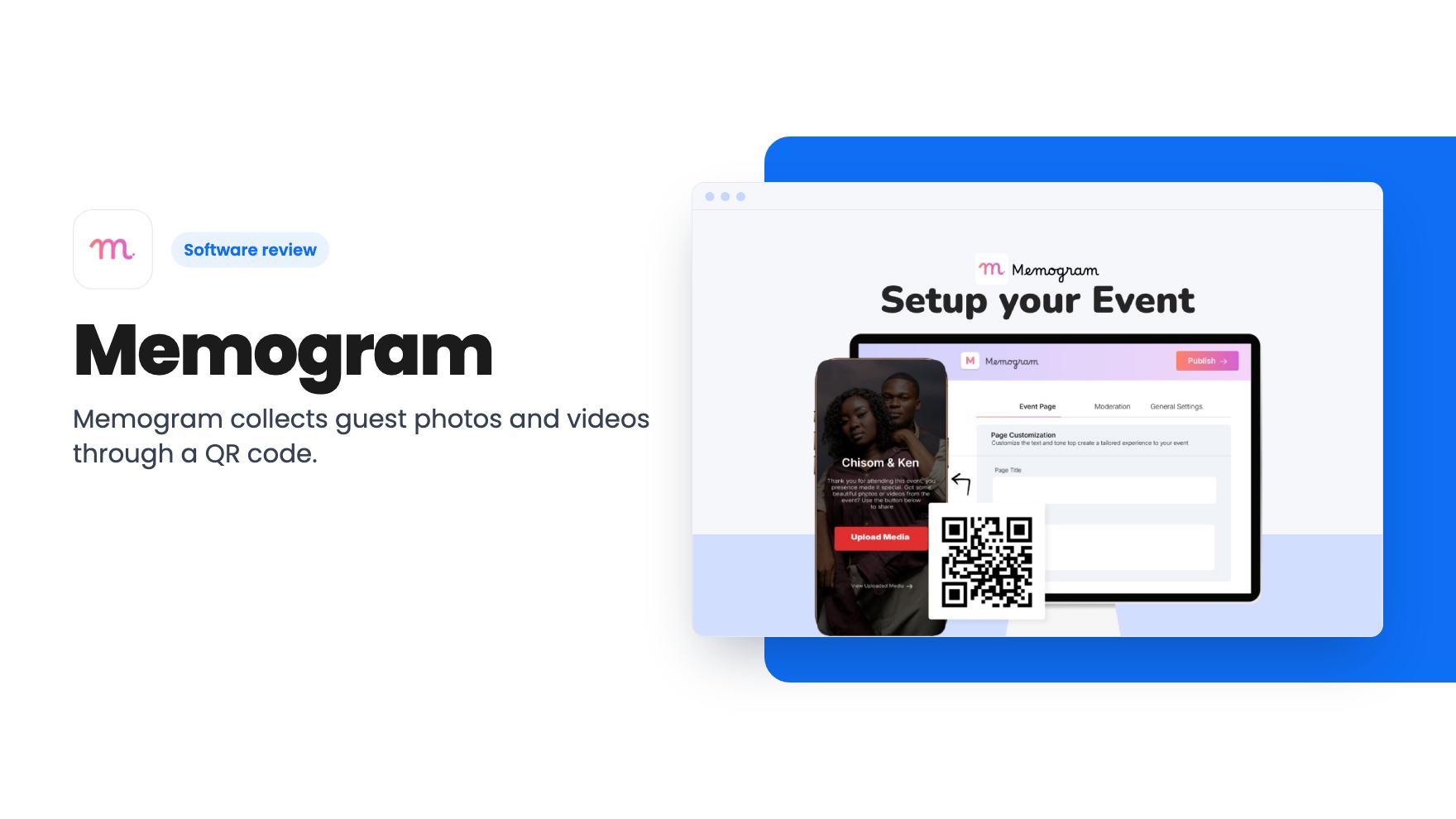
Memogram collects guest photos and videos through a QR code. The AppSumo lifetime deal is $39 to $249, and the features that matter sit in the $139 and $249 tiers.
Lifetime deal price
$39$7951% off
Lifetime Deal
Our take: Buy the $139 or $249 tier if you run events or serve walk-in customers and want white-label pages, a live photo wall and lead capture. Skip the $39 tier unless you need a single event page, since its page expires 30 days after the event and its media is deleted after 90 days. Treat the listing's claims as unverified until you've used the 60-day refund window.
Picture the morning after a wedding or a launch party. The professional photos are weeks away, and the best candid moments are scattered across forty phones, a WhatsApp group that compressed everything, and a shared folder nobody opened. Collecting that material is a real chore, and it’s the problem Memogram is built around.
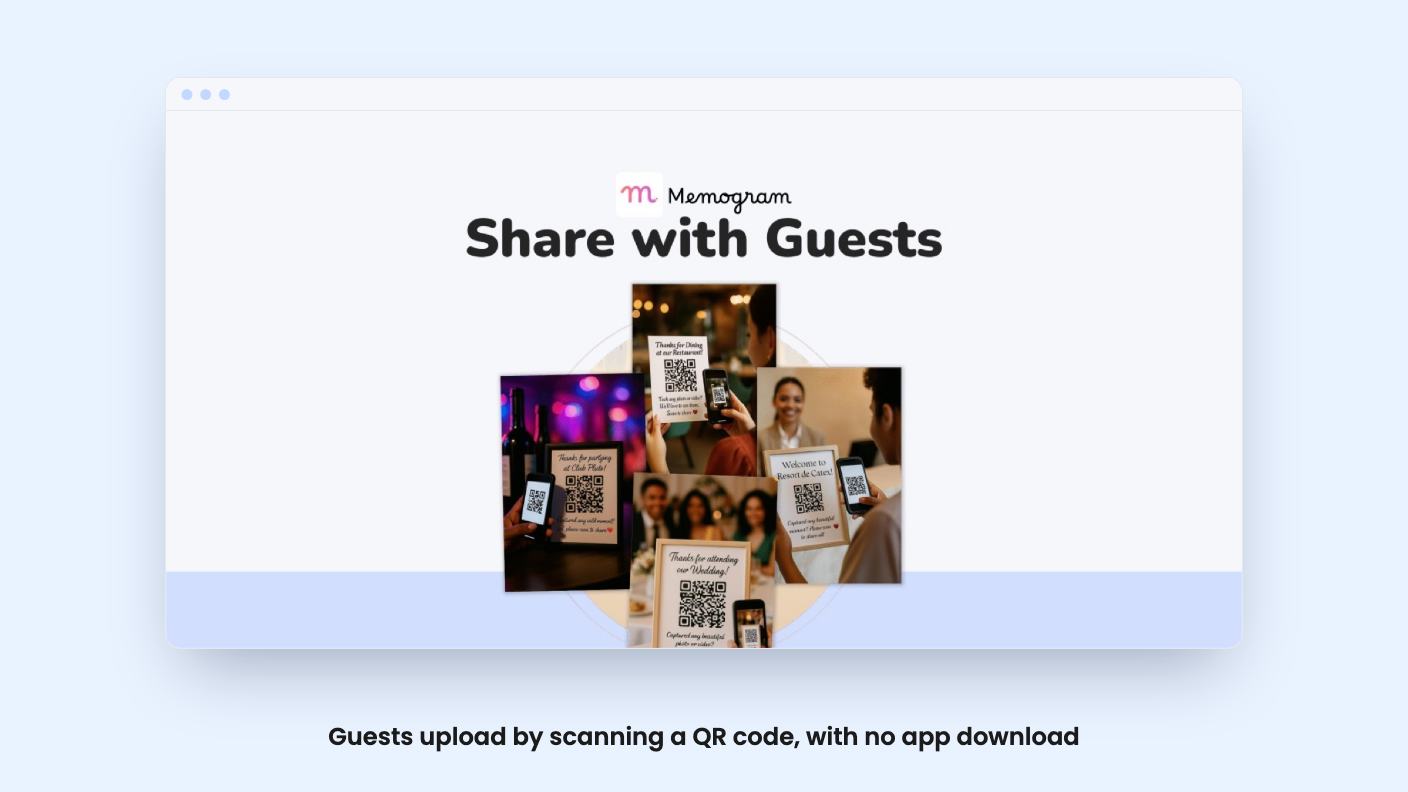
The idea is simple. You create an event page, get a QR code, and print it or share it. Guests scan it with their phone camera and upload photos and videos straight from the browser. According to the listing, no app download is needed. That matters, because every extra step you ask of a guest costs you uploads.
Each event gets its own page where you set the name, date, location and description. You can pick a theme or template to match the occasion. The listing pitches two uses: one-time events like weddings and birthdays, and ongoing pages for businesses with regular walk-ins, such as restaurants, hotels, gyms and night clubs.
The host controls what guests see. Per the listing’s FAQ, you can let guests only upload, or let them view and download each other’s media too. Bulk download is one click, and the listing says you get high-quality files. There are also sharing links for Facebook, Instagram and WhatsApp.
The listing is vague on one thing: it doesn’t give a storage limit, a per-file size cap or a video length limit. For an event tool where people upload video, that’s a gap. Ask before you rely on it for a 300-guest wedding.
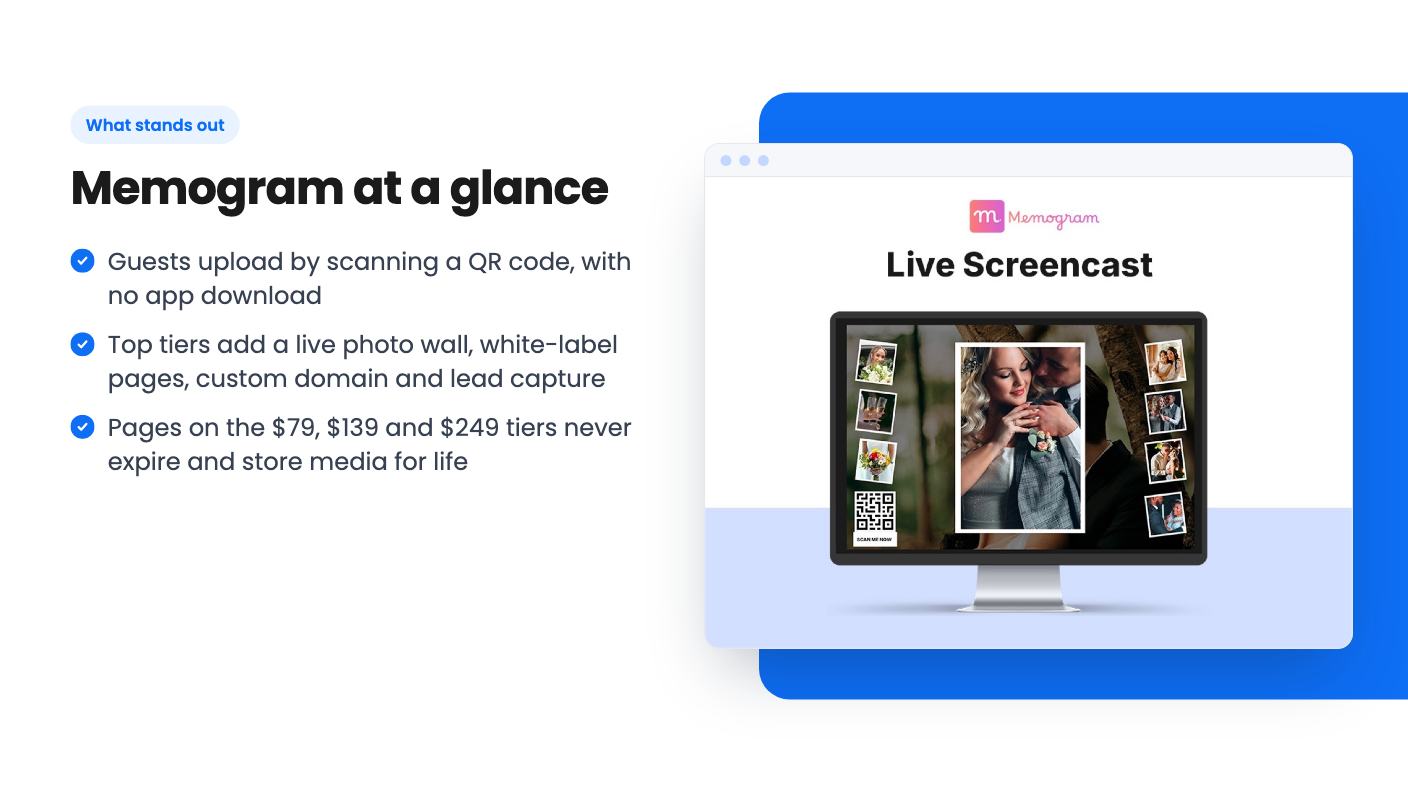
The live display is the showpiece. Memogram calls it Screencast or Photo Wall. You open it in a browser on a TV, projector or LED screen, and guest uploads appear in real time. For a venue with a screen, that’s a good reason for people to bother uploading.
Then there’s one-click publishing to Facebook, Instagram, TikTok and LinkedIn, as Stories, Reels or Posts. Useful for a venue or event company that wants the best guest content on its own channels. The listing doesn’t say how the connections work or what permissions each platform needs, so I’d treat this as something to check during your refund window.
The business-side features are quieter but arguably more useful. Higher tiers add phone number and email collection, autoresponder or CRM integration (AWeber is the named one, along with Dropbox and Google Drive), a custom domain, white-label pages, page translation, and team workspaces. If you’re a photographer or event planner selling this to clients, white-label plus a custom domain is what makes it look like your product.
This is where you need to read carefully. The tiers are listed from cheapest to most expensive, and the feature table runs the other way, so it’s easy to misread.
The only difference between the top two is the page count. So the real choice is between $79 and $139, and that’s a steep jump in what you get.
All four tiers say you get lifetime access plus future updates to the Professional and Agency plans, and you can move between two license tiers. That wording is a little muddled. Four price points are sold, but the listing names only two plans. It doesn’t explain which tiers map to which plan, so ask support before upgrading or downgrading.
You must activate your license within 60 days of purchase, and AppSumo’s summary mentions a 60-day money-back guarantee. Put a reminder in your calendar for both.
AppSumo shows 47 reviews averaging 4.55 out of 5. That’s decent, though 47 is a small sample. The summary praises setup and support, and mentions slow upload speeds as the main complaint. Slow uploads at a live event are a bigger problem than they sound, because guests lose patience fast. Test on real venue wifi or mobile data before you commit.
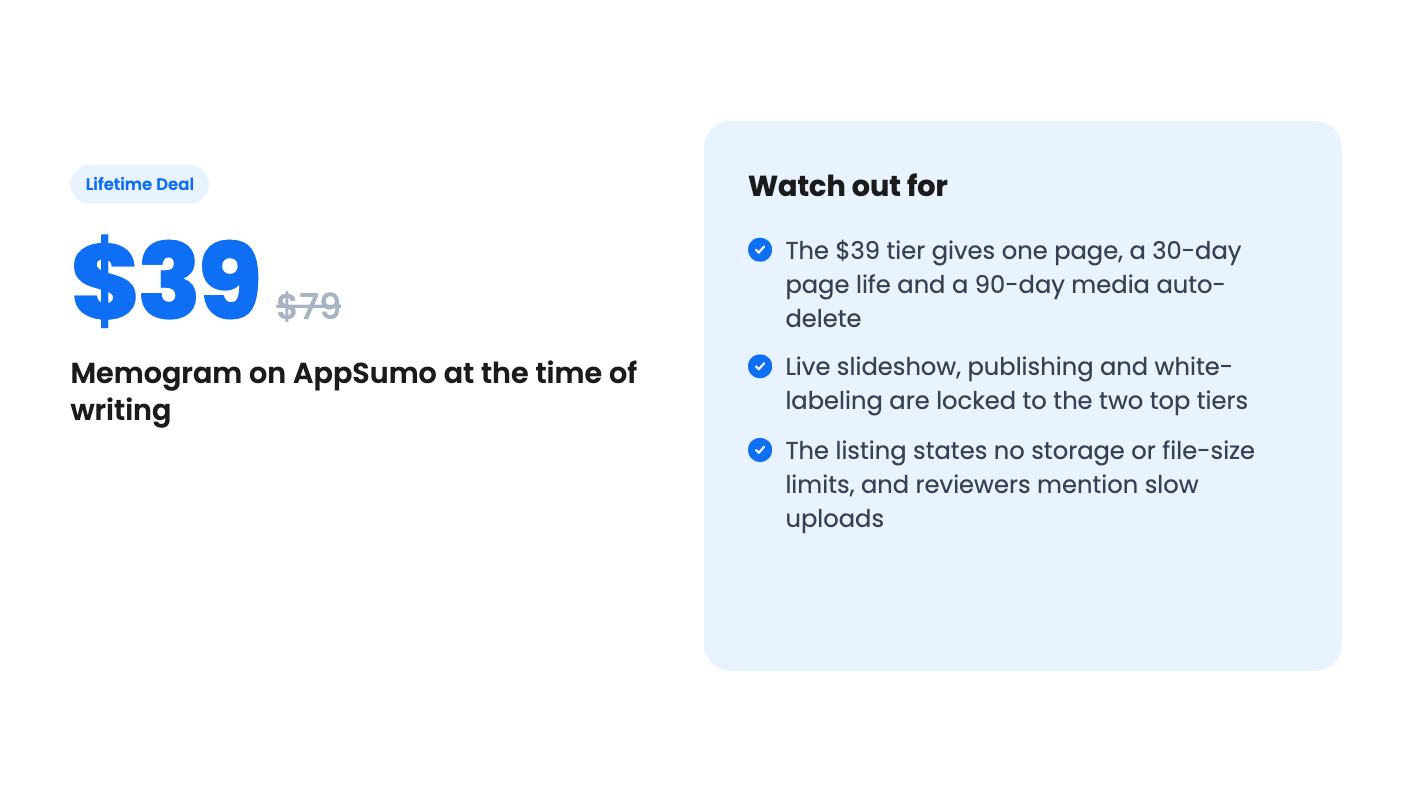
The $39 tier deserves a blunt warning. A page that dies 30 days after the event and media that disappears at 90 days is a short rental, not a lifetime asset. You’d have to download everything on time, every time. It’s fine for a one-off party, but it isn’t what most people picture when they hear lifetime deal.
Skip it if you only host the occasional private event and a shared Google Drive folder already works for you. Memogram’s pitch is better participation and organization, but the listing offers no numbers to back that up.
Skip the lower tiers if you want the projector wall or social publishing, since both are locked to $139 and up. And be cautious if you need guaranteed large video handling, because the limits aren’t published.
It’s a better fit for wedding photographers, event planners, and venues like restaurants or gyms that want an ongoing page and a way to collect contact details. If that’s you, the $139 tier looks like the sensible starting point, and the 60-day window gives you time to run a real test.
No. According to the listing, guests scan the event's QR code with their phone camera or open a link, and upload from the browser.
For most paying use, the $139 tier (10 event pages) or the $249 tier (20 pages). Both include the live slideshow, social publishing, white-labeling, custom domain and lead capture. The $79 tier has five pages that never expire, but no slideshow or publishing.
On the $39 tier, the event page expires 30 days after the event date and uploaded media auto-deletes 90 days after upload. Download everything before then.
How this review was made: researched from Memogram's official listing, and written with help from AI. We have not tested Memogram hands-on yet. Prices and deal terms change, so check AppSumo before you buy. See our affiliate disclosure.
Five AppSumo lifetime deals that cover parts of what Kapwing does, from clip cutting to captions and dubbing. Each has caps worth knowing before you pay.
Seven AppSumo lifetime deals named as Loom alternatives, grouped by job: narrated tutorials, plain recording, interactive demos and personalized outreach video.
Eight AppSumo lifetime deals named as Descript alternatives, grouped by the job you need done, with the caps and gaps each listing shows.

