
Design & MediaAlternatives
Kapwing Lifetime Deal Alternatives for Small Businesses
Five AppSumo lifetime deals that cover parts of what Kapwing does, from clip cutting to captions and dubbing. Each has caps worth knowing before you pay.
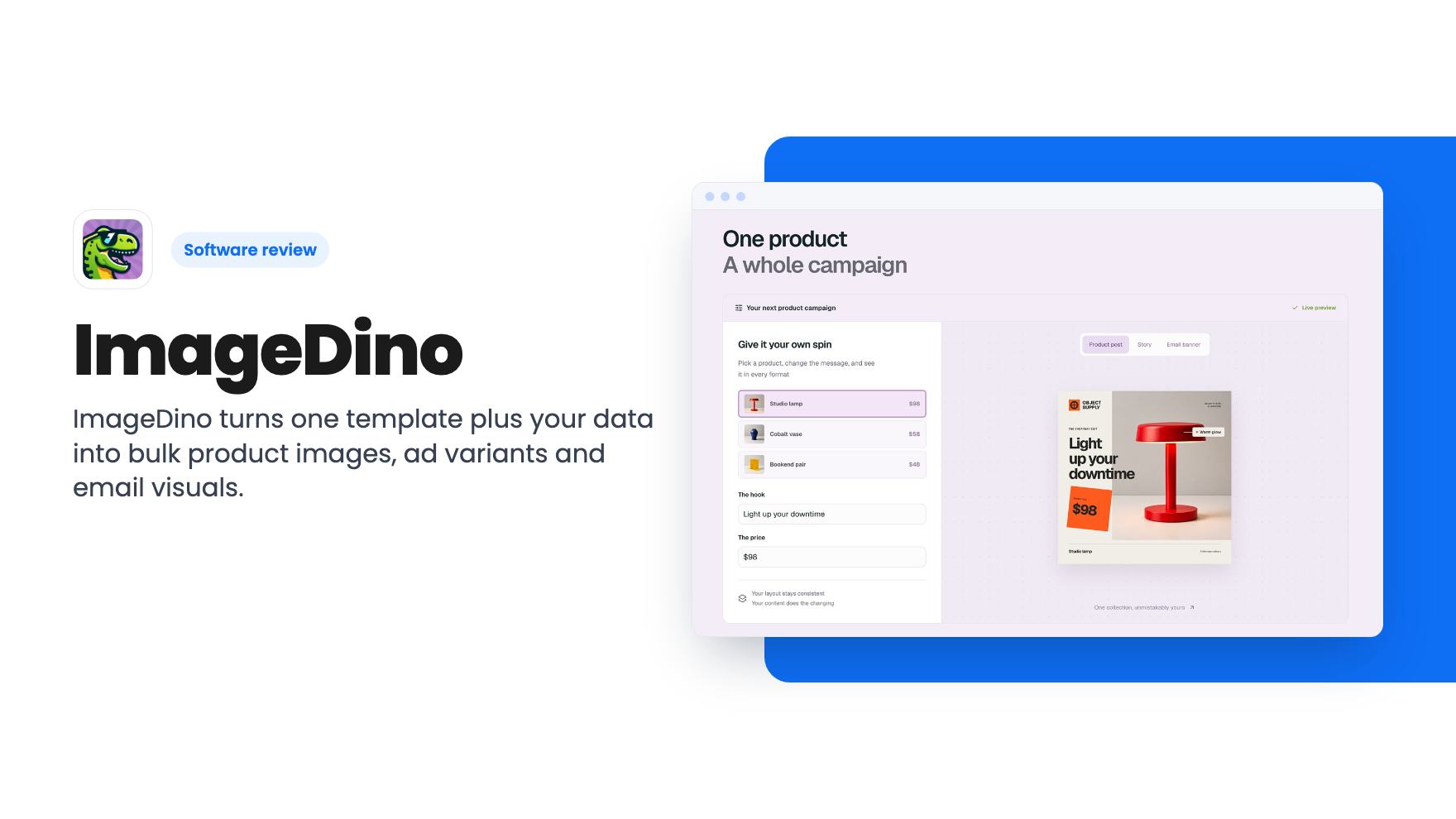
ImageDino turns one template plus your data into bulk product images, ad variants and email visuals. Here's what the $39 to $299 AppSumo deal covers and where it's vague.
Lifetime deal price
$39$19980% off
Lifetime Deal · ends Nov 25, 2026
Our take: Worth a look if you already work in Figma and need hundreds of data-driven images for ecommerce, email or ads, and you're comfortable with an API or Make. Skip it if you want a general design tool, or if you can't live with a listing that leaves the tier limits unclear.
Say you run a small shop with a few hundred products, a weekly newsletter and a blog that needs a share image for every post. Somebody has to open a design tool, retype a price or a headline, export the file and repeat. It’s dull work, and it’s the first thing that slips when you get busy.
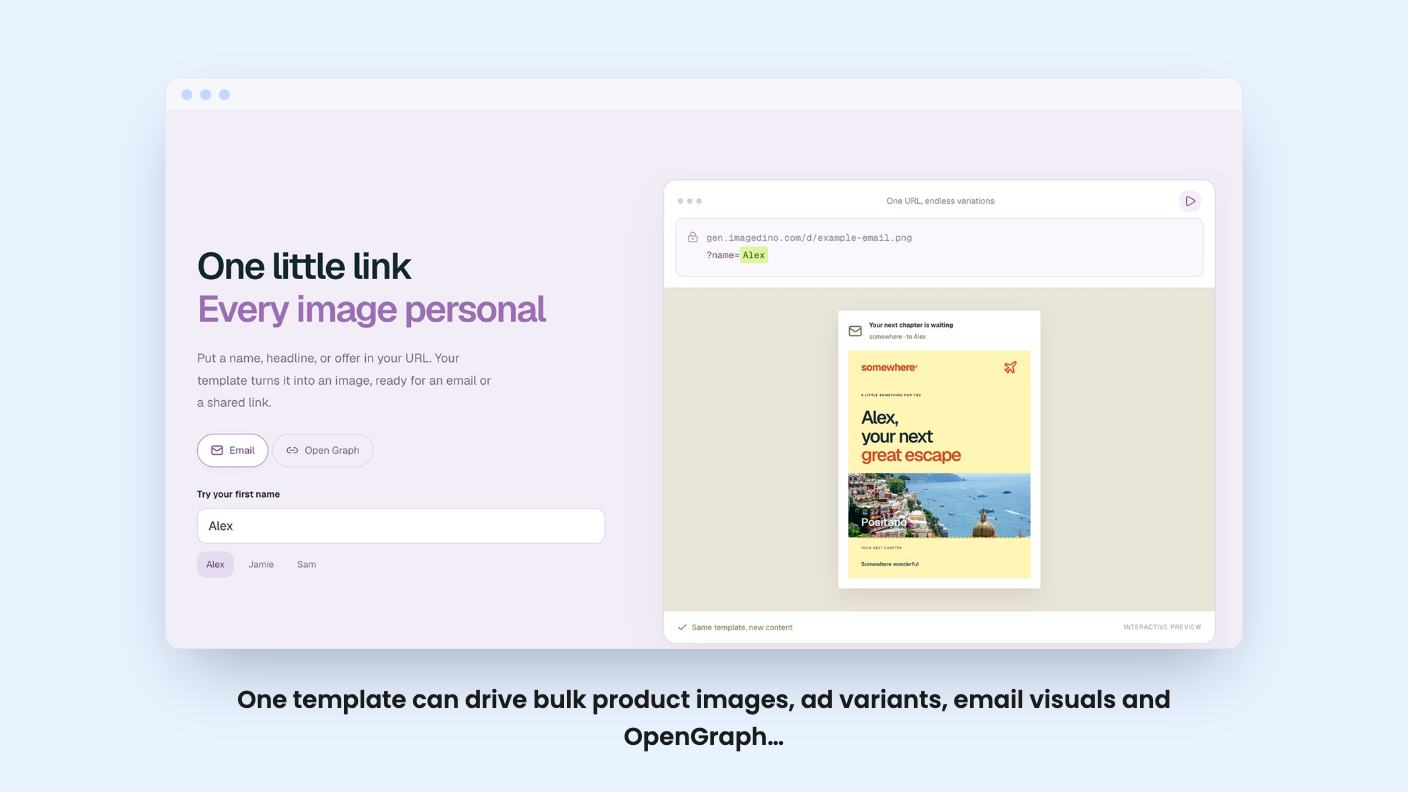
ImageDino is built to take that job off your plate. You make one template, name the parts that change, and feed it data. The images come out the other side. That’s the pitch, and it’s a sensible one. What we can’t tell you is how well it works day to day, because we haven’t used it. Everything here comes from AppSumo’s listing, so read it as an informed reading of marketing copy, not a field report.
The core idea is simple. You design a template, mark certain elements as dynamic fields, and then fill those fields from outside. The listing mentions headlines, prices, photos and product names as typical fields. You can also lock brand fonts and colors so a batch stays on-brand even when the content changes.
The use cases named are product images, email visuals, ads and OpenGraph previews. Add the FAQ’s mentions of social posts and real-estate listings and you get a clear picture. It suits anything where the layout stays the same and a few values change.
Output can be exported in multiple formats. The API example in the FAQ shows a format such as PNG and a numeric scale setting. The listing doesn’t give a full list of formats, so check that before you count on anything exotic.
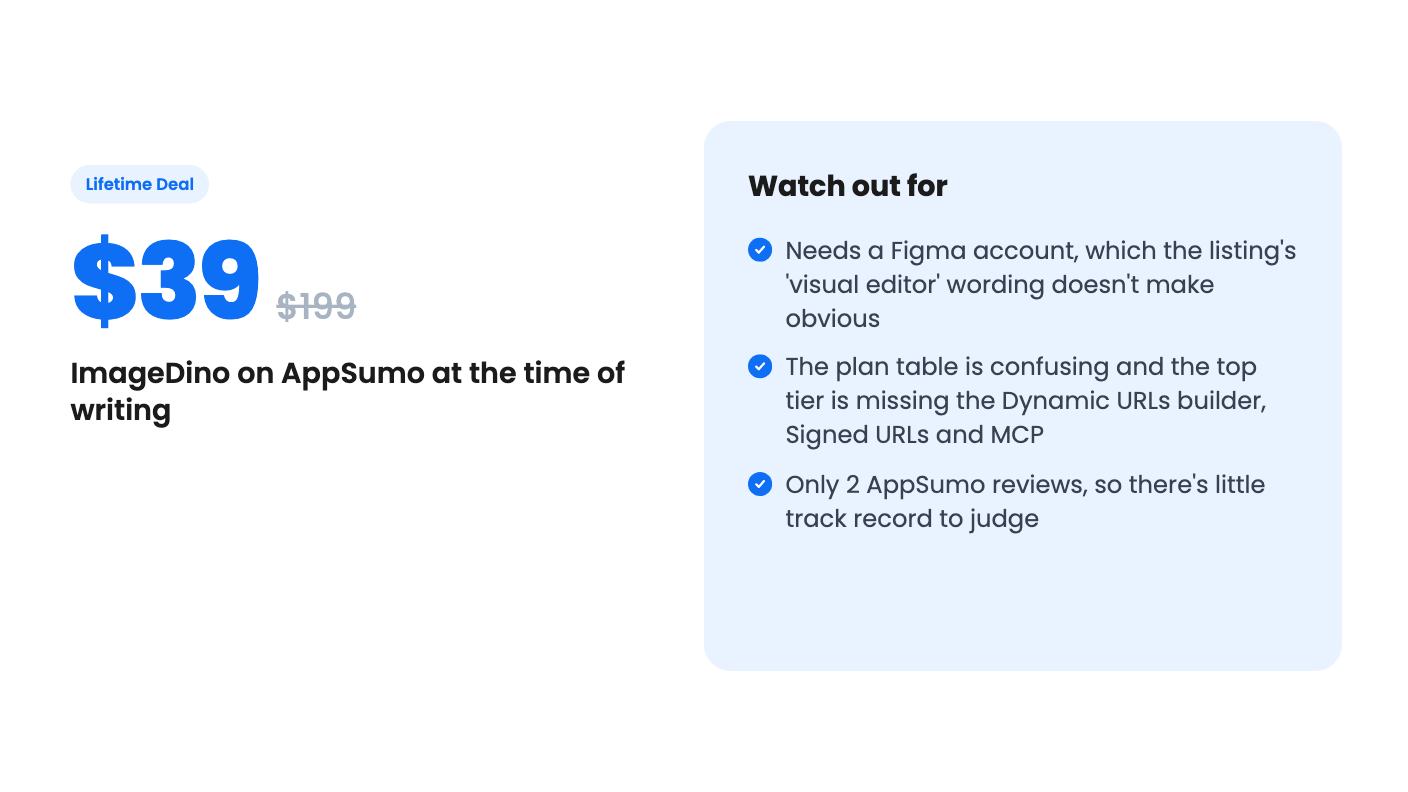
Here’s something the headline copy skips. The FAQ says ImageDino uses your Figma design as the template source, so you need a Figma account. A free one is enough, according to the site. Meanwhile the feature list talks about designing templates in a visual editor called Studio.
Those two descriptions don’t obviously match. Maybe Figma is the design source and Studio is where you map fields. Maybe Studio is a separate editor. The listing doesn’t say. If you already live in Figma, this is a plus. If you don’t, it’s one more tool to learn before the first image appears.
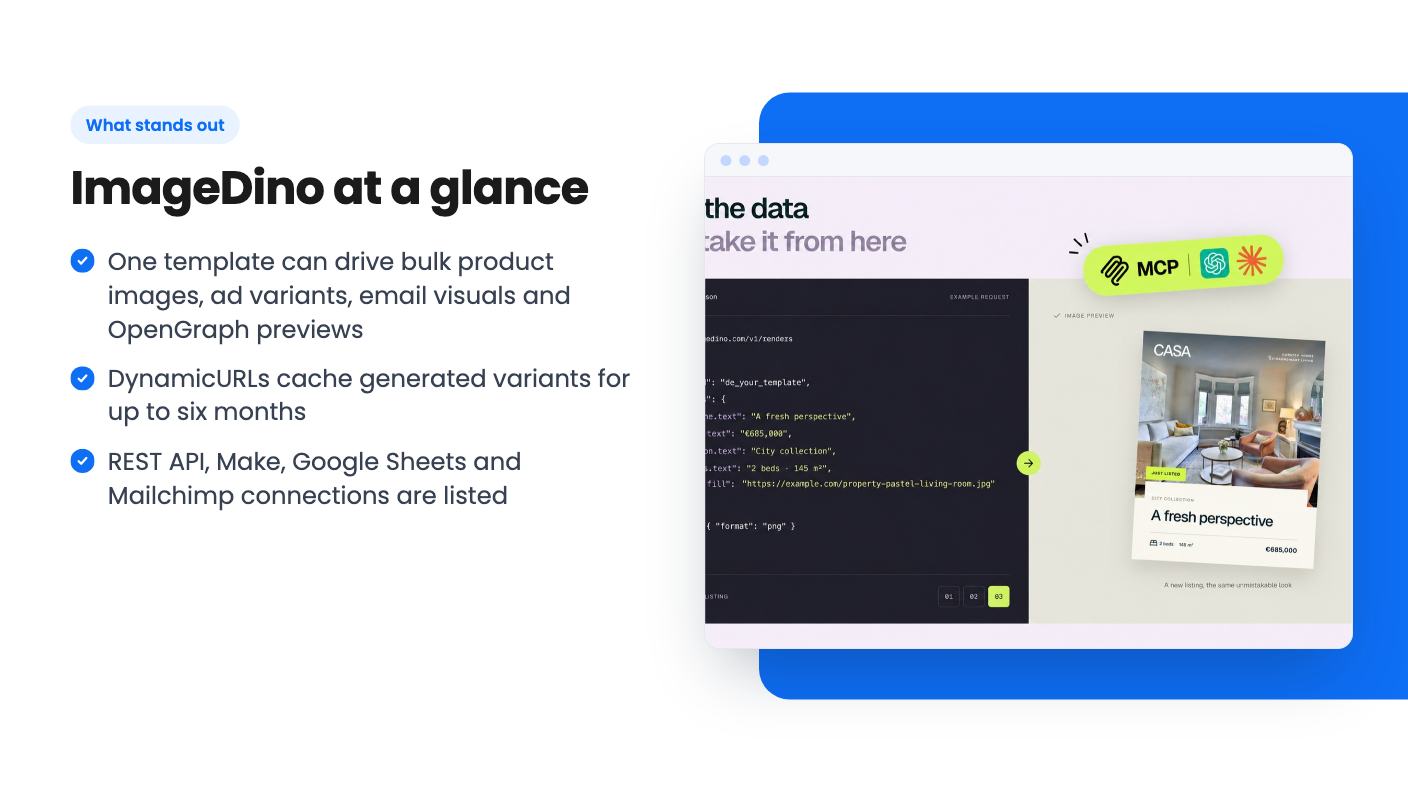
The most interesting feature is DynamicURLs. You drop a URL into an email or page, and query parameters change the image per recipient: a name, a photo, an offer. Generated variants are cached on first request, so repeat views are instant, and the listing says that caching lasts up to six months.
For developers there’s a REST API. Per the FAQ, you post a published design ID plus modifiers for the fields you want to change, and you get back an image URL. Requests use Bearer API keys, which the docs say to keep server-side. Signed URLs are supported for access control, and the listing also mentions an MCP connection for ChatGPT and Claude.
For everyone else, the listed integrations are Google Sheets, Mailchimp and Make, plus API and MCP. The FAQ also references Zapier and Airtable, which don’t appear in the integrations list, so treat those as unconfirmed. It also says you can bring in data from files and CSVs. That’s enough for a catalog-to-images workflow, though we can’t judge how smooth the mapping step is.
Pricing is $39, $79, $149 or $299, against list prices of $199, $389, $569 and $819. Treat those list prices with the usual suspicion. Every tier gets lifetime access and all future updates to the Start, Pro and Scale plans.
The limits are where it gets murky. The plan table shows image credits per month of 500, 10,000, 2,000 and 5,000. It shows bandwidth of 50, 25, 25 and 5 GB, and projects of 500, 100, 100 and 3. Those numbers don’t climb in a neat line from tier 1 to tier 4, so the columns may not be in tier order. We can’t tell you which tier gets which cap from the listing alone.
The one clear pattern is the last column. It has 5 GB of bandwidth, 3 projects, and no MCP, Simple URLs, Signed URLs or Dynamic URLs builder. That looks like a stripped-down plan. If it’s the one tied to a tier you’re eyeing, you’d lose the headline DynamicURLs feature. Ask AppSumo or the seller which tier maps to which column before you pay.
Credits are monthly, so a hard cap is baked in. If you plan to render thousands of images for a big catalog, do the math on one month first. The listing doesn’t say what happens when you run out.
The deal ends November 24, 2026 and is only for brand-new ImageDino users. No old accounts, trials or paid plans. You have 60 days to activate your license, and you can only downgrade within 60 days of purchase. Upgrading is allowed while the deal is live.
Then there’s the track record. AppSumo shows 2 reviews averaging 4.5 out of 5. That’s a pleasant number and a tiny sample. It tells you very little about reliability, support speed or how the product holds up under real volume. A lifetime deal on a young product is always a bet on the company staying around.
The alternatives named are Bannerbear, DynaPictures and Abyssale. Those are established subscription tools. If you want the safer route and don’t mind a monthly bill, they’re worth pricing out first.
Skip this if you want a general-purpose design app for one-off graphics. It’s an automation tool, and it only pays off when you have repeating layouts and data to feed them. Skip it too if you don’t use Figma and don’t want to start, or if you only need a handful of images a month. A free design tool does that job fine.
The buyers who make sense are developers who want an image API, ecommerce owners with a catalog in a spreadsheet, and marketers who send personalized email visuals. If that’s you, the entry price is low enough to try, but get the tier limits confirmed in writing before you commit, and use the 60-day window to check that the setup works for your data.
Yes. According to the listing's FAQ, ImageDino uses your Figma design as the template source, and a free Figma account is enough. That sits oddly beside the listing's talk of a built-in Studio editor, so confirm how the two fit together before buying.
Partly. The listing names Make, Google Sheets and Mailchimp integrations and says you can render in bulk from spreadsheets and CSVs. A REST API is also included for developers. The listing doesn't show how polished the no-code setup is.
The deal ends November 24, 2026 and is only for brand-new ImageDino users. You need to activate your license within 60 days. You can upgrade while the deal is live, but you can only downgrade within 60 days of purchase.
How this review was made: researched from ImageDino's official listing, and written with help from AI. We have not tested ImageDino hands-on yet. Prices and deal terms change, so check AppSumo before you buy. See our affiliate disclosure.
Five AppSumo lifetime deals that cover parts of what Kapwing does, from clip cutting to captions and dubbing. Each has caps worth knowing before you pay.
Seven AppSumo lifetime deals named as Loom alternatives, grouped by job: narrated tutorials, plain recording, interactive demos and personalized outreach video.
Eight AppSumo lifetime deals named as Descript alternatives, grouped by the job you need done, with the caps and gaps each listing shows.

