
Design & MediaAlternatives
Kapwing Lifetime Deal Alternatives for Small Businesses
Five AppSumo lifetime deals that cover parts of what Kapwing does, from clip cutting to captions and dubbing. Each has caps worth knowing before you pay.
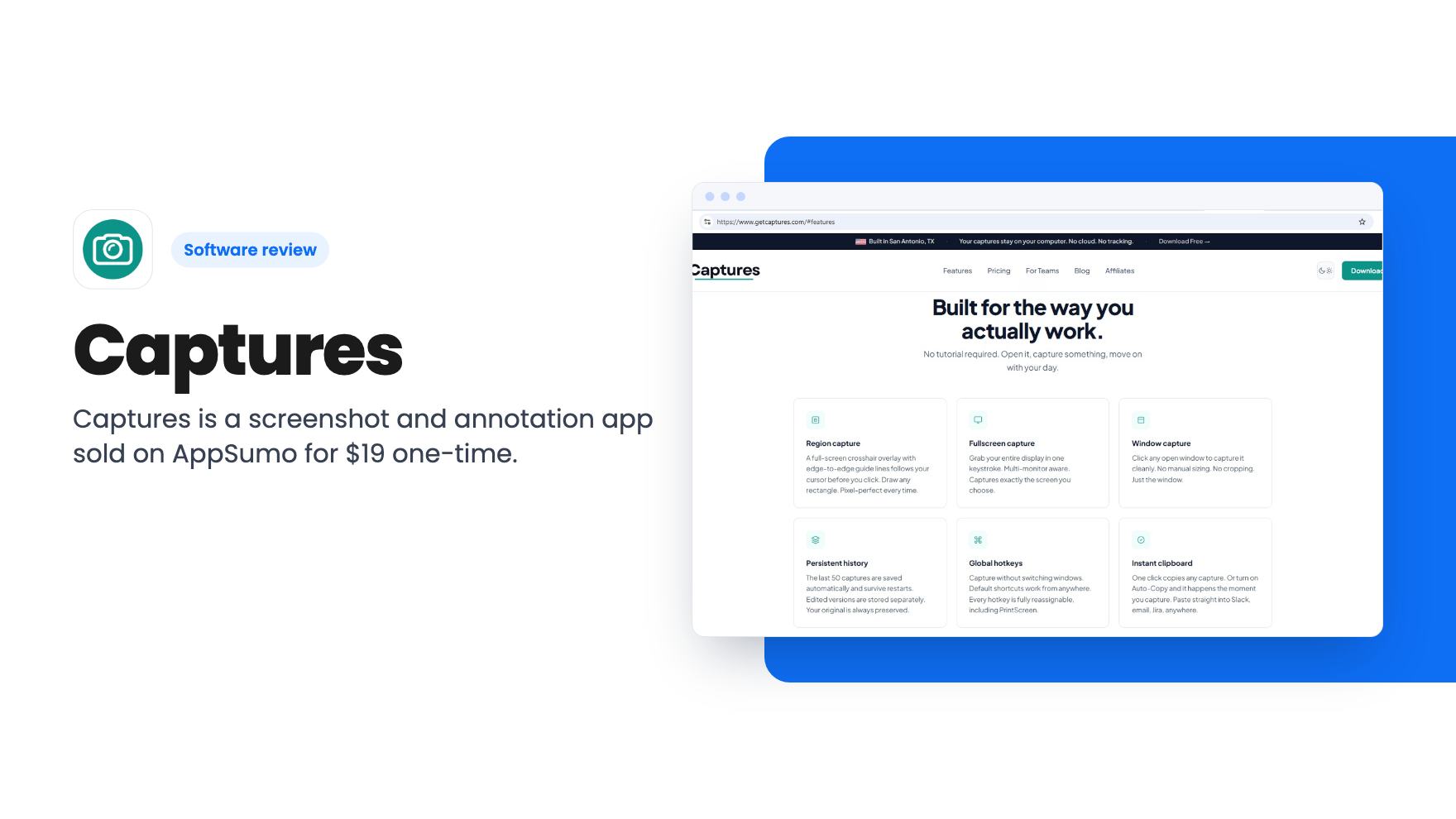
Captures is a screenshot and annotation app sold on AppSumo for $19 one-time. We cover what it does, what the listing leaves out, and who should skip it.
Lifetime deal price
$19$28.9834% off
Lifetime Deal
Our take: Captures is a cheap way to get region, window and scrolling screenshots with basic markup, and the free tier lets you try it first. Buy it if you take screenshots for docs, posts or client notes and want to stop paying a subscription. Skip it if you need screen video, OCR, cloud sharing or a mature feature set, since the listing doesn't promise any of that.
You’ve got a support article to write, a client wants a quick mark-up of a dashboard, or you’re building a how-to post with a dozen images. Every one of those jobs starts with a screenshot, and the built-in tools on most computers only get you part of the way. Captures is a screenshot and annotation app aimed at exactly that gap, and it’s on AppSumo for $19.
We haven’t used it hands-on, and there’s no product video for this deal, so everything below comes from the listing. Read it as a summary of what’s promised, plus our view on what’s missing.
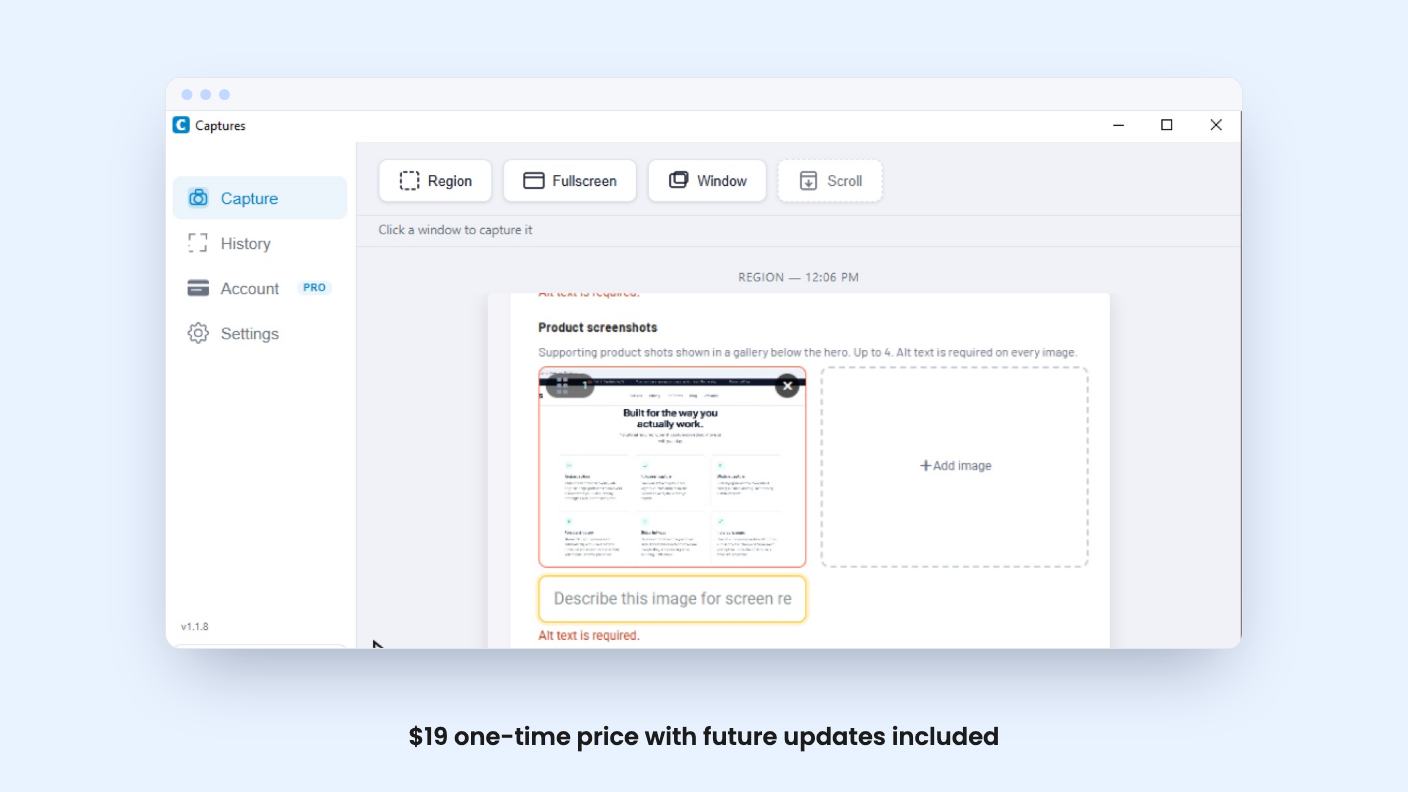
The core is capture. The listing names four modes: region, fullscreen, window and scroll capture.
Region capture lets you drag a box around what you want. Fullscreen and window modes grab everything or a single window in one click. Scroll capture is meant for long pages that won’t fit in one frame, and that’s the one worth paying attention to. Anyone who has stitched together three screenshots of a pricing page by hand knows why.
After the capture comes markup. The listing mentions a box tool, a highlight tool and a crop tool. That’s the full list.
Box, highlight, crop. For a lot of everyday work that’s enough. You draw a rectangle around the button you’re talking about, highlight a number, trim the edges, and send it.
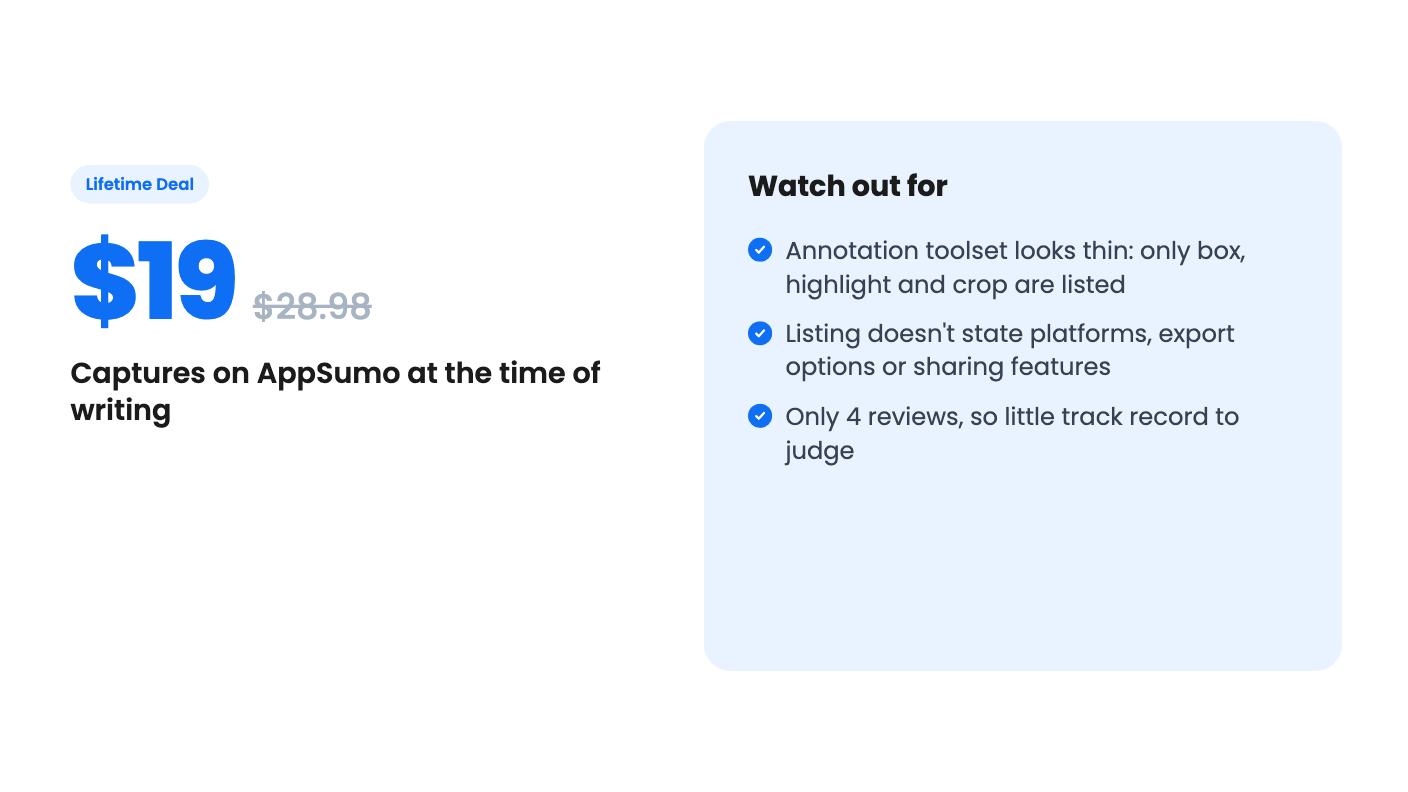
But the listing doesn’t mention arrows, text labels, blur or redaction, numbered steps or shapes beyond a box. If you write tutorials, arrows and step numbers are close to essential. If you share screenshots that include customer names or email addresses, a blur tool matters for privacy. The listing doesn’t say either exists, so don’t assume.
The listing compares Captures to CleanShot X and Snagit, and that’s a fair target for ambition but a tough one for a young tool. Both are mature products with deep editors. Captures is pitched as the simpler, cheaper option, and you should treat it that way.
This is where I’d slow down before buying. The listing is short on the details that decide whether a screenshot tool fits into your day.
It doesn’t say which operating systems are supported. It doesn’t list export formats, so we don’t know about PNG versus JPG or copy-to-clipboard behavior. It doesn’t mention cloud links for sharing, OCR for pulling text out of an image, or a capture history. It doesn’t describe keyboard shortcuts either, which in a screenshot app is half the experience.
AppSumo files the tool under Screen Recording, yet nothing in the feature list describes video. Treat it as a screenshot app unless the developer tells you otherwise.
The product also looks young. There are 4 AppSumo reviews, all 5 stars. That’s a nice start, but four reviews is not a track record, and a perfect average from a handful of early buyers tells you little about long-term support.
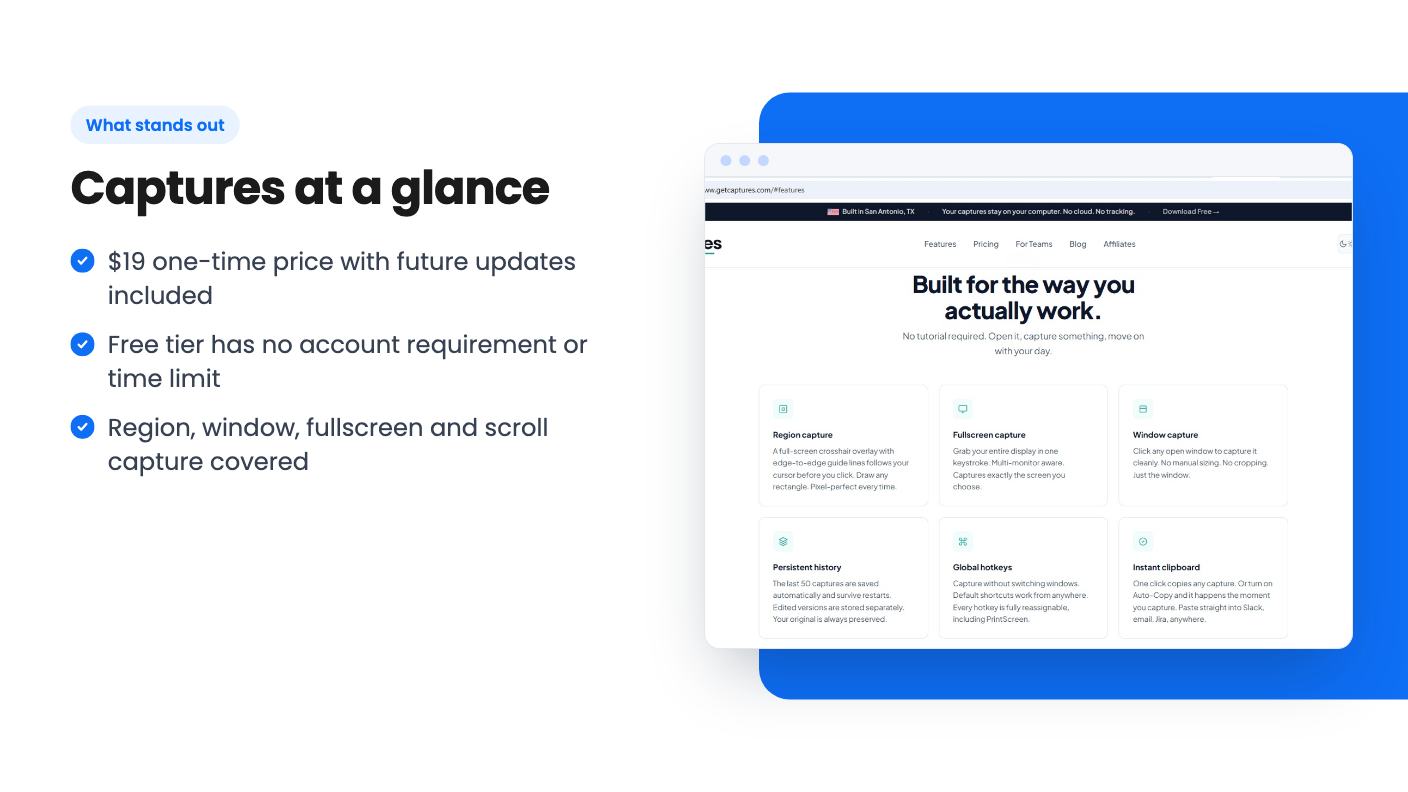
The price is $19, down from a list price of $28.98. There’s one tier. You get lifetime access to Captures and all future plan updates.
A few conditions to know about:
The list price is the interesting part. A $28.98 regular price is already low, so the AppSumo discount saves you about ten dollars. That’s a small win rather than a big one. The real value is in not paying a subscription, though note that with a list price that low, the developer may not be planning a subscription anyway. The listing says “all future updates included,” which is a promise about updates, not about how many or how fast.
Here’s the part I like. According to the listing, you can download Captures and use it right away, with no account and no time limit. The only restriction is a watermark, and you get the full feature set.
That means you can run it on real work for a week before paying. Take a few long pages with scroll capture, annotate a few images, and see whether the output and speed suit you. If the watermark bothers you, that’s your sign it’s being used enough to justify $19.
It also lowers the risk of the lifetime deal. A lot of AppSumo products ask you to buy first and discover the gaps later. Here you can find the gaps for free.
Skip Captures if you need screen recording, GIFs or video walkthroughs. Nothing in the listing covers them.
Skip it if your work depends on advanced markup, such as arrows, blur, step numbers or text callouts, unless you confirm those exist. Skip it if you need shared links, team libraries or built-in cloud storage, because none are mentioned. And skip it if you want the safety of a mature product with years of updates behind it. Snagit and CleanShot X have that history. Captures doesn’t yet.
Buy it if you’re a solopreneur, creator or small marketer who takes a handful of screenshots a week and wants clean region and scrolling captures with light mark-up. At $19, with a free version to test first, the downside is small. Download the free tier, run it on your actual work, and buy only if it holds up.
Yes. According to the listing, there's a free tier with no account and no time limit. The only limitation is a watermark on your output, and the listing says you get the full feature set. That makes it easy to check whether it fits your workflow before spending $19.
The listing says one-time Pro access with all future updates included, for $19 instead of $28.98. You must activate your license within 60 days of purchase. There's a single tier, and the listing says there are no codes and no stacking.
The listing doesn't say so. AppSumo files it under Screen Recording, but the listed features are all about screenshots: region, window, fullscreen and scroll capture, plus annotation. If you need video, confirm that with the developer first.
How this review was made: researched from Captures's official listing, and written with help from AI. We have not tested Captures hands-on yet. Prices and deal terms change, so check AppSumo before you buy. See our affiliate disclosure.
Five AppSumo lifetime deals that cover parts of what Kapwing does, from clip cutting to captions and dubbing. Each has caps worth knowing before you pay.
Seven AppSumo lifetime deals named as Loom alternatives, grouped by job: narrated tutorials, plain recording, interactive demos and personalized outreach video.
Eight AppSumo lifetime deals named as Descript alternatives, grouped by the job you need done, with the caps and gaps each listing shows.

