
Design & MediaAlternatives
Kapwing Lifetime Deal Alternatives for Small Businesses
Five AppSumo lifetime deals that cover parts of what Kapwing does, from clip cutting to captions and dubbing. Each has caps worth knowing before you pay.
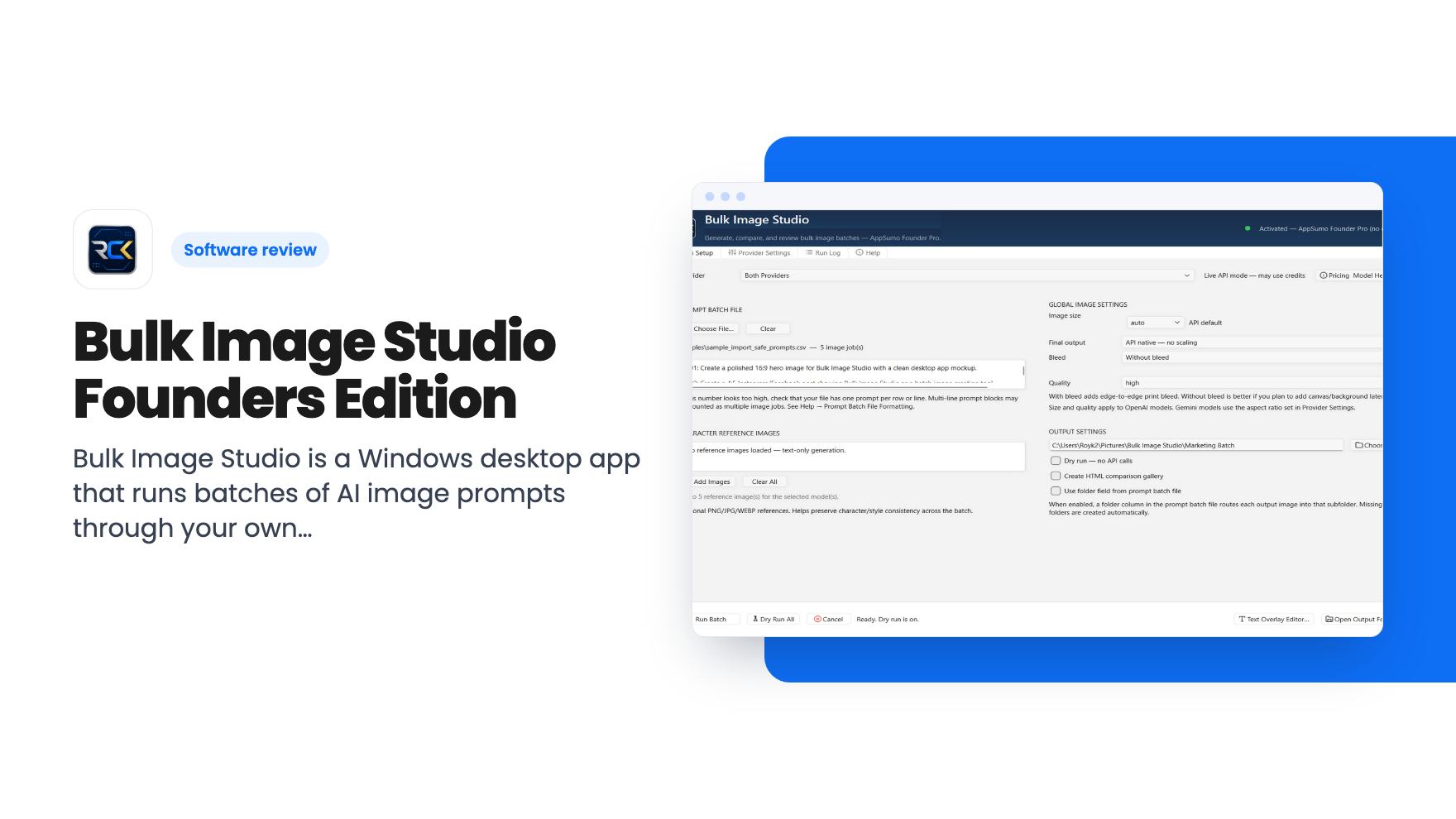
Bulk Image Studio is a Windows desktop app that runs batches of AI image prompts through your own OpenAI key. We cover the AppSumo deal, limits and gaps.
Lifetime deal price
$29.990
Lifetime Deal
Our take: Worth a look if you regularly produce dozens of AI images from prompt files, such as book illustrations or ad variations, and you already pay for OpenAI API access. Skip it if you make a handful of images a month, use a Mac, or want a design editor like Canva.
Picture an author who needs forty illustrations for a picture book. Each one has its own prompt, and each has to match the same style, size and print dimensions. Doing that in a browser tab means pasting a prompt, waiting, downloading, renaming the file, and repeating it forty times. It’s not hard work. It’s just the kind that eats an afternoon.
That’s the situation Bulk Image Studio is built for. It’s a Windows desktop app that takes your prompts, runs them as batches through an image provider, and files the results into project folders. It’s currently $29.99 on AppSumo as a lifetime deal.
We haven’t used it. Everything here comes from the AppSumo listing, and there’s no demo video to lean on, so treat this as a read of what’s promised rather than what’s proven.
The core idea is simple. You load prompt files, pick your settings, choose an output folder, and run. The app works through the list so you don’t have to sit there feeding it one prompt at a time.
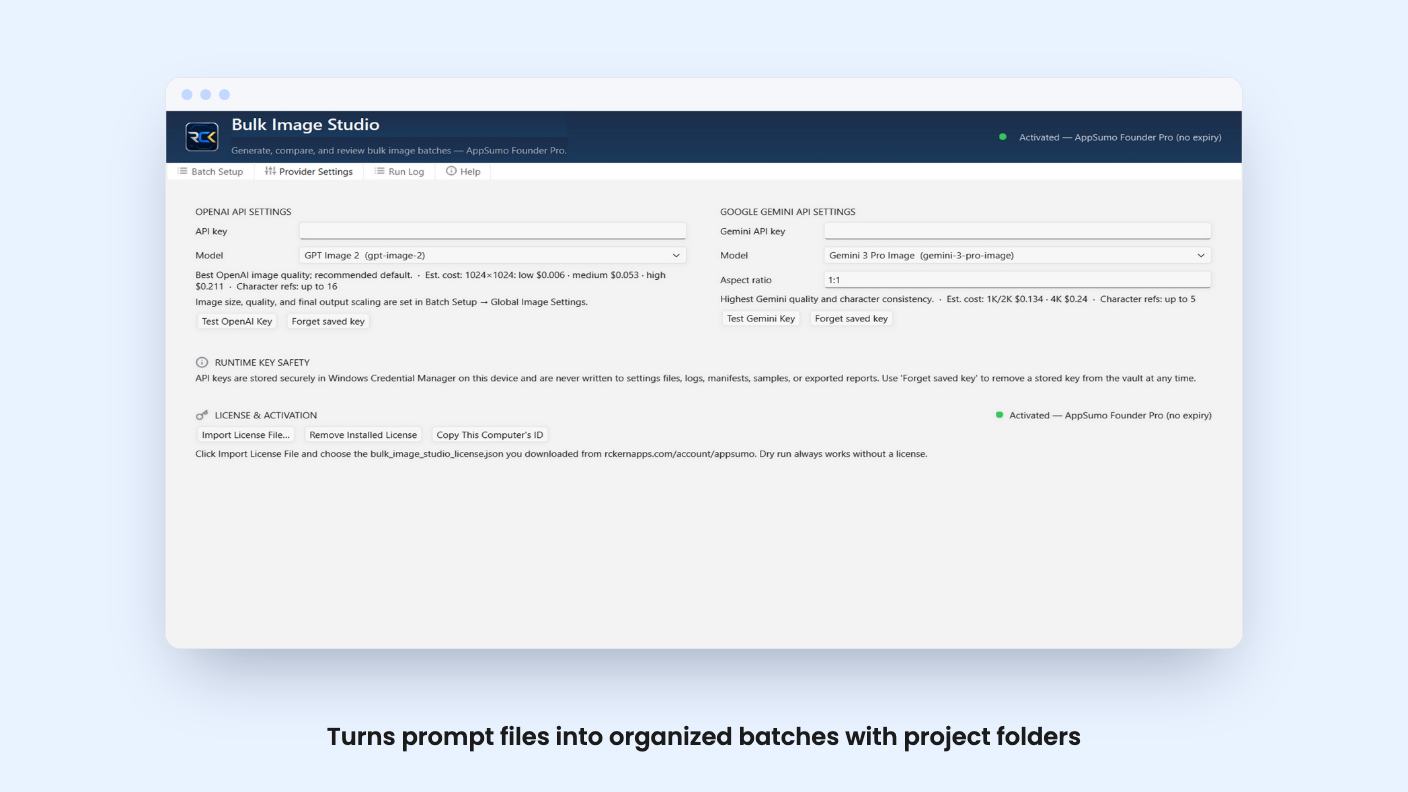
According to the listing, you can set the image model, dimensions, quality level and final print size from one workspace. You can also add reference images to guide results, review generated images inside the app, and check a built-in activity log to see what ran.
The intended users are authors, marketers and content creators. The listing mentions book images, ads, product visuals and social posts. That’s a sensible spread, though the book use case is clearly the one the feature list is shaped around.
The more interesting part is the manifest batch setup, meant for larger projects. You define the project, a start and end item, a cycle size, break timing and regeneration options.
Cycle size and break timing matter more than they sound. Anyone running hundreds of API calls knows rate limits and failed runs are a real thing. Being able to pause between cycles and regenerate specific items is the difference between a tool you trust overnight and one you babysit. The listing doesn’t say how the app handles an error halfway through a batch, so we can’t tell you how forgiving it is.
Then there’s text. The app supports an apply-text-later workflow, so you generate the images first and add titles, captions or page text afterward. We like this approach. AI image models are unreliable with lettering, and keeping text out of the generation step avoids paying for a good picture ruined by a garbled word.
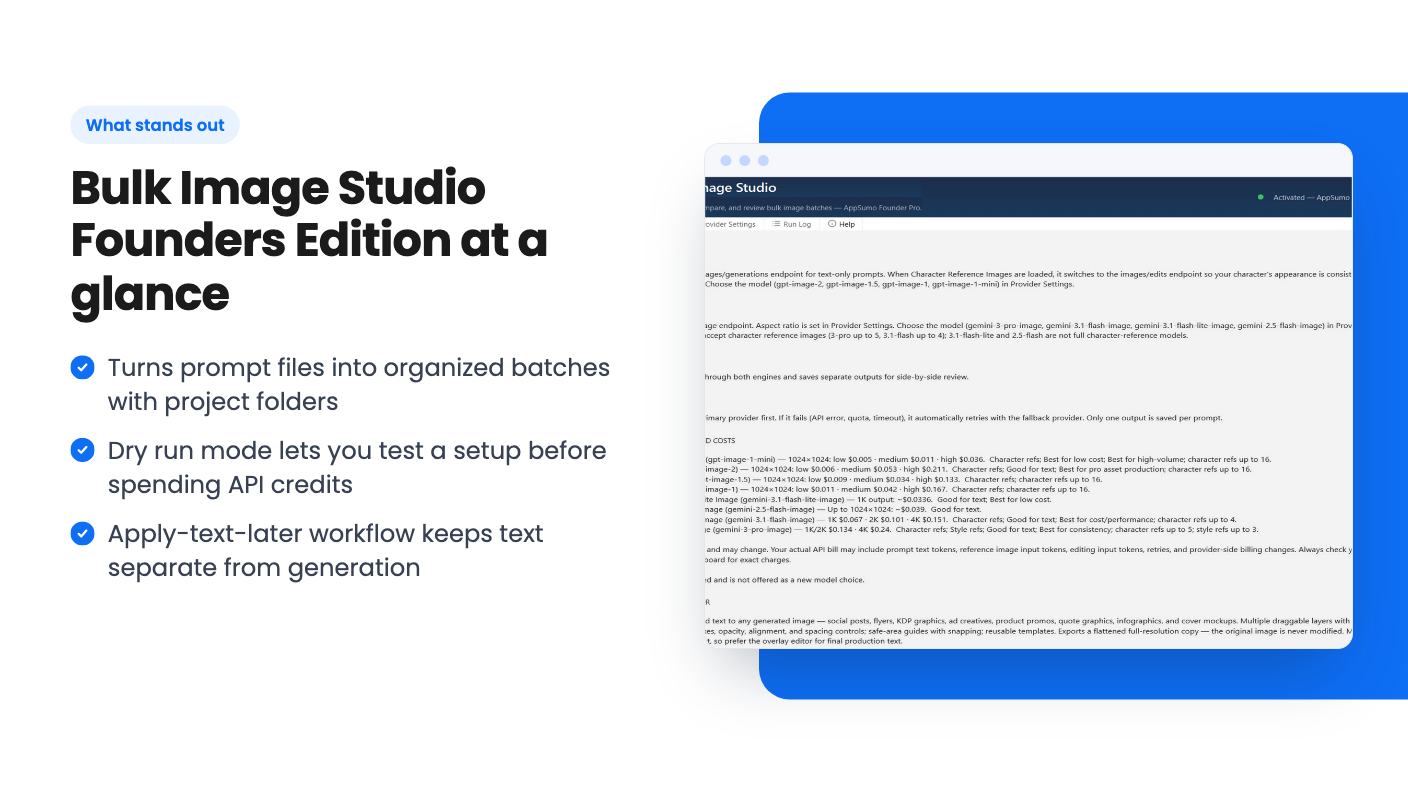
Dry run mode lets you test your setup, prompt flow, provider configuration and output behavior before spending credits. For a batch tool, that’s a smart inclusion. A typo in a manifest is much cheaper to find before image 1 than after image 80.
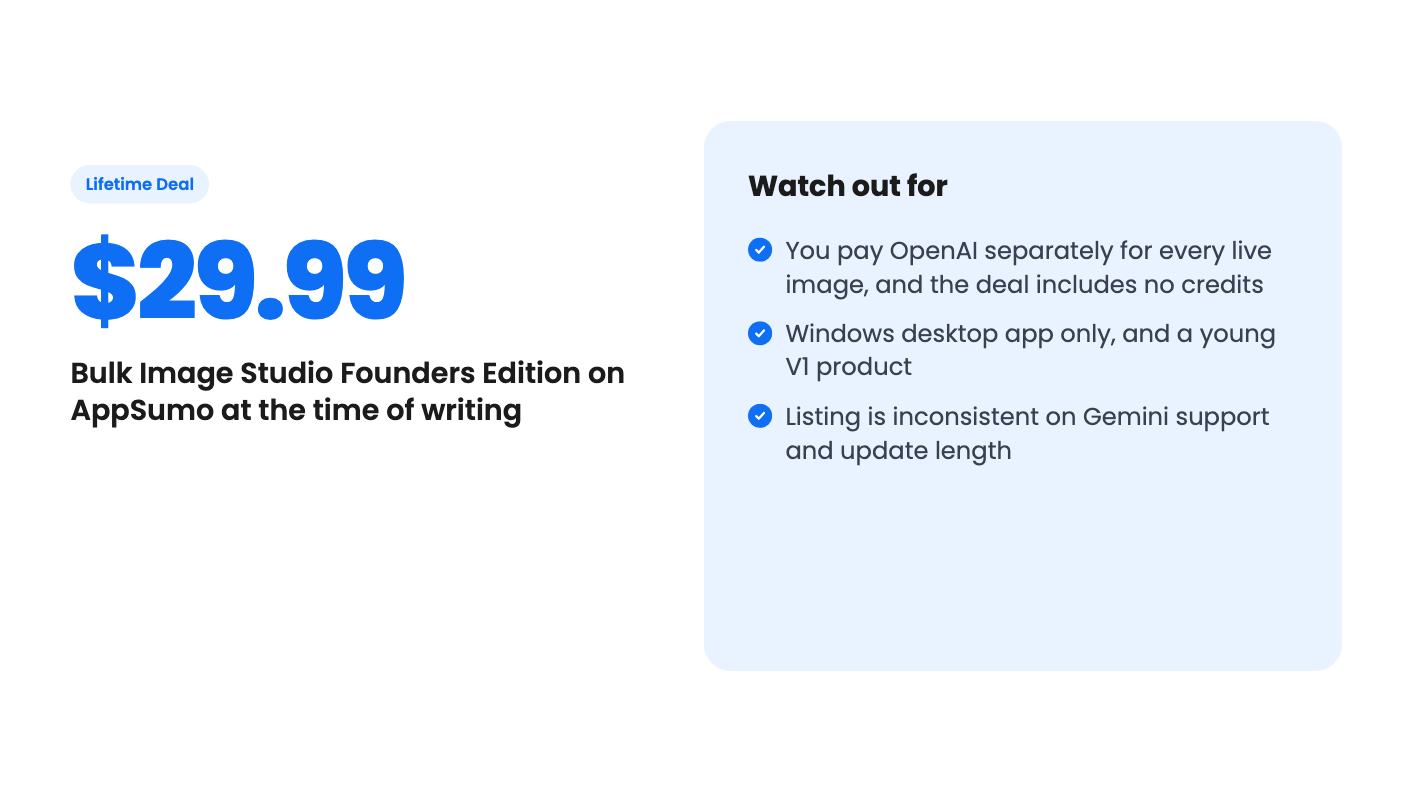
But be clear on the cost. The listing states plainly that the deal doesn’t include API credits, and live generation is billed by your provider. Dry run isn’t free image generation. You bring your own OpenAI key and pay OpenAI for every live image.
That changes the math. The $29.99 is the cheap part. If you generate a few hundred images a month, the API bill will dwarf the license within a short time. What you’re buying is organization, not images.
The AppSumo offer is a single tier at $29.99, shown against a list price of $0.00. That list price figure is odd, and we wouldn’t read anything into it as a discount. The listing mentions three license tiers you can move between, but only tier 1 is described.
Here’s what the deal includes, per the listing:
Now the inconsistencies. One line promises all future plan updates. Another says lifetime technical support and 12 months of updates. Those are not the same promise, and the listing doesn’t reconcile them. Ask the developer which one applies before you buy, or at least know you’re covered by AppSumo’s refund window.
Gemini is also muddy. The integrations list names Google Gemini and the feature list includes a Gemini API line, but the FAQ says the app connects to OpenAI workflows. Other plan details mention OpenAI image models only. If Gemini matters to you, don’t assume it’s ready.
It’s a Windows app. The listing doesn’t mention Mac or Linux, so Mac users should assume it’s out. It’s also described as a stable V1, which means a young product with a short track record. The listing doesn’t say how big the developer’s team is or what the roadmap looks like.
The AppSumo comparison to Adobe Animate, Photoshop and Canva is a stretch, and the FAQ admits as much. This doesn’t edit photos, build layouts or animate anything. It manages generation runs. If you need a design editor, this isn’t one.
Skip it if you make a few images a month, because a browser tab does that fine. Skip it if you don’t want to manage an API key and a usage bill. And hold off if you need a tool with a long history, because this one doesn’t have it yet.
It makes sense for the person with a real backlog of prompts: a book project, a run of ad variations, a product catalog that needs consistent visuals. At $29.99, the risk on the software side is small. The real question is whether your OpenAI spending is already high enough that organizing it is worth paying for. If it is, this is a fair low-cost bet. If it isn’t, keep your money.
Yes. The listing says live image generation uses your own supported API key, and usage is billed by your provider. The AppSumo price covers the software license only, not API credits.
No. According to the listing, dry run is for testing your setup, prompt flow and output behavior before you spend credits. Live generation still creates provider charges.
No. The listing says it does not replace full design software. It manages the image-generation workflow before or alongside your editing tools.
How this review was made: researched from Bulk Image Studio Founders Edition's official listing, and written with help from AI. We have not tested Bulk Image Studio Founders Edition hands-on yet. Prices and deal terms change, so check AppSumo before you buy. See our affiliate disclosure.
Five AppSumo lifetime deals that cover parts of what Kapwing does, from clip cutting to captions and dubbing. Each has caps worth knowing before you pay.
Seven AppSumo lifetime deals named as Loom alternatives, grouped by job: narrated tutorials, plain recording, interactive demos and personalized outreach video.
Eight AppSumo lifetime deals named as Descript alternatives, grouped by the job you need done, with the caps and gaps each listing shows.

