AI Writing & VideoTop deals
AppSumo Deals Ending Before Black Friday 2026: Buy or Wait?
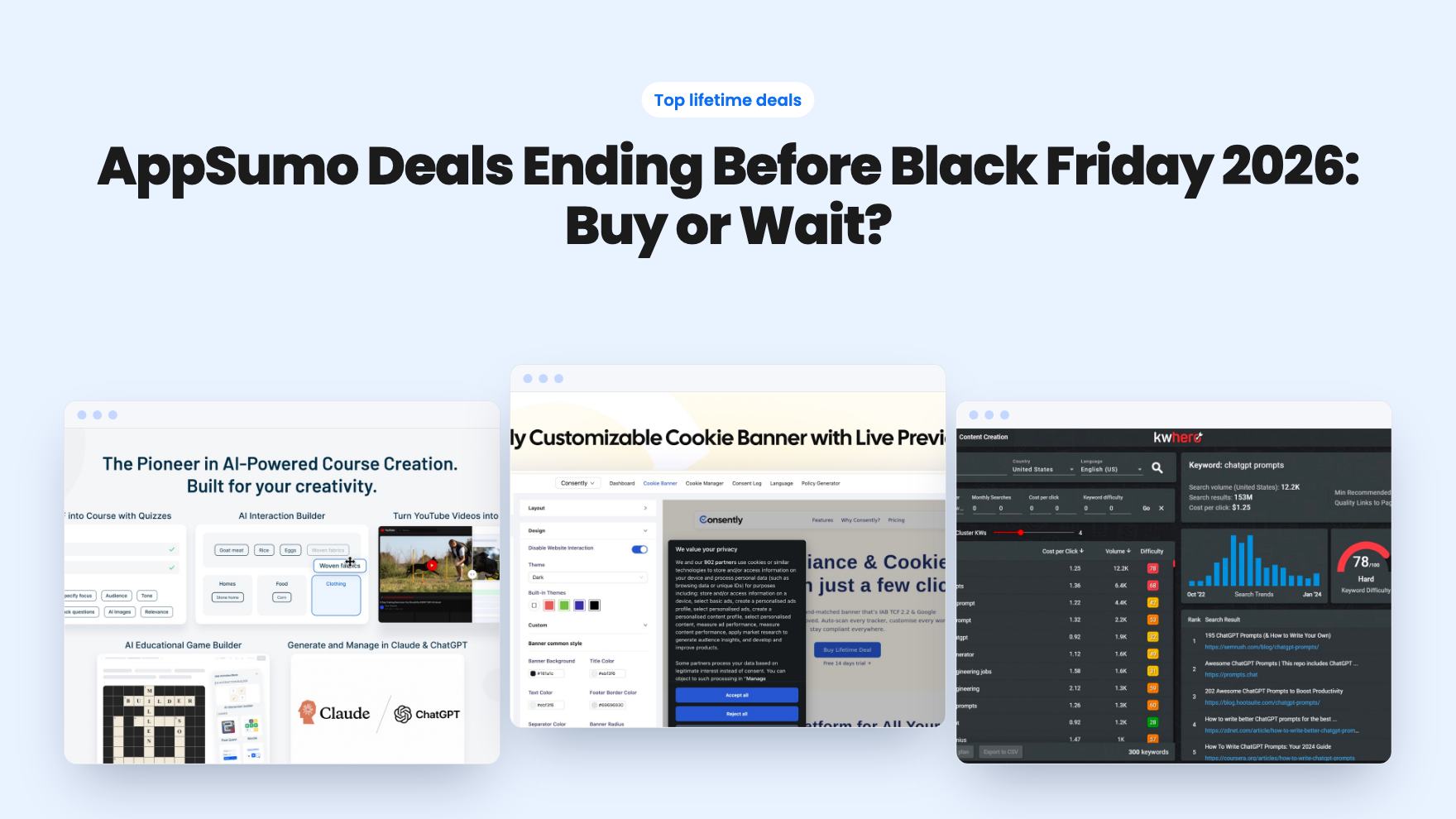
Fourteen AppSumo lifetime deals end before Black Friday on November 27, 2026. Here are the seven worth a look now, and who should skip them.
Vocable AI plans a month of multi-channel content. WPAutoBlog writes and publishes WordPress articles. Here's how the tiers, limits and gaps compare.
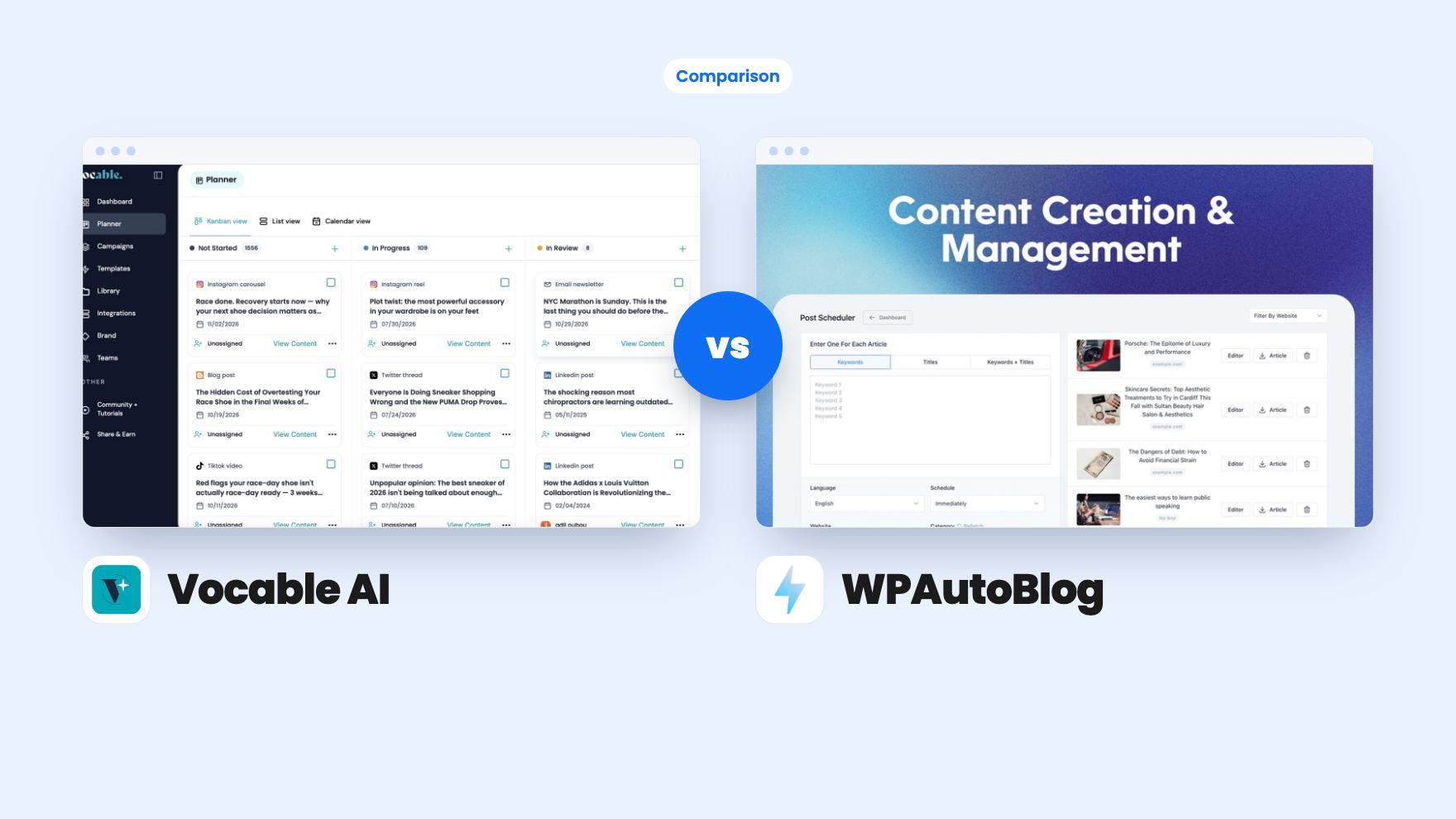
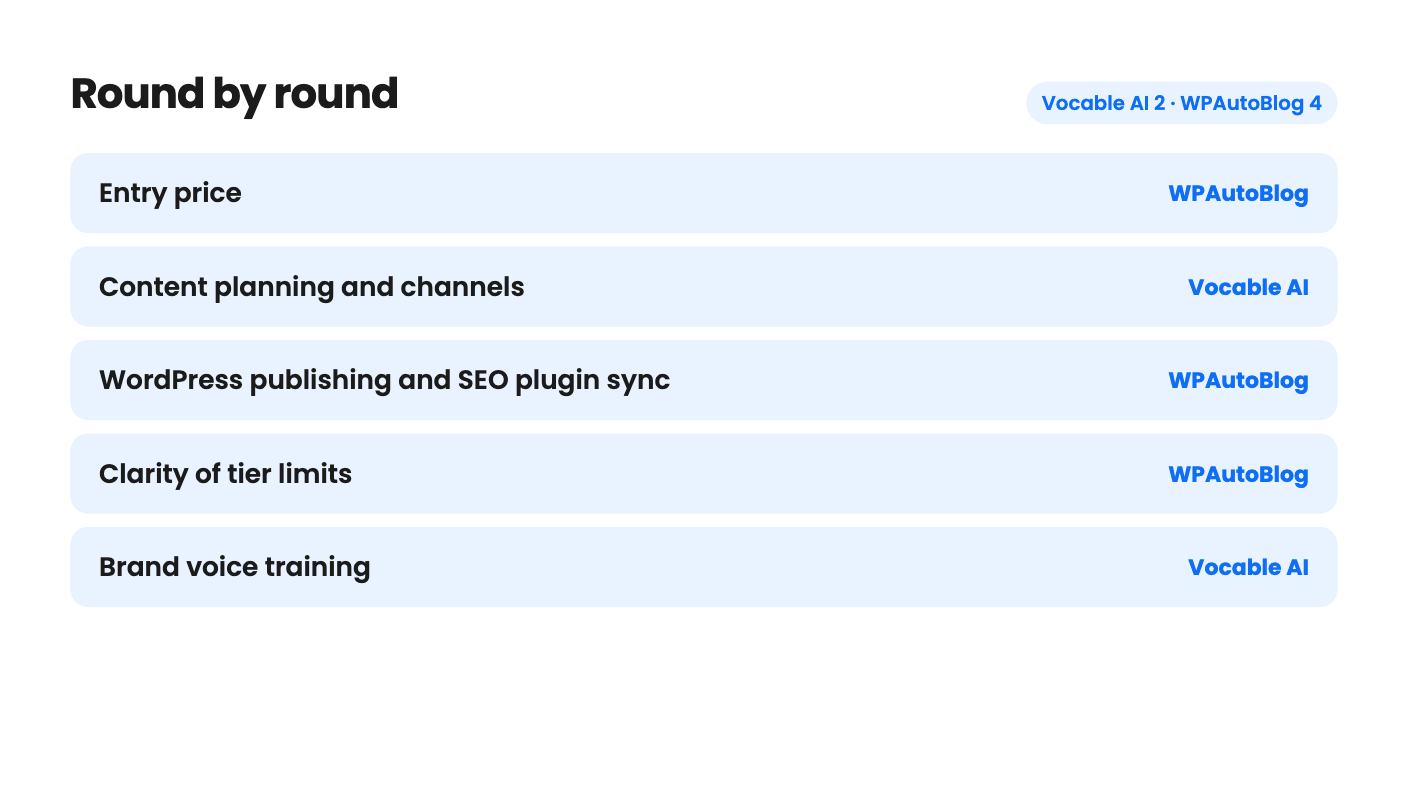
Vocable AI takes 2 rounds, WPAutoBlog takes 4.
| Round | Winner | Why |
|---|---|---|
| Entry price | WPAutoBlog | WPAutoBlog starts at $39 for tier 1, while Vocable AI starts at $89. |
| Content planning and channels | Vocable AI | Vocable AI builds 30-day campaigns in kanban, list and calendar views across blogs, newsletters, LinkedIn and Twitter threads, while WPAutoBlog is blog-only. |
| WordPress publishing and SEO plugin sync | WPAutoBlog | WPAutoBlog syncs meta titles, descriptions and focus keywords with Yoast and Rank Math and schedules posts to connected sites. |
| Clarity of tier limits | WPAutoBlog | WPAutoBlog's monthly article caps can be matched to tiers through its FAQ, while Vocable AI's plan table has unlabeled columns that don't line up. |
| Brand voice training | Vocable AI | Vocable AI scans your site and social channels and accepts uploaded guidelines, but WPAutoBlog's listing doesn't explain how its brand voice matching works. |
| Buyer ratings | WPAutoBlog | WPAutoBlog shows 4.69 from 173 AppSumo reviews against Vocable AI's 4.19 from 53. |
| Vocable AI | WPAutoBlog | |
|---|---|---|
| Starts at | $89 | $39 |
| List price | $360 | $114 |
| Plan | Lifetime Deal | Lifetime Deal |
| Deal ends | Nov 18, 2026 | Not listed |
| Best for | Consultants, Marketers, Small businesses | Bloggers, Marketing agencies, Small businesses |
| Alternative to | Copy.ai, Jasper | Copy.ai, Jasper |
Your blog went quiet in the spring, the newsletter keeps slipping, and two AI writing lifetime deals on AppSumo both say they can fix it. They fix different halves of the problem. One helps you decide what to publish across a month. The other turns keywords into WordPress articles. Pick based on which half is actually stopping you.
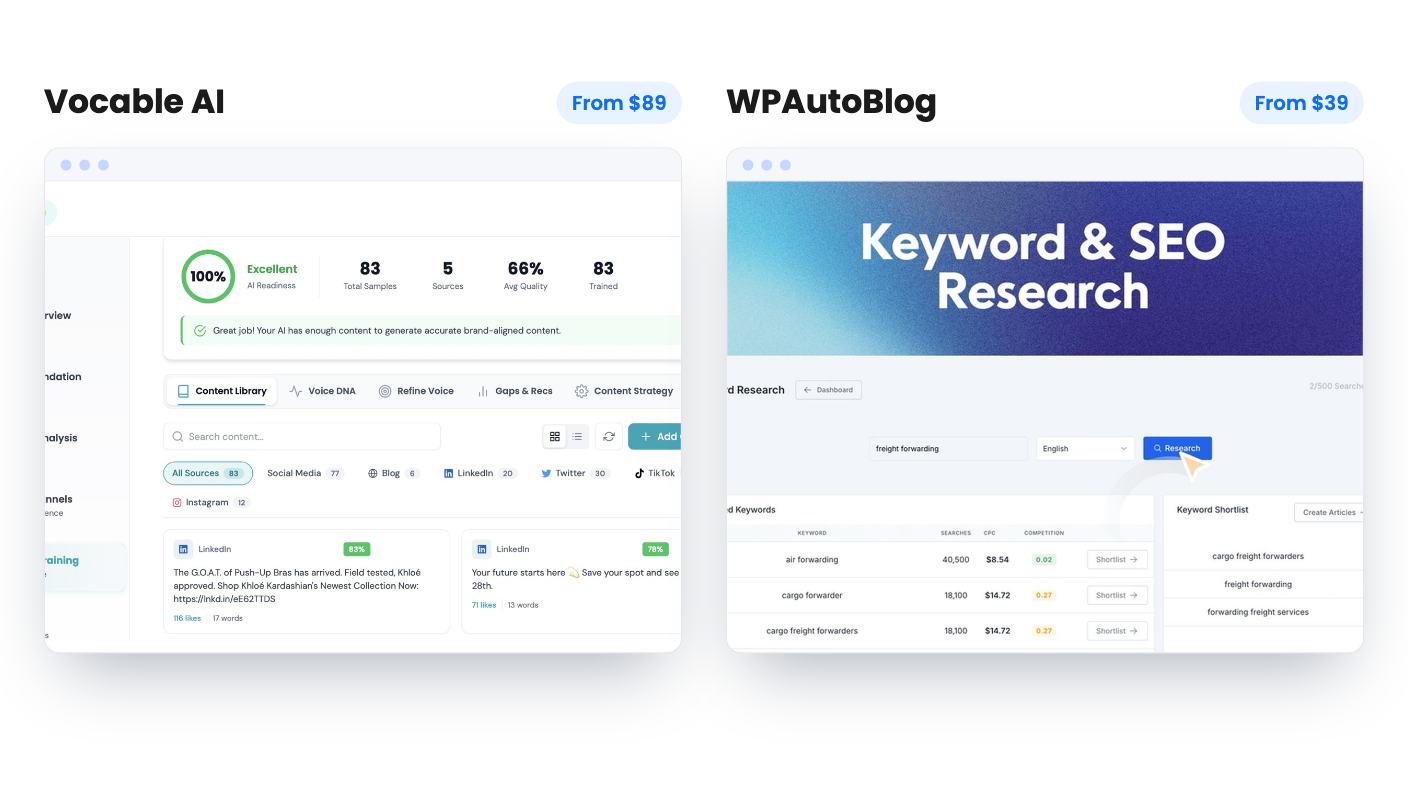
We haven’t used either tool. Everything here comes from the AppSumo listings, one demo video for Vocable AI by a reviewer named Dave, and the listings’ own FAQs. Treat it as a buyer’s reading of the paperwork.
Vocable AI is a planner first. You pick a goal and a channel, and it lays out a 30-day schedule of content ideas, viewable as a kanban board, a list or a calendar. Every post is tied to a business goal. It then drafts blogs, YouTube scripts, newsletters, LinkedIn posts, Twitter threads, quizzes and guides.
WPAutoBlog is a production line for one platform. You enter keywords or titles, switch on options like Web Research, FAQs, tables, internal links and YouTube embeds, and it generates an article of 2,000 words or more. Then you edit it, publish it, or schedule it to a connected WordPress site.
So the overlap is real but narrow. Both write blog posts, and both sell on AppSumo as alternatives to Copy.ai and Jasper. Beyond that, one is built for a mixed calendar and the other for a single publishing pipeline.
If your content lives on LinkedIn and in email, WPAutoBlog is the wrong shape. If your content is a WordPress blog and nothing else, Vocable’s planning layer may be more than you need.
Brand voice is the strongest part of its listing. You give it your website URL and it tries to extract tone, messaging, positioning and audience. It can also scrape your social channels and build what it calls a Brand DNA fingerprint, and you can upload guidelines or past content to deepen the training.
We’d read that as a promise, not a measurement. The listing doesn’t say how much material it needs before drafts sound like you. In Dave’s demo, the brand profile from his course site came out fairly accurate and each field was editable, which is a good sign for the first step.
The editor adds more than 30 templates, a brief field to steer each draft, real-time suggestions, a document health score and keyword research inside the campaign. The listing doesn’t say where the keyword data comes from, so don’t treat it as a replacement for a dedicated SEO tool.
The demo also showed rough edges. A campaign reported success but opened as an empty plan with a “title can’t be blank” error until Dave clicked a boost button. Some deadlines were dated 2030 or missing. A news article template produced mostly inaccurate content. Dave scored it 6.8 out of 10. That’s a young product, and you should plan to fact-check every draft.
The practical win is the SEO plugin sync. WPAutoBlog says it passes meta titles, descriptions and focus keywords into Yoast, Rank Math and other popular plugins. Filling those fields by hand on every post is the sort of chore that makes people drift away from blogging, so this is small but useful.
It also handles 42 languages and a post scheduler that covers multiple blogs, which matters if you look after client sites. Higher tiers add a white-label WordPress connector, Pabbly and webhook export, and MCP access for compatible AI clients.
The buyer ratings favor it too: 4.69 from 173 AppSumo reviews, against 4.19 from 53 for Vocable. That’s a bigger sample and a higher score. AppSumo’s summary does admit occasional quality inconsistencies, and its own text quotes 4.6 from 172 reviews in a second place, so the summary was put together loosely. Expect to edit every draft.
The weak spots are what’s missing from the listing. There’s no sample article, no demo video, no named AI models, and no explanation of brand voice matching. The promises of “exponential organic traffic growth” come with no numbers behind them, and we’d ignore them.
Vocable AI runs $89, $189 and $399 for its three tiers. All include a 60-day money-back guarantee, a requirement to activate within 60 days, upgrades while the deal is live, and future plan updates. The deal is listed as ending on 2026-11-17, so the window is short.
The trouble is the feature table. It shows brand voices as Unlimited / 1 / 5, AI-powered campaigns as 5 / Unlimited / 2, and additional seats as 3 / 0 / 0, with no labels on the columns and none in tier order. Dave’s video quotes different prices ($79 and $319 for tiers 1 and 3), so things have moved since it was recorded. We can’t tell you which tier gets which limit. Ask before paying, especially about channel integrations.
WPAutoBlog is easier to read. It has eight tiers from $39 to $312, and the FAQ lets you match them to monthly caps: 25, 50, 150, 250, 350, 500, 750 and 1,000 articles. Tier 3 at $117 is where Questions research, Search trends research and AI images start, and the images use your own API key.
The catch is Web Research at 10 credits per article. On tier 1 that’s two researched articles a month. Whether unused articles roll over isn’t stated, so assume they don’t. For one site, tier 3 looks like the sensible starting point.
Neither listing shows sample output, and neither explains how good the drafts are in practice. Both are lifetime deals from companies we have no track record for, and both promise future updates without saying how old the product is.
WPAutoBlog has one odd inconsistency: the plan details say you can stack up to 6 codes, while the FAQ says up to 8. Settle that before spending $312. Vocable’s inconsistency is the unlabeled table, which is worse because it affects what you get at each price.
Neither gives you finished visuals. Vocable is text only. WPAutoBlog’s images start at tier 3 and cost extra through your own API key.
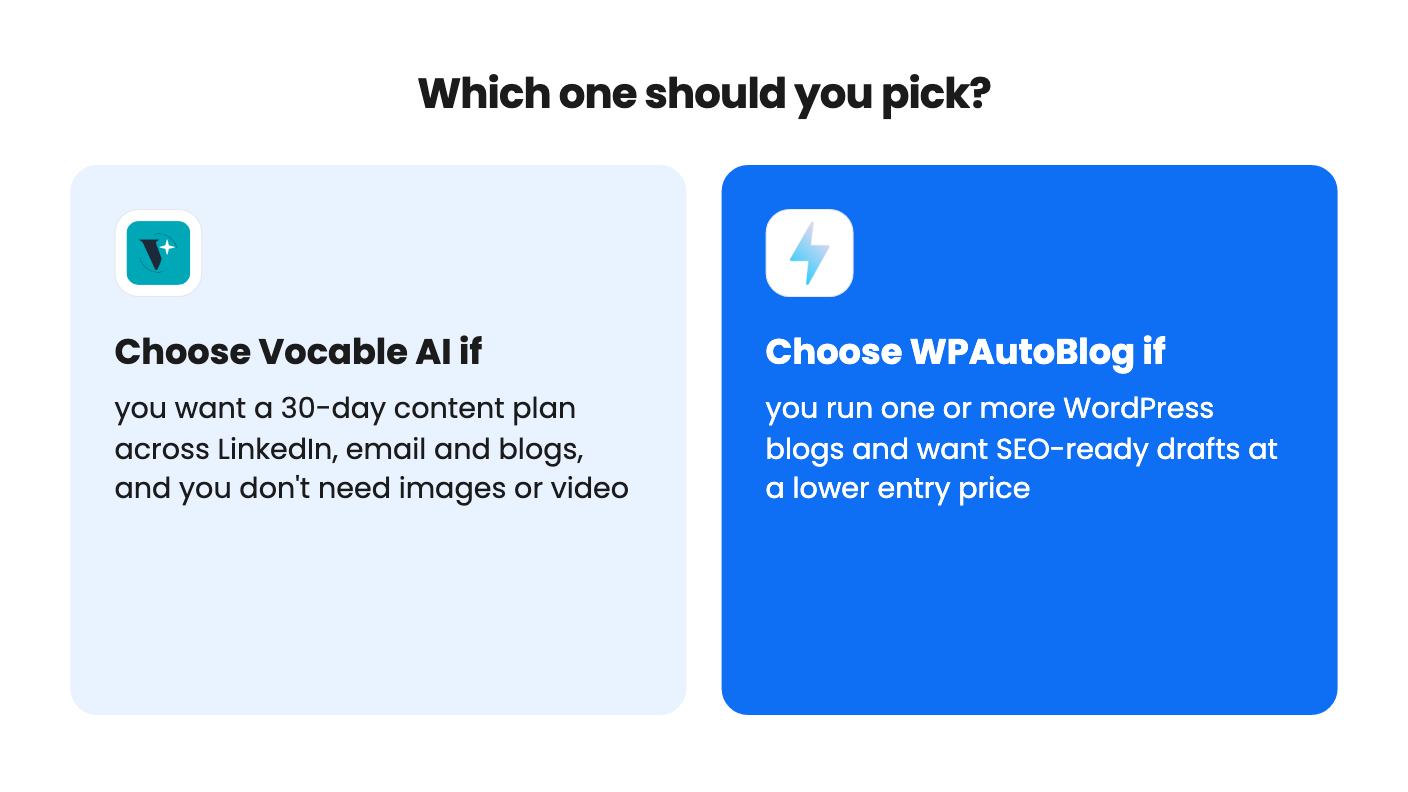
Buy Vocable AI if your problem is planning. You’re a consultant, coach or small business owner who needs a month of LinkedIn posts, newsletters and blog ideas in one calendar, and you’re willing to edit drafts and verify facts. Get the tier details in writing first, then run a real month of planning inside the refund window.
Buy WPAutoBlog if your problem is output on a WordPress site. It’s cheaper to enter, the tier caps are clear, and the SEO plugin sync saves clicks on every post. Start at tier 2 or 3, generate a handful of articles in your own niche, and check how they land in Yoast or Rank Math.
If you only need four or five posts a month, or you’re not on WordPress, neither deal is an obvious fit. A monthly tool you can cancel may serve you better, and the 60-day guarantee on both is your safety net if you buy anyway.
The listing names WordPress, Webflow, Wix and LinkedIn as integrations, and publishing depends on the channel integrations feature. The plan table is hard to read, so confirm your tier includes channel integrations before you buy.
Tier 1 at $39 gives 25 articles a month. Web Research uses 10 credits per article, so that tier covers only two researched articles a month, with a few plain ones left over.
Neither makes images in a way that's included. Vocable AI is text only. WPAutoBlog offers AI images from tier 3 up, but they use your own API key, so you pay an image provider separately.
How this comparison was made: researched from both tools' official listings and demo videos, and written with help from AI. We have not tested Vocable AI or WPAutoBlog hands-on yet. Prices and deal terms change, so check AppSumo before you buy. See our affiliate disclosure.
Fourteen AppSumo lifetime deals end before Black Friday on November 27, 2026. Here are the seven worth a look now, and who should skip them.
MagicCanvas puts 16+ AI image, video and audio models in one browser canvas. The $59 lifetime deal looks cheap, but the monthly credit caps matter most.
Prismical is an AI notetaker that records system audio and can transcribe on-device. The AppSumo lifetime deal runs $59 to $749, and the tier limits matter.