Project ManagementAlternatives
Monday.com lifetime deal alternatives on AppSumo, compared
Five AppSumo lifetime deals named as Monday.com alternatives, from $49 to $109, with the limits and gaps that matter and who each one suits.
SmartTask bundles a CRM, time billing and a client portal for $49 with 2 seats. t0ggles has multi-project boards and intake forms from $24, priced by seat.
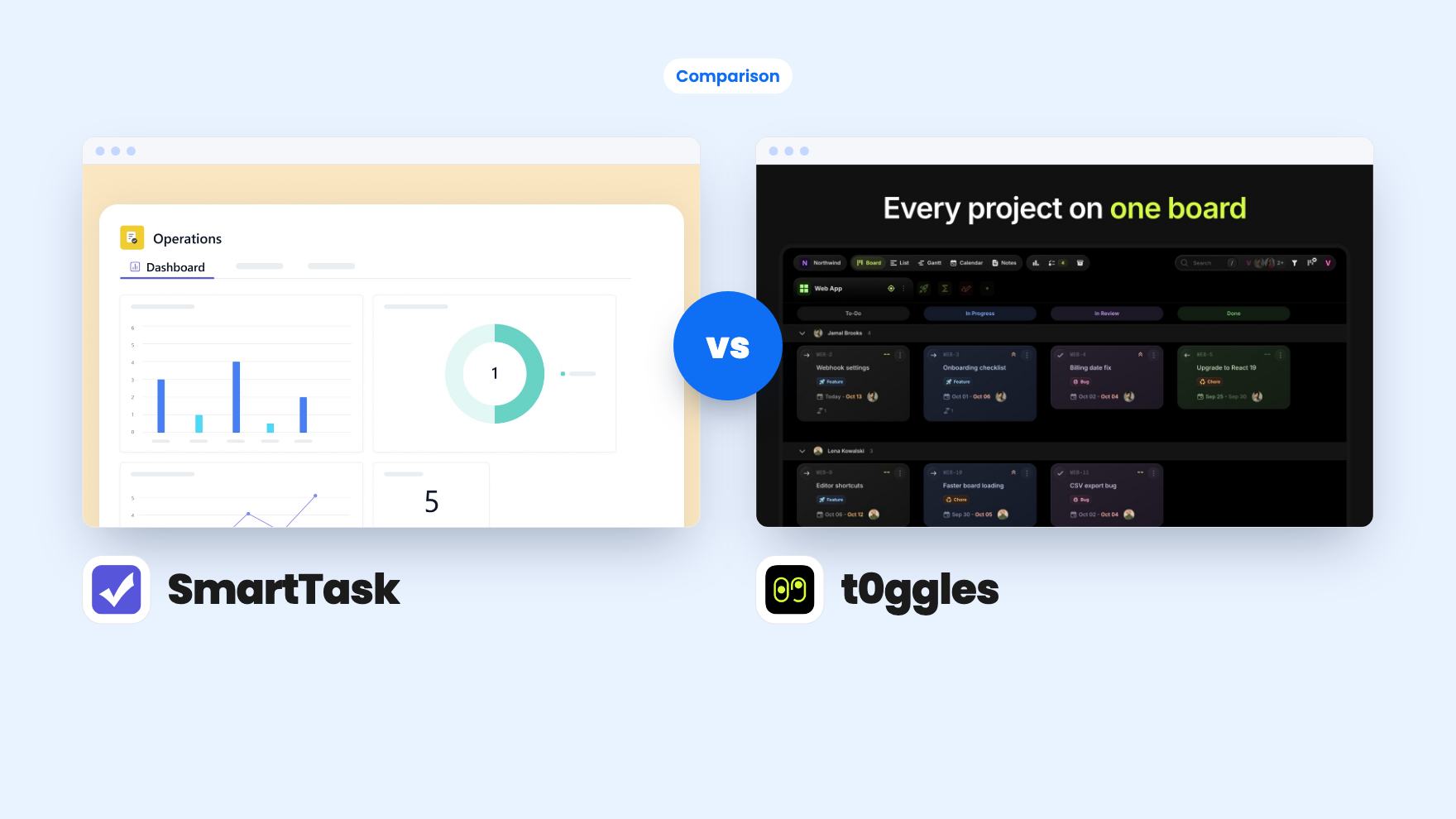
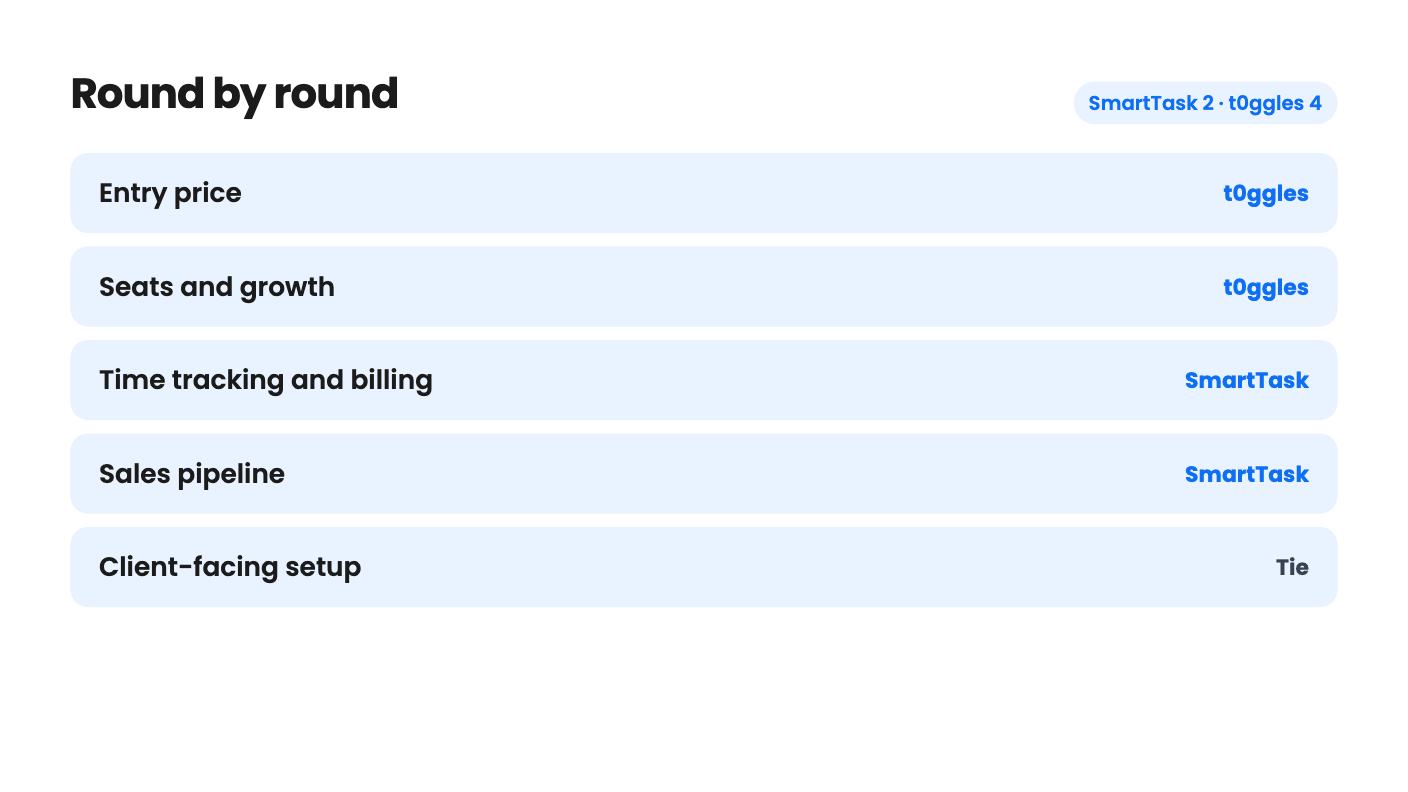
SmartTask takes 2 rounds, t0ggles takes 4.
| Round | Winner | Why |
|---|---|---|
| Entry price | t0ggles | t0ggles starts at $24 against SmartTask's single $49 tier, though the listing's seat counts for the cheap tiers look reversed. |
| Seats and growth | t0ggles | SmartTask caps the lifetime plan at 2 seats with no extra-seat price, while t0ggles sells five tiers and lets you add members from the Billing tab. |
| Time tracking and billing | SmartTask | SmartTask lists billable and cost rates, timesheets, locked approved time and per-project budgets, while t0ggles only logs time on tasks. |
| Sales pipeline | SmartTask | SmartTask has a deal pipeline with in-app email that converts won deals into projects, and t0ggles lists no CRM. |
| Client-facing setup | Tie | SmartTask has private comments and PDF or video annotation, while t0ggles has intake forms with an approval queue and custom domains. |
| Automation limits | t0ggles | t0ggles says AI and automations are unlimited on every tier, while SmartTask workflows and agents draw on a fixed 1,000 credits. |
| Refund clarity | t0ggles | t0ggles states a 60-day refund through AppSumo, and the SmartTask listing says nothing about refunds. |
| SmartTask | t0ggles | |
|---|---|---|
| Starts at | $49 | $24 |
| List price | $432 | $60 |
| Plan | Lifetime Deal | Lifetime Deal |
| Deal ends | Not listed | Not listed |
| Best for | Small businesses, Professional Services, Agencies | Freelancers, Project managers, Agencies |
| Alternative to | Asana, ClickUp, Wrike | Asana, ClickUp, Trello |
Picture a Monday morning with four clients waiting on you. One wants to know where their website project stands, one has emailed a request that really belongs on someone’s to-do list, and a third is still deciding whether to sign. Both SmartTask and t0ggles are lifetime deals that promise to pull that mess into one place. They just start from different ends of it.
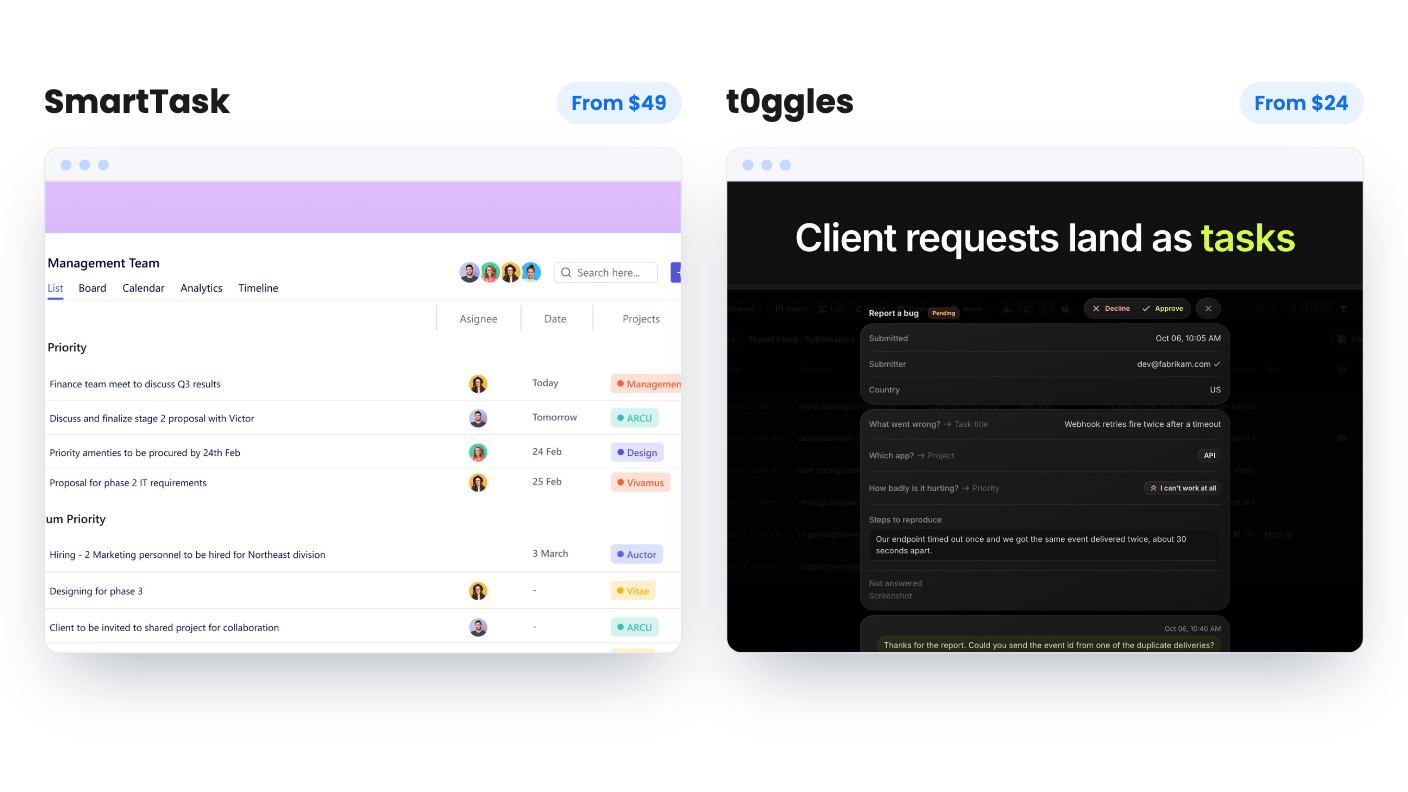
We haven’t used either tool, so everything here comes from the AppSumo listings. Read it as a comparison of what the vendors claim.
SmartTask begins with the business side of client work. It’s a project manager with a sales CRM, time tracking and a client portal attached. The listing pitches it against Asana, ClickUp and Wrike.
t0ggles begins with the board. Its main idea is one screen that shows tasks, statuses and due dates from every project side by side. It’s pitched against Asana, ClickUp and Trello, and aimed at freelancers, project managers and agencies.
That difference decides most of the choice. If your pain is money and paperwork, SmartTask is closer. If your pain is juggling many projects and incoming requests, t0ggles is closer.
SmartTask gives you a client portal with controlled visibility. You can mark projects, tasks or comments private, so clients only see what you choose. You can also annotate on video, images and PDFs, which matters if you do creative review. Guests are unlimited and free.
t0ggles takes a different route. You publish a form, and each submission lands as a task in the right project with answers mapped to fields. Submissions wait in a queue where you approve or decline them, and you can reply by email from the same thread. For anyone who gets requests that start with quick one, can you also, that queue is the most practical feature in either listing.
t0ggles also lets you serve a board on your own domain, like projects.yourcompany.com. SmartTask’s listing mentions a branded portal in an FAQ answer but gives no detail on how far the branding goes. t0ggles doesn’t say how much you can style its portal either, or how guests comment on tasks. If the client-facing look matters, ask both vendors before you buy.
We called this round a tie. They solve different halves of the client problem.
This is where SmartTask pulls ahead. The listing says you can log time entries, generate timesheets, set billable and cost rates, lock approved time and set budgets to track profitability per project. That’s the difference between feeling like a job went well and knowing it did.
The sales side helps too. SmartTask has a deal pipeline organised by stage, email you can send and receive inside the app, and a way to turn a won deal straight into a project. It’s a lightweight pipeline, not a replacement for a dedicated sales tool, but for a small agency the handoff from yes to project is a real time saver.
t0ggles lists time logging on tasks and reports on burndown, team workload and dependency health, exportable to CSV or PDF. It doesn’t mention invoicing, billing rates or a CRM. Treat its time log as a record of where the hours went.
Planning is closer than you’d expect. SmartTask lists dependencies, subtasks, milestones and a critical path view. t0ggles lists predecessors and successors with lag days, refuses dependency loops, and shows milestone progress bars. Both offer calendar, list and board-style views, and both give you a timeline or Gantt.
SmartTask is one tier. You pay $49, down from a listed $432, and you get 2 seats. The listing says to contact support if you want more users but gives no price for them. That’s a real gap for anyone planning to hire.
The limits don’t stop at seats. Workflows and AI agents use credits, and the lifetime plan includes 1,000 non-recurring credits that don’t expire. You can buy more, but the listing doesn’t say what they cost or how many credits a workflow run uses. If automation is your reason for buying, you can’t size it from this page.
t0ggles sells five tiers: $24, $49, $139, $279 and $399. The only thing that changes between them is the number of team members. Every tier gets unlimited boards, projects, tasks, notes, forms and file storage, plus AI, automations, integrations and custom domains.
Here’s the catch. The listing prints seats as 50 / 30 / 10 / 3 / 1. Read literally, the $24 tier gets 50 seats, which can’t be right. The likelier reading is one seat at $24 and 50 at $399. The listing doesn’t confirm it, so check the tier details on AppSumo before you pay.
At the same $49, then, you’d compare SmartTask’s 2 seats with whatever t0ggles tier 2 includes. We can’t state that number from the listing.
SmartTask also mentions a Free Forever plan with unlimited tasks, users, projects, contacts and guests. If that’s accurate, you can try the core product before spending anything. The listing doesn’t spell out what the lifetime tier adds beyond workflows and AI agents, so find that out first.
Both tools mention an MCP server for assistants like Claude and ChatGPT. t0ggles goes much further. It has plain-language task creation, a free desktop app called t0ggles Crew where coding agents pick up tasks, and two-way GitHub sync. If you write code or hire developers, that’s a real differentiator. If you don’t, ignore it.
Integration lists are short on both sides. SmartTask names Dropbox, Google Calendar, Google Drive, Google Sheets, Mailchimp, Slack, Twilio, WhatsApp and Zapier, and its FAQ adds Make.com, Pabbly, Outlook Calendar and Jotform. t0ggles names Figma, GitHub, Google Calendar, Zapier and Claude. SmartTask is wider, and t0ggles is thin unless you add Zapier.
On risk, the t0ggles listing is clearer. It states a 60-day refund window through AppSumo and a 60-day activation deadline. Its AppSumo page shows only 3 reviews, all five stars, which is too thin to draw conclusions from. SmartTask also has a 60-day redemption deadline, but its listing doesn’t mention a refund, and there’s no product video for the deal. Check the refund terms on the page before checkout.
Neither listing tells us how old the product is or how stable it is. Lifetime deals only pay off if the company keeps running, so keep your spend modest.
Buy SmartTask if you’re a solo consultant or a two-person studio that bills by the hour and wants a pipeline, time tracking and a portal under one login. The 2-seat cap is fine at that size. Start on the free plan if it’s really offered, run one real client job through it, then decide on the $49.
Buy t0ggles if requests and project sprawl are your real headaches. The multi-project board and intake queue are built for that, and you can start at $24 and move up a tier as the team grows. Confirm the seat counts first, since the listing’s numbers look reversed.
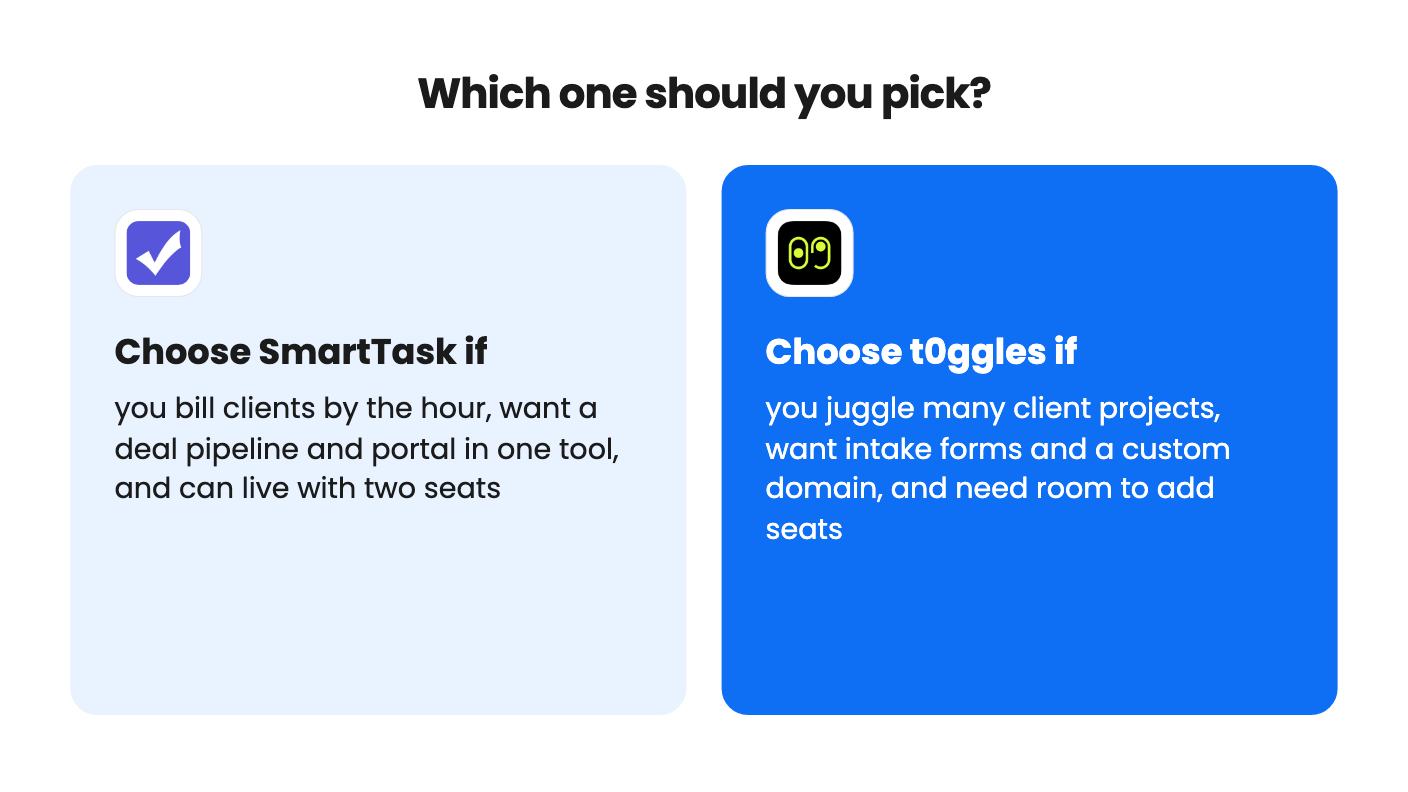
If you need to invoice from tracked time, go with SmartTask. If you need more than two people and a predictable way to add them, go with t0ggles.
t0ggles starts at $24 and SmartTask costs $49. t0ggles tiers scale up to $399 as seats increase, while SmartTask has one tier with 2 seats. The t0ggles listing prints seat counts as 50 / 30 / 10 / 3 / 1, which looks reversed, so confirm the seat count for each tier on AppSumo before paying.
No. SmartTask lists unlimited free guests, and t0ggles says guests invited to a board or a single project don't use a seat.
SmartTask. Its listing mentions billable and cost rates, timesheets, locked approved time and project budgets. t0ggles lets you log time on tasks, but its listing doesn't mention invoicing or billing from that time.
How this comparison was made: researched from both tools' official listings and demo videos, and written with help from AI. We have not tested SmartTask or t0ggles hands-on yet. Prices and deal terms change, so check AppSumo before you buy. See our affiliate disclosure.
Five AppSumo lifetime deals named as Monday.com alternatives, from $49 to $109, with the limits and gaps that matter and who each one suits.
Five AppSumo lifetime deals named as ClickUp alternatives, grouped by need, with the seat caps, credit limits and gaps the listings show.
Five AppSumo lifetime-deal alternatives to Asana, grouped by need, with seat caps, credit limits and gaps spelled out so you can see who each one suits.