AI Writing & VideoTop deals
AppSumo Deals Ending Before Black Friday 2026: Buy or Wait?
Fourteen AppSumo lifetime deals end before Black Friday on November 27, 2026. Here are the seven worth a look now, and who should skip them.
Two local-first AI notetaker lifetime deals. MeetMouse costs $5 and coaches you live on Macs. Pandecho starts at $49, runs on Windows too, and adds automation.
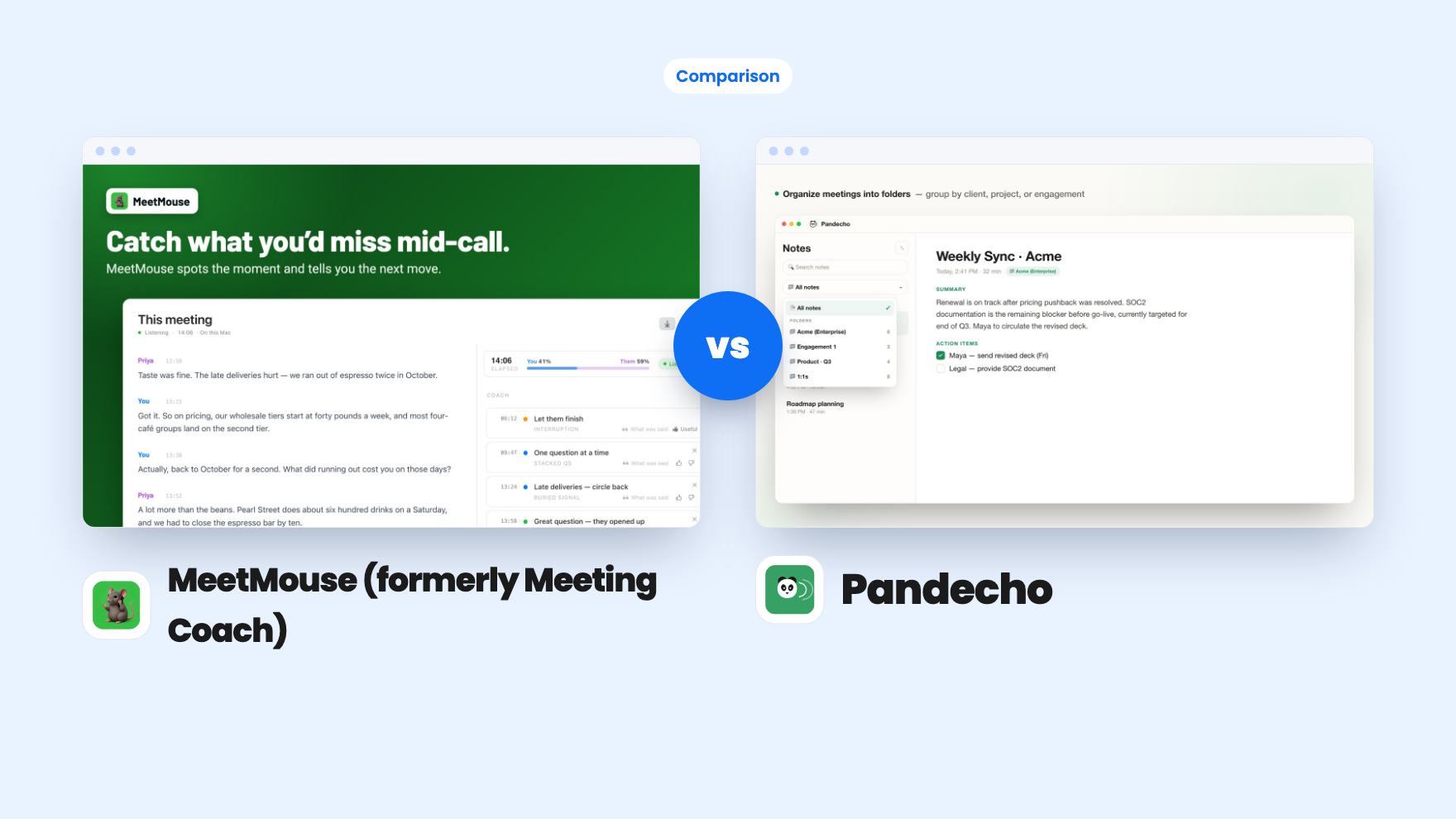
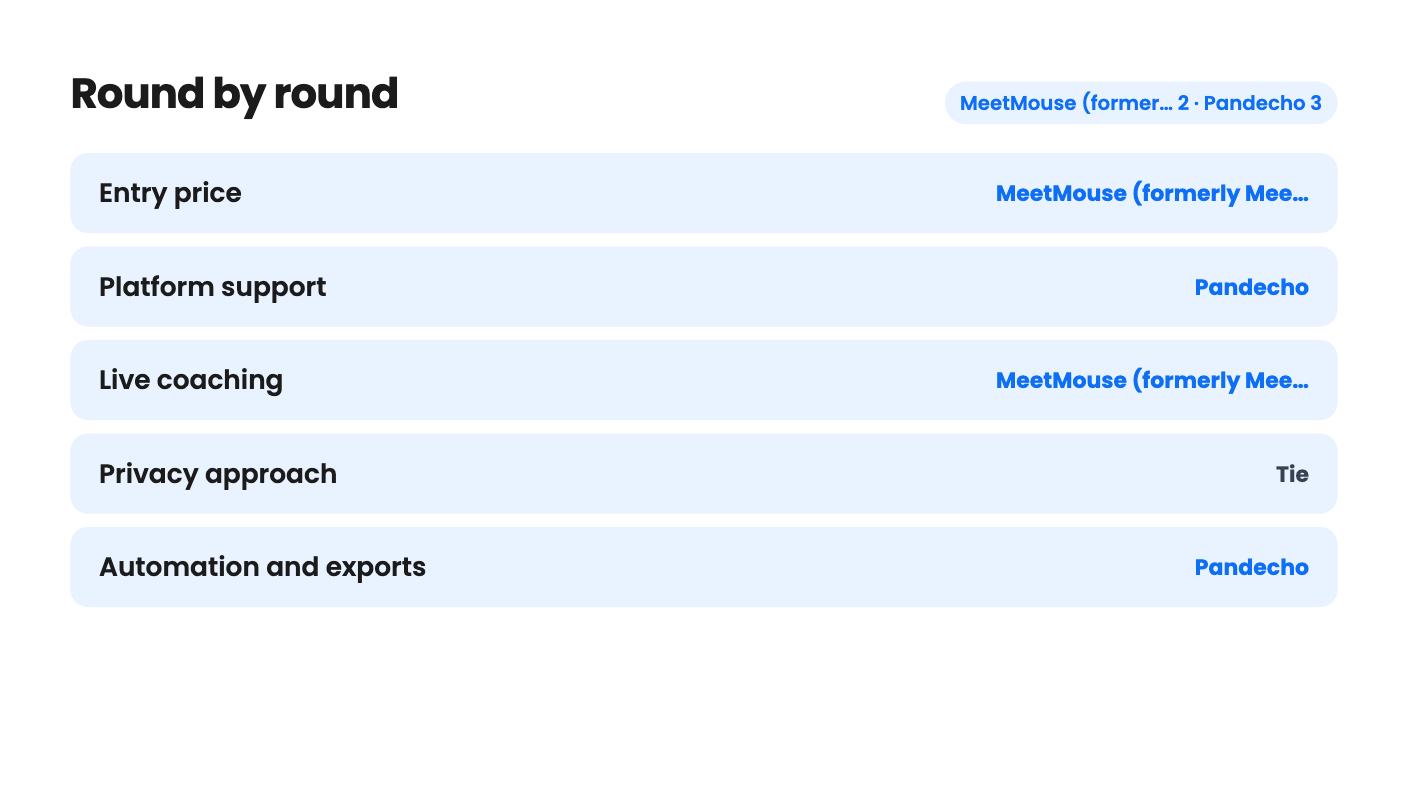
MeetMouse (formerly Meeting Coach) takes 2 rounds, Pandecho takes 3.
| Round | Winner | Why |
|---|---|---|
| Entry price | MeetMouse (formerly Meeting Coach) | MeetMouse is a single $5 tier, while Pandecho starts at $49 (was $79) and climbs to $349. |
| Platform support | Pandecho | Pandecho runs on Apple Silicon Macs and Windows, while MeetMouse needs a Mac on macOS 14.2 or later and says Intel Macs won't work. |
| Live coaching | MeetMouse (formerly Meeting Coach) | Only MeetMouse shows in-call nudges and tracks talk share and streaks, and the Pandecho listing mentions no coaching. |
| Privacy approach | Tie | Both run transcription locally with no bot; Pandecho adds an optional ChatGPT summary mode that sends content to OpenAI. |
| Automation and exports | Pandecho | Pandecho lists webhooks, an MCP server for Claude, a CLI and an API, while MeetMouse lists Slack without saying what it does. |
| In-person meetings | Pandecho | Pandecho explicitly supports in-person meetings, and the MeetMouse listing names only Zoom and Google Meet. |
| MeetMouse (formerly Meeting Coach) | Pandecho | |
|---|---|---|
| Starts at | $5 | $49 |
| List price | Not listed | $79 |
| Plan | Lifetime Deal | Lifetime Deal |
| Deal ends | Nov 13, 2026 | Not listed |
| Best for | Consultants, Sales managers, Solopreneurs | Consultants, Customer support, Freelancers |
| Alternative to | Granola, Otter.ai, Fathom | Google Meet, Otter.ai, Zoom |
You take client calls on your own, you don’t want a recording bot sitting in the meeting, and you’ve found two AppSumo lifetime deals that both say your audio stays on your computer. One costs $5. The other starts at $49. They overlap on the basic job, but they’re built around different ideas of what a notetaker should do.
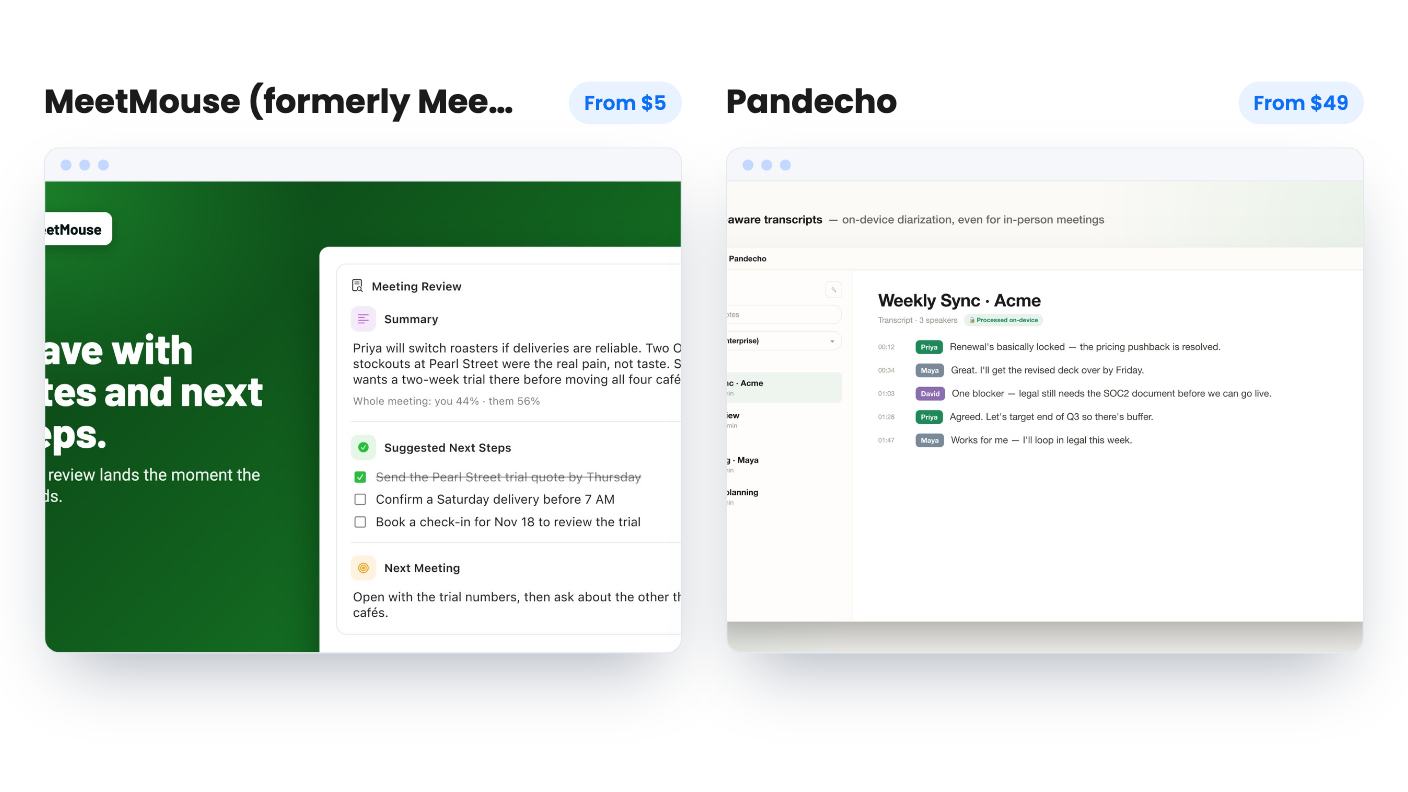
MeetMouse (formerly Meeting Coach, and the listing still says MeetingCoach in places) writes up your call and also talks to you during it. An overlay shows nudges such as let them finish, one question at a time and circle back to the cost worry. Afterwards it tracks talk share, nudges per 10 minutes and streaks, meeting over meeting.
Pandecho skips the coaching and goes after the filing cabinet. You get a summary and action items when a meeting ends, notes sorted into folders by client, project or engagement, and search across your whole history. Transcripts are speaker-labeled and timestamped.
So the first question is what you’re actually short of. If you take decent notes but talk too much and pitch too early, MeetMouse is the only one of the two that even tries to fix that. If your problem is remembering who promised what three weeks ago, Pandecho’s folders and search are the more direct answer.
MeetMouse does also produce a timestamped summary, takeaways and action items, and you can ask a question across all your past meetings and get answers that cite their source. That’s a good detail. It just isn’t the headline.
Both tools say no bot joins your call, and both say transcription happens on your machine. MeetMouse goes further in its wording: the AI model also runs locally, and the only network request is a one-time model download.
Pandecho is a little more flexible and a little less simple. Transcription is always local, but for summaries and chat you pick between a fully local model and your own ChatGPT account. The local option works offline. The ChatGPT option sends meeting content to OpenAI, which matters if privacy is why you’re shopping at all.
The hardware split is the sharper difference. MeetMouse needs an Apple Mac on macOS 14.2 or later, and the listing says outright that Apple Intel processors don’t work. Pandecho runs on Apple Silicon Macs and on Windows. If you use a Windows laptop, the decision is already made.
Neither listing gives hardware specs for the local AI. AppSumo’s review summary for MeetMouse mentions performance issues on lower-spec devices, which is plausible for anything running a model on a laptop. The Pandecho data we have says nothing either way, and that silence isn’t evidence that it runs fine on a base machine.
In-person meetings are the clearest practical gap. Pandecho listens through your microphone and says it works for in-person meetings as well as Zoom, Meet and Teams. MeetMouse names only Zoom and Google Meet. If you sit across a table from clients, that matters.
Automation also favors Pandecho. Every finished meeting can be sent by webhook to Notion, Todoist, Slack or email through Zapier, Make or Pabbly. There’s a built-in MCP server so an agent like Claude can read your meeting history, plus a CLI and an API. You’ll wire these up yourself, because there’s no one-click Notion button or CRM sync.
MeetMouse lists Slack as an integration but never says what the Slack piece does. That’s a gap in the listing, so don’t buy it expecting a Slack workflow.
Both have unanswered questions. MeetMouse doesn’t explain how nudges are triggered, whether you can turn some off, or how often they fire. A coach that interrupts every two minutes would be worse than none. Pandecho doesn’t name its local summary model, doesn’t say how many speakers it can label, and doesn’t describe how it handles crosstalk.
Neither listing mentions team sharing or CRM sync. Treat both as single-person tools.
MeetMouse is simple. One tier, $5.00, lifetime access and all future plan updates. You must redeem your code within 60 days and the deal isn’t stackable. AppSumo shows it ending on November 13, 2026, so there’s not long to decide.
The refund terms disagree with themselves. The listing FAQ says email within 30 days for a full refund, while AppSumo’s review summary says 60 days. Plan on 30. There are 12 AppSumo reviews averaging 4.33 out of 5, which is a small sample for a product that has just been renamed.
Pandecho has three tiers:
All include lifetime access and future plan updates, you must activate within 60 days, and you can move between tiers later. The plan feature line reads Device License: 10 / 3 / 1 without saying which number goes with which tier. Going by price, the $49 tier is probably one device and $349 is probably ten, but check the page before paying.
The Pandecho data we have shows no review count, no refund terms and no deal end date. That doesn’t mean they don’t exist. It means we can’t tell you anything about them, so look before you buy.
The price gap is real, but it’s not the whole story. At $5, MeetMouse is close to a free experiment. At $49, Pandecho is still an easy number for a freelancer, though the $349 tier only makes sense for a small group that wants it on many machines and can live without shared notes.
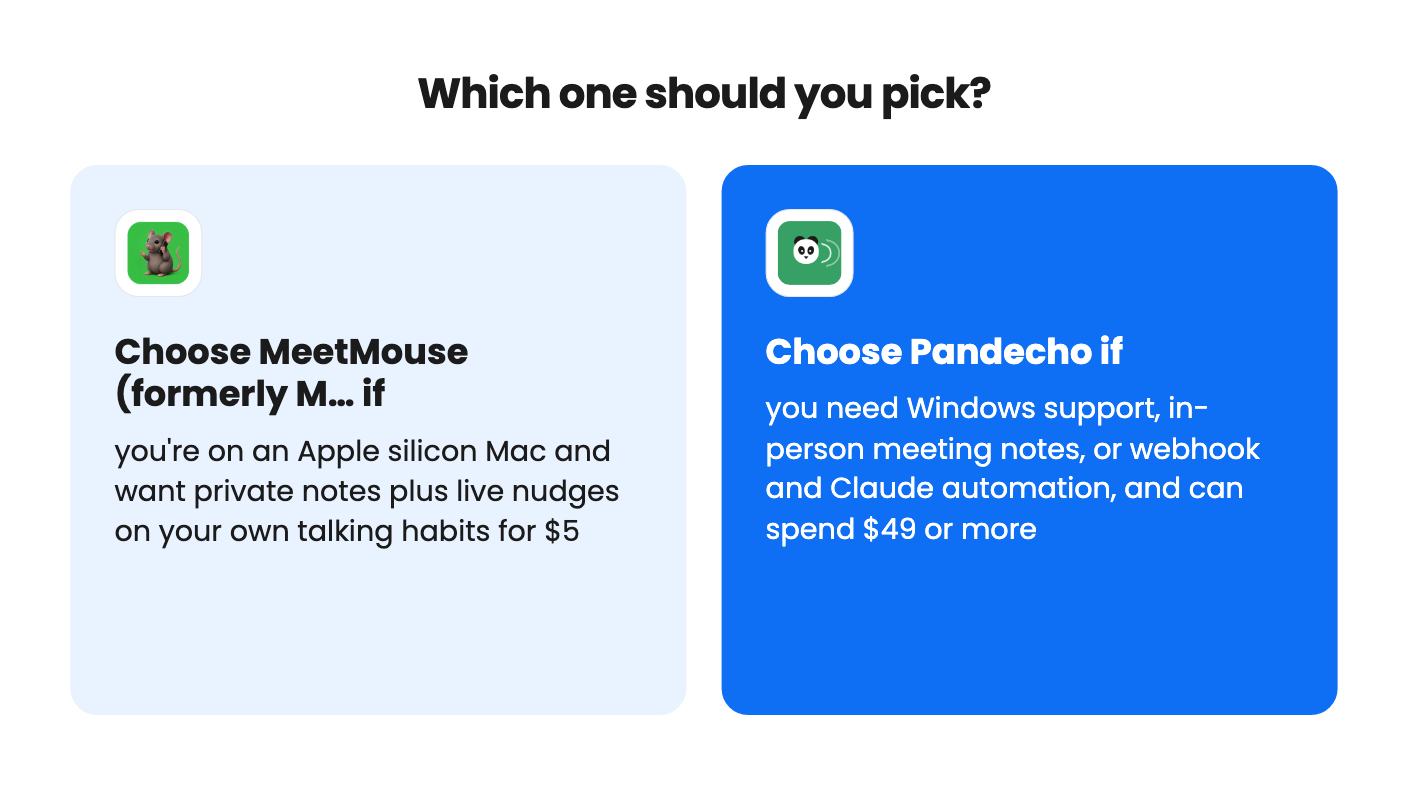
Pick MeetMouse if you’re on a recent Apple silicon Mac, you do sales calls, consulting or coaching, and the idea of a live nudge about your own habits appeals. It’s also the lower-risk buy by a wide margin. Install it, run a few real calls, and decide inside the refund window.
Pick Pandecho if you’re on Windows, if you meet people in person, or if you want exports into Notion or Todoist and an MCP server for Claude. It asks for more money and gives you a broader toolkit. Its languages are limited to what Parakeet V3 covers, which is English and major European languages, so check that against your clients first.
And if you can’t decide, the two aren’t mutually exclusive on a Mac. For $5 you could try MeetMouse’s coaching and still keep Pandecho for filing, though running two recorders on one machine is a juggling act we can’t vouch for, since we haven’t used either tool.
Yes for transcription. MeetMouse says transcription and its AI model both run locally, with only a one-time model download. Pandecho transcribes locally, but its summaries can optionally go through your own ChatGPT account, which sends that content to OpenAI.
Only Pandecho. It supports macOS on Apple Silicon and Windows. MeetMouse needs an Apple Mac on macOS 14.2 or later and the listing says it does not work on Intel Macs.
For MeetMouse, the refund window, because the listing says 30 days in the FAQ and 60 days in the review summary. For Pandecho, which device count belongs to which tier, since the listing shows only 'Device License: 10 / 3 / 1'. Redeem or activate either within 60 days.
How this comparison was made: researched from both tools' official listings and demo videos, and written with help from AI. We have not tested MeetMouse (formerly Meeting Coach) or Pandecho hands-on yet. Prices and deal terms change, so check AppSumo before you buy. See our affiliate disclosure.
Fourteen AppSumo lifetime deals end before Black Friday on November 27, 2026. Here are the seven worth a look now, and who should skip them.
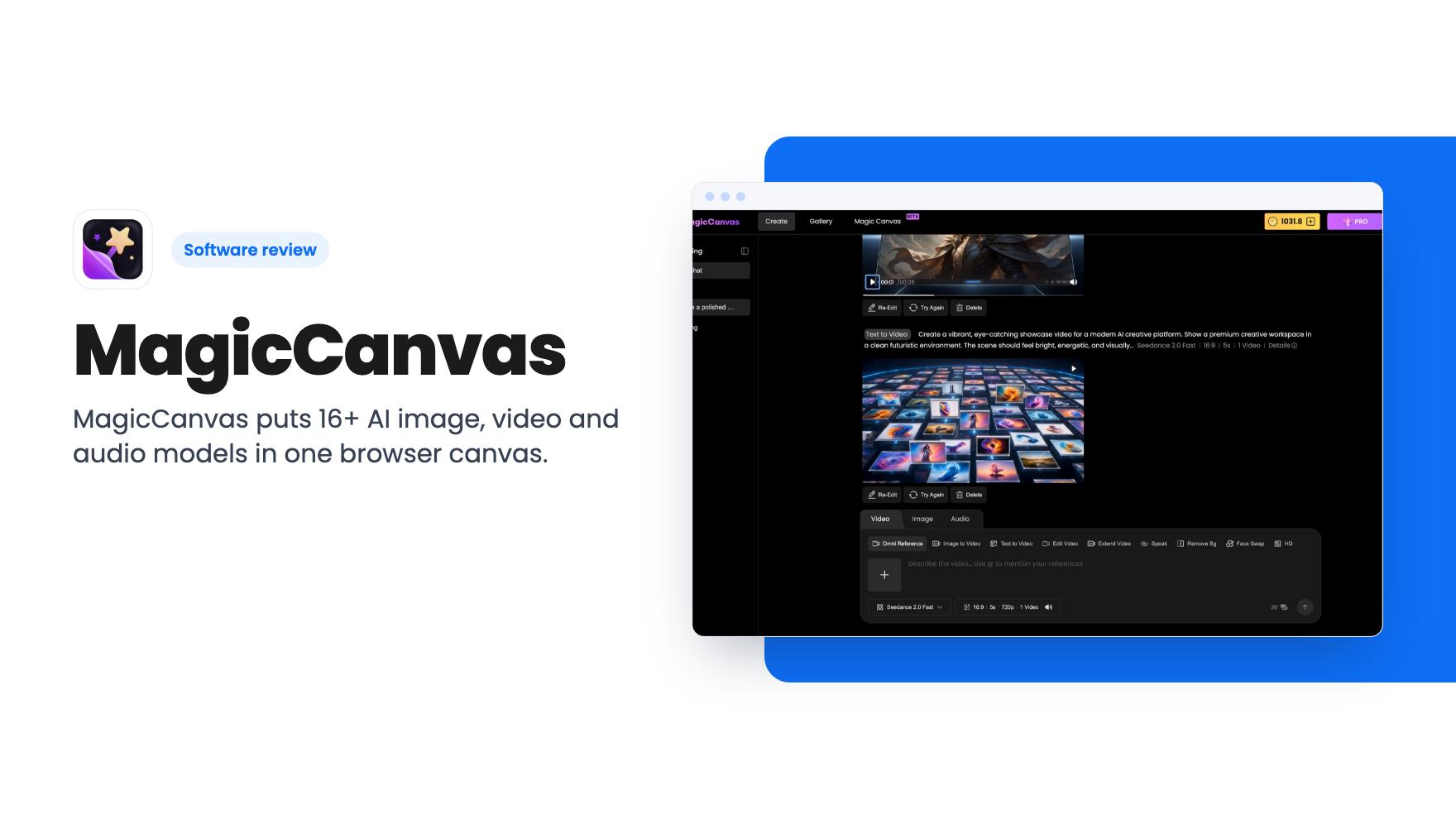
MagicCanvas puts 16+ AI image, video and audio models in one browser canvas. The $59 lifetime deal looks cheap, but the monthly credit caps matter most.
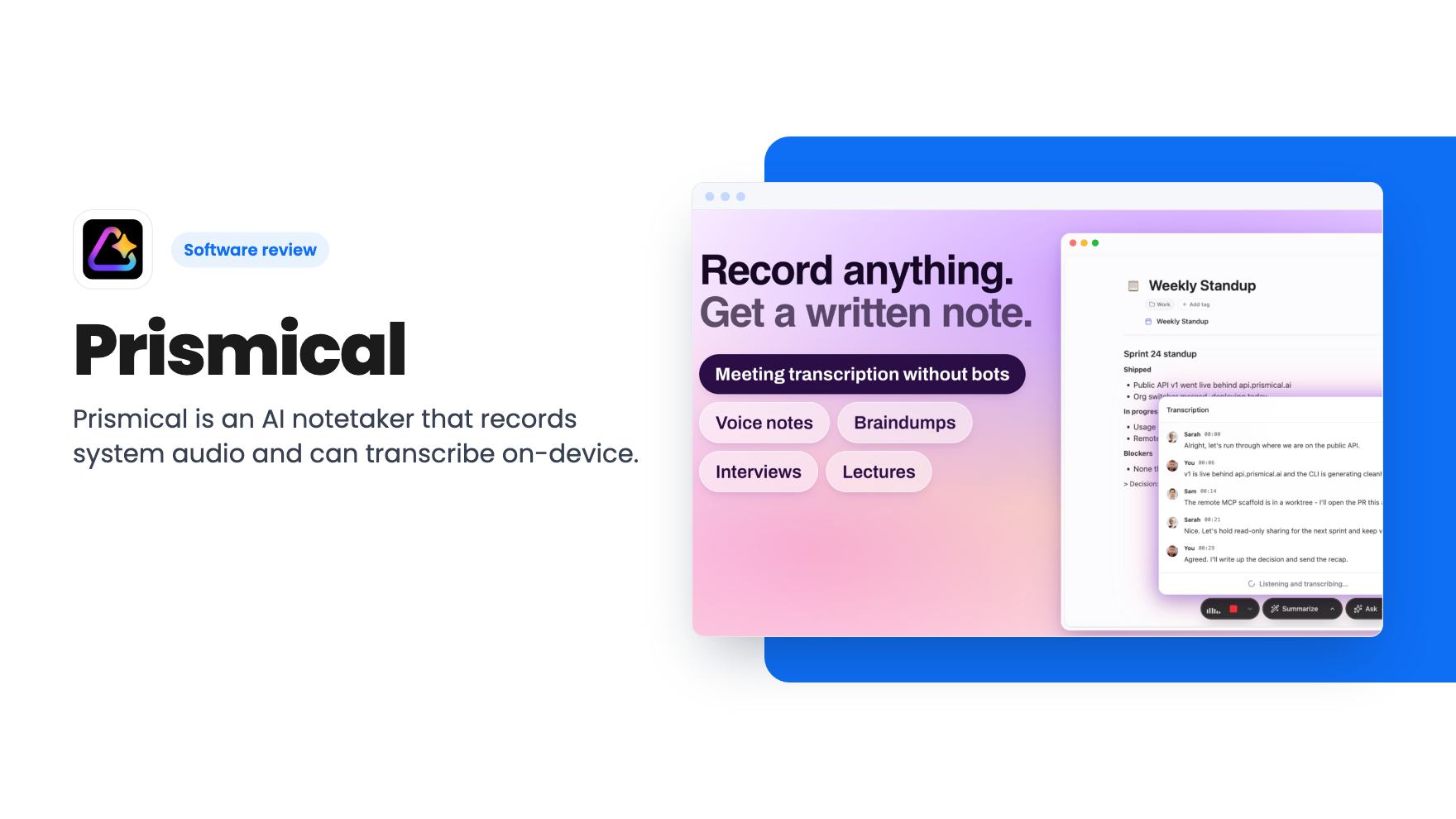
Prismical is an AI notetaker that records system audio and can transcribe on-device. The AppSumo lifetime deal runs $59 to $749, and the tier limits matter.