AI Writing & VideoTop deals
AppSumo Deals Ending Before Black Friday 2026: Buy or Wait?
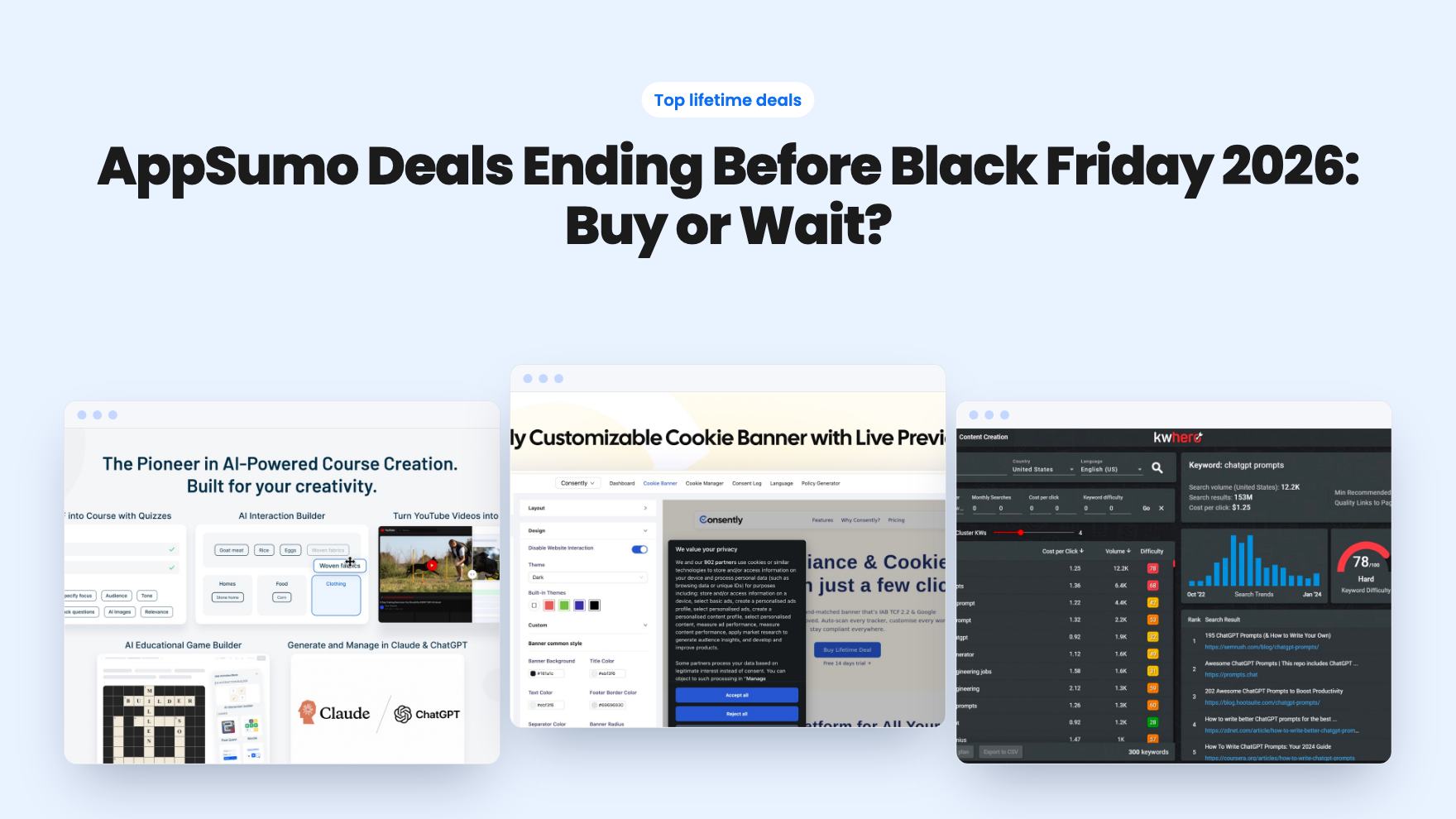
Fourteen AppSumo lifetime deals end before Black Friday on November 27, 2026. Here are the seven worth a look now, and who should skip them.
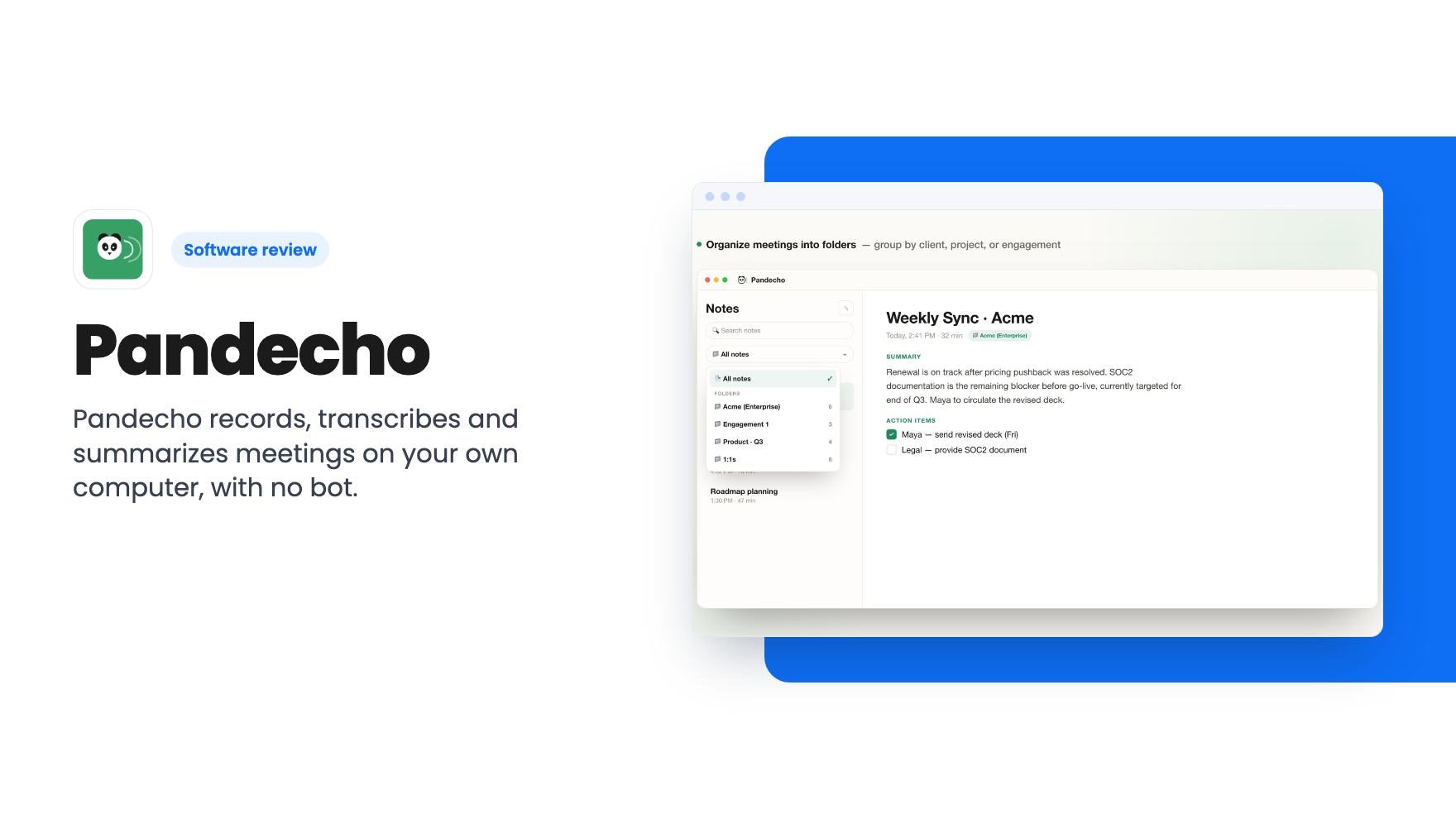
Pandecho records, transcribes and summarizes meetings on your own computer, with no bot. Here's what the $49 AppSumo lifetime deal covers and where it's thin.
Lifetime deal price
$49$7938% off
Lifetime Deal
Our take: Buy the $49 tier if you're a solo consultant or freelancer on a Mac with Apple Silicon or a Windows PC, and you want private, bot-free notes without a monthly fee. Skip it if you need a mobile app, team sharing, CRM sync, or languages beyond English and major European ones. The listing says little about summary quality, so treat it as a bet on a young product.
You finish a call with a client, close the laptop, and an hour later you can’t remember who promised to send what. So you open a notetaker app, and then remember the client never agreed to have a recording bot sitting in their meeting. Or you were in a coffee shop with a prospect, and there was no call to join in the first place.
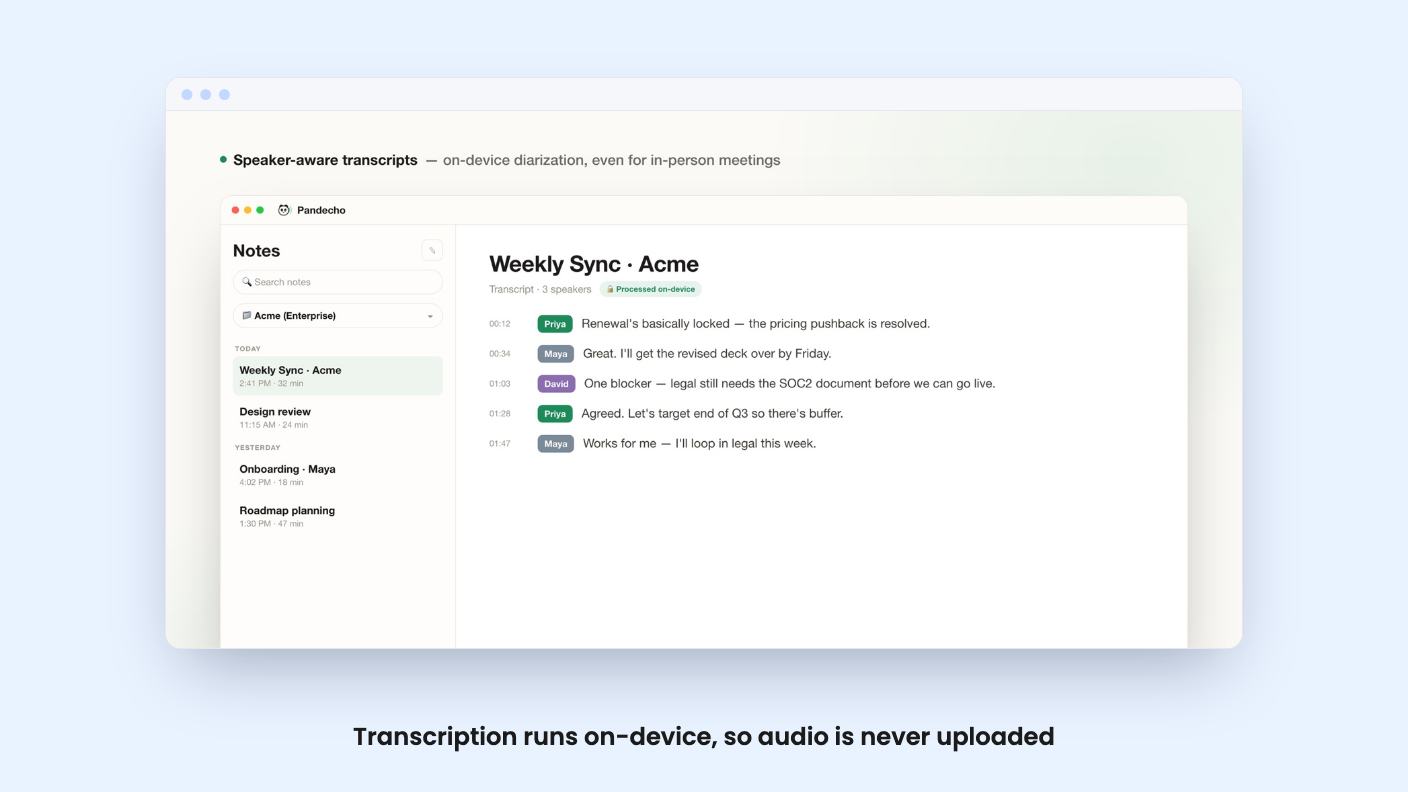
Pandecho is built for that gap. It’s a meeting notetaker that does its work on your own computer instead of in somebody’s cloud. It’s on AppSumo as a lifetime deal starting at $49, down from a $79 list price.
We haven’t used it. What follows is based on the AppSumo listing, and there was no demo video to check it against. Treat the claims accordingly.
Most AI notetakers (the listing names Otter, Fireflies, Granola and Fathom as comparisons) work by sending your audio to a server. Many also send a bot into your call. That’s fine for internal standups. It’s awkward for a consultant discussing a client’s finances, or a support lead on a sensitive escalation.
Pandecho takes the opposite route. According to the listing, it captures system audio and your microphone locally, transcribes with an on-device model, and generates summaries without any Pandecho server in the middle. There’s no account to create and nothing is uploaded.
That design also explains the pricing. With no servers to run, the company has no ongoing cost per meeting, which is why a one-time license is plausible here. It’s a more believable lifetime deal than a tool that has to pay for cloud transcription on every call.
The basics are what you’d expect. When a meeting ends, you get a summary and a list of action items. Notes can be sorted into folders by client, project or engagement, and there’s search across your whole meeting history.
The transcripts are speaker-labeled and timestamped, and the listing says that’s generated on-device too. Speaker labeling is where cheaper tools often fall down, so that’s the claim I’d check first in a trial. The listing doesn’t say how many speakers it handles or how it copes with crosstalk.
In-person meetings are supported, which is a real selling point. Because the app listens to your microphone rather than joining a call, it doesn’t care whether the other people are on Zoom, Meet, Teams or sitting across a table.
Here the privacy story gets a footnote. Transcription is always local. For summaries and chat, you choose between a fully local model or your own ChatGPT account.
The local option keeps everything on your machine and works offline. The ChatGPT option needs a connection, and it means your meeting content goes to OpenAI. That’s a choice you make, but it’s worth being clear-eyed about if privacy is the reason you’re looking at this tool.
The listing doesn’t name the local summary model, and it doesn’t give hardware requirements. Running a language model on a laptop can be slow or memory-hungry, and we don’t know how Pandecho behaves on a base-spec machine. Expect that to be the main variable in whether you like it.
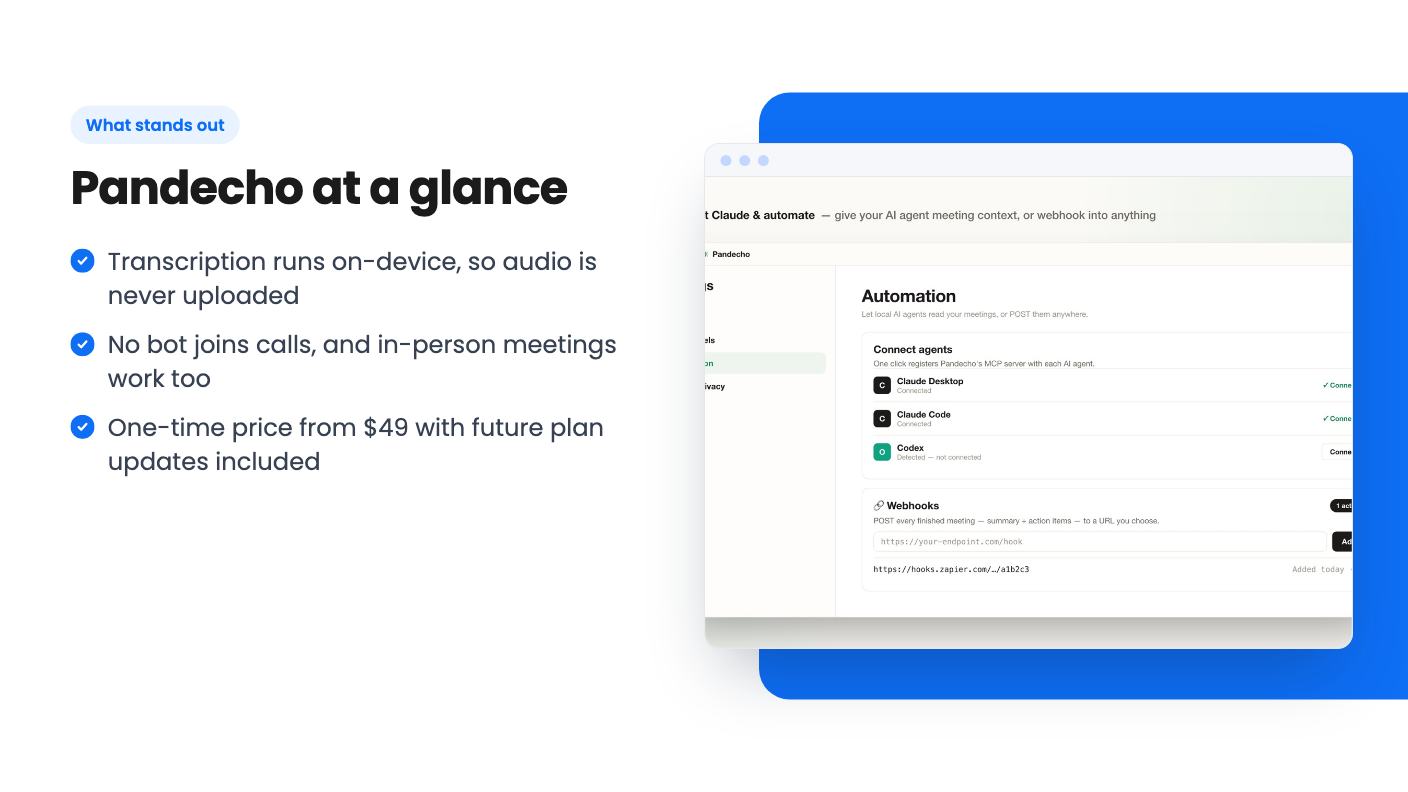
The only listed integration is webhooks. Every finished meeting can be pushed to Notion, Todoist, Slack or email through Zapier, Make or Pabbly. That works, but you’ll build the connections yourself. There’s no one-click Notion button or CRM sync.
There’s also a built-in MCP server, so an AI agent such as Claude can read your meeting history for context, plus a CLI and an API for custom setups. If you already use Claude and like asking it questions about your own work, that’s a useful addition. If you’ve never touched any of this, you can ignore it.
There are three tiers, and the listing’s feature line reads Device License: 10 / 3 / 1. It doesn’t say which number belongs to which tier. Going by price, I’d guess the $49 tier covers one device and the $349 tier covers ten, but confirm that on the page before you buy.
All three include lifetime access and future plan updates. You must activate your license within 60 days of purchase, and you can move between tiers later. There are no codes to stack.
For a freelancer on one laptop, $49 is an easy number. The $349 tier only makes sense for a small team that wants the same tool on many machines, and then you should ask what you lose without shared notes, because nothing in the listing mentions team sharing.
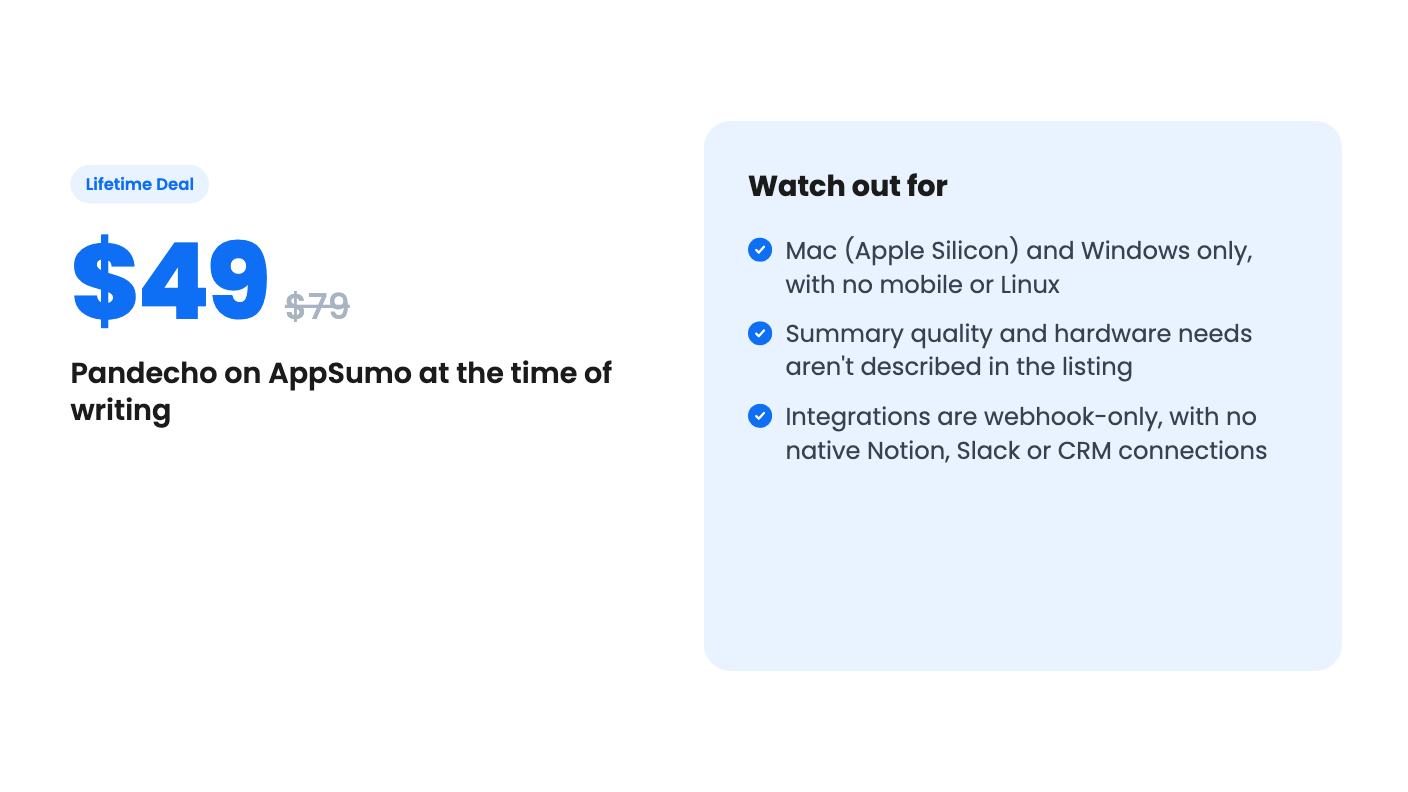
The platform list is narrow. Pandecho runs on macOS with Apple Silicon and on Windows. If you’re on an Intel Mac, Linux or a Chromebook, it isn’t for you, and there’s no mention of a phone app for capturing a meeting on the go.
Language support is limited to what Parakeet V3 covers: English and major European languages. If your clients speak other languages, check before buying.
Also weigh the unknowns. The listing doesn’t say how long the product has existed, who builds it, or what the roadmap looks like. Lifetime deals depend on the company surviving, and a local-first app at least keeps working on your machine if the developer disappears. That’s a real advantage over a cloud tool, though you’d stop getting updates.
Finally, if you want calendar integration, shared team folders or native CRM logging, this isn’t that product. It’s a private recorder with decent exports.
If you take client calls alone and the idea of a bot joining them makes you wince, the $49 tier is a small enough bet to try, as long as you check the device mapping and your hardware first.
According to the listing, transcription runs entirely on your computer and audio is never uploaded. For summaries you can use a fully local model or, optionally, your own ChatGPT account. The ChatGPT option needs an internet connection and is no longer fully local.
No. Pandecho captures system and microphone audio on your computer, so other participants see nothing. The listing says you don't need anyone's permission to take notes this way. Check your local recording laws and your clients' expectations anyway.
The listing names macOS on Apple Silicon and Windows. On-device transcription uses Parakeet V3, which covers English and major European languages. Intel Macs, Linux and mobile devices aren't mentioned.
How this review was made: researched from Pandecho's official listing, and written with help from AI. We have not tested Pandecho hands-on yet. Prices and deal terms change, so check AppSumo before you buy. See our affiliate disclosure.
Fourteen AppSumo lifetime deals end before Black Friday on November 27, 2026. Here are the seven worth a look now, and who should skip them.
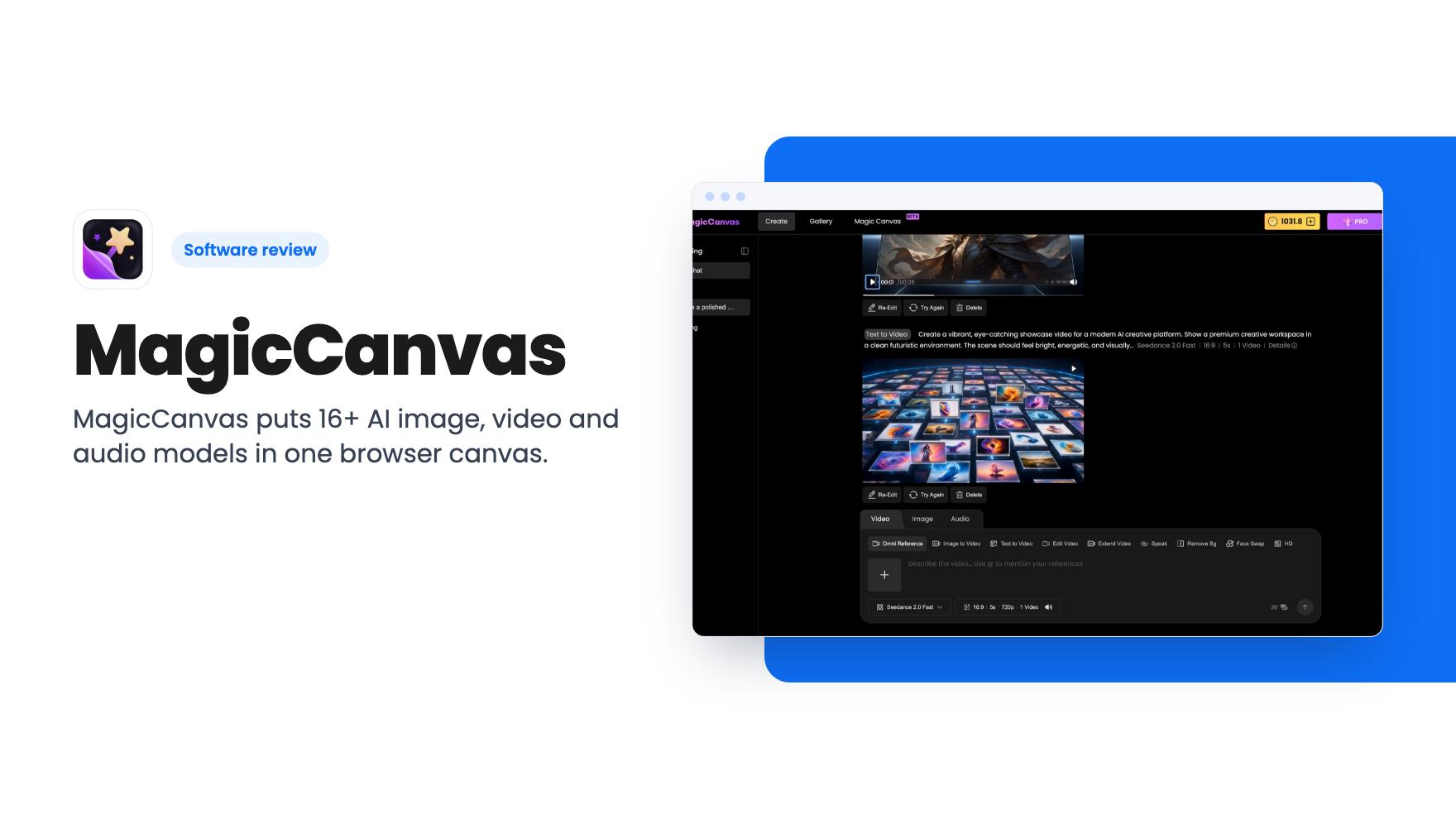
MagicCanvas puts 16+ AI image, video and audio models in one browser canvas. The $59 lifetime deal looks cheap, but the monthly credit caps matter most.
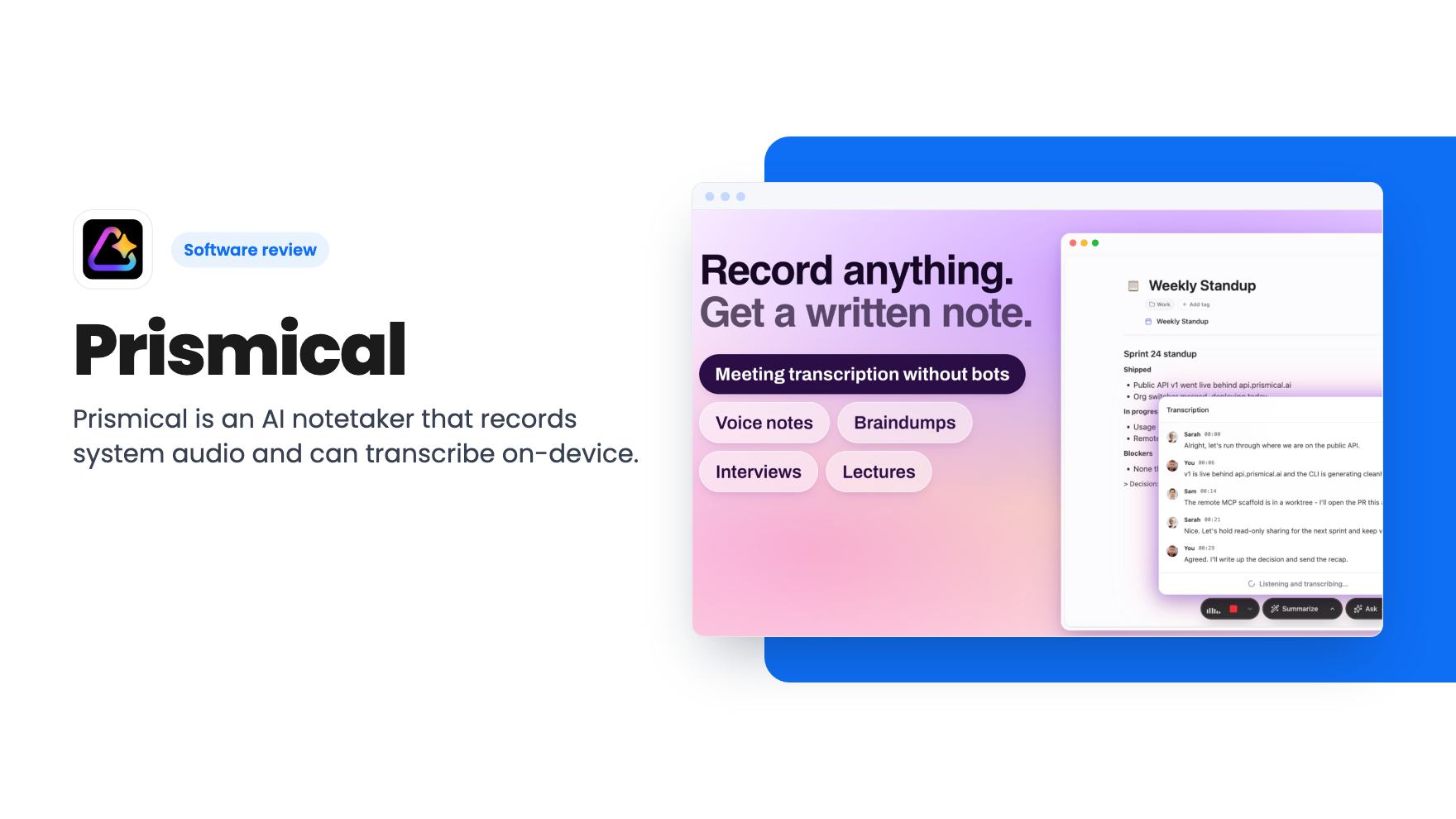
Prismical is an AI notetaker that records system audio and can transcribe on-device. The AppSumo lifetime deal runs $59 to $749, and the tier limits matter.