Lead GenerationReview
KingSumo Review: Free Giveaway Tool With a $49 Pro Upgrade
KingSumo runs viral email giveaways. Free tier has unlimited contests, and a one-time $49 Pro adds branding removal, tracking and Mailchimp, Kit and Klaviyo.
LeadsAgent researches leads from a plain-English prompt. TexAu runs LinkedIn and Google Maps automations on your own computer. Here's how the two lifetime deals differ.

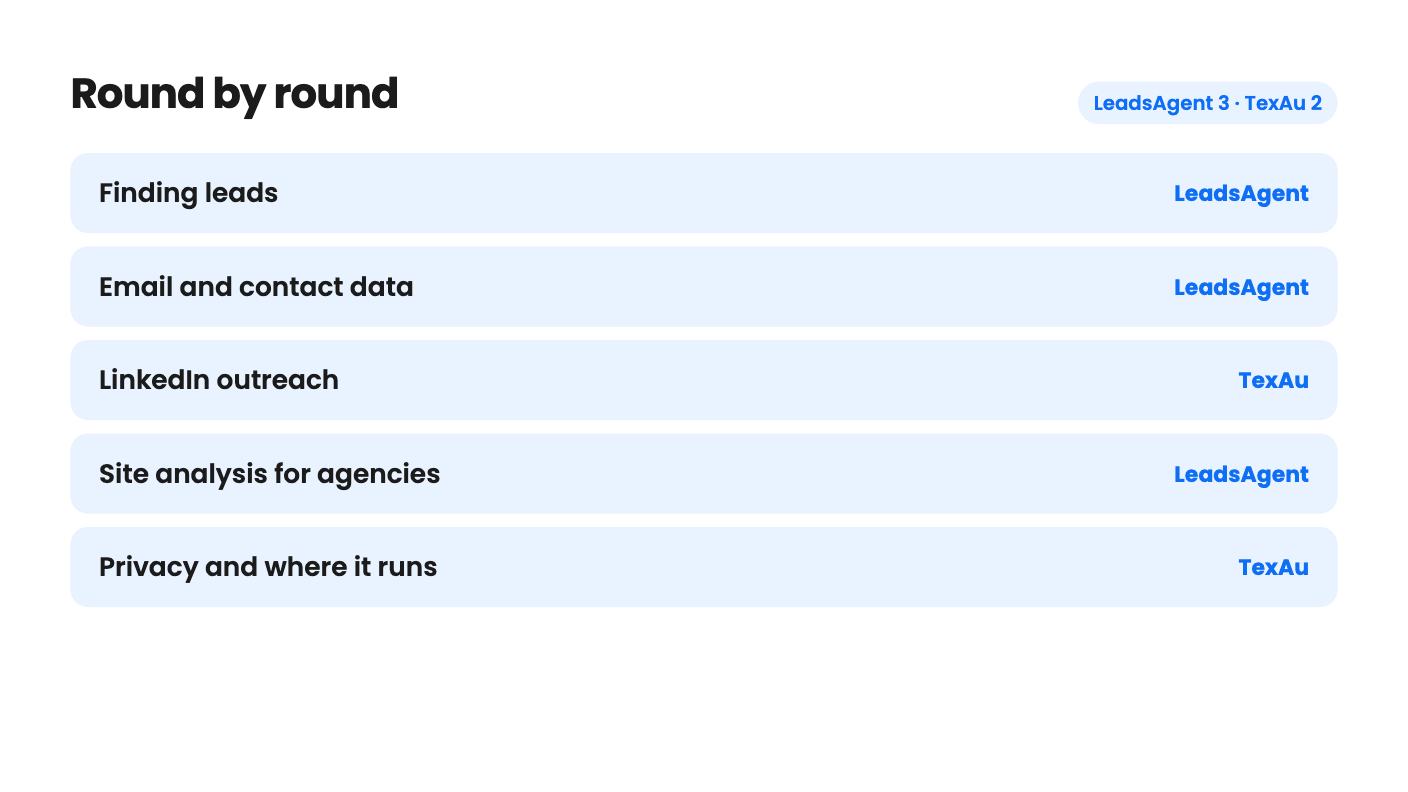
LeadsAgent takes 3 rounds, TexAu takes 2.
| Round | Winner | Why |
|---|---|---|
| Finding leads | LeadsAgent | LeadsAgent takes a one-sentence description and searches a claimed 200M+ business database, while TexAu needs you to pick an automation and supply a URL or CSV. |
| Email and contact data | LeadsAgent | LeadsAgent returns emails, phones and socials per lead (emails checked at domain level only), while TexAu's listing never says it finds emails. |
| LinkedIn outreach | TexAu | TexAu automates LinkedIn connection requests, messages and comments and covers Sales Navigator, which LeadsAgent doesn't mention at all. |
| Site analysis for agencies | LeadsAgent | LeadsAgent checks HTTPS, SSL/TLS, speed and SEO basics on found sites, though only from two codes ($98) up. |
| Privacy and where it runs | TexAu | TexAu says every automation runs 100% locally so data never leaves your computer, but that also means no cloud runs. |
| Entry price and limits | Tie | LeadsAgent is $49 for 5,000 leads a month with no rollover, TexAu is $69 for 50 runtime hours a month, so both cap you at tier 1. |
| LeadsAgent | TexAu | |
|---|---|---|
| Starts at | $79 | $69 |
| List price | $348 | $199 |
| Plan | Lifetime Deal | Lifetime Deal |
| Deal ends | Not listed | Not listed |
| Best for | Marketing agencies, Sales managers, Small businesses | Sales managers, Solopreneurs, Agencies |
| Alternative to | Apollo, Hunter.io, ZoomInfo | Hunter.io, Lusha, ZoomInfo |
Picture a Sunday evening spent copying business names out of Google Maps into a spreadsheet, then clicking through LinkedIn profiles one by one. Both LeadsAgent and TexAu exist to take that chore away. They go about it in very different ways, and that difference matters more than the price tags ($49 and $69 at entry).
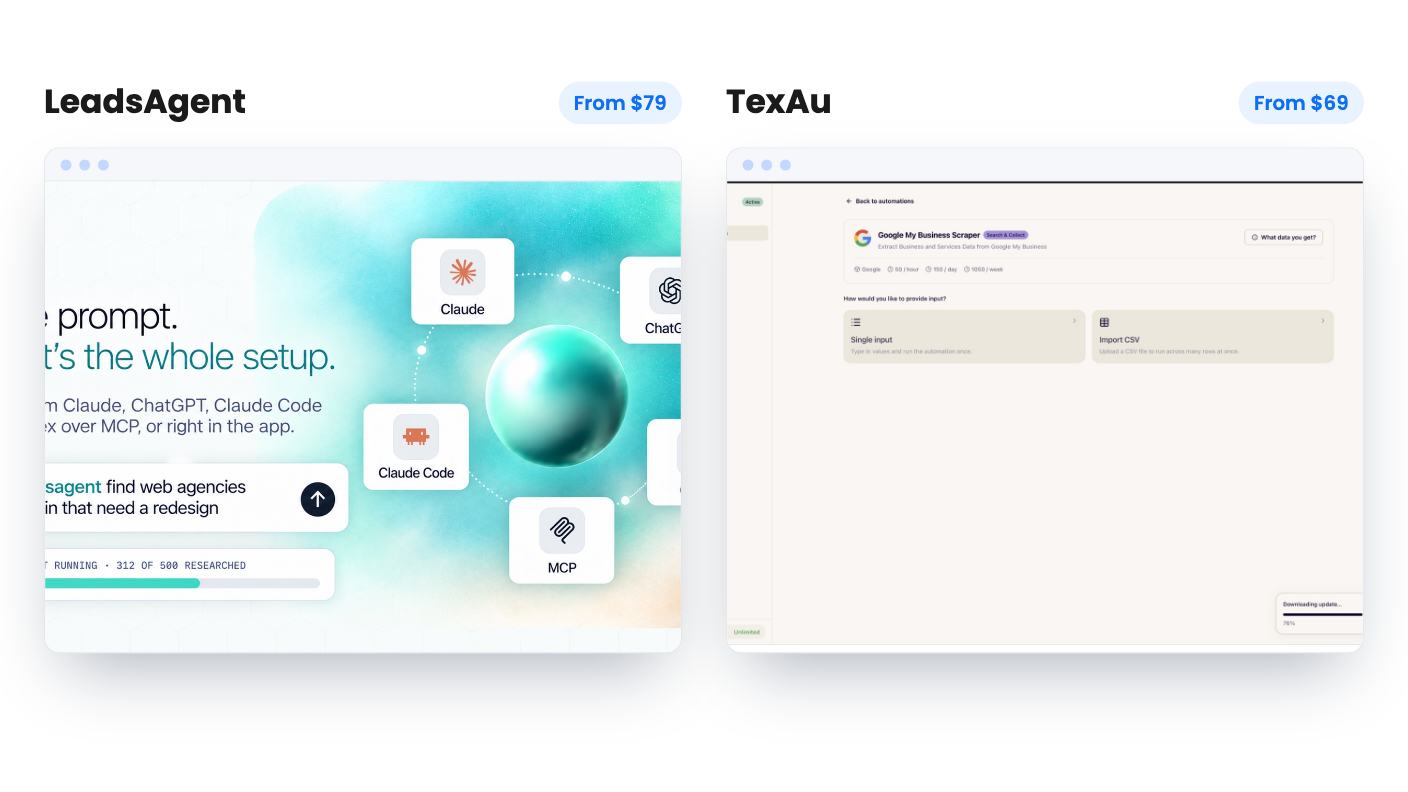
LeadsAgent works like a research assistant. You type one plain-English sentence describing your ideal customer, and an AI agent searches what the listing calls a database of 200M+ businesses. Background agents keep working while you do something else. Each lead comes back with emails, phone numbers, addresses, social profiles and an AI score.
TexAu works like a toolbox. It’s a Windows and Mac desktop app, paired with your browser through a Chrome extension. You pick a ready-made automation, paste a single input or import a CSV, and it runs on your own machine. The listing counts the library as 110+ automations in one place and 150+ in another, so plan around the lower figure.
So the first question is temperament. If you want to describe a result and let software figure out the steps, LeadsAgent is closer to that. If you’re happy choosing the exact action, TexAu gives you more control over what happens.
This is where the two overlap most. TexAu can scrape Google My Business listings by location or business type. LeadsAgent searches for local businesses by description and can find ones that have no website, which is a whole target list if you sell web design.
LeadsAgent also adds something TexAu’s listing doesn’t mention. On every website it finds, it checks HTTPS and SSL/TLS certificates, flags slow sites and notes missing SEO basics. That gives you a concrete reason to write to someone. It isn’t a client-ready audit, since the listing doesn’t say how deep the checks go, but it’s a decent opener.
There’s a catch. Website analysis and multi-location bulk extraction aren’t in tier 1. You need at least two codes, so $98, to get them. For an agency, that makes the real entry price $98.
TexAu’s pitch here is thinner. It pulls the listings, and then you’re on your own for contact details, because the listing never says it finds emails. If email is the point of your prospecting, that gap is a big one.
Here TexAu has the field to itself. It automates LinkedIn connection requests, messages and comments, covers Sales Navigator, and can pull employee data from any LinkedIn company page. It also reaches X, Reddit, Slack and YouTube.
LeadsAgent lists Chrome and Google Maps as integrations and nothing about LinkedIn. It finds and researches leads. It doesn’t send anything or sequence anything.
That said, TexAu comes with a risk the listing ignores. It says nothing about how LinkedIn treats automated activity or what happens to a flagged account. Read LinkedIn’s rules before pointing it at an account you can’t afford to lose.
One small plus: TexAu includes data-cleaning automations that tidy messy company and business names. It’s minor, but it saves time before you import a list anywhere.
LeadsAgent has four tiers at $49, $98, $147 and $196. Every code adds 5,000 researched leads and 50 AI messages a month, and you can stack up to 4. Only businesses the agent actually researches use credits, and the same business found twice in a session counts once. Nothing rolls over, so a quiet month wastes your allowance.
TexAu has five tiers at $69, $138, $276, $552 and $999. Every tier gets the full automation library, and the tiers differ on limits. The listing’s plan table reads 10, 5, 3, 1, 1 machines, which looks backwards. Going by the feature notes, my reading is that it runs from tier 5 down to tier 1, which would give you:
Ask the seller to confirm that before you pay. The number to watch is tier 1’s 50 hours, because scraping and sending requests at a human pace can use hours quickly. For most working users, I’d treat $138 as the real starting point.
There’s an add-on too. Proxy bandwidth costs $49 per 10 GB, up to five units, and it’s non-refundable. You can bring your own proxy instead.
LeadsAgent’s marketing says emails are “found and checked.” Its own FAQ is more honest: verification happens at the domain level, meaning MX and DNS records and domain validity. It doesn’t confirm the specific inbox exists. If you plan to send cold email in volume, expect some bounces and run the list through a separate verifier first. The AI score is also unexplained, so use it as a sorting hint only.
TexAu has the opposite problem. It doesn’t claim much about data quality, and the CRM logos in the header (HubSpot, Pipedrive, Zoho) are misleading. The FAQ says there’s no public API and that results are CSV files you import. Treat those logos as “you can import a file”, not live syncing.
TexAu’s local-only design has a real upside. Your prospect lists never leave your computer, and each run saves its CSV on your machine. The cost is that nothing runs while your laptop is shut, and team sharing is basic: each person activates the app with their own key, with no shared workspaces.
On trust, neither has much of a record. LeadsAgent has one AppSumo review and TexAu has four, all 5.00 averages. That’s too small a sample to lean on either way.
Buy LeadsAgent if you’re a freelancer or small agency selling web, SEO or other services to local businesses and want contact details handed over. Start with one code, and add a second only if you want the site analysis. Use the 60-day refund window to check how many emails and phone numbers hold up in your own niche.
Buy TexAu if your outreach lives on LinkedIn, or you want hands-on scraping across several platforms and like keeping data local. Be strict about the terms: it’s for brand-new TexAu users only, you must activate within 60 days, and you can only downgrade within 60 days of purchase. The cloud app and V3 are excluded from the deal.
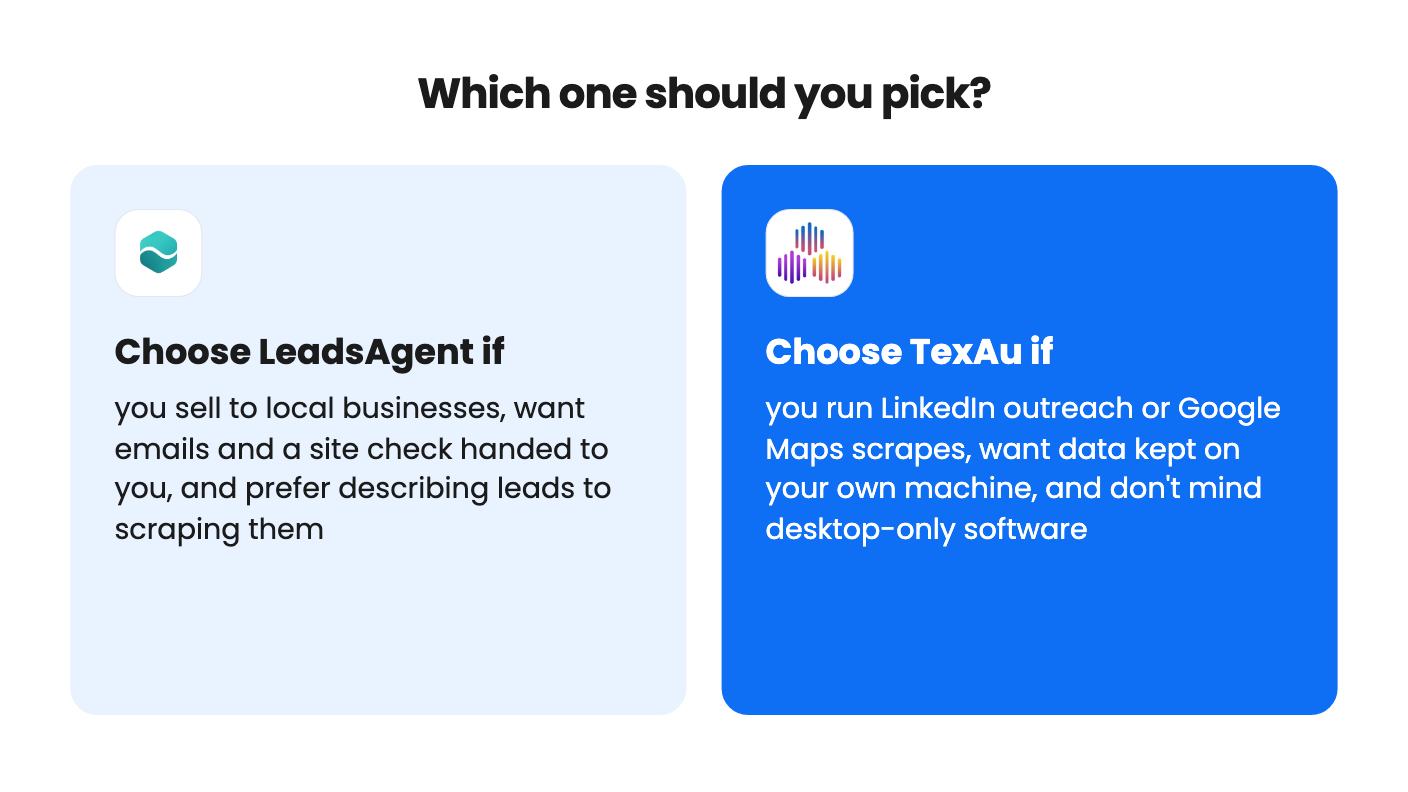
If you honestly need both jobs done, LeadsAgent for local lead research and TexAu for LinkedIn, they don’t overlap enough to cancel each other out. If you can only afford one, pick the one that matches where your customers actually are.
LeadsAgent is the more direct fit. You describe the customer, it finds businesses (including ones with no website) and attaches contact details. TexAu can scrape Google My Business listings by location or type, but you drive the process yourself and the listing doesn't mention email lookup.
Not from what the listings show. LeadsAgent exports CSV with filters and lists no CRM sync. TexAu's header shows HubSpot, Pipedrive and Zoho, but its FAQ says there's no public API and results are CSV files you import.
For LeadsAgent, credits and AI messages reset monthly and unused ones expire. For TexAu, tier 1 gives 50 runtime hours a month and one run at a time, and it only runs on your own computer.
How this comparison was made: researched from both tools' official listings and demo videos, and written with help from AI. We have not tested LeadsAgent or TexAu hands-on yet. Prices and deal terms change, so check AppSumo before you buy. See our affiliate disclosure.
KingSumo runs viral email giveaways. Free tier has unlimited contests, and a one-time $49 Pro adds branding removal, tracking and Mailchimp, Kit and Klaviyo.
XMagnet bundles prospecting, warm-up, sequences and newsletters. The $59 to $539 AppSumo deal has one-time credits and mailbox caps worth checking first.
Five AppSumo lifetime deals that cover parts of what ZoomInfo does, from contact data to cold email and local prospecting, and who each suits.