
Forms & SchedulingReview
zcal Review: A Good-Looking Scheduler at a $59 Lifetime Price
zcal is a design-focused scheduling tool with team booking and custom domains. The lifetime deal runs $59 to $219, with user caps that matter.
Both are $49 form-builder lifetime deals, but Ivyforms lives inside WordPress while WorkForm builds branching, AI-assisted funnels. Both tier tables are unclear.
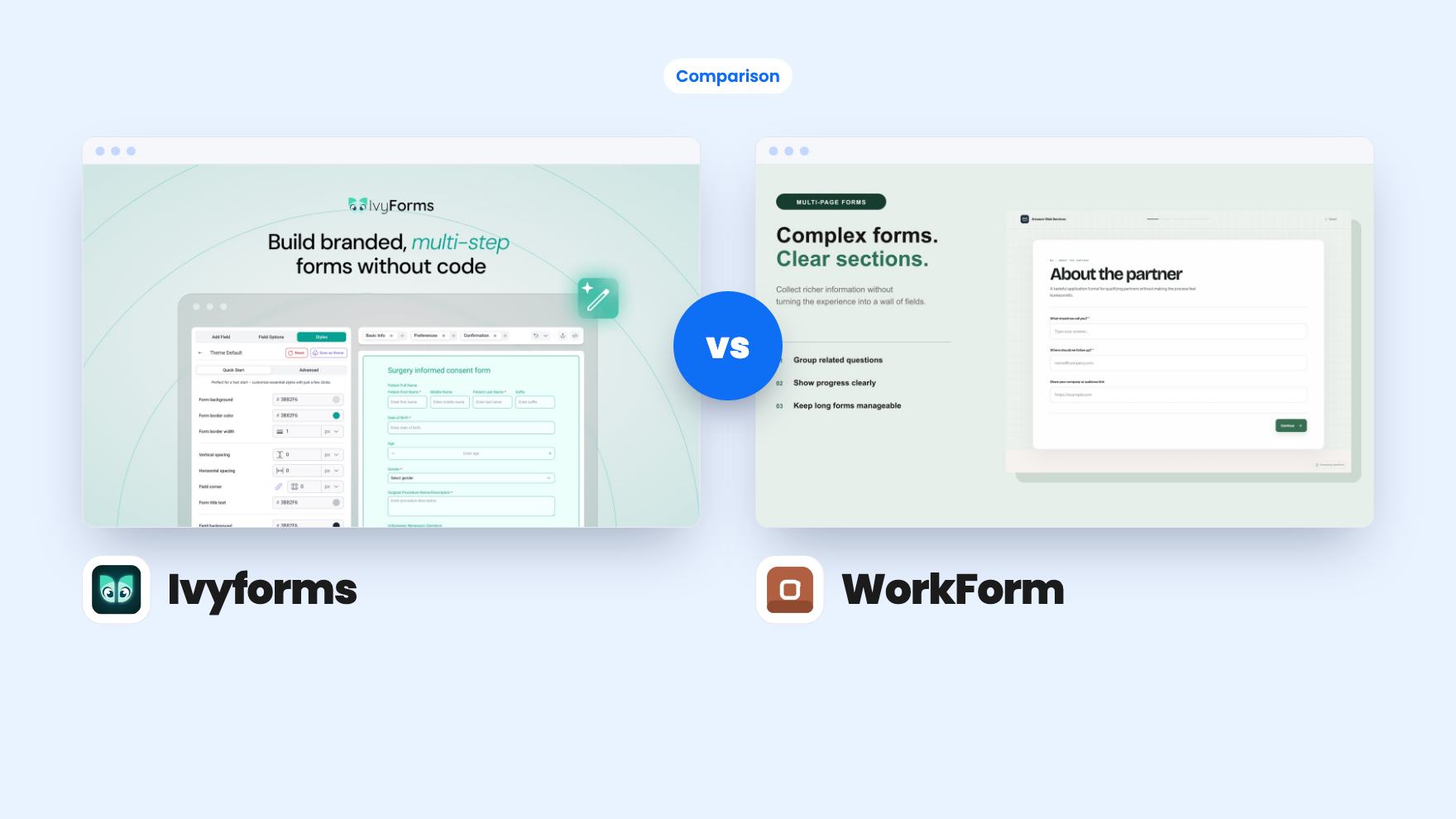
Ivyforms takes 2 rounds, WorkForm takes 2.
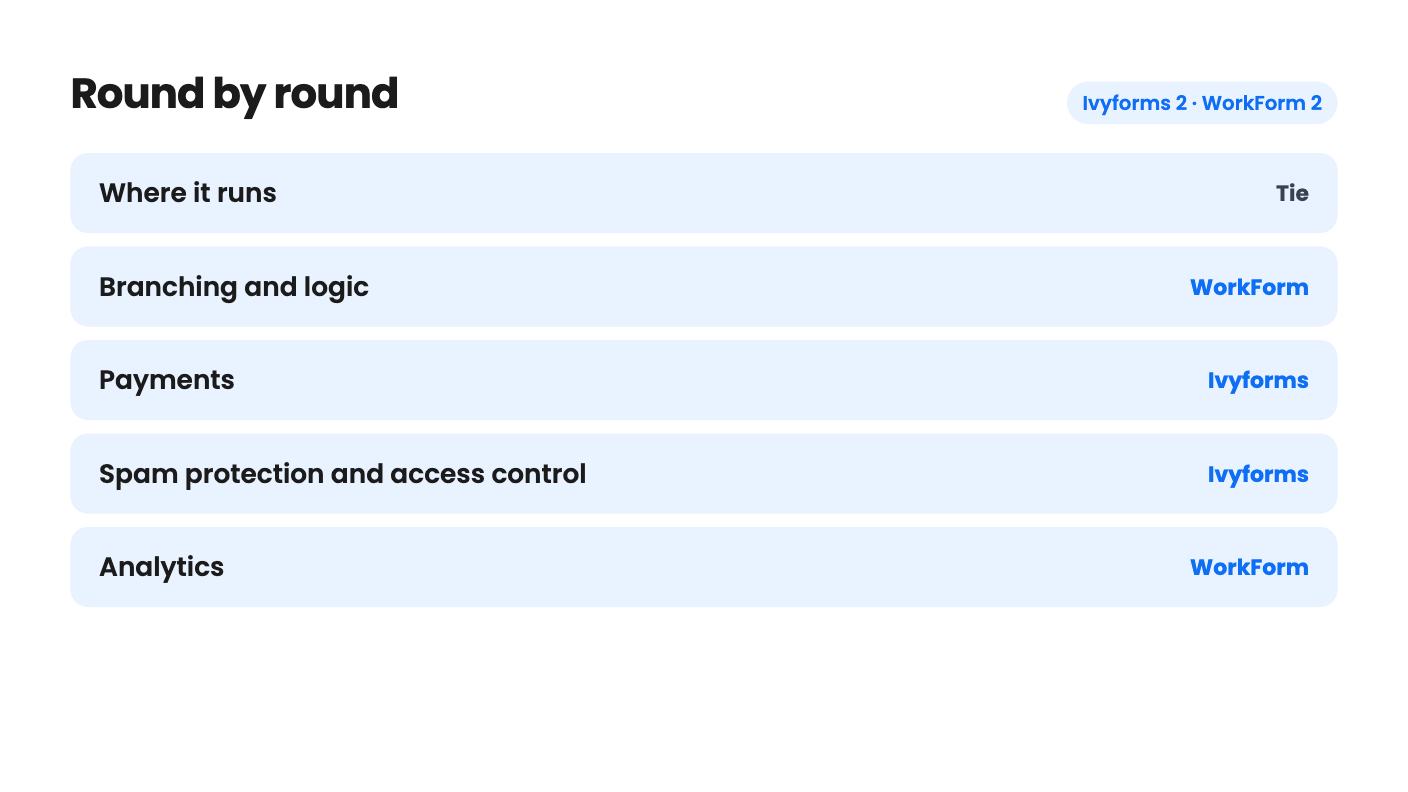
| Round | Winner | Why |
|---|---|---|
| Where it runs | Tie | Ivyforms is WordPress only, while WorkForm's custom domain and CNAME setup point to a hosted tool, so the better fit depends on your site. |
| Branching and logic | WorkForm | WorkForm's canvas offers Conditional, A/B Test and AI Question nodes, while Ivyforms offers conditional logic and multi-page forms. |
| Payments | Ivyforms | Ivyforms accepts Stripe and PayPal in the form, while WorkForm lists Stripe one-time payments only, though in seven currencies. |
| Spam protection and access control | Ivyforms | Ivyforms lists reCAPTCHA, hCaptcha, Turnstile and access by WordPress role or user, and WorkForm's listing mentions neither. |
| Analytics | WorkForm | WorkForm includes Drop-off Funnels by question and page on every plan, and Ivyforms offers no comparable report. |
| Tier clarity | Tie | Ivyforms' site limits (Unlimited / 1 / 5) and WorkForm's limits (500MB / 100MB / 10MB) both read backwards against the tier prices. |
| Ivyforms | WorkForm | |
|---|---|---|
| Starts at | $49 | $49 |
| List price | $149 | $216 |
| Plan | Lifetime Deal | Lifetime Deal |
| Deal ends | Dec 7, 2026 | Not listed |
| Best for | Marketing agencies, Real estate, Small businesses | Marketers, Sales managers, Agencies |
| Alternative to | Gravity Forms, Typeform | Gravity Forms, Typeform |
Say you’ve got a contact form that gets plenty of visits and very few finished submissions. Or a WordPress site where enquiries land in a shared inbox and nobody owns them. Both are form problems, but they call for different tools.
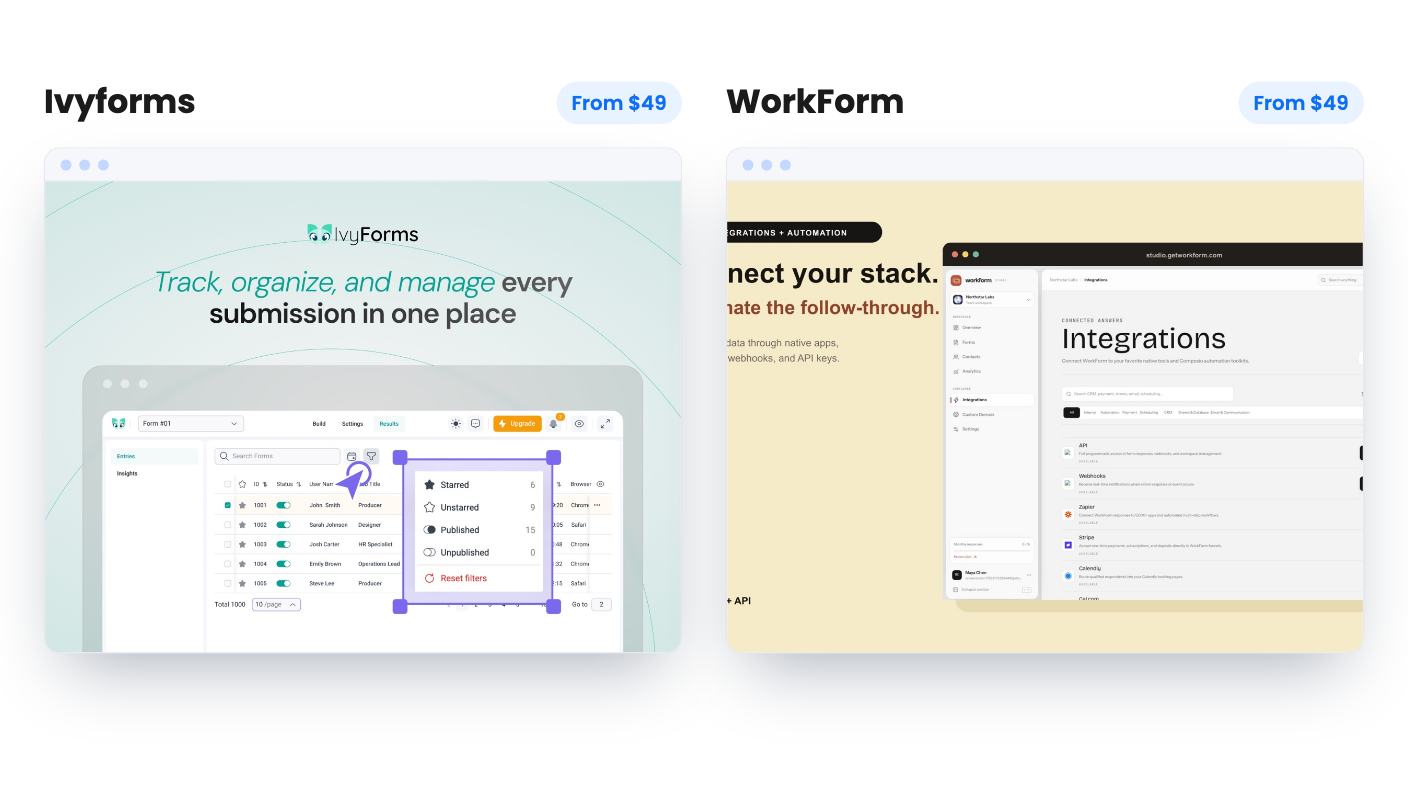
Ivyforms and WorkForm both sit on AppSumo with a $49 entry tier, and both pitch themselves as alternatives to Typeform and Gravity Forms. They solve different halves of the job, though, and one of them will suit you far better than the other.
We haven’t tested either one. Everything below comes from the listings, which are marketing copy, so read it with that in mind.
Ivyforms runs inside WordPress. You build forms in a visual editor, drop them on a page with a shortcode, the Gutenberg block, Elementor or Divi, and manage entries from your WordPress dashboard. If your site isn’t on WordPress, that’s the end of the conversation.
WorkForm is built around a different idea. It offers Standard Forms, where everyone sees the same questions, and Workflow Forms, where a visual canvas lets the path change depending on answers. The listing also describes a Typeform-style conversational design, with questions appearing one at a time. It mentions a custom domain set up with a CNAME or A record, which suggests a hosted product, but the listing never states that outright.
So the first question is simple. Do you want a form plugin that lives with your site, or a standalone tool aimed at qualifying leads?
Ivyforms covers the basics well. You get drag and drop, templates, and an AI option that drafts a form from a description. The FAQ says there are 10+ field types, which is modest, so check your must-have field is on the list.
The features that matter are conditional logic and multi-page layouts. A visitor who picks “residential” never sees the commercial questions, and a long intake form can be split into Basic Info, Preferences and Confirmation. That’s the right toolkit for most business forms. The listing doesn’t say whether custom CSS is available for styling, so don’t assume it.
WorkForm goes further on branching. The canvas has Page, Conditional, A/B Test, AI Question, Payment and End Page nodes. An A/B Test node inside a form is something Ivyforms doesn’t mention at all, and it’s useful if you’re tuning a lead funnel.
The AI Question node is the headline. It reads a respondent’s earlier answers and writes a follow-up. You set an information goal, choose open-ended, multiple choice or mixed, and pick how many follow-ups to generate, with 1 to 5 recommended. The listing shows no examples of real output. Until you’ve seen generated questions on your own form, treat this as unproven.
This is where Ivyforms pulls ahead. It accepts payments and donations through Stripe and PayPal inside the form. The listing doesn’t mention subscriptions, coupons or invoices, so assume they’re absent.
WorkForm handles Stripe only, and only one-time payments. It supports USD, EUR, GBP, CAD, AUD, JPY and INR, and card data goes through Stripe Elements, so the respondent can’t move on until payment succeeds. That’s good for deposits and paid applications. If your clients prefer PayPal, it’s a gap.
Ivyforms also describes spam and access features that WorkForm’s listing doesn’t cover. It supports reCAPTCHA (v2, Invisible and v3), hCaptcha and Cloudflare Turnstile, though you can use only one per form. You can also grant access to forms and entries by WordPress role or individual user. For an agency that wants a client to see only their own forms, that matters.
WorkForm’s listing says nothing about spam protection. That doesn’t mean it has none, only that you can’t confirm it from the source.
WorkForm has the clearer story here. Drop-off Funnels show abandonment per question and per page, filterable by country, device and time window. The listing says they’re on every plan, including the free one. For a form that’s losing people at question four, that’s the report you’d open.
Ivyforms leans toward reporting after the fact. Entries can feed filterable tables and charts through wpDataTables, and can be mirrored to Google Sheets. The wpDataTables route presumably needs that plugin installed, and the listing doesn’t say whether it’s a separate purchase. Google Sheets is the simpler option for most small teams.
Integrations are thin on both sides. WorkForm names HubSpot, Slack, Stripe and Zapier, plus webhooks and a REST API tied to its higher plans. Ivyforms’ headline list names Google Sheets, Mailchimp, Webhooks and Zapier, but its FAQ names Google Sheets, Slack, Square, webhooks and a REST API. Those lists don’t match, so if you need a specific native integration, ask before paying.
Both deals start at $49. Ivyforms runs $49, $98 and $147, with list prices of $149, $298 and $447. WorkForm runs $49, $99 and $199, with list prices of $216, $576 and $1,176. Judge both against what you’d pay monthly for a comparable plan elsewhere, not against the crossed-out numbers.
Neither tier table can be trusted as written. Ivyforms lists Sites as Unlimited / 1 / 5. WorkForm lists team members as Unlimited / 1 / 1, file uploads as 500MB / 100MB / 10MB, and custom domain, branding removal and webhook access as true / true / false. Read in price order, the cheapest tier gets the most. That’s probably a column-order problem, but neither listing says so.
The terms differ. Ivyforms requires brand-new users, redemption within 60 days, and allows stacking up to 3 codes. Its deal ends on 6 December 2026. WorkForm requires activation within 60 days, has no codes or stacking, and lets you move between the three tiers. The Ivyforms listing doesn’t mention a refund window, and WorkForm’s doesn’t either, so check AppSumo’s current policy.
Product age is a concern for both. Ivyforms has one AppSumo review, a 5.00 from a single person. WorkForm’s listing gives no review count, founding date or customer numbers. A lifetime deal is a bet that the company sticks around, and neither listing gives you much to size that bet.
Pick Ivyforms if you build on WordPress, want conditional logic and multi-page forms, and like the idea of Stripe or PayPal without a yearly renewal. The role-based access is a real plus for agencies. Pin down the site limit first.
Pick WorkForm if your goal is qualifying leads and you’d rather see where people drop off than guess. The AI follow-ups are interesting, but they appear to need Professional or Business, so ask the seller which tier maps to those plans before you spend anything.
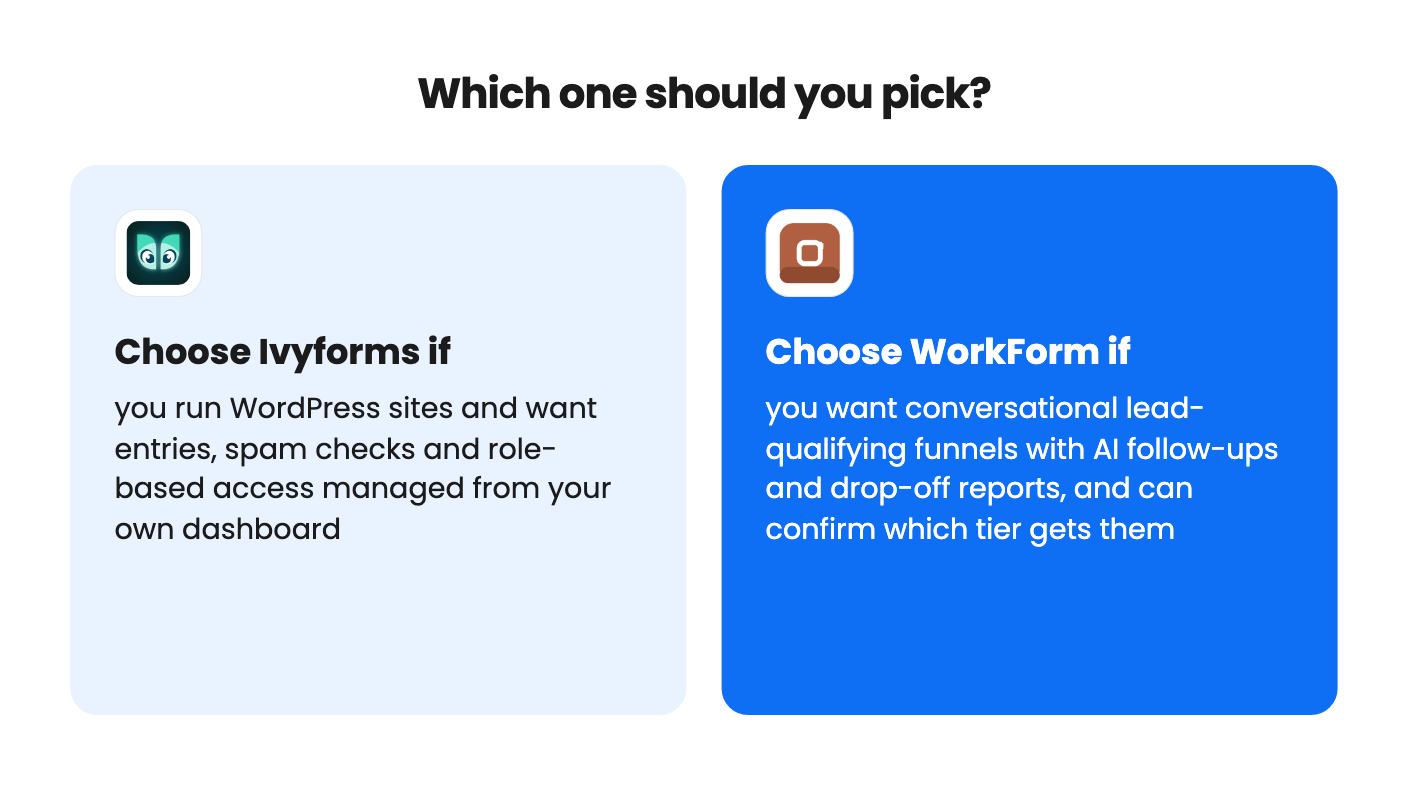
If all you need is one plain contact form on a WordPress site, neither deal is urgent. Start with the free options and buy only once a missing feature actually costs you something.
No. The listing describes it only as a WordPress plugin and mentions no hosted version, so a site on another platform can't use it.
The listing doesn't say directly. The FAQ says AI questions need the Professional or Business plan, but the tier table doesn't map those plans to the $49, $99 and $199 tiers. Ask the seller before buying.
It's unclear. The listing shows Sites as Unlimited / 1 / 5, which doesn't line up neatly with tiers 1, 2 and 3. Confirm the mapping before checkout.
How this comparison was made: researched from both tools' official listings and demo videos, and written with help from AI. We have not tested Ivyforms or WorkForm hands-on yet. Prices and deal terms change, so check AppSumo before you buy. See our affiliate disclosure.
zcal is a design-focused scheduling tool with team booking and custom domains. The lifetime deal runs $59 to $219, with user caps that matter.
AppSumo hasn't announced its Black Friday 2026 deals yet. Here's how to shortlist, check plan limits and which lifetime deals to watch.
Yoya swaps the booking form for an AI chat and sends you a pre-call brief. Here's what the $49, $129 and $249 AppSumo lifetime tiers really get you.

