
Forms & SchedulingReview
zcal Review: A Good-Looking Scheduler at a $59 Lifetime Price
zcal is a design-focused scheduling tool with team booking and custom domains. The lifetime deal runs $59 to $219, with user caps that matter.
Dashform scores leads with AI but caps replies at 1,000 a month on tier 1. Kiwiform is a Typeform-style builder with unlimited forms and responses.
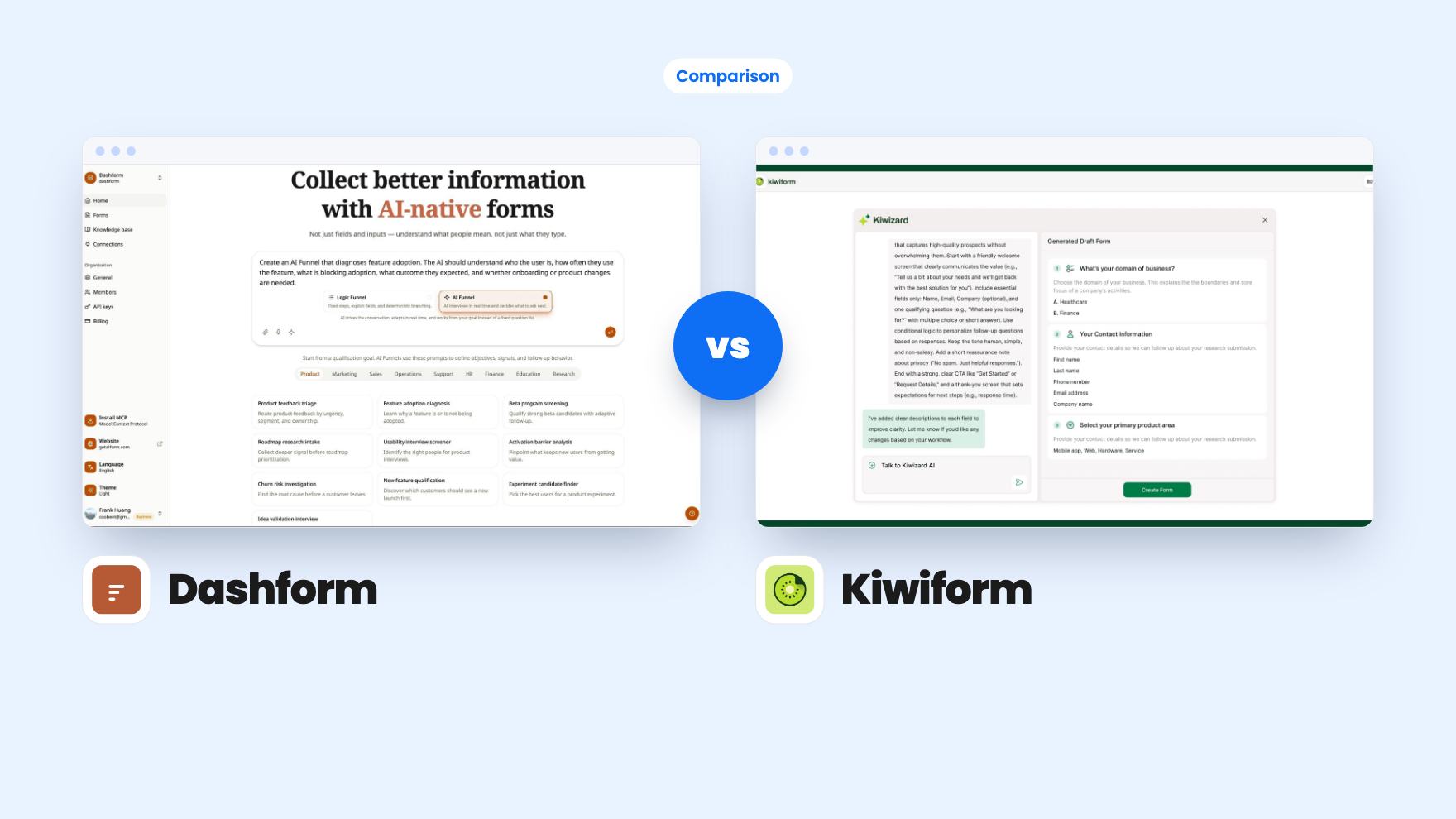
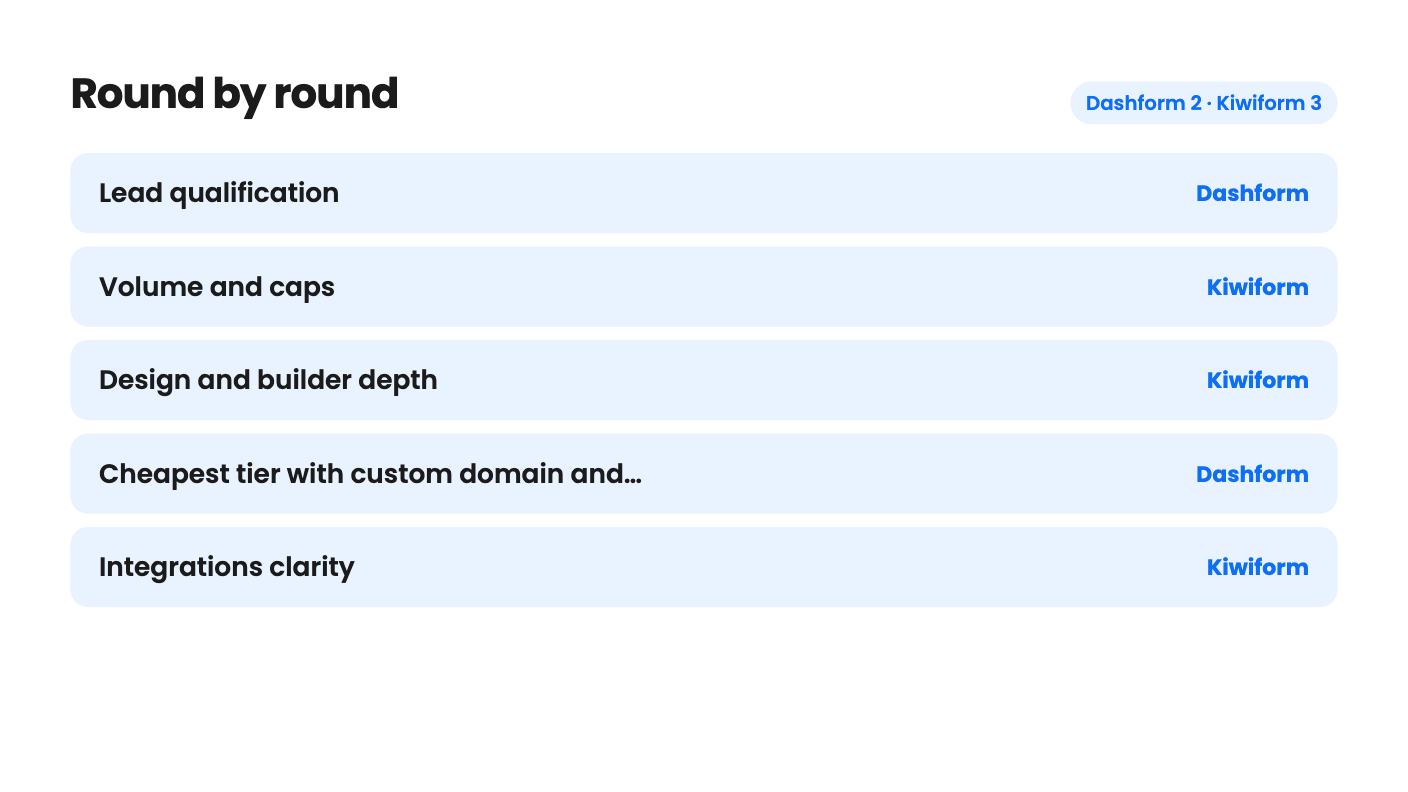
Dashform takes 2 rounds, Kiwiform takes 3.
| Round | Winner | Why |
|---|---|---|
| Lead qualification | Dashform | Dashform scores every submission 0 to 100 against plain-language rules and sorts leads into qualified, nurture and rejected, though we've seen no sample output. |
| Volume and caps | Kiwiform | Kiwiform lists unlimited forms and responses on every tier, while Dashform tier 1 stops at 1,000 replies a month. |
| Design and builder depth | Kiwiform | Kiwiform's listing details themes, fonts, share thumbnails, recall of earlier answers and an accessibility checker, and Dashform shows far less on design. |
| Cheapest tier with custom domain and branding | Dashform | Dashform tier 2 at $119 lists white label and custom domain, while Kiwiform needs its $158 tier for a custom domain. |
| Integrations clarity | Kiwiform | Kiwiform names Google Sheets, HubSpot, Slack, Stripe and Zapier, while Dashform's 300+ webhook and 5,000+ Zapier claims contradict each other. |
| Track record | Tie | Dashform has 3 AppSumo reviews and Kiwiform has 7, and both samples are too small to trust. |
| Dashform | Kiwiform | |
|---|---|---|
| Starts at | $59 | $79 |
| List price | $468 | $399 |
| Plan | Lifetime Deal | Lifetime Deal |
| Deal ends | Not listed | Jan 15, 2027 |
| Best for | Online coaches, Real estate, Small businesses | Marketers, Small businesses, Solopreneurs |
| Alternative to | Typeform, Jotform | SurveyMonkey, Typeform, Jotform |
Say you run a small coaching practice or a local service business, and your enquiry form fills up with people you’ll never work with. You want something better than a Google Form, and you don’t want another monthly bill. Both Dashform and Kiwiform are lifetime deals on AppSumo aimed at that buyer, and both list Typeform and Jotform as the tools they replace. They get there in quite different ways.
We haven’t used either one. Everything below comes from the listings and plan tables, which are marketing material, so we’ll flag where they’re thin.
Dashform is built around a single idea. You describe a form in one sentence, it generates the questions and logic, and then it scores each response from 0 to 100 so your calendar fills with the right people. Everything else, including voice and MCP, hangs off that.
Kiwiform is a more traditional form builder. It has conditional logic, branching, themes, partial-submission tracking and unlimited forms. It can calculate scores too, but you build that logic yourself rather than having AI propose it.
So the question is simple. Do you want a tool that tries to judge leads for you, or a flexible builder you control completely? That decides most of this comparison.
Dashform has the sharper pitch here. Leads fall into qualified, nurture or rejected, routing sends each group down a different path, and the listing says bookings can happen automatically when your rules allow it. It also has a conversational AI Funnel mode that asks follow-up questions when an answer is vague.
The listing contradicts itself, though. The FAQ says automated scoring removes the need for manual rule configuration, but the feature list says you write the rules in plain language. We read that as AI-suggested rules that you refine, but the listing doesn’t say. There’s no sample output or demo video either. Until you see it score your own leads, treat it as a claim.
Kiwiform covers the same job with plain tools. You can branch on answers, show or hide fields, calculate scores and route to multiple endings. A high score can go to a booking page and a low one to a resource link. The listing doesn’t say how many rules you can stack, and complicated branching is where form builders tend to get messy.
For a buyer who knows exactly what makes a good lead, Kiwiform’s approach is enough. For a buyer who doesn’t, Dashform is the more interesting bet.
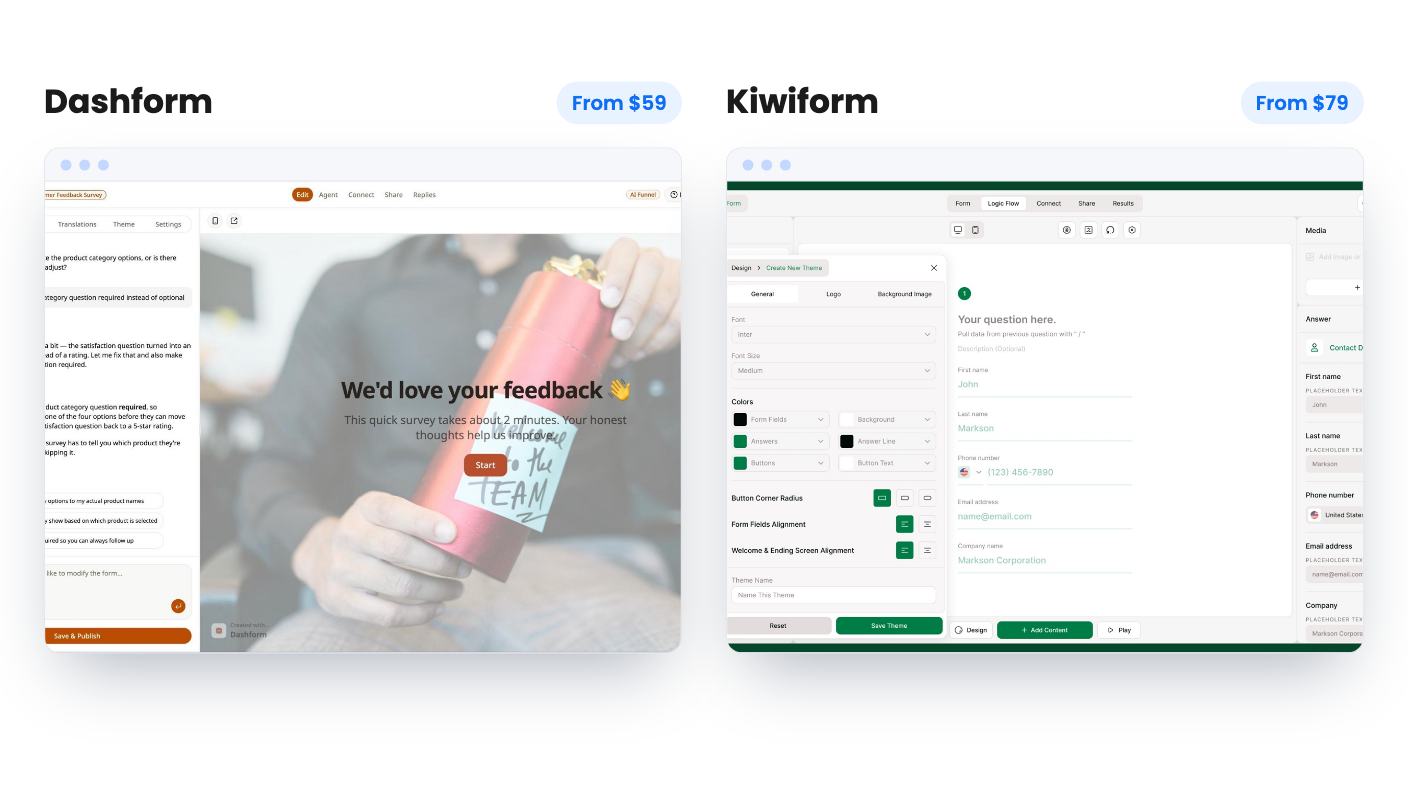
Kiwiform shows much more of its homework on the design side. You get themes, fonts, colors and alignment, a logo, custom metadata and share thumbnails. You can recall earlier answers later in the form, and rewrite system messages like button labels and validation errors. There’s an accessibility checker for contrast and missing alt text, although the listing doesn’t say how thorough it is.
The settings list is long too. It includes a progress bar, duplicate-submission prevention, autosave, spam protection, scheduled start and end dates and submission limits. AppSumo’s own review summary does mention a wish for more design flexibility, so don’t expect unlimited control.
Dashform’s listing says little about design beyond AI tone matching your brand voice and a preview step. Nothing goes live until you approve it, which is a sensible guardrail for AI-written questions. If you care how a form looks and behaves, Kiwiform simply gives you more to look at before you pay.
This is where the two deals feel most different. Kiwiform lists unlimited forms and unlimited responses on all three tiers: $79, $158 and $237. Tiers differ in workspaces (5, 10, unlimited), team members (1, 3, 10) and the Kiwizard AI builder, which allows 5 forms a month, then 10, then unlimited. Custom domain with SSL is off on tier 1 and on for tiers 2 and 3.
Dashform costs $59, $119 and $279, and every tier has monthly limits. Replies run 1,000, 5,000 and 10,000. AI funnels run 5, 10 and 20. AI credits run 1,000, 2,500 and 5,000. Voice minutes are 15, 60 and 150. Seats are 1, 5 and 10.
The branding split matters. White label and custom logo and colors are off on Dashform tier 1, so removing its name from client-facing forms means at least the $119 tier. That’s cheaper than Kiwiform’s $158 for a custom domain, which is a point in Dashform’s favor.
Both tables have oddities. Dashform lists custom domain as on for tier 2 but off for tier 3. Kiwiform lists email verification as off on Business and respondent blacklisting as on only for tier 1. Neither listing explains these, so don’t buy a top tier for those features until support confirms them.
Kiwiform names Google Sheets, HubSpot, Slack, Stripe and Zapier, plus webhooks and email notifications that it says reach 1000+ apps. Only five are named, so a CRM outside that list means going through Zapier, which can carry its own cost.
Dashform syncs natively to Notion, Airtable and Google Sheets. It mentions 300+ tools through webhooks on one page and 5,000+ through Zapier in the FAQ. Those are different claims, so the safe reading is three native syncs plus webhooks. It also offers MCP access for tools like Claude Code, Codex and Cursor, and talks about “buyer agents” finding your form. The listing doesn’t explain how that discovery works or how many prospects arrive that way, so we’d call it an early bet.
Terms differ slightly. Kiwiform’s deal is only for brand-new users, ends 15 January 2027, and warns that future AI models may be discounted or need an add-on. Dashform asks you to activate within 60 days and allows downgrades within 60 days of purchase. Both run AI features that cost real money to provide, so caps or add-ons could shift later.
Buy Dashform tier 1 at $59 if lead qualification is the whole point, your volume is comfortably under 1,000 replies a month, and you’re happy to treat a young product as a cheap experiment. If you need your own branding, plan on tier 2 at $119. The three reviews on AppSumo, all five stars, tell you almost nothing yet.
Buy Kiwiform if you want a dependable builder with no response ceiling, real design controls and a wider spread of named integrations. Its $79 tier is a reasonable swap for a patchwork of free forms, provided you can live without a custom domain. Seven reviews averaging 4.71 is slightly more evidence than Dashform has, but still a small sample.
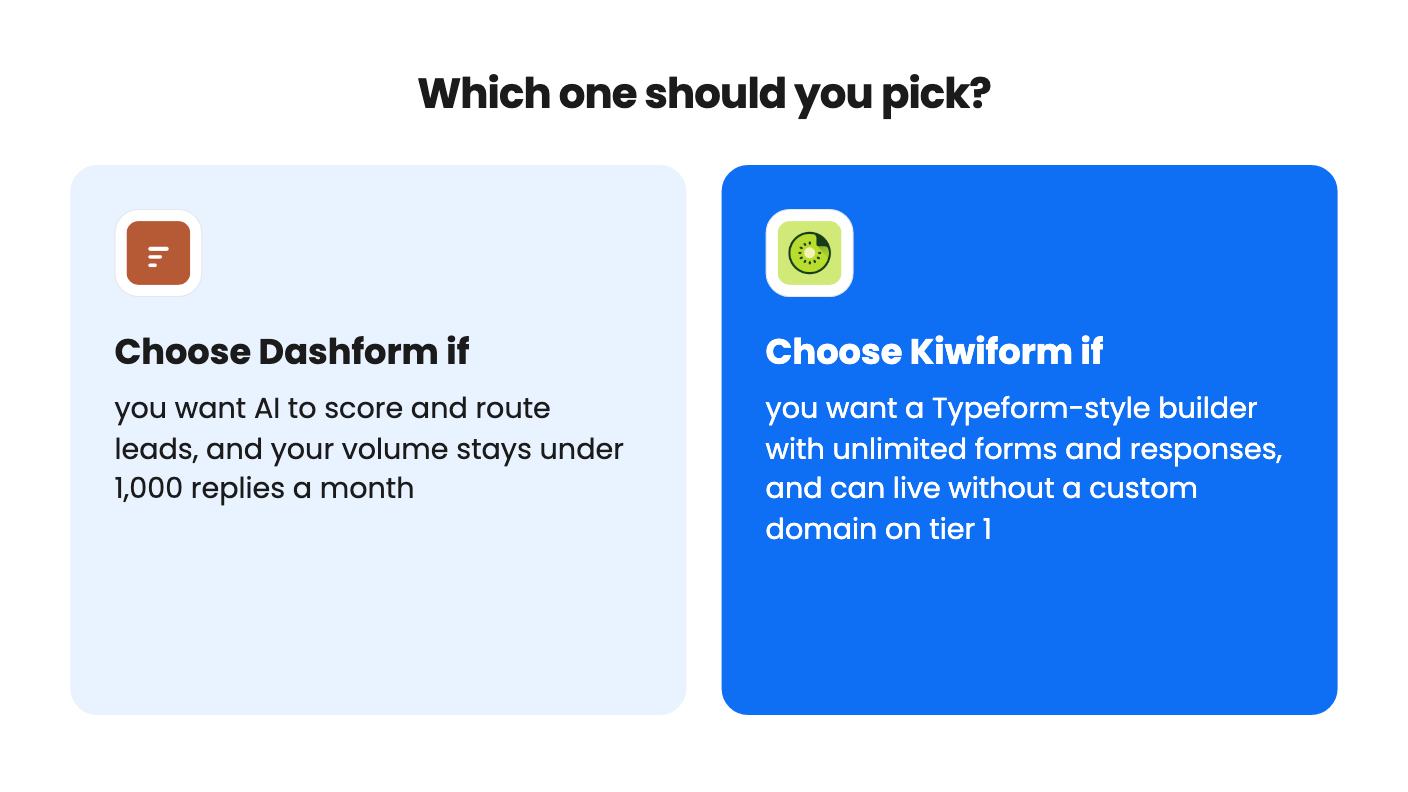
If you’re torn, ask one thing. Would you rather pay for a tool that tries to judge your leads, or one that lets you collect as many as you like and judge them yourself? Whichever you pick, build one real form in the first week and check the refund terms on AppSumo before the window closes.
Dashform starts at $59 against Kiwiform's $79. The top tiers flip it, at $279 for Dashform and $237 for Kiwiform. Dashform's cheaper tiers also cap replies at 1,000 and 5,000 a month, and Kiwiform's don't.
Kiwiform lists a custom domain with SSL on tiers 2 and 3 ($158 and $237). Dashform lists it on tier 2 ($119) only, and shows it off for tier 3, which looks like a listing error. Confirm before buying tier 3.
Kiwiform can calculate scores and route people to different endings using rules you build. Dashform scores each submission 0 to 100 from rules written in plain language. If you want less manual rule-building, Dashform is the more direct fit, but we haven't seen its output.
How this comparison was made: researched from both tools' official listings and demo videos, and written with help from AI. We have not tested Dashform or Kiwiform hands-on yet. Prices and deal terms change, so check AppSumo before you buy. See our affiliate disclosure.
zcal is a design-focused scheduling tool with team booking and custom domains. The lifetime deal runs $59 to $219, with user caps that matter.
AppSumo hasn't announced its Black Friday 2026 deals yet. Here's how to shortlist, check plan limits and which lifetime deals to watch.
Yoya swaps the booking form for an AI chat and sends you a pre-call brief. Here's what the $49, $129 and $249 AppSumo lifetime tiers really get you.

