Lead GenerationReview
KingSumo Review: Free Giveaway Tool With a $49 Pro Upgrade
KingSumo runs viral email giveaways. Free tier has unlimited contests, and a one-time $49 Pro adds branding removal, tracking and Mailchimp, Kit and Klaviyo.
Comment To DM auto-DMs people who comment on your LinkedIn posts. Reach MCP lets Claude or ChatGPT run LinkedIn with your approval. Both start at $49.
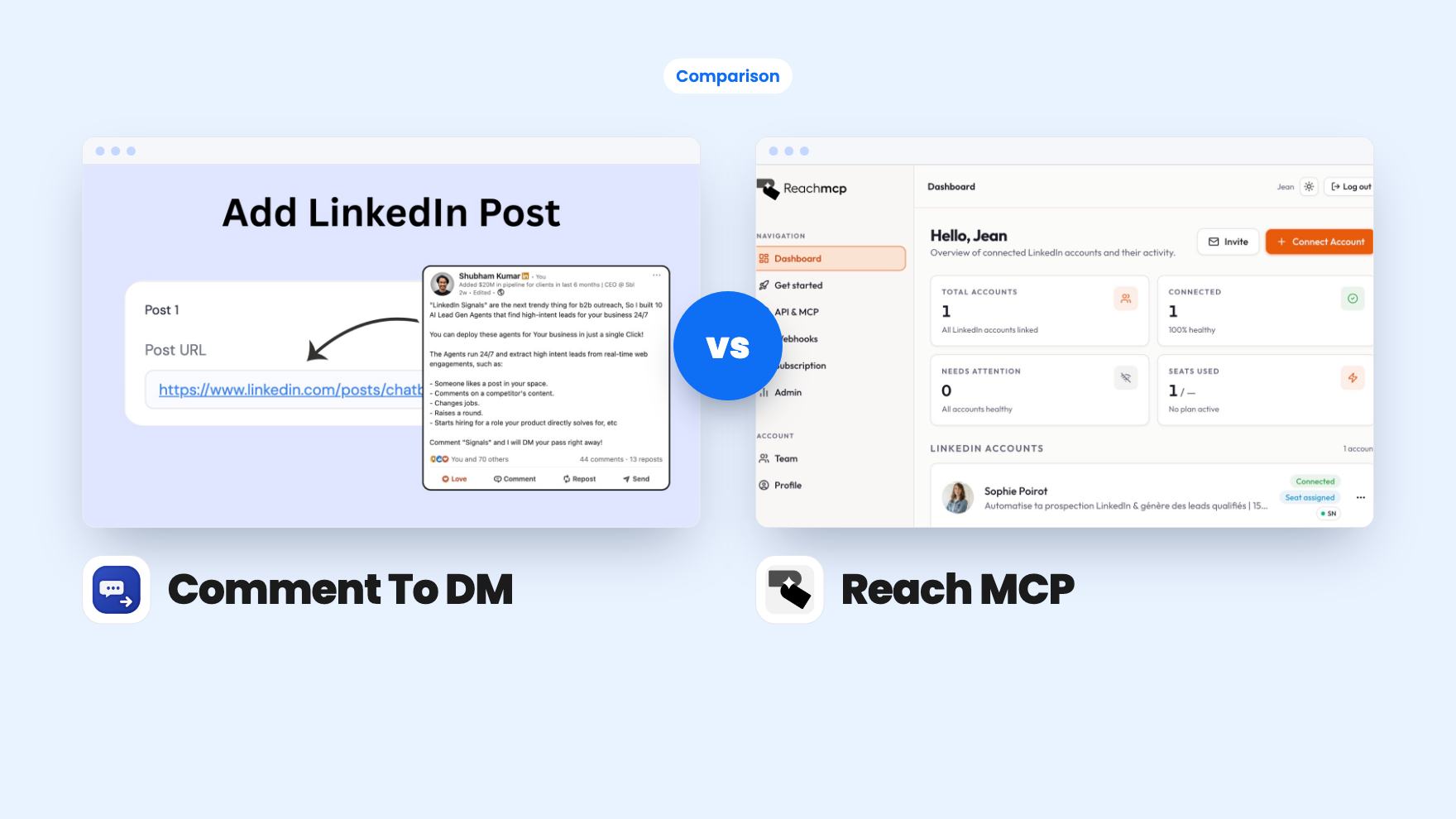
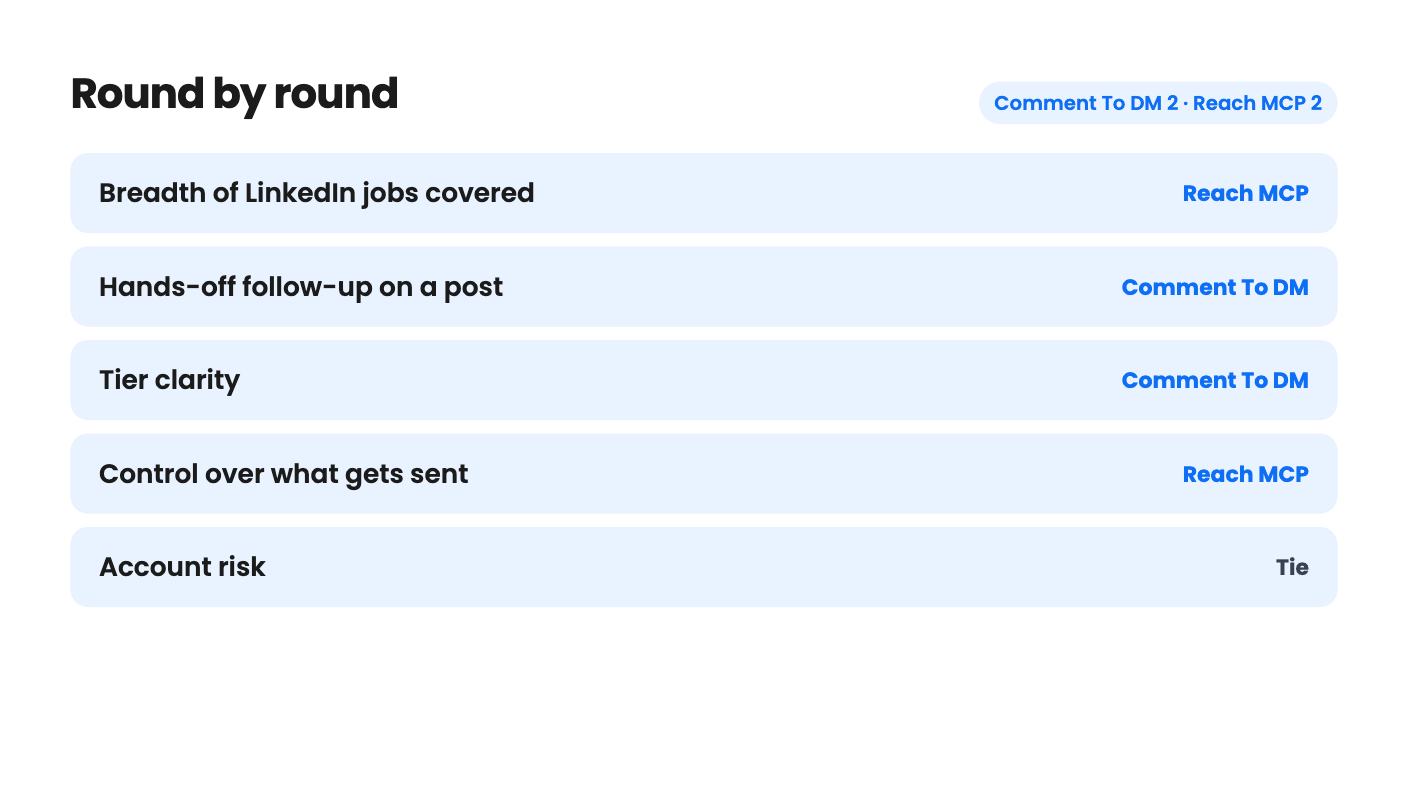
Comment To DM takes 2 rounds, Reach MCP takes 2.
| Round | Winner | Why |
|---|---|---|
| Breadth of LinkedIn jobs covered | Reach MCP | Reach MCP lists 52 tools covering messages, scheduled posts and lead exports, while Comment To DM only does comment-triggered DMs. |
| Hands-off follow-up on a post | Comment To DM | Comment To DM sends DMs to keyword commenters on its own, while Reach MCP sends only what you approve one by one. |
| Tier clarity | Comment To DM | Comment To DM spells out accounts, campaigns and features per tier (oddly), while Reach MCP's listing never says what its three tiers include. |
| Control over what gets sent | Reach MCP | Reach MCP shows a numbered preview of every message, invitation or comment and sends only the ones you approve. |
| Account risk | Tie | Both are vendor claims with no independent proof: Comment To DM cites 25 to 40 DMs a day, Reach MCP cites enforced quotas and a proxy. |
| Entry price and trial | Tie | Both start at $49, and each offers a way to test it, a 60-day money-back mention for Comment To DM and a 7-day free trial for Reach MCP. |
| Comment To DM | Reach MCP | |
|---|---|---|
| Starts at | $49 | $49 |
| List price | $348 | $468 |
| Plan | Lifetime Deal | Lifetime Deal |
| Deal ends | Not listed | Not listed |
| Best for | Content creators, Marketing agencies, Solopreneurs | Marketing agencies, Recruiters, Sales managers |
| Alternative to | PhantomBuster | HeyReach |
You posted something on LinkedIn that actually landed, and now the comments are piling up. Some people want your guide. Others have questions. Meanwhile you have a client call in ten minutes and a stack of unread messages. Both of these lifetime deals promise to take some of that off your plate, but they go about it in very different ways.
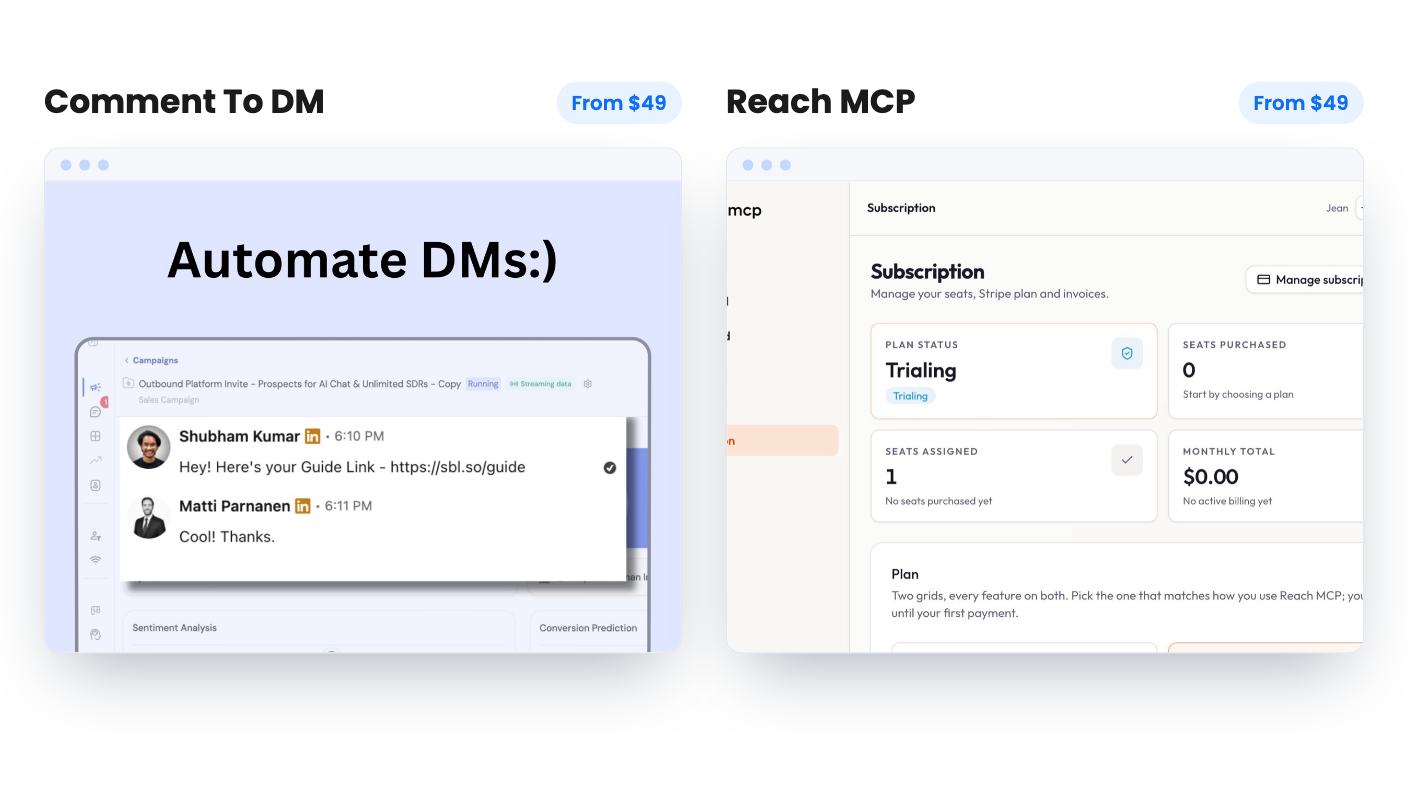
Comment To DM does one job. Reach MCP does many, through a chatbot. Which one fits depends on whether your pain is a busy comment section or a messy LinkedIn workday.
Comment To DM watches the comments on a LinkedIn post you choose. When someone uses a trigger word like ‘send me’ or ‘interested’, it sends them a direct message. You can also trigger on every comment, though that means the person who wrote ‘congrats!’ gets a pitch too.
Reach MCP takes a different route. It hands your AI assistant a set of LinkedIn tools through one connector URL. You ask Claude or ChatGPT for something in plain language, and the assistant does it. The listing also names Gemini, n8n and Make as supported connections.
So one is a bot with a single rule, and the other is a toolbox that waits for your instructions. Neither listing has a demo video, and we haven’t used either tool, so everything here comes from the AppSumo pages.
With Comment To DM, the setup is pasting a post link, picking trigger words and writing your message. The listing says you can be live in under two minutes, which is the vendor’s claim. AppSumo’s own review summary mentions some initial setup, so expect a bit more than that.
Messages can use variables. Tier 1 gets first and last name. Tiers 2 and 3 add company name and industry. You can run several posts at once, up to your tier’s campaign cap.
Reach MCP’s scope is wider. The listing groups its 52 tools into a few jobs: reading, replying to and sending private messages, scheduling posts, exporting leads from Sales Navigator, Recruiter Light and standard search, and replying to comments or liking posts.
That export piece matters if you recruit or prospect. The listing doesn’t say how large an export can be or what format it comes in, and export limits are often where tools like this get tight.
If your whole problem is ‘people comment and I forget to send the link’, Reach MCP is a lot of machinery for it. If your problem is the daily grind of inboxes and lists, Comment To DM barely touches it.
This is the sharpest difference. Comment To DM is built to run while you do something else. Every qualifying comment gets a DM without you looking at it. That’s the point, and it’s also where the risk sits, because a loose trigger word can send the wrong message to the wrong person.
Reach MCP goes the other way. Any playbook that writes something shows a numbered preview first, with the person, the context and the exact text. You name the ones you approve, and only those go out, one at a time, inside your account’s daily limits. Read-only tasks like exports don’t change anything.
We like that design. It keeps you in charge of your name. It also means Reach MCP won’t run a campaign overnight, and the listing is clear about that.
Pick based on how you feel about an unattended script talking to your audience. Some people want that. Others would rather read every line first.
Both start at $49, and both give lifetime access, all future plan updates, 60 days to activate your license, and the ability to move between tiers. Past that, the tiers look quite different.
Comment To DM’s tiers, as listed:
Tier 3 costs the most and gives you less than tier 2 on accounts, campaigns and attachments. Either that’s a display quirk or an odd way to price. Check the checkout page before paying. For most solo users, tier 1 looks like the best value, and tier 3 is hard to defend.
Reach MCP’s tiers are $49, $129 and $169. The listing never says what separates them. We’d guess account count, but that’s only a guess. For an agency, that’s the first thing to find out, and it makes the jump from $49 to $129 hard to judge. The ‘was’ prices on both listings are anchors, so don’t weigh them much.
On trying before buying, Reach MCP’s listing mentions a 7-day free trial with no credit card. For Comment To DM, AppSumo’s summary mentions a 60-day money-back guarantee, but that comes from AppSumo’s own marketing copy, so confirm the exact terms on the deal page.
Anything that automates LinkedIn carries some risk, and neither vendor can remove it. Comment To DM says it works within LinkedIn’s native messaging limits, stores no login details, and enforces 25 to 40 DMs a day. The cap protects you, but it also slows you down. A post with 200 triggering comments could take five to eight days to clear, and the listing doesn’t say whether the cap is per account or per campaign.
Reach MCP describes a Chrome extension that connects to your session without your password, a built-in residential proxy, and automatic daily rate-limit management. It says it runs on the Kanbox engine, which it claims has supported 2,000+ teams. That’s the seller’s own claim. It gives no actual quota numbers.
The review counts are small too. Comment To DM shows 5 reviews at 5.00, and Reach MCP shows 3 at 5.00. That’s not enough to say much about either.
Comment To DM also leaves out any mention of reporting, how it treats commenters you aren’t connected to, or what the Sales Navigator integration does. Reach MCP says each account gets its own stats, but doesn’t describe them. The product also looks young, and the listing doesn’t say when it launched.
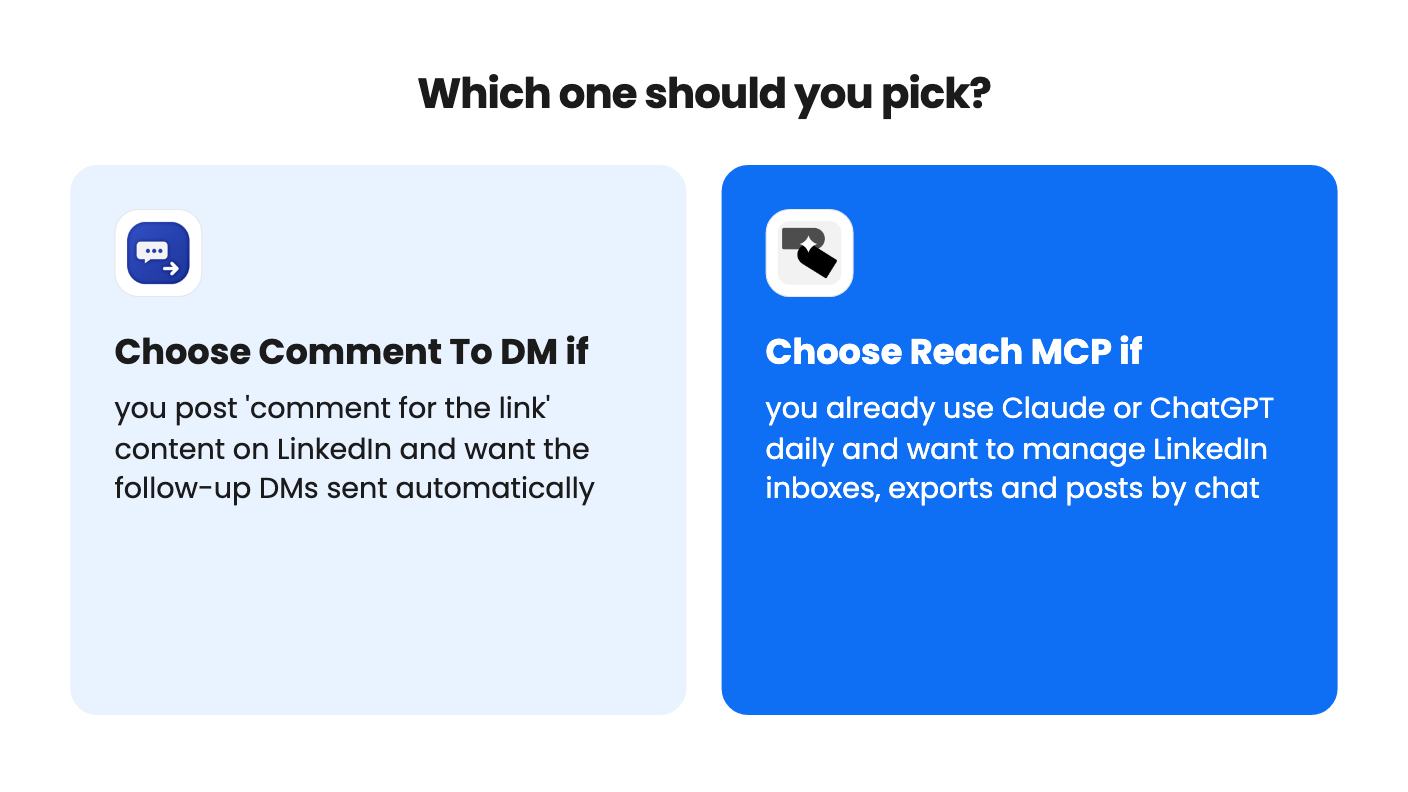
Buy Comment To DM if you’re a creator, coach or solopreneur who already writes ‘comment this word and I’ll send it’ posts. It does that one thing, and $49 is a cheap way to see whether it pays off. Start on tier 1 with a low-stakes post, and read the first few messages it sends before trusting it with a real audience.
Buy Reach MCP if you’re a small agency, recruiter or sales lead who already talks to Claude or ChatGPT every day and spends hours in LinkedIn inboxes. You’ll still pay for the assistant separately, so factor that in. Use the free trial, connect one account, run a read-only task, then try an approval flow.
Skip both if you need detailed analytics, hands-off sequences at scale with published limits, or zero risk to a LinkedIn profile that pays your bills. And if you’re stuck between them, ask yourself which chore you’d rather stop doing: sending the same DM fifty times, or clicking around LinkedIn all morning. The answer picks the tool.
No. Comment To DM watches comments on a LinkedIn post and DMs people who use your trigger words. Reach MCP gives an AI assistant 52 LinkedIn tools for messages, posts and lead exports, with your approval on anything it writes.
Both start at $49. Comment To DM's upper tiers are $79 and $119, and Reach MCP's are $129 and $169. Reach MCP's listing doesn't say what the higher tiers add, so check before paying.
Neither listing can prove it. Comment To DM states built-in limits of 25 to 40 DMs a day. Reach MCP describes enforced daily quotas, a residential proxy and an approval step, but gives no numbers. Test on a low-stakes profile first.
How this comparison was made: researched from both tools' official listings and demo videos, and written with help from AI. We have not tested Comment To DM or Reach MCP hands-on yet. Prices and deal terms change, so check AppSumo before you buy. See our affiliate disclosure.
KingSumo runs viral email giveaways. Free tier has unlimited contests, and a one-time $49 Pro adds branding removal, tracking and Mailchimp, Kit and Klaviyo.
XMagnet bundles prospecting, warm-up, sequences and newsletters. The $59 to $539 AppSumo deal has one-time credits and mailbox caps worth checking first.
Five AppSumo lifetime deals that cover parts of what ZoomInfo does, from contact data to cold email and local prospecting, and who each suits.