Lead GenerationReview
KingSumo Review: Free Giveaway Tool With a $49 Pro Upgrade
KingSumo runs viral email giveaways. Free tier has unlimited contests, and a one-time $49 Pro adds branding removal, tracking and Mailchimp, Kit and Klaviyo.
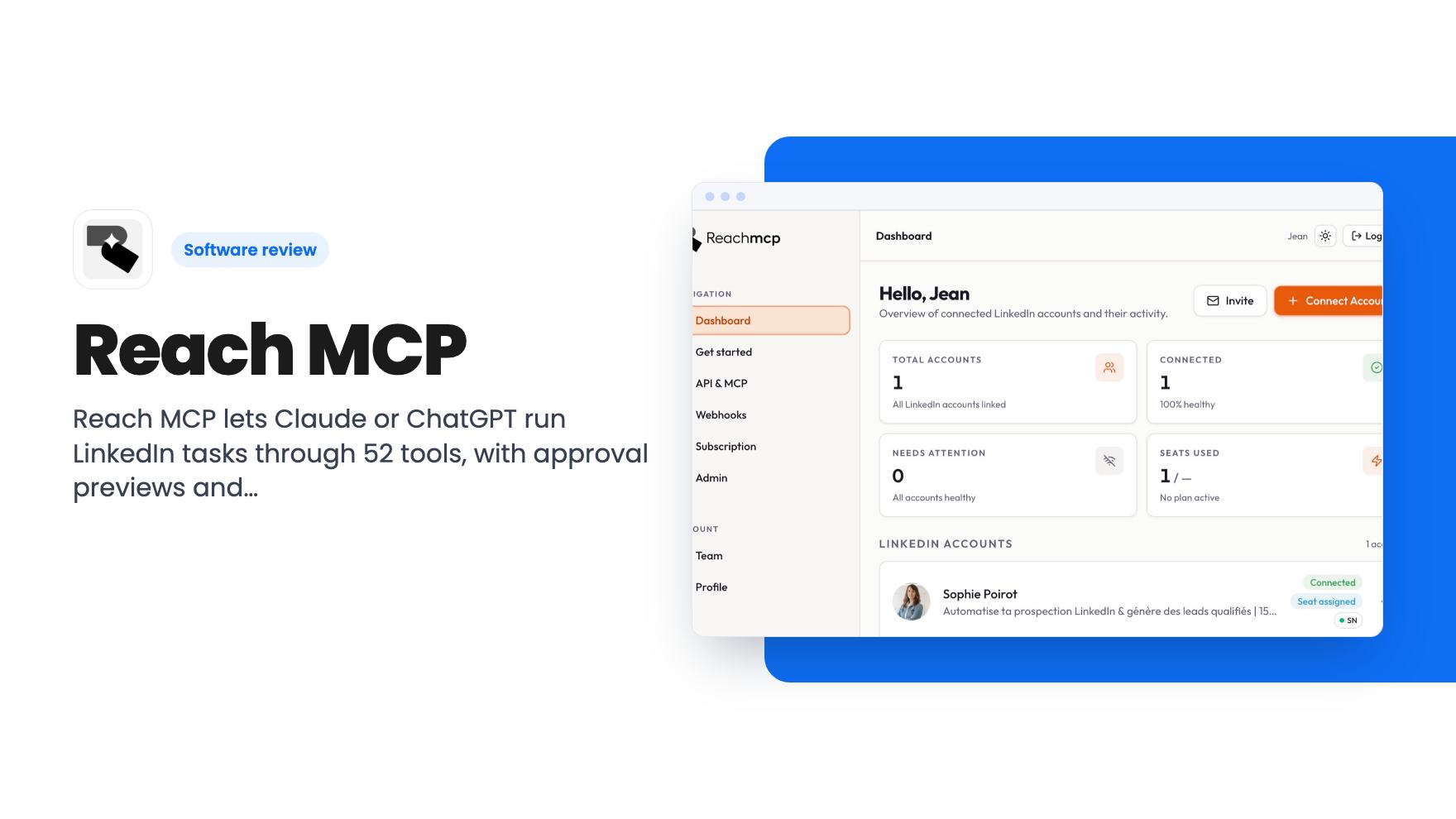
Reach MCP lets Claude or ChatGPT run LinkedIn tasks through 52 tools, with approval previews and daily quotas. Lifetime deal tiers run $49 to $169.
Lifetime deal price
$49$46890% off
Lifetime Deal
Our take: Worth a look at $49 if you or your agency live in LinkedIn and already chat with Claude or ChatGPT all day. Skip it if you want a proven outreach platform with published account limits, because the listing doesn't say what each tier includes and the product looks young.
Picture an agency running LinkedIn for five clients. Every morning someone logs into five accounts, skims five inboxes, answers the same kinds of messages, exports a list from Sales Navigator and tries to remember who already got a nudge. Reach MCP is built for that grind, with a twist: you do the work by talking to Claude or ChatGPT instead of clicking around LinkedIn.
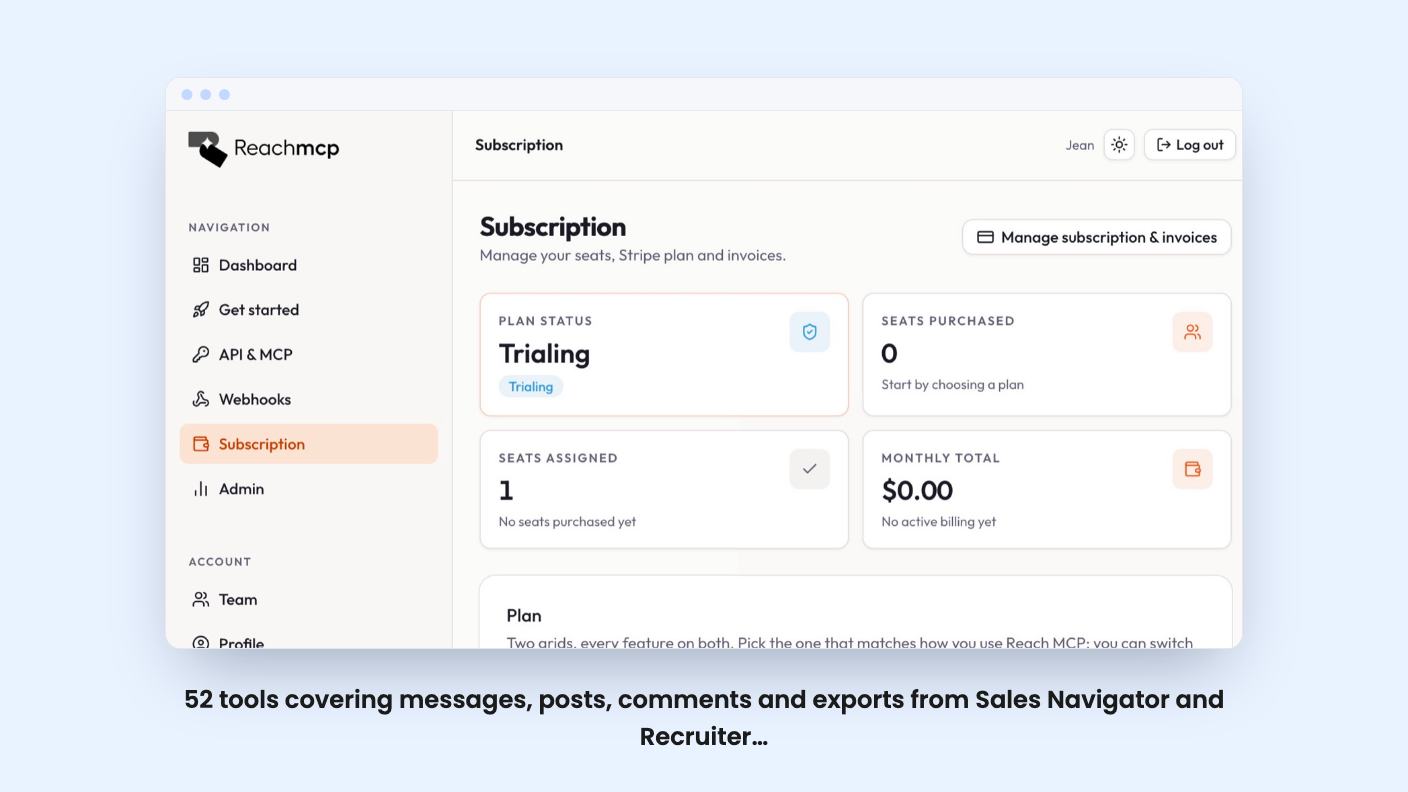
The idea is simple. Reach MCP gives your AI assistant a set of LinkedIn tools through one connector URL. You ask for something in plain language, and the assistant uses those tools to do it. The listing names Claude, ChatGPT, Gemini, n8n and Make as supported connections.
That makes it a different kind of product from the usual outreach dashboards. The listing pitches it as an alternative to HeyReach, but there’s no sequence builder on show here. The chat window is the interface.
We haven’t tried it, and there’s no demo video attached to the listing, so everything below comes from the AppSumo page. Treat it as a description of intent, not a report of results.
The headline number is 52 tools. The listing groups the most useful ones into a few jobs:
For a recruiter, the export piece is probably the draw. Pulling candidates out of Recruiter Light or a search without copying names by hand saves real time. For a sales manager, the inbox tools matter more, since reading and answering messages from one chat is a cleaner way to triage than opening LinkedIn each time.
The listing doesn’t say how big exports can be, or what the export format looks like. That’s a gap, because export limits are often where tools like this get tight.
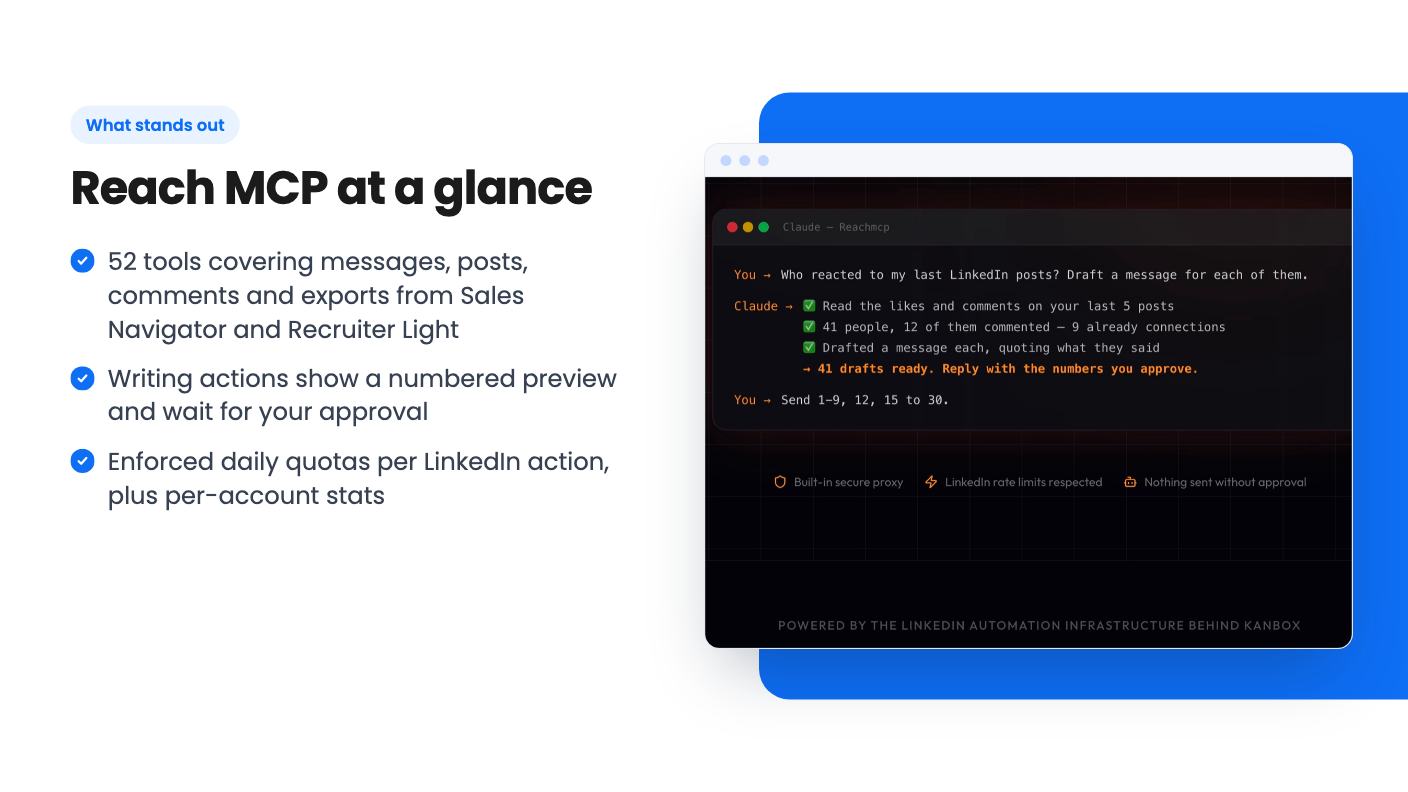
AI plus LinkedIn plus automatic sending sounds like a recipe for embarrassing messages. The listing addresses this head on. Any playbook that writes something, whether a message, an invitation or a comment, shows a numbered preview first. You see the person, the context and the exact text.
Then you name the ones you approve. Only those go out, one at a time, inside your account’s daily limits. Read-only playbooks, such as a week in review or an export, don’t touch anything.
This is the part we like. It keeps a human in the loop, and it makes the tool feel closer to a fast assistant than an autopilot. It also means you can’t expect it to run a campaign while you sleep. If that’s what you want, this isn’t it.
There’s also a dashboard for connecting and managing multiple LinkedIn accounts. Agencies can keep client accounts in one place and switch between them in one click, and the listing says you can control all of them from your LLM.
Two controls inside the dashboard are worth knowing about. Each account gets its own stats, and there are enforced daily quotas for every LinkedIn action. “Enforced” is the useful word. The quotas are meant to stop you, or an eager assistant, from pushing an account too hard.
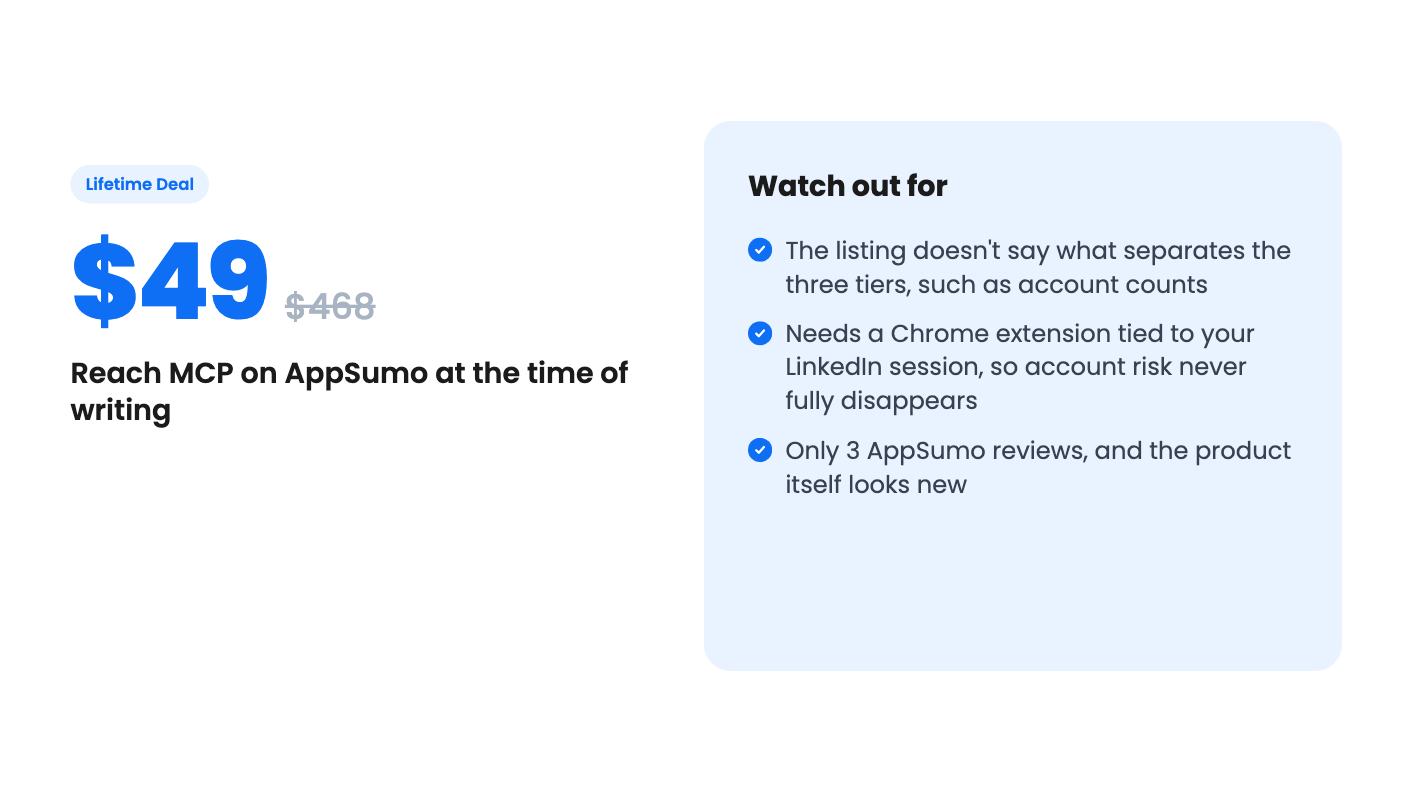
The listing doesn’t say how many accounts each tier supports, and it doesn’t list the quota numbers either. For an agency, that’s the first thing to find out.
Anything that automates LinkedIn carries some account risk, and the listing doesn’t pretend otherwise. Its answer is design. A Chrome extension connects to your LinkedIn session without sharing your password, and you can uninstall it to revoke access. A built-in residential proxy and automatic daily rate-limit management are meant to protect the account.
The listing also says Reach MCP runs on the Kanbox engine, which it says has supported 2,000+ teams and adapted through LinkedIn changes. That’s a useful pedigree if it holds, since the underlying engine is older than the MCP product. But it’s the seller’s own claim, and the listing offers no independent proof.
Our view: the quotas and previews are sensible, but nobody can promise that LinkedIn won’t flag an account. If one of your accounts is your livelihood, start with a lightly used one.
There are three lifetime tiers. Tier 1 is $49, down from a list price of $468. Tier 2 is $129 against $1,164, and tier 3 is $169 against $1,740. All three include lifetime access and all future plan updates. You have 60 days to activate your license, and you can move between the three tiers later.
The list prices suggest a monthly subscription behind this, but the listing doesn’t state the monthly price, so don’t lean on the “was” numbers. What matters is that the tiers are priced for different usage, and the page never says how. We’d guess account count is the dividing line, but that’s a guess, and you should confirm it before paying.
The listing also mentions a 7-day free trial with no credit card. Use it. Connect one account, run a read-only playbook, then try an approval flow before you commit.
The AppSumo score is 5.00 from three reviews. That’s too small a sample to read much into.
Skip it if you don’t already use an AI assistant daily. The value comes from the chat workflow, and you’ll still pay for the assistant separately.
Skip it if you want hands-off sequences at scale, since the approval step is built to slow things down on purpose. And skip it if you can’t tolerate any risk to a LinkedIn profile.
If you’re a small agency, recruiter or solo sales lead who spends hours in LinkedIn inboxes, the $49 tier is a cheap way to find out whether talking to your inbox beats clicking through it. Start there, use the trial first, and only move up a tier once the seller tells you exactly what you’d get.
According to the listing, no. Playbooks that write messages, invitations or comments show a numbered preview with the person, context and exact text. You name the ones you approve, and it sends only those, one at a time, within daily limits.
The listing says Claude, ChatGPT, Gemini, n8n and Make all connect through one connector URL. You'll still need your own subscription to whichever assistant you pick.
The listing doesn't say. It offers three tiers at $49, $129 and $169, and lets you switch between them, but it doesn't spell out what each tier includes. Ask the seller before you buy a higher tier.
How this review was made: researched from Reach MCP's official listing, and written with help from AI. We have not tested Reach MCP hands-on yet. Prices and deal terms change, so check AppSumo before you buy. See our affiliate disclosure.
KingSumo runs viral email giveaways. Free tier has unlimited contests, and a one-time $49 Pro adds branding removal, tracking and Mailchimp, Kit and Klaviyo.
XMagnet bundles prospecting, warm-up, sequences and newsletters. The $59 to $539 AppSumo deal has one-time credits and mailbox caps worth checking first.
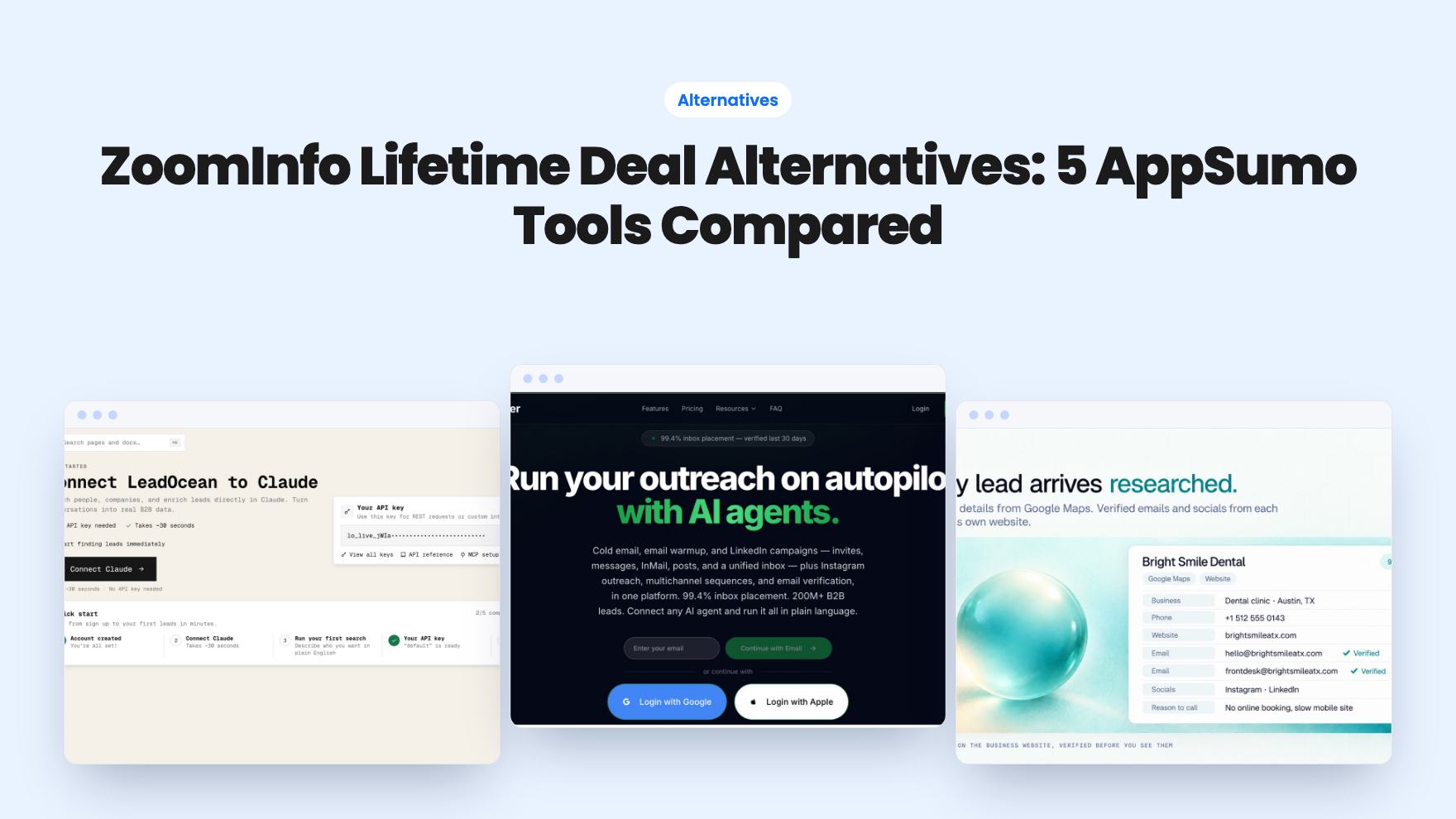
Five AppSumo lifetime deals that cover parts of what ZoomInfo does, from contact data to cold email and local prospecting, and who each suits.