
Social MediaComparison
Creator Insights vs SocialBu: Idea Engine or Everyday Scheduler
Both are $49 social media lifetime deals on AppSumo. Creator Insights helps you research and repurpose. SocialBu schedules, reports and handles the inbox.
BulkPublish is a $59 scheduler with an API. Creator Insights is a $49+ research and repurposing tool with credits. Here's how the two listings compare.

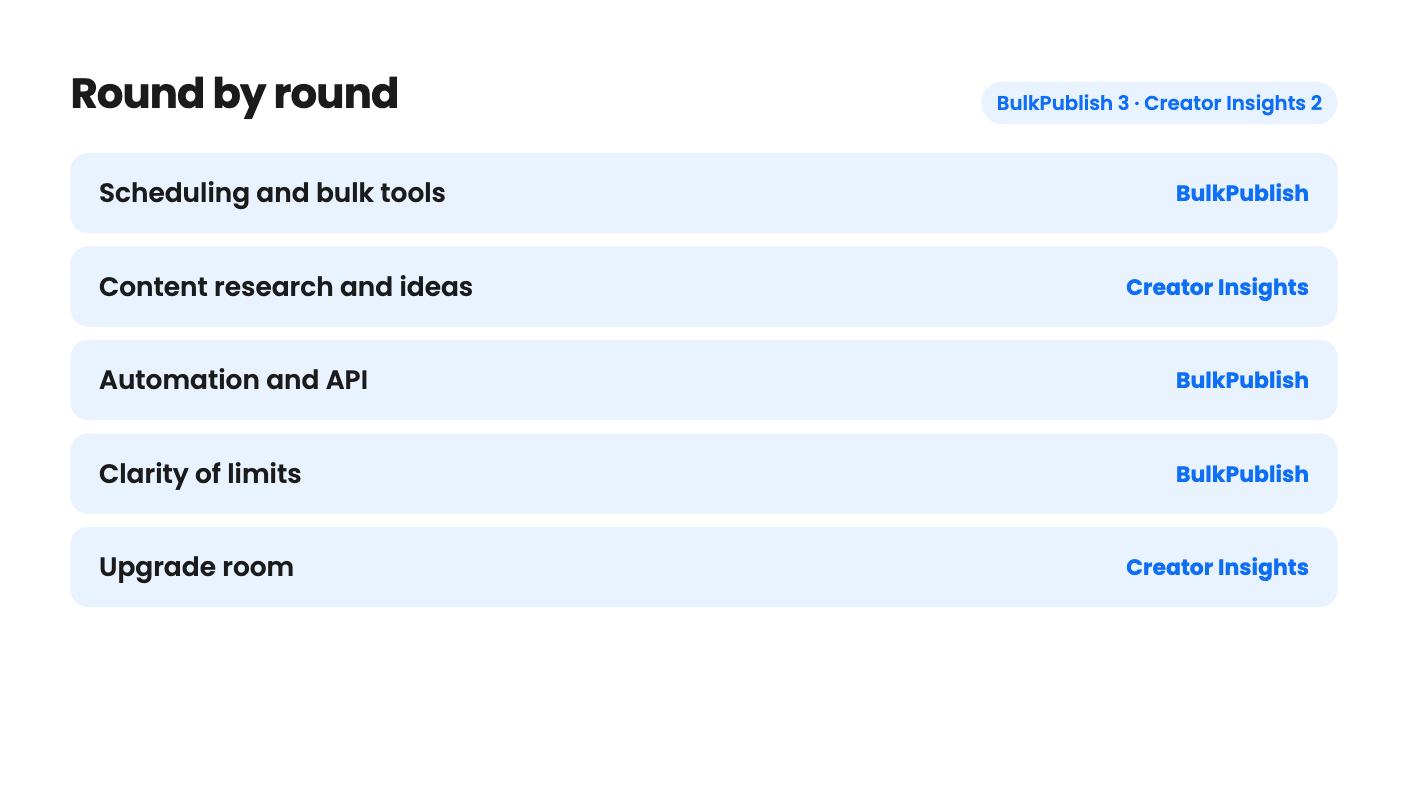
BulkPublish takes 3 rounds, Creator Insights takes 2.
| Round | Winner | Why |
|---|---|---|
| Scheduling and bulk tools | BulkPublish | BulkPublish lists a visual calendar, CSV bulk import, recurring schedules and RSS autopost, while the Creator Insights listing mentions no calendar at all. |
| Content research and ideas | Creator Insights | Creator Insights searches viral Instagram and YouTube videos, audits creators and tracks competitors, and BulkPublish offers nothing comparable. |
| Automation and API | BulkPublish | BulkPublish documents a REST API with OpenAPI 3.1, Node.js and Python SDKs, an MCP server and Zapier, Make and n8n support; Creator Insights lists none of that. |
| Clarity of limits | BulkPublish | BulkPublish states posts per day, storage and channel caps, while Creator Insights never says what a credit buys. |
| Upgrade room | Creator Insights | Creator Insights has three tiers up to 100 connections, whereas BulkPublish is a single tier that doesn't stack. |
| Platform reach | Tie | BulkPublish covers 15 networks including Discord, Telegram and Mastodon, while Creator Insights adds Reddit, Medium, Substack and Quora. |
| BulkPublish | Creator Insights | |
|---|---|---|
| Starts at | $59 | $49 |
| List price | $264 | Not listed |
| Plan | Lifetime Deal | Lifetime Deal |
| Deal ends | Not listed | Not listed |
| Best for | Developers, Social media managers, Solopreneurs | Content creators, Marketing agencies, Social media marketers |
| Alternative to | Buffer, Hootsuite, Sprout Social, Buffer | Buffer, Hootsuite, Sprout Social, Buffer |
Say you’ve got one video or one announcement and you need it on five networks by lunch. You could retype it five times, or you could pay once for a tool that does the spreading for you. BulkPublish and Creator Insights both promise that, but they come at it from opposite ends.
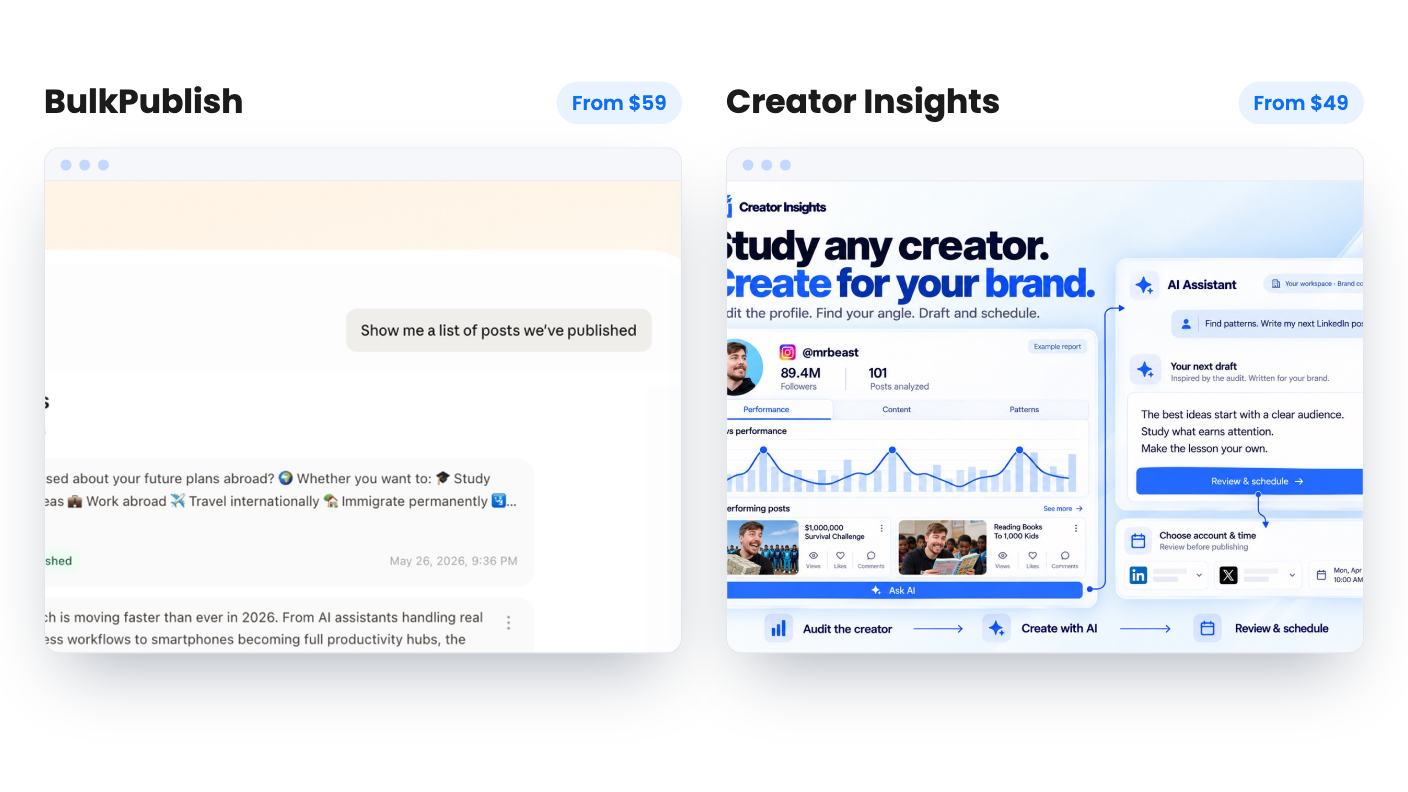
BulkPublish is a scheduler with a developer streak. Creator Insights is a research and repurposing tool that also publishes. We haven’t used either, so everything below comes from the AppSumo listings, which are marketing copy and leave real gaps. I’ll point those out as we go.
BulkPublish assumes you already know what to post. You write it, queue it, and let the calendar do the rest. The listing talks about a visual calendar, repeat posts, hashtag groups, templates, a media library and CSV import for planning a month in a spreadsheet.
Creator Insights assumes the hard part is deciding what to make. You search a niche or keyword, and it surfaces viral videos from Instagram and YouTube. You audit a creator’s profile, save the best videos to a research board called Canvas, and ask the AI to pick apart hooks and structure. Then it helps write a script and pushes the result out.
That’s the real difference. One tool starts at the schedule and the other starts at the blank page. If you already have a content plan, the research side of Creator Insights is paying for something you don’t need. If you don’t, BulkPublish won’t help you find one.
AppSumo lists both as alternatives to Buffer, Hootsuite and Sprout Social. For BulkPublish that’s a fair label. For Creator Insights it’s a stretch, because the listing mentions no content calendar, approval flow or analytics dashboard.
BulkPublish names 15 networks: Facebook, Instagram, X, TikTok, YouTube, Threads, Bluesky, Pinterest, Google Business, LinkedIn, Mastodon, Discord, Telegram, Tumblr and Snapchat. It also lists Instagram Reels, Stories and carousels, plus Snapchat Stories and Spotlight. If your audience hangs out on Mastodon, Telegram or Discord, that list is a clear advantage.
Creator Insights says 14+ platforms: Instagram, YouTube, TikTok, Facebook, LinkedIn, X, Threads, Pinterest, Bluesky, Tumblr, Reddit, Medium, Substack and Quora. It can turn a video into a blog or Substack piece and draft answers to Reddit and Quora questions to send traffic to your site.
That last feature needs care. Reddit and Quora tend to dislike obvious promotion, and the listing doesn’t say how much control you get over those drafts. Read them before you post anything. There’s also an oddity in the listing: the integrations line names only Facebook, Instagram, Pinterest and YouTube, while the FAQ lists many more. It doesn’t explain the gap, so ask which platforms publish directly.
Neither listing tells us how well captions and images adapt per network. Creator Insights says it handles format and aspect ratio for each channel, which is a nice claim, but we can’t judge it from here. BulkPublish says nothing about per-platform editing, so check that during the refund window.
This is where BulkPublish pulls ahead. It documents a REST API with an OpenAPI 3.1 spec, Node.js and Python SDKs, and an MCP server with 70+ tools for Claude, ChatGPT and Cursor. Only 20 of those tools run on the hosted endpoint, though. You get the full set by running the server yourself. It also names Make, Zapier and n8n, and an FAQ answer adds IFTTT.
On this plan the API allows 2 keys and 1,000 requests a day. That’s plenty for personal scripts and not much for building a product on top.
Creator Insights lists no API, no MCP server and no automation tool integrations. If you want to trigger posts from a webhook or an RSS feed, only BulkPublish says it can. It includes 3 RSS feeds with auto-publish, which covers a blog and a couple of extras.
BulkPublish is one tier at $59, down from a $264 list price. You get 15 channels with one per platform, 20 posts a day and 600 a month, unlimited pending scheduled posts, 1 GB of media storage, 1 organization, 1 user, 3 recurring schedules and 25 labels. Extra channel slots cost $2.99 a month each, which chips away at the lifetime-deal appeal. Licenses don’t stack.
Two things in the BulkPublish listing deserve suspicion. X works only through pay-as-you-go credits, and the listing cuts off before giving prices. And it doesn’t say whether one post sent to five networks counts as one post or five against the daily cap.
Creator Insights has three tiers: $49, $139 and $319. They include 2,000, 6,000 and 15,000 one-time credits, 15, 45 and 100 social connections, and 10, 30 and 60 competitor tracking slots. Content storage expires after 60 days on the first two tiers and 30 days on the top one. Nobody explains why the most expensive tier gets the shortest window.
The credits are the weak spot. The listing never says what a search, a transcript, an AI script or a published post costs. So 2,000 credits could last months or a weekend, and we can’t tell you which. We’d want that answer in writing before paying. The list price is shown as $0, which tells you nothing about the value of the deal.
On the plus side, Creator Insights lets you move between tiers and gives you a 60-day activation window. BulkPublish has a 60-day activation window and AppSumo’s standard 60-day money-back guarantee. Both are a decent safety net.
BulkPublish doesn’t say how long it has been around, how big the team is or what’s on the roadmap. For a lifetime deal that matters, and the listing gives you nothing to judge it by.
Creator Insights has the same blind spot and a thinner track record on the page. AppSumo shows two reviews averaging 4.50 out of 5, which is too small a sample to mean much. There’s no demo video either. Both are young-looking products, so treat either purchase as a bet you can afford to lose.
Buy BulkPublish if you’re a solo operator or developer with one account per network. It’s the safer pick for pure scheduling, and the clearer limits help you decide quickly. Skip it if you manage clients, need a second seat, post a lot of video, or depend on X.
Buy Creator Insights if you’re a solo creator or small marketer who loses time on ideas and repurposing rather than on the posting itself. Skip it if you need a proven scheduler, long-term storage, or research on TikTok, LinkedIn or X, since discovery covers only Instagram and YouTube.
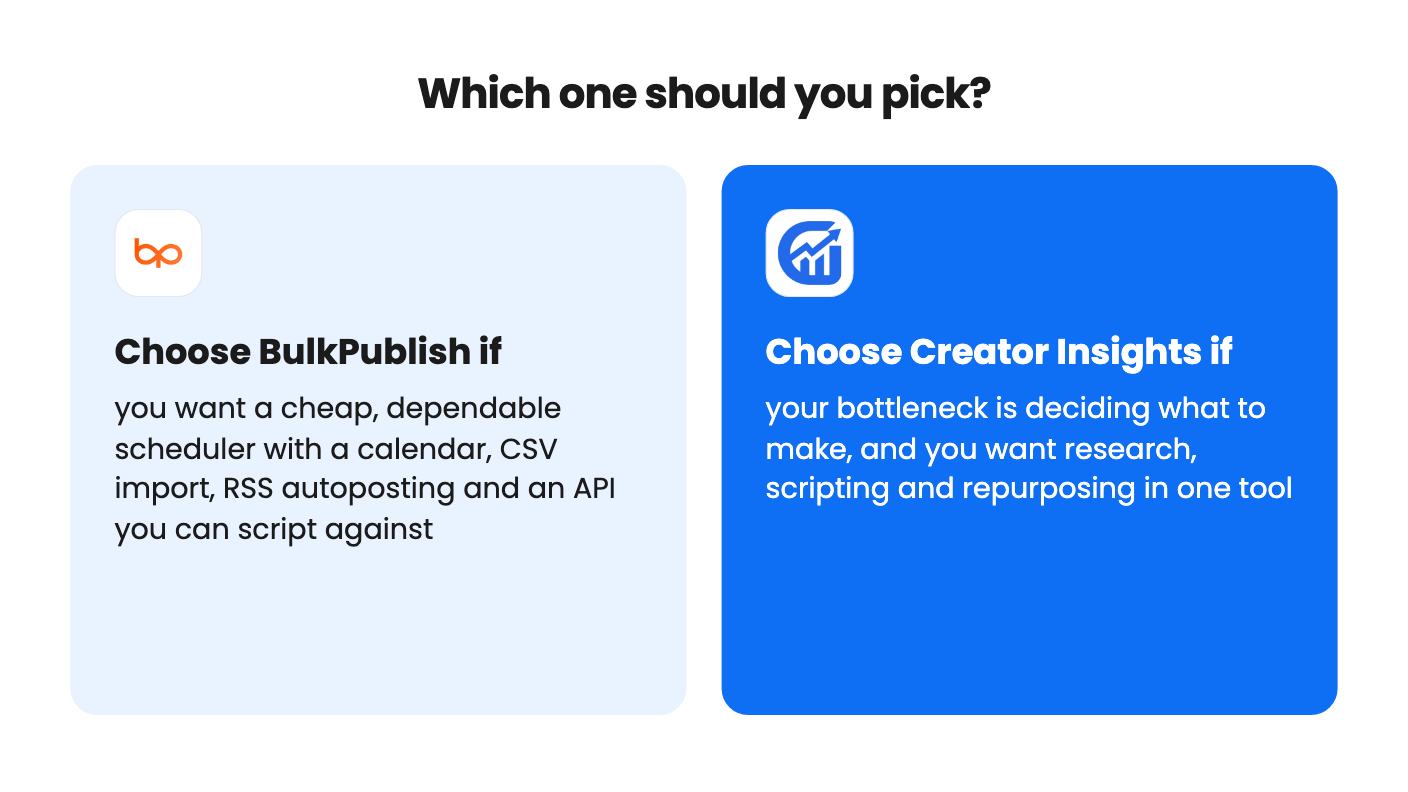
If you can’t decide, pick based on where your week actually goes. If it disappears into staring at a blank calendar, try Creator Insights at $49 and ask about credits first. If you already know what to post and just want it out the door, BulkPublish at $59 is the more straightforward buy. Whichever you choose, schedule a real batch early and use the refund window to find out what the listings left unsaid.
BulkPublish, based on the listings. It lists a visual calendar, CSV import, recurring schedules and unlimited pending scheduled posts. The Creator Insights listing doesn't mention a content calendar or approval flow.
The listing calls them one-time credits (2,000, 6,000 or 15,000 by tier) and doesn't describe a renewal. It also doesn't say what a search, script or post costs, so ask before buying.
Not well at the entry level. BulkPublish gives you 1 organization and 1 user, with Pro and Business upgrades that have no prices listed. Creator Insights doesn't describe client or team features.
How this comparison was made: researched from both tools' official listings and demo videos, and written with help from AI. We have not tested BulkPublish or Creator Insights hands-on yet. Prices and deal terms change, so check AppSumo before you buy. See our affiliate disclosure.
Both are $49 social media lifetime deals on AppSumo. Creator Insights helps you research and repurpose. SocialBu schedules, reports and handles the inbox.
Ten AppSumo lifetime deals for small businesses, from booking and forms to SEO and outreach, with the limits and tier quirks each listing shows.
Both are $49 AppSumo deals for social media. Creator Insights is built for research and scripting, PixaSocial Ai for cutting long video into shorts.

