AI Writing & VideoTop deals
AppSumo Deals Ending Before Black Friday 2026: Buy or Wait?
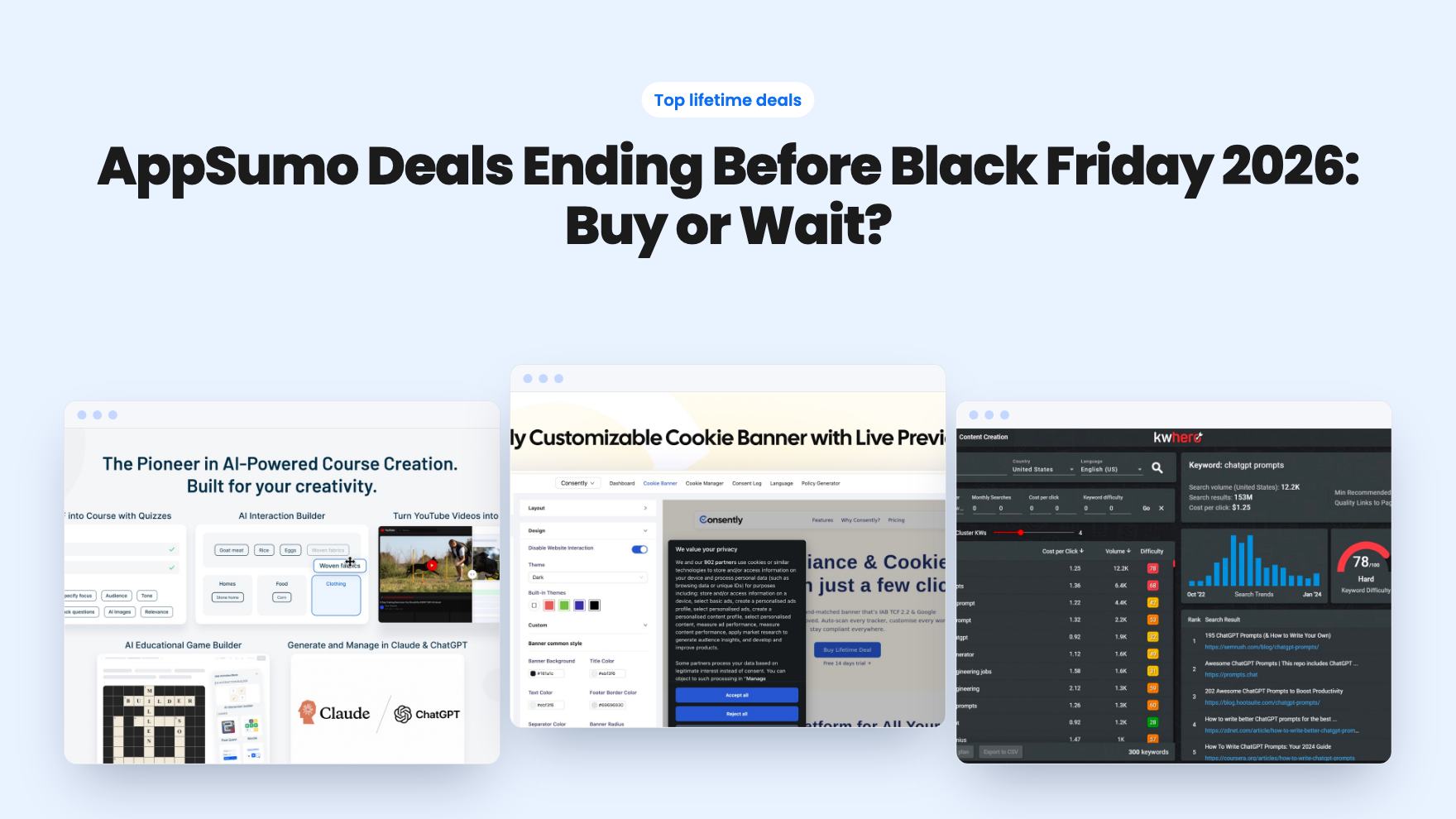
Fourteen AppSumo lifetime deals end before Black Friday on November 27, 2026. Here are the seven worth a look now, and who should skip them.
Both automate blog drafts under a lifetime label. AI Content Writer's own FAQ says licenses are annual. Quibo covers eight CMSs and says no API key is needed.
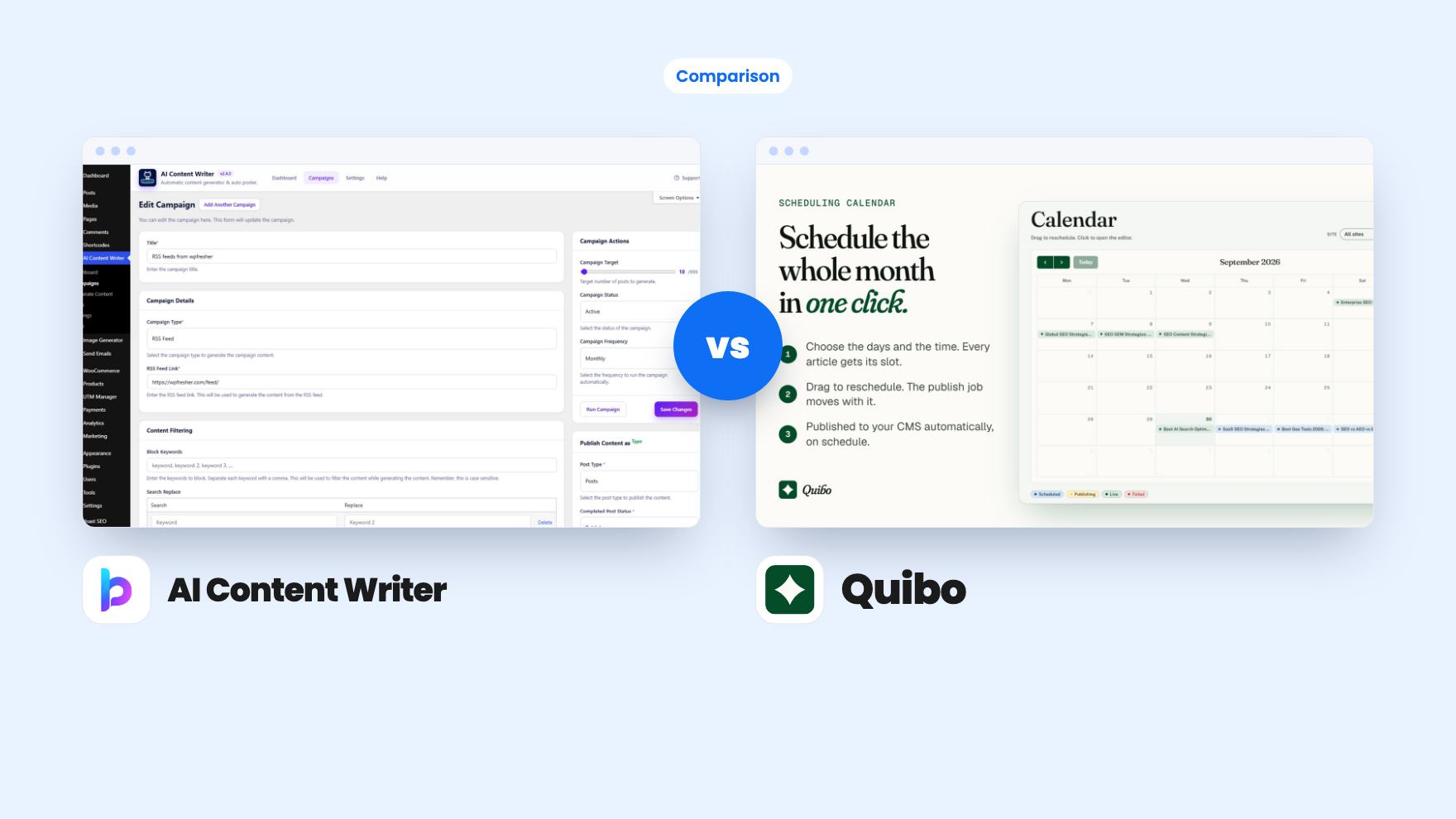
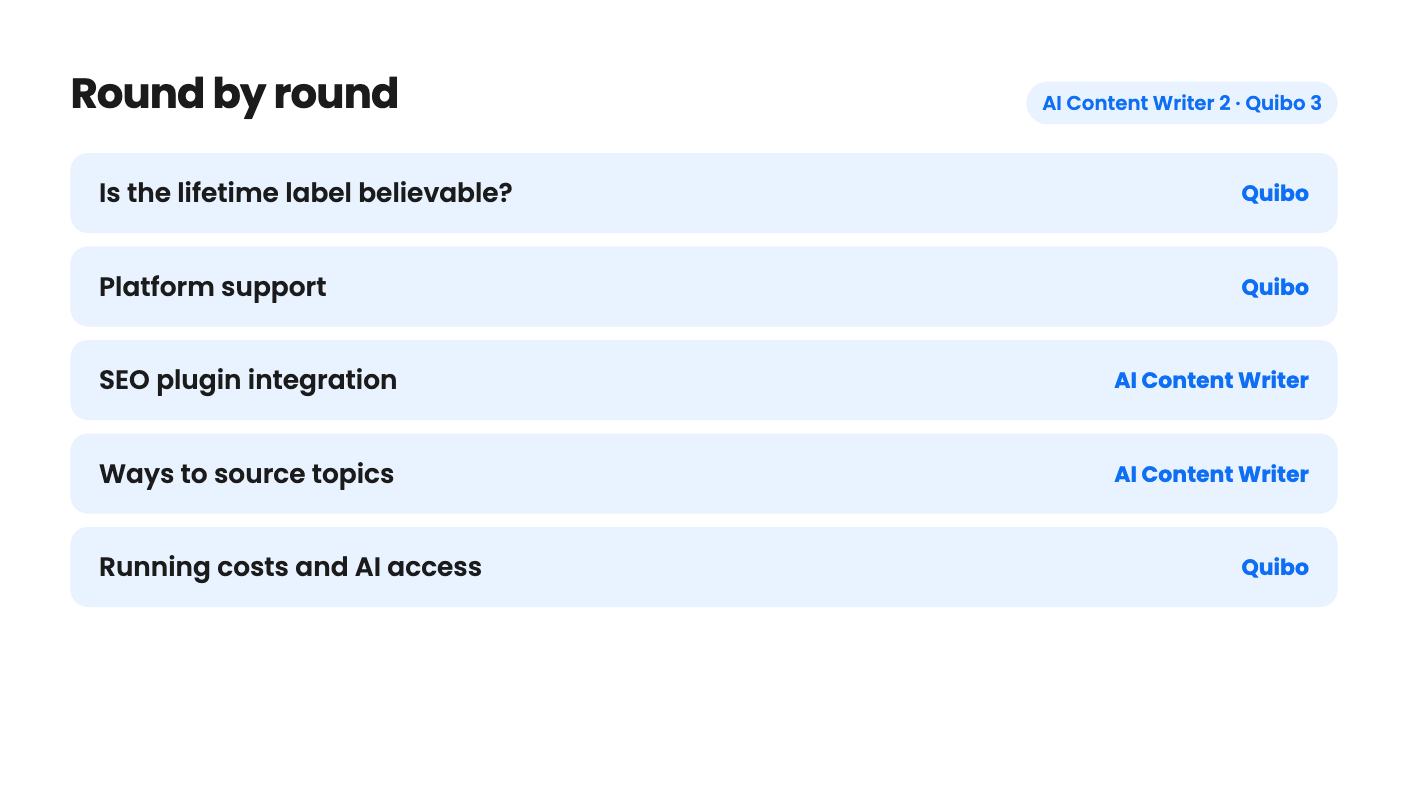
AI Content Writer takes 2 rounds, Quibo takes 3.
| Round | Winner | Why |
|---|---|---|
| Is the lifetime label believable? | Quibo | AI Content Writer's vendor FAQ says "we do not offer lifetime licenses" and describes annual renewals, while Quibo's listing shows no such conflict. |
| Platform support | Quibo | Quibo lists eight CMSs on every tier, while AI Content Writer is a WordPress plugin and nothing else. |
| SEO plugin integration | AI Content Writer | AI Content Writer writes into Yoast, Rank Math, All in One SEO or SEOPress and holds low-scoring posts as drafts; Quibo's listing names none of these plugins. |
| Ways to source topics | AI Content Writer | It offers keywords, Bing trends, RSS, bulk titles and Autopilot, while Quibo is built around a ranked keyword list you tick through. |
| Running costs and AI access | Quibo | Quibo says generation is included with no credits or usage meter, while AI Content Writer doesn't say who pays for AI provider usage. |
| Entry price | Tie | AI Content Writer's $59 is cheaper but has unstated generation caps and a possible annual renewal, while Quibo's $79 caps you at 5 posts a month. |
| AI Content Writer | Quibo | |
|---|---|---|
| Starts at | $59 | $79 |
| List price | $99 | Not listed |
| Plan | Lifetime Deal | Lifetime Deal |
| Deal ends | Not listed | Not listed |
| Best for | Bloggers, Content creators, Marketers | Bloggers, Marketing agencies, SaaS |
| Alternative to | Copy.ai, Jasper | Copy.ai, Jasper |
Picture a small business blog that stalled at four posts. You know you should be publishing every week, and you don’t have the hours. Both AI Content Writer and Quibo promise to fix that, and both are sold on AppSumo as lifetime deals at the low end of the price range. They go about it very differently, and one of them has a licensing question you need settled before you pay.
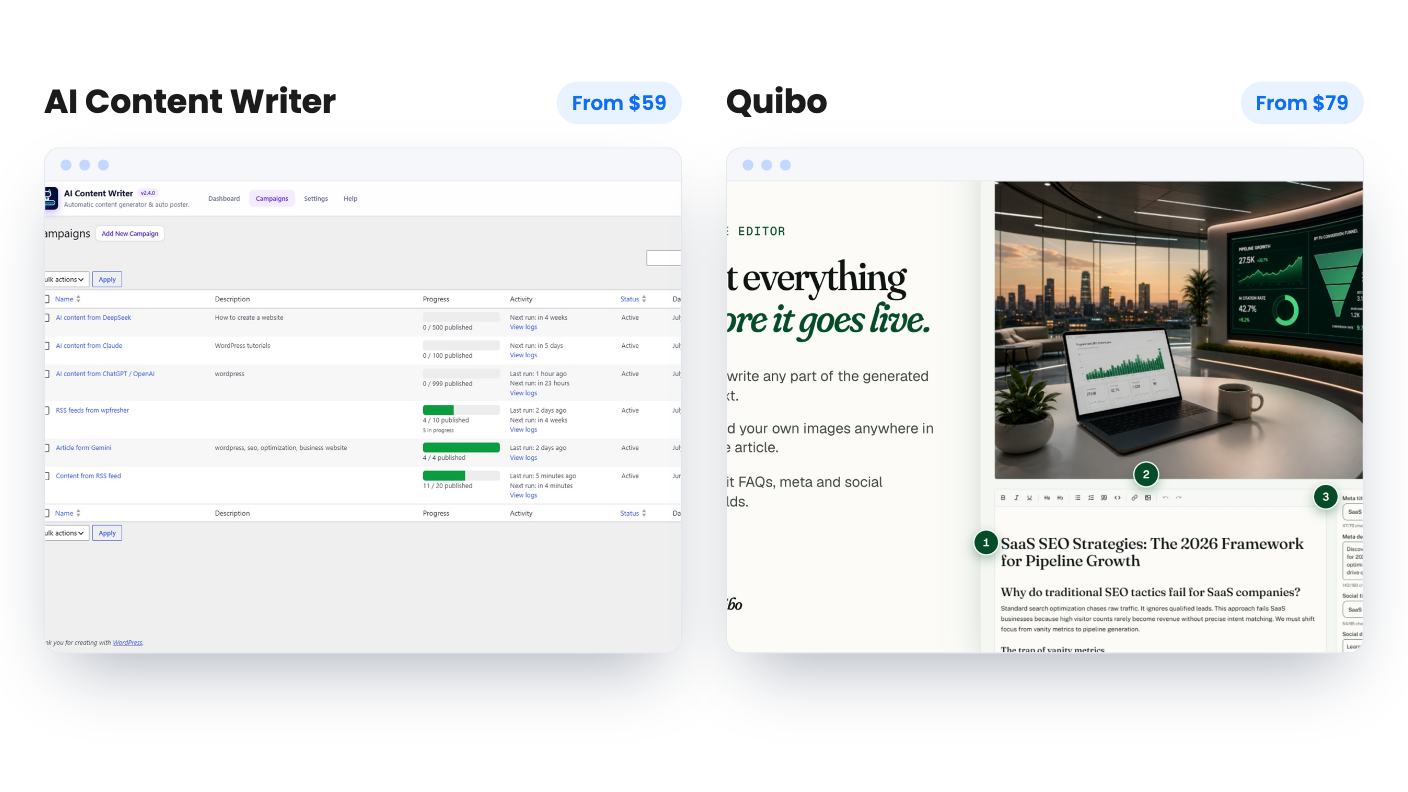
Neither of us has used these tools. Everything here comes from the two listings, which are marketing copy, so treat it as a read of the paperwork and not a verdict on output quality.
AI Content Writer’s AppSumo tiers cost $59, $99 and $249, and each says “Lifetime access” and “All future plan updates.” The vendor’s FAQ on the same listing says the opposite. In its words, “we do not offer lifetime licenses.” Every licence is an annual subscription with one year of support and auto-updates. If you don’t renew, the plugin keeps running, but updates and support stop.
That’s a big gap. It might be generic text from the vendor’s own store that doesn’t apply to the AppSumo deal. It might not. The listing doesn’t say, and we won’t guess.
Quibo’s listing has no such conflict. Its four tiers, at $79, $179, $349 and $549, all say lifetime access and future plan updates. Its list price shows as $0, which is meaningless as a discount anchor, so ignore it. The only caveat is that Quibo is young, and a lifetime promise from a young vendor depends on the vendor surviving.
For a tool that touches WordPress, SEO plugins and AI provider APIs, updates are the whole product. So this is the first thing to sort out, and it favours Quibo on paper.
AI Content Writer lives inside your WordPress dashboard. It adds an AI Writer button to the Block and Classic editors, and the listing says it also works in the Elementor Text Editor widget and on WooCommerce product descriptions. If you don’t run WordPress, it’s not for you.
Quibo works the other way round. You paste one key per site, and it discovers your fields, authors and categories. It lists WordPress, Shopify, Webflow, Wix, Ghost, HubSpot, Sanity and Framer, and its FAQ says every connector comes on every tier. The integration badge shows only four of those, so lean on the FAQ.
There’s a practical difference too. Quibo’s articles go to your own CMS and stay on your domain. AI Content Writer’s posts also land in your own WordPress, so neither tool holds your content hostage.
AI Content Writer is built around campaigns. Each one runs titles, content, featured image and publishing on WordPress cron, at the pace you set. Topics can come from keywords, Bing and Bing News trends, any RSS feed, a pasted list of titles, or Autopilot.
Bulk titles is the one we’d use. You paste 30 questions your customers actually ask and let it draft over a few weeks. Autopilot reads your published posts and keeps writing on-theme articles with no keyword research. That’s tempting, and also the riskiest setting, because an unattended tool writing under your name is only as good as your existing posts. RSS campaigns need care as well. The listing says feeds become “original articles” but doesn’t show how far the rewrites move from the source.
Quibo is narrower. It gives you a ranked keyword list with traffic plotted against difficulty. You tick what you want, which the listing says takes about ten minutes for a month. Then a month of drafts takes roughly ninety minutes, and you get a calendar to drag articles around. It also builds a brand voice profile from your existing pages that you can edit, and it writes natively in nine languages. For non-English sites, that’s a real plus.
If you want variety in topic sources, AI Content Writer wins. If you want a simple monthly routine, Quibo is easier to picture.
This is where AI Content Writer is strongest. It writes meta data straight into Yoast SEO, Rank Math, All in One SEO or SEOPress, with a built-in meta description fallback. Its SEO score gate checks length, heading structure, meta and keyword usage, and holds anything under your threshold as a draft. The checklist weights aren’t published, so it’s a rough filter and not a ranking promise. Drip scheduling adds randomised gaps, a daily window and per-day caps, and it also generates FAQ sections with FAQPage schema and Related Articles links.
The listing mentions a post-review queue but never explains it. That’s the feature we’d most want to understand, because it decides whether Autopilot is safe.
Quibo’s control is blunter and clearer. Every article sits as a draft, and approving it is what arms the publish job. Nothing goes live unread. Articles get question-style headings, JSON-LD for Article, FAQPage and BreadcrumbList, and a generated cover image, and they’re marked contentRating: AI-generated, human-reviewed. We’d worry about posts starting to sound alike after a few months, and the listing shows no sample article. Ask for one.
Quibo’s tiers are easy to read once you assume the plan table runs in descending order, which is how we’ve read it:
Five posts a month suits a single local blog, but it’s the thinnest tier. And it’s unclear whether caps are per site or shared, which matters if you’re buying the 20-site tier for clients.
Quibo also says generation is included, with no API key, no credits and no usage meter. That’s a clear selling point.
AI Content Writer is murkier. Its site-count row is a jumble, though the vendor FAQ describes Personal for 1 site, Developer for 5 and Agency for unlimited, which probably maps to $59, $99 and $249. Cheap, yes. But the listing states no monthly generation caps, and it mentions Gemini’s free tier and OpenAI as integrations without saying who pays for text or image generation. Budget for AI provider fees on top. It has a 14-day refund window with exclusions. Quibo’s excerpt doesn’t state refund terms, so check AppSumo.
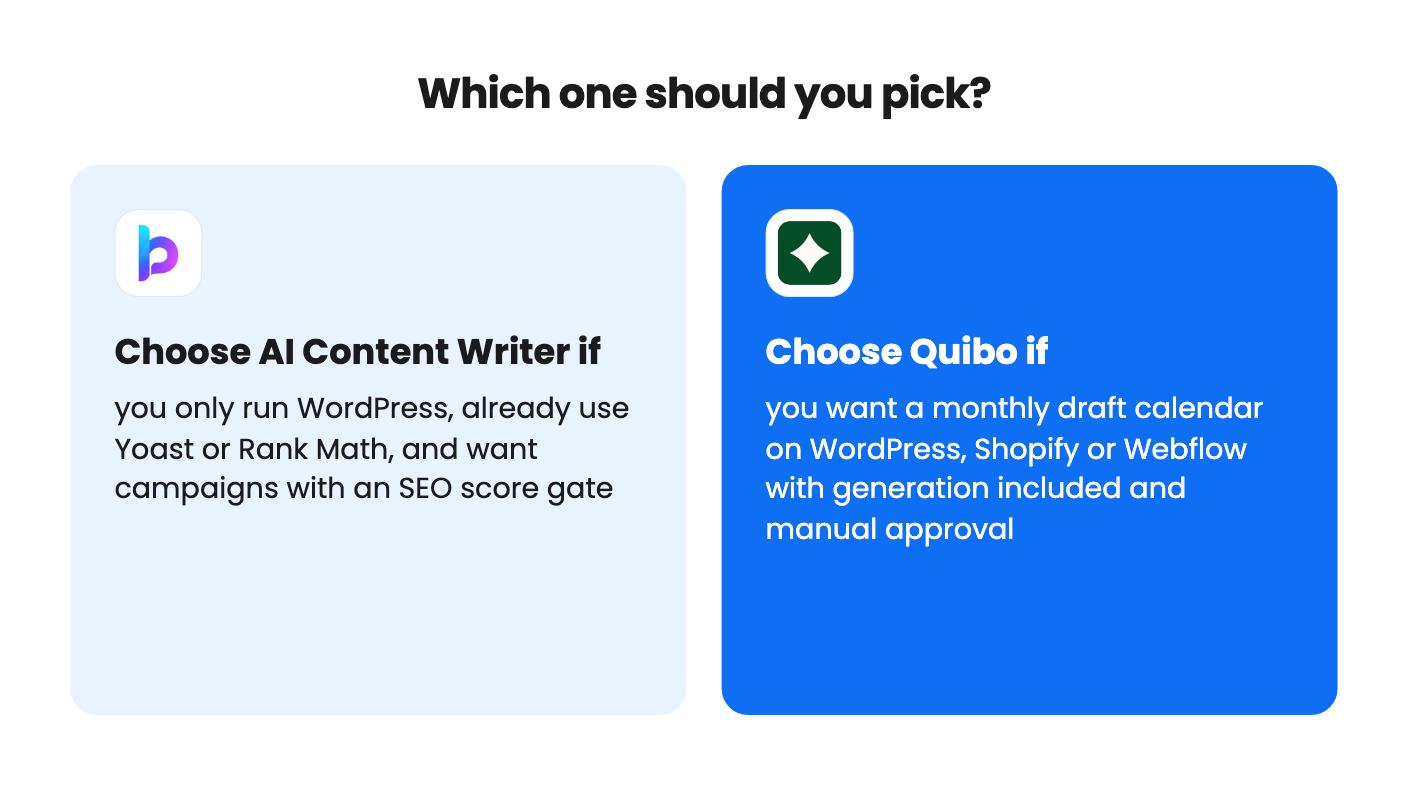
Pick AI Content Writer if you run WordPress, already pay for an SEO plugin, and like the idea of a score gate that blocks weak posts. Use bulk titles, skim every draft, and treat the $59 tier as a small bet. Just get the licence answer in writing first.
Pick Quibo if your site is on Shopify, Webflow or another listed CMS, or if you want one monthly sitting and no API bills. Start at the tier that matches your real posting pace, and don’t buy up on the strength of one sister site’s search numbers. Those figures come from the vendor’s own site, and AppSumo shows only two reviews.
If you can’t verify either vendor’s terms before buying, wait. Both are young, and the 14-day window and the 60-day activation deadline are short for judging tools that are meant to run for months.
The AppSumo tiers say lifetime access, but the vendor's FAQ on the same page says all licenses are annual subscriptions with one year of updates and support. The listing doesn't resolve this, so get a written answer from AppSumo or the vendor before buying.
Quibo says no: generation is included, with no credits and no usage meter. AI Content Writer lists Gemini, OpenAI and Webhooks as integrations and mentions Gemini's free tier, which suggests you bring your own access. It doesn't say what that will cost.
Quibo gives each site its own brand voice and keyword plan, but the listing doesn't say whether post caps are per site or shared. AI Content Writer's site counts are garbled in the listing, though its FAQ names Agency as unlimited sites. Confirm the caps with each vendor first.
How this comparison was made: researched from both tools' official listings and demo videos, and written with help from AI. We have not tested AI Content Writer or Quibo hands-on yet. Prices and deal terms change, so check AppSumo before you buy. See our affiliate disclosure.
Fourteen AppSumo lifetime deals end before Black Friday on November 27, 2026. Here are the seven worth a look now, and who should skip them.
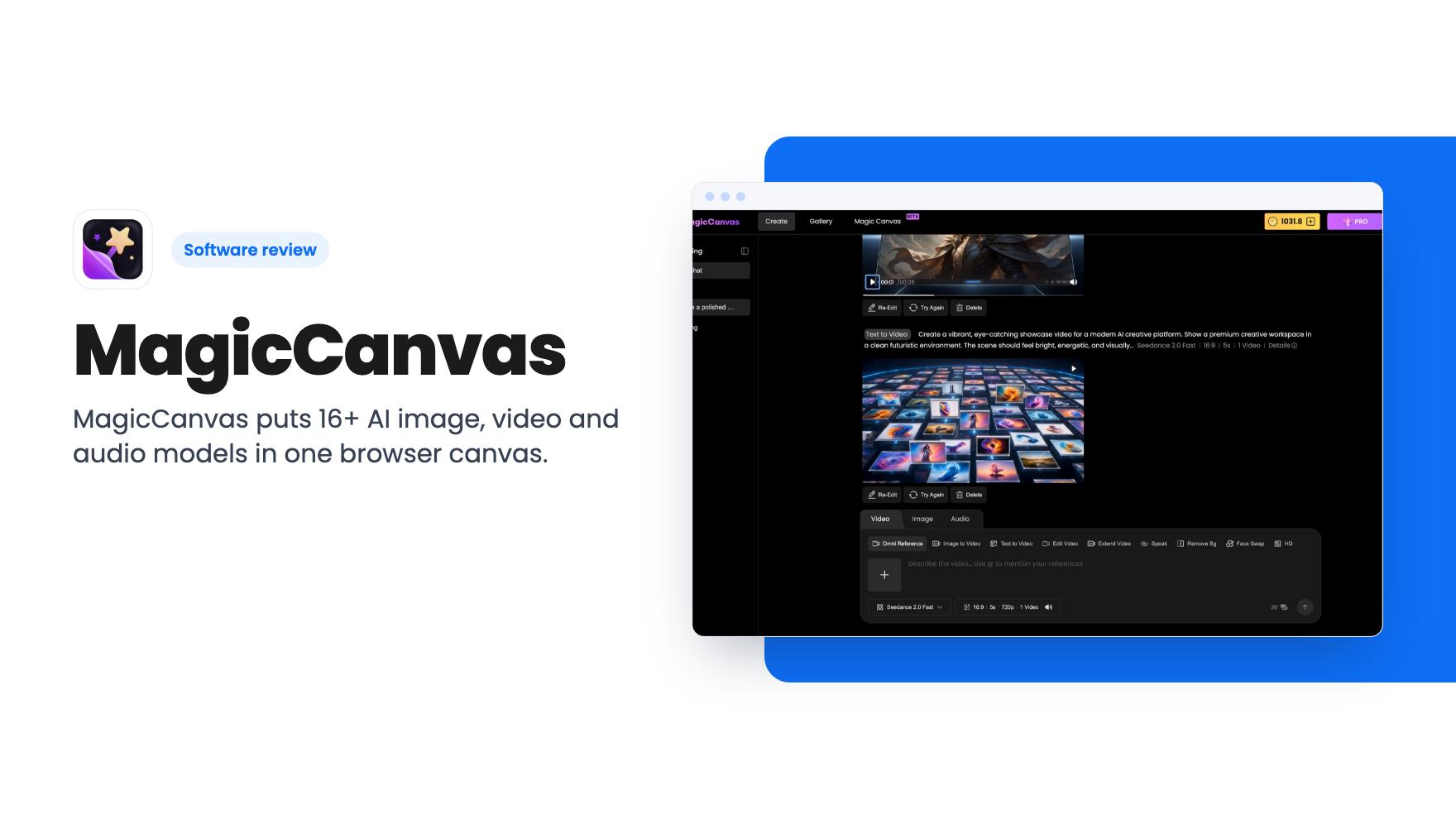
MagicCanvas puts 16+ AI image, video and audio models in one browser canvas. The $59 lifetime deal looks cheap, but the monthly credit caps matter most.
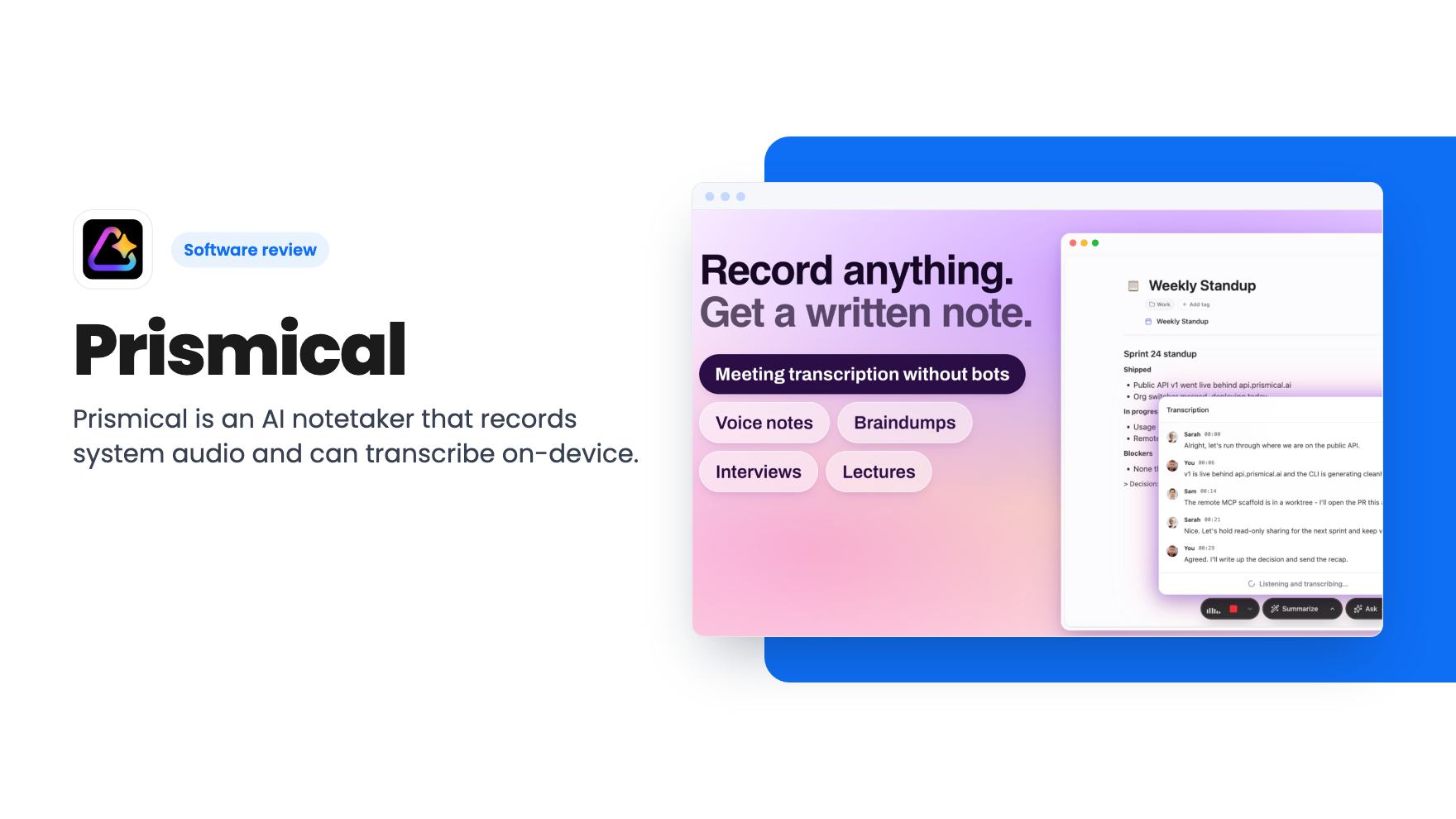
Prismical is an AI notetaker that records system audio and can transcribe on-device. The AppSumo lifetime deal runs $59 to $749, and the tier limits matter.