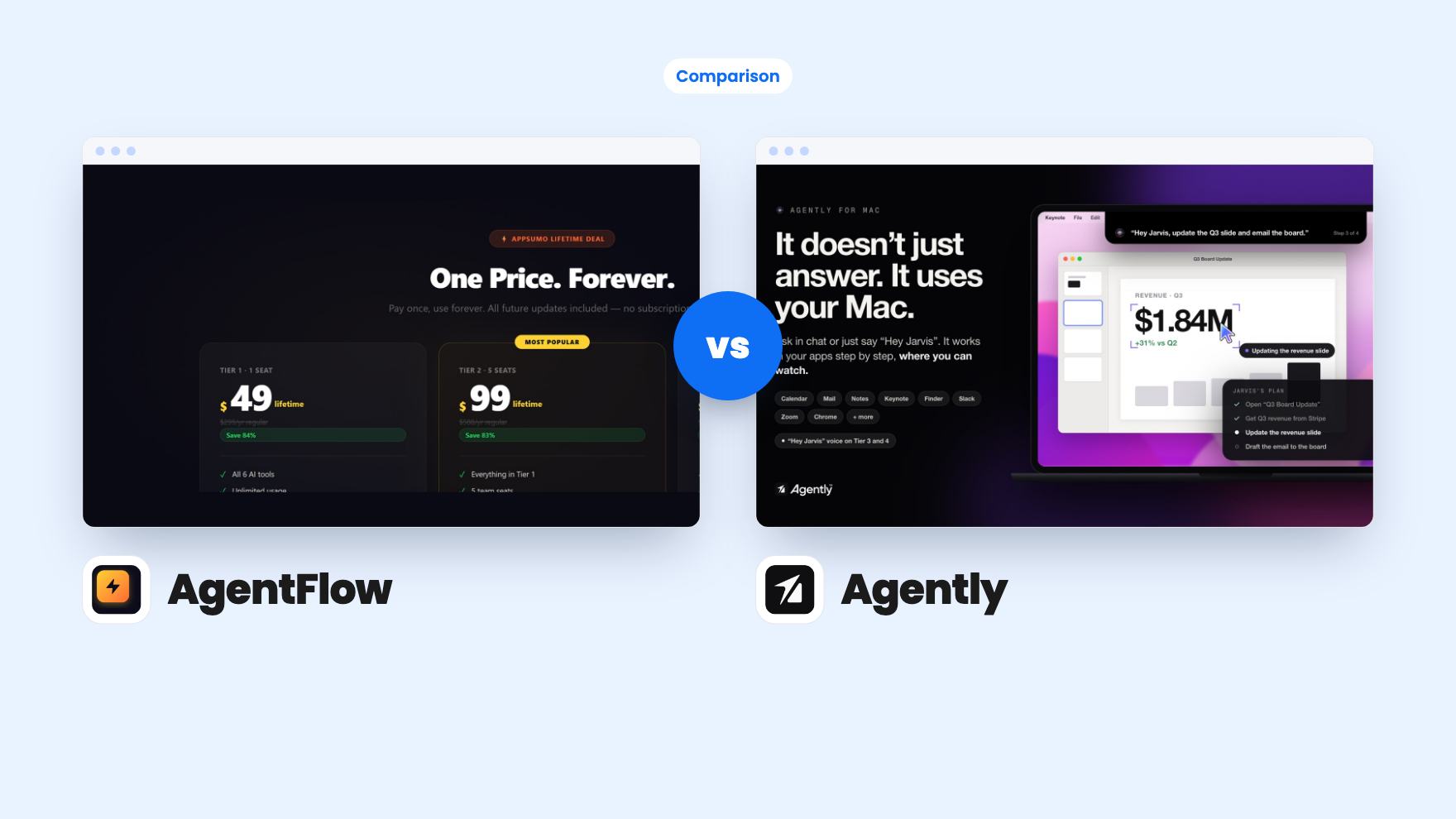
You’ve got two tabs open, both AI lifetime deals, and the price gap is big. One is $19. The other starts at $69 and climbs to $489. Before you compare features, it helps to see that these two solve different problems for different people, even though both can draft an email.
Two different ideas of an AI helper
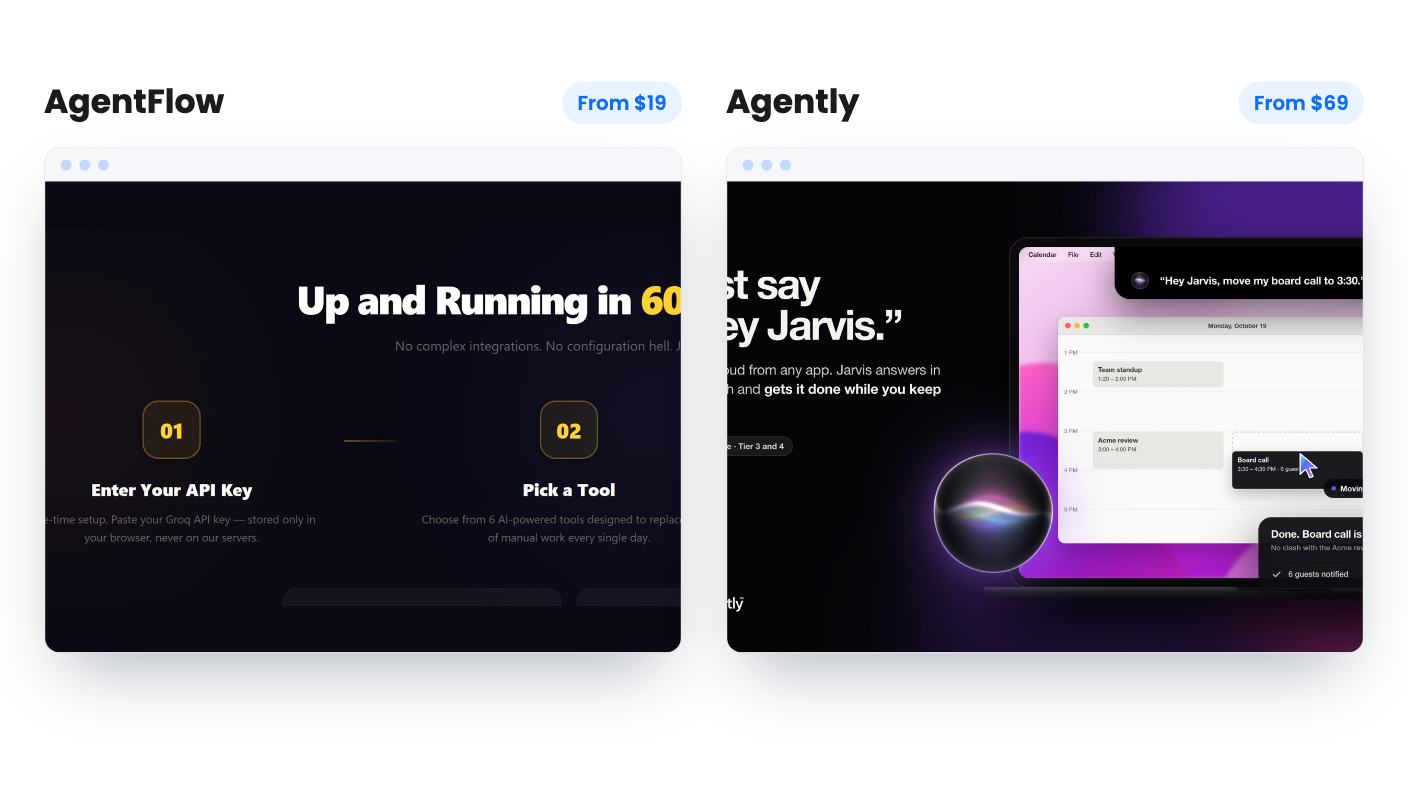
AgentFlow is a browser dashboard with six tools: a summarizer, an email drafter, a research agent, meeting notes, a content rewriter and a schedule planner. You paste text in, describe the task and get text back. That’s the whole model.
Agently is built around your work apps. According to its listing, it pulls from Slack, Outlook, Linear, Jira, your calendar and pending approvals, filters out newsletters and bots, and keeps one ranked list of what needs you. An assistant called Jarvis then does the work, including drafting replies with your company’s context.
So one is a toolbox you reach into, and the other is something that watches your day. If you only need the toolbox, Agently is more than you need. If you need the watcher, AgentFlow won’t do it.
What each one actually does for you
AgentFlow’s spread is sensible for a blogger or solo owner. Summarizing, drafting and rewriting are what most people do with AI every week. The weak spot is detail. The listing never says what the Research Agent does, whether it browses the web or just answers from a model’s memory. It also doesn’t say whether Meeting Notes AI takes transcripts or audio. There’s no demo video either.
Agently’s listing is far more specific about the daily workflow. You drag items into your preferred order and it learns from that, though the listing doesn’t say how quickly. Jarvis lives in the Mac notch, responds to “Hey Jarvis” on the higher tiers and uses apps like Calendar, Mail, Slack, Zoom and Chrome while you watch. It can also take in your website and files, from PDFs to Notion and Google Drive, and show sources for its answers.
Neither listing has a product video, and we haven’t used either tool. Agently’s claim of working across 100+ apps is a claim until someone shows it working. Still, it describes far more concrete behavior than AgentFlow does.
Safety, and who presses send
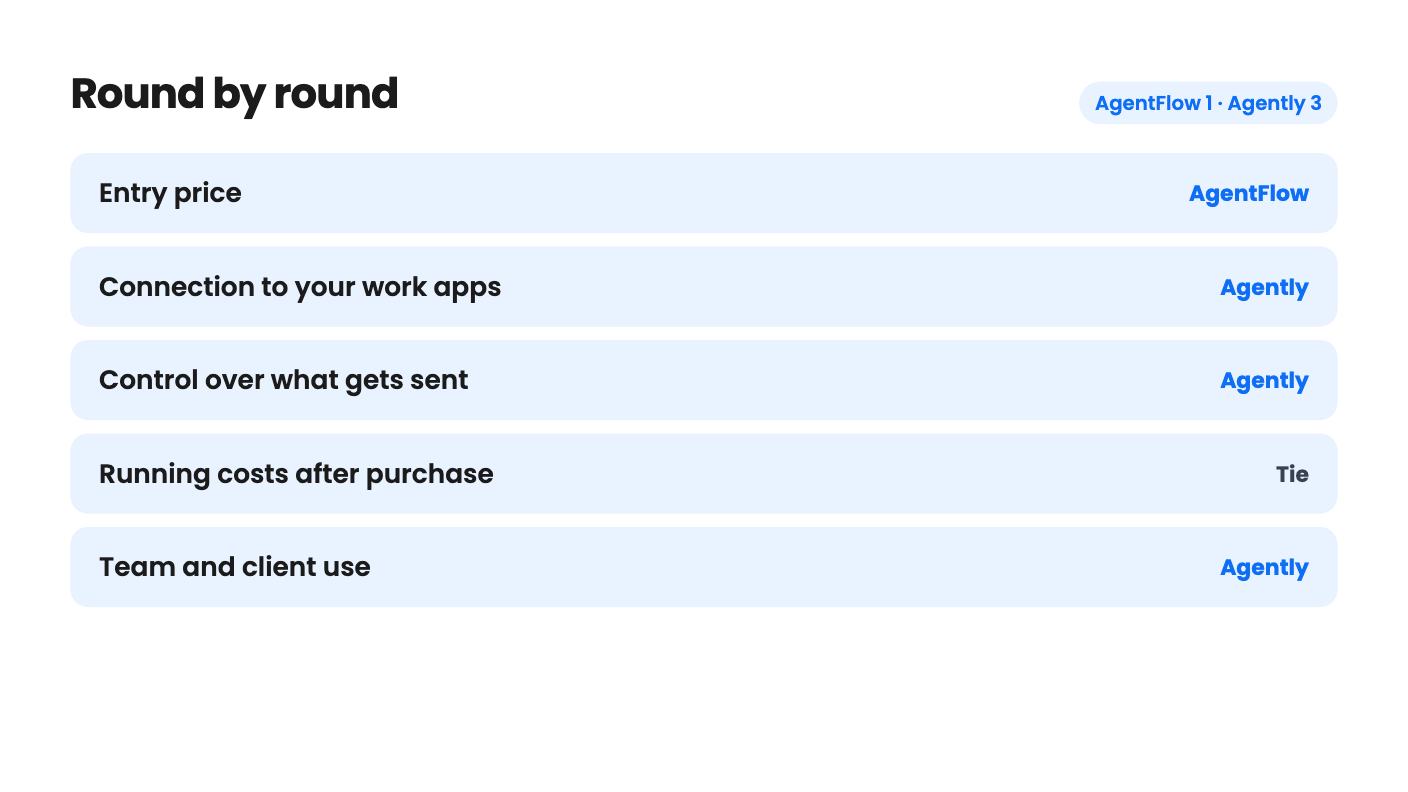
This is where Agently earns its higher price. Every outside action, whether an email, a Slack message, a CRM update or a calendar change, goes through one approval gate. What you ask for directly runs. What Jarvis suggests on its own waits for you, and so does anything that sends content it found in an email or document. Every action is logged.
Be careful with the Always option, because it’s the easy way to end up with an assistant emailing someone you didn’t expect.
AgentFlow sidesteps the whole question. It produces text and you copy it somewhere. That’s slower, but nothing can go out by accident. It also has no integrations with email or calendars, so the Email Drafter and Schedule Planner are writing aids, not automations.
Price, tiers and the catch in each
AgentFlow’s AppSumo page shows $19, $38 and $57, each described identically as lifetime access with stackable codes up to 3. The feature copy says the upper tiers add team seats, white-label output, custom system prompts and priority support. The plan table instead shows 1 seat and sells extra seats at $38, $57 and $78. It also quotes a “single $49 deal” that matches no tier. We can’t tell you what the $38 tier buys, and neither can the listing. Our advice is to stick with the first tier and ask the seller in writing before stacking anything.
Agently has four tiers. As far as we can match them using the FAQ’s storage and voice details, they run like this:
- Tier 1, $69: 1 user, 1 GB, 3 connected apps, manual sync, no bring-your-own-key.
- Tier 2, $159: 1 user, 4 GB, 7 connected apps, auto sync, bring-your-own-key.
- Tier 3, $249: 5 users, 10 GB, unlimited apps, voice mode, agent teams.
- Tier 4, $489: 10 users, 20 GB, white-label pages.
The plan table runs in reverse and has no column labels, so check the tier page before paying. Tier 1 looks like the weak one. Three connected apps undercuts a tool whose job is to watch many of them, so Tier 2 is the realistic entry point for most people. That makes the true starting price closer to $159 than $69.
The running costs nobody mentions in the headline
Both deals have a usage catch, and they’re different catches.
AgentFlow includes no AI usage. You create a free Groq account and paste in a key, which the listing says stays in your browser. That’s why a $19 lifetime price is possible. The listing says there are no usage caps, but your requests still count against Groq’s own free tier, and the listing gives no numbers for it. Heavy use would hit Groq’s limits, not AgentFlow’s. The integrations line also names OpenAI and Claude, yet the FAQ only discusses Groq, so assume Groq only.
Agently uses one-time credits whenever Jarvis runs on its models. Chats, routines, Slack and voice requests and generated documents all cost credits, while syncing and indexing don’t. The pack ranges from 1,000 to 10,000, though the plan table’s order (10,000, 1,000, 3,000, 6,000) doesn’t form a clean ladder. The listing doesn’t say what a typical task costs, so nobody can estimate how long 1,000 credits last. The fix is bring-your-own-key from Tier 2, which means paying OpenAI or Anthropic directly.
So neither deal gives you a fixed cost forever. AgentFlow’s variable cost is probably small but unknown. Agently’s is larger and also unknown.
Teams, agencies and client work
If you serve several clients, Agently is the only one of the two that speaks to you. Each client can get its own workspace with its own brain, apps and team. The FAQ says up to 25 workspaces on every tier, but the plan table says unlimited, 2, 1 and 1. Both can’t be right, so ask before buying if client separation is your reason for being here.
AgentFlow mentions shared seats and white-label output on upper tiers, but the plan table contradicts that. Treat it as a single-user product for now.
One more caution on Agently: it’s a young product with four AppSumo reviews averaging 4.75. That’s encouraging and too small to lean on. A lifetime deal is a bet that the company stays around, and that bet is cheap at $69 and much heavier at $489.
Which one to buy
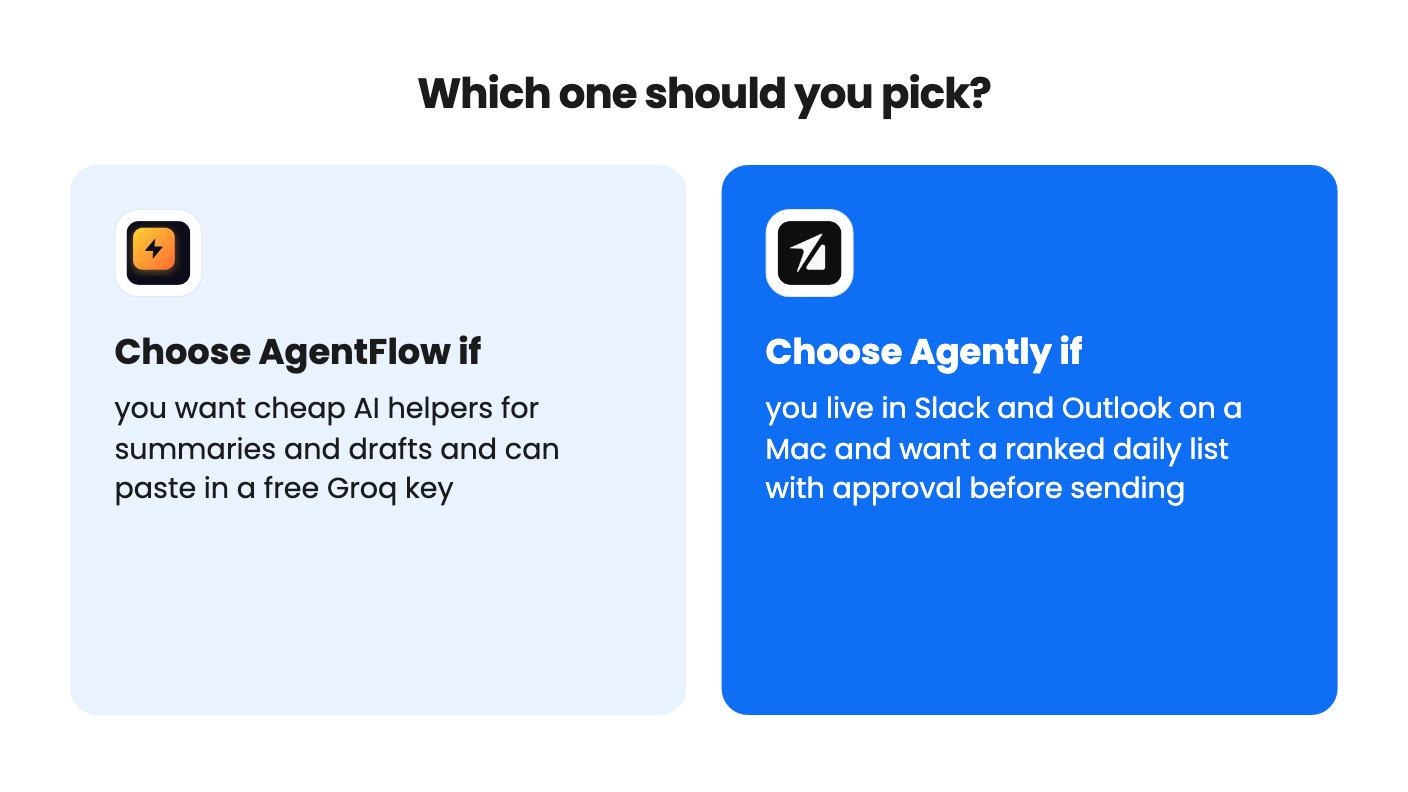
Pick AgentFlow if you’re a blogger or solo owner who wants a few simple AI helpers for the price of a lunch, and you’re fine pasting in a free Groq key. Use the 60-day refund window to find out whether the tools feel thin. Buy only the first tier and don’t pay for seats until the seller explains them.
Pick Agently if you’re a consultant, founder or small agency owner on a Mac who wants triage plus drafting with a human check. Plan on Tier 2 or above, test it with your real Slack and Outlook accounts inside the refund window, and confirm the workspace and credit numbers first.
If you already pay for ChatGPT or Claude, Agently’s listing itself says to keep them, since it plugs into both over MCP. For AgentFlow, check whether it gives you anything beyond a tidier set of buttons.
How this comparison was made: researched from both tools' official listings and demo videos, and written with help from AI. We have not tested AgentFlow or Agently hands-on yet. Prices and deal terms change, so check AppSumo before you buy. See our affiliate disclosure.