Picture a Monday morning with 40 unread Slack messages, an Outlook inbox full of newsletters, three Jira tickets waiting on you and a calendar invite you haven’t answered. None of it is hard. The trouble is working out which of it matters first.
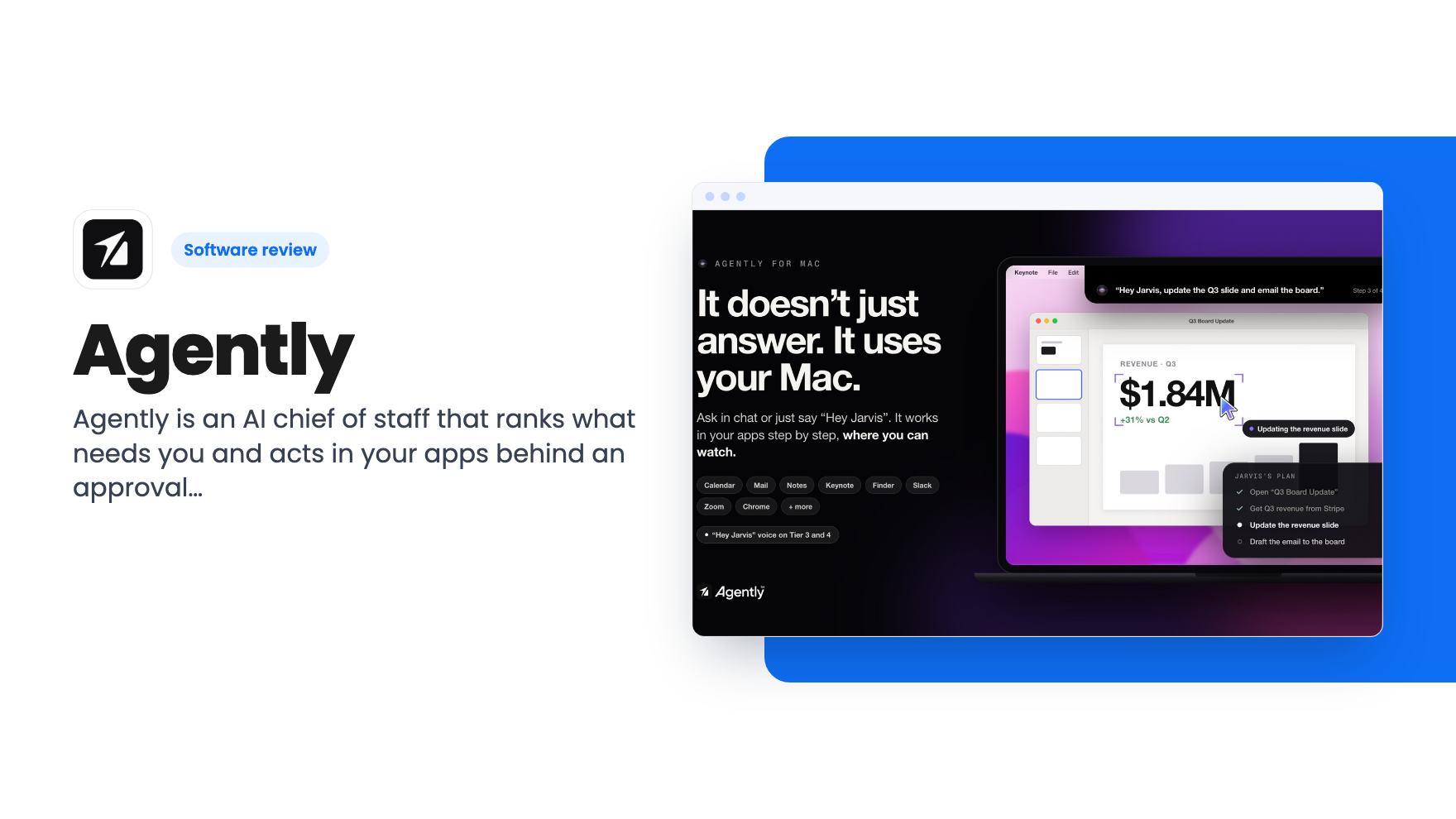
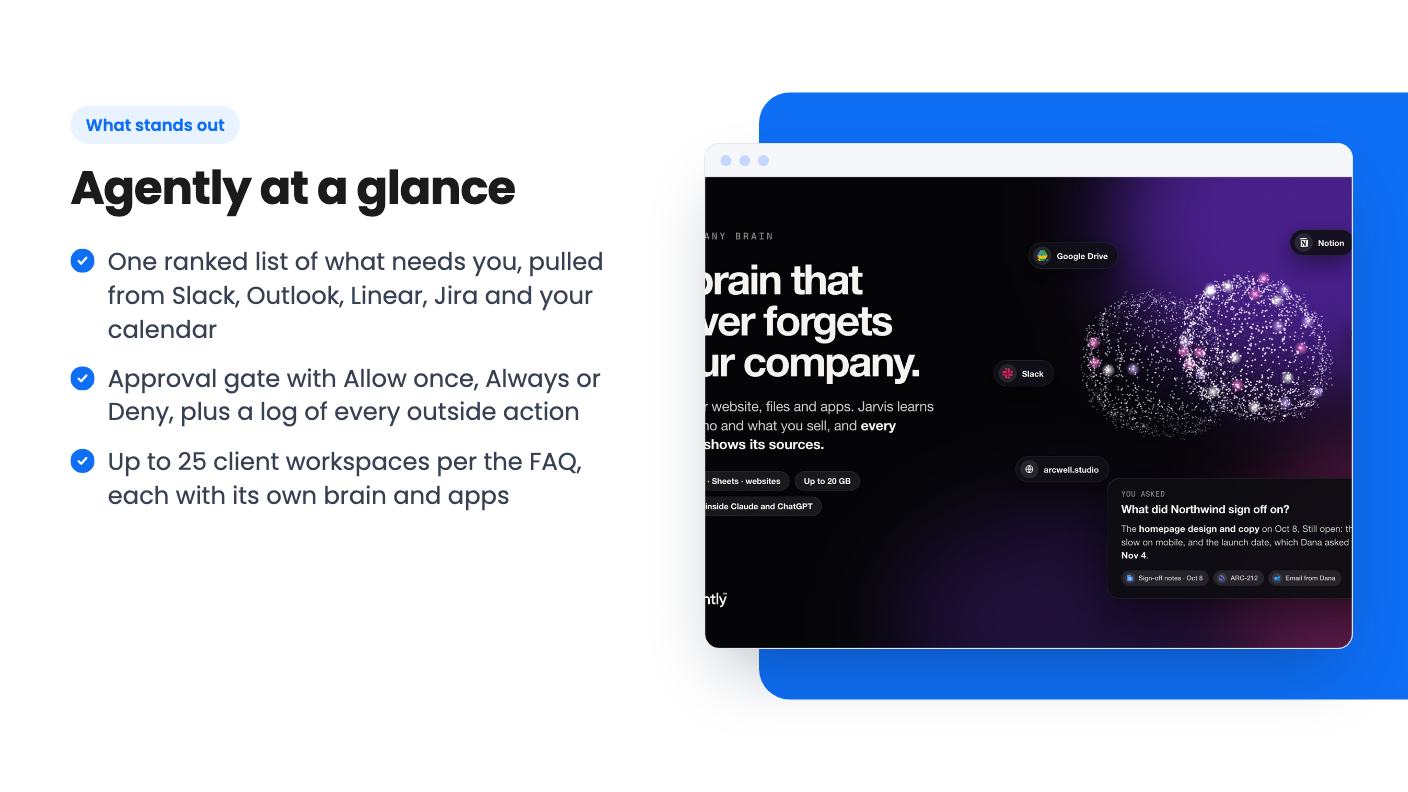
That’s the situation Agently is built around. According to the listing, it connects to your work apps and keeps one ranked list of what needs you. It pulls from Slack, Outlook, Linear, Jira, your calendar and any approvals waiting on you. Newsletters, bots and calendar replies are filtered out, and you can look at what got hidden.
The list isn’t fixed. You drag items into the order you’d choose, and the listing says Agently learns from that so tomorrow’s list starts closer to how you work. That’s a nice idea. We can’t say how quickly it learns, because the listing doesn’t give any detail on it.
Jarvis, the assistant that sits in your Mac’s notch
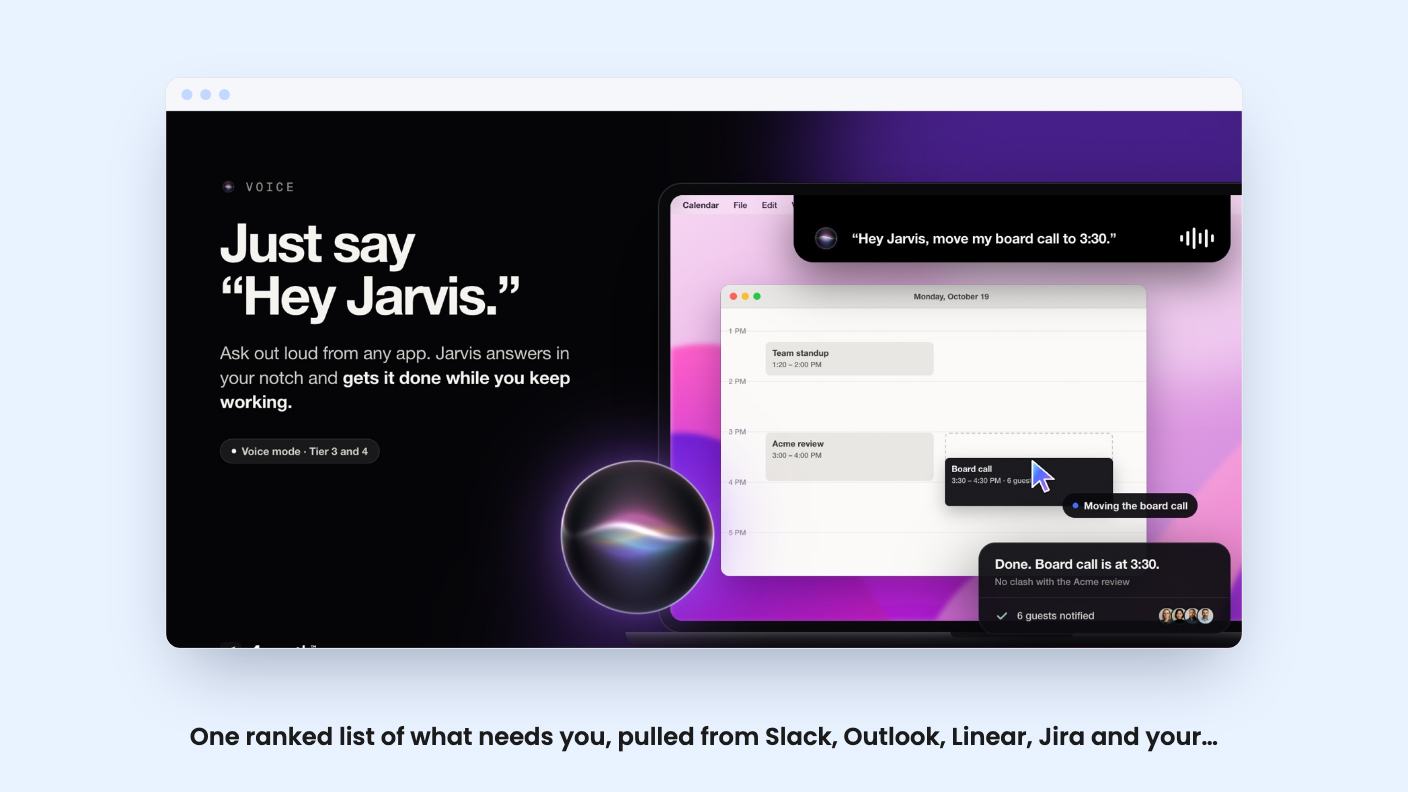
The assistant is called Jarvis. On a Mac it lives in the notch, and you can say “Hey Jarvis” from any app, though voice mode is a Tier 3 and Tier 4 feature. You can also hand work over in chat or in Slack.
What sets it apart from a plain chatbot is that it uses your apps while you watch. The listing names Calendar, Mail, Notes, Keynote, Finder, Slack, Zoom and Chrome. It can also produce finished docs, live pages and diagrams shared by link, and run routines that skip a run when nothing has changed.
Press Draft reply on an item in your list and Jarvis writes an answer using your company’s context. Only your Send button sends it. That detail matters, and we’ll come back to it.
There’s no product video attached to this listing, so everything here comes from the written description. We haven’t seen the notch interface or the app control in action, and neither have you if you’re reading the listing. Treat “works across 100+ apps” as a claim until you’ve watched it do something.
A company brain, and a workspace for each client
You feed Agently your website and files: PDFs, Word docs, spreadsheets, and content from Notion, Confluence, Dropbox and Google Drive. The idea is that Jarvis knows what you do, who you sell to, how you write and who’s who from day one. Answers are meant to show their sources, which helps when you’re deciding whether to trust one.
The same brain can plug into Claude and ChatGPT over MCP. If you already pay for either, the listing says to keep them. That’s a sensible pitch, and it makes Agently more of an add-on than a replacement.
For agencies and consultants, the workspace feature is the draw. Each client gets its own brain, apps and team. The FAQ says up to 25 workspaces on every tier. The plan table says something else: unlimited, 2, 1 and 1 across the tiers. One of those is wrong, or they’re measuring different things. Ask before you buy if client separation is why you’re here.
The approval gate is the part to take seriously
Giving an AI the keys to your inbox is the scary bit, so the design here is reassuring on paper. Every outside action, meaning emails, Slack messages, CRM updates and calendar changes, goes through one approval gate.
The rule is simple. What you ask for directly runs. What Jarvis suggests on its own waits for you. Anything that sends content it found in an email or document also waits. You answer Allow once, Always or Deny, and every action is logged with what ran, when and who asked.
That’s a thoughtful default. Be careful with “Always”, though. It’s convenient, and it’s also how an assistant ends up emailing someone you didn’t expect.
What the four AppSumo tiers include
The deal has four lifetime tiers. All of them include lifetime access, future plan updates, and the ability to move between tiers. You have to activate your license within 60 days of purchase.
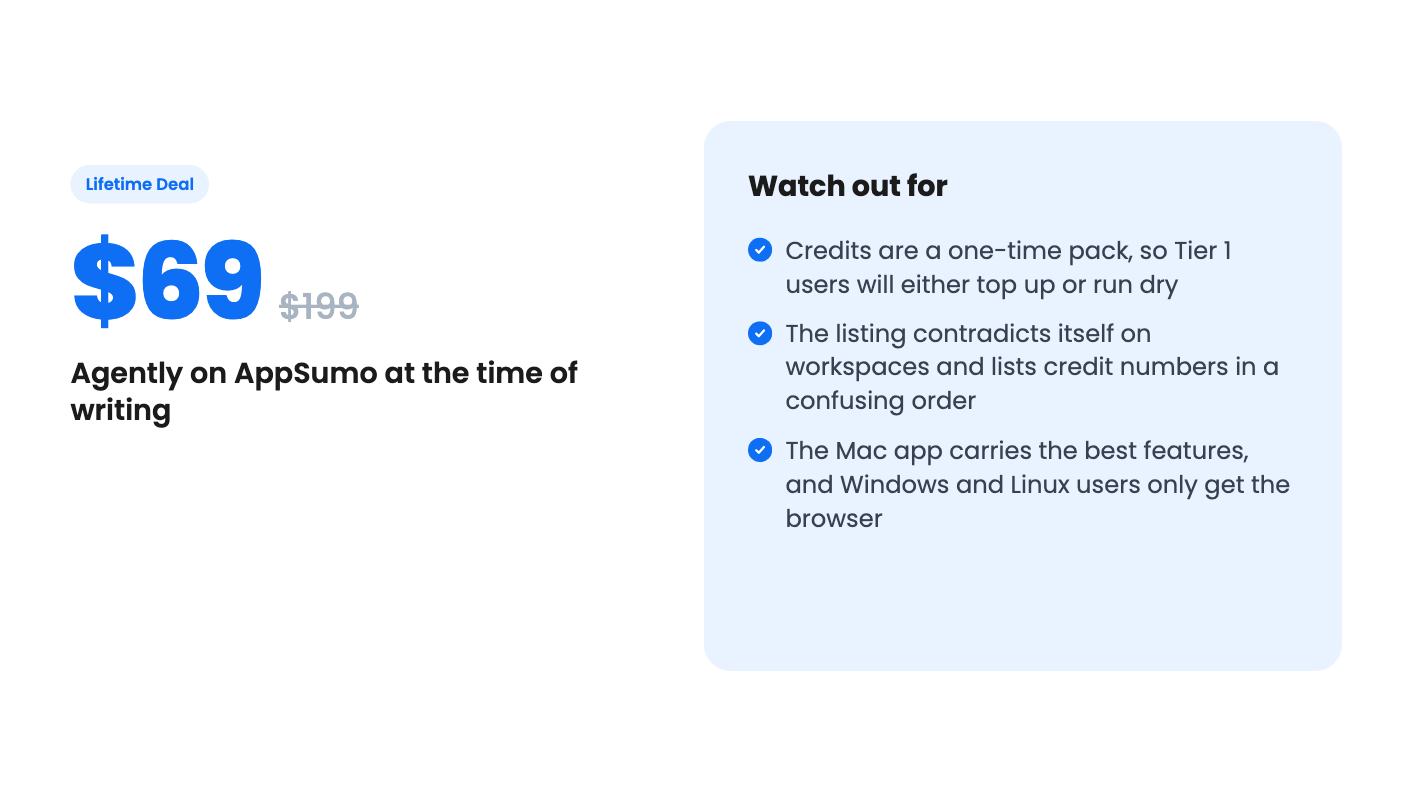
- Tier 1, $69 (list $199): 1 user, 1 GB storage, 3 connected apps, manual sync, no bring-your-own-key.
- Tier 2, $159 (list $399): 1 user, 4 GB, 7 connected apps, auto sync, bring-your-own-key.
- Tier 3, $249 (list $599): 5 users, 10 GB, unlimited connected apps, voice mode, agent teams, bring-your-own-key.
- Tier 4, $489 (list $999): 10 users, 20 GB, white-label pages, plus everything above.
We’ve matched those to tiers using the FAQ’s storage and voice details, because the plan table in the listing runs in reverse order and doesn’t label its columns. Check the tier page before paying.
Tier 1 is the weak spot. Three connected apps and manual sync undercut a tool whose whole job is watching many apps at once. If you picked Slack, Outlook and your calendar, you’d already be at the limit, and nothing is left for Jira or HubSpot. For most buyers Tier 2 looks like the real entry point.
Credits are the catch with a lifetime deal
Jarvis runs on credits whenever it uses Agently’s models, and the listing says the Smart setting picks Claude Opus, Sonnet or Haiku per request. Chats, routines, Slack and voice requests and generated documents all cost credits. Syncing apps and websites and indexing files don’t.
The credit pack is a one-time amount, from 1,000 to 10,000 depending on tier. The plan table lists 10,000, 1,000, 3,000 and 6,000, which doesn’t line up with a tier ladder, so we can’t tell you exactly what each tier gets. The listing also doesn’t say how many credits a typical task costs. Without that, nobody can work out how long 1,000 credits will last.
The way out is bring-your-own-key. From Tier 2 you can plug in your own OpenAI or Anthropic key, and the plan table marks the key option as unlimited credits. Then you pay the model provider directly, so the lifetime part covers the software and not the usage. Tier 3 and up can also run Jarvis on your own Claude or ChatGPT plan. The text of the credits FAQ cuts off mid-sentence in the source we have, so there may be more detail we can’t see.
Who should buy, and who should skip
The sensible buyer is a solo consultant, founder or small agency owner on a Mac who spends the day in Slack and Outlook and wants triage plus drafting with a human check. If you serve several clients and want a separate brain for each, that fits too, once you’ve confirmed the workspace limit.
Skip it if you’re on Windows or Linux and want voice and desktop control, since those live in the Mac app. Skip Tier 1 if you need more than a few integrations. Be wary if you want fixed costs, because heavy use without your own API key means buying top-ups.
There’s also the matter of age. Four AppSumo reviews averaging 4.75 is a good sign, but it’s a tiny sample, and the listing’s contradictions suggest the product page is still being tidied. A lifetime deal on a young product is a bet on the company lasting. At $69 that bet is small. At $489 it deserves a longer look, and a refund-window test with your real apps before you commit.
How this review was made: researched from Agently's official listing, and written with help from AI. We have not tested Agently hands-on yet. Prices and deal terms change, so check AppSumo before you buy. See our affiliate disclosure.