If you run a WordPress site, you already know what a bad week of bot traffic looks like. The contact form fills with junk, the comments section turns into an ad board, and your login page gets hammered by scripts guessing passwords at 3 a.m. Each problem has its own plugin, and each plugin has its own settings page and its own update schedule.
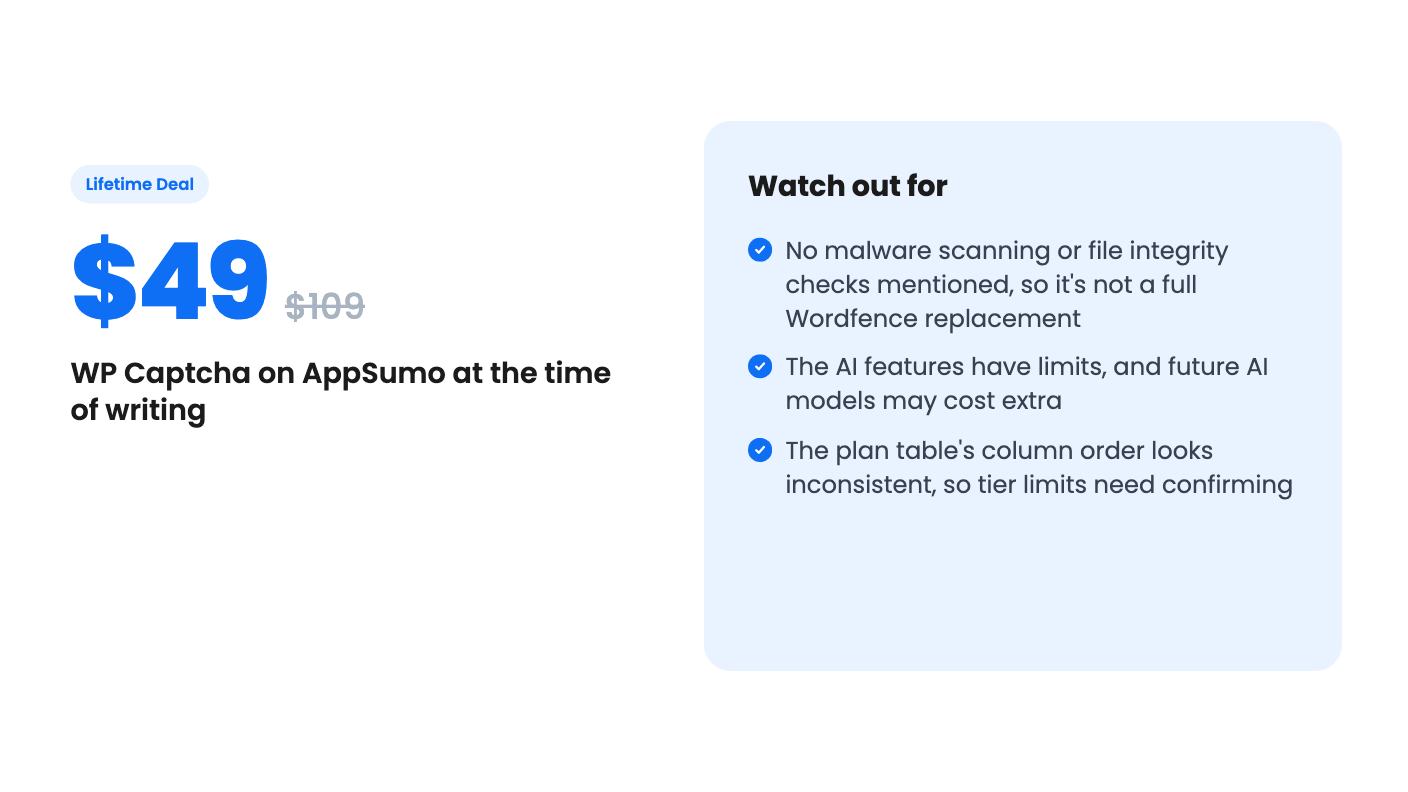
WP Captcha tries to put those fixes in one place. It’s on AppSumo as a lifetime deal starting at $49, down from a $109 list price. The listing pitches it as an alternative to Wordfence, which is a bold comparison, so let’s look at what’s actually claimed.
What you get for the money
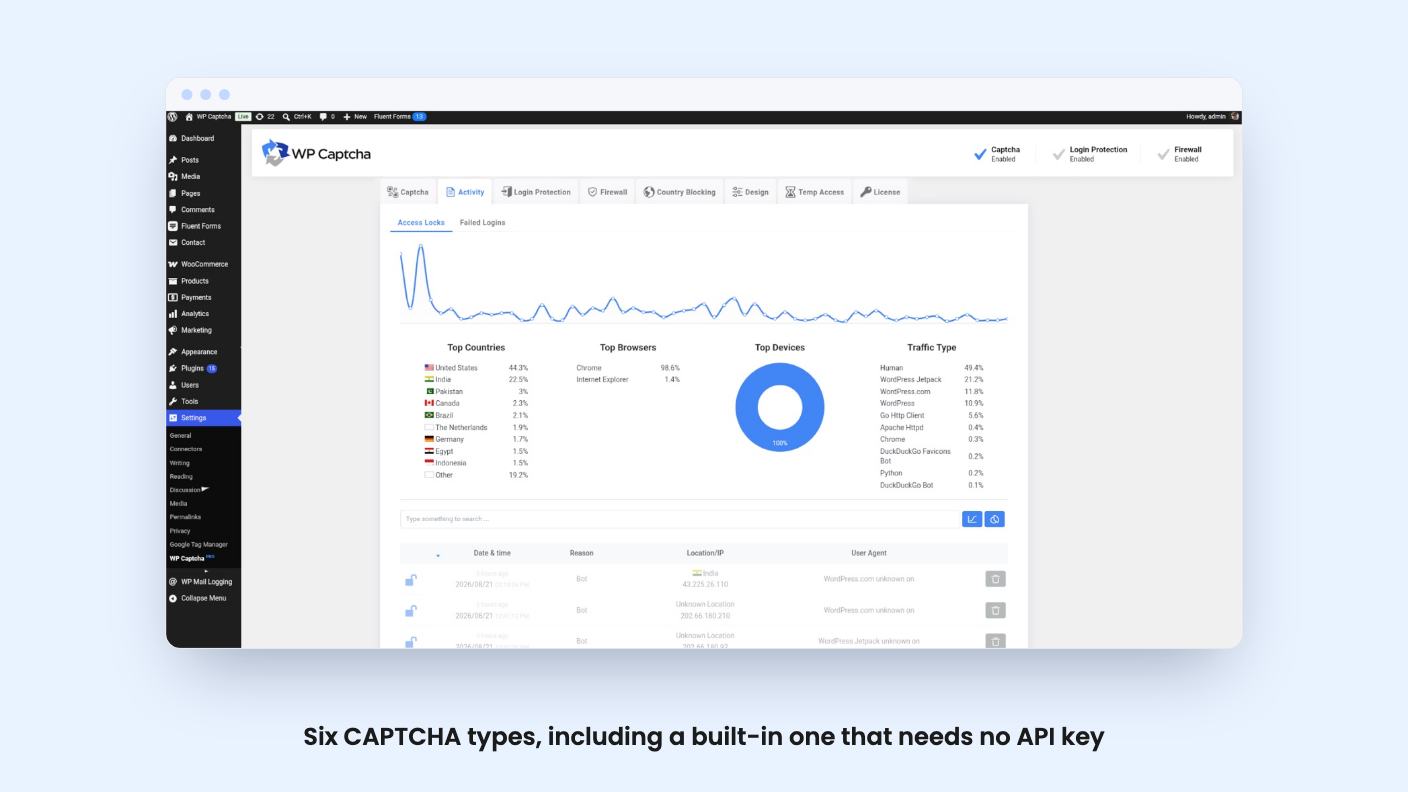
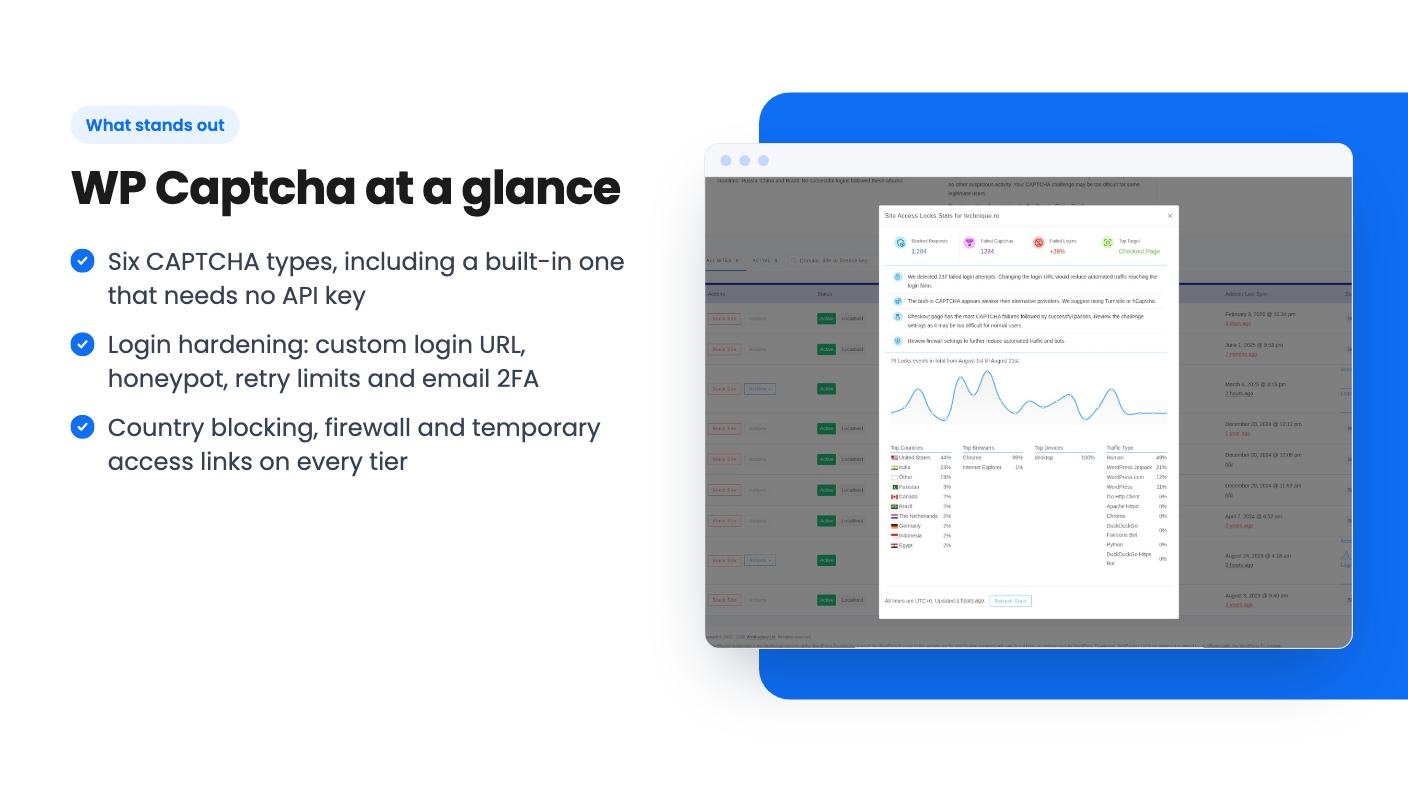
The core is CAPTCHA coverage. According to the listing, you can pick from six types: reCAPTCHA v2 and v3, hCaptcha, Cloudflare Turnstile, Icon Captcha, and a built-in option that needs no API key. That built-in one matters more than it sounds. Setting up Google reCAPTCHA means creating keys for every site, and the listing’s own FAQ admits there’s no way around that.
You choose where the CAPTCHA appears in a “Where to Show” section. The FAQ lists login, registration, lost password, comments, WooCommerce login, registration and checkout, Easy Digital Downloads, and BuddyPress registration. There’s also a claim of universal form protection for third-party plugin forms. That’s a nice promise, but the listing gives no detail on how it works or which form plugins it handles. If your contact forms come from a specific builder, test it before you rely on it.
Locking down the login page
This is the part I’d care about most. The listing describes a changeable login URL, a honeypot to trap bots, a cap on login retries, and email-based two-factor authentication. You can also restyle the login page to match your brand.
None of these ideas are new. Plenty of free plugins do one or two of them. The appeal is having them under one roof, with an access lock log that shows every blocked attempt by date, location and user agent.
Note that the 2FA is email-based. That’s better than nothing, but it isn’t an authenticator app. The listing doesn’t mention app-based codes or hardware keys, so the strongest forms of 2FA seem to be missing.
Firewall, country blocking and temporary links
On the network side, you can allow or block traffic by country. The firewall is said to block bad bots, directory traversal and code injection attempts. Every tier lists the advanced firewall and cloud blacklists.
The listing doesn’t explain how the firewall rules are built or updated, and it names no threat feed. Country blocking is blunt too. It works well if your customers all live in one region, and it’s a headache if they don’t.
The temporary access links are the feature I like best for agencies. You give a contractor or client a link that expires, instead of creating a permanent account you’ll forget to delete. It’s a small thing that solves a real housekeeping problem.
The AI and dashboard pieces
The listing leans on AI analysis of site activity, plus a live dashboard of lockouts, failed logins and bot traffic sorted by country, browser and IP. It promises recommendations on how to tighten your settings.
Treat this as marketing until proven otherwise. The listing doesn’t say what the AI looks at, how often it runs, or what a recommendation actually looks like. There’s no product video to show it either.
There’s a cap, too. The plan table lists “AI site monitors” per tier, and the numbers are odd. The six columns read 10, 105, 80, 55, 30 and 1. If those line up with tiers in order, tier 2 would have more monitors than tier 3, which makes no sense. The sites row has the same oddity: unlimited, unlimited, unlimited, unlimited, 100 and 3. Either the table is scrambled or the tiers are unusual. Ask the seller before you buy the higher tiers on the strength of those numbers.
The listing also warns that future AI models may need an add-on or come at a discounted rate. So the AI part may not stay fully covered by your one-time payment.
Pricing, tiers and the fine print
The tiers run from $49 to $293, and each step up is roughly another $49. Tier 1 is $49, tier 2 is $98, tier 3 is $147, tier 4 is $196, tier 5 is $245 and tier 6 is $293. Every tier gets the same headline features: firewall, login page customization, email 2FA, temporary access links, country blocking and the multi-site SaaS dashboard.
The differences sit in the limits and the branding options. Read in order, the table suggests tier 1 has unlimited sites, 10 AI monitors and plugin rebranding, but no white-label mode. White-label is what an agency needs if it wants clients to see its own name, so agencies should check which tiers include it. The table’s ordering problem makes it hard to be certain.
The rules are the usual AppSumo ones, with a few specifics. The deal is for brand-new WP Captcha users only, with no earlier accounts, trials or paid plans. You have 60 days from purchase to redeem, and you can stack up to 6 codes. Future updates to the Team and Agency plans are included. The deal ends on 2026-12-01.
Site limits are handled through the WP Captcha dashboard. When you create a license key, you set its maximum active sites. For unlimited coverage, the FAQ says you can create batches of 100 sites per license, which sounds like extra admin if you manage a lot of sites.
Who should skip it
If you want one plugin that scans for malware and checks core files for tampering, stop here. The listing never mentions malware scanning, file integrity monitoring or cleanup. Calling this a Wordfence alternative is a stretch based on what’s written. It looks like a login and form protection tool with a firewall attached.
It’s also a young product with a thin public record on AppSumo. Four reviews, all five stars, is a nice sign but a very small sample. The seller’s own FAQ on what to do if the plugin breaks your site is a generic WordPress troubleshooting checklist ending in “seek professional support.” That’s not reassuring. Back up before you install, and test on a staging copy first.
If you only run one low-traffic site, a free CAPTCHA plugin plus a login limiter probably does enough, and you don’t need to pay anything.
Agencies and owners of several WordPress or WooCommerce stores are the natural buyers. For $49 you get a pile of useful protections, and the multi-site dashboard and expiring access links fit that kind of work. Buy it as a login and form defense layer, keep your backups and scanning separate, and confirm the tier limits in writing before you pay for anything above the first tier.
How this review was made: researched from WP Captcha's official listing, and written with help from AI. We have not tested WP Captcha hands-on yet. Prices and deal terms change, so check AppSumo before you buy. See our affiliate disclosure.