A customer emails you from a different address to say your shop never sent their order confirmation. You check the site. The order is there, the payment cleared, and WordPress swears it sent the message. That’s the moment you wish you had a record of what actually went out, and when.
That gap is what WP Email Log is built for. It’s a WordPress plugin that logs outgoing email, plus a hosted service that watches whether your site’s mail still works. AppSumo is selling it as a lifetime deal at $49, $98 or $147, and the tiers differ mostly in how many sites you can run it on.
What you get in the log
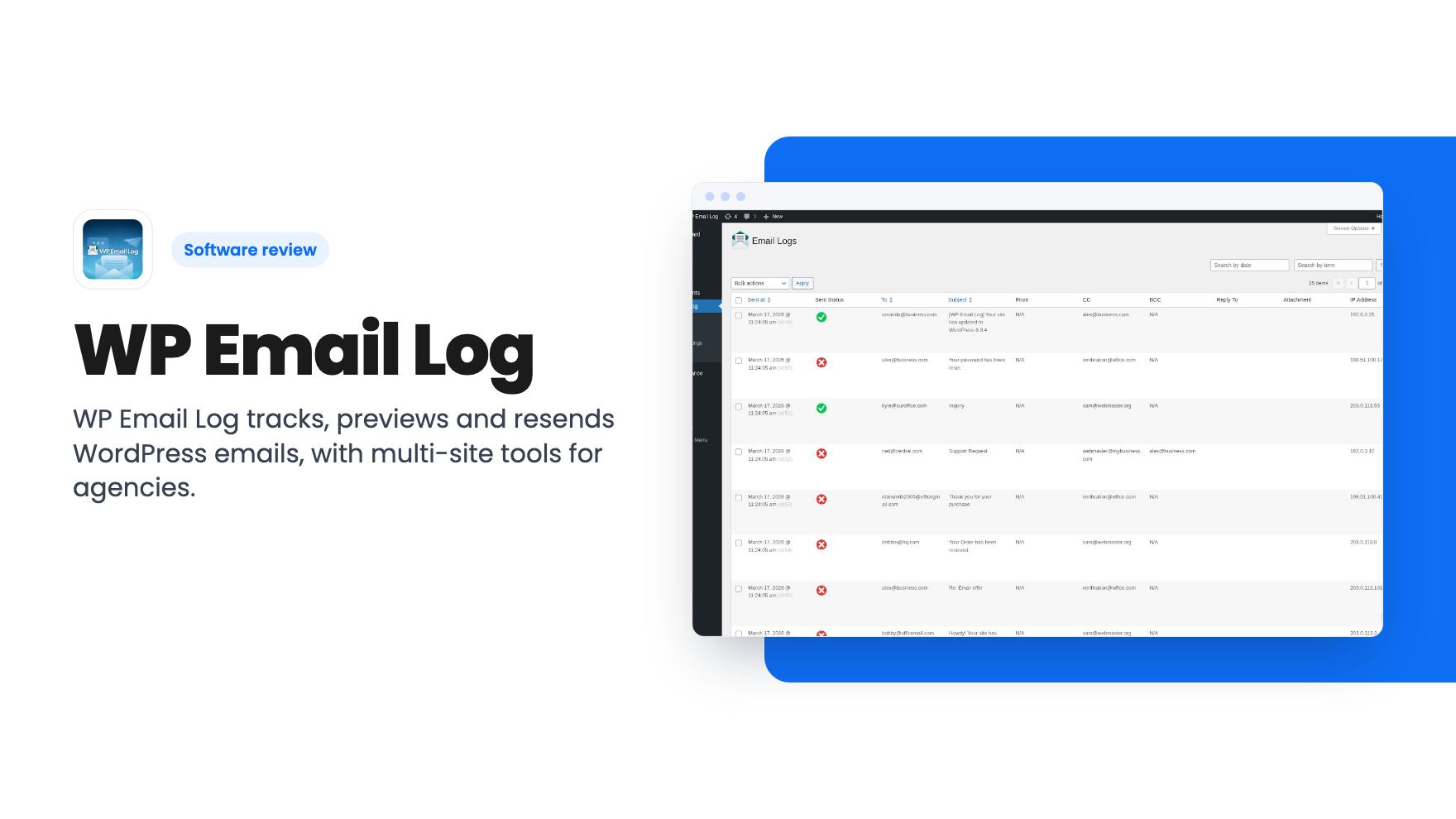
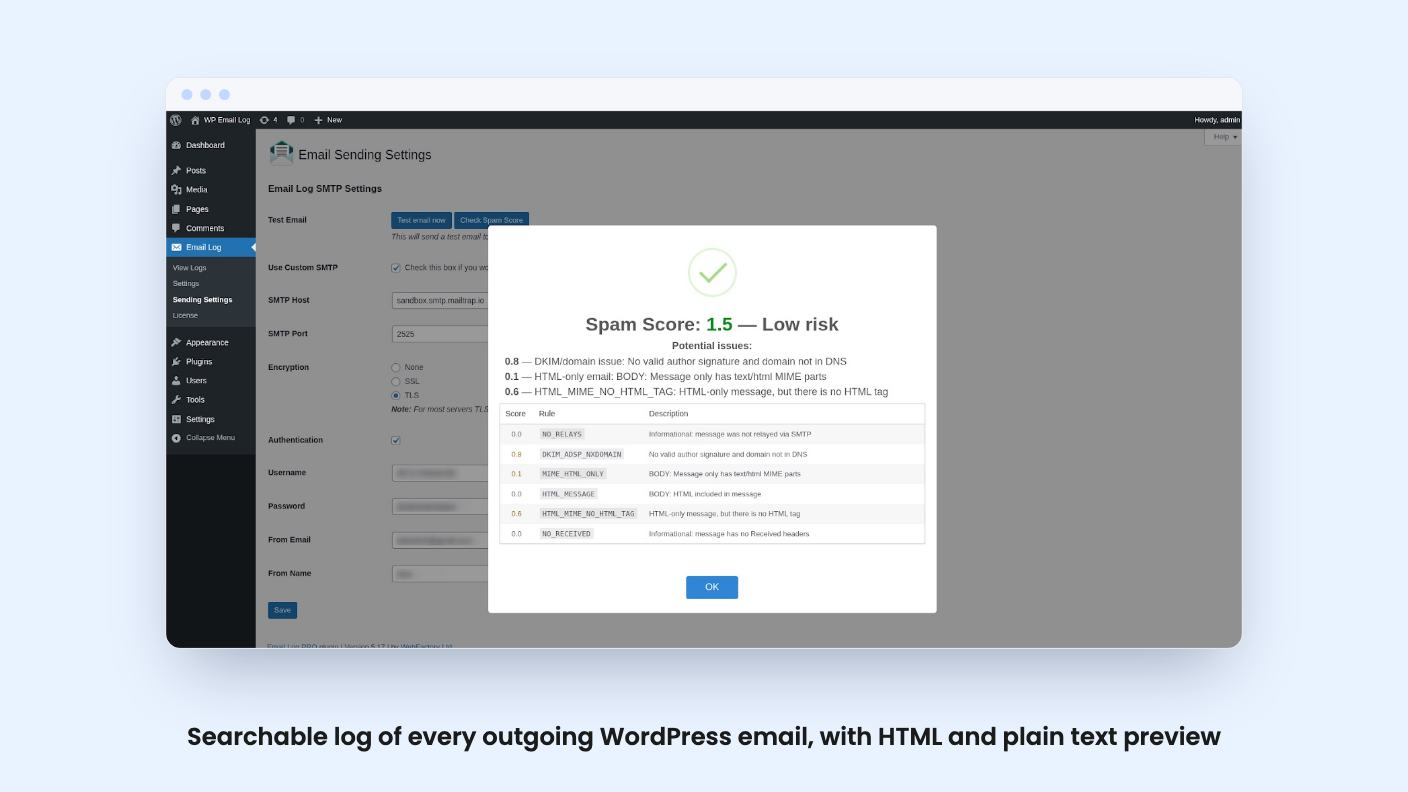
The core of the product is a searchable history. According to the listing, you can filter your email history by date, recipient, subject or send status. You can preview any message as the recipient would see it, in plain text or HTML, and check a spam score on individual emails.
The listing’s FAQ explains the mechanism. The plugin uses the wp_mail hook, filters the arguments, and stores them in a separate table called email_log. That’s a sensible, well-understood approach. It also means the log only knows about mail that passes through wp_mail. If a plugin or script sends mail some other way, you shouldn’t assume it shows up. The listing doesn’t address this, so check before relying on it for compliance.
Multisite is supported. The FAQ says it creates an email_log table for each blog in the network and removes it when a blog is deleted.
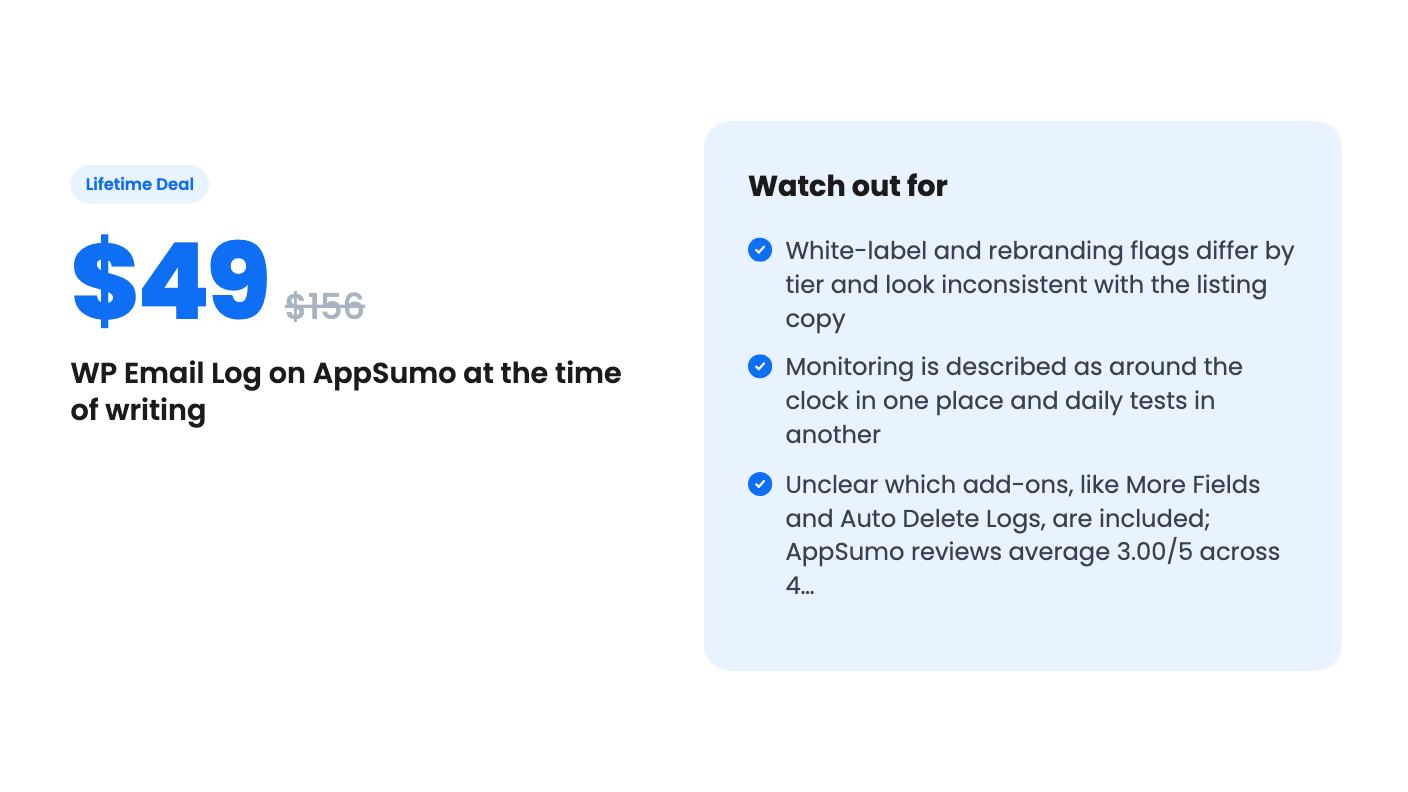
The basic log view shows ‘Sent at’, ‘To’ and ‘Subject’. Fields like From, Cc, Bcc, Reply To and Attachment come from a ‘More Fields’ add-on, and automatic log cleanup comes from an ‘Auto Delete Logs’ add-on. The listing never says whether those add-ons are bundled into the lifetime tiers. Ask before you buy, because Cc, Bcc and attachment details are exactly what you need when you’re chasing a missing email.
Monitoring and resending
Logging tells you what happened. The more interesting part is finding out when mail breaks before your customers do. The listing says the service monitors your outgoing email server around the clock and notifies you when delivery fails, even if your site goes down.
The FAQ describes it differently. There, the SaaS tests your outgoing emails daily. Those are not the same thing. Daily tests mean a failure could sit for up to a day before you hear about it. That may be fine for a brochure site and not fine for a store. The listing doesn’t give a check frequency, so treat the ‘around the clock’ line as marketing until the vendor says more.
When something does fail, you can resend the message with one click. You can also auto-forward all outgoing mail to a backup address, or auto-CC or BCC an address so a copy of everything lands somewhere you control. Those are small features, but they’re the ones you’ll use under pressure.
You can also route outgoing mail through any third-party SMTP server, which separates sending from your web host. That’s good practice on its own. Worth knowing, though, that this is routing, not a full email delivery service.
Running it across client sites
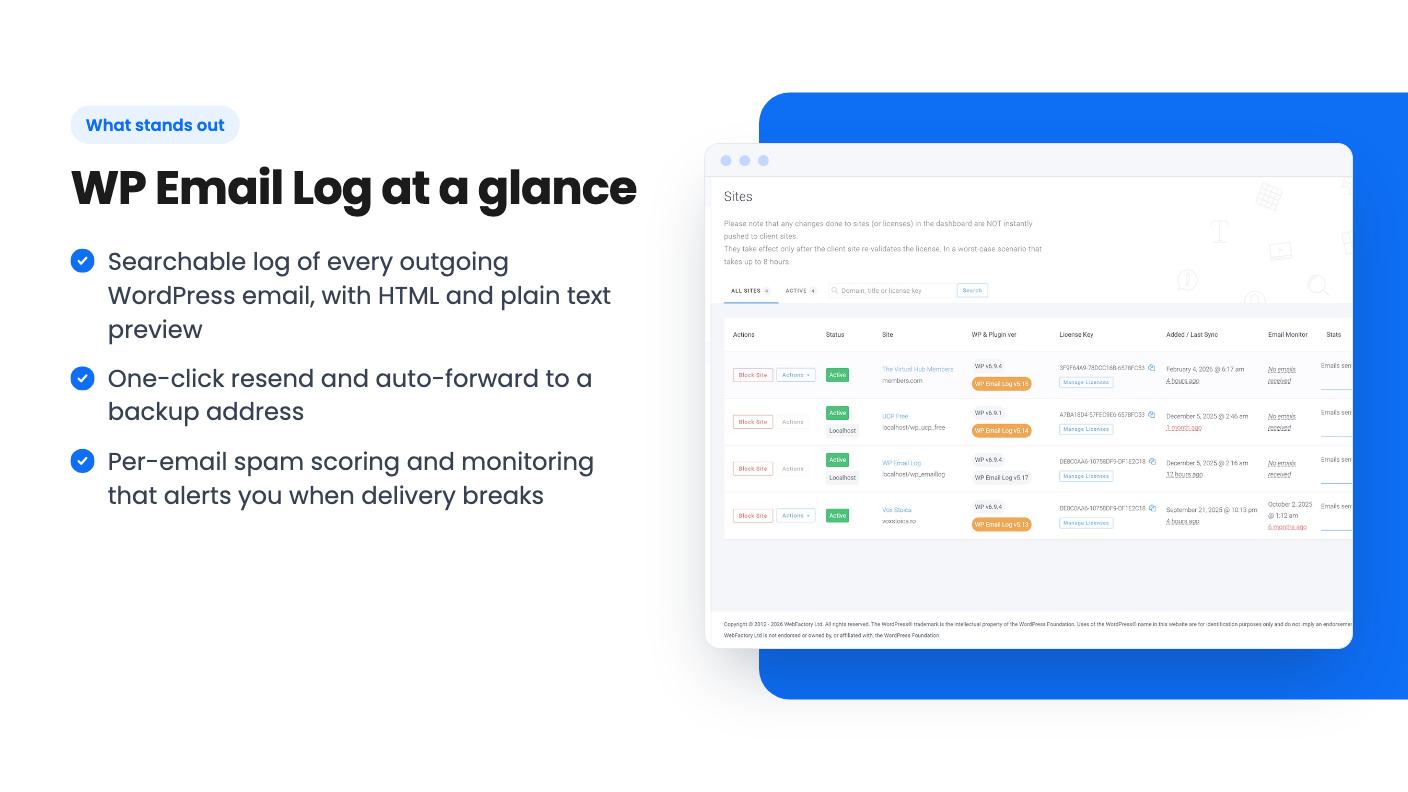
The agency angle is where the listing spends its energy. A single dashboard shows per-site email stats, spam scores and the last delivery check. You can create, change or revoke licenses from that dashboard, and export the log for audits or client reporting.
For a freelancer with a dozen client sites, a shared view of ‘which of these is quietly failing to send’ is useful. It beats logging into each admin panel. The export is handy too, because it gives you something to show a client who insists your site never sent their invoice.
The tiers, and the parts that don’t add up
Here’s the pricing as listed:
- Tier 1, $49 (list $156): 5 sites, white-label mode, rebranding
- Tier 2, $98 (list $312): 100 sites, white-label mode, no rebranding
- Tier 3, $147 (list $468): unlimited sites, no white-label mode, no rebranding
At $49 for 5 sites, you’re paying about $9.80 per site, once. At $98 for 100 sites it drops below a dollar per site. Those are cheap numbers for an agency, assuming the product holds up.
But look at the feature flags. The listing text promises you can white label and rebrand the plugin for as many clients as you need. The plan table says the unlimited tier has neither, and only the cheapest tier has rebranding. An agency buying the top tier for the ‘as many clients as you need’ line could end up with the least branding control. That may be a table error, or it may be real. Either way, it’s the first thing to get confirmed in writing.
Other terms: the deal is for brand-new users only, and you can stack up to 3 codes. Future Team and Agency plan updates are included. The listing also says access to future AI models may come at a discounted rate or may need an add-on. That’s vague, and it suggests paid extras later.
The four AppSumo reviews average 3.00 out of 5. That’s a tiny sample, but it’s not the glowing signal you’d want, and the listing gives no hint about what the complaints were. There’s also no product video, so there’s no demo to judge the dashboard from.
Who should skip it
Skip it if you already send mail through a transactional provider such as a hosted SMTP service that keeps its own searchable logs and bounce data. You’d be paying for a second record of the same thing.
Skip it if you need guaranteed minute-level alerting, since the daily-test wording in the FAQ doesn’t support that. And skip the higher tiers until the white-label question is settled.
If you run a few WordPress sites where a lost email means a lost sale or an angry client, the $49 tier is a low-risk way to get a log, a resend button and a warning system. Just confirm the add-ons and the monitoring frequency first, and keep the refund window in mind while you check.
How this review was made: researched from WP Email Log's official listing, and written with help from AI. We have not tested WP Email Log hands-on yet. Prices and deal terms change, so check AppSumo before you buy. See our affiliate disclosure.