Your MacBook fan spins up halfway through a client call. You open Activity Monitor, and there it is: a list of roughly a thousand processes, with Chrome Helper entries scattered all over it and no clear answer about which app is actually to blame.
Vitals for Mac is built for exactly that moment. It’s a monitoring app for macOS that is sold on AppSumo as a lifetime deal starting at $15. We haven’t used it ourselves, so everything below comes from the listing, and we’ll flag where the listing is vague.
Apps instead of a pile of processes
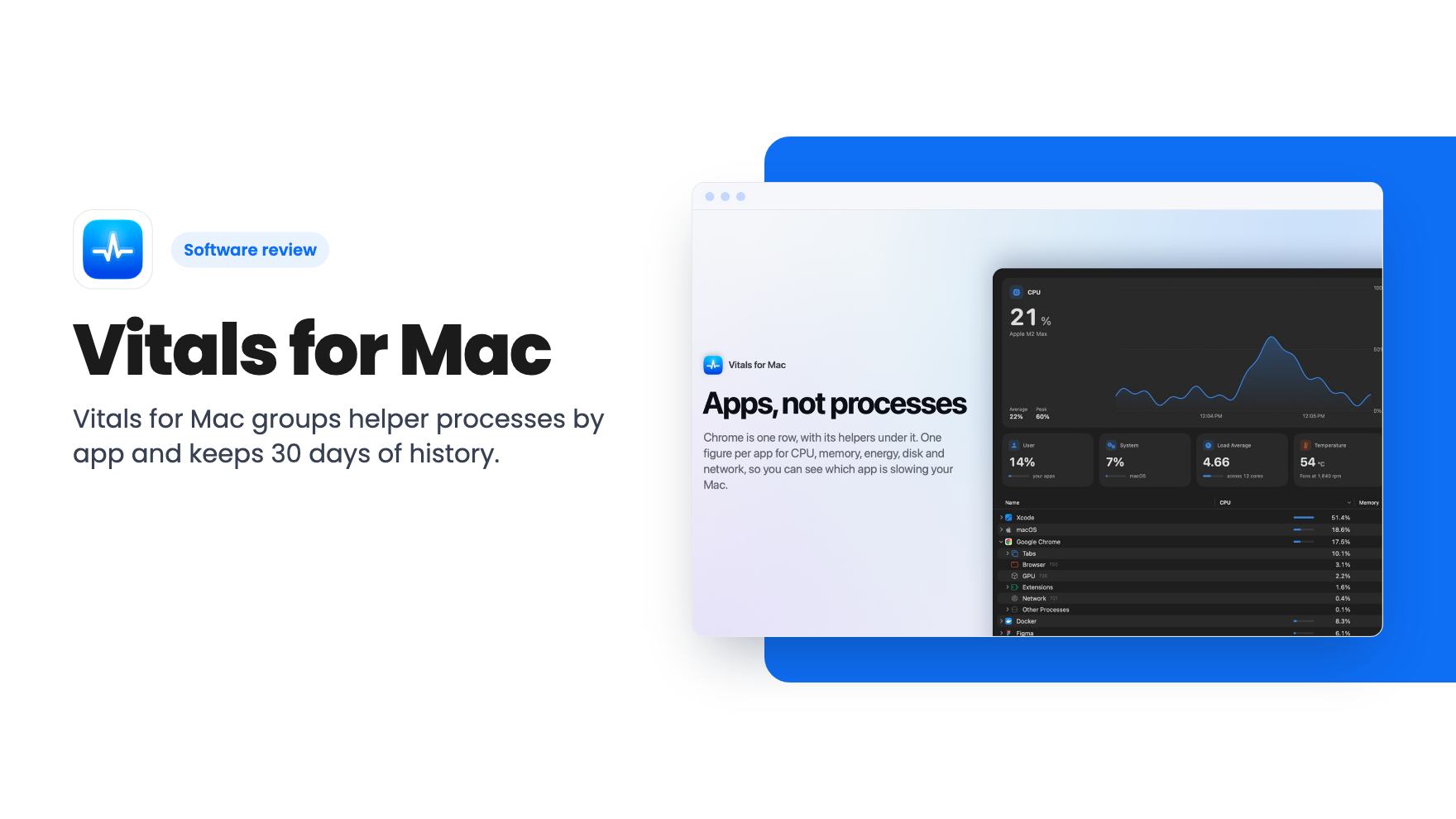
The central idea is simple. Activity Monitor lists processes and leaves the adding up to you. Vitals adds every helper to the app that launched it, so a busy Mac shows about 60 apps, each with one figure for memory, CPU, energy, disk and network.
That’s the whole pitch, and it’s a good one. If you’ve ever added up a dozen helper rows by hand to find out what a single app costs you, you already understand the appeal.
The CPU, memory, energy, disk and network tabs each put the busiest app at the top. According to the listing, Vitals also points out an app that keeps the CPU busy, keeps growing in memory, or hammers the disk. Click the app and the details sit in one place.
This is where the listing gets more interesting for people who work on a Mac all day. The list is long, so here are the pieces that look most useful:
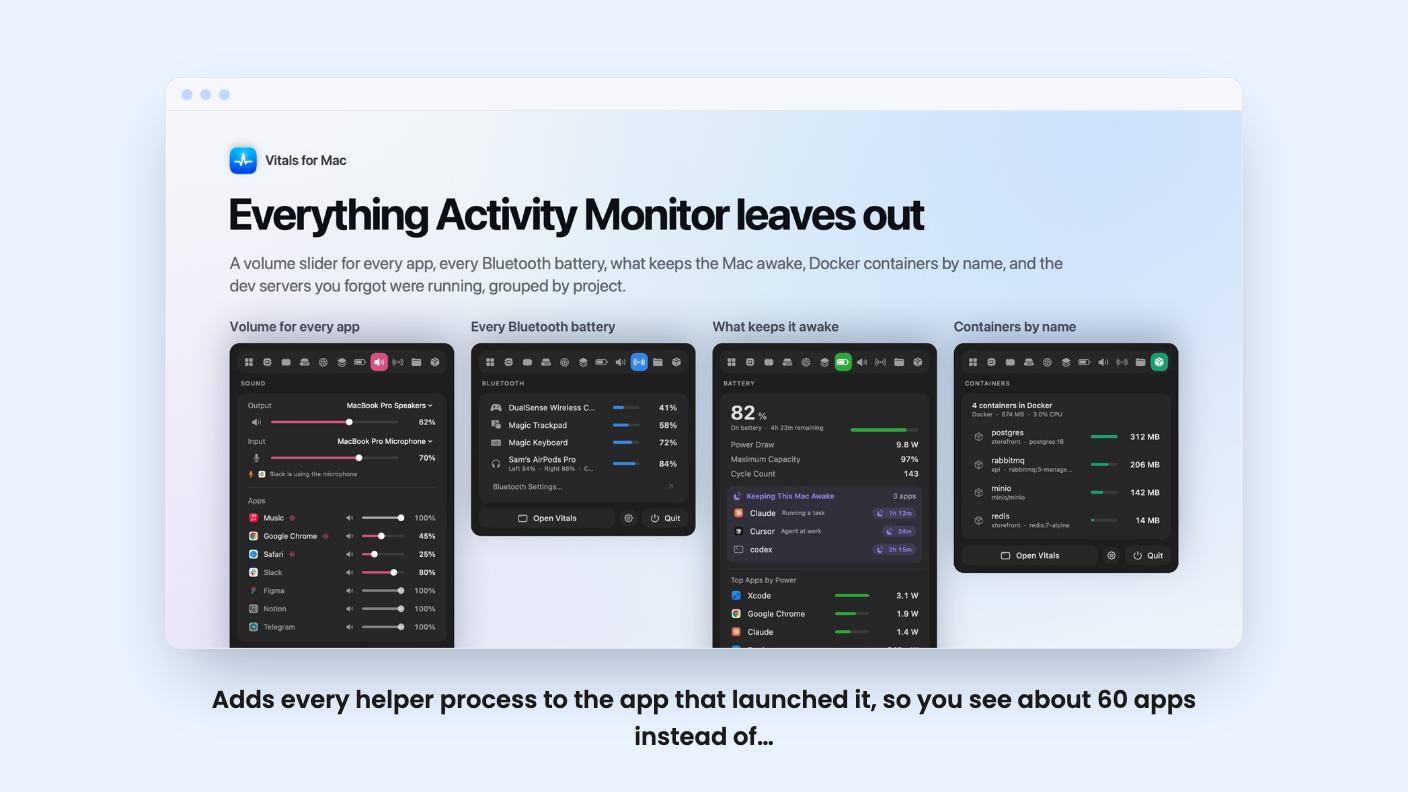
- A volume slider for every app with sound open, so you can turn Chrome down while Music stays up.
- A list of every Bluetooth battery, lowest first, with AirPods split into left, right and case.
- A view of what keeps your Mac awake and which apps draw the most power.
- Forgotten dev servers grouped by project with their ports, and a one-click stop for idle ones.
- Docker containers by name, with the memory and CPU each one takes.
The dev server and Docker items tell you who the app is really aimed at. If you run local projects, you know the feeling of finding port 3000 taken by something you started last Thursday. A tool that names it and lets you stop it is handy.
The listing also says you can open Chrome, Safari, Firefox, Edge, Brave or Arc and see which tabs, extensions and graphics work sit behind that browser’s memory and CPU. For anyone who lives in a browser, that may be the feature that pays for itself.
History and alerts
There’s a 30-day look back. You can find the app that drained the battery overnight or filled the memory while you were away, and Vitals can send a notification when an app misbehaves.
This is the part Activity Monitor really can’t match, since it only shows what’s happening now. A slow leak that builds over a weekend is hard to catch by staring at a live list. The listing doesn’t say how detailed the history is, or whether you can set your own alert thresholds. Check that before you assume it fits your workflow.
You can also quit or force quit an app, or a single process, in two clicks. It always asks for confirmation first, which is sensible.
Overhead, privacy and language
A monitoring tool that slows your Mac down defeats its own purpose. The listing says that with no window open Vitals samples every five seconds and uses about a tenth of a percent of one core, sampling faster only while you’re looking at it. That’s a claim from the seller, not a measurement we’ve made, but it’s specific enough to hold them to.
On privacy, the listing says nothing about what you run is sent anywhere. Vitals goes online only to check for updates and to check your license. For a tool that sees every app on your machine, that’s the right answer.
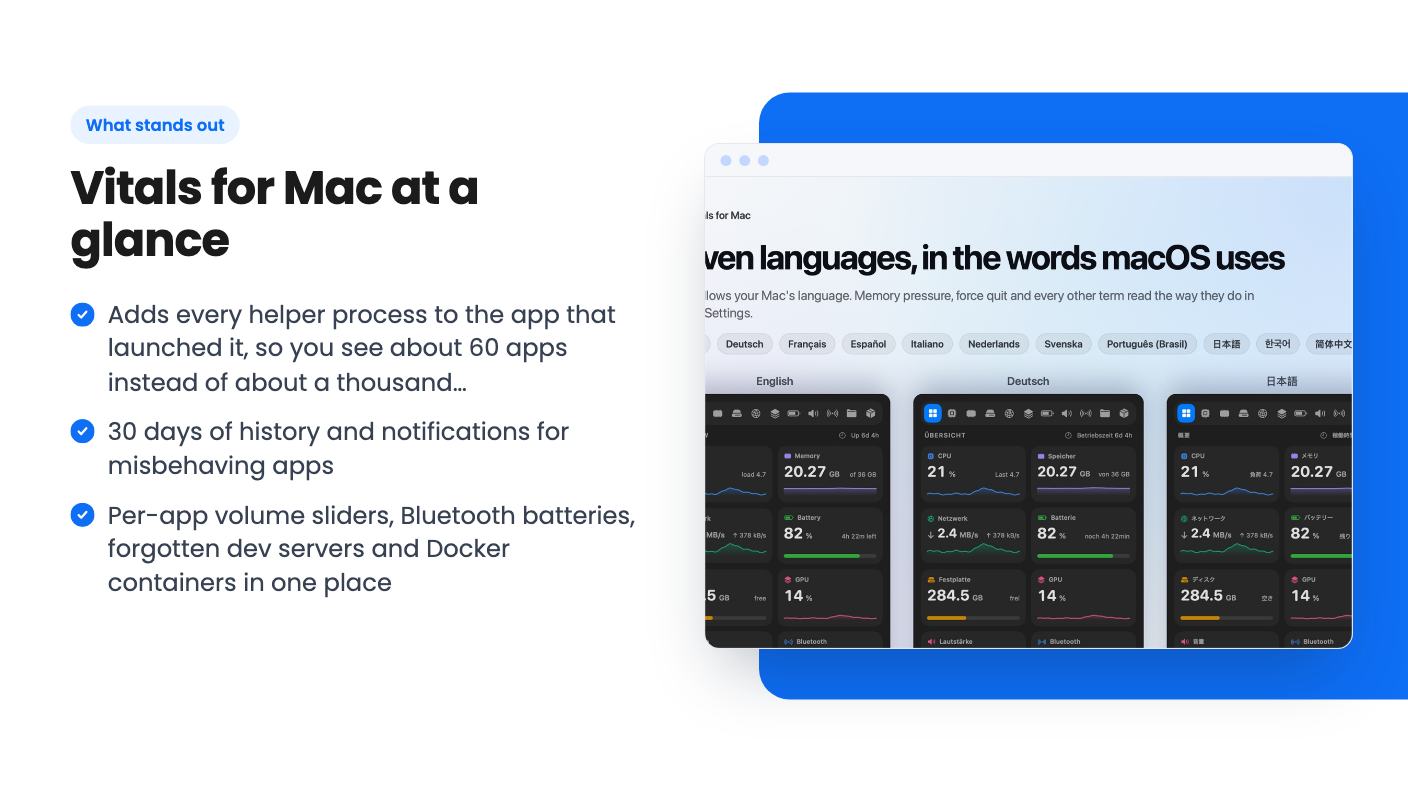
It’s also available in eleven languages, including German, Japanese, Korean and Simplified Chinese, and the translations come from Apple’s own terms. That’s a small thing, but it suggests some care went into the details.
What you get for $15, and what to check first
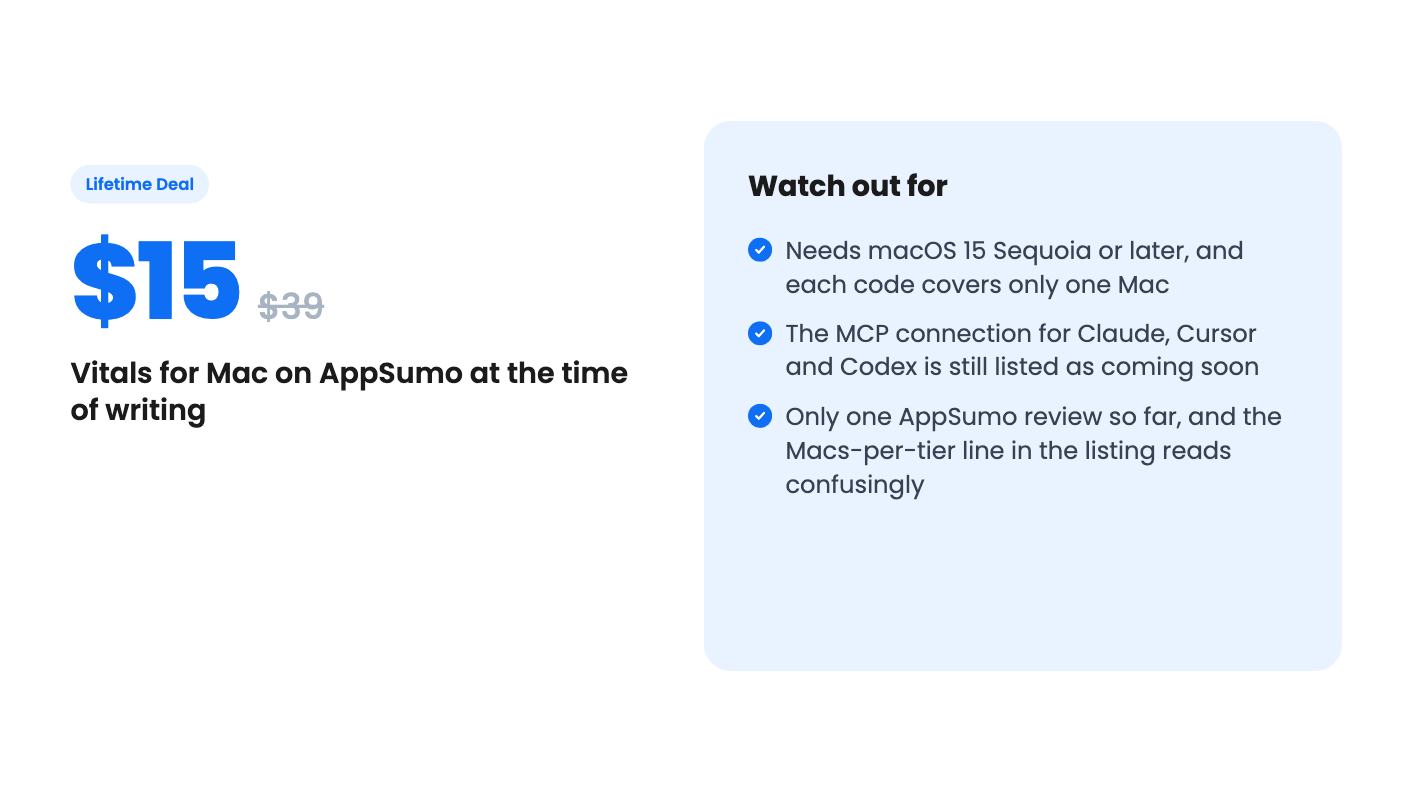
The deal has five tiers: $15, $30, $45, $60 and $75, against list prices of $39 up to $195. Each code covers one Mac, and you can stack up to 5 on one license key. In plain terms, you pay $15 per Mac.
The plan features line in the listing reads “Macs covered: 5 / 4 / 3 / 2 / 1” across those tiers, which looks backward next to the price math and the FAQ. Our reading is that it’s a display quirk and tier 1 is one Mac, but the listing doesn’t explain it. Confirm before you pay for more than one.
You must redeem codes within 60 days of purchase. Lifetime access includes all future updates with no paid upgrades and no renewal, according to the listing.
The requirements are real. Vitals needs macOS 15 Sequoia or later, on Apple silicon or Intel. If you’re holding an older Mac at an older OS, this isn’t for you.
The biggest open question is the coming-soon feature. The plan is to let Claude, Codex, Cursor and other assistants ask the running Vitals what’s slowing the Mac, what’s on port 3000, and whether a process is safe to quit. It sounds clever, but it’s the next thing being built, so you’re buying a promise. Treat it as a bonus, not a reason to buy.
The product also looks young. AppSumo shows one review at 5.00 out of 5, which tells you almost nothing yet. And at $15, the risk is small enough that a young product isn’t a dealbreaker.
Who should skip it
If you use a Mac only for email and documents and never wonder why it’s slow, you don’t need this. Activity Monitor plus a restart covers you.
Skip it if you need Windows or Linux support, because it’s Mac only. Skip it if you want a team-wide monitoring service in the Datadog sense, because the listing describes a single-machine app, and nothing in it mentions fleet dashboards or remote reporting.
Buy it if you’re a developer, freelancer or solo founder who runs a browser full of tabs, a few local servers and maybe Docker, and who wants to know which app is eating the battery. For that person, $15 is an easy decision. Just wait to see the MCP feature before counting on it.
How this review was made: researched from Vitals for Mac's official listing, and written with help from AI. We have not tested Vitals for Mac hands-on yet. Prices and deal terms change, so check AppSumo before you buy. See our affiliate disclosure.