


Lifetime deal price
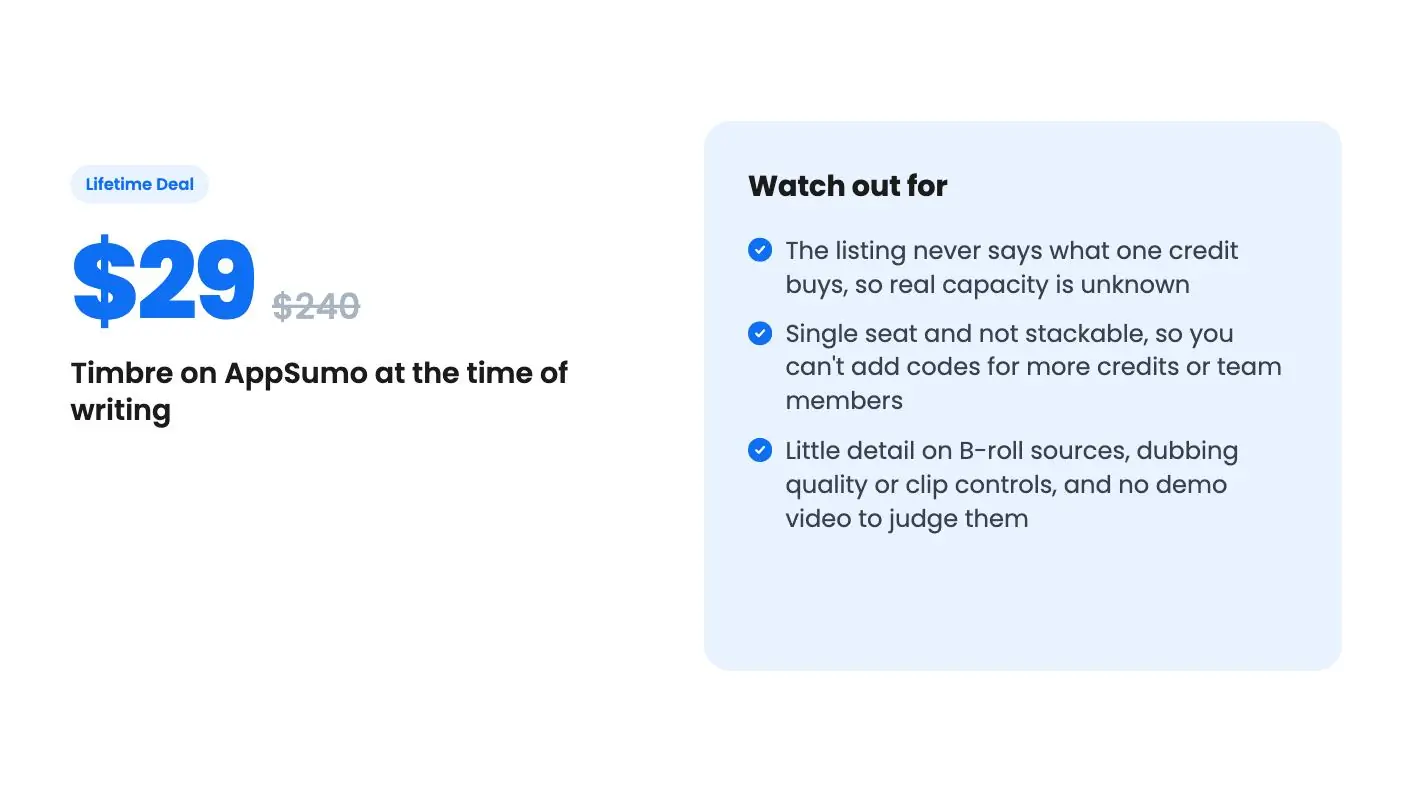
$29$24088% off
Lifetime Deal
Quick verdict
Our take: Timbre is a low-risk $29 bet for a solo podcaster or small marketer who turns a few long videos into social clips each month. Skip it if you need several seats, high volume, or a full timeline editor. The listing never explains what a credit buys, so run a real video through the free trial before you commit.
Best for: Marketing agencies, Podcasters, Videographers
Alternative to: Descript, Kapwing
What we like
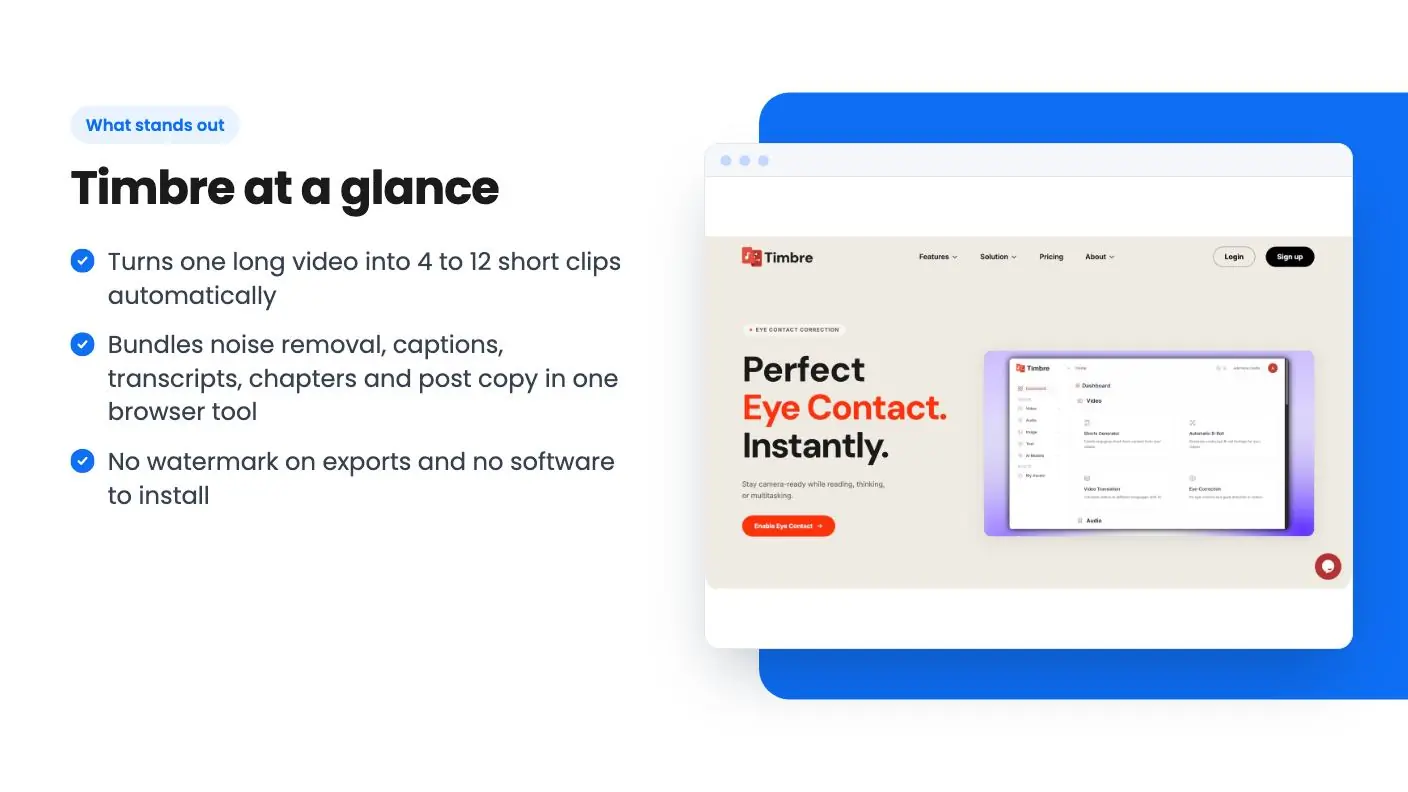
- Turns one long video into 4 to 12 short clips automatically
- Bundles noise removal, captions, transcripts, chapters and post copy in one browser tool
- No watermark on exports and no software to install
- Very low entry price at $29 for lifetime access
Watch out for
- The listing never says what one credit buys, so real capacity is unknown
- Single seat and not stackable, so you can't add codes for more credits or team members
- Little detail on B-roll sources, dubbing quality or clip controls, and no demo video to judge them
You recorded a 55-minute podcast episode or a client webinar, and now someone wants six short clips for Instagram, LinkedIn and TikTok by Friday. Scrubbing through the timeline to find the good bits takes nearly as long as the recording did. That’s the chore Timbre is built for, and this Timbre review starts with the price: it’s on AppSumo for $29 against a $240 list price.
Get Timbre for $29 on AppSumo →
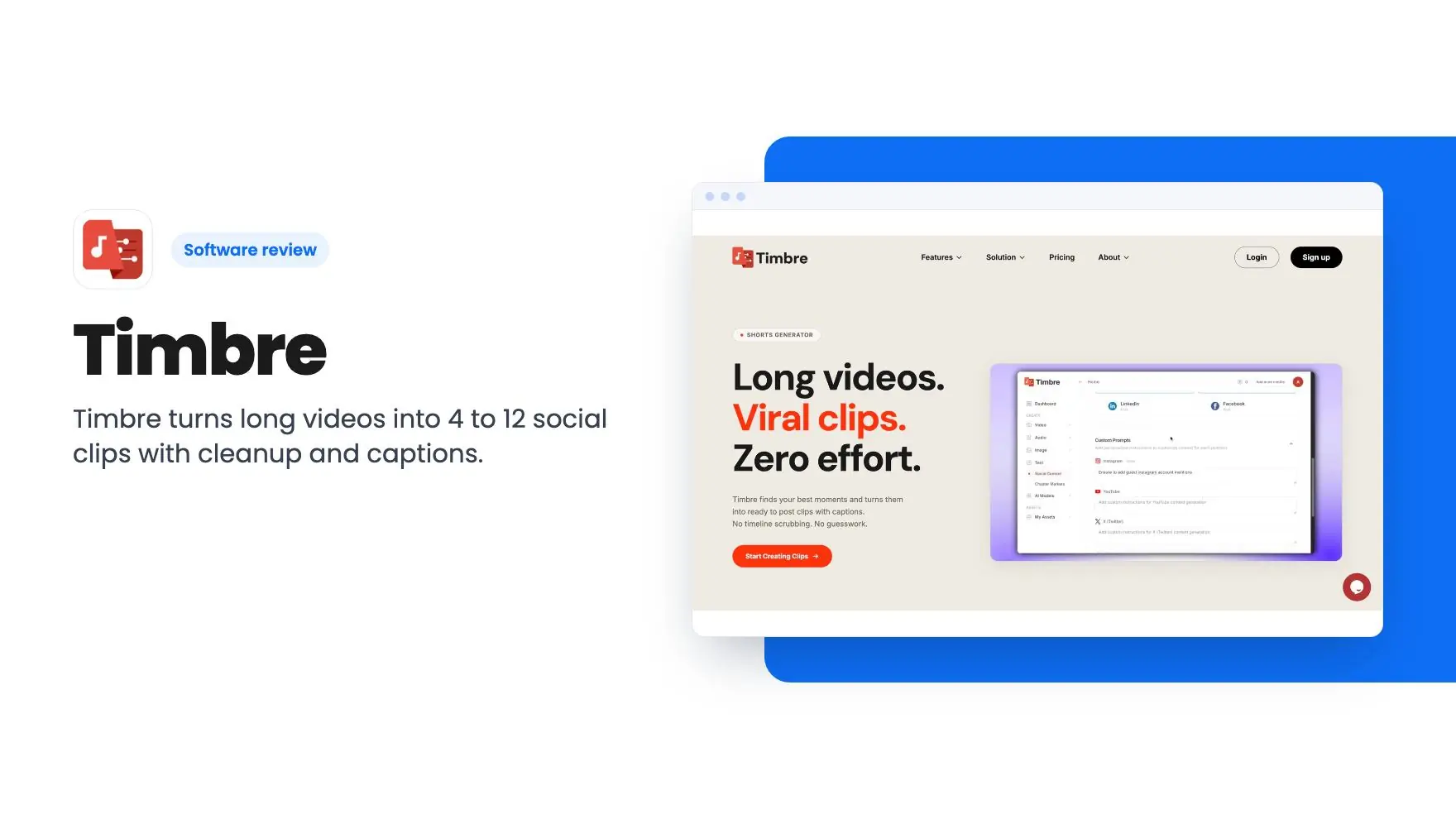
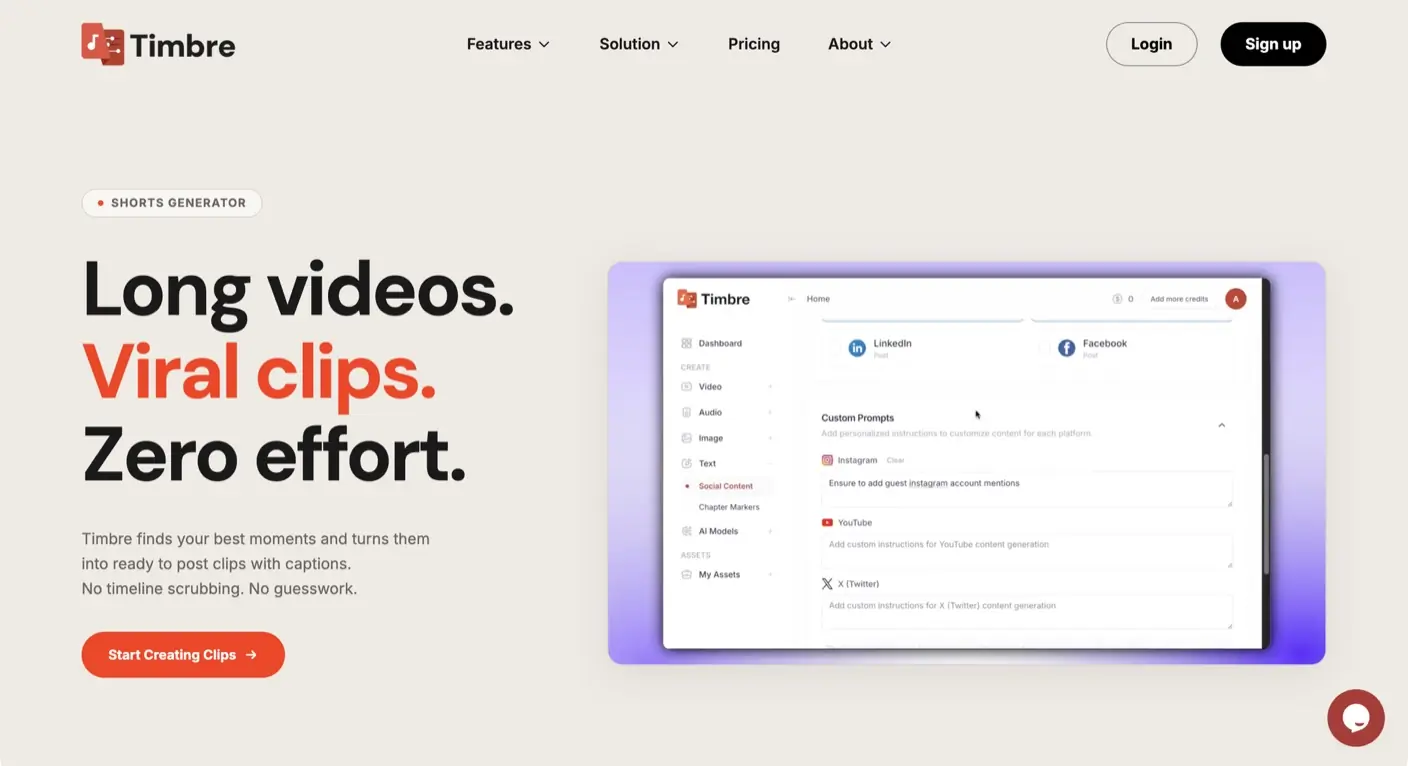
Timbre runs in your browser. You upload a long video, and it detects standout moments, scores them, and hands back clips for social platforms. Around that core it adds audio cleanup, captions, transcripts and post copy. The listing names Descript and Kapwing as alternatives, and Premiere Pro as the one integration.
The Timbre clip finder is the main event
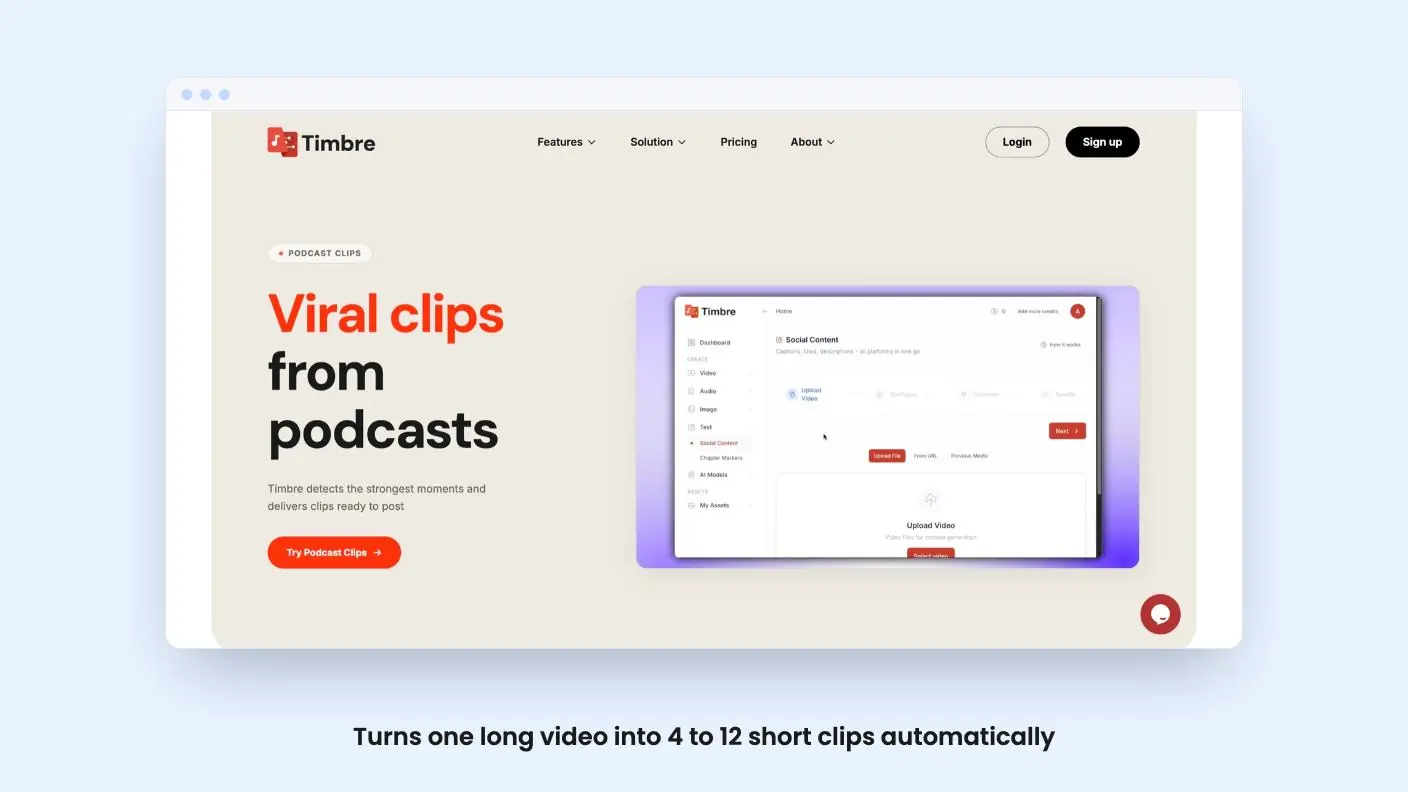
According to the listing, each upload produces 4 to 12 clips, chosen with what it calls AI-powered moment scoring. That’s a useful range for a podcast episode or webinar. It’s also a range the tool picks, not one you set. The listing doesn’t say whether you can ask for fewer clips, set a length, or tell it what to look for.
The listing says clips are optimized for social platforms, but it doesn’t list aspect ratios or platforms. If you need vertical video for Reels and Shorts, this Timbre review suggests checking that in the trial before you pay.
The text side is better described. Timbre generates captions, titles and post copy for different platforms. It also makes transcripts with speaker detection and automatic chapter markers. For a podcaster, a transcript plus chapters plus a draft post is most of the publishing checklist. We can’t say how good the writing is. Treat the copy as a first draft you’ll edit.
Cleanup tools: handy, but unproven here
Studio Sound removes background noise and improves voice clarity in one click. If you record in a spare room or a noisy office, that’s the feature most likely to save you a re-record. Plenty of tools offer it, so judge it by ear on your own audio.
Eye Contact Correction adjusts gaze so talking-head videos feel more natural. This is the one we’d be most cautious about. Gaze correction can look slightly off when it’s wrong, and there’s no product video to judge it by. Try it on a real face before you rely on it.
Automatic B-Roll adds relevant visuals timed to the footage. The listing doesn’t say where those visuals come from. It also doesn’t say whether you can swap them or what the usage rights are. For client work, that’s a question to ask.
There’s also a multilingual claim. The listing says you can generate captions, translations and dubbed content across 30+ languages. It doesn’t name the languages, and it doesn’t say how dubbing sounds or what it costs in credits. Treat dubbing as unverified until you’ve heard a sample.
Get Timbre for $29 on AppSumo →
The 500 credits are the real price
The plan gives you 500 credits and one seat. The listing never says what a credit buys. It could be a minute of video, a clip, or a single feature run. Without that, 500 is just a number.
The FAQ adds to the confusion. It says unused credits roll over to the next month, which suggests a monthly allowance. The plan details don’t say whether 500 is monthly or a one-time pool. Another FAQ answer says that when credits run out, you can’t use features until credits are added. It doesn’t say how you add them or what they cost.
So the real question isn’t whether $29 is cheap. It obviously is. The question is how many videos 500 credits covers. These are the things to settle first:
- Is the 500 a monthly refill or a one-time balance?
- How many credits does one 30 to 60 minute video use for clip generation?
- Do cleanup, B-roll and dubbing cost extra credits each time?
- What does a top-up cost once the lifetime balance is gone?
One more oddity worth flagging in this Timbre review. An FAQ answer says your subscription can be stopped at any time. This is a lifetime deal, so that wording is confusing. It may be left over from the regular plans, but get it confirmed.
What the deal includes
You pay $29 once, down from $240. You get lifetime access and all future plan updates. You have 60 days from purchase to redeem the code. The deal is not stackable, so you can’t buy a second code for more credits, and the plan has a single seat.
The no-stacking rule matters more than it looks. Most lifetime deals let heavy users buy extra codes. Here, if 500 credits turns out to be tight, buying more codes isn’t an option. An agency with two editors can’t split the seat either.
The positives are real. Exports are clean with no watermark, nothing needs installing, and there’s a free trial according to the listing. At $29 the financial risk is small. The bigger unknown is how young the product is. The listing doesn’t say how long Timbre has existed or how many people use it. Lifetime deals depend on the company sticking around, and you can’t check that from this page.
Who should skip Timbre
Skip it if you produce video every day. Fixed credits and one seat are a poor fit for an agency with a steady queue of client footage. You’d want clear numbers on cost per video first.
Skip it if you want a full editor. Nothing in the listing describes a multitrack timeline or hands-on cutting. Timbre looks like a clip and cleanup tool, so someone who wants Descript-style editing may find this Timbre review’s verdict a bit thin.
It makes more sense for a solo podcaster, a small marketing team, or a consultant who records a few long videos a month and wants social clips out quickly. If that’s you, the price is easy to justify.
If you do buy, run one real episode through the free trial first and write down how many credits it uses. Then redeem the code well inside the 60-day window.
Related reading: BlitzReels vs Timbre, SilenceTrimmer vs Timbre, Vois Studio review.
All Timbre features
Taken from Timbre's AppSumo listing. We haven't tested these features hands-on.
Clip generation
- Turns long videos into short-form clips optimized for social platforms
- Detects standout moments and turns them into shareable clips
- Generates 4–12 clips per upload with AI-powered moment scoring
Audio and video cleanup
- Studio Sound removes background noise and improves voice clarity in one click
- Eye Contact Correction adjusts gaze direction to make talking-head videos feel more natural
- Automatic B-Roll adds relevant visuals timed to the footage
Content generation
- Generates captions, titles, and post copy for different platforms
- Creates accurate transcripts with speaker detection
- Automatically generates chapter markers for easier navigation
Included in every plan
- Credits: 500
- Seats: 1
What the lifetime deal includes
- Lifetime access to Timbre
- You must redeem your code(s) within 60 days of purchase
- All future plan updates
- Please note: This deal is not stackable
At a glance
- Best for
- Marketing agencies, Podcasters, Videographers
- Alternative to
- Descript, Kapwing
- Integrations
- Premiere Pro
- Category
- Media & Design › Video
- Website
- www.timbrehq.com
Decided Timbre fits? The lifetime deal starts at $29. Check the tier limits on AppSumo before you pick one.
Get Timbre on AppSumoKeep reading about Timbre
Timbre FAQ
Does Timbre add a watermark to exports?
According to the listing, no. Exported videos are clean, and the listing says exports aren't restricted. Credits still limit how much you can process.
What happens when the 500 credits run out?
The listing says you can't use features until credits are added. It doesn't say how to add credits or what that costs, so ask the seller before buying if you make a lot of video.
Can I stack multiple codes for more credits or seats?
No. The deal is marked as not stackable and includes one seat. You must also redeem your code within 60 days of purchase.
Is Timbre worth it?
The verdict calls it a low-risk $29 bet for a solo podcaster or small marketer who turns a few long videos into social clips each month. It's not a good fit if you need several seats, high volume, or a full timeline editor. The listing never explains what a credit buys, so the verdict recommends running a real video through the free trial first.
What are the best Timbre alternatives?
The listing names Descript and Kapwing as alternatives. The article notes that someone who wants Descript-style editing may find Timbre thin, since it looks like a clip and cleanup tool rather than a full editor.
How many clips does Timbre make from one video?
According to the listing, each upload produces 4 to 12 clips, chosen with AI-powered moment scoring. The listing doesn't say whether you can ask for fewer clips, set a length, or tell it what to look for.