
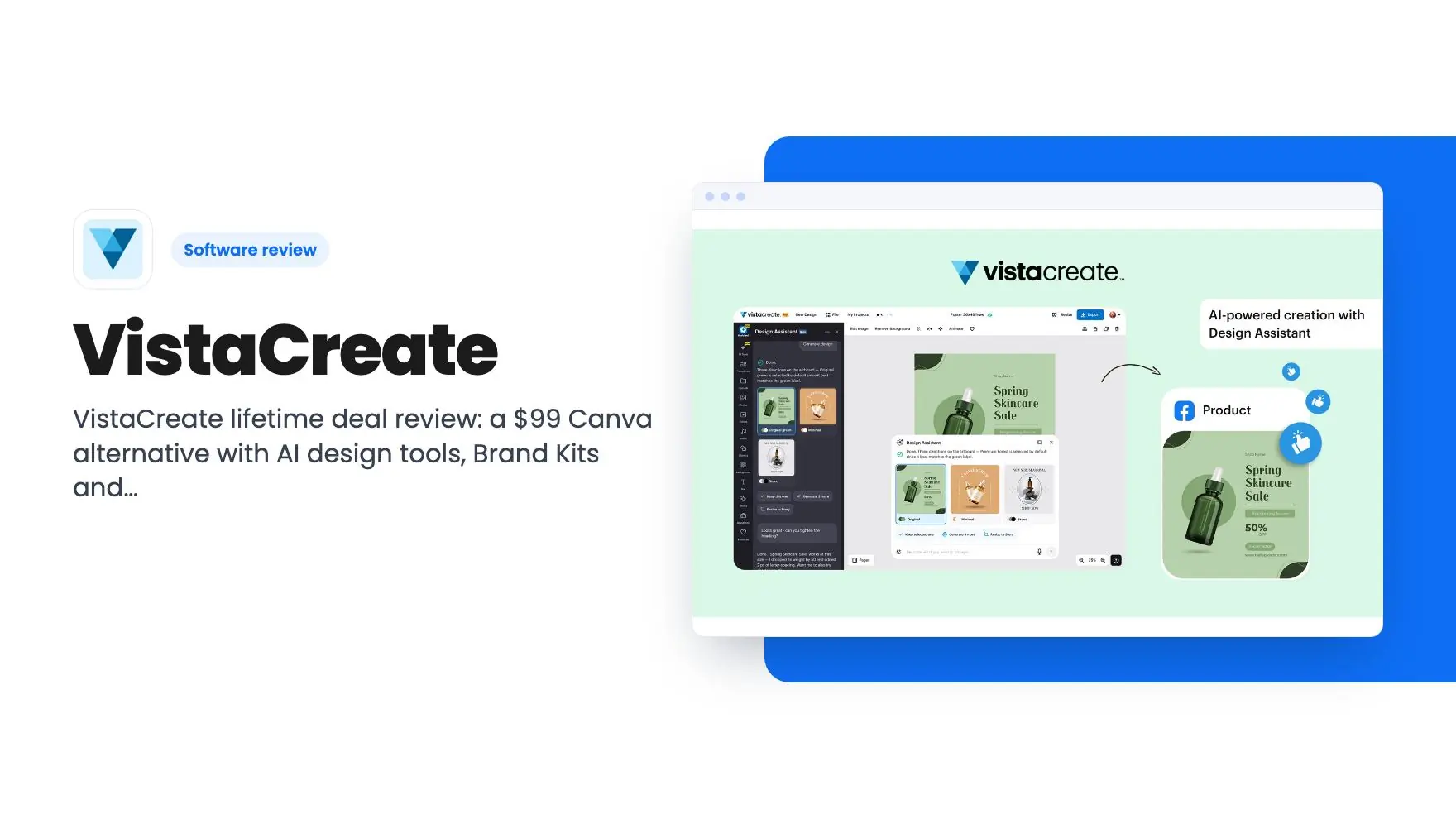


Lifetime deal price
$99$39975% off
Lifetime Deal · ends Nov 16, 2026
4.4(369 AppSumo reviews)
Quick verdict
Our take: Worth the $99 if you make social posts, flyers and product images yourself and want one Pro-plan editor without a monthly bill. Skip it if your team lives in Canva templates and shared workflows, or if you need to know AI usage limits before paying, since the listing doesn't state any.
Best for: Content creators, Marketers, Small businesses
Alternative to: Canva
What we like
- One-time $99 payment that maps to the Pro Plan, including future Pro updates
- Unlimited Brand Kits, unlimited storage and a shared team account
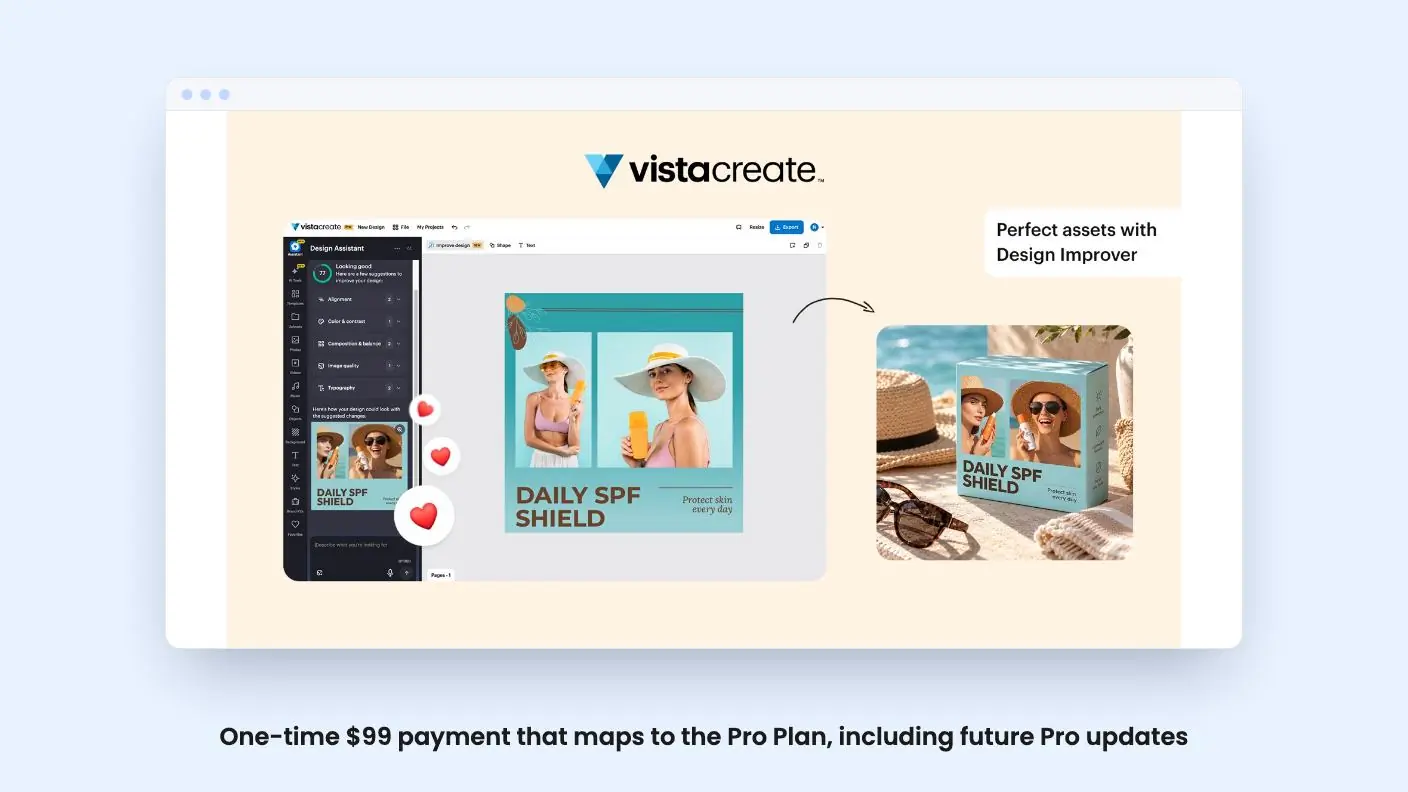
- Design Improver scores a design and lists fixes before you publish
- Direct ordering through VistaPrint and scheduling to Facebook, Instagram and Pinterest
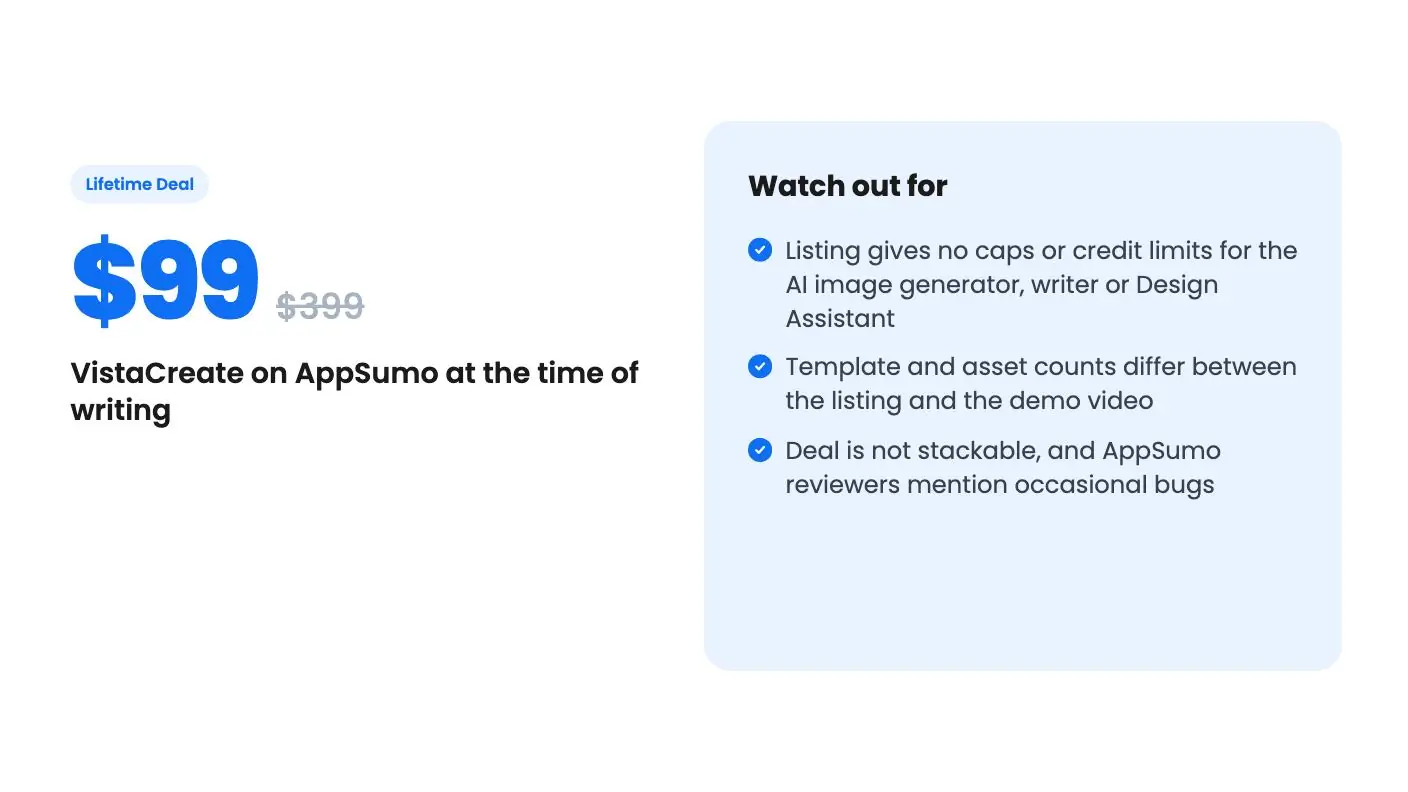
Watch out for
- Listing gives no caps or credit limits for the AI image generator, writer or Design Assistant
- Template and asset counts differ between the listing and the demo video
- Deal is not stackable, and AppSumo reviewers mention occasional bugs
If you run a small shop or a one-person agency, you probably know the Tuesday-night routine. You need an Instagram post, a Pinterest pin and a flyer for Saturday. You have a product photo with a messy background, no designer, and a Canva tab you keep meaning to pay for. VistaCreate is built for that exact pile of small design jobs, and this lifetime deal swaps the monthly fee for a single $99 payment.
Get VistaCreate for $99 on AppSumo →
The deal ends November 16, so the decision window is short.
What the VistaCreate $99 deal buys
There’s one tier. You pay $99 (the listing shows $399 as the list price) and get lifetime access to VistaCreate plus all future Pro Plan updates. If the company renames the plan, your deal moves to the new name with its updates. It’s open to new and existing users, and it isn’t stackable, so you can’t buy several codes to raise limits. That covers the basics of this VistaCreate review.
The demo video gives us a rough price anchor. It shows a free starter plan and a Pro plan at $10 per month. At that rate, $99 pays for itself in about ten months. Pricing pages change, so check the current number, but the math is friendly if you’d keep the tool for a year or more.
The video also lists what Pro adds over free: unlimited downloads from the larger asset library, a team account, unlimited Brand Kits, unlimited storage and the resize feature. Free already includes background removal, a basic brand kit and 10 GB of storage. So the main thing this VistaCreate review found is that you’re mainly paying for scale and the team and resize features, not for the core editor.
How it compares with Canva
Canva is the tool most buyers will measure this against, and the listing names it as the alternative. The basic shape is the same: pick a template, drop in photos, edit text, export. For social posts and flyers, that overlap is large.
Where VistaCreate tries to stand apart is in the checking and finishing steps. Design Improver gives a design score and a checklist covering alignment, color contrast, typography, composition and image quality. You can preview the suggested changes before keeping them. For someone with no design training, that’s a useful second pair of eyes. For a trained designer, probably a nuisance.
Then there’s printing. The editor can send designs straight to VistaPrint for postcards, flyers and business cards. VistaCreate is part of the VistaPrint family, according to the listing’s FAQ, so this isn’t a bolted-on partnership. If you hand out printed material, that shortcut matters more than it sounds.
What we can’t judge from the listing is depth. Canva’s template volume, app marketplace and collaboration features are well known, and the VistaCreate listing doesn’t compare itself on any of them. Treat it as a capable alternative, not a proven replacement.
Get VistaCreate for $99 on AppSumo →
VistaCreate AI features, and the missing numbers
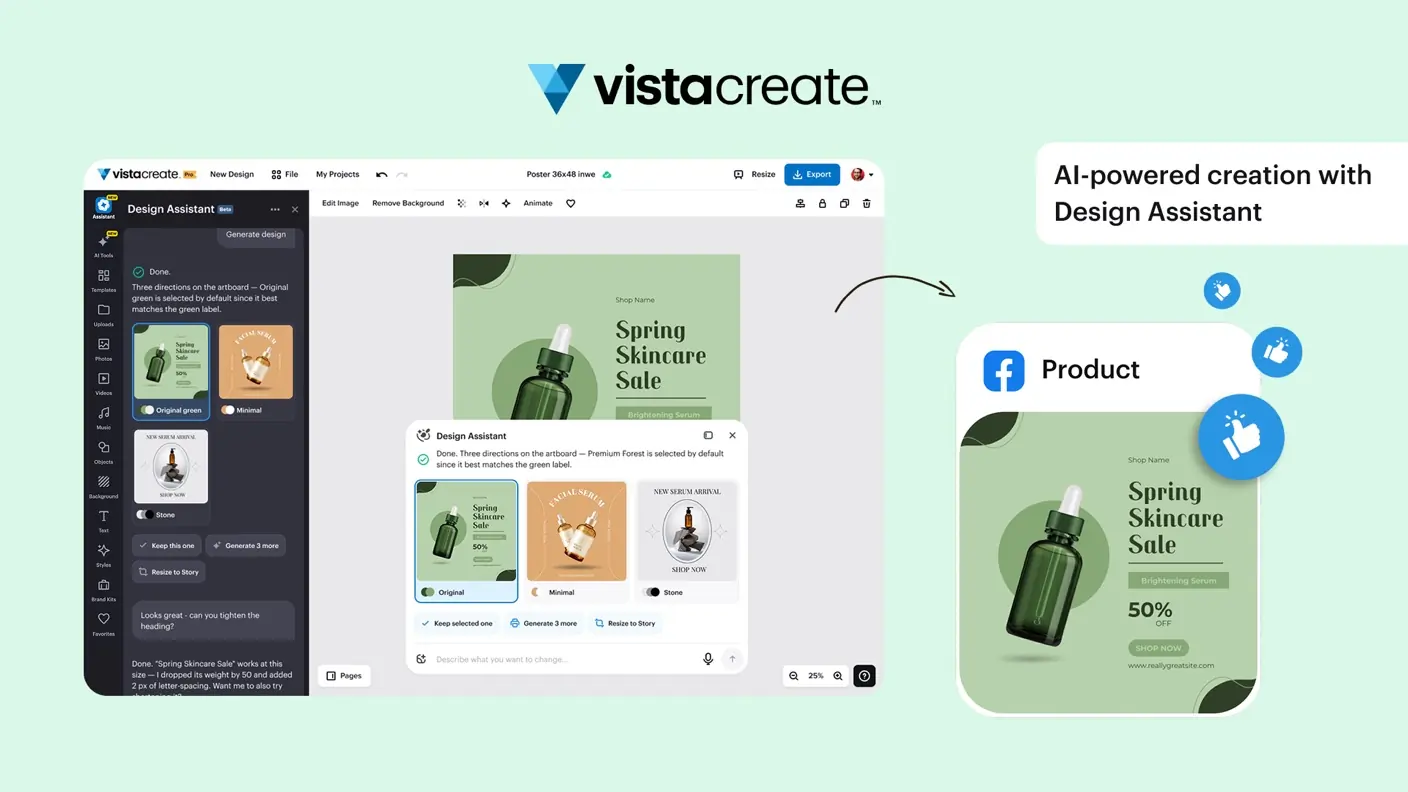
The listing leads with AI. The Design Assistant takes a plain-language description and proposes design directions you refine through chat. There’s an AI Image Generator for custom visuals, an AI Writer for headlines and captions, and a prompt-based background replacement for product photos aimed at Etsy and eBay sellers.
This is where the listing goes quiet, and it’s the biggest gap in this VistaCreate review. It doesn’t say how many images you can generate, whether there are monthly credits, or whether the Writer has a word cap. It says nothing about the quality of the output either. A lifetime deal with unmetered AI would be a big deal, but the page doesn’t promise that, so don’t assume it.
AppSumo’s own review summary, which is marketing copy, mentions occasional bugs and calls the Design Assistant a significant recent update. That reads like a newer feature still settling in. Fair enough, but it means the AI layer is the part most likely to change.
Brand kits, team use and publishing
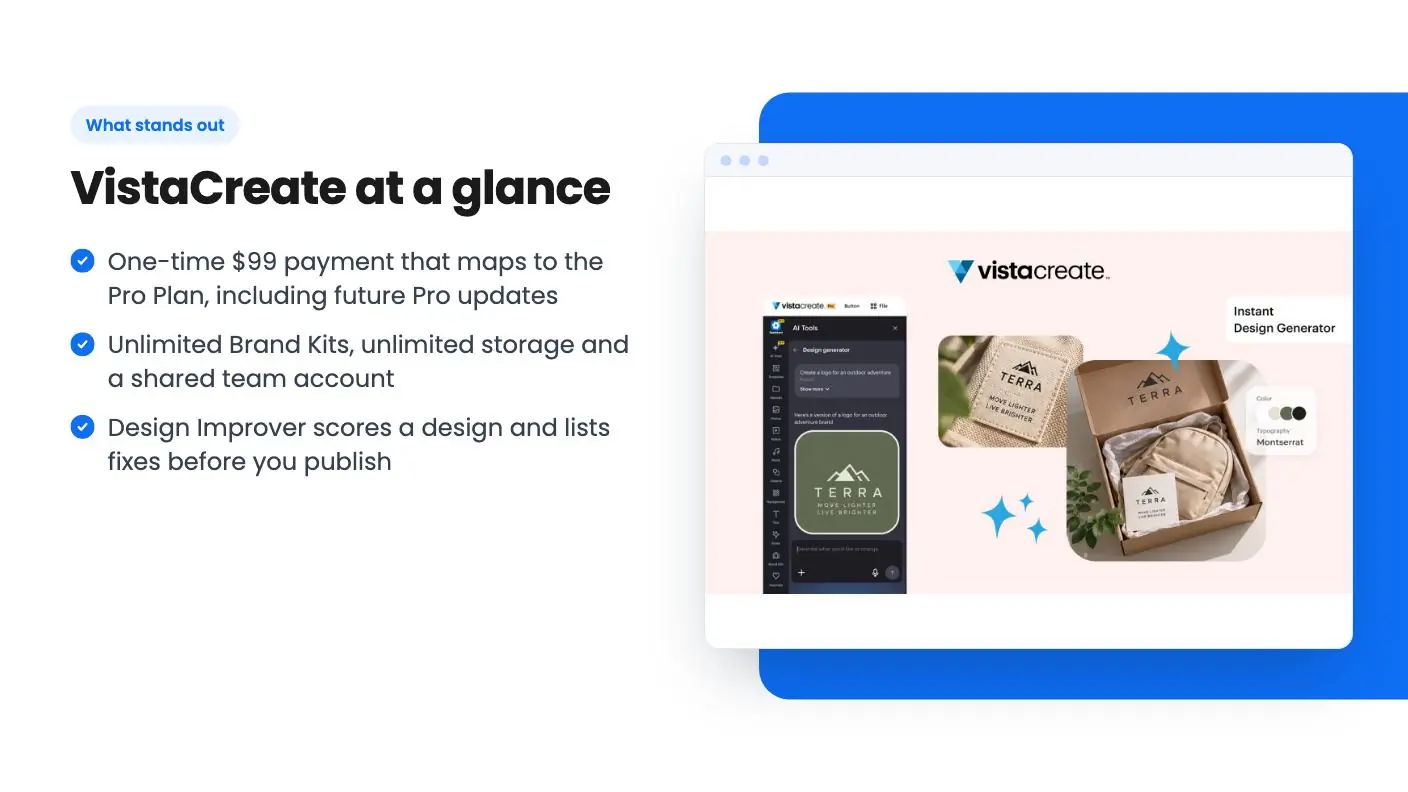
Unlimited Brand Kits are the quiet winner here. You can save colors, fonts and logos for each business or client and switch between them. If you handle three or four small accounts, that beats retyping hex codes. The listing also mentions logo generation from a text description, which is fine for a placeholder but not something I’d trust for a final identity without a lot of fine-tuning.
The shared team account and unlimited storage come with Pro, per the video. The listing doesn’t say how many seats the team account includes, or what permissions exist. If you’re planning for a team of five, that’s a question for the seller.
Publishing is limited to what the listing names: scheduling to Facebook, Instagram and Pinterest. The integrations list also shows LinkedIn and an API. Nothing about X, TikTok or YouTube. A dedicated scheduler will still do more, but built-in posting saves an export step.
Version history lets you roll back an experiment, and adding music to images is available for social posts. Handy extras, not reasons to buy.
What the demo video shows, and doesn’t
The video I’m drawing on is a third-party tutorial, not a vendor demo, and the transcript is rough and cuts off. It walks through signing up with Google, starting an Instagram post from scratch and browsing the photo and video tabs, with a skincare brand as the example. It confirms the drag and drop editor is easy to pick up.
It doesn’t show the AI Design Assistant, Design Improver or the VistaPrint flow, so those claims rest on the listing alone. It also calls the tool Crello, its former name, which tells you the video is older than the current product.
The numbers don’t line up either. The video mentions 50,000 free templates and 1 million free assets, with 50 million on Pro. The listing says thousands of premium templates and 170M+ images and videos. Libraries grow, so that may be fine, but it’s a reminder to check what your plan includes today.
Who should buy, and who should skip
Buy it if you’re a solo owner, freelancer or small marketing team making social graphics, ads and flyers yourself, and you’d happily pay $10 a month anyway. The lifetime price, unlimited Brand Kits and print ordering fit that profile. With 369 AppSumo reviews averaging 4.43 out of 5, the response looks good, though remember those scores come from the same marketplace selling it.
Skip it if you already pay for Canva and your team depends on its shared templates and workflows. Switching costs time, and the savings only appear if you cancel. Skip it too if AI generation volume is the reason you’re buying, because the limits aren’t stated. That is the short version of this VistaCreate review.
If you’re on the fence, the listing says you must redeem your code within 60 days of purchase, and AppSumo’s summary mentions a 60-day money-back guarantee. That gives you time to build a few real designs before deciding. Use it on your messiest product photo and your most awkward flyer, since those will tell you more than any template gallery.
Related reading: NarrateAI review, AudioHero review.
All VistaCreate features
Taken from VistaCreate's AppSumo listing. We haven't tested these features hands-on.
Go from plain-word prompt to polished design
- Describe your idea in plain words and let the Design Assistant pitch design directions you can refine through a simple chat
- Turn a rough idea into a custom image with the AI Image Generator, no stock photo hunt or photoshoot required
- Write or rewrite headlines, captions, and promo copy with AI Writer so your words land as well as your visuals
- Start from 1000s of premium templates for posts, ads, and flyers, then drop in any of 170M+ images and videos
Get a second opinion before you hit publish
- Get a design score and a checklist of fixes from Design Improver, so you’re never left wondering if it’s good enough
- Catch weak spots in alignment, color contrast, typography, composition, and image quality before your audience does
- Preview how your design could look with the suggested changes, then keep the ones you like
- Restore earlier versions anytime with version history if an experiment doesn’t pan out
Build a brand look that stays consistent
- Generate a logo just by describing your brand, then fine-tune the colors and typography until it feels like you
- Save your brand colors, fonts, and logos in unlimited Brand Kits to switch between businesses or clients without starting over
- Apply your brand to every design for cohesive assets from Instagram posts to printed flyers
- Create together in a shared team account, with unlimited storage to keep every project in one place
Prep product shots to sell, post, and print
- Replace backgrounds with a quick prompt to turn everyday product photos into clean, marketplace-ready shots for Etsy, eBay, and more
- Schedule and post designs to Facebook, Instagram, and Pinterest so you can plan content ahead and keep your feeds active
- Add music to images to give static posts more personality on social
- Send designs straight to VistaPrint from the editor to order postcards, flyers, business cards, and more, delivered to your door
What the lifetime deal includes
- Lifetime access to VistaCreate
- All future Pro Plan updates
- If Plan name changes, deal will be mapped to the new Plan name with all accompanying updates
- You must redeem your code(s) within 60 days of purchase
- Please note: this deal is not stackable
- GDPR compliant
- Available for new and existing VistaCreate users
At a glance
- Best for
- Content creators, Marketers, Small businesses
- Alternative to
- Canva
- Integrations
- API, Facebook, LinkedIn, Pinterest
- Category
- Media & Design › Design & Branding
- Website
- create.vista.com
Decided VistaCreate fits? The lifetime deal starts at $99, until Nov 16, 2026. Check the tier limits on AppSumo before you pick one.
Get VistaCreate on AppSumoKeep reading about VistaCreate
VistaCreate FAQ
What do you get with the VistaCreate lifetime deal?
A single $99 tier (list price $399) with lifetime access to VistaCreate and all future Pro Plan updates. If the plan is renamed, the deal maps to the new plan. Per the listing, it's open to new and existing users, but codes can't be stacked.
How does VistaCreate compare with Canva?
The listing names Canva as the alternative. VistaCreate covers the same basics: templates, a drag and drop editor, background removal, Brand Kits and resizing. It adds a design score tool and VistaPrint ordering. The listing doesn't compare collaboration depth, app marketplaces or template volume with Canva, so check those yourself.
Are there limits on the AI tools?
The listing describes the Design Assistant, AI Image Generator and AI Writer but doesn't state generation caps, credits or fair-use limits. Ask the seller in the AppSumo Q&A before buying if you plan to lean on them heavily.