


Lifetime deal price
$49$25281% off
Lifetime Deal
5.0(10 AppSumo reviews)
Quick verdict
Our take: Buy the $49 tier if you make the occasional product demo or how-to video and hate recording your own voice. Skip it if you need heavy monthly volume, a full video editor, or proof of voice quality before paying, since the listing offers no demo video and the caps are small.
Alternative to: Descript, Loom
What we like
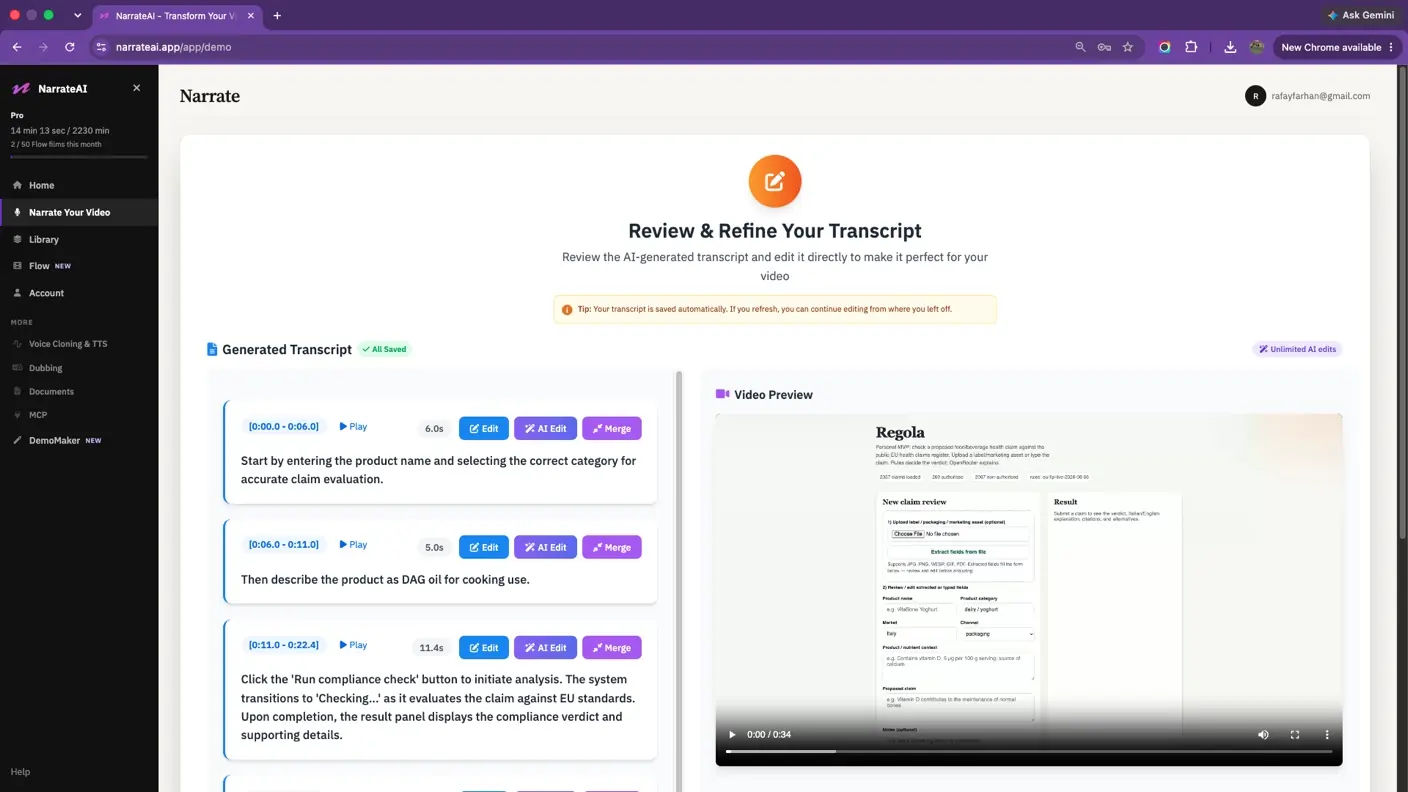
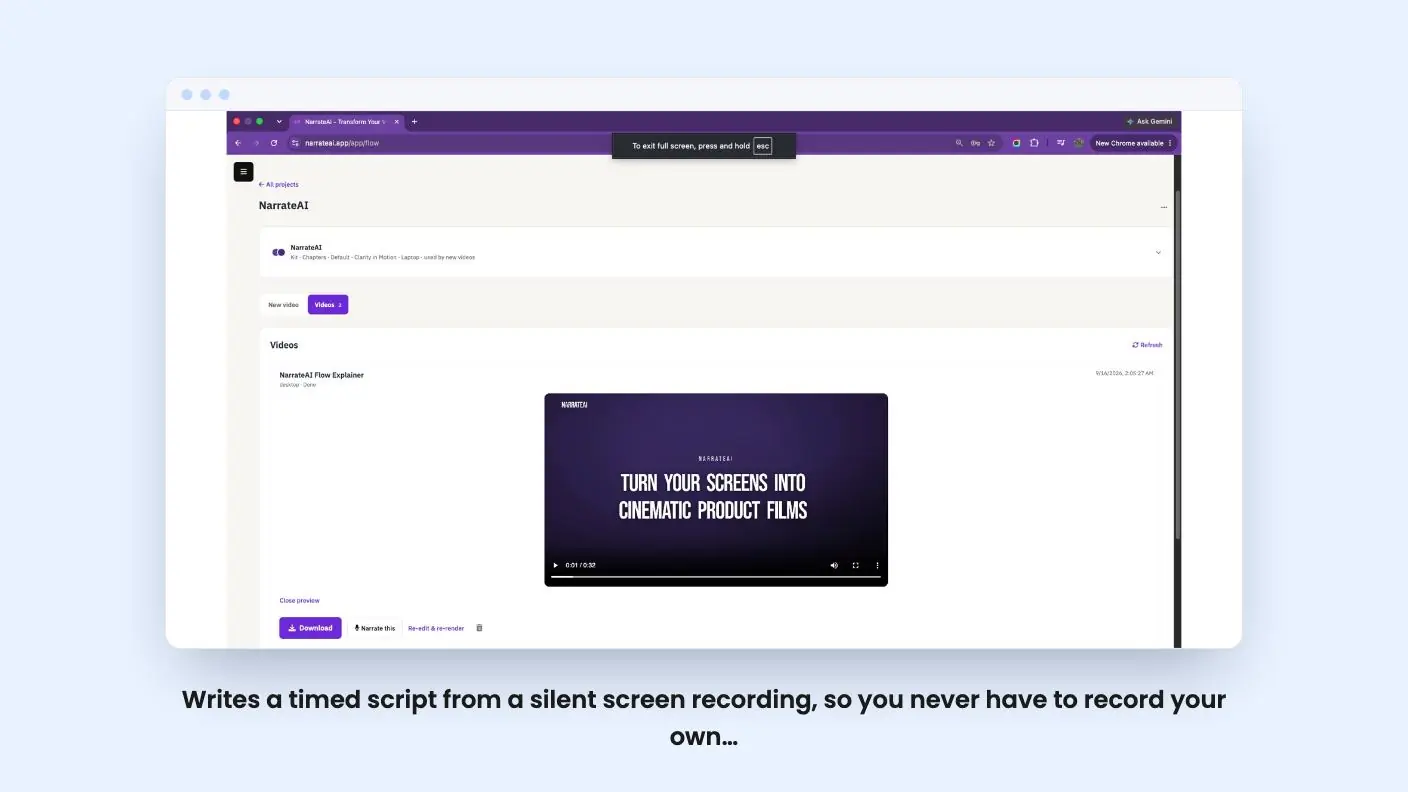
- Writes a timed script from a silent screen recording, so you never have to record your own voice
- Segments can be edited before the voiceover is final, and an SRT file is included
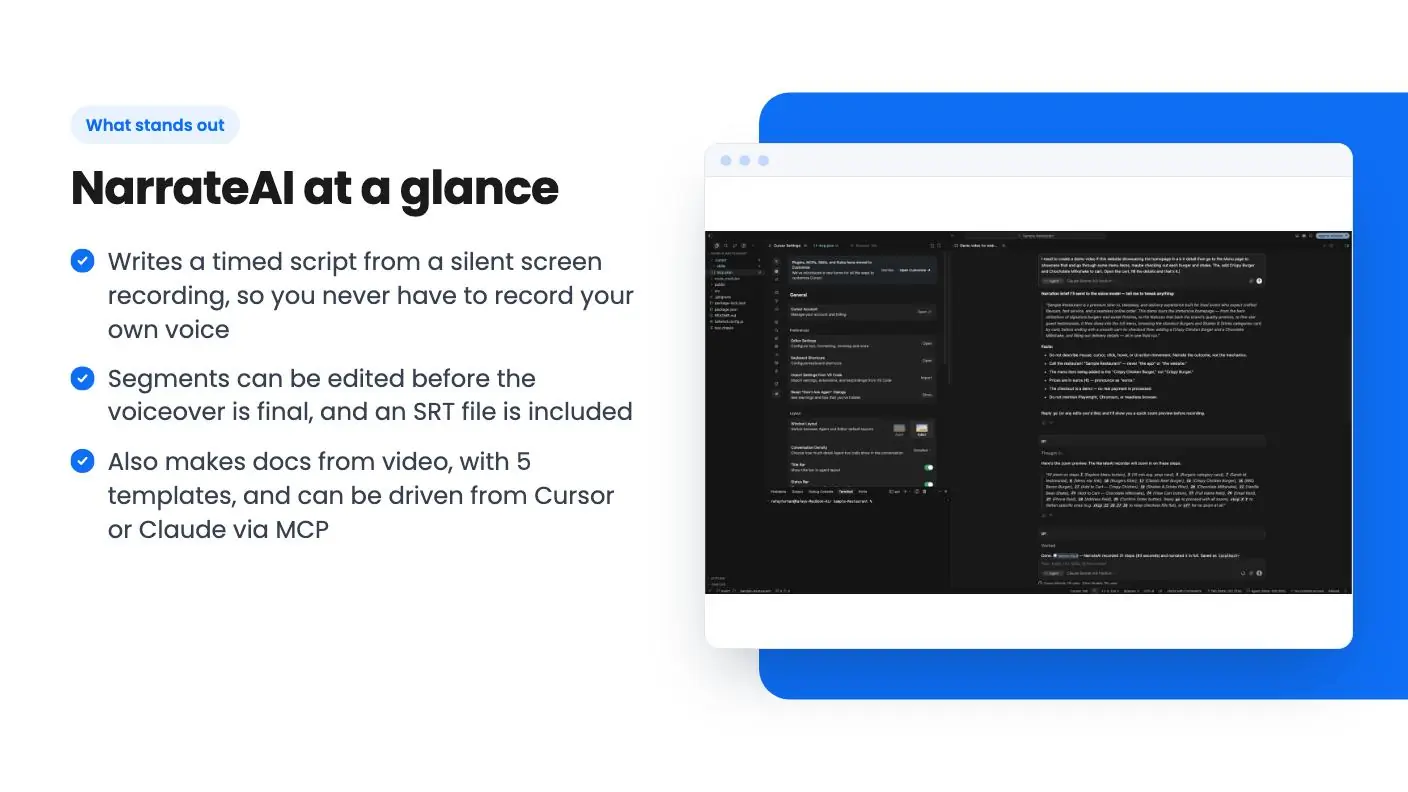
- Also makes docs from video, with 5 templates, and can be driven from Cursor or Claude via MCP
- $49 entry price with a 60-day money-back guarantee, per AppSumo's summary
Watch out for
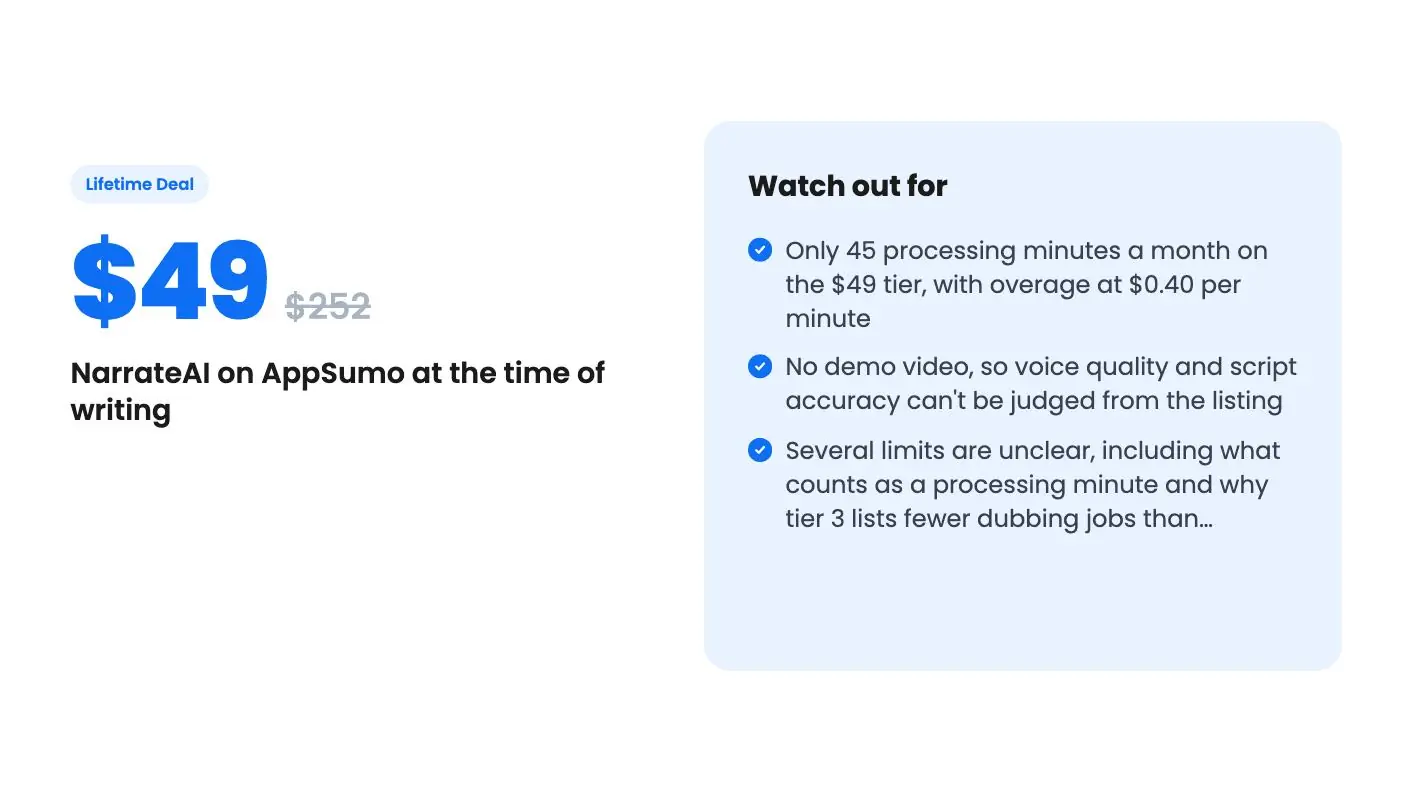
- Only 45 processing minutes a month on the $49 tier, with overage at $0.40 per minute
- No demo video, so voice quality and script accuracy can't be judged from the listing
- Several limits are unclear, including what counts as a processing minute and why tier 3 lists fewer dubbing jobs than tier 2
You recorded a two-minute screen capture of a new feature. It’s fine. It’s also silent, and the thought of recording a voiceover, fumbling a sentence and starting over is exactly why a lot of those videos never get shared.
Get NarrateAI for $49 on AppSumo →
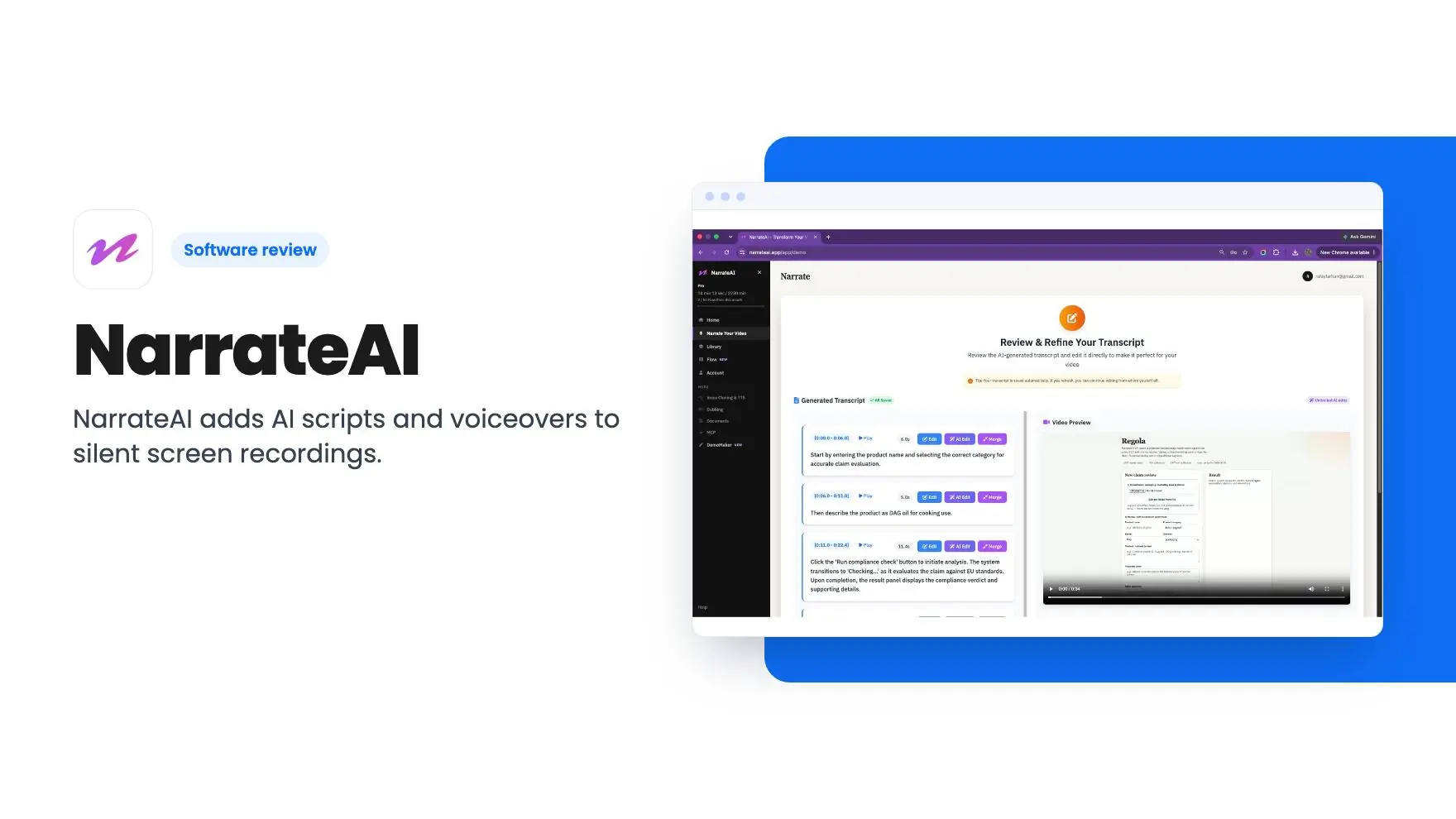
NarrateAI is built for that gap. You upload the silent recording, it writes a script from what’s on screen, adds an AI voice and hands back a narrated video. It’s on AppSumo as a lifetime deal from $49, down from a listed $252, and it’s pitched as an alternative to Descript and Loom. We haven’t used it, so everything in this NarrateAI review comes from the listing, and there’s no product video to go on.
From silent MP4 to narrated video
The core flow is short. You upload a silent MP4, and the FAQ says MOV, AVI and most common formats work too. The AI watches the footage and drafts a timed script. Then you can edit any segment before the voiceover is baked in.
That edit step matters more than it sounds. AI scripts tend to stumble on product names and jargon, and AppSumo’s own review summary admits some buyers needed occasional edits for technical terms. Plan on a read-through every time.
When you’re happy, you download the narrated video plus an SRT caption file from the video library. The listing says most videos are ready in 5 to 10 minutes. That’s the vendor’s claim, and we can’t confirm it.
On voices, you can pick from a library of AI voices or clone your own from 10 to 15 seconds of audio. The review summary also mentions a recent update that lets you bring your own ElevenLabs voices. That’s handy if you already pay for ElevenLabs. The listing doesn’t explain how it interacts with your processing minutes, so ask before you count on it.
Recording your own voice is never required. For plenty of small teams, that’s the whole appeal.
Walkthroughs, IDE recording and docs from the same video
There’s more here than a voice on top of footage. A feature called Flow takes screenshots in any order, or a screen recording, and names the steps for you. You can aim taps on a phone or the cursor on a laptop at your real interface, then render a short film with your colors, type, captions and music. A Narrate button sends that film into the voiceover product.
That could save a lot of fiddly editing for a help-center clip or an onboarding video. It could also look generic. Without a demo, we can’t say which.
The developer angle is more unusual. NarrateAI ships 18 tools through MCP, so you can ask Cursor, Claude or Antigravity to record a walkthrough of your running app and get a narrated MP4 back without leaving the editor. You can reuse a saved plan the next time you ship a feature. If you build software, that’s the most original thing in the listing. If you don’t, you can ignore it.
Then there’s documentation. The same video can become a written guide using one of five templates:
- User Onboarding
- Business Overview
- Tutorial Guide
- Feature Showcase
- Product Documentation
Each one is auto-populated with screenshots and keyframes from your video, and you can edit the document before sharing. Treat it as a first draft that saves you the screenshot-pasting, not as finished support content.
Get NarrateAI for $49 on AppSumo →
What the three NarrateAI tiers actually give you
All three tiers include lifetime access and future plan updates. You must redeem within 60 days of purchase, and you can stack up to 3 codes. The monthly limits are where the differences show up:
| Tier | Price | Limits | What you get |
|---|---|---|---|
| Tier 1 | $49 | 45 processing minutes a month, 5 GB storage | 20 AI segment edits, auto dubbing up to 3, batch narration up to 3 |
| Tier 2 | $98 | 90 minutes, 15 GB | Unlimited segment edits, dubbing up to 15, batch narration up to 3 |
| Tier 3 | $147 | 135 minutes, 30 GB | Unlimited segment edits, dubbing up to 3, batch narration up to 15 |
The pricing pattern suggests the tiers are simply one, two or three codes stacked, but the listing doesn’t say so outright.
The $49 tier is tight. Forty-five minutes a month is fine for a few short demos. A team producing training videos weekly will hit it quickly, and overage is $0.40 per minute. The 20 segment edits on tier 1 also look easy to burn through if you fix several lines per video. The listing doesn’t say whether that count resets monthly.
Tier 3 lists fewer dubbing jobs (up to 3) than tier 2 (up to 15). That may be a typo, or it may be a deliberate trade for more batch narration. The listing doesn’t explain it, so check with the seller before choosing between those two.
What the listing leaves unclear
Start with the evidence. There are 10 AppSumo reviews averaging 5.00, and AppSumo’s summary of them reads like marketing copy. Ten reviews is a small sample for a product that appears young, and the main thing this NarrateAI review found is that the same summary admits buyers still want more voice styles.
Then the missing details. The listing doesn’t define a processing minute, so we don’t know if it’s the length of your upload or something else. It doesn’t say whether unused minutes roll over. Auto dubbing is described as 20+ languages with a background music option, but it doesn’t name the languages or show a sample. And there’s no video, so nobody can judge how natural the voices sound or how accurately the AI describes what’s on screen.
It’s also not a full editor. Comparing it with Descript or Loom flatters it a bit. It adds narration, captions and docs to a recording you’ve already made. It isn’t a place to cut, rearrange or polish footage.
The one real safety net is the 60-day money-back guarantee mentioned in AppSumo’s summary. Use it properly. Upload a real recording of your own product in the first week and judge the script and voice on that.
Who should buy NarrateAI, and who should skip
The $49 tier makes sense for a founder, support lead or solo developer who makes a handful of screen recordings a month and keeps putting off the voiceover. It also suits people who want written docs from the same video without extra work. The risk is low, as long as you test it early.
Skip it if you produce video at volume, because 45 minutes goes fast and overage adds up. Skip it too if you need a true editor, or if you’re not willing to buy without hearing the voices first. If you’re a developer who lives in Cursor or Claude, the MCP angle is worth a closer look. For anyone reading this NarrateAI review before buying, check the dubbing numbers with the seller before you pick the higher tiers.
Related reading: NarrateAI vs Screenbolt, NarrateAI vs VideoMule, Brandolia review.
All NarrateAI features
Taken from NarrateAI's AppSumo listing. We haven't tested these features hands-on.
Get a narrated video from a silent recording
- Upload a silent MP4 and the AI writes a timed script from what is on screen.
- Edit any segment before the voiceover is baked in.
- Download the narrated video plus an SRT from the video library.
Turn screenshots or a recording into a branded walkthrough
- Drop screenshots in any order, or a screen recording (can be silent) , and Flow names the steps.
- Aim the taps on phone, or the cursor on laptop, on your real UI.
- Render a concise film with your colour, type, captions, and music.
- Narrate this sends the film into the voiceover product you already have.
Record the walkthrough from your IDE.
- Ask Cursor or Claude to record a walkthrough of your running app.
- Get a narrated MP4 back without leaving the editor.
- Reuse a saved plan the next time you ship a feature .
Turn the same video into docs with different templates.
- Generate a tutorial or feature guide without writing the docs yourself.
- Pick from 5 templates including tutorial, feature showcase, and business overview.
- Edit the document before you share it Screenshot to pair: document preview generated from a narrated video.
What changes by plan
| Feature | Tier 1 $49 | Tier 2 $98 | Tier 3 $147 |
|---|---|---|---|
| Processing minutes | 45/month | 90/month | 135/month |
| Video Storage | 5 GB | 15 GB | 30 GB |
| AI Segment Edits | 20 | Unlimited | Unlimited |
| Auto Dubbing in 20+ Languages | Up to 3 | Up to 15 | Up to 3 |
| Batch Narration | Up to 3 | Up to 3 | Up to 15 |
What the lifetime deal includes
- Lifetime access to NarrateAI
- You must redeem your code(s) within 60 days of purchase
- All future plan updates
- Stack up to 3 codes
At a glance
- Alternative to
- Descript, Loom
- Integrations
- Google Drive, Claude, Cursor
- Category
- Media & Design › Video
- Website
- narrateai.app
Decided NarrateAI fits? The lifetime deal starts at $49. Check the tier limits on AppSumo before you pick one.
Get NarrateAI on AppSumoKeep reading about NarrateAI
- NarrateAI vs Screenbolt: side-by-side comparison
- NarrateAI vs VideoMule: side-by-side comparison
- Descript Alternatives: 8 AppSumo Lifetime Deals Compared
- Design & Media lifetime deals: 10 tools to check first
- Loom alternatives with lifetime deals: 7 tools compared
- All Design & Media lifetime deal reviews
NarrateAI FAQ
Do I have to record my own voice for NarrateAI?
No. According to the listing, it writes the script and adds an AI voiceover automatically. You can optionally clone your voice from 10 to 15 seconds of audio, or choose from its voice library.
What happens if I go over my monthly minutes?
The listing's FAQ says overage is billed at $0.40 per minute beyond your plan's included minutes. The $49 tier includes 45 processing minutes a month, so 30 extra minutes would cost $12.
What are the three AppSumo tiers?
Tier 1 is $49, tier 2 is $98 and tier 3 is $147. They scale from 45 to 90 to 135 processing minutes a month and from 5 GB to 15 GB to 30 GB of storage. The listing says you can stack up to 3 codes and must redeem within 60 days.
Is NarrateAI worth it?
The $49 tier looks worth it if you make the occasional product demo or how-to video and hate recording your own voice. Skip it if you need heavy monthly volume, a full video editor, or proof of voice quality before paying, since the listing offers no demo video and the caps are small. We haven't used it ourselves.
What are the best NarrateAI alternatives?
The listing pitches NarrateAI as an alternative to Descript and Loom. The article says that comparison flatters it a bit, because NarrateAI adds narration, captions and docs to a recording you've already made. It isn't a place to cut, rearrange or polish footage.
Does NarrateAI support other languages?
The listing describes auto dubbing in 20+ languages with a background music option. It doesn't name the languages or show a sample. Dubbing limits also vary by tier, and the tier 3 figure looks odd enough that the article suggests checking with the seller.