


Lifetime deal price
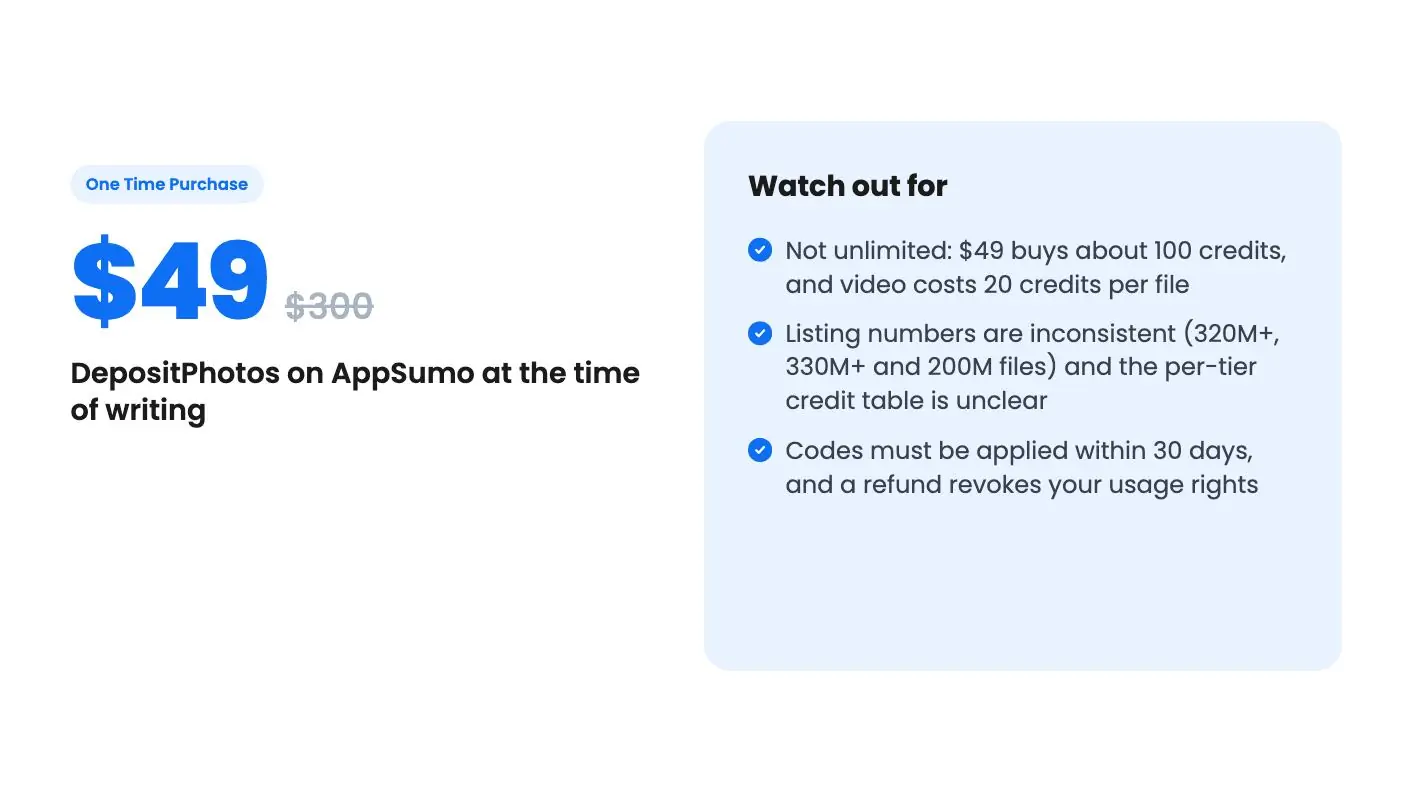
$49$30084% off
One Time Purchase · ends Nov 16, 2026
4.9(557 AppSumo reviews)
Quick verdict
Our take: Buy it if you download a handful of stock images a month, want a commercial license, and are happy to prepay for credits that never expire. Skip it if you need heavy volume, or if you expected an unlimited library for one price.
Best for: Graphic designers, Marketing agencies, Small businesses
Alternative to: Shutterstock
What we like
- Credits never expire, and codes stack with no stated limit
- Standard License covers digital and print commercial use
- Includes AI image generation, background removal, upscaling and reverse image search
- 60-day money-back guarantee and a 4.85/5 average across 557 AppSumo reviews
Watch out for
- Not unlimited: $49 buys about 100 credits, and video costs 20 credits per file
- Listing numbers are inconsistent (320M+, 330M+ and 200M files) and the per-tier credit table is unclear
- Codes must be applied within 30 days, and a refund revokes your usage rights
Say you run a small shop, a local service business, or a two-person agency. Every week you need a hero photo for a blog post, a banner for a promo, maybe a short clip for social. Paying for a stock subscription feels silly when you only need a few files a month, and free sites never quite have the right shot.
Get DepositPhotos for $49 on AppSumo →
That’s the gap this deal is aiming at. It’s a lifetime deal on DepositPhotos, but this DepositPhotos review should be clear about what “lifetime” means here. You’re buying a pile of credits, not an all-you-can-download pass.
What you actually get for $49
The entry tier costs $49, down from a listed $300. According to the listing, that covers images, vectors, videos and audio under DepositPhotos’ Standard License. The credit rules are the part to read slowly.
The 100-credit multi-content plan counts images and audio files at 1 credit each and videos at 20 credits each. So 100 credits could mean 100 images, or five videos, or some mix. On top of that, the listing says you get 100 free generations with the AI image generator.
Doing the math on the first tier, you’re paying roughly 49 cents per image if you spend everything on photos. That’s cheap compared with buying single images from most agencies, but it isn’t free. And if video is your main need, five clips for $49 is a very different story.
The listing also says credits don’t replenish and never expire. That’s the good part. You can use two credits this month and none for a quarter without losing anything.
The library and the AI tools
The headline number a DepositPhotos review runs into is 320+ million royalty-free images, videos and music files. The plan table says 330M+, and the listing’s FAQ says over 200 million. Those figures don’t agree, so I’d treat the library as very large and not lean on any exact count.
The listing says there are 600+ curated collections and more than five million new files each month. Those are marketing figures, and the listing doesn’t back them up with detail. Still, for ordinary business needs like people at laptops, food, offices and abstract backgrounds, a library this size should have something usable.
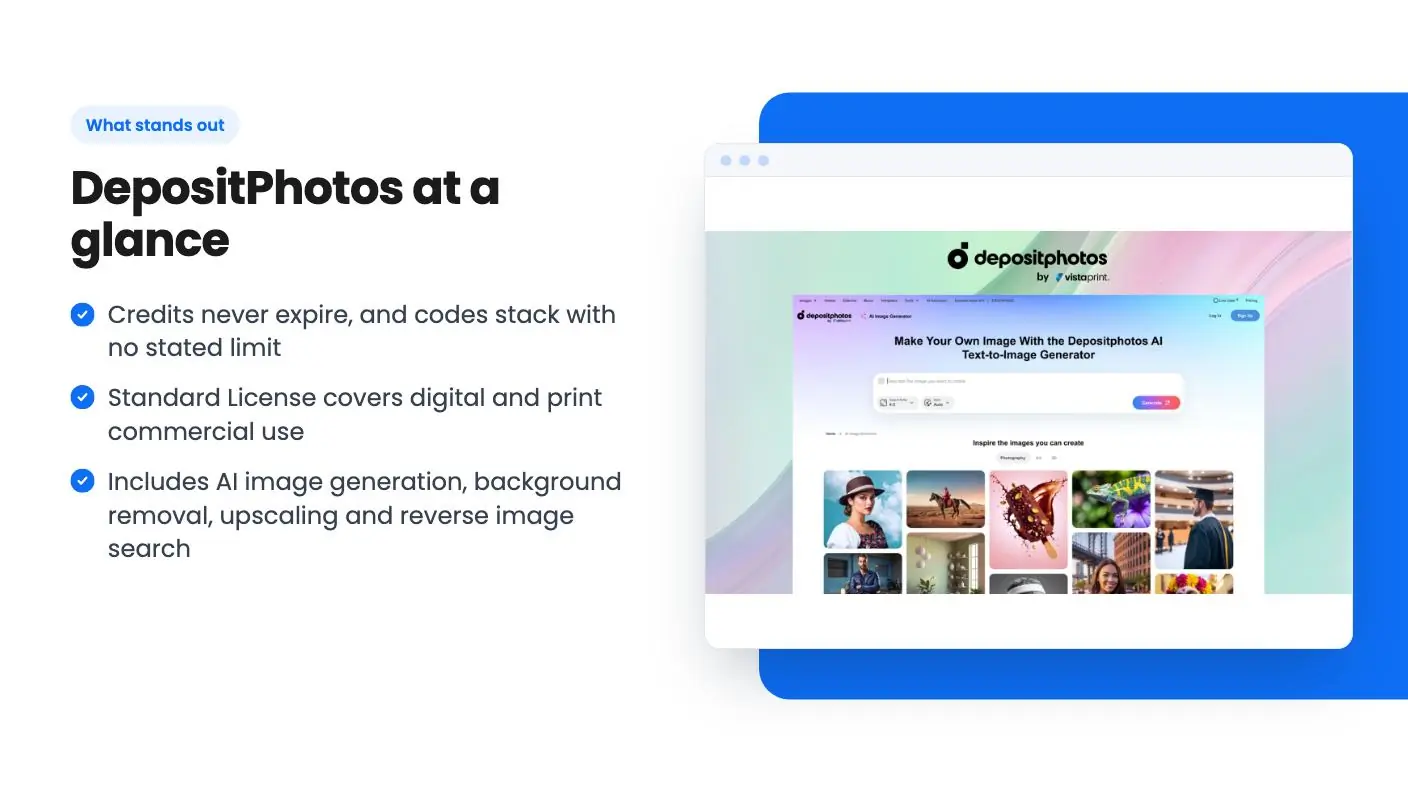
The AI side has two parts. One is an image generator that works from a text prompt or a reference image. The listing calls it commercially safe, and says outputs come under the Standard License for digital and print use.
The other is an AI editor. According to the listing, it can modify faces, erase unwanted objects, remove backgrounds from images and videos, and upscale images. There’s also reverse image search, which finds library images that match a picture you already have.
Those extras are useful. A background remover and upscaler would otherwise be separate tools you’d pay for. But the listing doesn’t say whether editing actions use credits, or how many generations the editor allows. It also doesn’t say what image sizes the generator produces. Ask before you assume.
Get DepositPhotos for $49 on AppSumo →
What the demo video shows
The demo video is a short, upbeat pitch from an AppSumo host, so read it as an ad. It shows a homepage with search across photos, vectors, illustrations, editorial content, videos, music and sound effects. It mentions 600 hand-picked collections and popular creator selections.
It also says buyers get up to 100 credits for downloads and AI generation, plus a background remover, image upscaler and reverse image search. And it says every asset can be used commercially in digital and print.
What it doesn’t do is walk through a real search, a download, or an AI generation from start to finish. You don’t see the generator’s output quality, the editor in action, or how credits are deducted. For a tool where image quality is the whole point, that’s a gap. Open the free search on the DepositPhotos site before you buy and see whether your kind of subject matter looks good.
The limits that matter before you buy
Several rules in the fine print deserve attention.
- You must apply your code to your DepositPhotos account within 30 days of purchase.
- The deal is for existing DepositPhotos users and returning AppSumo purchasers.
- Usage rights for images, video and audio are revoked if you refund.
- To receive multi-content credits for video and audio, you must buy a new code and apply it.
That third point matters. If you download 40 images, use them on your site, and then take the 60-day money-back guarantee, you lose the right to keep using them. Plan your refund window before you publish anything important.
The pricing structure is also confusing. There are ten tiers, from $49 up to $490, each stepping up by $49. The plan features table lists credit counts that run in different directions, and it’s not clear which tier gets which number. The listed credit amounts range from 100 to 1,000 for stock files and from 100 to 1,000 for AI generations, but the table’s order doesn’t line up neatly with the prices. Since stacking is allowed, the safe move is to buy one code, confirm what lands in your account, and then add more.
There’s one more thing to know. The listing’s FAQ reads like generic DepositPhotos help text. It describes subscription, flexible and on-demand plans, and even contributor payouts, none of which are part of this deal. Customer support also draws occasional complaints in AppSumo’s summary of buyer reviews, along with slow download speeds. That summary is marketing copy, but a note about support is worth taking seriously.
Who should buy it and who should pass
This fits you if your stock needs are modest and steady. A solo marketer, a small agency building client blog posts, or a store owner refreshing product pages will likely use credits slowly, and the never-expire rule works in your favor. The 4.85 average across 557 AppSumo reviews is a good sign, though it shows satisfaction, not that the per-credit price suits your volume.
Skip it, per this DepositPhotos review, if you publish daily, need lots of video, or want to download without counting. At 20 credits per video, the numbers shrink fast. A regular subscription with monthly download allowances may serve you better, and you should price it against your actual monthly use before deciding.
For anyone finishing this DepositPhotos review, the deal ends on November 16, 2026. That’s a short window, but with a 60-day guarantee the downside is small, as long as you remember the refund strips your usage rights. If you’re on the fence, start with the $49 tier.
All DepositPhotos features
Taken from DepositPhotos's AppSumo listing. We haven't tested these features hands-on.
Download royalty-free assets
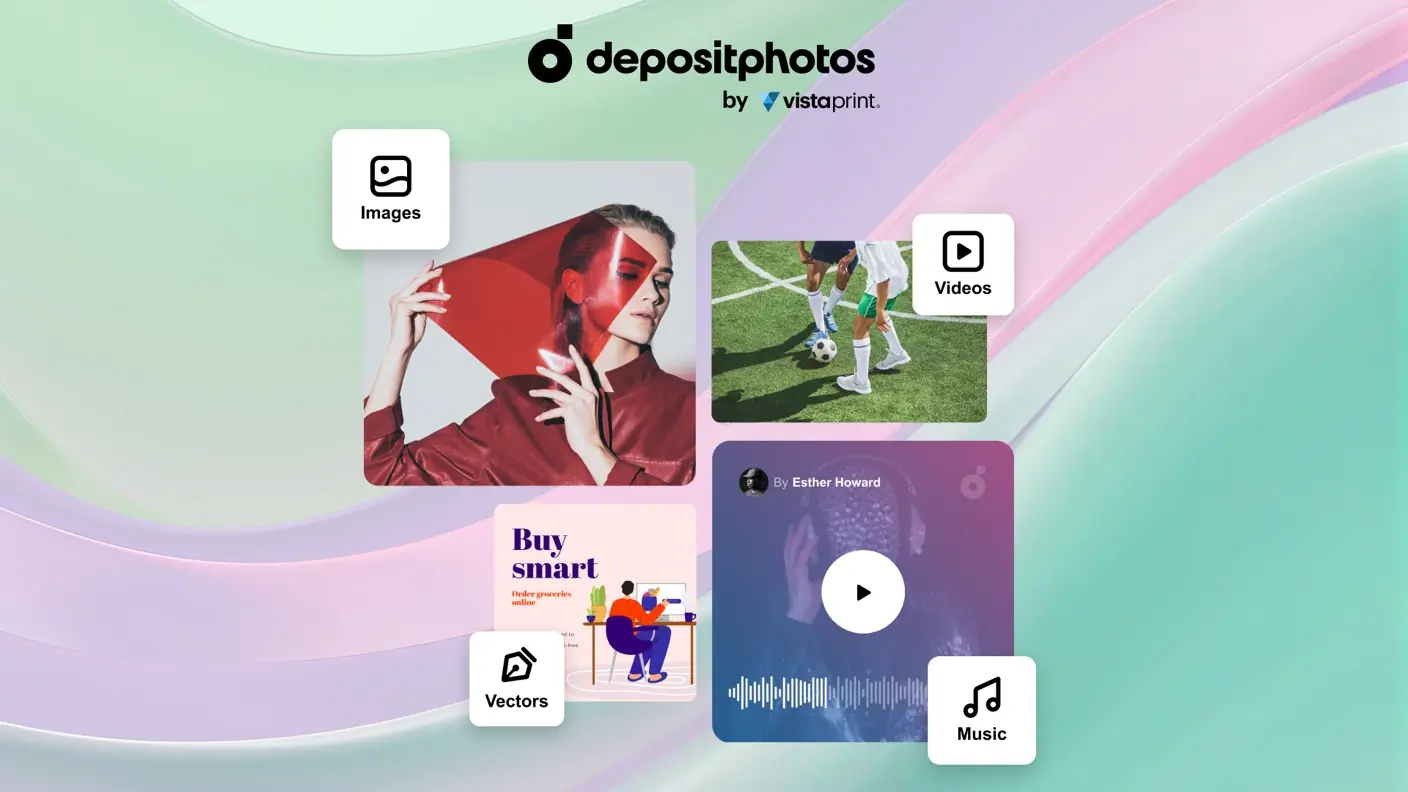
- Get access to 320+ million royalty-free images, videos, and music files for any creative project
- Find high-quality and licensed content from creators around the world
- Follow creators to get updates on new content added to their portfolios
Trending collections, right at your fingertips
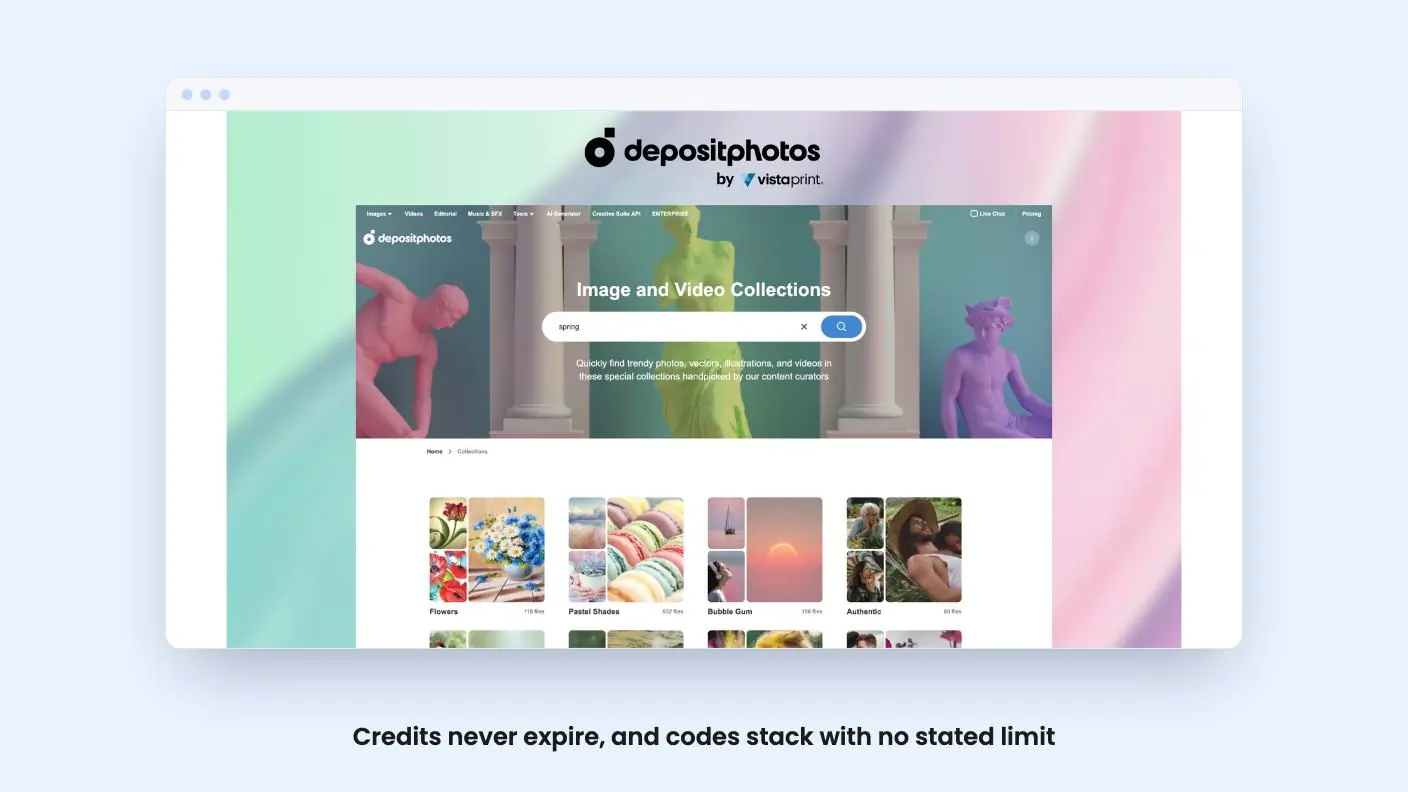
- Explore trending content collections with diverse ambient files, handpicked and curated by the DepositPhotos team
- Easily browse 600+ multi-content collections covering diverse topics and themes
- Access over five million new files every month with year-round access
Generate unique images with AI
- Whip up licensed, unique visuals with DepositPhotos’s ethical and commercially safe AI image generator
- Simply describe the image you want to create and hit “Generate”
- Get images provided under the Standard License, suitable for digital and print use
- Create unique assets from text prompts or image references
Edit images with AI
- Effortlessly customize any image from the DepositPhotos library with the AI Editor
- Modify faces, erase unwanted objects, generate new visuals from references, and more
- Remove backgrounds from images and videos in a few clicks
- Upscale and edit images without losing quality
- Use reverse image search to find visuals that match your reference image
Included in every plan
- 330M+ images to choose from
- Use images commercially
- AI image editor
What changes by plan
| Feature | Tier 1 $49 | Tier 2 $98 | Tier 3 $147 | Tier 4 $196 | Tier 5 $245 | Tier 6 $294 | Tier 7 $343 | Tier 8 $392 | Tier 9 $441 | Tier 10 $490 |
|---|---|---|---|---|---|---|---|---|---|---|
| AI image generator credits | 100 one-time | 200 one-time | 300 one-time | 400 one-time | 500 one-time | 600 one-time | 800 one-time | 900 one-time | 1,000 one-time | 700 one-time |
| Image/vector, video, or audio file credits from DepositPhotos | 100 one-time | 200 one-time | 300 one-time | 400 one-time | 500 one-time | 600 one-time | 700 one-time | 800 one-time | 900 one-time | 1,000 one-time |
What the lifetime deal includes
- Even though you can download at any time, you must apply your code(s) to your DepositPhotos account within 30 days of purchase
- For images, vectors, videos & audio with Standard License
- Credits do not replenish and never expire
- Stack an unlimited number of codes for more images and AI generator credits
- Available for existing DepositPhotos users and returning AppSumo purchasers
- Image, video, and audio usage rights are revoked upon refunding
- To receive multi-content credits for video and audio files, you must purchase a new AppSumo code and apply it to your account
- The 100-credit multi-content plan covers videos (20 credits each), images and audio files (1 credit each)...
- ...plus 100 free AI generations with the AI Image Generator
At a glance
- Best for
- Graphic designers, Marketing agencies, Small businesses
- Alternative to
- Shutterstock
- Integrations
- API
- Category
- Media & Design › Photos & Stock
- Website
- depositphotos.com
Decided DepositPhotos fits? The lifetime deal starts at $49, until Nov 16, 2026. Check the tier limits on AppSumo before you pick one.
Get DepositPhotos on AppSumoKeep reading about DepositPhotos
DepositPhotos FAQ
Is the DepositPhotos lifetime deal unlimited downloads?
No. It is a pack of credits. The listing says credits do not replenish and never expire. Images and audio cost 1 credit each, and videos cost 20 credits each.
Can I buy more than one code?
Yes. The listing says you can stack an unlimited number of codes for more image and AI generator credits. To get multi-content credits for video and audio, you have to buy a new code and apply it to your account.
Who can buy this deal?
According to the listing, it's available to existing DepositPhotos users and returning AppSumo purchasers. You must apply your code within 30 days of purchase.