AI Writing & VideoTop deals
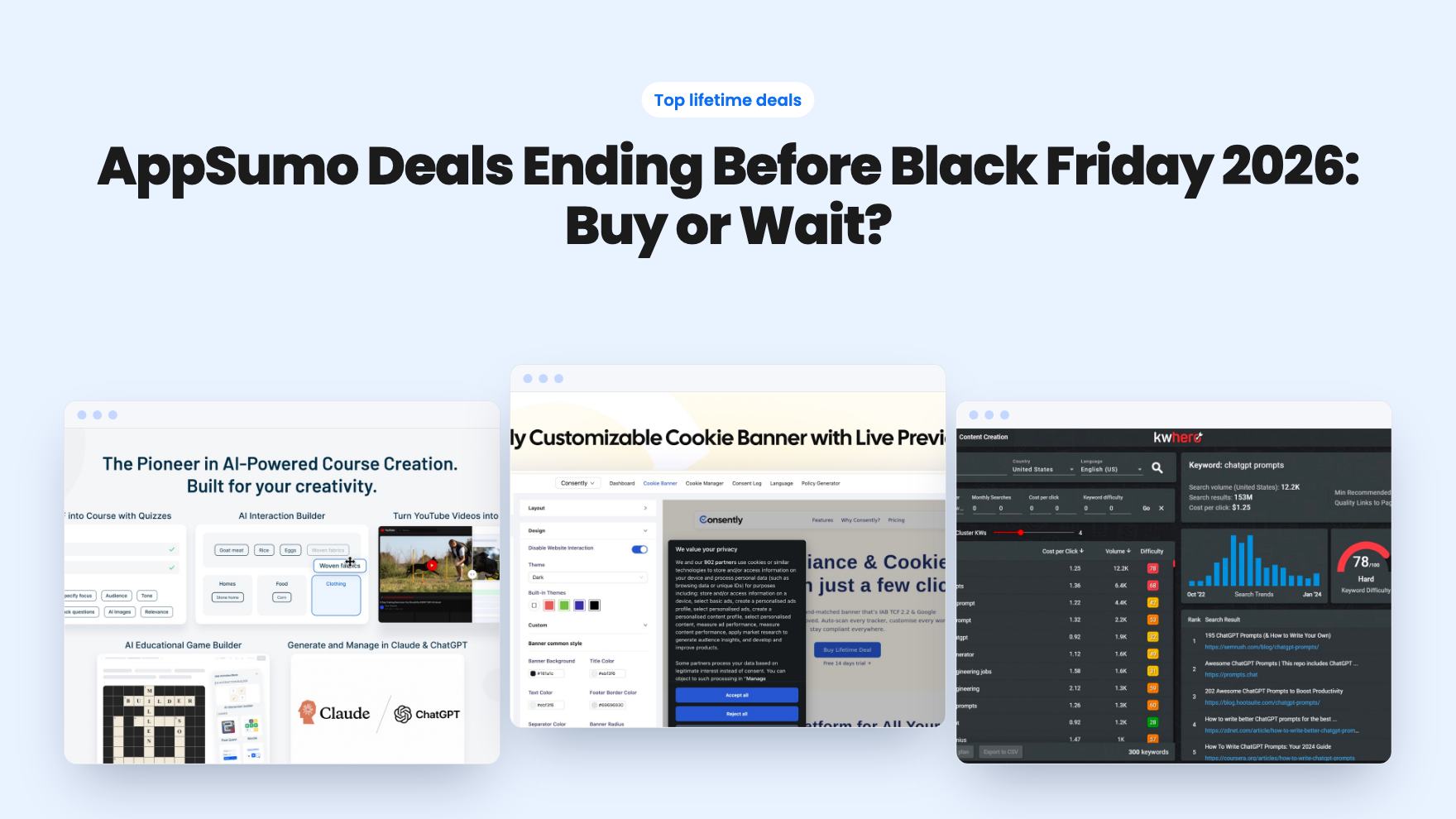
AppSumo Deals Ending Before Black Friday 2026: Buy or Wait?
Fourteen AppSumo lifetime deals end before Black Friday on November 27, 2026. Here are the seven worth a look now, and who should skip them.
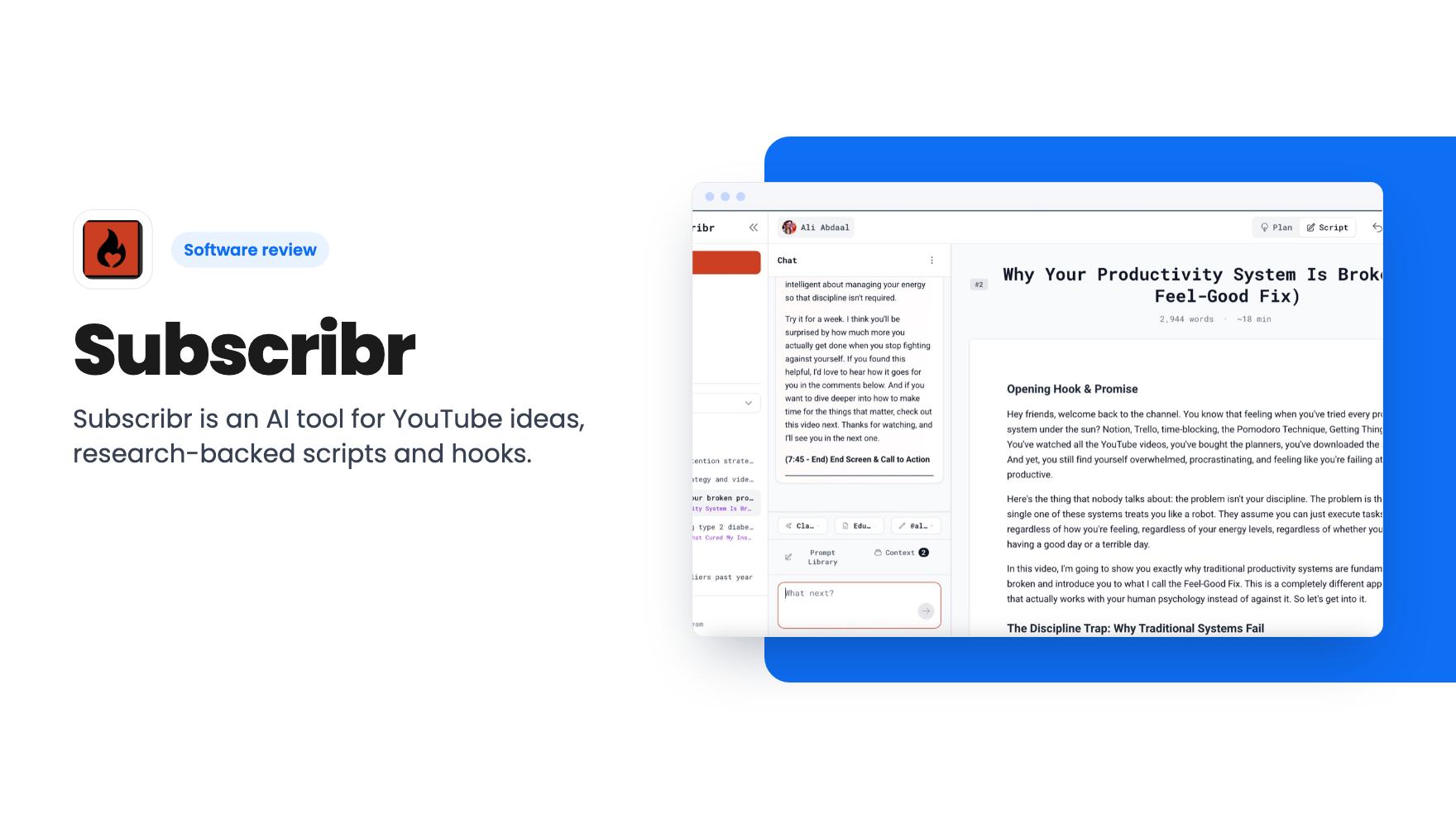
Subscribr is an AI tool for YouTube ideas, research-backed scripts and hooks. Lifetime deal from $79, but credit caps and tier limits apply.
Lifetime deal price
$79$9416% off
Lifetime Deal · ends Nov 5, 2026
Our take: Subscribr suits scripted YouTube channels (documentary, review, faceless, news) that want research-backed long-form drafts in their own voice. Skip it if you only want a cheap script writer: the $79 tier looks chat-only, and script credits are capped on every tier. Confirm the tier details on AppSumo before buying.
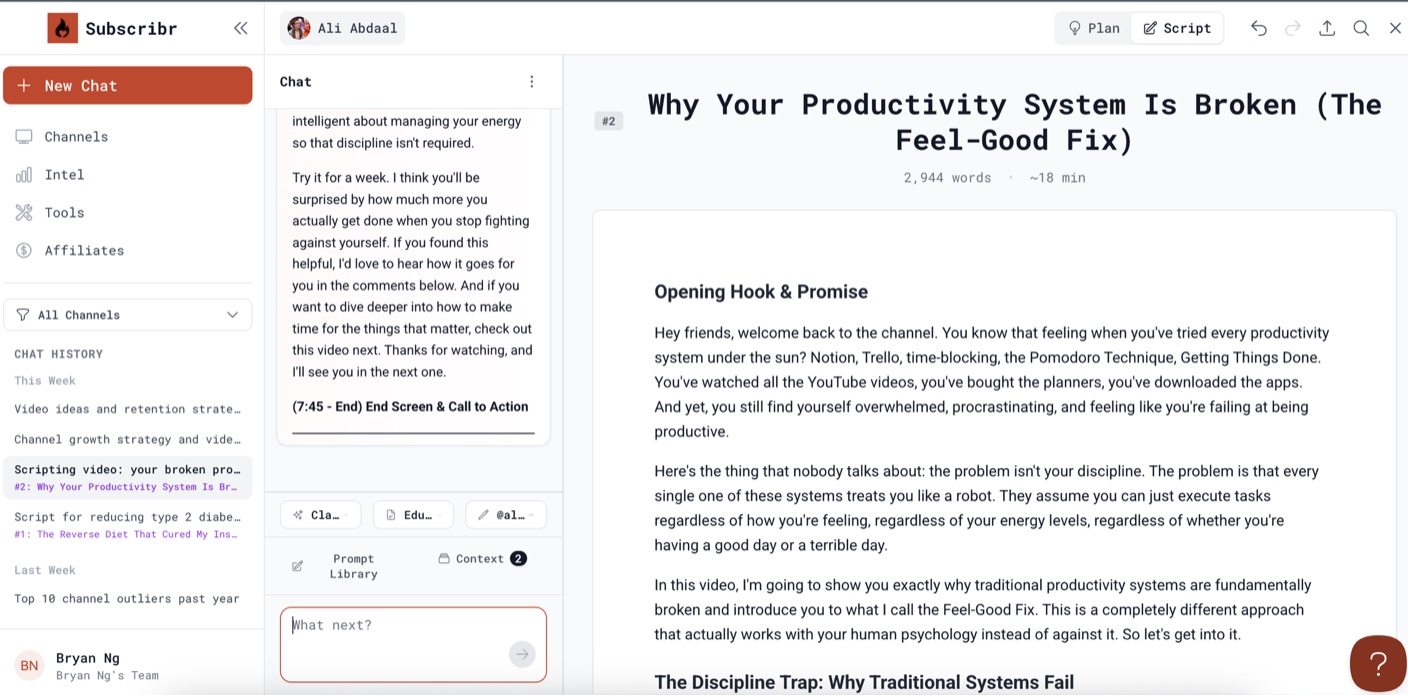
Subscribr is an AI assistant built for YouTube creators. According to the listing, it helps you brainstorm video ideas, plan videos and write scripts meant to hold viewers’ attention.
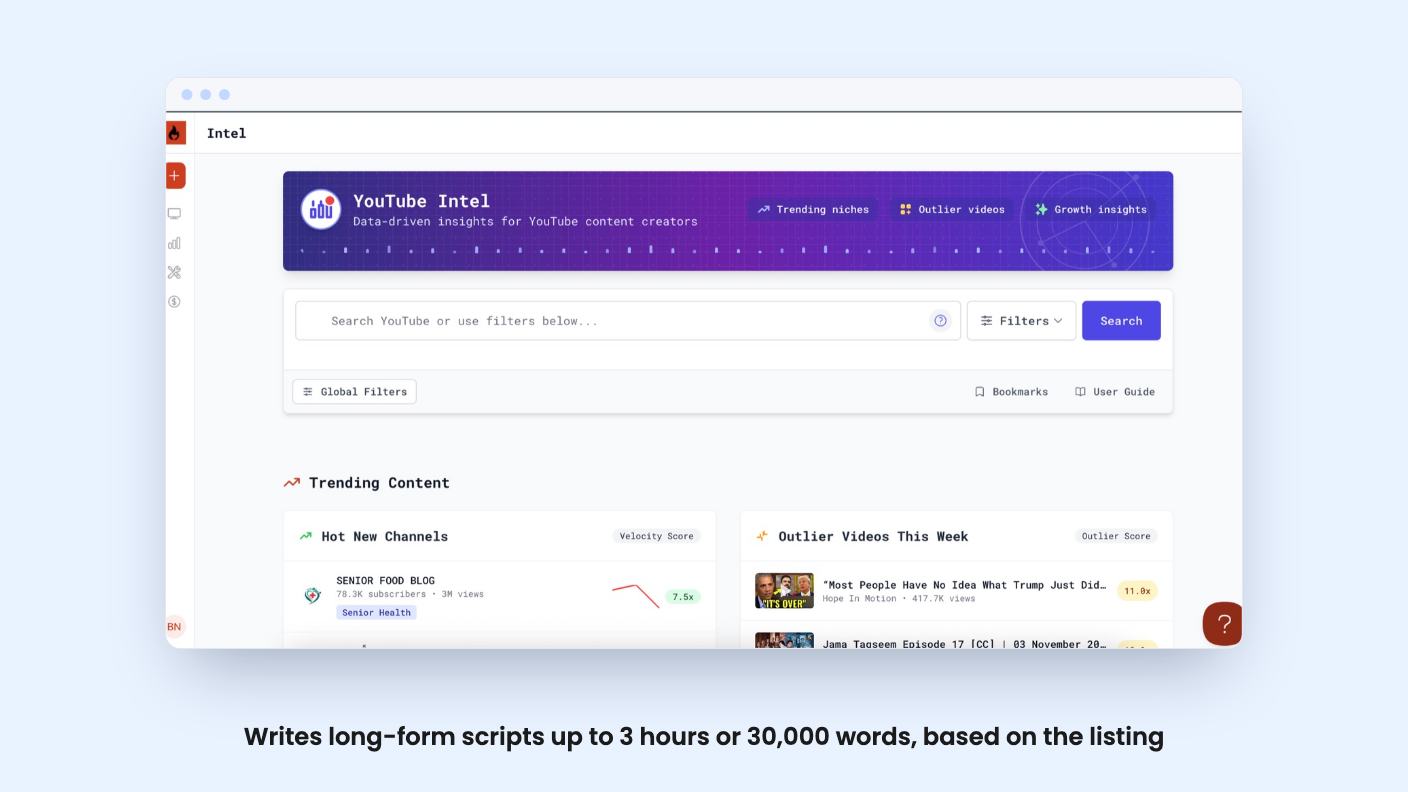
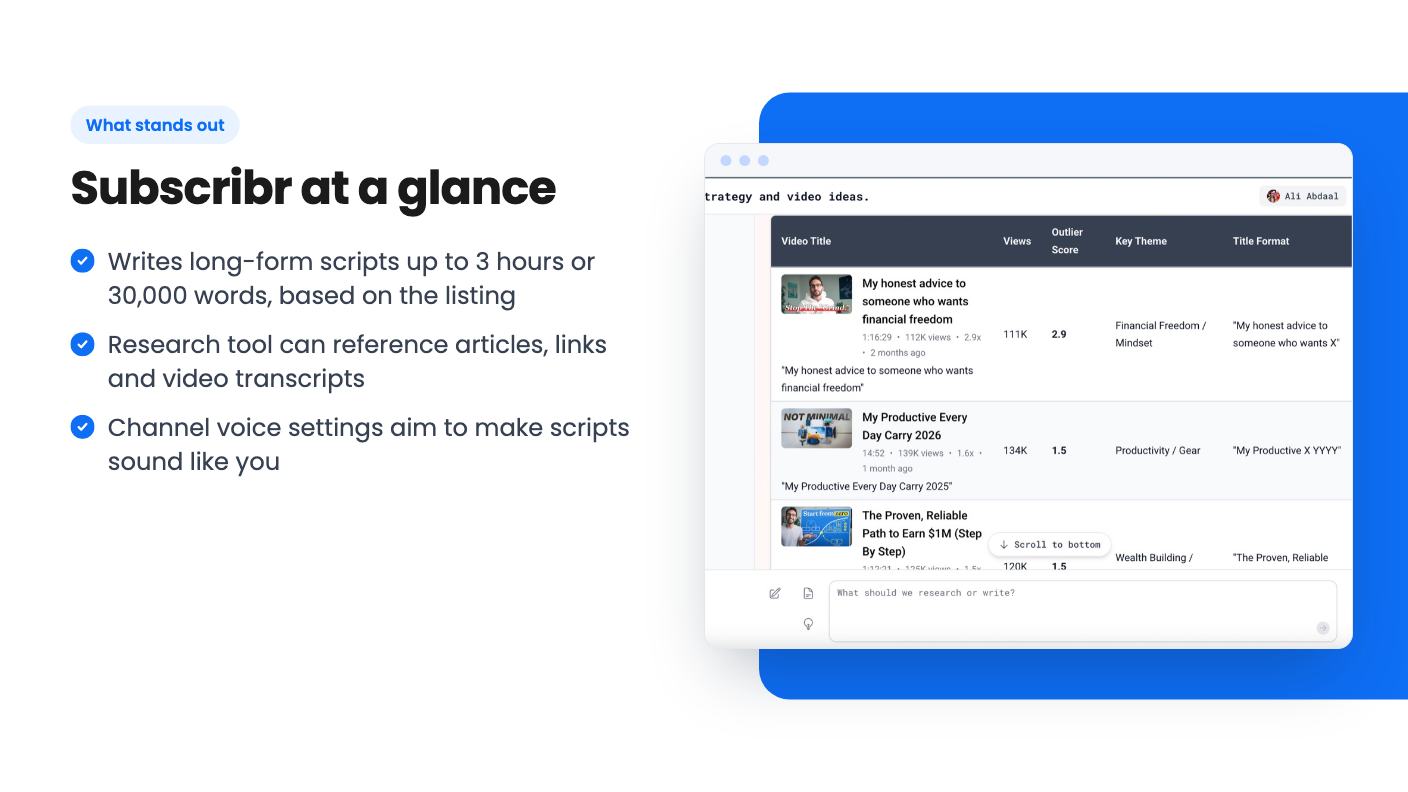
The pitch is a research-first workflow. You analyze your channel and competitors, pick an idea, feed in sources, and generate a script in your own voice. The listing says scripts can run up to 3 hours, or 30,000 words.
The listing says it fits scripted channels such as documentaries, news, product reviews, marketing and story-based content. It also names faceless creators as a good match.
Here is what the listing describes:
Not every feature is on every tier, which matters for the deal (see below).
The AppSumo demo video is a short, high-level walkthrough. It is marketing material, not a deep review.
It starts with adding your YouTube channel so the tool can analyze your videos and build a viewer profile. Next, the channel voice settings are adjusted so scripts sound like you.
The script flow is simple: enter a topic, pick a format and set a length. The video mentions a 60-minute script as an example. It also shows the built-in research tool, where you reference articles, videos or links.
The video then moves to the ideation chat, used to brainstorm ideas, analyze competitors and plan videos with research-backed suggestions. It also mentions a prompt library with tips for growing a channel.
The video does not show finished scripts, quality comparisons or real channel results. It also covers few of the limits, so treat it as an overview.
The deal runs through November 4, 2026. There are seven lifetime tiers:
All tiers include lifetime access and future updates to the matching plan. You can upgrade between tiers while the deal is live. You can downgrade within 60 days, and the 60-day window also applies to activation.
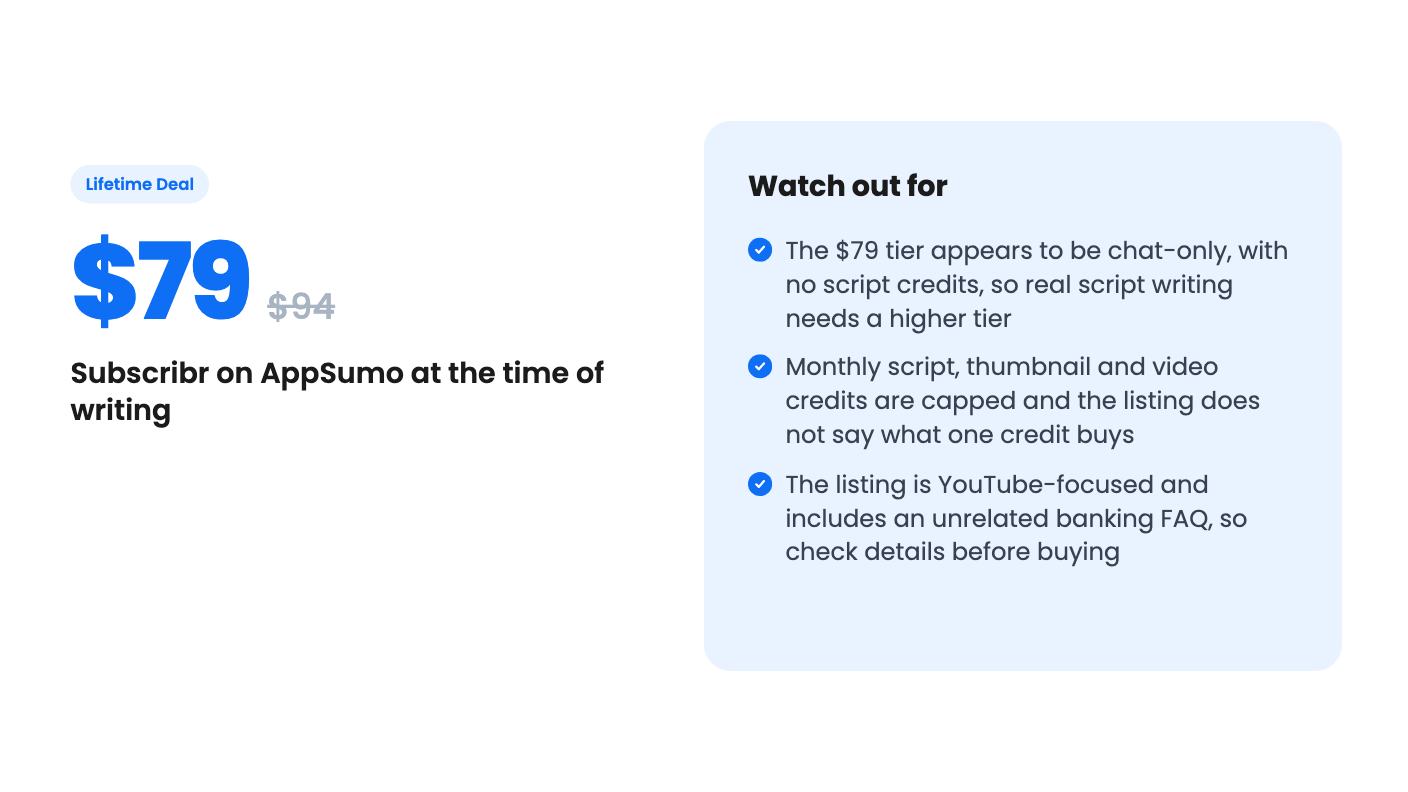
The plan table does not label its columns. It appears to run from the highest tier down to the lowest, but that is our reading, so verify it on AppSumo. On that reading, the $79 tier has unlimited ideation chat and 50,000 words of research. It has no script writing credits, no long-form scripts and no thumbnail or video credits.
For actual script writing, you would need a higher tier. On the same reading, monthly script credits for tiers 2 to 7 are 20, 60, 180, 400, 800 and 1,500. Thumbnail generations and video credits are also capped.
The listing does not say how many credits one script uses. Addon credits can be bought if you run out, which adds ongoing cost for heavy users.
The listing offers a free first script and a 60-day money-back guarantee, which lowers the risk of testing it.
A good fit if you:
Think twice if you:
AppSumo’s review summary mentions that some buyers find the input process takes effort and the linear chat approach could be smoother. Together with the 4.85 average across 164 reviews, that is a positive but still marketing-driven picture. The listing also includes an FAQ about financial data and open banking that has nothing to do with a script tool, so treat the listing’s details with some care.
If you make long-form YouTube videos regularly, the free first script and money-back window make it low-risk to test. Check which tier includes script writing and the credits you need first.
According to the listing, yes. You can create your first script for free with no credit card. AppSumo also lists a 60-day money-back guarantee, and you must activate your license within 60 days of purchase.
The listing says you can buy addon credits at any time. They stay valid while your subscription is active, and bulk discounts are available. Each lifetime tier also has monthly script writing credit limits.
The listing says scripts can be written in multiple languages, including Arabic, Chinese (Simplified and Traditional), English, French, German, Hindi, Japanese, Korean, Portuguese, Russian and Spanish, plus others.
How this review was made: researched from Subscribr's official listing and a transcript of its demo video, and written with help from AI. We have not tested Subscribr hands-on yet. Prices and deal terms change, so check AppSumo before you buy. See our affiliate disclosure.
Fourteen AppSumo lifetime deals end before Black Friday on November 27, 2026. Here are the seven worth a look now, and who should skip them.
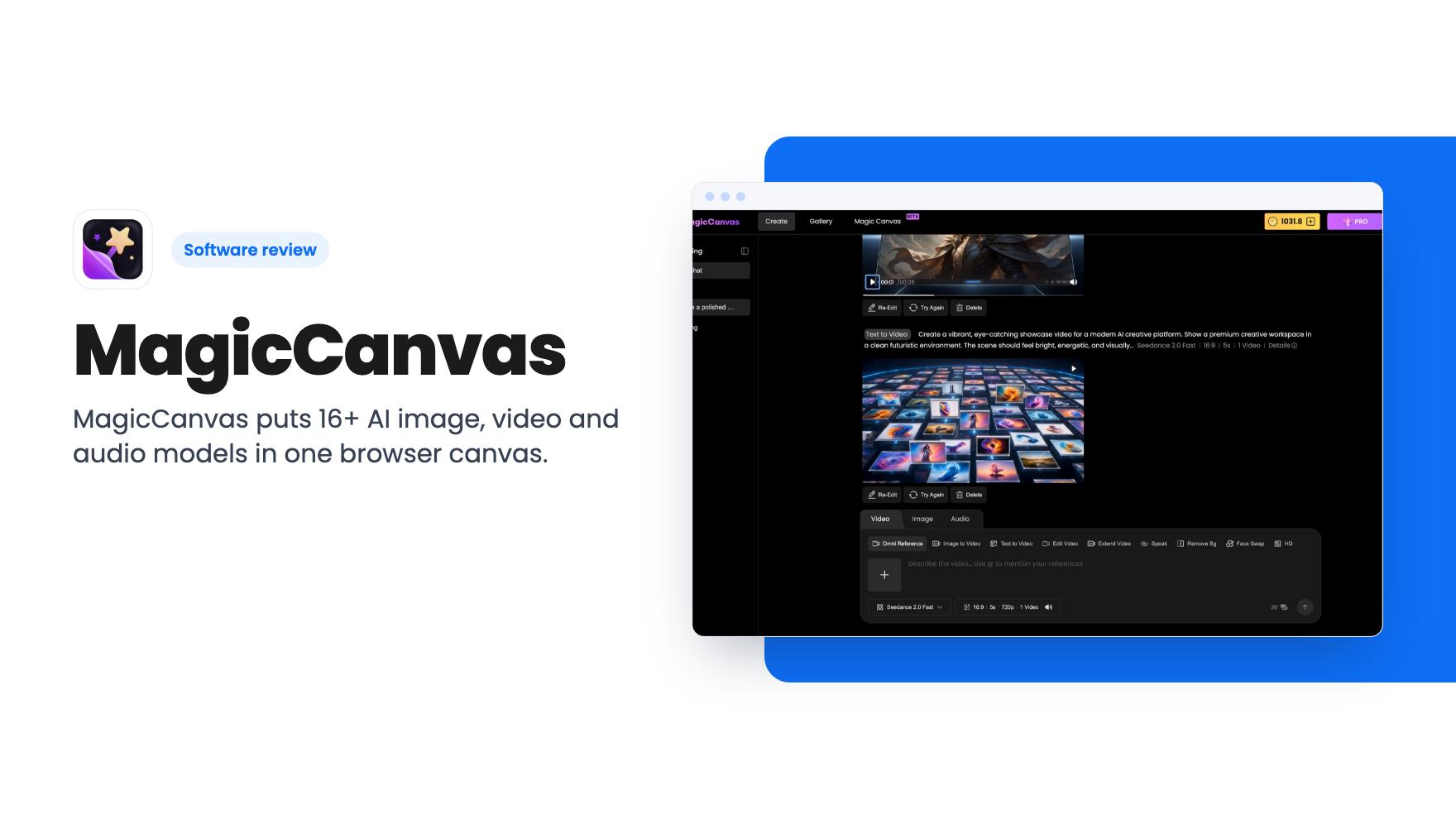
MagicCanvas puts 16+ AI image, video and audio models in one browser canvas. The $59 lifetime deal looks cheap, but the monthly credit caps matter most.
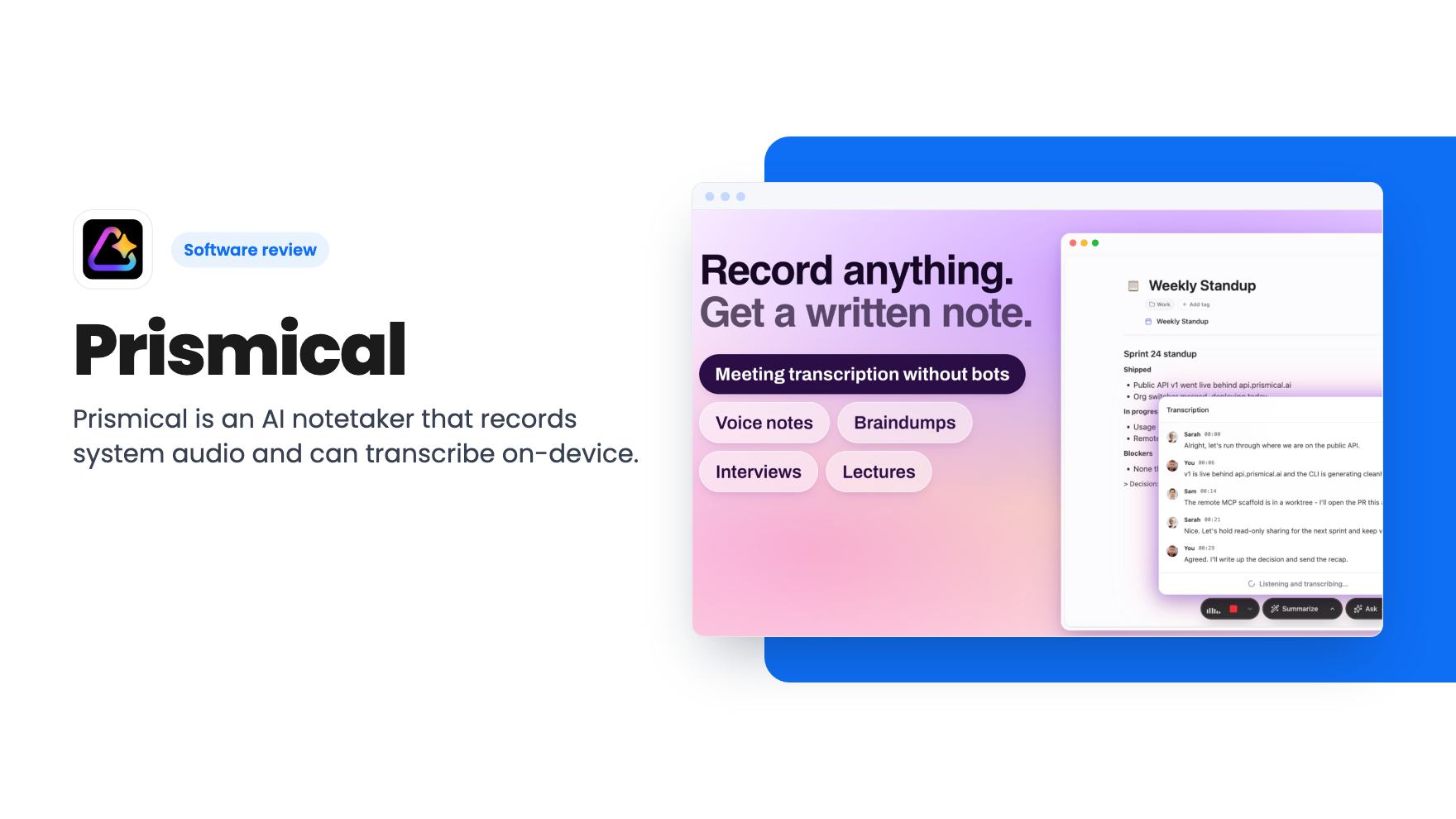
Prismical is an AI notetaker that records system audio and can transcribe on-device. The AppSumo lifetime deal runs $59 to $749, and the tier limits matter.