


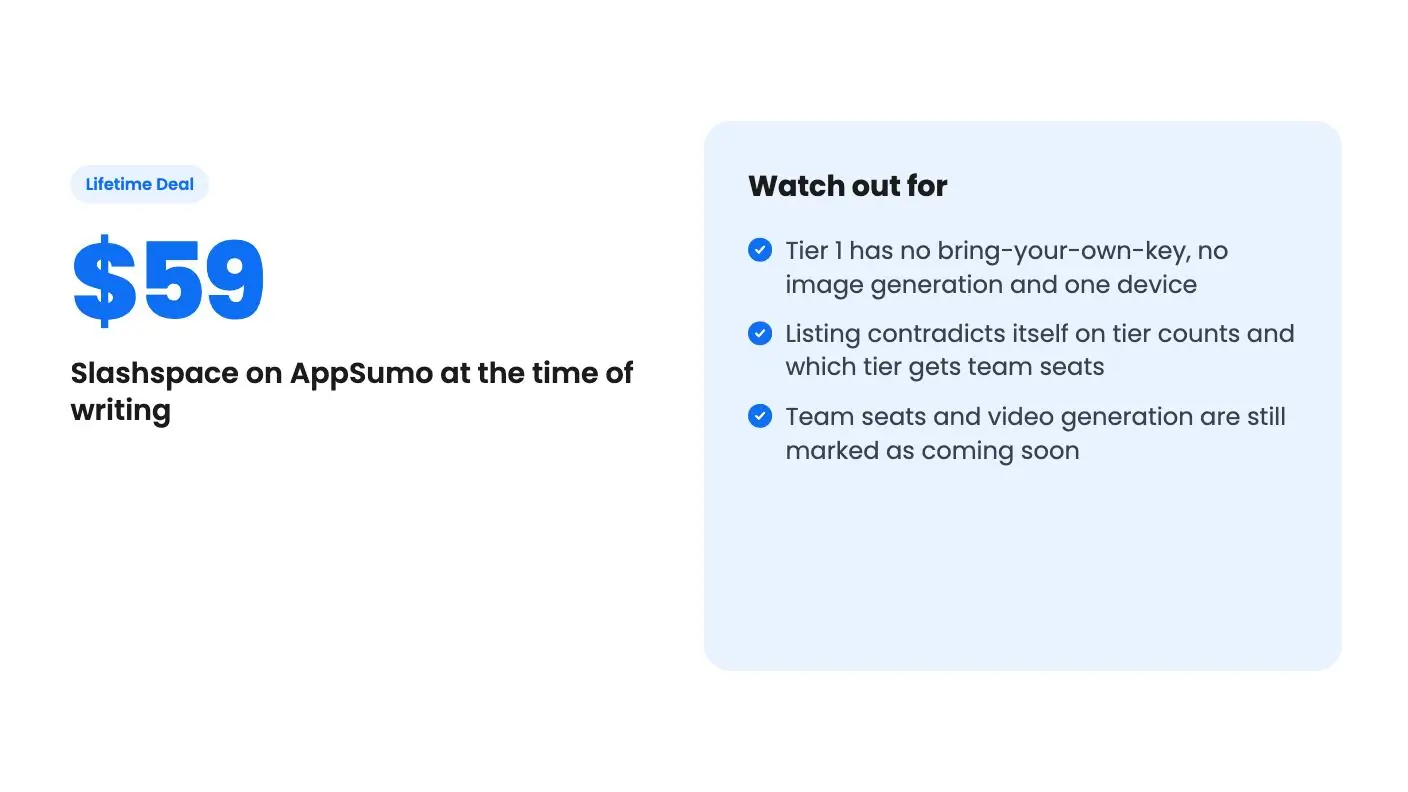
Lifetime deal price
$59
Lifetime Deal · ends Nov 17, 2026
5.0(3 AppSumo reviews)
Quick verdict
Our take: Slashspace suits solo consultants, educators and founders who juggle several AI models across research-heavy projects and already pay for Claude or ChatGPT. Skip Tier 1 if you want your own API keys or image generation, and skip the whole deal if you need team features today, since seats are still marked as coming soon.
Best for: Consultants, Educators, Founders
Alternative to: Miro, Poppy AI, ChatGPT
What we like
- Many AI chats, notes and sources on one canvas per project
- Works with OpenAI, Anthropic, Google, Ollama and custom endpoints
- Local-first storage on Mac, Windows and Linux
- Tiers from $59 to $289 with clear device and canvas limits
Watch out for
- Tier 1 has no bring-your-own-key, no image generation and one device
- Listing contradicts itself on tier counts and which tier gets team seats
- Team seats and video generation are still marked as coming soon
You’ve got a research project going. One ChatGPT thread has your outline, a Claude window has the draft, a PDF sits in another folder, and your notes live in a third app. Every time you want an AI to see all of it, you copy, paste and hope the context survives. Slashspace is built around that exact annoyance.
Get Slashspace for $59 on AppSumo →
What Slashspace does with your chats
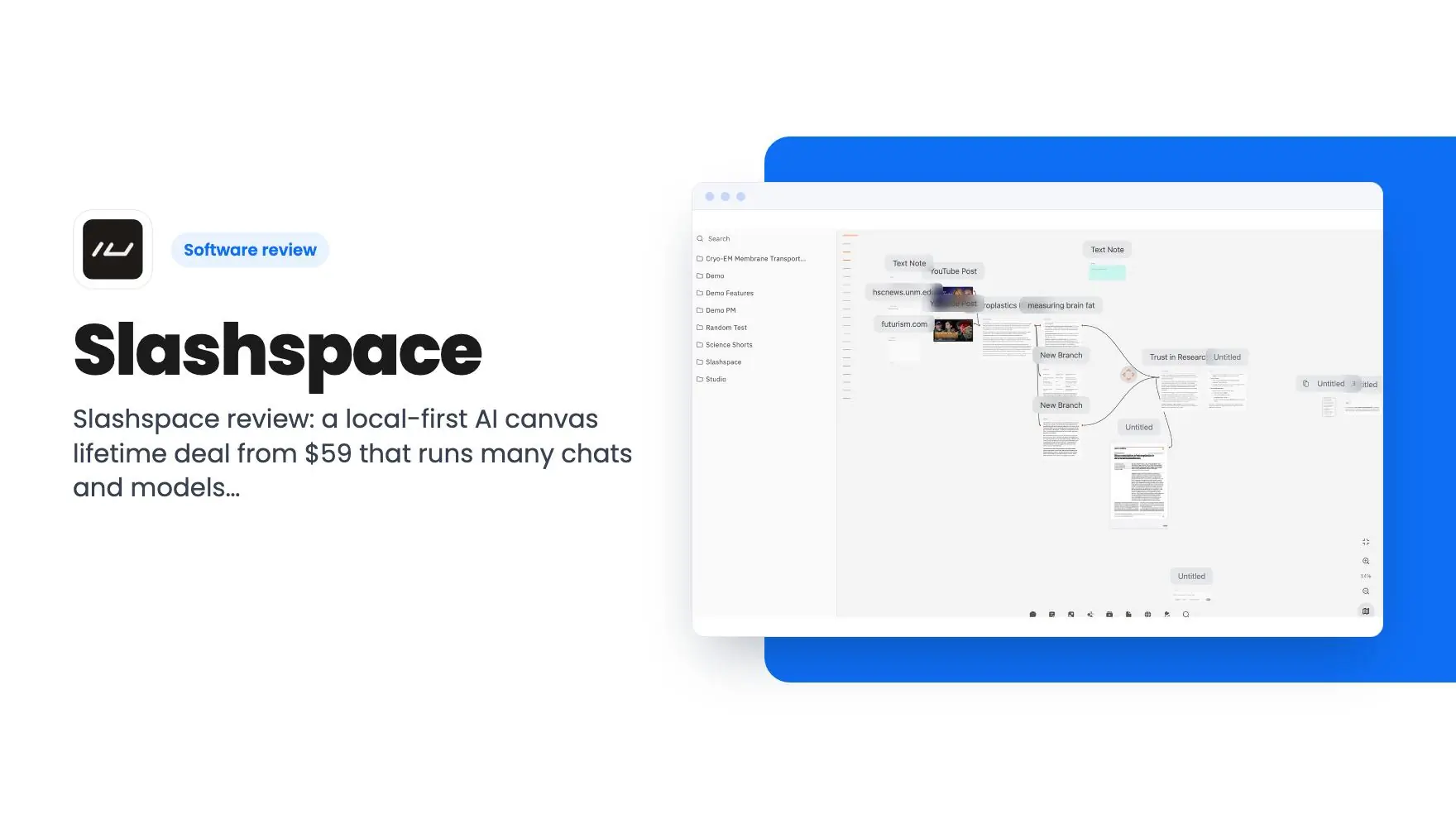
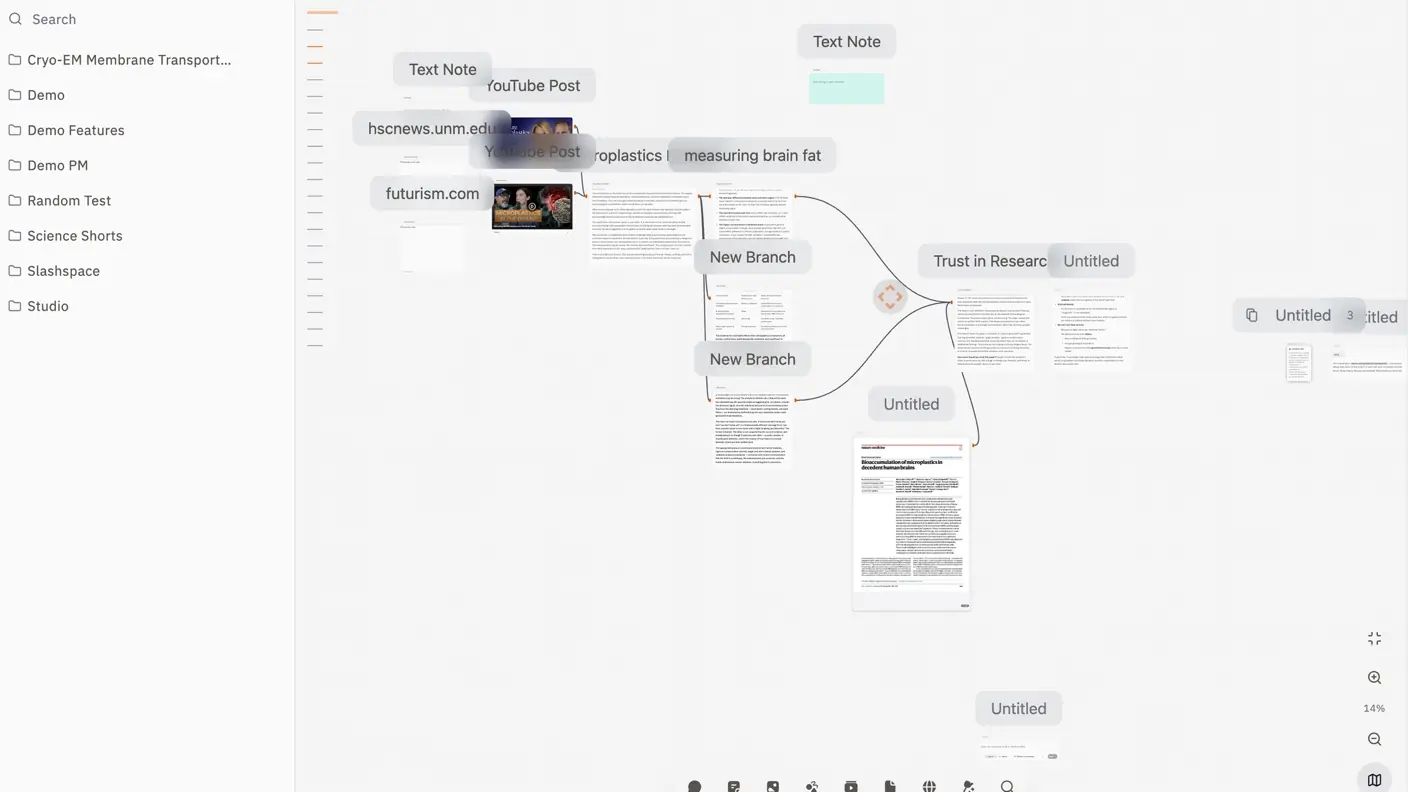
The first thing this Slashspace review should say is that Slashspace is a desktop app for Mac, Windows and Linux. The twist is that it doesn’t give you a list of linear chat threads. It gives you canvases. Each canvas is scoped to one project, and on it you place as many AI sessions as you like, alongside documents, social posts and other source material.
You connect a source to a chat node, and that chat can talk about it. Each canvas keeps its own conversations and files, so you can come back next week and pick up where you stopped.
It’s also worth knowing the name history. According to the listing, Slashspace is the new name for RabbitHoles AI, same product underneath. If you go looking for feedback beyond this Slashspace review, search both names.
The listing lists Miro as an alternative, and that comparison is a stretch. This is a canvas for AI conversations, not a whiteboard for brainstorming with a team.
The Slashspace features that actually matter
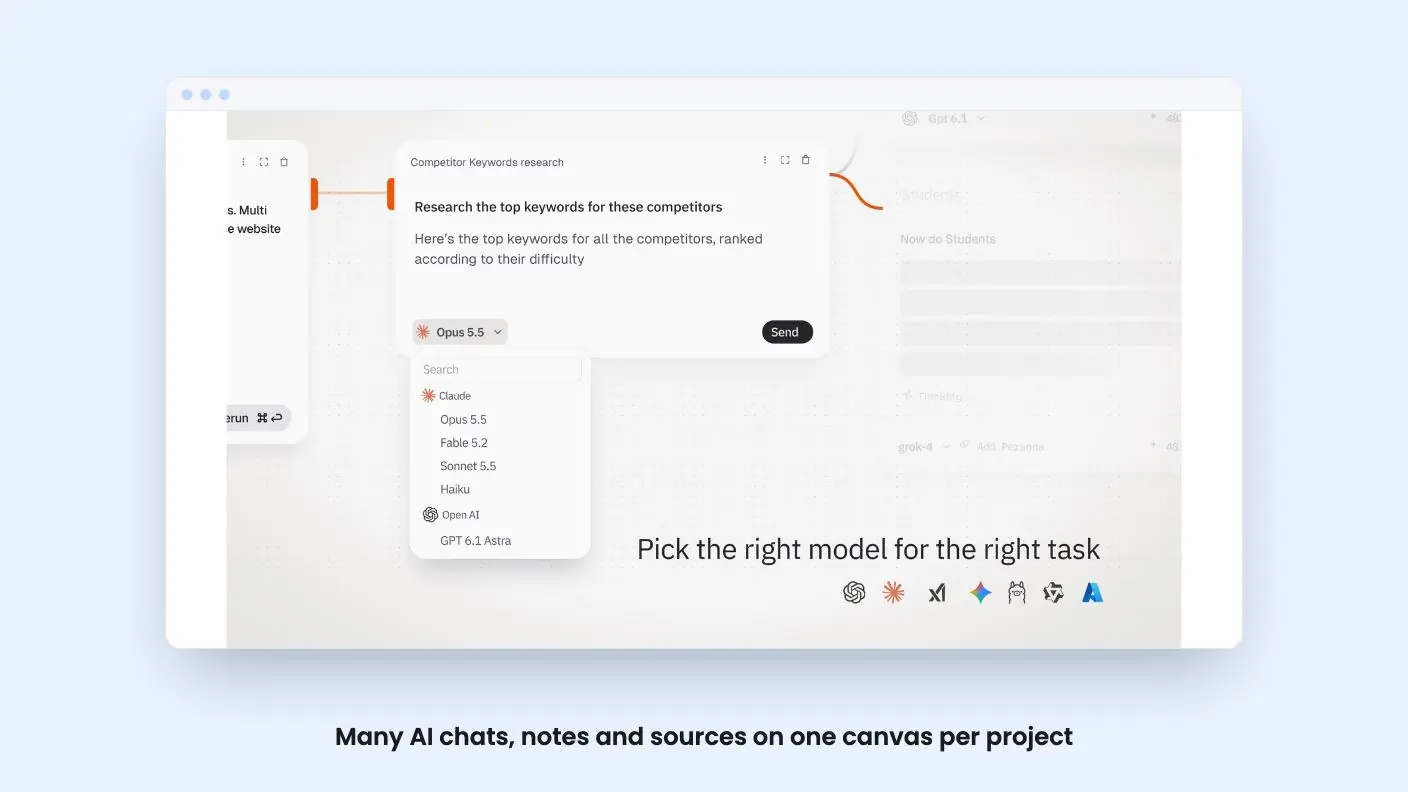
The model support is the headline. The listing names OpenAI, Anthropic, Google, Perplexity, xAI, DeepSeek and Groq, plus local models through Ollama and OpenRouter. You can add a custom provider if it speaks the OpenAI-compatible format. System prompts and model settings can be set per conversation or at the provider level.
The pitch is that you can switch models mid-session without starting over. For anyone who already compares answers from two vendors by pasting the same question twice, that’s a real time saver.
Beyond chat, the listing mentions a few other pieces:
- A full rich-text editor for notes, with headings, lists, to-dos and code blocks, and you can @mention a note inside any agent chat
- Deep Research agents that synthesize findings across dozens of sources
- Image generation inside the canvas
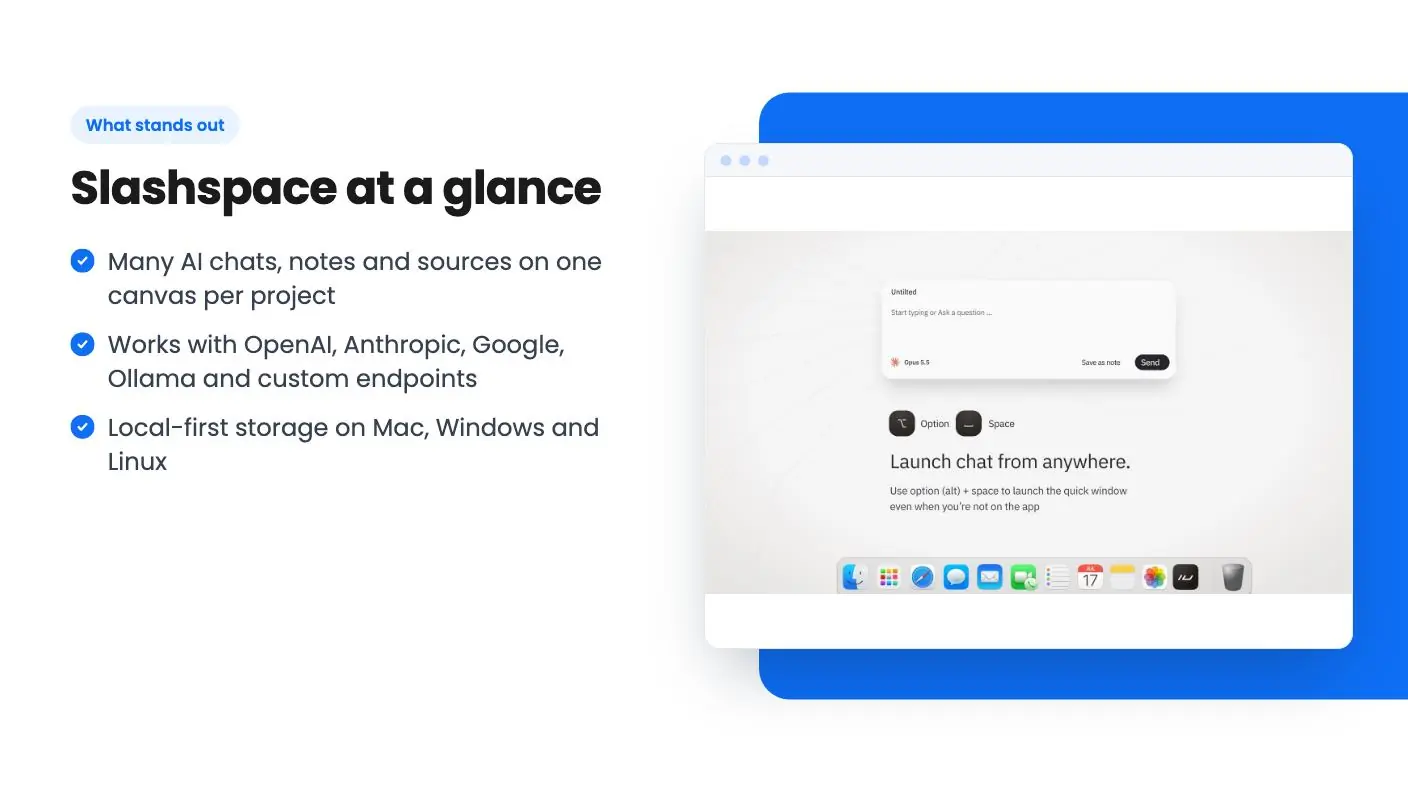
- A quick window that launches a chat node or saves a note to a canvas without opening the app
- Integrations with Google Gemini, OpenAI, OpenRouter, Claude and MCP
The listing doesn’t explain how Deep Research works, which sources it can reach, or whether it runs on your own keys. Treat it as a feature name until you see it in action.
Storage is local-first. Each canvas is a real folder on your computer. If you care about keeping client material off someone else’s servers, that’s a point in its favor. Synced canvases exist for people who work across devices, but only on paid-up tiers.
Get Slashspace for $59 on AppSumo →
What the demo video shows
Not much, as far as we can tell. The transcript we have for the demo video contains only the words you you, with no narration to quote. We can’t tell you what the interface looks like in motion, how fast it feels, or how smoothly the canvas handles a dozen open chats.
That’s a gap. For a product whose whole selling point is a spatial workspace, a screen recording matters more than the feature list. Before you buy, watch the demo on the product site and look for how chat nodes connect to sources.
Slashspace tiers, and where the listing trips over itself
The deal runs four tiers: $59, $139, $189 and $289. The limits scale mostly by device count and sync allowance.
| Tier | Price | Devices | What you get |
|---|---|---|---|
| Tier 1 | $59 | 1 device | 100 local canvases, no synced canvases, 5 connectors |
| Tier 2 | $139 | 2 devices | Unlimited local canvases, 100 synced canvases, 5 GB cloud storage |
| Tier 3 | $189 | 4 devices | 1,000 synced canvases, 10 GB cloud storage |
| Tier 4 | $289 | 10 devices | 10,000 synced canvases, 100 GB cloud storage |
Tier 1 is the stripped-down version. You can use either your Claude or your ChatGPT subscription, not both, plus local models. Bring-your-own-key is off, and so is image generation. If your plan was to paste in an OpenRouter key, you need Tier 2 or higher.
The listing is also inconsistent. It says you can switch between three license tiers while showing four. The FAQ says Tier 3 gets 10 team seats, but the plan table puts 10 seats on Tier 4. The FAQ mentions synced canvases only for Tiers 2 and 3, then lists a Tier 4 number. Ask the seller which version is right before you pay for seats.
Team seats and video generation are both marked as coming soon. Don’t pay for something that isn’t shipped yet.
There’s one more thing the listing leaves out: AI usage. Bring-your-own-key and subscriptions mean the models themselves are billed by their providers. Nothing in the listing mentions included credits, so assume you’re paying OpenAI, Anthropic or whoever else on top of the lifetime fee.
The deal ends November 17, 2026, and you must activate your license within 60 days of purchase. The listing also shows a list price of $0, which tells us nothing about what Slashspace will cost after the deal, so this Slashspace review can’t judge the discount.
Who should skip Slashspace
Skip it if you mostly use one chatbot for quick questions. A canvas adds overhead you won’t recoup if your work is short, single-thread prompting.
Skip it if you need collaboration now. Team seats aren’t live, and the listing says nothing about shared canvases beyond syncing your own devices.
Skip it if you want mobile access. The listing only mentions Mac, Windows and Linux desktop apps.
Be careful if you’re sensitive to product maturity. A rename from RabbitHoles AI, unreleased features and a listing that contradicts itself on basic tier details all point to a young product. Lifetime deals depend on the company sticking around, and the listing doesn’t say how big the team is or how long it has been shipping.
If you do buy, this Slashspace review would look at Tier 2 before Tier 1. The extra $80 gets you unlimited local canvases, bring-your-own-key, image generation and unlimited connectors, which are the things that make the multi-model idea worth having. Tier 1 is fine as a cheap trial if you already pay for exactly one of Claude or ChatGPT and have one computer.
Related reading: Pack My Tools review, Vibe App Scanner review.
All Slashspace features
Taken from Slashspace's AppSumo listing. We haven't tested these features hands-on.
Bring all notes, sources, and chats on to the same canvas
- Run many AI sessions side by side on an infinite canvas instead of scrolling through one long chat thread
- Paste all your sources, documents, social posts, etc and connect them to chat nodes to chat about them.
- Pick up where you left off since each canvas stores the conversations and files for one project
- Keep your data on your device with local-first storage on Mac, Windows, and Linux, or sync canvases across devices (available in Tier 2 and above)
Switch models and providers without starting over
- Tap into models from OpenAI, Anthropic, Google, Perplexity, xAI, DeepSeek, Groq, and more, or run local models through Ollama
- Bring your own keys or subscriptions so your work isn’t tied to one provider’s limits
- Add custom providers when the model you want isn’t on the list
- Set system prompts and model settings per conversation or at the provider level
Run research and coding agents next to your notes
- Write notes in a full rich-text editor with headings, lists, to-dos, and code blocks, then @mention them in any agent chat
- Run Deep Research agents that synthesize findings across dozens of sources for your next piece
- Generate and iterate on images directly in your canvas workspace
Quick window
- Launch a quick chat node from anywhere without opening a canvas
- Jot down notes and save them to a canvas from outside the app
What changes by plan
| Feature | Tier 1 $59 | Tier 2 $139 | Tier 3 $189 | Tier 4 $289 |
|---|---|---|---|---|
| Devices | 1 | 2 | 4 | 10 |
| Local canvases | 100 | Unlimited | Unlimited | Unlimited |
| Synced canvases | 0 | 100 | 1000 | 10000 |
| Cloud storage | 0 GB | 5 GB | 10 GB | 100 GB |
| Team seats (soon) | 0 | 0 | 0 | 10 |
| Use Your ChatGPT / Claude Subscription | Either One | ✓ | ✓ | ✓ |
| Bring your own key | — | ✓ | ✓ | ✓ |
| Connectors / MCP | 5 | Unlimited | Unlimited | Unlimited |
| Image generation | — | ✓ | ✓ | ✓ |
| Video generation (soon) | — | ✓ | ✓ | ✓ |
What the lifetime deal includes
- Lifetime access to Slashspace
- All future plan updates
- You must activate your license within 60 days of purchase
- Ability to upgrade or downgrade between 3 license tiers
- No codes, no stacking—just choose the plan that is right for you
At a glance
- Best for
- Consultants, Educators, Founders
- Alternative to
- Miro, Poppy AI, ChatGPT
- Integrations
- Google Gemini, OpenAI, OpenRouter, Claude, MCP
- Category
- Customer Engagement › Chatbots & AI Agents
- Website
- www.slashspace.ai
Decided Slashspace fits? The lifetime deal starts at $59, until Nov 17, 2026. Check the tier limits on AppSumo before you pick one.
Get Slashspace on AppSumoKeep reading about Slashspace
Slashspace FAQ
What is the difference between the four Slashspace lifetime tiers?
According to the listing, Tier 1 ($59) covers 1 device, 100 local canvases and no synced canvases. Tier 2 ($139) covers 2 devices with 100 synced canvases and 5 GB of cloud storage. Tier 3 ($189) covers 4 devices with 1,000 synced canvases and 10 GB. Tier 4 ($289) covers 10 devices with 10,000 synced canvases and 100 GB.
Do I need my own AI subscription or API keys?
Yes, the listing frames Slashspace as a place to use models you already pay for. Tier 1 lets you use either a Claude or a ChatGPT subscription, plus local models. Tier 2 and above add bring-your-own-key and the full provider list. The listing doesn't mention included AI usage, so plan on paying providers separately.
Is Slashspace the same product as RabbitHoles AI?
Per the listing, yes. Slashspace is the new name for RabbitHoles AI, with the same product underneath. Search for reviews and bug reports under both names.