


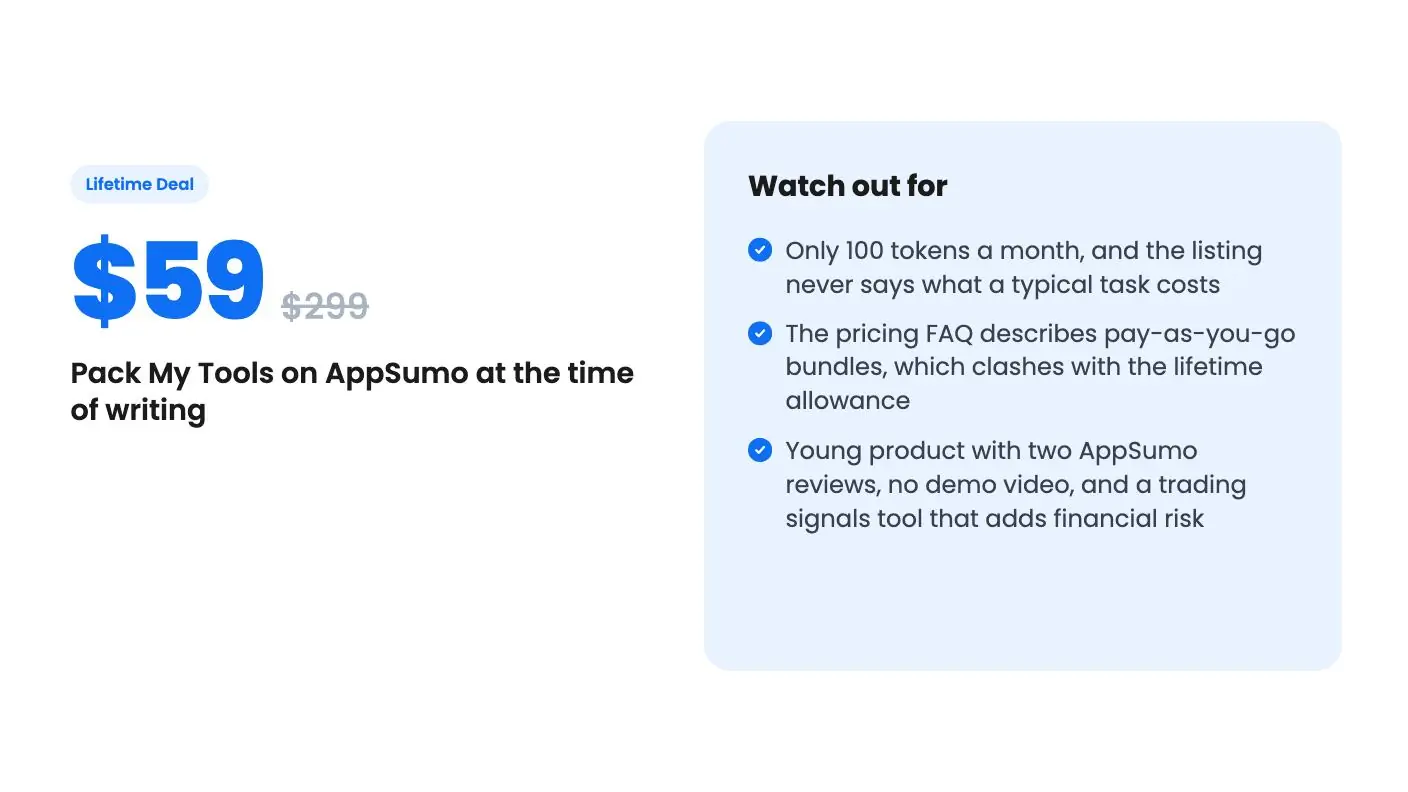
Lifetime deal price
$59$29980% off
Lifetime Deal
5.0(2 AppSumo reviews)
Quick verdict
Our take: Buy it if you want a cheap, low-risk place to try writing, SEO, code and image tools in one login, and you can live with a small monthly allowance. Skip it if you need to know exactly what a task costs, or you want a deep, proven tool for one job.
Best for: Developers, Marketers, Small businesses
Alternative to: Canva, Claude Code, Elementor
What we like
- One login, one search bar and one credit balance across 120 tools in 18 categories
- Credit cost is shown before each task runs
- Prompt Engine and Workflow Builder cut down on writing prompts and chaining steps by hand
- Lifetime access with future plan updates for $59, and codes stack up to 10
Watch out for
- Only 100 tokens a month, and the listing never says what a typical task costs
- The pricing FAQ describes pay-as-you-go bundles, which clashes with the lifetime allowance
- Young product with two AppSumo reviews, no demo video, and a trading signals tool that adds financial risk
Picture your current AI setup. A writing assistant on one login, an image generator on another, a code helper you pay for separately, and a video tool whose monthly allowance always runs out the week you need it. Four invoices, four dashboards, four places to forget a password. Pack My Tools is aimed squarely at that mess.
Get Pack My Tools for $59 on AppSumo →
The pitch is simple. Put a large catalog of AI tools behind one login and one credit balance, then sell it as a lifetime deal for $59 instead of the $299 list price. That’s a tempting offer. The listing is thin on the details that decide whether it’s a good one, though, so this Pack My Tools review will go through what it does say and where it goes quiet.
What’s actually in the workspace
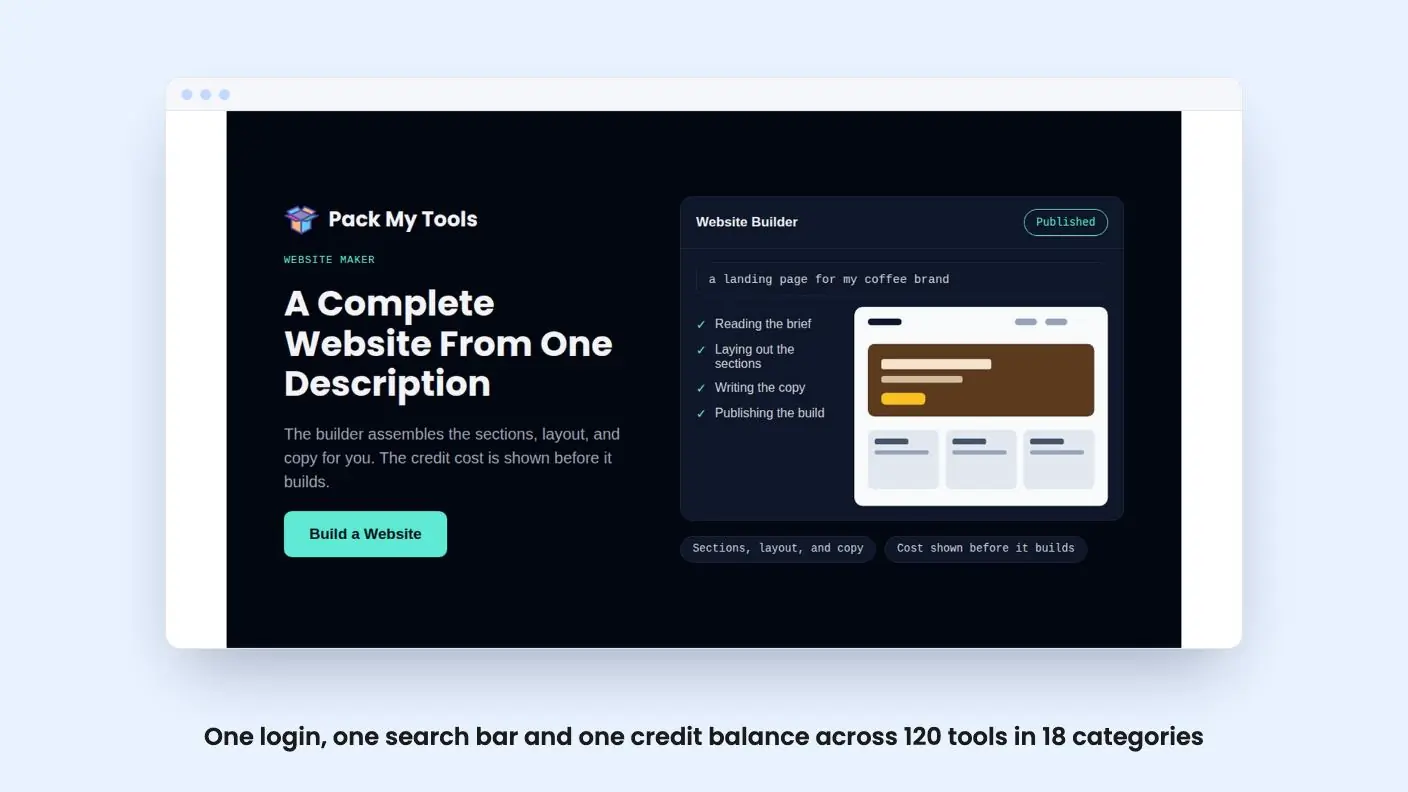
The listing says there are more than 120 tools in 18 categories. Elsewhere the same listing says 100+, and the FAQ says more than 100, so treat the exact count as loose. The categories named include AI Marketing, Writing, Social Media, Business, Development, Education, Creative, Legal, SEO, Data & Analytics, Design & UX and AI Agents.
You find a tool through categories or a search bar, pick it, describe what you need, and refine the result. The listing calls that three steps. It runs in the browser on desktop, tablet and mobile, with nothing to install.
That breadth is the whole point, and it’s also the worry. A catalog this wide usually means many tools are a prompt template with a nice label on it. The listing names Blog Post, SEO Audit and Code Review as examples, which sounds like exactly that. For a small business owner, that can still be useful. A decent template saves you from staring at a blank chat box. Just don’t expect a dozen specialist products in one box.
Prompt Engine and Workflow Builder
Two features do most of the work of making this feel like one product rather than a pile of buttons.
The Prompt Engine takes a rough sentence and expands it into a fuller brief, with role, task, audience, tone and format filled in before the tool runs. If you’re the type who types “write a post about our spring sale” and gets something bland, this is meant to fix that. We can’t say how good the expanded briefs are, so this Pack My Tools review has to leave that open, because there’s no demo video and we haven’t used it.
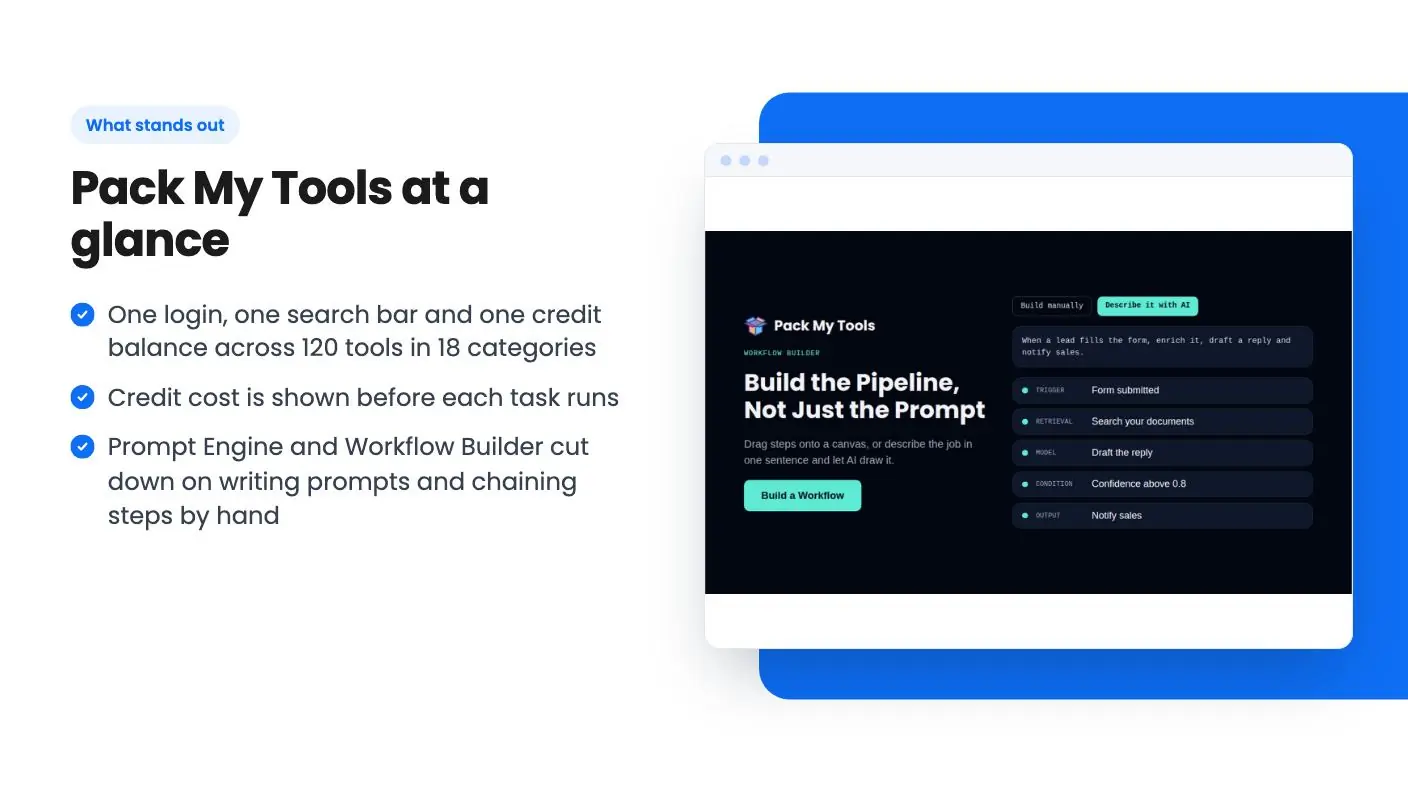
Workflow Builder is the more interesting one. It lets you chain tools into multi-step pipelines, and the listing says you see the credit cost before each task runs. Think of an SEO audit feeding a blog draft feeding a set of social posts. That’s a real time saver if it works as described. It’s also where credits could drain fast, since every step in a chain costs something.
Model routing is automatic. You pick the task, and the platform decides which model handles it. According to the FAQ, coding tools run on Claude Opus 5.5, most other tools run on Gemini 3.8, image tools use GPT Image 2, and video tools use Seedance 2.5 and Kling 3.0. Automatic routing is convenient, but you give up control. If you’ve got a favorite model for a job, you can’t insist on it here.
Get Pack My Tools for $59 on AppSumo →
The developer kit and the trading terminal
The Developer Toolkit puts Code Generator, Code Review and Bug Fix side by side, so you aren’t pasting code between tabs. The listing says reviews and fixes explain each change, which matters, because you should never apply AI code you can’t read. It also covers unit tests, SQL queries, API docs, a README and a Docker Compose file.
That’s handy if you’re a solo developer or a small business owner who occasionally touches a codebase. It’s not a replacement for a proper coding assistant living in your editor. The listing names Claude Code as an alternative, but the two aren’t comparable on what’s described here. This is a browser workspace, and nothing in the listing mentions editor integration.
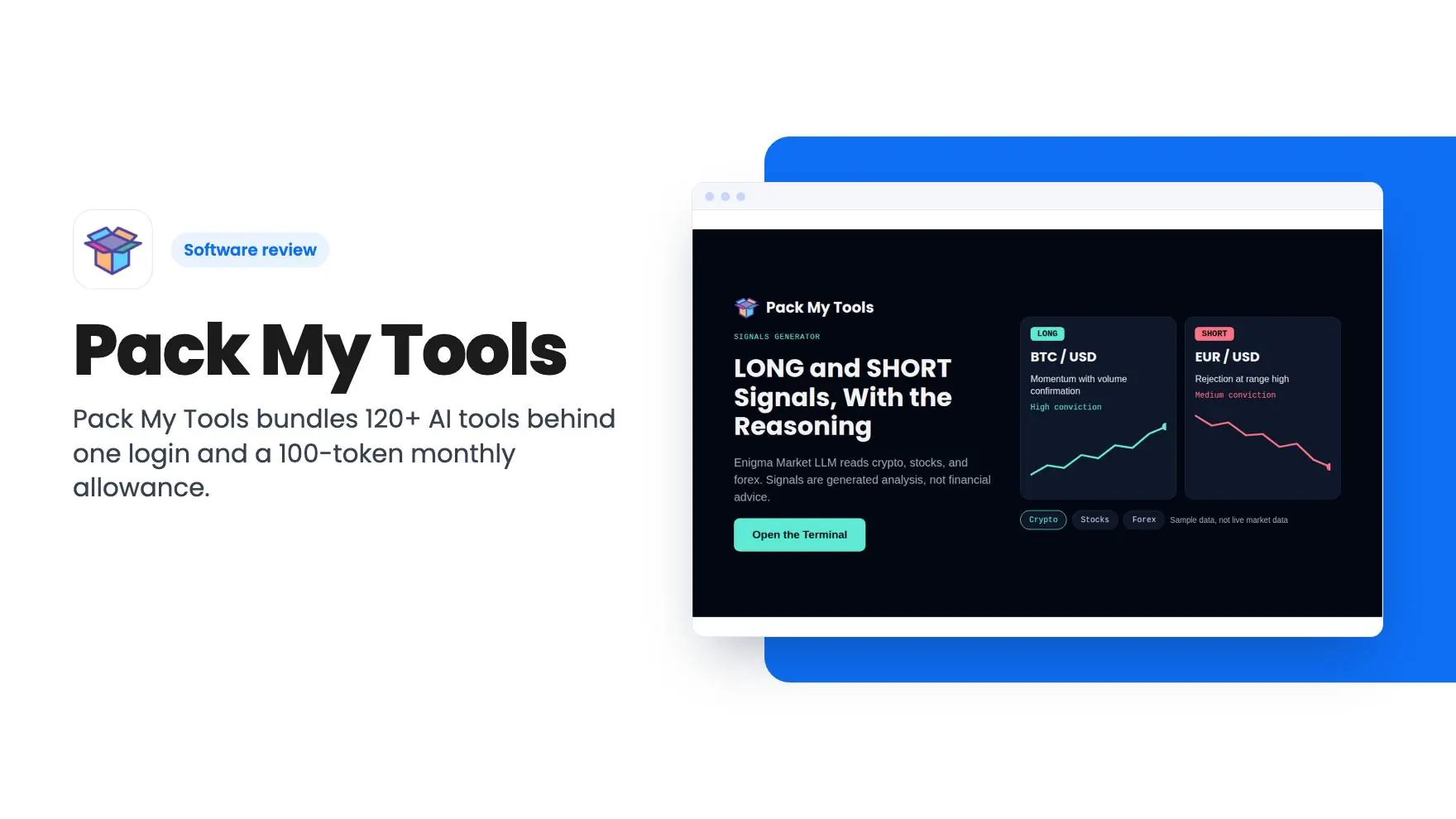
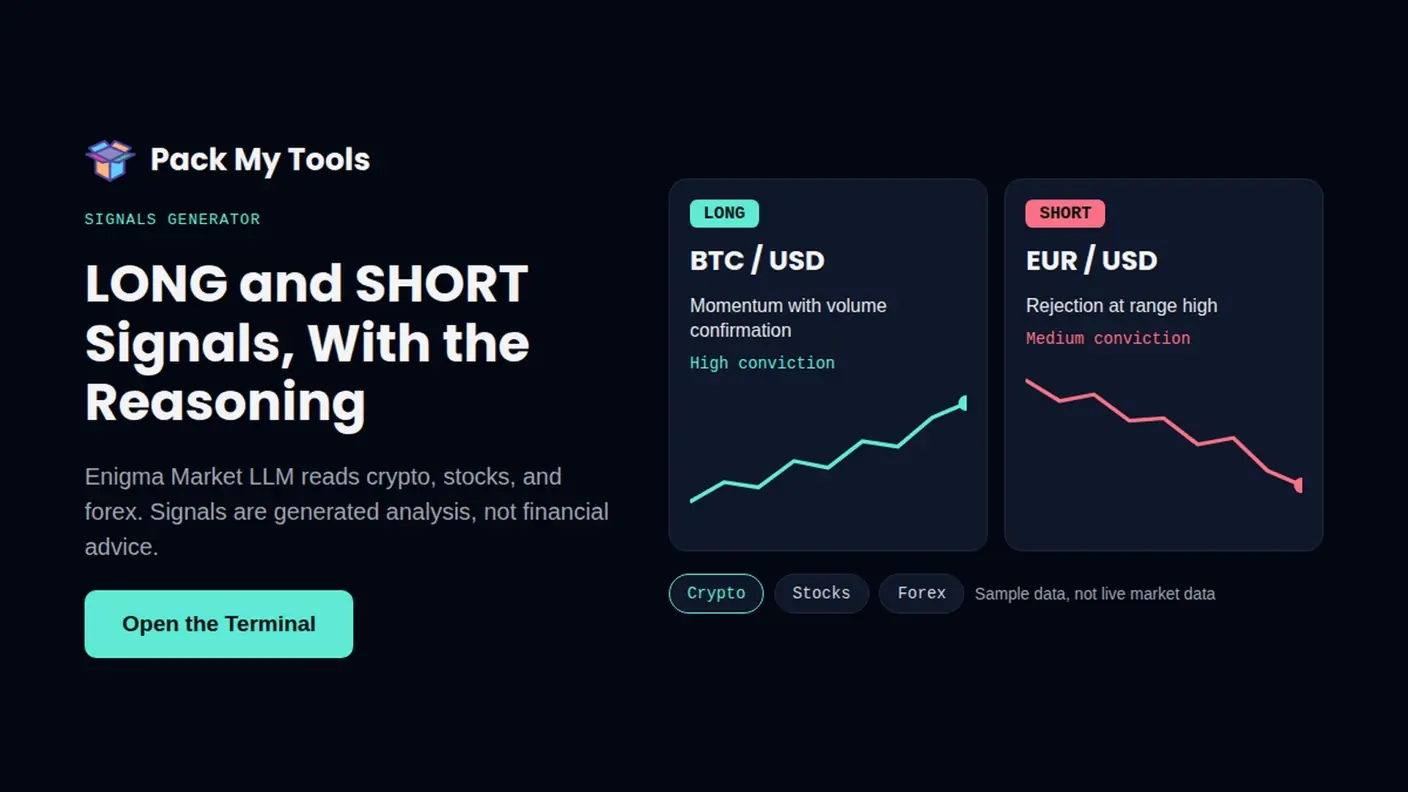
Then there’s the odd one out: an AI trading signals generator. The Trading Terminal, powered by something called the Enigma Market LLM, gives LONG and SHORT signals across crypto, stocks and forex, with reasoning attached. We’d treat this with caution. The listing gives no accuracy figures, no track record and no disclaimer. A signal tool with no evidence behind it is entertainment at best. It also sits oddly next to marketing and writing tools, which makes us wonder about product focus.
The credit math nobody spells out
Here’s the part of this Pack My Tools review that bothers us most. The plan features say you get 100 tokens ready to use and 100 tokens monthly. The listing never says what a task costs. A short social post and a video clip presumably cost very different amounts, but we’re given no examples.
The pricing FAQ adds confusion. It describes a pay-as-you-go system where you buy a credit bundle and spend it across tools. That reads like a standard subscription-free credit store, not a lifetime plan with a monthly refill. Maybe the lifetime deal is simply a permanent monthly top-up on top of that store. The listing doesn’t say, so we’re guessing, and you shouldn’t buy on a guess.
Stacking is similar. You can stack up to 10 codes, and the plan table shows 120 tools at every tier. It doesn’t say whether more codes mean more monthly tokens. If they do, heavier users could scale up. If they don’t, stacking buys you nothing. Ask the seller before you buy a second code.
One more thing: video and image generation tend to be the costly tasks on platforms like this. If your 100 monthly tokens go to a few clips, that’s your month. Text work probably stretches further, but again, no numbers.
The terms, and who should pass
The practical terms are straightforward. You must redeem within 60 days, you get all future plan updates, and the plan includes early access to beta features. That last item tells you something about maturity. This is a young product, and the AppSumo page shows two reviews, both five stars. Two reviews is too few to lean on.
We’d skip this deal if you need predictable output for client work, because you can’t forecast costs from what’s published. Skip it if you want one deep tool, such as a serious video editor or a full website builder. The listing lists Canva and Elementor as alternatives, and that’s a stretch. A set of generated assets isn’t a design editor or a page builder.
It makes more sense for a small team that currently pays for two or three AI subscriptions and wants a cheaper place to try writing, SEO and image tasks. At $59, the downside is limited if you test it quickly.
If you do buy, redeem the code early and spend your first 100 tokens on the three jobs you repeat every week. The cost shown before each run will tell you more about this deal than this Pack My Tools review or the listing does, and you can check AppSumo’s refund terms before you commit so you know your exit.
Related reading: AgentFlow vs Pack My Tools, ai-biz.dev vs Pack My Tools, PlugThis AI review.
All Pack My Tools features
Taken from Pack My Tools's AppSumo listing. We haven't tested these features hands-on.
100+ AI tools in one workspace
- More than 120 AI tools in 18 categories. Marketing, writing, code, SEO, data, and agents, all in one workspace.
- One login, one search bar, one credit balance. Find any tool in seconds and skip the pile of separate subscriptions.
- Chain tools into finished work. Use Workflow Builder to run multi-step pipelines, and see the credit cost before each task runs.
Build the pipeline, not just the prompt
- Skip the prompt writing. The Prompt Engine turns a rough sentence into a full brief, with the role, task, audience, tone, and format filled in before the tool runs.
- Start from a tool built for the job. Pick Blog Post, SEO Audit, or Code Review and add your input, with no need to craft a prompt from scratch.
- Let the platform pick the model. You choose the task, routing is handled for you, and the credit cost is shown before each run.
Developer Toolkit
- Generate, review, and fix code in one place. Code Generator, Code Review, and Bug Fix sit side by side, so you don’t paste code between tools.
- See what changed and why. Reviews and fixes explain each change, so you can check the result before you use it.
- Finish the job around the code. Add unit tests, build SQL queries, and write API docs, a README, and a Docker Compose file without leaving the workspace.
AI Powered Trading Signals Generator
- LONG and SHORT signals across three markets. The Trading Terminal, powered by the Enigma Market LLM, analyzes crypto, stocks, and forex.
- Every signal comes with its reasoning. You see why the model leans one way, so you can judge the setup yourself instead of following a bare call.
- Cost shown before each analysis. The credit cost appears before it runs, and it all works in your browser.
Included in every plan
- Tokens ready to use: 100
- Lifetime Access: 100 Tokens monthly
What changes by plan
| Feature | Tier 1 | Tier 2 | Tier 3 | Tier 4 | Tier 5 | Tier 6 | Tier 7 | Tier 8 | Tier 9 | Tier 10 |
|---|---|---|---|---|---|---|---|---|---|---|
| Tools Included | 120 | 120 | 120 | 120 | 120 | 120 | 120 | 120 | 120 | 120 |
| Early Access | Beta Features | Beta Features | Beta Features | Beta Features | Beta Features | Beta Features | Beta Features | Beta Features | Beta Features | Beta Features |
What the lifetime deal includes
- Lifetime access to Pack My Tools
- You must redeem your code(s) within 60 days of purchase
- All future plan updates
- Stack up to 10 codes
At a glance
- Best for
- Developers, Marketers, Small businesses
- Alternative to
- Canva, Claude Code, Elementor
- Integrations
- Claude, MCP
- Category
- Customer Engagement › Chatbots & AI Agents
- Website
- www.packmytools.com
Decided Pack My Tools fits? The lifetime deal starts at $59. Check the tier limits on AppSumo before you pick one.
Get Pack My Tools on AppSumoKeep reading about Pack My Tools
Pack My Tools FAQ
How many credits do I get with the Pack My Tools lifetime deal?
According to the listing, you get 100 tokens ready to use and 100 tokens monthly. The listing doesn't say whether stacking codes raises the monthly amount, and it doesn't say how many tokens a typical task uses. Ask before you stack.
Which AI models does Pack My Tools use?
Per the listing FAQ, coding tools run on Claude Opus 5.5, most other tools run on Gemini 3.8, image tools use GPT Image 2, and video tools use Seedance 2.5 and Kling 3.0. The platform picks the model for you, so you don't choose it per task.
Do I need to redeem the code right away?
You must redeem within 60 days of purchase. The deal includes all future plan updates, and you can stack up to 10 codes.
Is Pack My Tools worth it?
It's a cheap, low-risk place to try writing, SEO, code and image tools under one login, if you can live with a small monthly allowance. Skip it if you need to know exactly what a task costs, or you want a deep, proven tool for one job. We haven't used it, and the listing doesn't say what a task costs in tokens.
What are the best Pack My Tools alternatives?
The listing names Canva, Claude Code and Elementor as alternatives. The article calls the Canva and Elementor comparison a stretch, since generated assets aren't a design editor or a page builder. Claude Code isn't comparable either, because Pack My Tools is a browser workspace with no editor integration mentioned.
Can you stack Pack My Tools codes?
You can stack up to 10 codes. The plan table shows 120 tools at every tier, and the listing doesn't say whether more codes mean more monthly tokens. Ask the seller before buying a second code.