Say you want a small browser tool. Maybe a button that pulls prices off supplier pages, or a sidebar that sizes up a prospect’s profile before a sales call. You search the Chrome Web Store, find something close, and it asks for a monthly fee and permission to read every site you visit. The alternative is paying a developer for a project that’s tiny but still needs a quote.
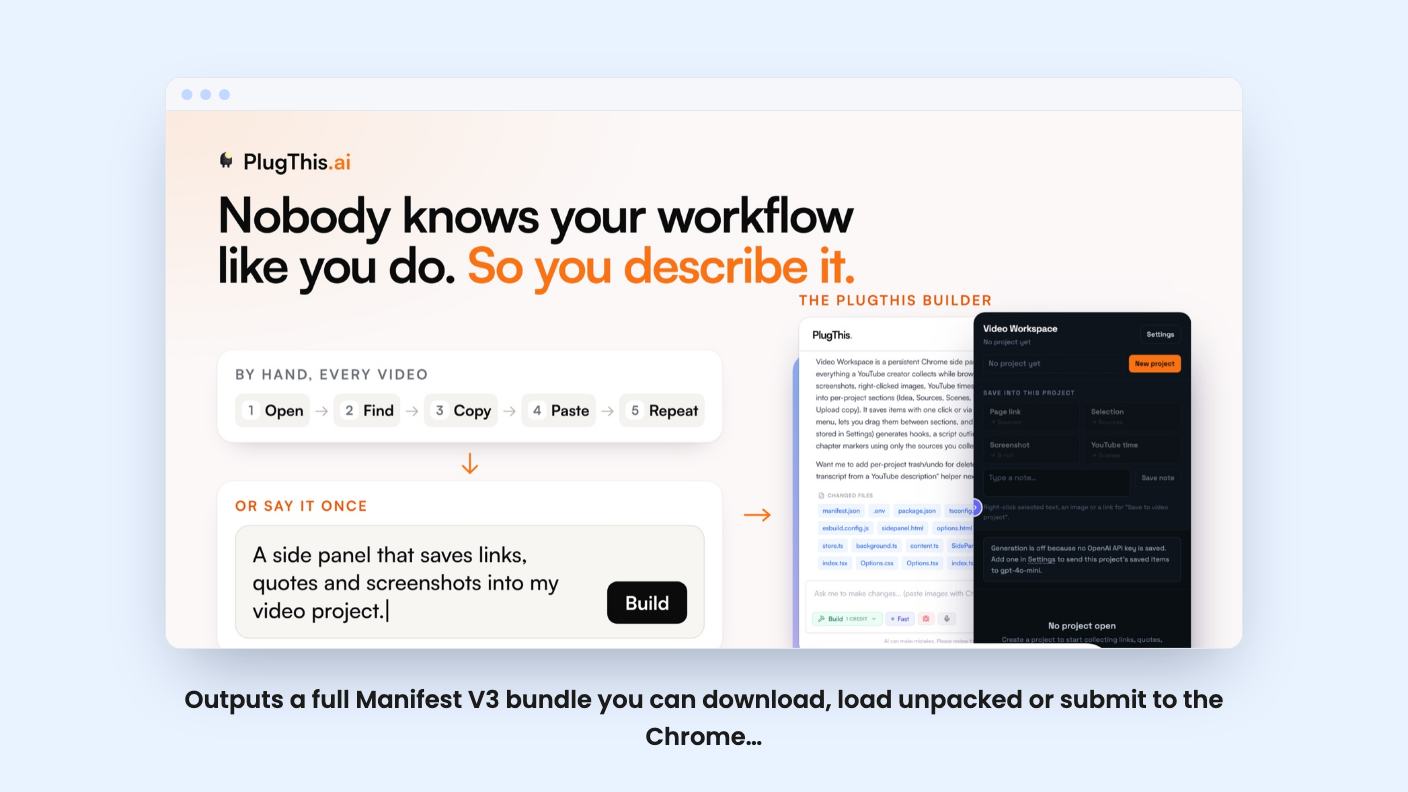
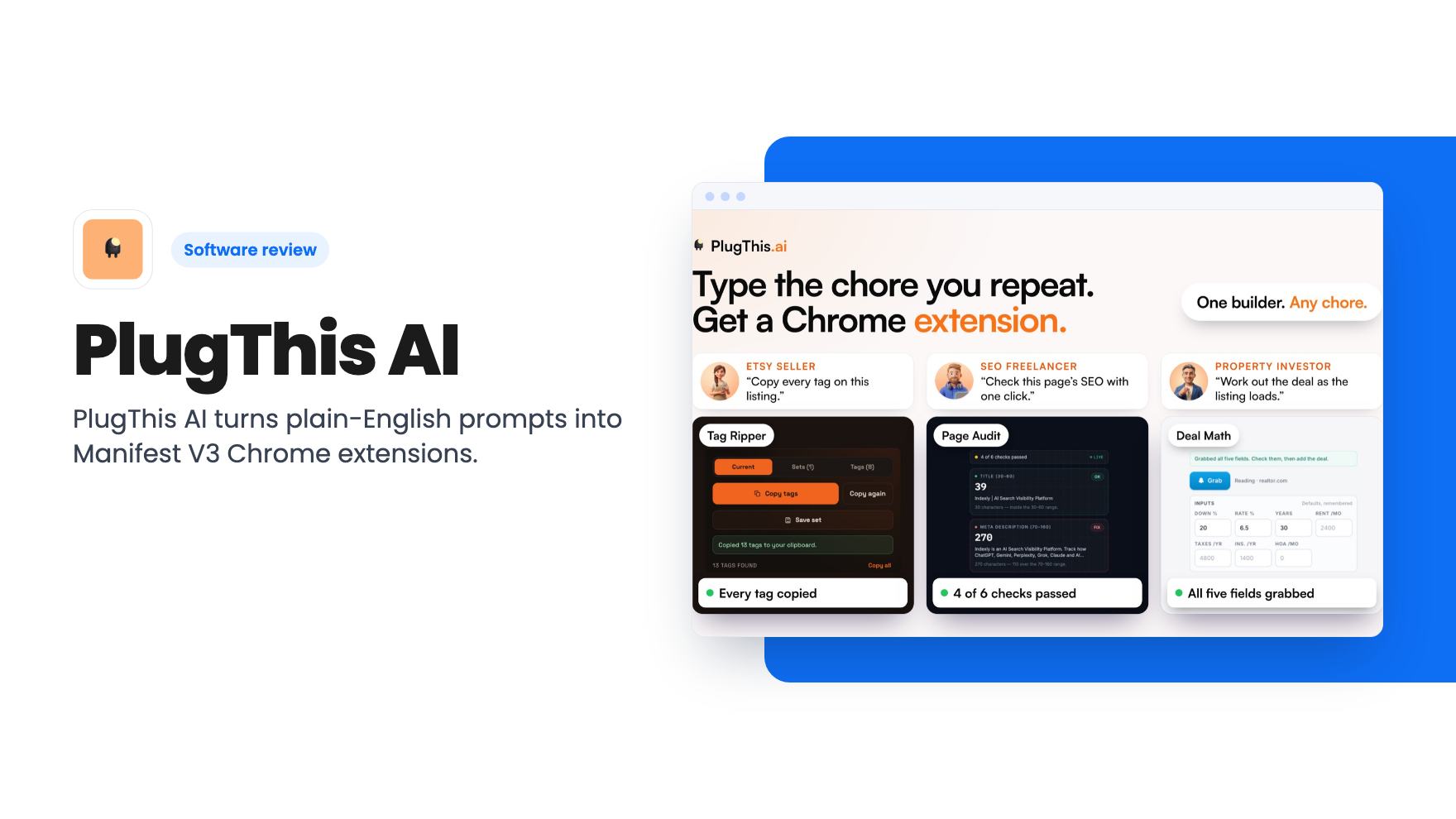
PlugThis AI is built for that gap. It’s a Chrome extension builder, and that’s all it is. You type what you want, it writes the code, and you can install it or publish it.
What it actually builds
You start with a one-sentence prompt describing what the extension should do, which sites it runs on and what interface it needs. If a blank box freezes you, the listing says there are templates and idea starters to begin from. You can also state permissions and behaviour in plain English, so you don’t need to know how Chrome extensions are structured.
The output is a full Manifest V3 project: a manifest, content scripts, a background service worker and a popup UI. The listing says PlugThis validates permissions and cross-file consistency so the extension loads properly. That’s a sensible thing to automate, because mismatched permissions are a common reason a generated extension fails to install.
The code comes from models the company runs itself. Per the FAQ, you don’t supply a key for the build, and the company may swap models over time. That’s convenient. It also means you can’t pick or pin the model.
The editing and publishing side
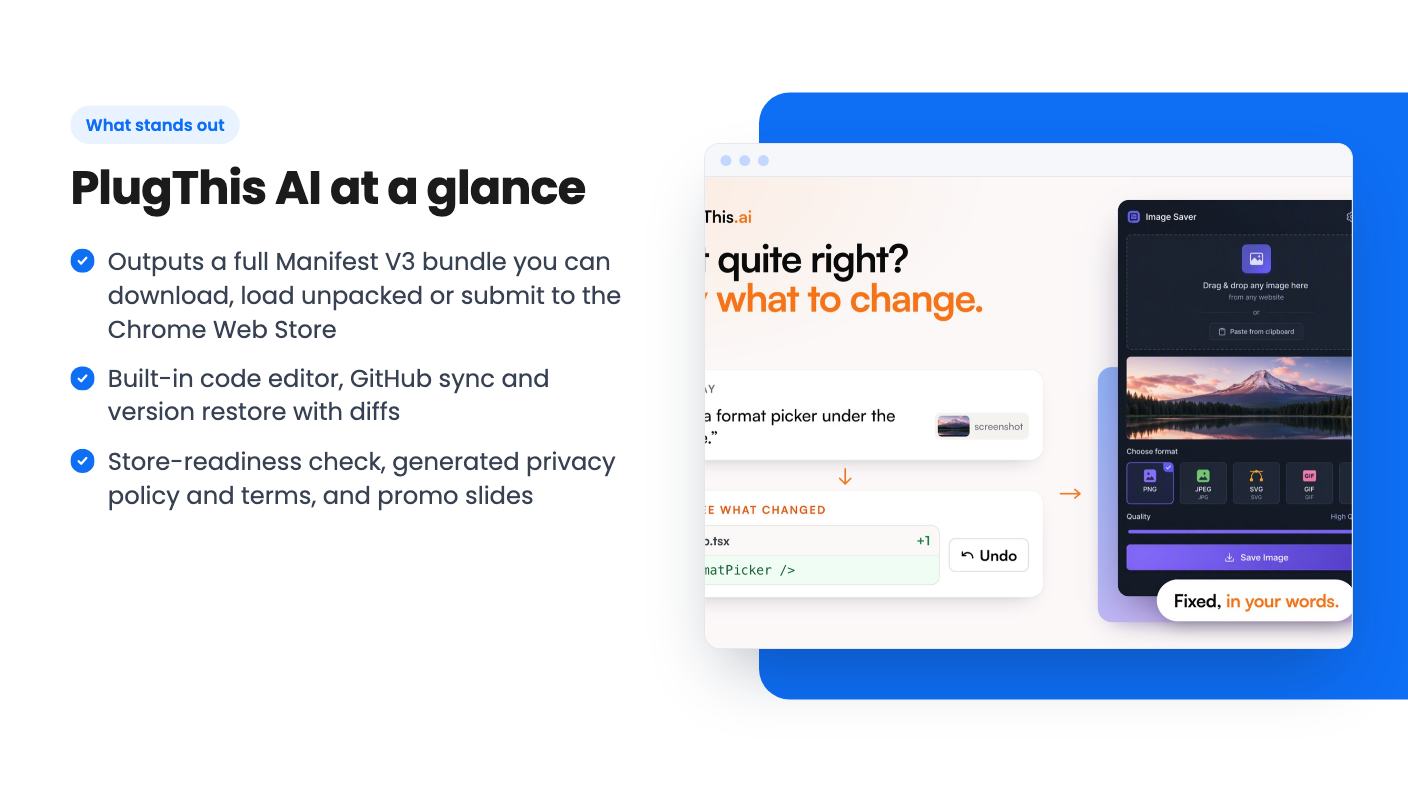
This part of the listing is more practical than the prompt box. After the first generation you refine things in chat and see live preview updates without losing project state. When you’d rather change a line yourself, there’s a built-in code editor.
GitHub sync is one click, and you can restore earlier versions with a full diff history. If a chat revision breaks something, that’s your safety net. We’d want it, since AppSumo’s own review summary admits that complex builds can take several rounds.
Publishing gets more help than we expected:
- Download a zip and load it through chrome://extensions with Developer mode on.
- Share a client preview link so someone else can look before it goes live.
- Run a readiness check for the Chrome Web Store, with an auto-generated privacy policy, terms and promo slides.
For anyone building extensions for clients, the preview link and the policy documents save real admin time. Whether the generated policy will satisfy a Chrome Web Store reviewer, the listing doesn’t say.
Connecting your own APIs and a backend
AI features inside your extension aren’t included. You bring your own key. The listing’s FAQ names OpenAI, Anthropic and Gemini, the integrations line adds Groq BYOK, and the demo video mentions Grok and Tavily. Those lists don’t match, so check which providers are supported today before you plan around one.
The key sits in the extension’s storage and isn’t sent to PlugThis servers, according to the FAQ. That’s good for privacy. It also means your usage costs go straight to your own API account.
If an extension needs logins or saved data, PlugThis can connect to your Supabase account and wire up auth, a Postgres database and edge code. You’ll need that account, and you’ll be responsible for it. The listing doesn’t cover how migrations or edge-code debugging work.
What the demo video shows
The video is a short talk from the founder, Udaya Prakash. He says he built an extension that reads profiles on X, searches for information about each person and judges whether they’d be a good customer for PlugThis. He connected Grok for the web search and OpenAI for the analysis.
That’s a useful example, because it’s a real workflow rather than a toy. But it’s described in words, and the transcript doesn’t walk through the builder interface. We can’t tell you how fast the preview loads or how the code editor feels from this video.
He’s also clear about the limits: PlugThis does not build landing pages or web apps. The transcript gets stuck repeating one line near the end, which looks like a captioning glitch. His pitch is that you should stop buying extensions unless they rely on proprietary data or workflows. That’s a fair line, though it’s a pitch.
The pricing tiers look upside down
The deal has five tiers, and the numbers are strange. Here’s what the listing shows:
- Tier 1, $39 (list $129): unlimited extensions, 500 generations a month, 25 seats, 25 workspaces.
- Tier 2, $109: unlimited extensions, 300 generations, 15 seats, 15 workspaces.
- Tier 3, $229: 8 extensions, 180 generations, 5 seats, 5 workspaces.
- Tier 4, $349: 3 extensions, 60 generations, 3 seats, 3 workspaces.
- Tier 5, $499: 1 extension, 20 generations, 1 seat, 1 workspace.
Read that again. The more you pay, the less you get. Either the table is listed in the wrong order, or the labels are mismatched, or the structure really is that odd. The listing doesn’t explain it, and the plan names (Starter for tier 1, Builder for tiers 2 to 5) only add to the confusion.
On the table as printed, tier 1 is the only sensible purchase. Don’t spend more until the seller confirms in writing what each tier includes. Every tier also shows the same Discover allowance of 35 extensions.
Other terms: the deal is for brand-new PlugThis AI users only, you must activate within 60 days, and you can upgrade while the deal is live but only downgrade within 60 days of purchase. The deal ends on November 24, 2026.
Limits worth weighing
The obvious one is generations. Even 500 a month sounds generous until you remember that every chat revision likely counts, and the listing doesn’t define what a generation is. If a complex extension takes a dozen rounds, that adds up. The listing doesn’t say what happens at the cap.
Then there’s age. AppSumo reports 22 reviews averaging 4.95 out of 5, which is a small sample and a very high score. The summary itself mentions occasional bugs after updates. Treat the rating as encouraging but thin.
Also, a generated extension is only as good as your idea. Chrome extensions that read page content raise privacy questions, and Web Store review is a human process. A readiness check helps, but it can’t guarantee approval.
Who should buy, who should skip
Buy tier 1 if you have a specific extension in mind, you’re a solopreneur or agency builder who wants to ship small tools for clients, and you’re comfortable bringing your own API keys. At $39 it costs less than a single hour of most freelancers.
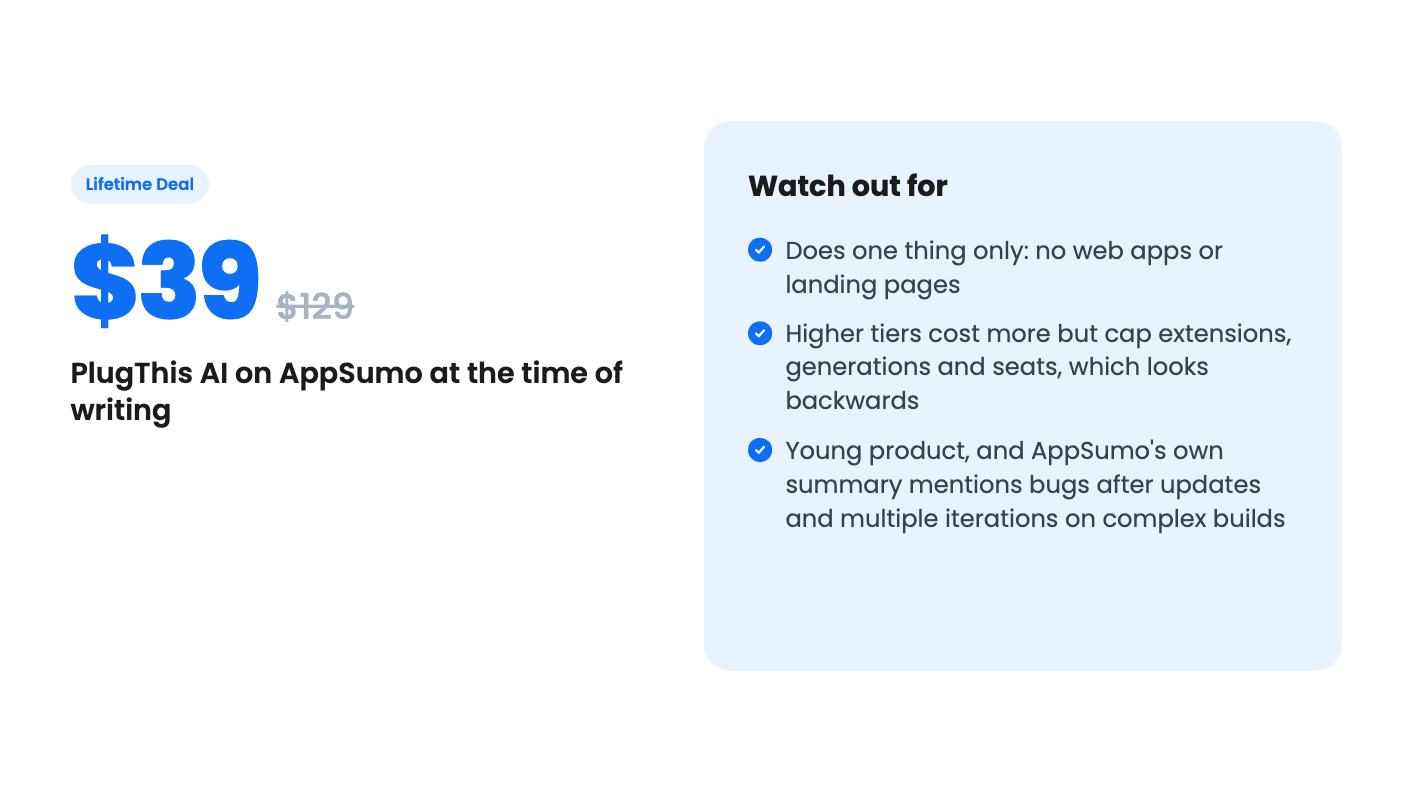
Skip it if you want web apps, landing pages or mobile apps, since it won’t build them. Skip it too if you need guarantees about generation limits or a stable roadmap, or if you’re considering the pricier tiers with the numbers as they stand. If you do buy, test your actual idea early in the 60-day window, so you know whether the first draft needs a little editing or a lot.
How this review was made: researched from PlugThis AI's official listing and a transcript of its demo video, and written with help from AI. We have not tested PlugThis AI hands-on yet. Prices and deal terms change, so check AppSumo before you buy. See our affiliate disclosure.