
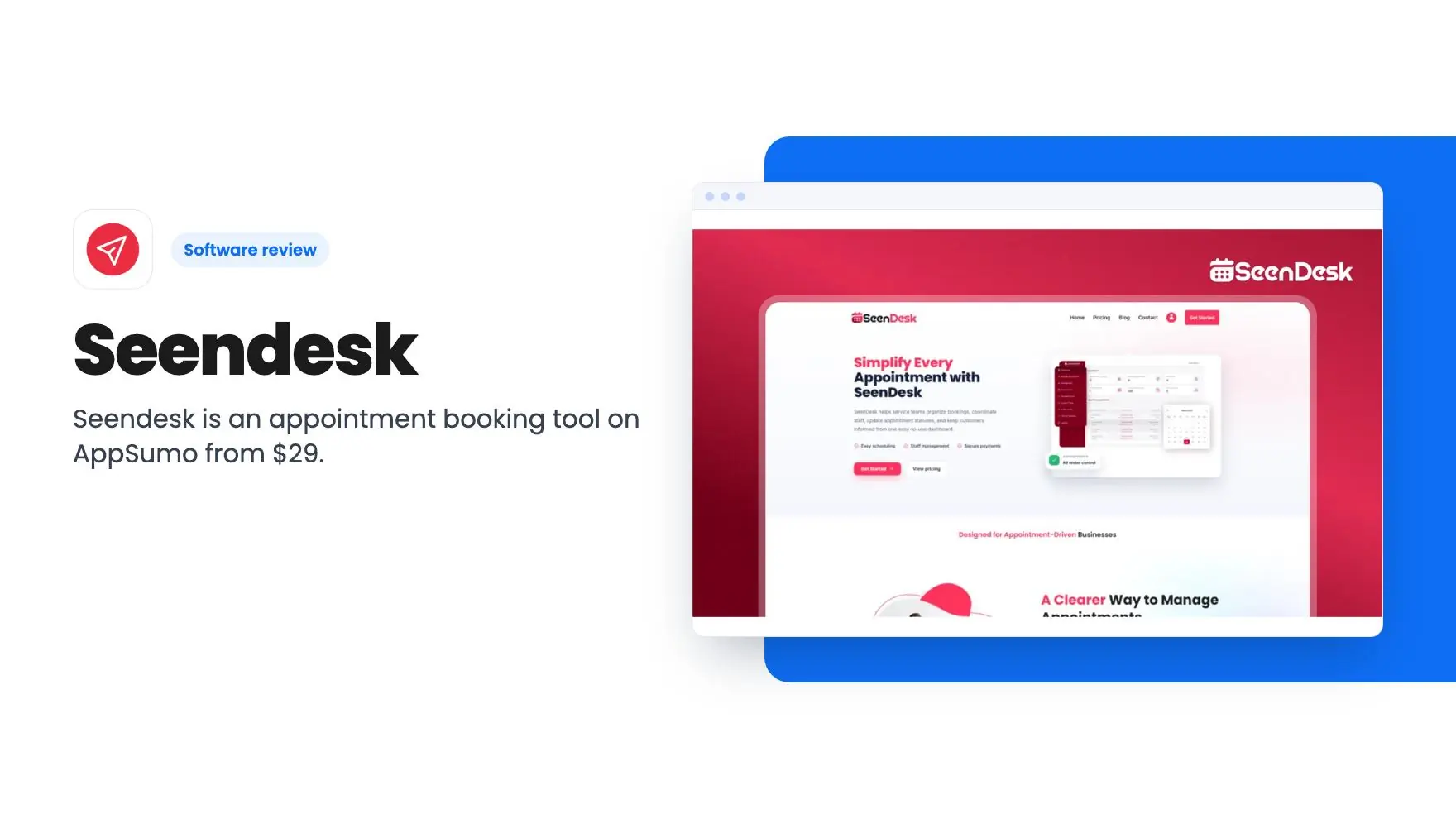


Lifetime deal price
$29$9971% off
Lifetime Deal
1.0(1 AppSumo review)
Quick verdict
Our take: Seendesk could suit a solo consultant or tutor who wants a cheap booking page with email and SMS reminders and can accept some risk. Skip it if you rely on calendar sync, payments or video links, or if you need a proven tool. The listing is thin, the tier details are inconsistent, and the one AppSumo review gives it 1 out of 5.
Best for: Consultants, Freelancers, Small businesses
Alternative to: Acunetix, Audacity, Calendly
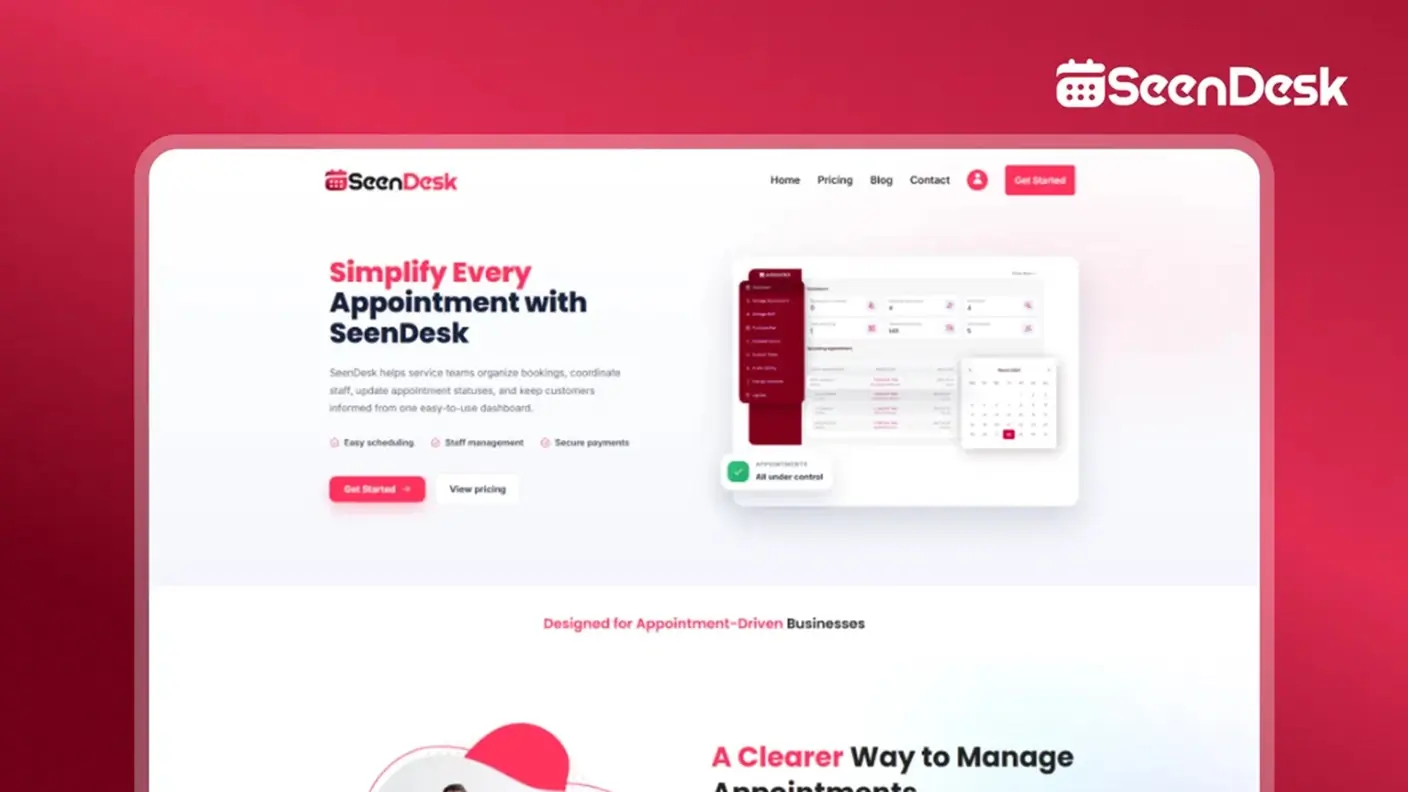
What we like
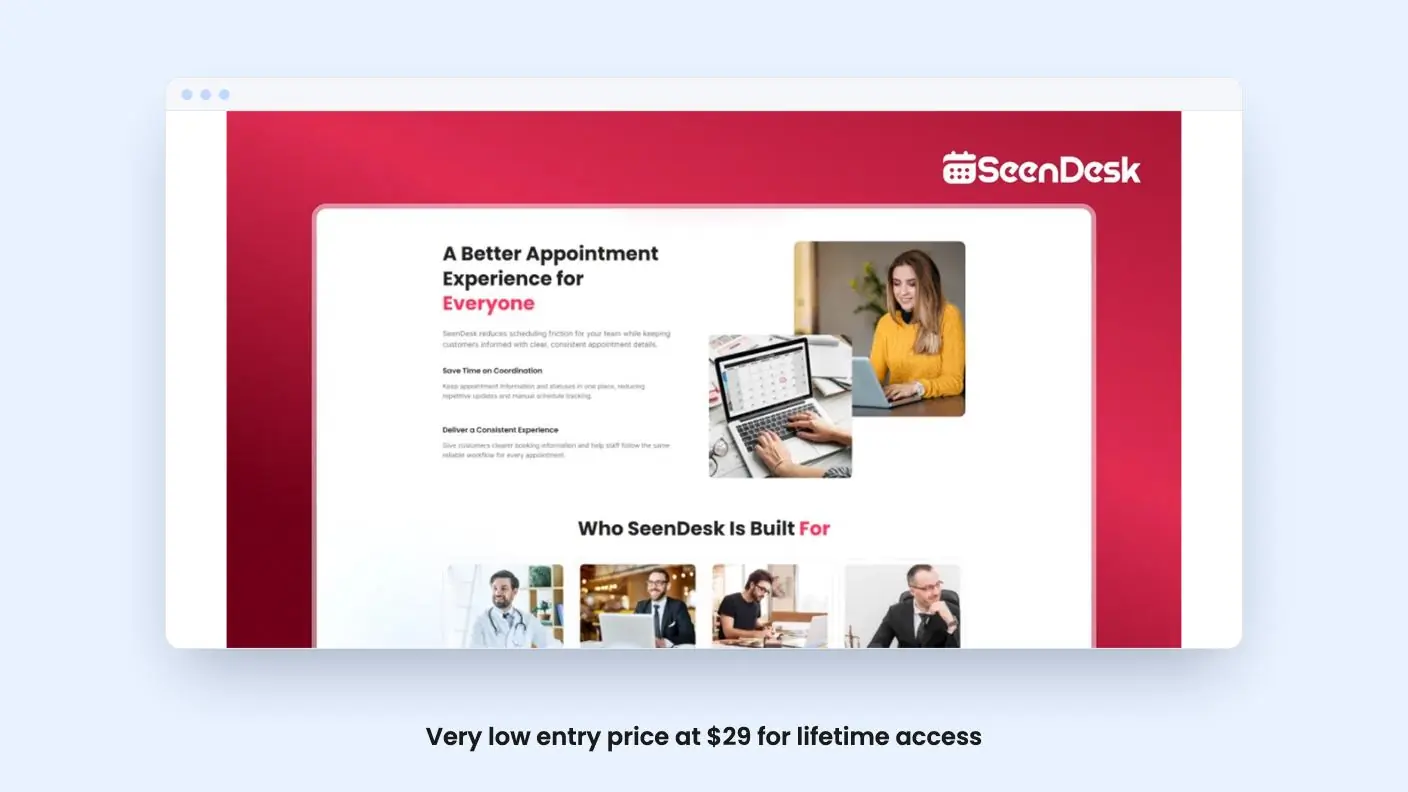
- Very low entry price at $29 for lifetime access
- Customer reschedule and cancel rules you define
- Email and SMS updates plus staff access controls
- Lifetime deal includes all future plan updates
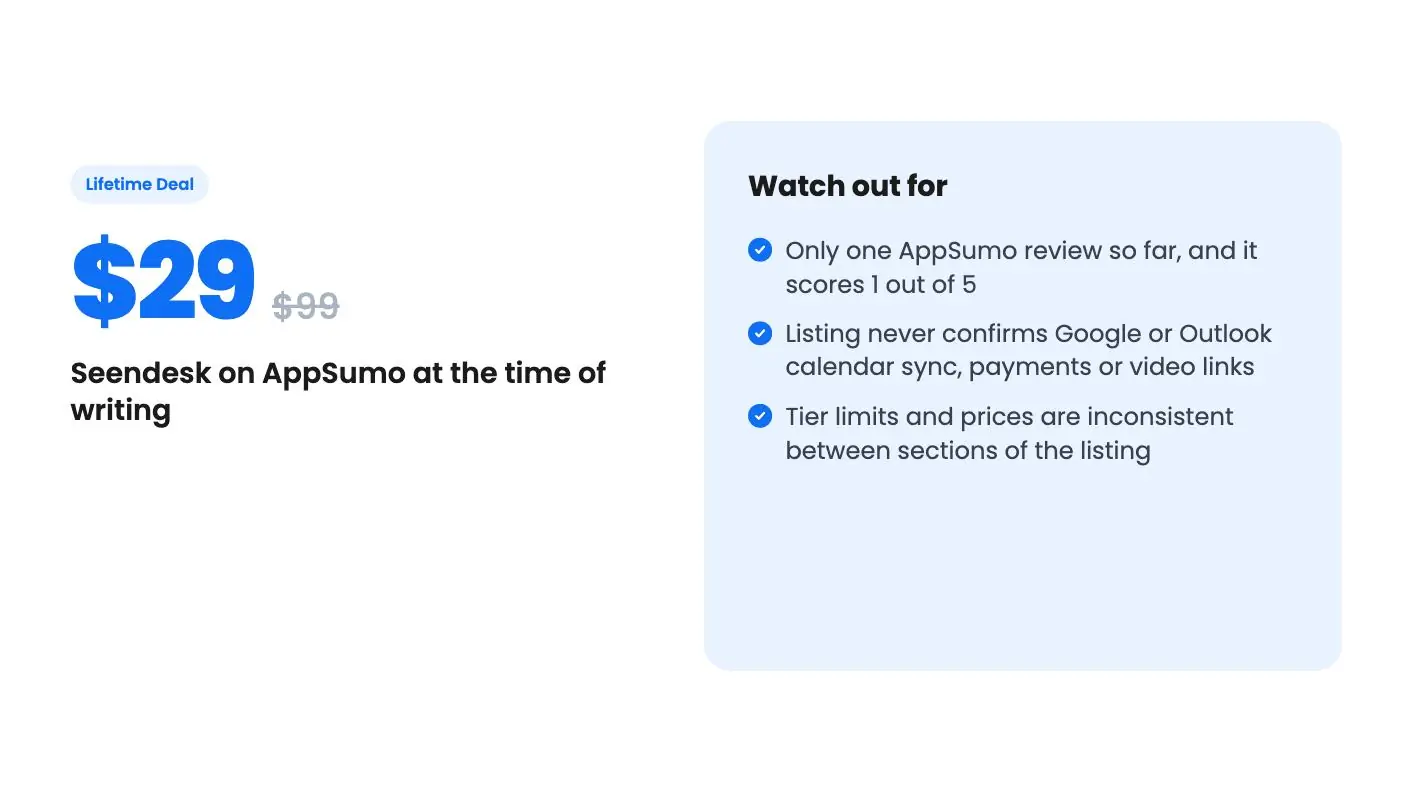
Watch out for
- Only one AppSumo review so far, and it scores 1 out of 5
- Listing never confirms Google or Outlook calendar sync, payments or video links
- Tier limits and prices are inconsistent between sections of the listing
Picture a tutor, a financial advisor or a one-person legal practice. Clients text to ask for Tuesday, then Thursday, then “actually, can we do Friday?” Someone forgets, someone double-books, and you spend part of every week acting as your own receptionist.
Get Seendesk for $29 on AppSumo →
That’s the problem Seendesk is aimed at. It’s an appointment booking and tracking tool, sold on AppSumo as a lifetime deal starting at $29 (listed at $99). We haven’t used it, and there’s no demo video, so everything in this Seendesk review comes from the listing. That matters, because the listing is more generous with adjectives than with details.
What Seendesk says it does
The core is online booking with a calendar behind it. Customers book a slot, your team sees it, and the system sends confirmations and reminders. According to the listing, customers can also reschedule or cancel based on rules you set. That last part is useful. A rule like “no changes inside 24 hours” saves you an awkward conversation, assuming the rules are as flexible as that sounds. The listing doesn’t give examples.
There’s a staff side too. You can manage staff availability and control who sees or edits appointment and customer records. For a practice with a few people, that’s a sensible thing to have, especially if some of those records are sensitive.
Notifications go out by email and SMS as an appointment’s status changes. The listing also mentions customer records and reporting, including support for multiple branches.
The gaps you’ll want answered
Here’s where we’d slow down. The listing never says whether Seendesk syncs with Google Calendar or Outlook. It doesn’t mention taking payments or deposits. It doesn’t mention video meeting links, which most consultants and tutors now need. Calendly, the alternative AppSumo names, does these things. Seendesk might too, but the source doesn’t say, so treat each as unconfirmed.
SMS is another open question in this Seendesk review. Text messages cost money to send, and the listing doesn’t say whether they’re included, capped or paid for separately. If you plan to text a lot of reminders, ask before you buy.
The integrations list is odd as well: API, Binance, Custom API and Facebook. Binance is a crypto exchange, and nothing in the listing explains what it has to do with booking appointments. The alternatives list has the same problem, naming Acunetix and Audacity, which are a security scanner and an audio editor. That looks like sloppy tagging, but it doesn’t inspire confidence.
The feature descriptions repeat themselves, too. Several paragraphs say nearly the same thing about confirmations, reminders and “smooth” scheduling. When a listing recycles its own copy, there’s usually less to say than it wants you to believe.
Get Seendesk for $29 on AppSumo →
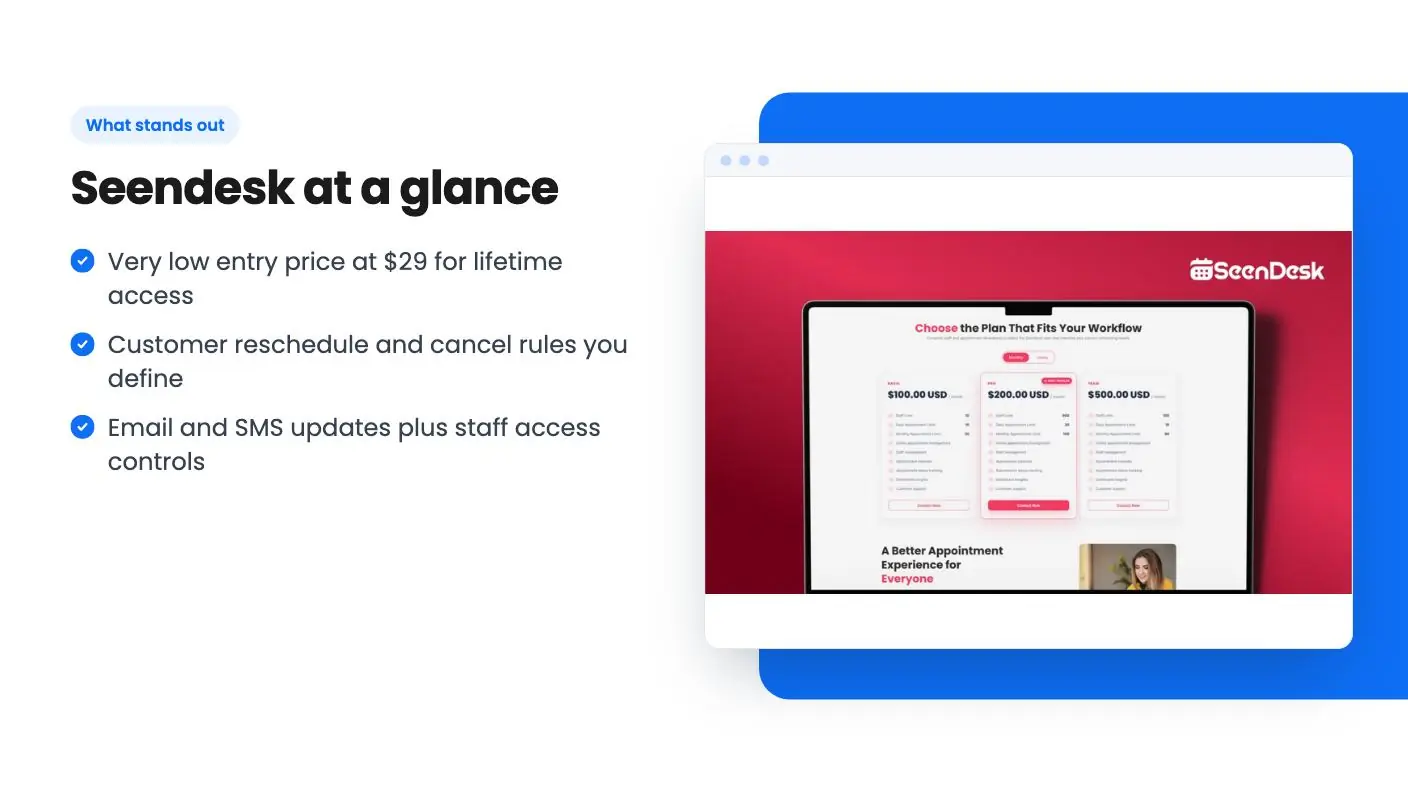
Seendesk tiers, and a pricing puzzle
There are three lifetime tiers. All three give lifetime access, all future plan updates, and the option to stack up to 3 codes. You must redeem your code within 60 days of purchase.
| Tier | Price | List price |
|---|---|---|
| Tier 1 | $29 | $99 |
| Tier 2 | $58 | $449 |
| Tier 3 | $87 | $999 |
The limits are listed as staff 100 / 50 / 10, daily appointments Unlimited / 100 / 10, and monthly appointments Unlimited / 3000 / 300. The listing doesn’t label which number goes with which tier. Reading them in order would make the $29 tier the biggest, which would be strange given that the price climbs. More likely the largest limits go with the highest price, but that’s our guess. Confirm it before you pay.
The FAQ adds more confusion. It says the plans are Solo, Professional and Enterprise, priced as one-time payments of $29, $49 and $99. Those don’t match the $29, $58 and $87 deal tiers, and they don’t match the “was” prices either. Maybe the FAQ describes the regular plans and the deal is something different. The listing doesn’t say.
The “was” prices deserve a shrug. A $999 list price for an appointment tool with a 10-staff cap is not a number to anchor on. Judge it by what you’d pay for a basic scheduler, not by the crossed-out figure.
Stacking codes is also vague. The listing says you can stack up to 3, but it doesn’t spell out what stacking does to your limits. If you’re counting on stacking to raise caps, get that in writing from the seller.
One review, and it’s a bad one
AppSumo shows a single review with an average of 1.00 out of 5. One review proves very little. It could be a setup problem, a mismatch of expectations or a real bug. But it’s the only outside signal we have, and it points the wrong way. There’s no demo video and no independent write-up in the material we have.
The listing doesn’t tell you how old the product is or who’s behind it, beyond a website at seendesk.com. A young product isn’t a crime. Lifetime deals are often how small tools fund their early years. But it does mean you’re betting on a roadmap, and “all future plan updates” is only as good as the team’s ability to keep shipping.
Who should buy Seendesk, and who should wait
The case for buying is simple and cheap. If you’re a freelancer, tutor or small consultancy, your needs are basic, and you’d happily replace a clumsy email thread with a booking page, $29 is a small risk. Check AppSumo’s refund terms first, and run a real booking through it early rather than letting the 60-day redemption window slip by.
The case for waiting is stronger for most people reading this Seendesk review. If your calendar lives in Google or Outlook, you need payments, or you run video calls, don’t buy on faith. The listing doesn’t confirm those features, and the one review is poor. Established schedulers have free or low-cost plans that you can try without a lifetime commitment.
If this Seendesk review has you interested, ask the seller three things before buying: which limits go with which tier, whether SMS is included, and whether calendar sync exists. If the answers are clear and quick, that’s a good sign. If they’re vague, you’ve learned something cheaper than $29 would have taught you.
Related reading: Syl - GrokBot Alternative review, Sonny: White-Label Helpdesk review.
All Seendesk features
Taken from Seendesk's AppSumo listing. We haven't tested these features hands-on.
Appointment Booking & Tracking
- SeenDesk is built to simplify appointment scheduling for businesses that value efficiency and customer satisfaction. From online bookings to calendar management, the platform helps eliminate manual scheduling and keeps every appointment organized in one convenient place.
- SeenDesk allows customers to reschedule or cancel appointments based on the rules you define. This reduces administrative work while giving customers the flexibility to manage their bookings conveniently.
Team Coordination
- With powerful automation features, SeenDesk sends timely reminders, manages staff availability, and streamlines the entire booking process. Businesses can reduce missed appointments, improve team productivity, and provide customers with a smooth and professional scheduling experience.
- SeenDesk streamlines the entire appointment process with automated confirmations, reminders, and real-time calendar updates. Customers can book appointments with ease, while your team stays informed and prepared, reducing missed appointments and improving overall operational efficiency.
Customer Communication
- Whether you're a small business or a growing enterprise, SeenDesk offers the flexibility to scale with your needs. Its intuitive interface, customizable booking options, and centralized management tools help businesses save time, enhance customer engagement, and focus on delivering exceptional service.
- Managing appointments doesn't have to be complicated. SeenDesk provides an intuitive platform that helps businesses organize bookings, manage staff availability, and keep schedules running smoothly. With everything centralized in one place, you can eliminate scheduling conflicts and focus on delivering exceptional customer service.
Reporting & Visibility
- SeenDesk streamlines the entire appointment process with automated confirmations, reminders, and real-time calendar updates. Customers can book appointments with ease, while your team stays informed and prepared, reducing missed appointments and improving overall operational efficiency.
- Whether you're managing a single location or multiple branches, SeenDesk adapts to your business needs as you grow. Its flexible scheduling tools, customer management features, and insightful reporting empower you to make better decisions, increase productivity, and provide a seamless booking experience every time.
What changes by plan
| Feature | Tier 1 $29 | Tier 2 $58 | Tier 3 $87 |
|---|---|---|---|
| Staff Limit | 10 | 50 | 100 |
| Daily Appointment Limit | 10 | 100 | Unlimited |
| Monthly Appointment Limit | 300 | 3000 | Unlimited |
What the lifetime deal includes
- Lifetime access to Seendesk
- You must redeem your code(s) within 60 days of purchase
- All future plan updates
- Stack up to 3 codes
At a glance
- Best for
- Consultants, Freelancers, Small businesses
- Alternative to
- Acunetix, Audacity, Calendly
- Integrations
- API, Binance, Custom API, Facebook
- Category
- Operations › Productivity & Automation
- Website
- seendesk.com
Decided Seendesk fits? The lifetime deal starts at $29. Check the tier limits on AppSumo before you pick one.
Get Seendesk on AppSumoKeep reading about Seendesk
Seendesk FAQ
What does Seendesk do?
According to the listing, it handles online appointment booking, staff availability, customer records, and email and SMS updates as an appointment's status changes, all from one dashboard.
What are the Seendesk lifetime deal limits?
The listing shows staff limits of 100, 50 and 10, daily appointment limits of Unlimited, 100 and 10, and monthly limits of Unlimited, 3000 and 300. It doesn't clearly say which number belongs to which tier, so confirm before buying.
Is Seendesk a good Calendly alternative?
AppSumo names Calendly as an alternative, but the listing doesn't mention calendar sync, payments or video meeting links. Check those against your needs first, because there's no demo video to confirm them.
Is Seendesk worth it?
It could suit a solo consultant or tutor who wants a cheap booking page with email and SMS reminders and can accept some risk. It's a weaker pick if you rely on calendar sync, payments or video links, or need a proven tool. The listing is thin, the tier details are inconsistent, and the one AppSumo review gives it 1 out of 5.
Does Seendesk send SMS reminders?
The listing says Seendesk sends notifications by email and SMS as an appointment's status changes. It doesn't say whether SMS messages are included, capped or paid for separately. Ask the seller before you buy if you plan to text a lot of reminders.
How long do I have to redeem the Seendesk lifetime deal?
You must redeem your code within 60 days of purchase. All three tiers include lifetime access and all future plan updates, and you can stack up to 3 codes. The listing doesn't explain what stacking does to your limits.