Helpdesk & SupportComparison
Sonny vs Support Board: Agency Resale or Multichannel Inbox
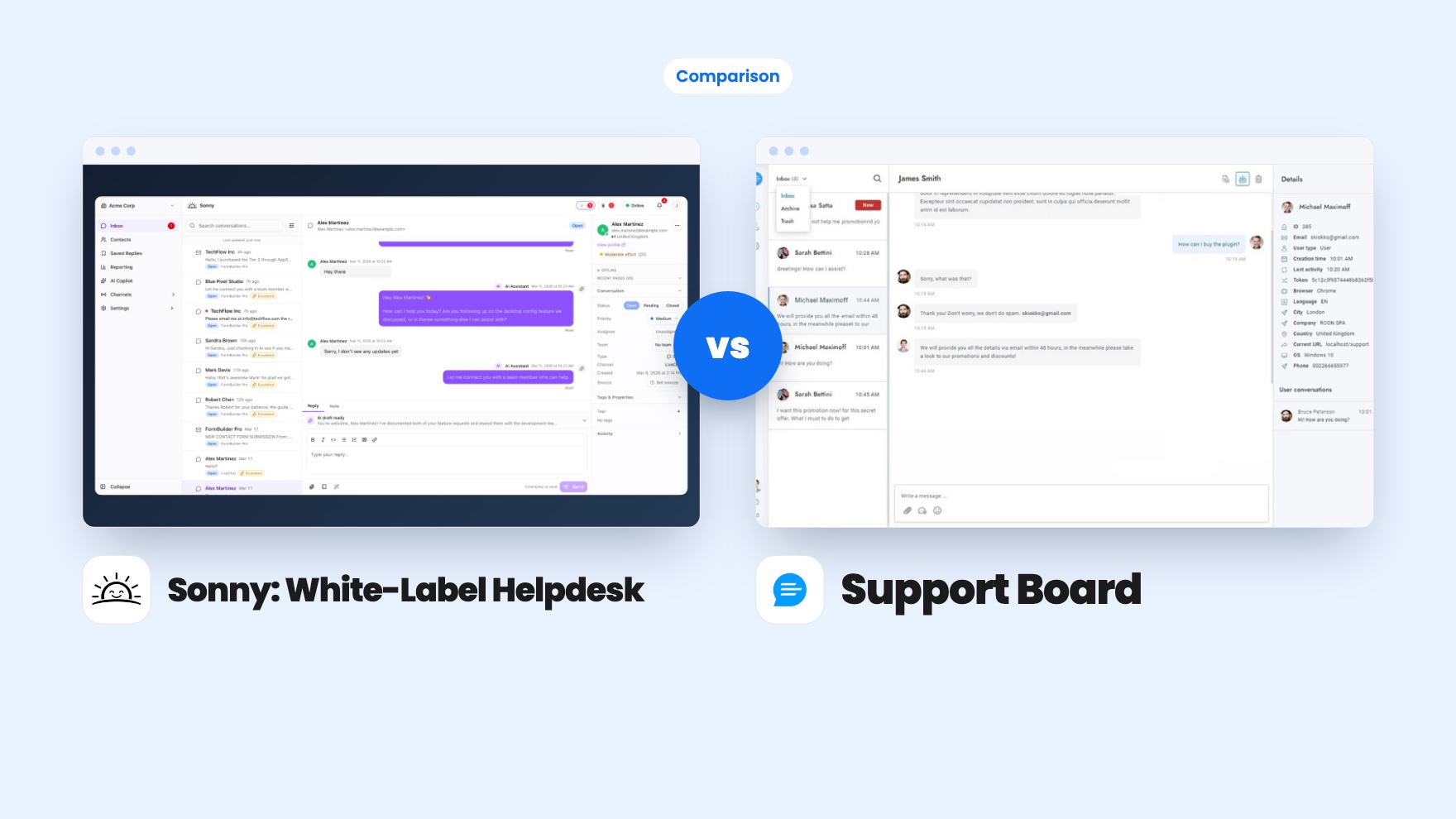
Sonny gives agencies unlimited white-label client workspaces for $149. Support Board offers WhatsApp, Instagram and an AI chatbot from $69, with fees on top.
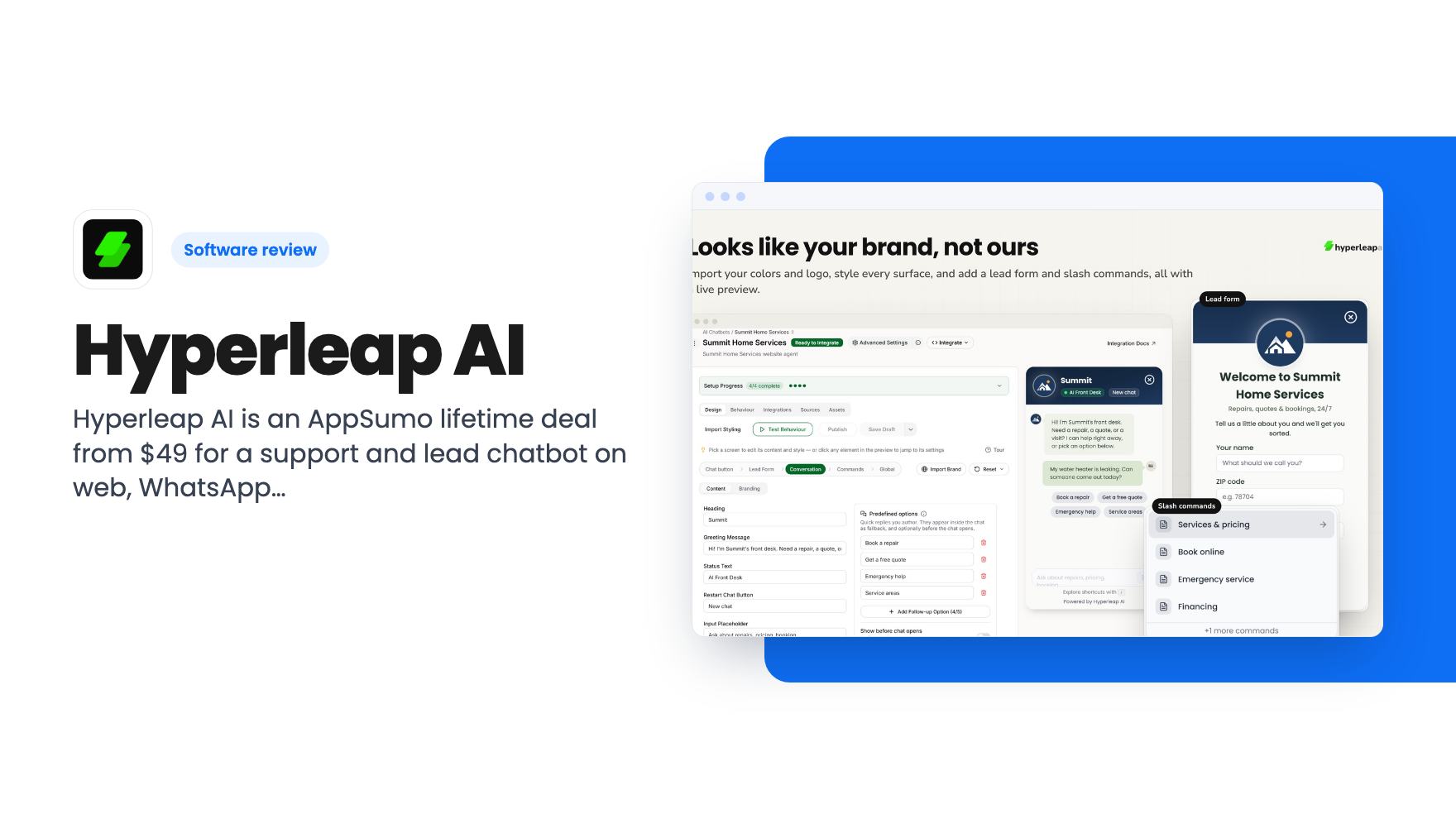
Hyperleap AI is an AppSumo lifetime deal from $49 for a support and lead chatbot on web, WhatsApp, Instagram and Messenger. Credits are capped, though.
Lifetime deal price
$490
Lifetime Deal
Our take: Buy Tier 2 or higher if you run a small business or a few client accounts and want one chatbot across your website and Meta channels at a one-time price. Skip Tier 1 unless you only need a single basic agent, and skip the whole deal if you need heavy CRM integrations, true white labeling or a vendor with a long track record.
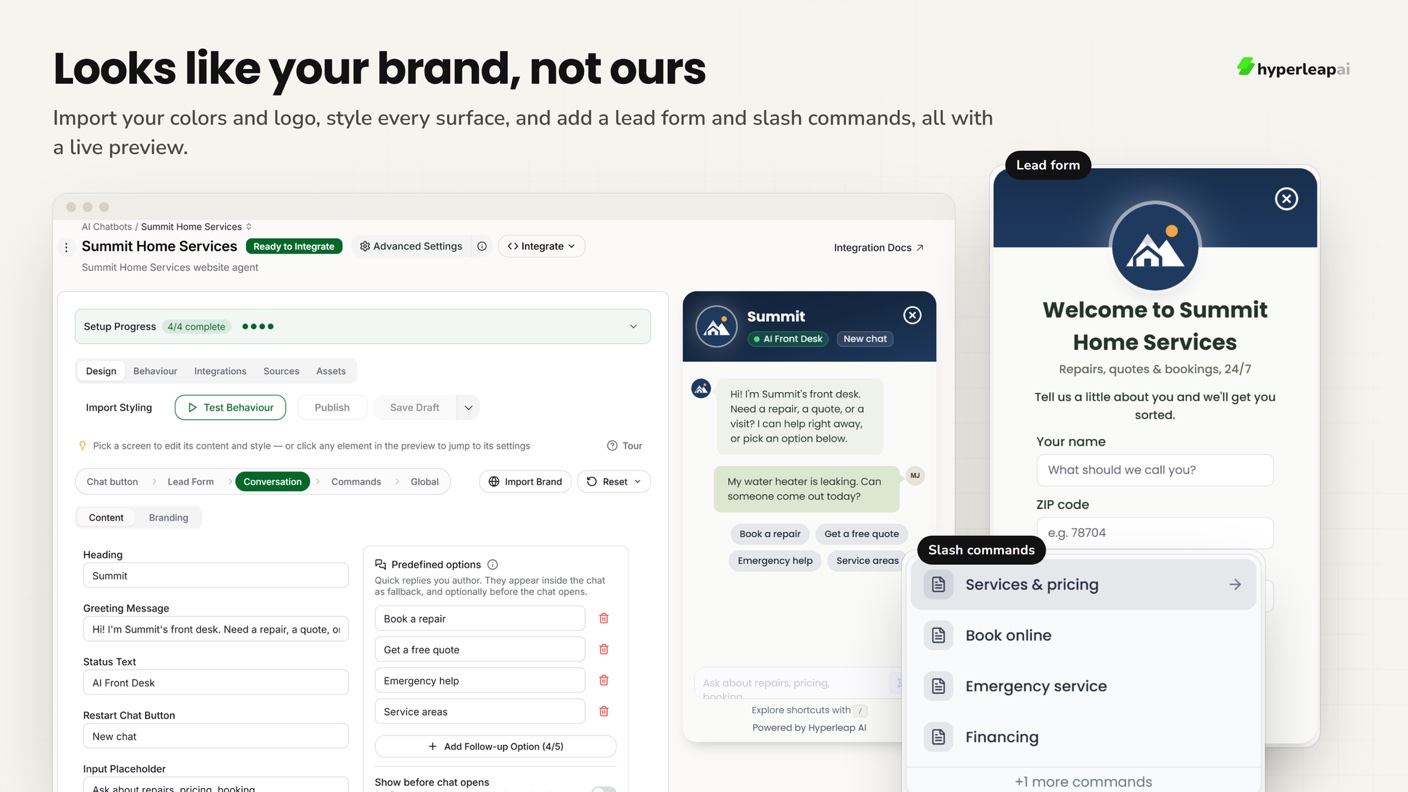
You’re serving a customer at the counter when your phone buzzes with a WhatsApp message asking if you’re open on Sunday. By the time you look up, they’ve messaged the shop down the road. That’s the situation Hyperleap AI is built around. It’s a chatbot you train on your own material, then place on your website and your messaging channels so something answers while you’re busy.
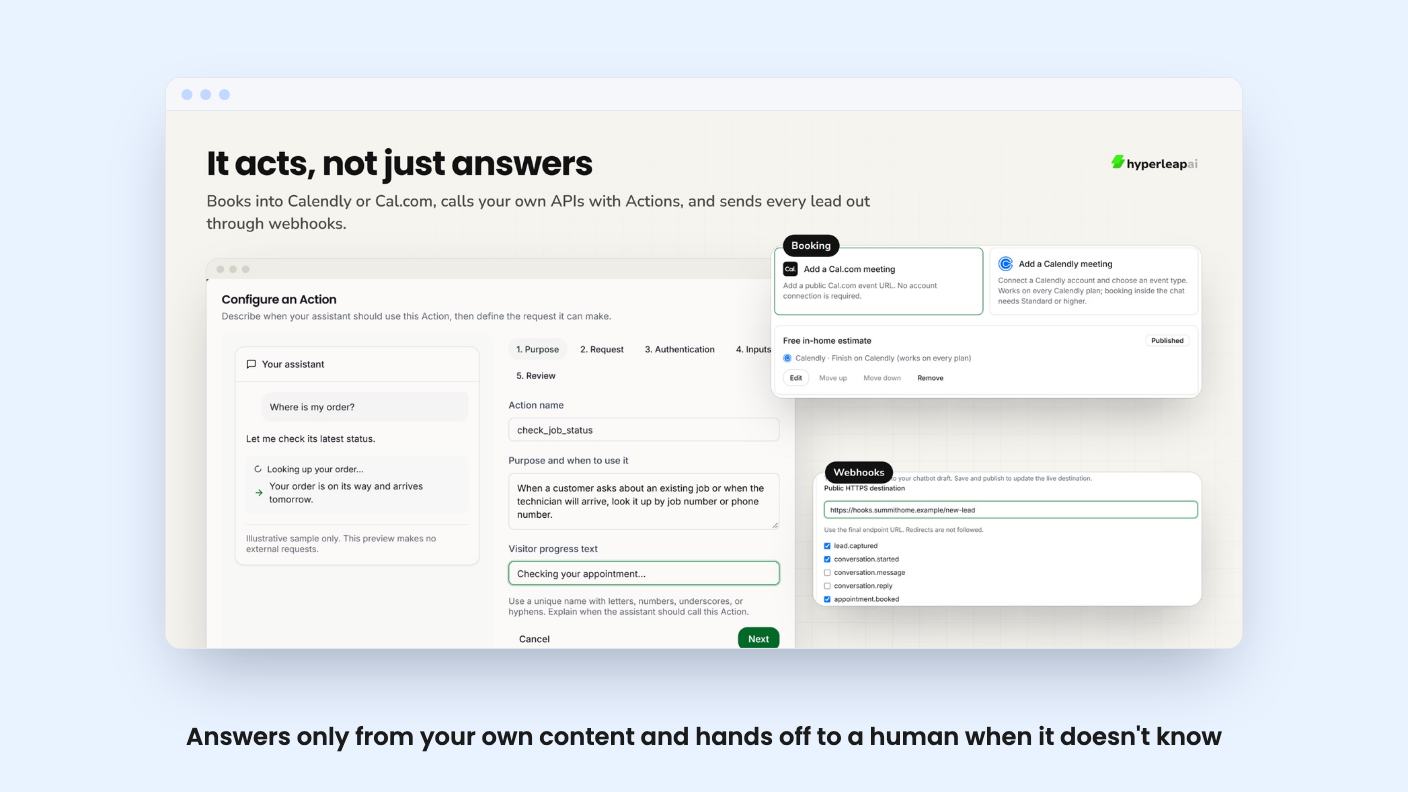
On AppSumo it’s sold as a lifetime deal in five tiers, from $49 to $659. The listing pitches it as an alternative to Intercom, ManyChat and Chatbase, and it’s aimed at small businesses, support teams and agencies. We haven’t tested it, so what follows comes from the listing and the demo video.
You feed it your website, PDFs, spreadsheets, price lists and FAQs. It then answers only from that content. If it doesn’t know something, it says so and hands the chat to a human, using a fallback reply you write yourself. You can also set the tone, write guardrails and list topics it should never touch.
That “answers only from your content” claim is the main selling point, and it’s the right thing to promise. A chatbot that invents a refund policy is worse than no chatbot. The listing also says you can preview changes before publishing, restore earlier versions, and see which source each reply came from. That last one matters, because it’s how you’d find out why the bot said something odd.
The listing doesn’t say how well it holds up on messy source material, such as old PDFs or a website with conflicting pages. Marketing copy never does. Expect to spend time cleaning up what you feed it.
Hyperleap covers your website, WhatsApp, Instagram DMs and Facebook Messenger, with replies in 100+ languages. According to the listing, it answers in whichever language the customer writes in, with nothing to configure per language. The video says the Meta channels run through Meta’s official integration.
Everything lands in one inbox, and you can take over or pause the AI in any live chat. That’s a sensible safety valve. You can also qualify leads with your own questions and a lead form (up to six fields, per the video), and every new lead arrives by email with the full chat attached.
Booking works through Calendly or Cal.com. The bot shows real open slots and books inside the chat. If you use another scheduler, it shares your booking link instead, which is less slick but still useful.
CRM support is thin. The FAQ mentions HubSpot, but the integrations list on the page names Calendly, Facebook, Instagram, WhatsApp and WordPress. Anything else means building your own connection with Actions or webhooks. If your sales process lives in a CRM other than HubSpot, factor in that extra work.
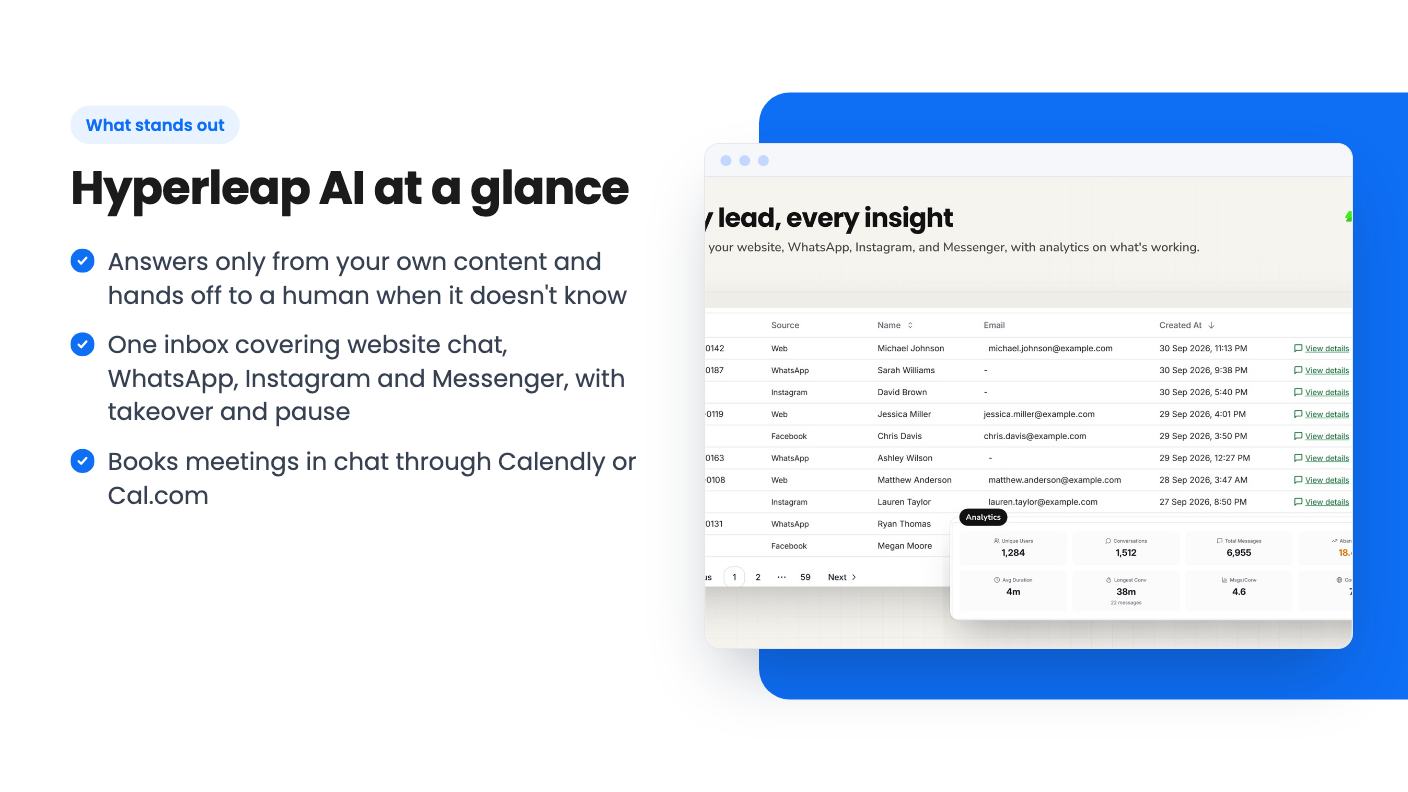
Actions are the feature that moves this past a plain FAQ bot. An Action is a no-code API call the agent makes mid-conversation, so it can answer “where’s my order?” from your own system. The listing says you can test Actions before publishing and add up to 10 per agent. They’re Tier 2 and above, so Tier 1 buyers don’t get them.
There’s also an MCP server, which lets you ask Claude or ChatGPT about your leads in plain English. The video says every tier includes it. It’s a nice extra, though we’d treat it as a bonus rather than a reason to buy.
Webhooks and AI briefs on hot leads sit higher up. The listing places webhooks and post-conversation notifications at Tier 4 and above. The video, meanwhile, says the top tier adds webhooks and AI briefs. That’s a small mismatch, so check the plan details before you pay for a tier because of either feature.
The video is a founder pitch. The speaker introduces himself as Gopi Krishna and says he spent 11 years at Microsoft before building this for small businesses. That’s his own account, and we can’t verify it. It does give the product a face, which counts for something in a young market.
It walks through the same ground as the listing: training on your content, the preview and version history, the unified inbox, booking, Actions and setup. It also mentions multi-location support, such as hotel groups or clinic chains. One agent covers every branch, answers from the right location’s details, and asks which location you mean if the question doesn’t say. That’s a clever fit for hotels, and it’s the case where the two-credits-per-reply rule applies.
What the video doesn’t show is a real conversation going wrong, a credit counter, or any customer results. It’s a feature tour, not evidence. The transcript also promises white label branding on higher tiers, while the listing’s own FAQ says it isn’t fully white label. Trust the FAQ.
Here’s how the five tiers break down:
The credits are the catch. They’re a one-time pool, not a monthly allowance. At roughly one credit per reply, 1,500 credits is 1,500 bot answers, once. A busy site could burn through that quickly. After that you top up at $12 per 1,000, or on Tier 2 and up you add your own AI key and stop counting. That BYOK option is the real reason to skip Tier 1, since it’s the only way to get unlimited responses on a lifetime price.
The listing says nothing about what BYOK costs you in API fees, but you’d be paying your AI provider directly. Budget for it. Also note you must activate your license within 60 days, and you can move between tiers later.
Skip it if you need deep CRM syncing, a fully rebranded product to resell, or a vendor with years of history. AppSumo shows one review at 4.00 out of 5, which tells you almost nothing yet. The product is young, the roadmap is promised (“more integrations coming soon”) rather than delivered, and you’re betting that the company stays around.
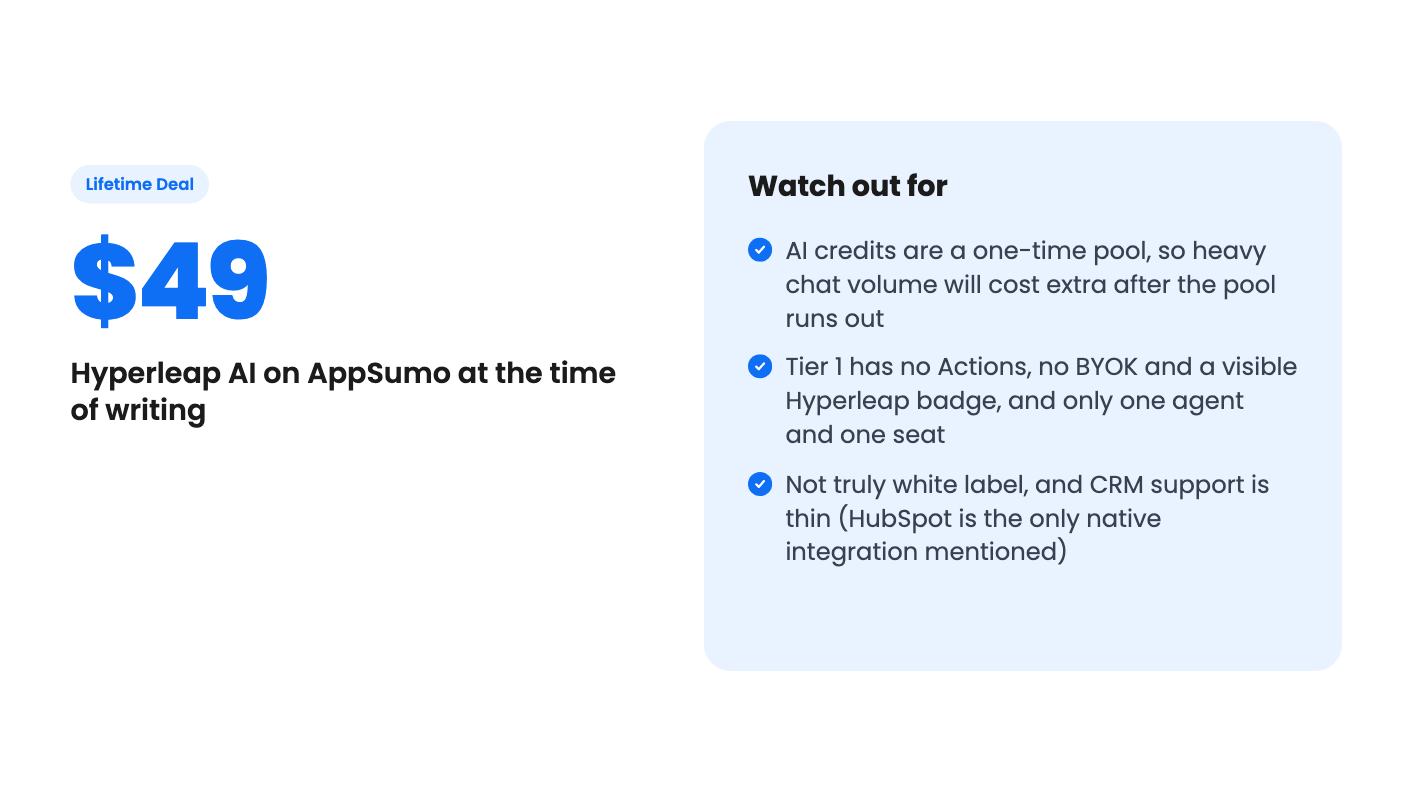
If you’re a solo owner with modest chat volume, Tier 2 is the one we’d look at first. Agencies managing several clients should compare Tier 3 and up, mainly for the badge removal and the sub-account counts. Either way, check the live plan details for exact limits before you commit.
According to the listing, one AI reply to a customer usually costs one credit. The exception is multi-variant setups, such as hotels with many near-identical locations, which use two credits per reply. Credits are a one-time pool that you can top up at $12 per 1,000.
Tier 2 at $149 looks like the practical starting point. It adds unlimited agents, five team seats, Actions for live lookups like order status, and the option to use your own AI key so replies aren't limited by credits. Tier 1 is more limited, and Tier 3 mainly adds badge removal and media in chat.
Only partly. The listing says the badge comes off from Tier 3 and sub-accounts let you manage client agents separately, but there is no custom domain, rebranded dashboard or branded email. Treat it as a tool you manage for clients, not a white-label product.
How this review was made: researched from Hyperleap AI's official listing and a transcript of its demo video, and written with help from AI. We have not tested Hyperleap AI hands-on yet. Prices and deal terms change, so check AppSumo before you buy. See our affiliate disclosure.
Sonny gives agencies unlimited white-label client workspaces for $149. Support Board offers WhatsApp, Instagram and an AI chatbot from $69, with fees on top.
Seven AppSumo lifetime deals that stand in for Intercom, from WhatsApp widgets to AI bots and a resellable helpdesk. Tier limits and gaps, from the listings.
Nine helpdesk and support lifetime deals from AppSumo, grouped by need, with tier limits, extra costs and who each one suits.