If you’ve ever pasted a one-line idea into an app builder and got back a polished page for a product nobody asked for, you already know the problem. The tool wasn’t bad at coding. It just had no idea who the product was for, what competitors charge, or what “done” looks like.
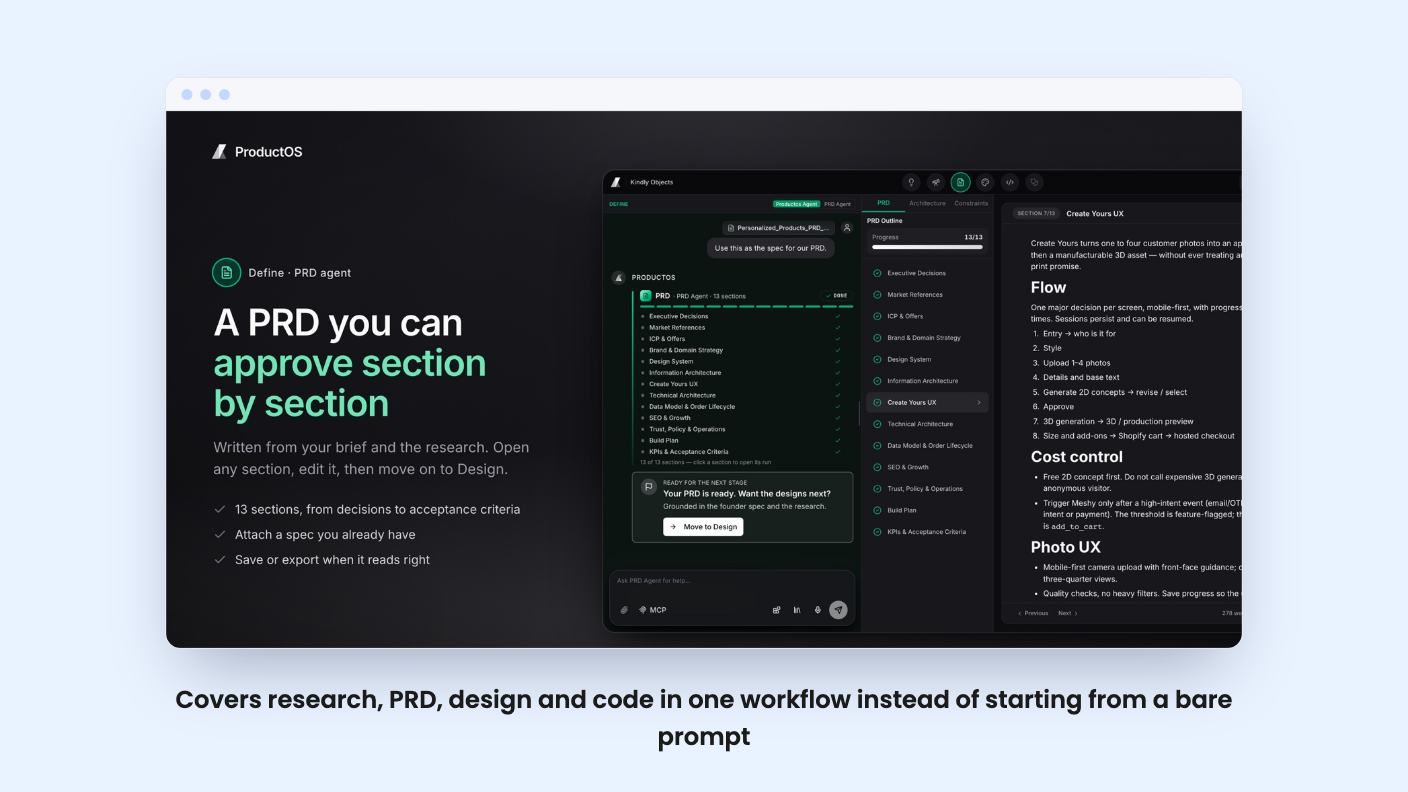
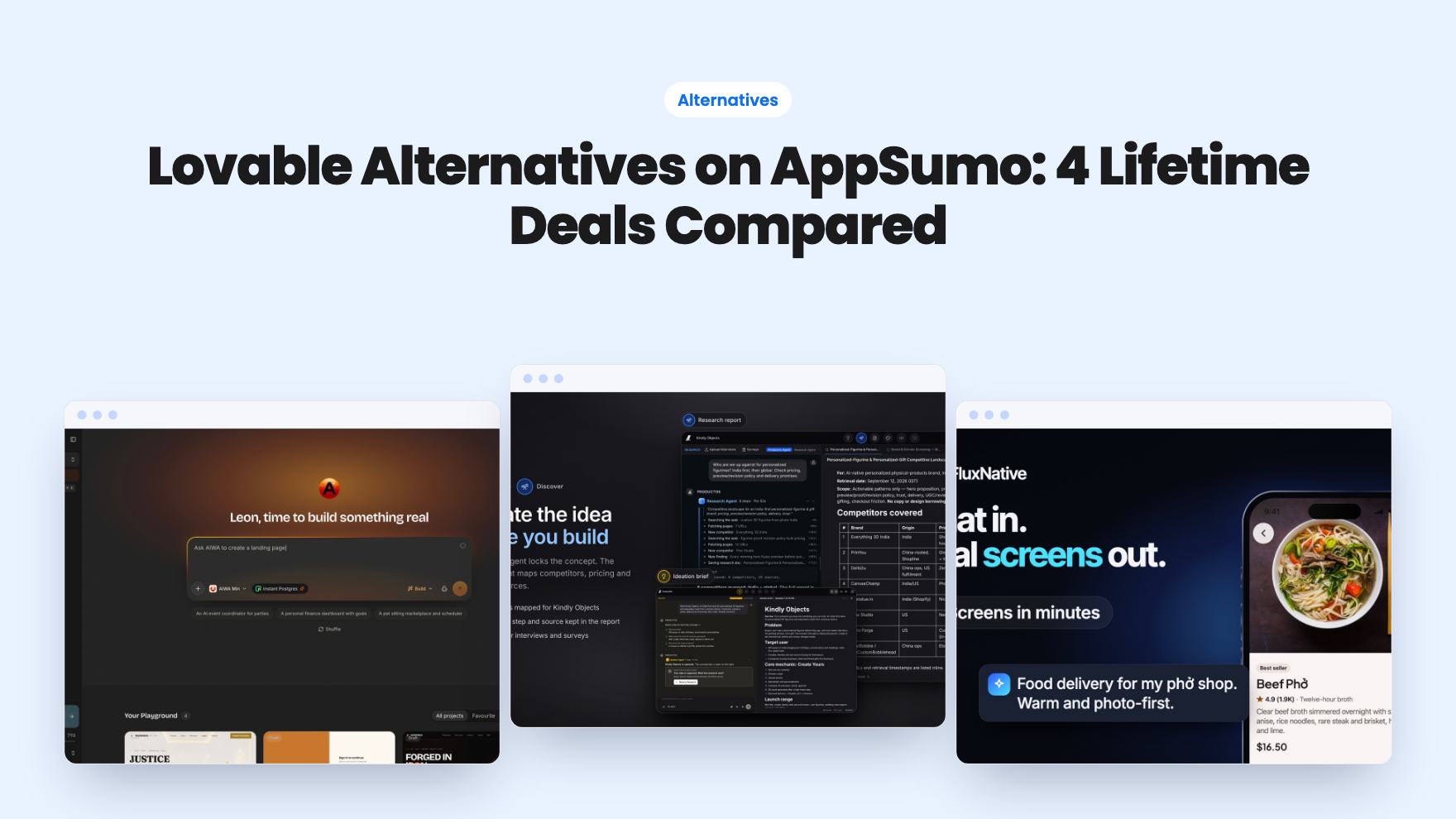
ProductOS is built around that gap. Instead of starting at the code, it starts with research and a written spec, then moves to design and only then to a build. It’s on AppSumo as a lifetime deal from $99, and the listing positions it against Lovable, Bolt.new and Emergent.
Research first, code last
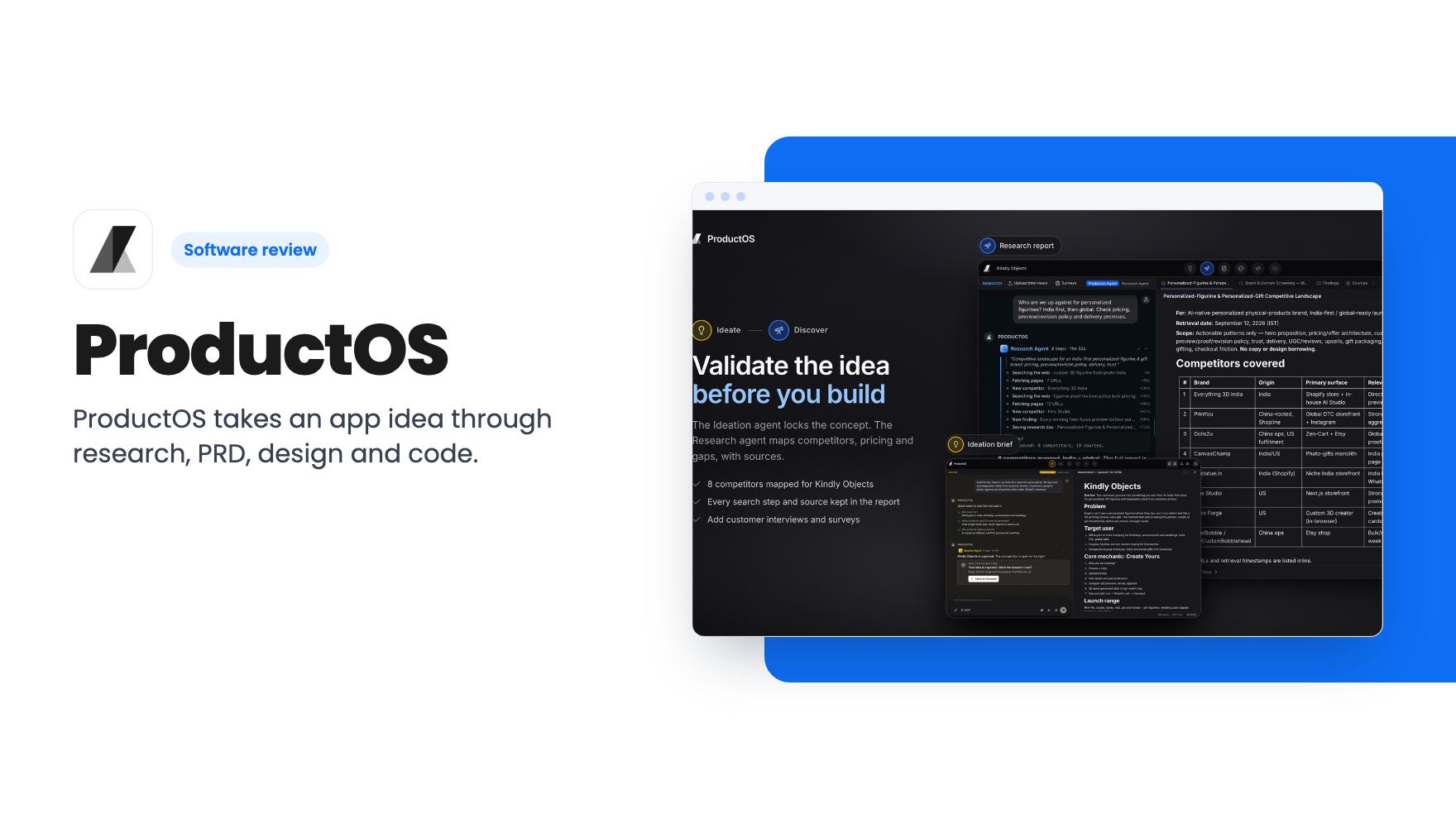
The first stage is an Ideation agent. According to the listing, it asks a few questions and turns your rough idea into a brief with a concept, a target user and a core flow.
Next comes a Research agent. It searches the web, reads pages and saves a sourced report to your project, covering competitors, pricing and positioning. You can follow each step it takes, including search queries and pages fetched, and the report keeps retrieval dates and source links.
That last detail matters. AI research you can’t check is only a guess with good formatting. Source links and dates at least let you spot-check the claims before you build on them.
You can also add your own evidence by uploading customer interviews or running surveys. For a founder with a handful of real conversations, that’s the part that keeps the report honest.
A PRD you approve in pieces
The PRD agent takes the brief and the research and drafts a product requirements document. The listing says it covers decisions, audience, brand, information architecture, UX flows, technical architecture, data model, SEO and acceptance criteria. That’s a long list for a tool in this price range.
If you already have a spec, you can attach it in the chat and the agent builds on it. You open each section, edit it, and save or export the PRD when it reads right. Once every section is done, the listing says you can move on to design, with the research and PRD carried forward as context.
The section-by-section approval is the part I like. It forces a decision point before credits go into design and code. Whether the drafts are any good, the listing can’t tell us.
Design before code
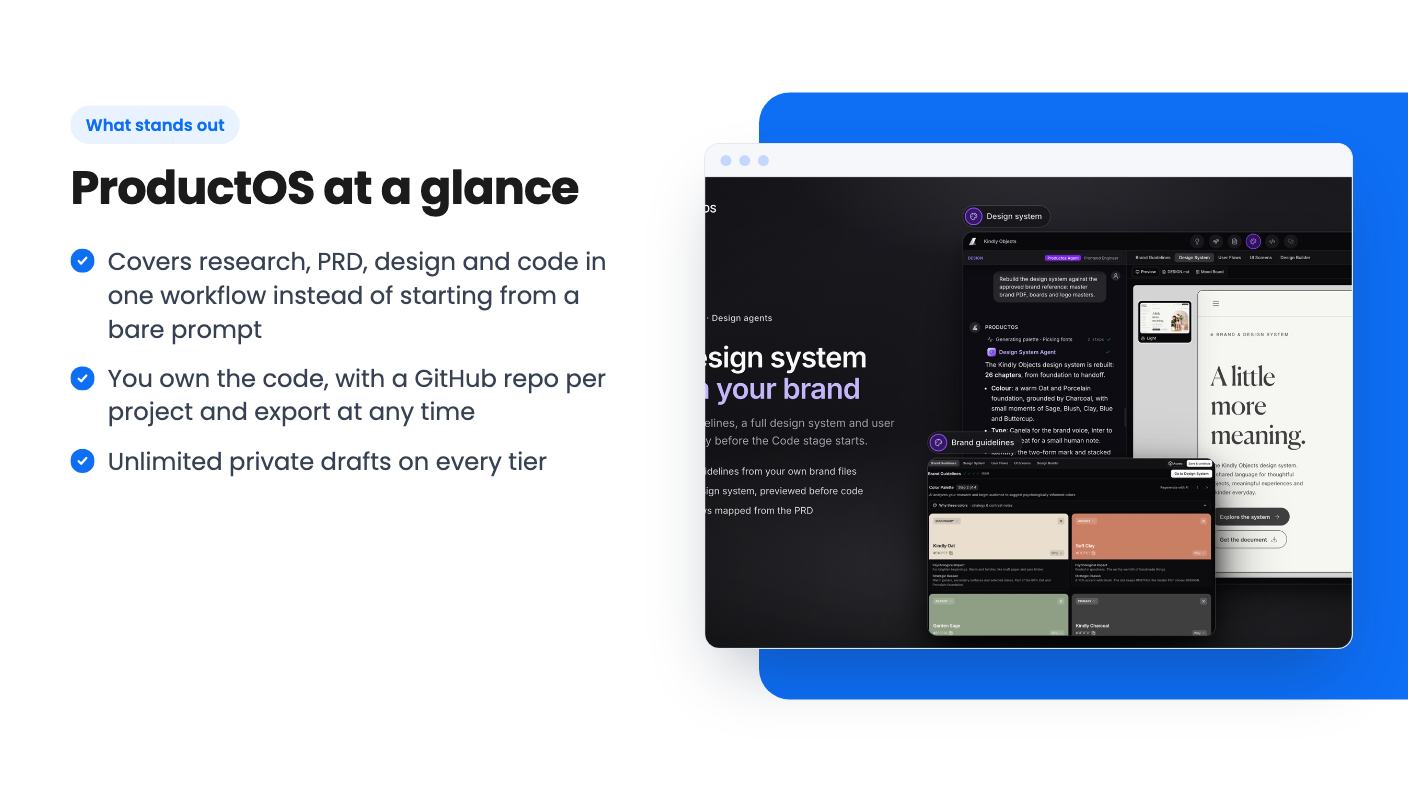
The Design stage starts with brand guidelines in four steps: name and logo, colour palette, type, and vibe. Every colour gets role and contrast notes. If you already have a brand, you upload brand files and mood boards and the design agents work from them.
From there, a full design system, user flows and UI screens are generated, each on its own tab. You can preview and edit the design system before any code is written.
For a solo founder or a product manager without a designer, this is probably the most useful middle step. It’s also another place where credits will go, and the listing gives no estimate of how many.
Building, reviewing and shipping
The build stage writes Next.js, Expo, Astro or WordPress code in a cloud sandbox, runs the tests and the build, and shows a live preview on desktop and mobile. That framework list is reasonable. It covers a marketing site, a web app, a mobile app and a WordPress site.
A Code Doctor review reads the project and lists findings worst first, each with a root cause and a suggested fix you can apply in one click. Think of it as a second pass over what the agents just wrote. It’s a sensible idea, though you’d still want a human developer to look at anything handling payments or customer data.
Publishing is one click to a ProductOS subdomain, with a custom domain connected in the same dialog. Deploys can be manual or automatic, and you can trigger them from ProductOS or over MCP. Each project lives in its own GitHub repo, and the listing says the full codebase syncs there. So you own the code and can leave. Listed integrations are GitHub, Claude, ChatGPT, MCP and Cursor.
What the lifetime deal actually covers
This is where you need to read slowly. The lifetime part covers platform access and future plan updates for your tier’s features. It doesn’t cover AI usage or hosting. Those run on credits.
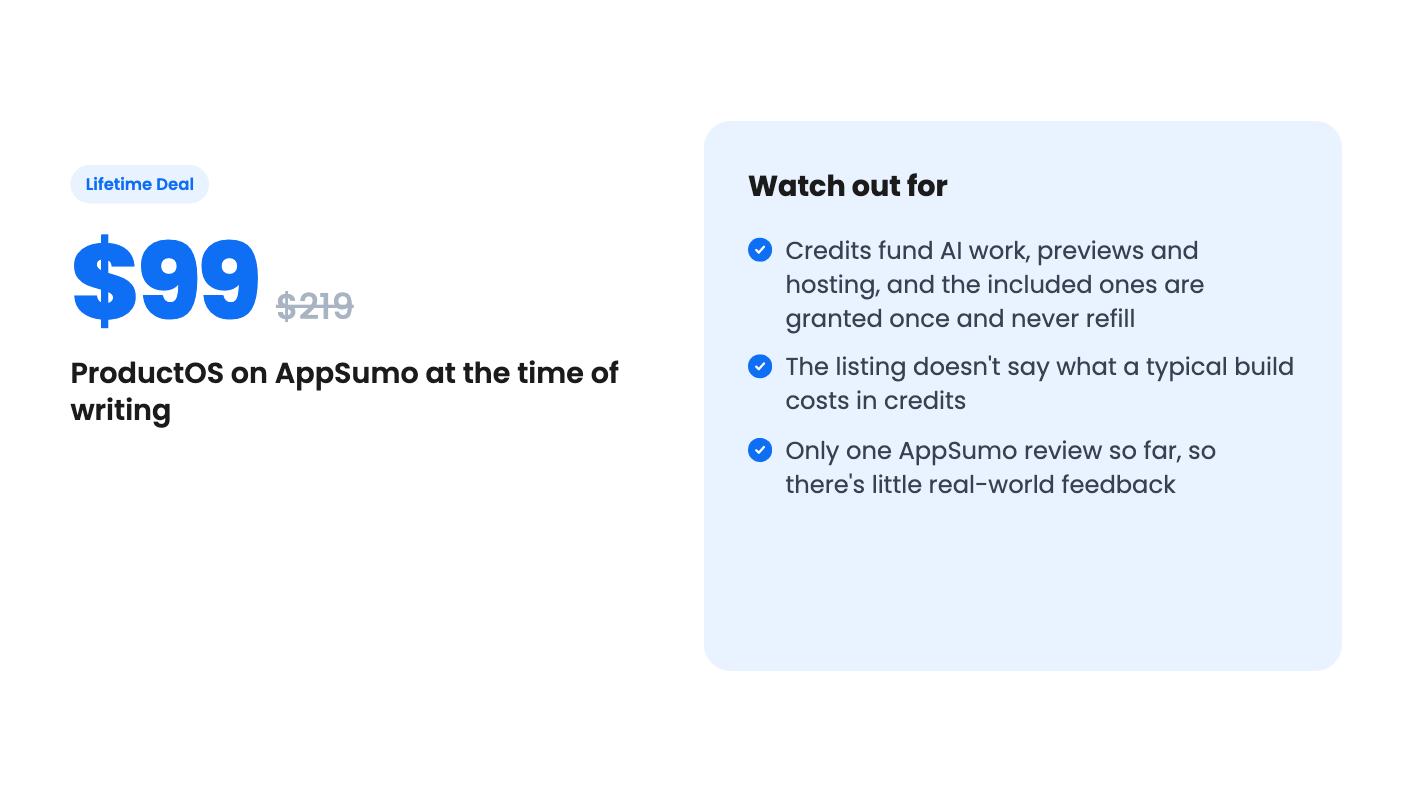
Credits pay for agent work, live preview compute and hosting for published sites. How many a task uses depends on the model, the task and how long previews run. The listing doesn’t give a per-task figure, so you can’t work out what a finished app costs.
The included launch credits are granted once. They never refill, they don’t expire while your license is valid, and recurring included credits are listed as none on every tier. Hosting is charged to credits monthly, so a live site keeps draining the balance. Top-ups are sold separately, and the listing doesn’t give their price.
Put plainly, this is a lifetime seat with a prepaid fuel tank. That’s a fair model for AI tools with real compute costs, but it isn’t the usual lifetime deal, and the $99 headline price doesn’t tell you the running cost.
The five tiers
The listing’s feature table runs from the top tier down. The FAQ makes the mapping clear, so here it is from the bottom up:
- Tier 1, $99: 1,000 credits, 1 concurrent agent, 1 user, 1 live product.
- Tier 2, $199: 2,000 credits, 2 agents, 1 user, 1 live product.
- Tier 3, $399: 4,000 credits, 4 agents, 1 user, 1 live product.
- Tier 4, $799: 8,000 credits, 8 agents, 5 users, 3 live products.
- Tier 5, $1,499: 15,000 credits, 25 agents, 15 users, 5 live products.
Every tier gets unlimited private drafts, GitHub sync and code export. You have to activate within 60 days, you can move between tiers, and codes don’t stack. AppSumo’s 60-day refund applies, but a refund revokes the license and any unused credits that came with it.
Tiers 2 and 3 cost more mainly for credits and agents, not for more users or products. If you’re only buying for a single project, the extra money is really just a bigger fuel tank.
Who should pass
Skip this if you want unlimited AI builds for a flat price. You’ll hit the credit ceiling, and the cheapest tier gives you 1,000 credits and no refills.
Skip it if you’re after free lifetime hosting. The listing says plainly that it isn’t.
Be careful if you want a mature product. The listing shows one AppSumo review, a 5.00 average, which tells us very little. It gives no company history or roadmap, and there was no demo video to check the claims against.
If you’re a founder or product manager who wants a structured path from idea to a repo you own, and you can accept that credits will run out, the $99 tier is a low-risk way to find out. Start with a single small project, watch how fast the balance drops, and use the 60-day refund window to decide before you commit more.
How this review was made: researched from ProductOS's official listing, and written with help from AI. We have not tested ProductOS hands-on yet. Prices and deal terms change, so check AppSumo before you buy. See our affiliate disclosure.