AI Writing & VideoTop deals
AppSumo Deals Ending Before Black Friday 2026: Buy or Wait?
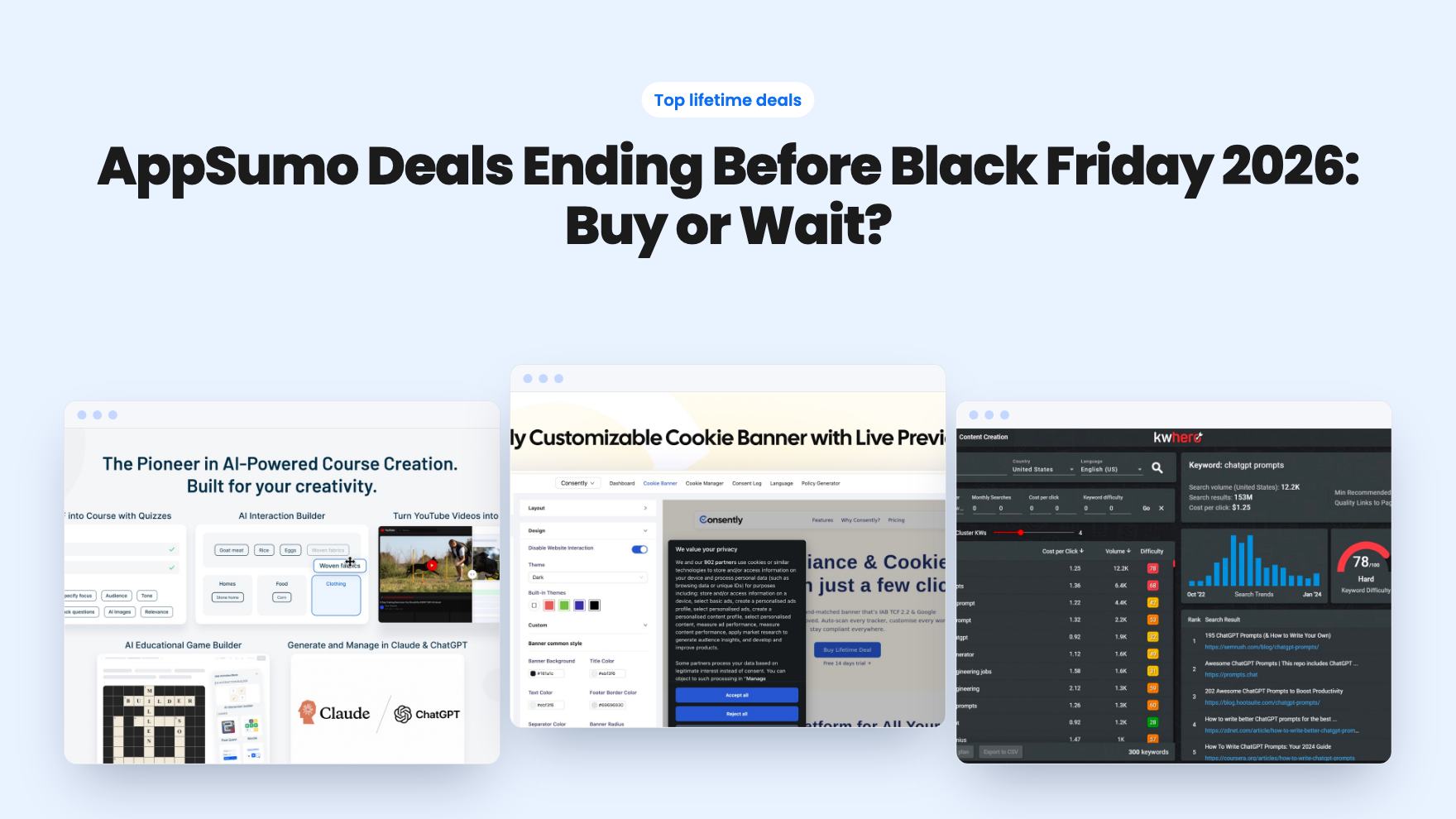
Fourteen AppSumo lifetime deals end before Black Friday on November 27, 2026. Here are the seven worth a look now, and who should skip them.
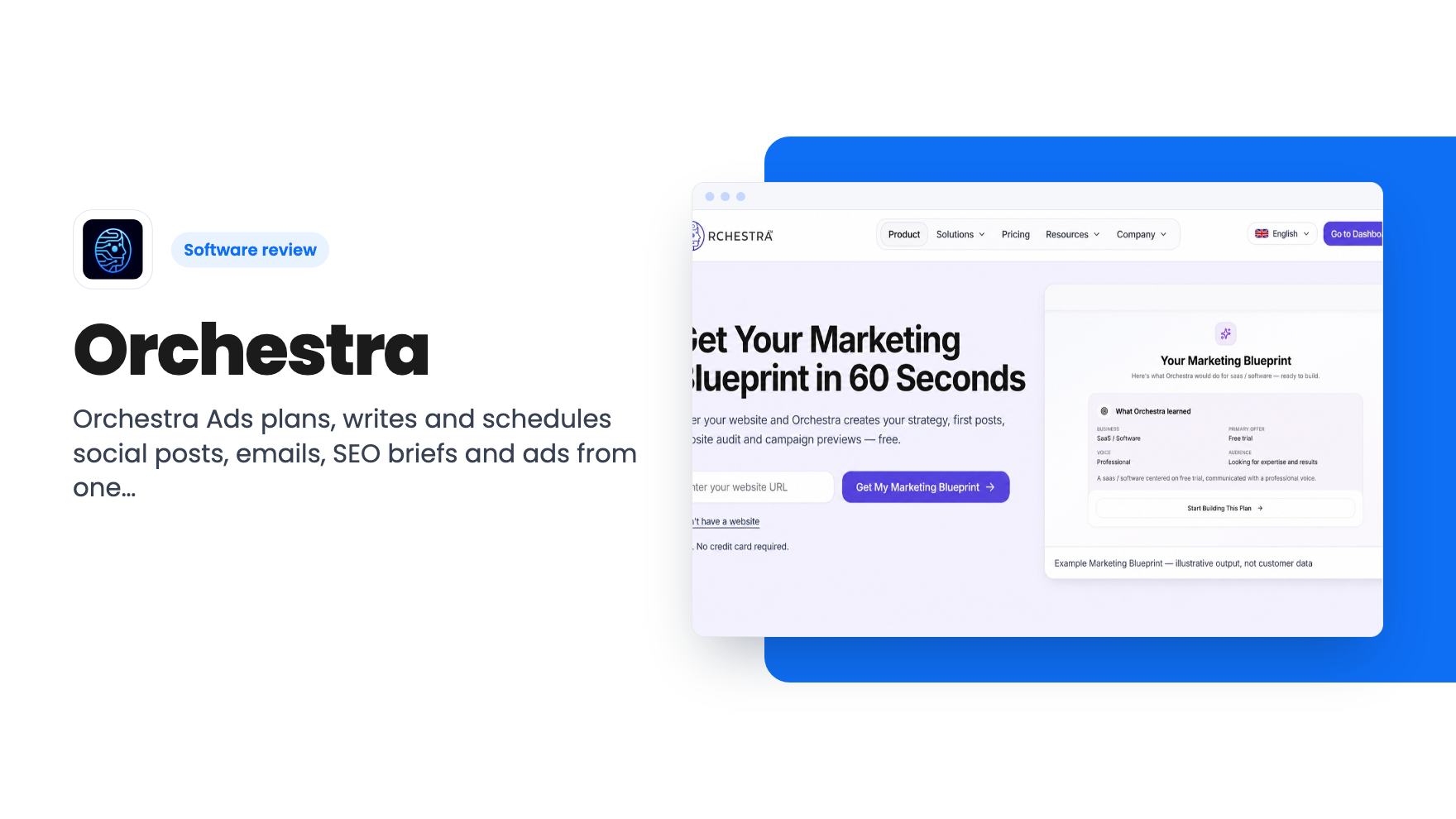
Orchestra Ads plans, writes and schedules social posts, emails, SEO briefs and ads from one strategy. We look at the five lifetime tiers and the monthly caps.
Lifetime deal price
$79$24968% off
Lifetime Deal · ends Dec 4, 2026
Our take: Orchestra suits a solo owner or tiny team with no marketing system who wants one place to plan and schedule across a few channels. Skip it if you need a serious email platform, deep SEO research or heavy client work. The caps are low, the credit system is vague, and four reviews is a thin track record.
Picture a Monday morning when you’re the whole marketing department. You need two Instagram posts, a newsletter, a Google search ad and a blog post. Each one lives in a different tool with a different idea of what your brand sounds like. Orchestra tries to fix that by starting from one strategy and building everything else out of it.
It’s a young product with a small review count, so we’ll stick to what the listing says, point out where it goes quiet, and say who should pass.
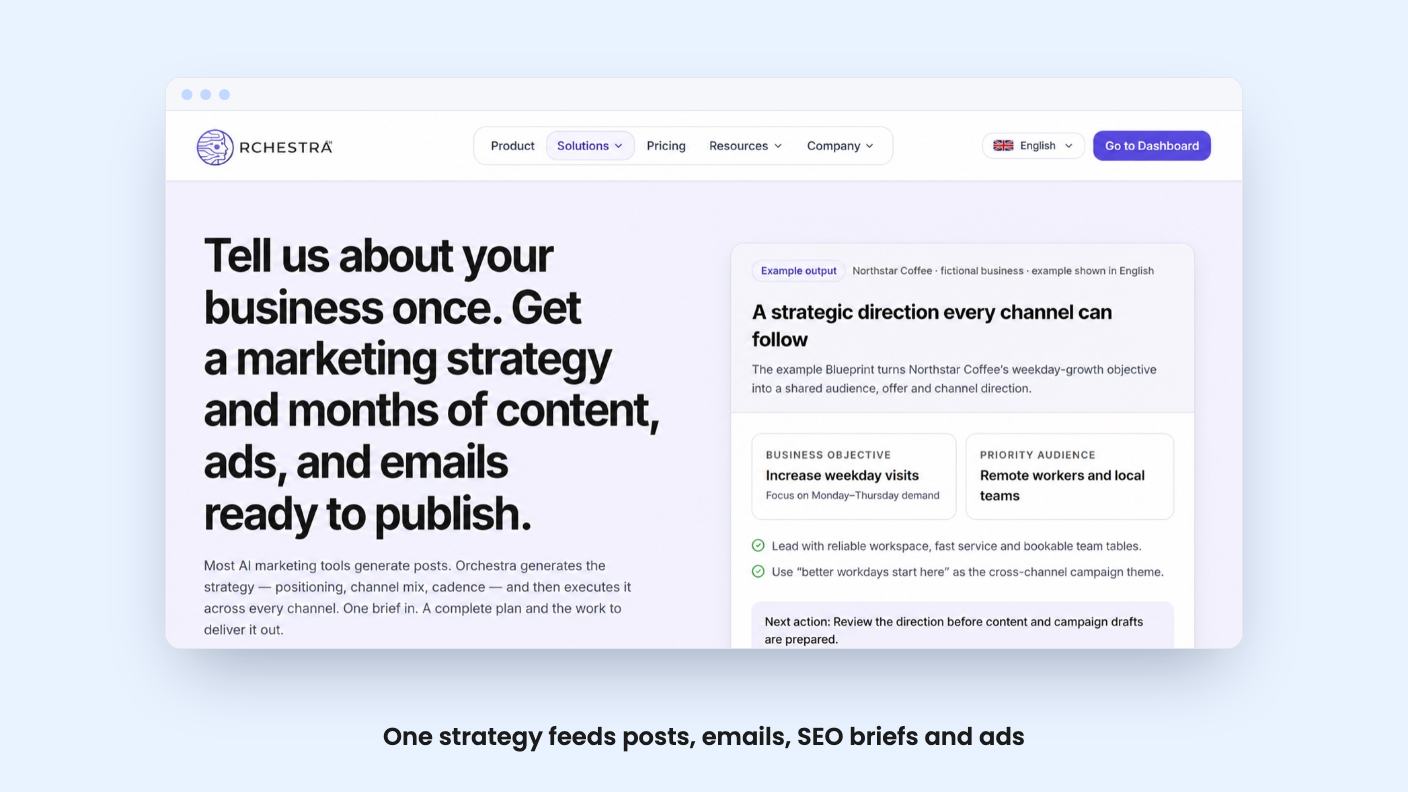
You enter your website URL and Orchestra produces what the listing calls a marketing blueprint: your brand, audience, positioning and products. From there it generates a strategy with positioning, a channel mix and a posting cadence. Then it fills a multi-month calendar with social posts, emails and ads.
The pitch is that these pieces reinforce each other, instead of being three schedules you keep in sync by hand. The listing also says the plan adapts month over month, giving more weight to posts that performed well. It doesn’t explain how performance is measured. We’d want to know whether that comes from real engagement data on your connected accounts before counting it as a selling point.
The strategy step is the one most small business owners skip, so a tool that forces it has real appeal. But a strategy built from a website URL is only as good as that website. If your site is thin, expect a generic blueprint. The listing shows no sample output, so you’re buying on description.
Three tools sit beside the planner. A page audit checks technical, content and discoverability issues and gives tips to fix them. SEO content briefs turn search opportunities into editable blog outlines, and the tool connects to Google Search Console. Then there are GEO audits, which check how ChatGPT, Perplexity and Gemini describe your business.
The GEO audit is the curious one. Plenty of owners are starting to wonder what AI assistants say about them. But it’s an audit. The listing promises a look at the answers, not a guaranteed way to change them.
The caps matter here. Depending on tier, you get 1 to 3 SEO briefs, 1 to 3 SEO audits and 1 or 2 GEO audits per month. That’s enough to check a few key pages. It isn’t enough to audit a whole site on a regular schedule. If SEO is your main reason to buy, a dedicated tool will serve you better.
Social is where the volume lives. You give Orchestra one campaign idea and it reshapes it into native posts for Instagram, LinkedIn, X, TikTok and Facebook, each with its own format and tone. Posts can be written in 50+ languages. Visuals come from unlimited stock images and video, or from AI-generated images. You link each account once and posts publish on the schedule you set.
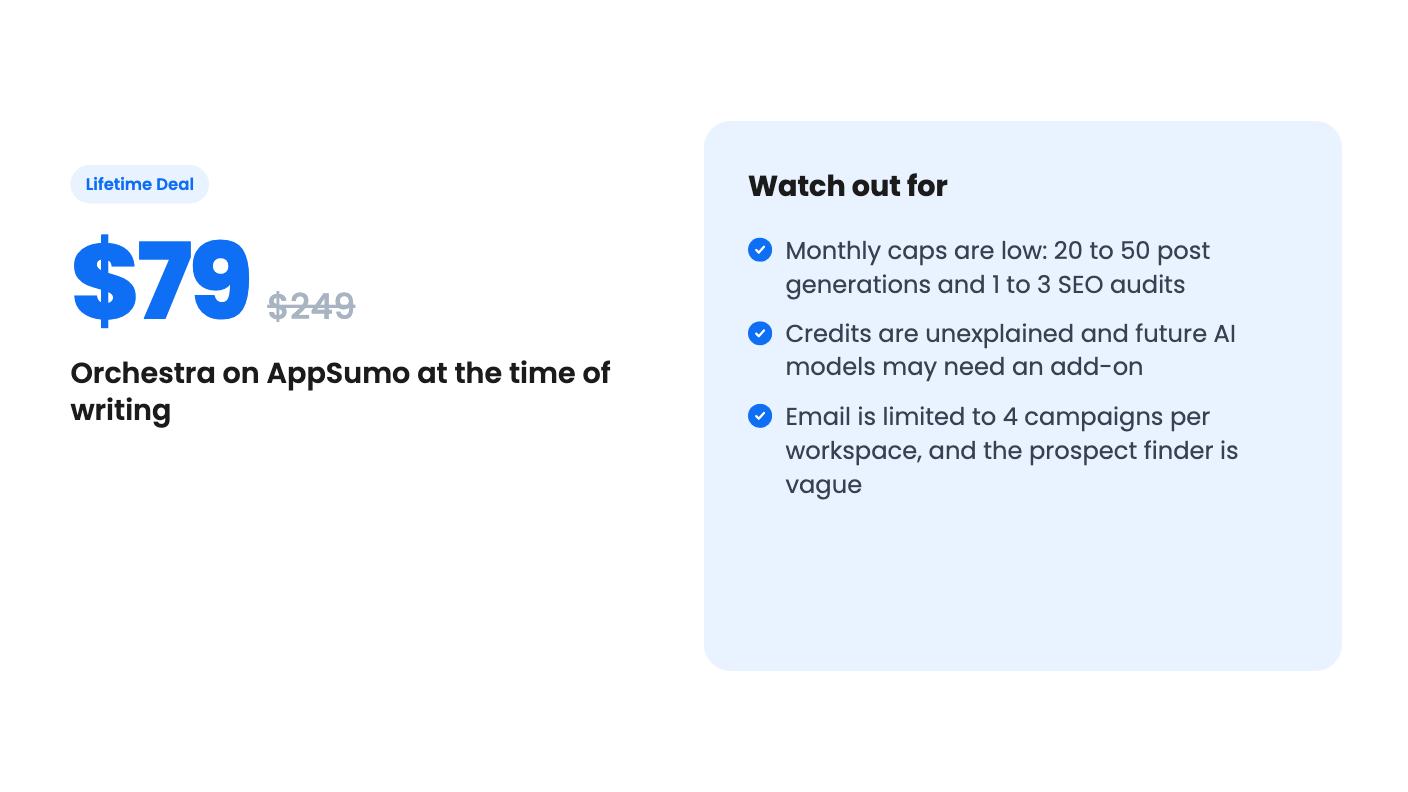
“Unlimited stock” sounds generous, but AI images are capped at 10 to 30 a month depending on tier. Post generations sit at 20 to 50 a month and scheduled posts at 40 to 100. Fifty generated posts is a bit over one a day, fine for one brand and tight for anyone juggling several.
Email is the thinnest part. Every tier gets four email campaigns per workspace. You can send to your own contact list or use the B2B email finder to find prospects by industry, role and region. The FAQ mentions Mailgun as the connection. The listing doesn’t say how many prospects the finder returns, where the data comes from, or what compliance rules you’re expected to follow. Cold outreach to bought or scraped lists carries legal and deliverability risk, so we’d hold off on that feature until those answers appear. And despite Mailchimp showing up in the alternatives list, four campaigns per workspace is not a Mailchimp replacement.
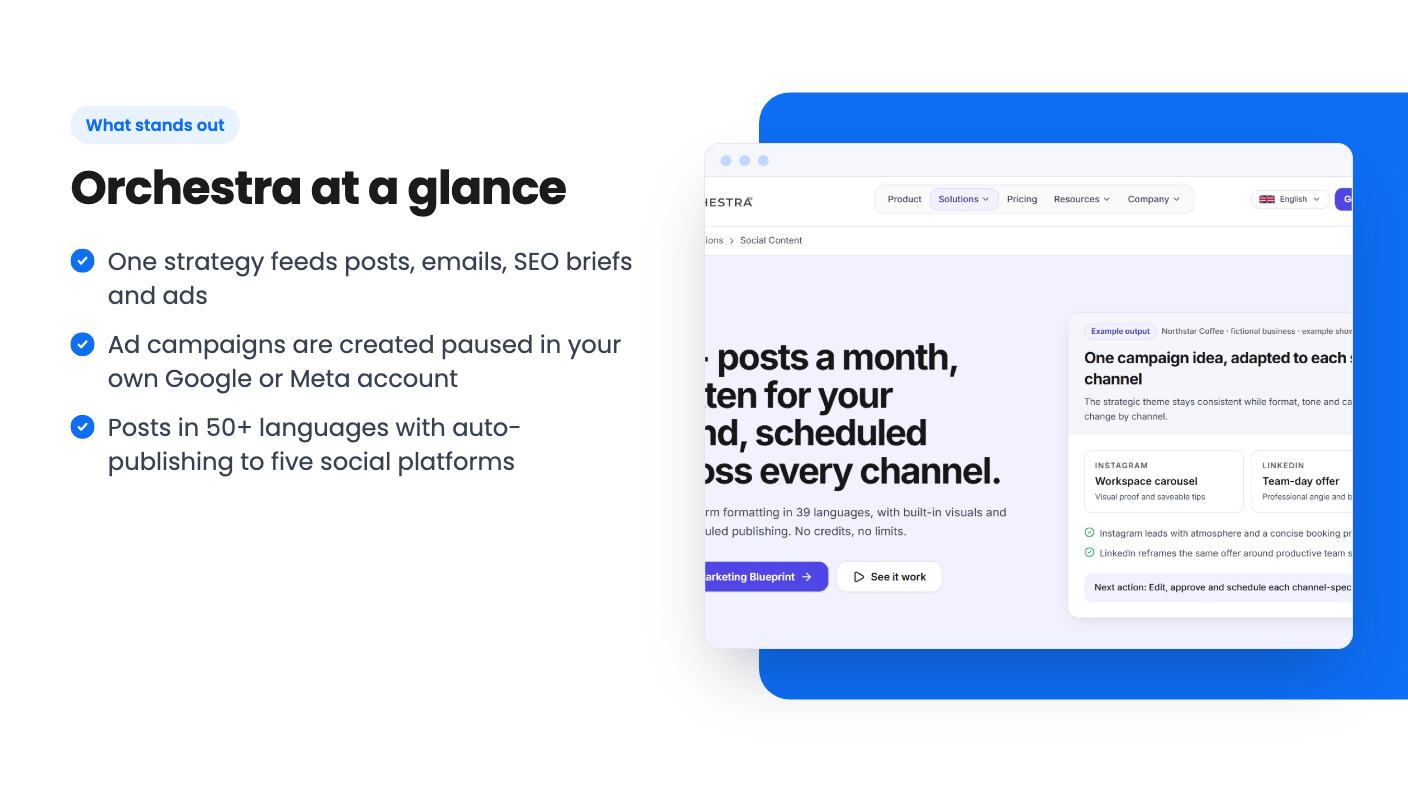
Ads are the most serious piece. You connect Google Ads and Meta through OAuth, then enter an objective, daily budget, landing page URL and locations. Orchestra drafts the campaign structure and copy, plus keywords for Google. Per the FAQ, it creates the campaign paused in your own ad account, so nothing spends until you review and enable it. That’s a sensible safeguard.
A dashboard tracks spend, conversions and ROAS across Google and Meta. The tool also recommends budget shifts toward whichever platform converts better, and you approve each one. The listing mentions drafting ChatGPT campaigns too, with no detail on what that involves in practice.
Ad plans are limited to one or two across Meta, Google and ChatGPT, depending on tier. Two plans is thin if you run several offers. And the ad budget itself is on you. AI-drafted ads still need a human eye before they go live.
There are five lifetime tiers: $79 (list $249), $149 ($509), $269 ($799), $399 ($1,249) and $649 ($1,999). The deal ends December 3, 2026. All tiers include future plan updates, and the license is for brand-new Orchestra Ads users only. You have 60 days to activate, and you can only downgrade within 60 days of purchase.
The plan table is confusing. Managed AI credits run 4,000, 2,000, 1,000, 400 and 150 across the columns, which suggests the columns go from the biggest tier to the smallest. But brands per workspace read 10, 6, 1, 3 and 2, which isn’t a clean ladder, and the listing doesn’t label which column belongs to which tier. Check the numbers on the deal page for the exact tier before you pay.
Two more things to know. Managed AI credits are per license, and the listing never says what one credit buys. And access to future AI models may be discounted or may need an add-on. That’s the usual lifetime deal risk with AI tools: the running costs don’t stop, so the caps and add-ons are where the company recovers them.
Skip Orchestra if you need a proper email platform, deep SEO research, or you manage many client brands. The low caps and the four-campaign email limit will pinch quickly.
Skip it too if you want proof before paying. AppSumo shows four reviews averaging 4.75, which is too few to say much, and we had no demo video to go on. The listing text is marketing copy, and nothing we’ve read shows how good the generated strategy or posts actually are.
It makes sense for a solo owner or very small team with no marketing system who wants one place to plan, write and schedule across a few channels. If that’s you, pick the lowest tier that covers your brand count, activate inside the 60 days, and run your own site through the blueprint first. If the output reads like generic filler, you’ll know early.
According to the listing's FAQ, no. It creates campaigns paused in your own Google Ads or Meta account, and nothing runs until you review and enable it. Budget shifts it recommends also need your approval.
Yes. Depending on tier, the listing shows 20 to 50 post generations, 40 to 100 scheduled posts, 10 to 30 AI images, and 1 to 3 SEO briefs and audits per month. Every tier gets 4 email campaigns per workspace.
No. The deal is only for brand-new Orchestra Ads users with no previous accounts, trials or paid plans. You must activate within 60 days, and downgrades are only allowed within 60 days of purchase.
How this review was made: researched from Orchestra's official listing, and written with help from AI. We have not tested Orchestra hands-on yet. Prices and deal terms change, so check AppSumo before you buy. See our affiliate disclosure.
Fourteen AppSumo lifetime deals end before Black Friday on November 27, 2026. Here are the seven worth a look now, and who should skip them.
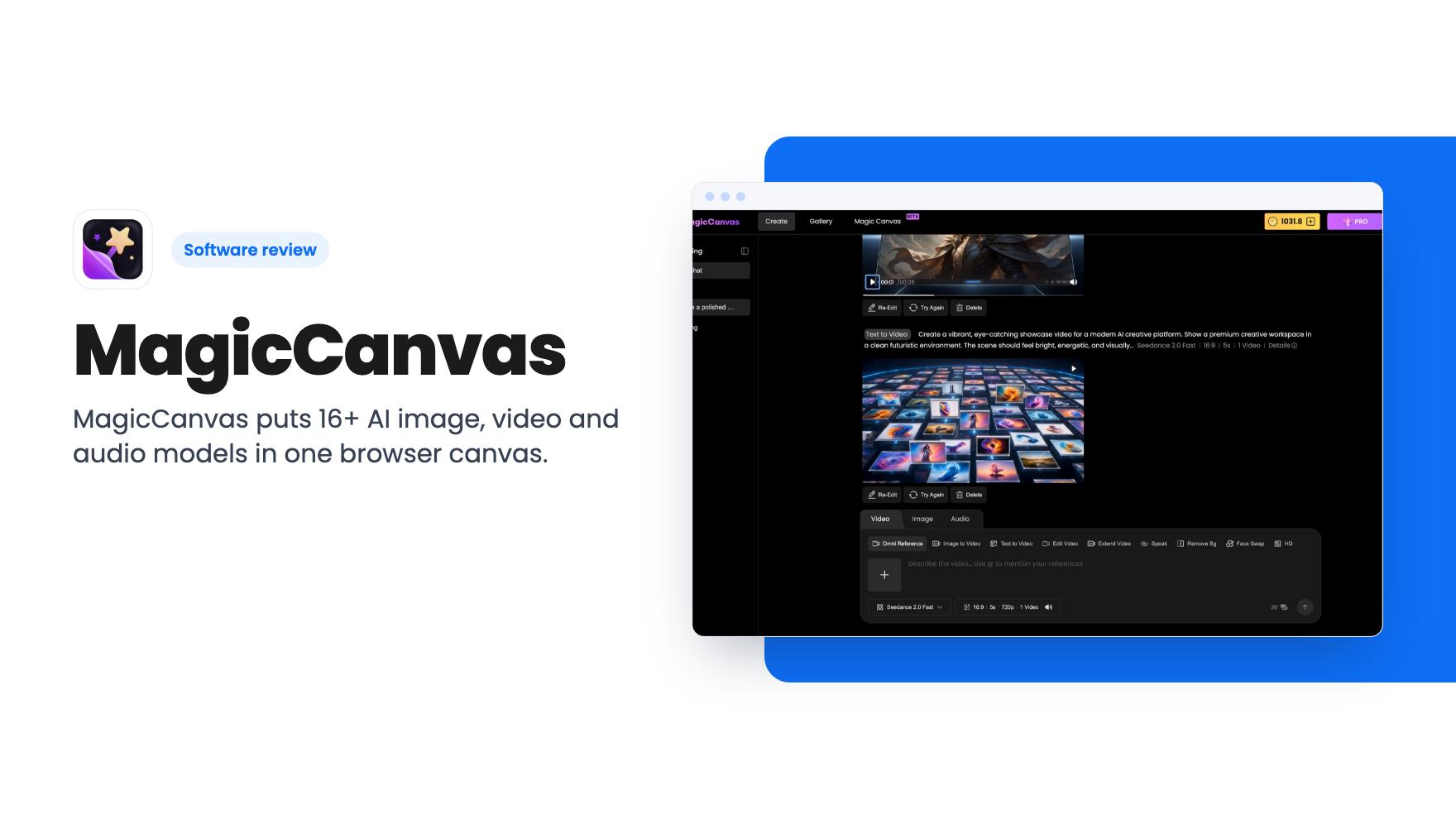
MagicCanvas puts 16+ AI image, video and audio models in one browser canvas. The $59 lifetime deal looks cheap, but the monthly credit caps matter most.
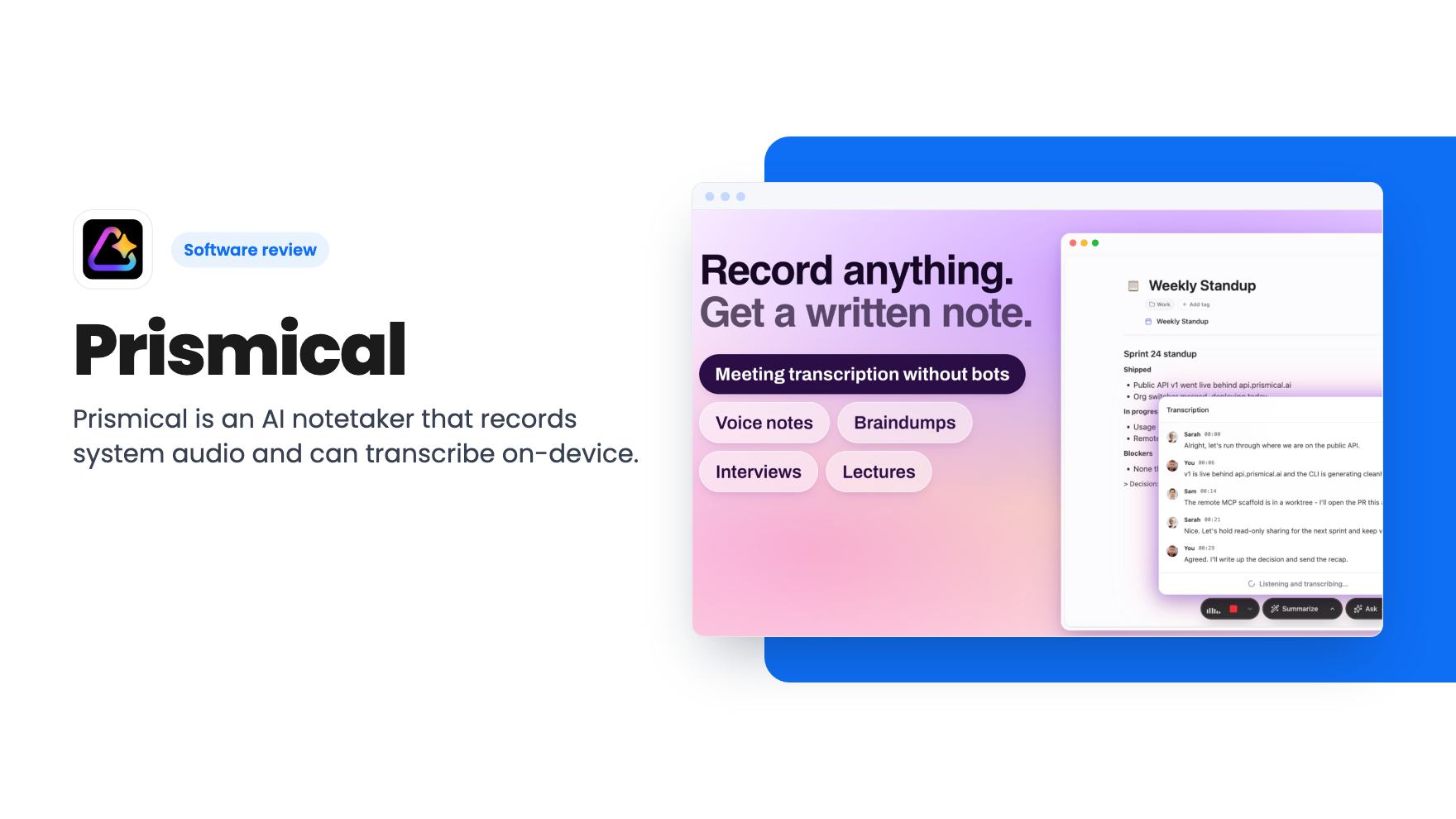
Prismical is an AI notetaker that records system audio and can transcribe on-device. The AppSumo lifetime deal runs $59 to $749, and the tier limits matter.