The failures that hurt are the quiet ones. A nightly backup stops running. A TLS certificate lapses over a weekend. A domain renewal email lands in an inbox nobody checks. Your main site might be fine the whole time, and you still end up explaining an outage to a customer.
Moonitor is an uptime monitoring tool aimed at exactly that gap. It’s currently on AppSumo as a lifetime deal, and the pitch is simple: one dashboard for everything that can break, at a price that undercuts the monthly bills from tools like UptimeRobot, Statuspage and PagerDuty. We haven’t used it ourselves, so what follows is based on the listing, and I’ll flag where the listing goes quiet.
What Moonitor actually watches
The headline is eight monitor types. According to the listing, those are Website/API (HTTP), Keyword, Ping, Port (TCP), Cron/Heartbeat, DNS, SSL certificate expiry, and domain registration expiry.
The interesting ones aren’t the basics. Keyword checks tell you when text appears or disappears on a page, which catches the case where a server returns a 200 but the page is showing an error. Heartbeat monitoring covers background jobs: your cron task or worker hits a unique URL on each run, and if the ping doesn’t arrive on schedule, you get alerted. That’s the right way to watch backups and billing runs.
Expiry checks for SSL and domains are the cheap insurance. Nobody enjoys an outage caused by a forgotten renewal.
The dashboard and the day-to-day workflow
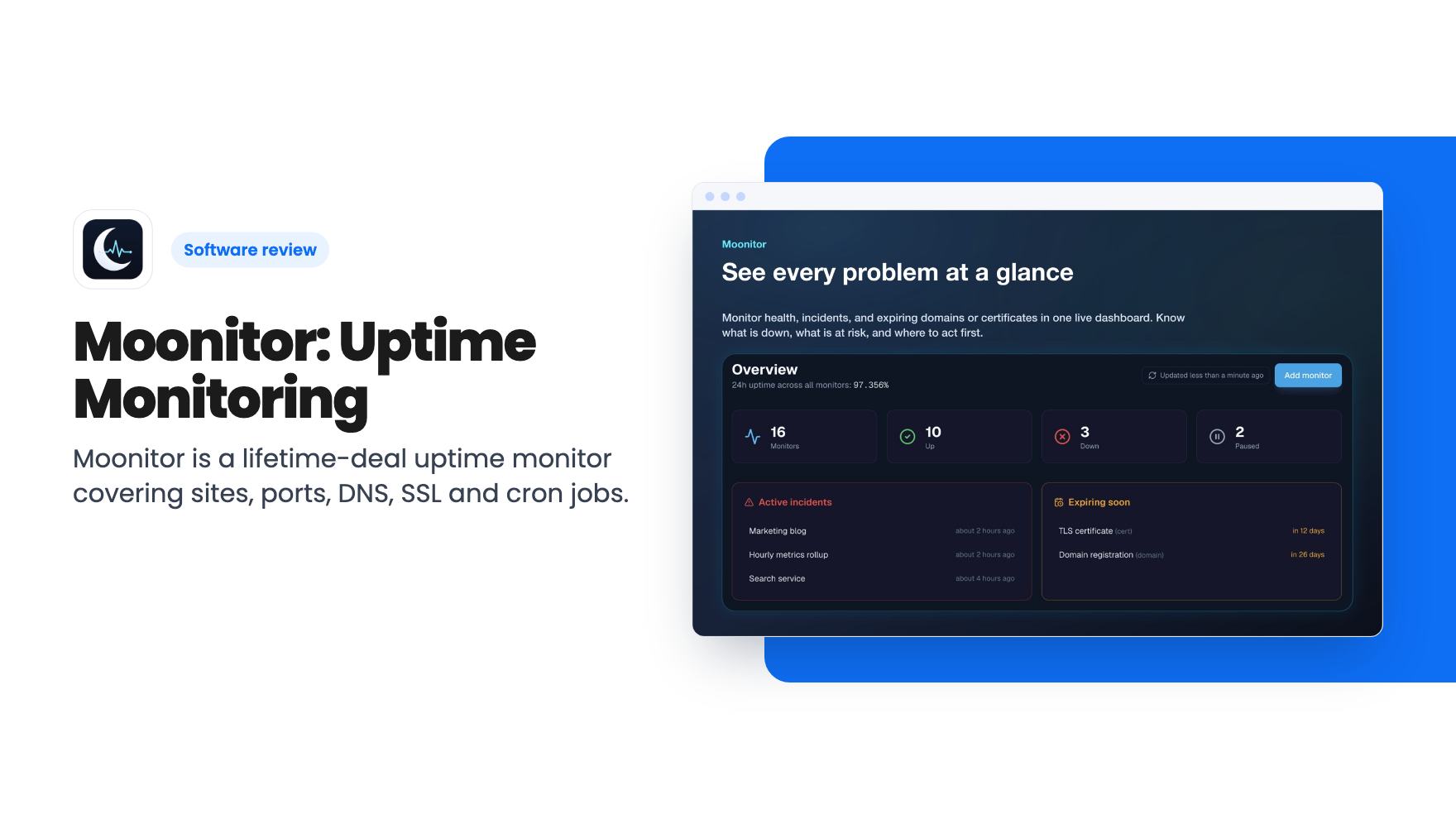
There’s one live dashboard that rolls up monitor health, active incidents, paused checks, and expiring certificates or domains. Active incidents sort to the top, and the listing says 24-hour uptime is shown across everything.
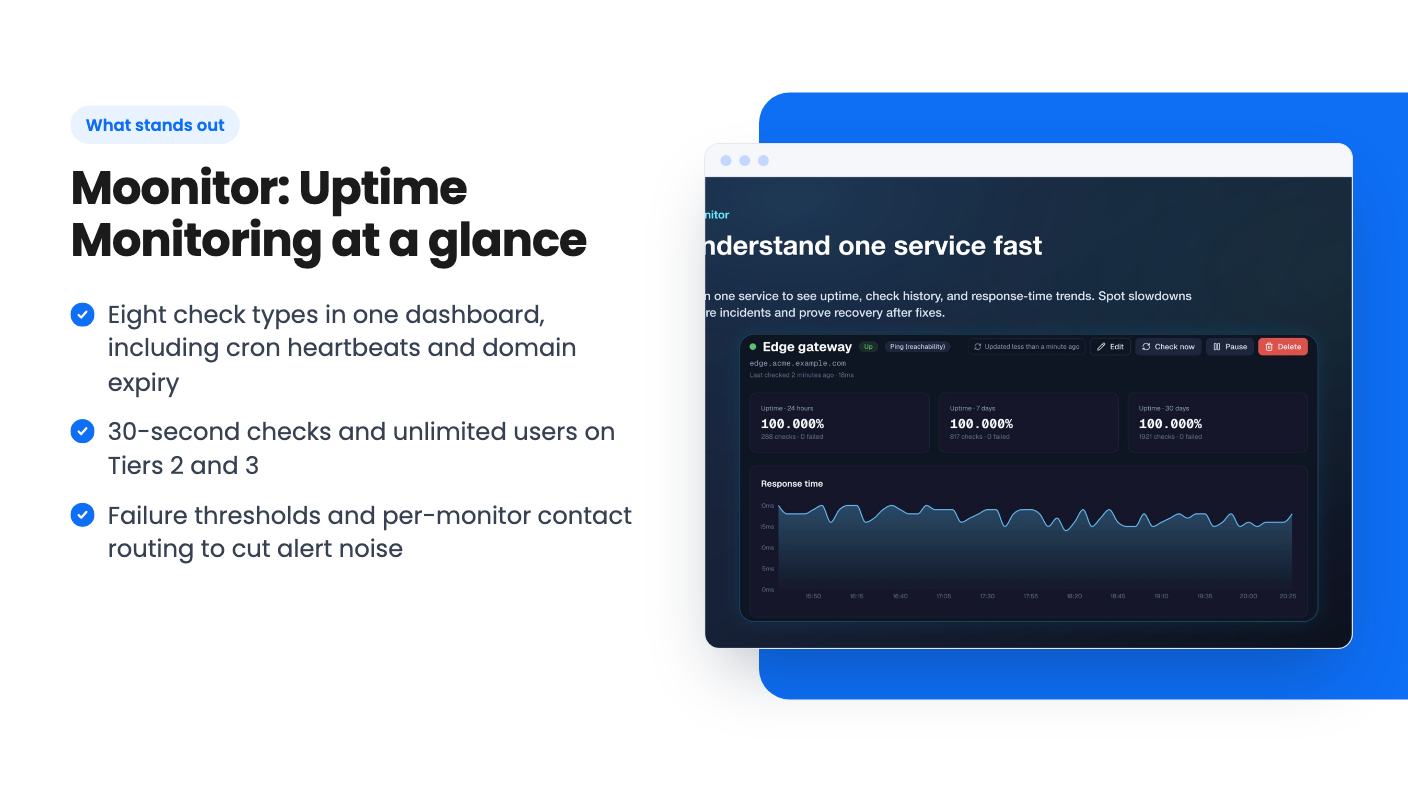
Per monitor, you get 24-hour, 7-day and 30-day uptime plus response-time history. A “check now” button lets you confirm a fix right after a deploy, rollback or DNS change, instead of waiting for the next scheduled run. Pause and resume controls keep planned maintenance from firing alerts, and bulk actions let you assign contacts, pause, resume or clean up many monitors at once.
Incident history stays attached to each service, so you can see what failed and how long recovery took. The listing doesn’t say how long that history is kept, and neither does it say how long response-time data is retained.
Alerts, and whether they’ll wake you for nothing
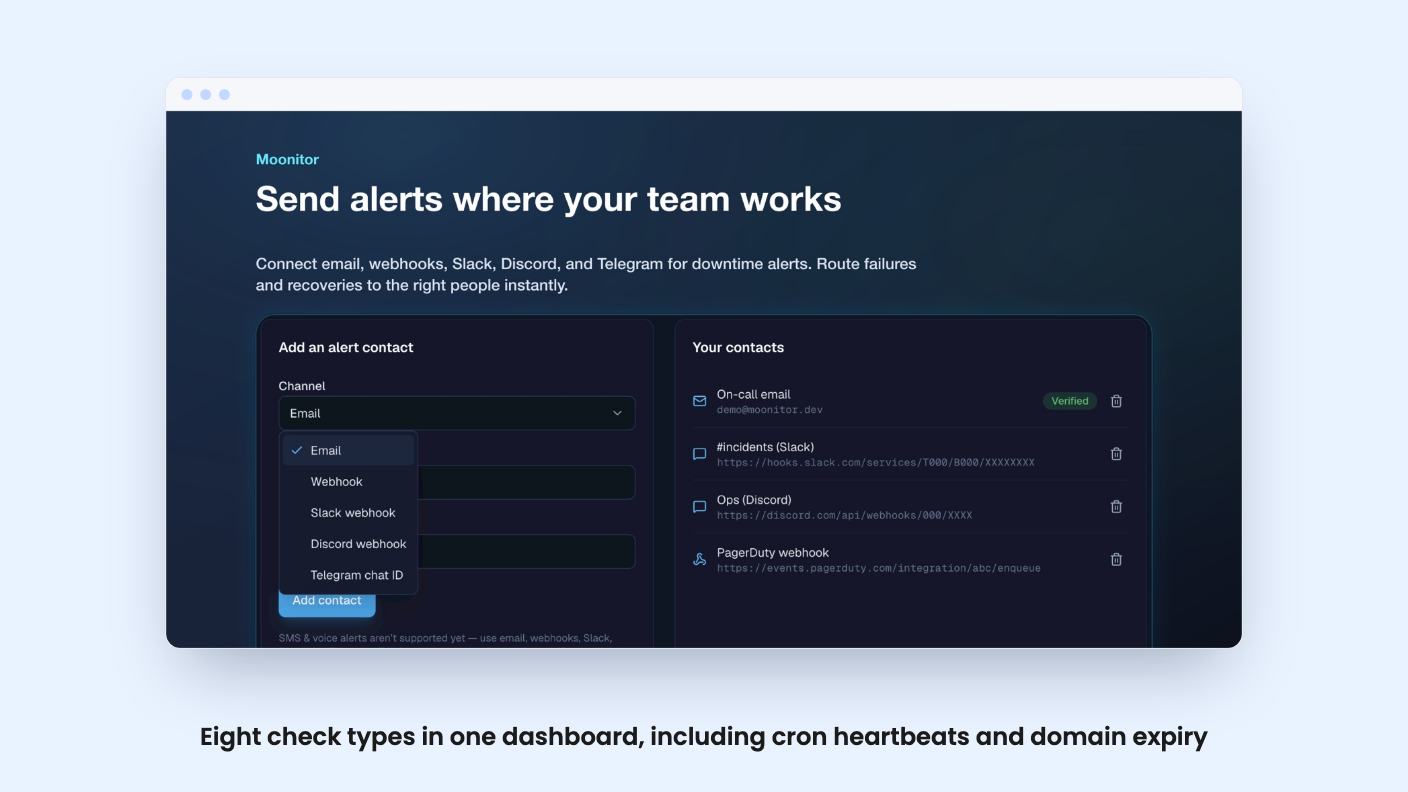
Alerts go out by email, webhooks, Slack, Discord and Telegram, with a second message when the service recovers. Twilio appears in the integrations list, but the listing’s feature copy never mentions SMS or phone calls. If you need a text at 3am, ask the developer before you pay.
The noise controls are the part I’d care about most. You can set failure thresholds, such as only notifying after three consecutive failed checks, so one dropped request doesn’t page anyone. You can also route each monitor to different contacts, so the noisy cron job doesn’t land on the same people as your checkout page. Email contacts are verified before they receive alerts.
What’s missing from the description is any on-call scheduling or escalation. That’s the line between this and a real PagerDuty replacement. Moonitor looks like a monitoring and notification tool, not an incident management system.
The deal, tier by tier
There are three tiers, and they differ a lot. Here’s what the listing says:
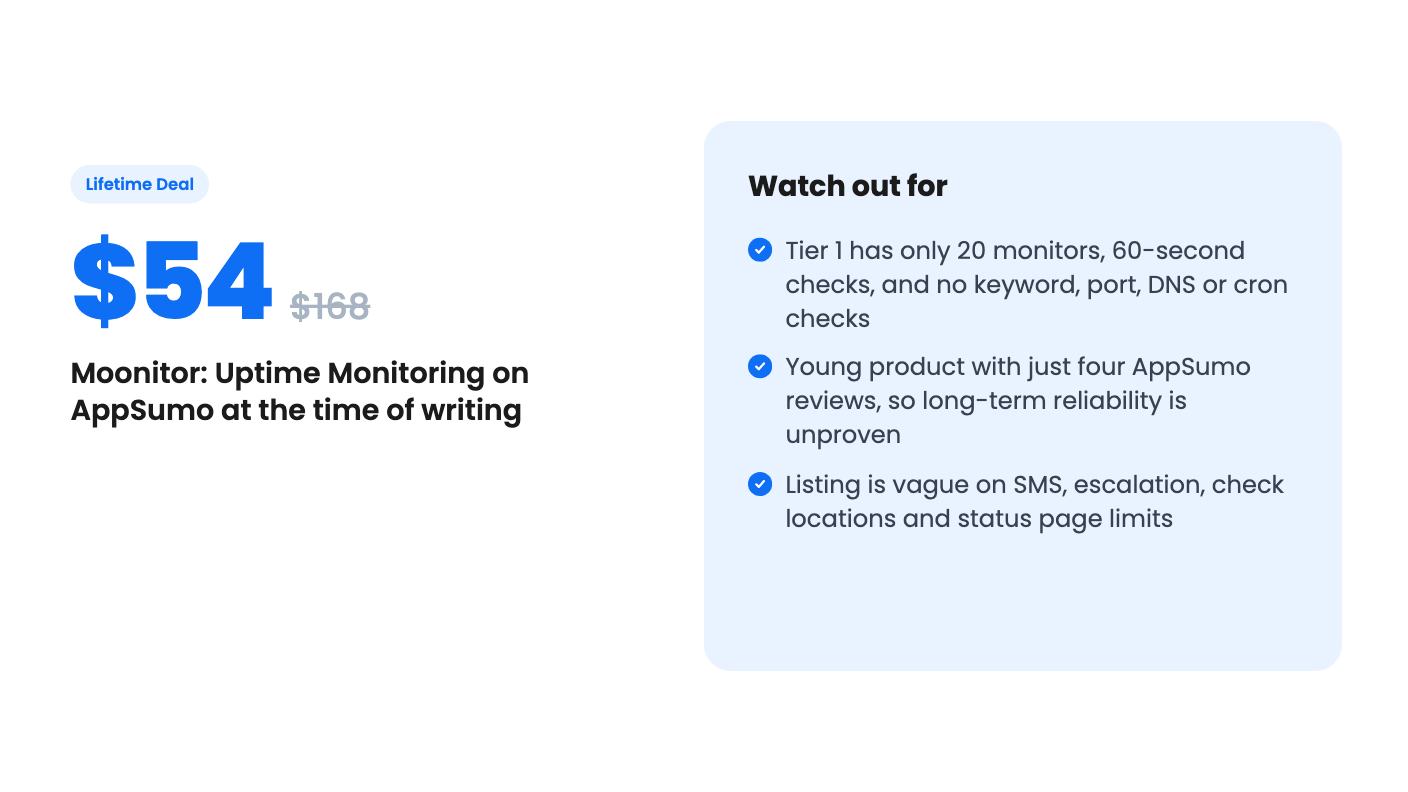
- Tier 1, $54 (list $168): 20 monitors, 1 user, 60-second checks, and only Website/API, Ping and SSL monitors.
- Tier 2, $114 (list $312): 100 monitors, unlimited users, 30-second checks, all eight monitor types.
- Tier 3, $199 (list $587.97): Unlimited monitors, unlimited users, 30-second checks, all eight monitor types.
Tier 1 is where I’d pause. Twenty monitors disappears quickly if you watch a few client sites with several checks each, and without keyword, port, DNS and cron checks you lose most of what makes Moonitor different from a free uptime pinger. At $54 it’s a basic tool. The all-in-one pitch really starts at $114.
The jump from Tier 2 to Tier 3 is $85 for lifting the cap from 100 to unlimited. Unless you’re an agency with hundreds of endpoints, 100 monitors is plenty for most small teams.
The usual AppSumo terms apply. You have to activate your license within 60 days of purchase, all future plan updates are included, and you can move up or down between the three tiers. The “list prices” are AppSumo’s own comparison figures, so don’t read much into the discount percentage.
What’s unclear or unproven
The AppSumo page shows four reviews averaging 5.00 out of 5. That’s a nice number, but four reviews is four reviews, and the listing’s own summary is marketing copy. It tells us the product is new more than it tells us it’s reliable.
That matters because a monitoring tool has to be more reliable than the things it watches. The listing says checks run “from our infrastructure” and doesn’t say how many locations they come from. A single check location can report false outages when its own network hiccups, and it can’t tell you a site is unreachable only from another region. Failure thresholds soften this, but they don’t fix it.
A few other gaps: no stated limit on alert volume, no detail on whether the status page has per-tier limits or custom domains, and no information on the company behind the product or its roadmap. For a lifetime purchase, that last point is the real risk.
Who should buy it, and who should skip
The best fit is a freelancer, small agency or indie SaaS founder who currently juggles a free uptime pinger, a separate cron monitor and a calendar reminder for certificate renewals. Consolidating those into one dashboard for $114 is a sensible trade, especially with unlimited users on Tier 2 so a small team can share the same incident history.
Skip it if you need guaranteed phone-call escalation, on-call rotations, or compliance-grade SLAs. Skip Tier 1 if you’ll outgrow 20 monitors, and think hard before treating any lifetime deal from a young product as your only line of defence. If you do buy, keep your current monitoring running for the first few weeks and compare alerts side by side. Moonitor has a refund window through AppSumo that’s worth using for exactly that kind of check.
How this review was made: researched from Moonitor: Uptime Monitoring's official listing, and written with help from AI. We have not tested Moonitor: Uptime Monitoring hands-on yet. Prices and deal terms change, so check AppSumo before you buy. See our affiliate disclosure.