Email MarketingReview
Million Dollar Email Templates 2.0 Review: Free Swipe File Deal
A look at AppSumo's own email template library, now listed at $0 as a lifetime deal. What you get, what's vague, and who should grab it.
LeadCop.io blocks disposable, role-based and mistyped emails on your web forms. The AppSumo deal runs $49 to $245, with monthly caps and domain limits.

Lifetime deal price
$49$36086% off
Lifetime Deal
Our take: Buy the $49 tier if you run a WordPress or Wix site, get junk signups on a lead magnet, and want a cheap front-door filter. Skip it if you need to clean an existing list, confirm that mailboxes exist, or want validation enforced on the server. The listing is thin and the product looks young.
Say you run a free checklist or a newsletter signup on your WordPress site. A few weeks in, you open the list and find a pile of throwaway addresses, a few that look like keyboard mashing, and a handful of people who typed gmial.com. None of them will ever read your emails, and some will drag down your open rates.
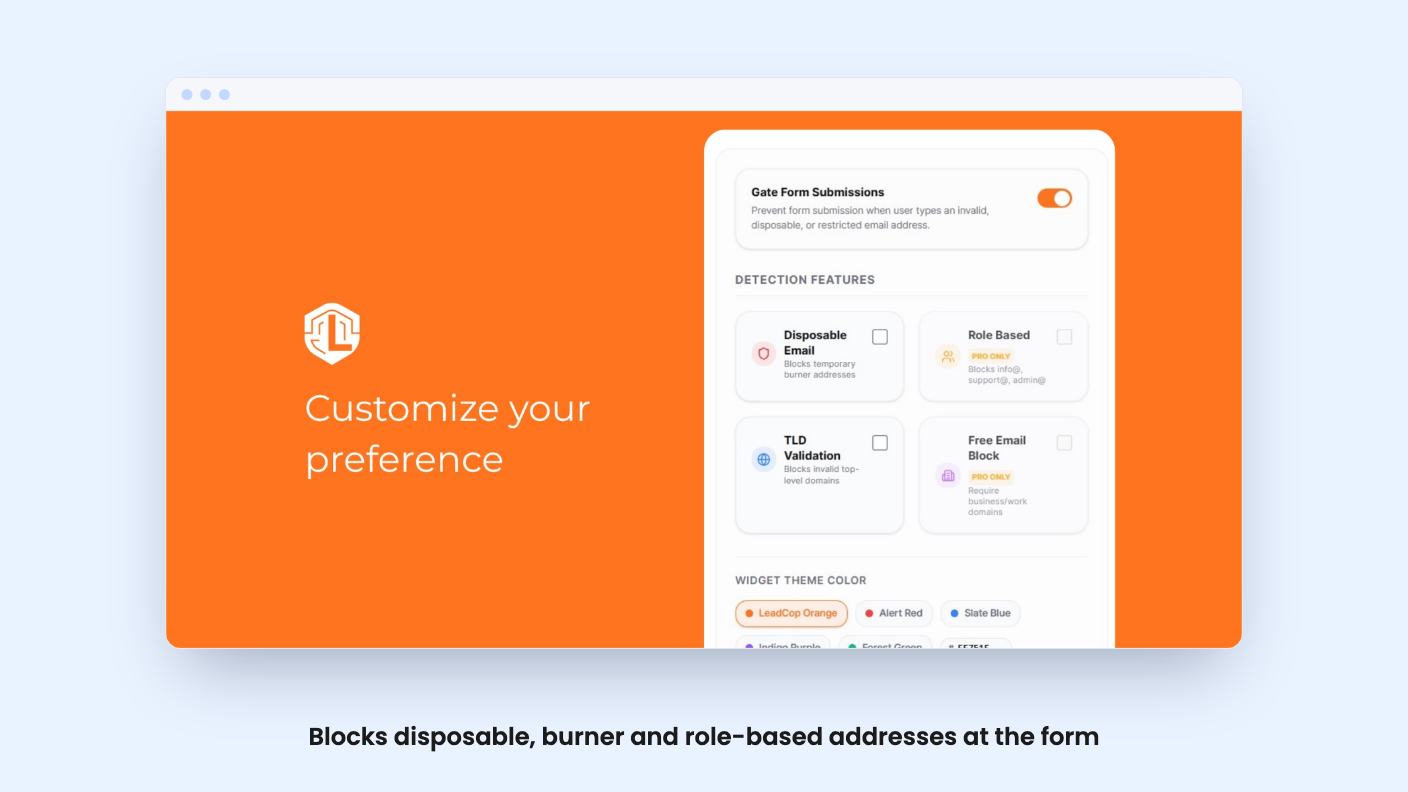
That’s the problem LeadCop.io goes after. It sits on your web form and checks the address as the visitor submits it. It’s listed on AppSumo as a lifetime deal, and it’s pitched as an alternative to ZeroBounce. We haven’t used it hands-on, so everything below comes from the listing. There’s no demo video to lean on either.
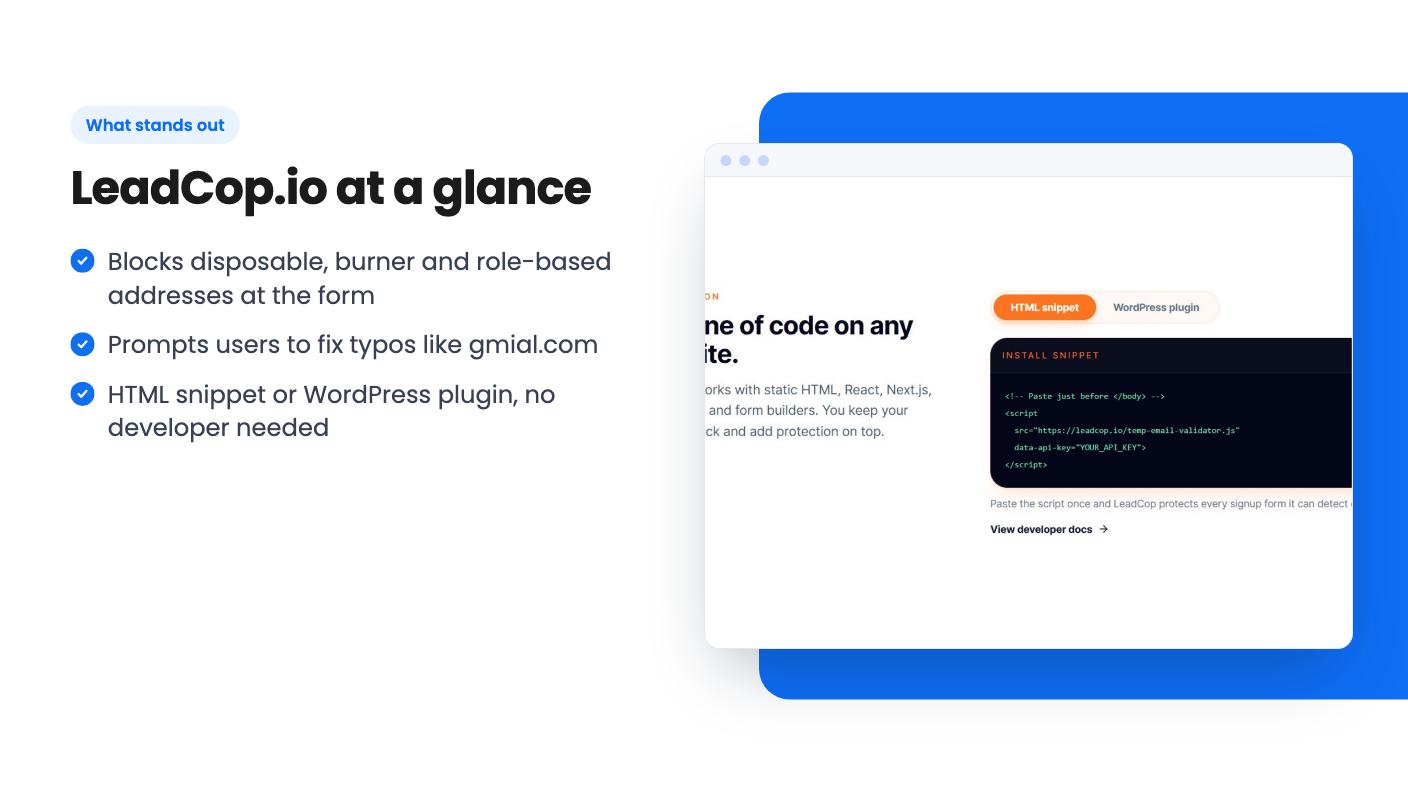
According to the listing, LeadCop looks for three things. First, disposable, burner and 10-minute email domains. Second, role-based accounts such as admin@, support@ and info@. Third, common typos, where it prompts the visitor to correct something like gmial.com to gmail.com.
It also mentions gibberish addresses and TLD validation. The listing doesn’t explain how it decides what counts as gibberish, and it doesn’t say how often the disposable-domain list is updated. That second point matters, because throwaway email services appear constantly. A blocklist that goes stale is a weak filter.
The role-based blocking is worth thinking about before you switch it on. If you sell to small businesses, a lot of real buyers sign up with info@ or hello@ because that’s the only address their company has. The listing doesn’t say whether you can allow certain role addresses or turn that check off. Ask before you buy if your audience is tiny companies.
Installation is the strong part of the pitch. You paste an HTML snippet into your site header or install the WordPress plugin. The listing claims setup takes under five minutes in one place and under two minutes in another. Either way, no developer should be required.
WordPress and Wix are the two named integrations. The listing also says it works with other site builders, but it doesn’t name them. It doesn’t mention an API or any direct connection to an email platform or CRM either. So this is a tool for forms on your own website. If your signups come through a third-party landing page builder or a payment platform, check that the snippet will run there before you commit.
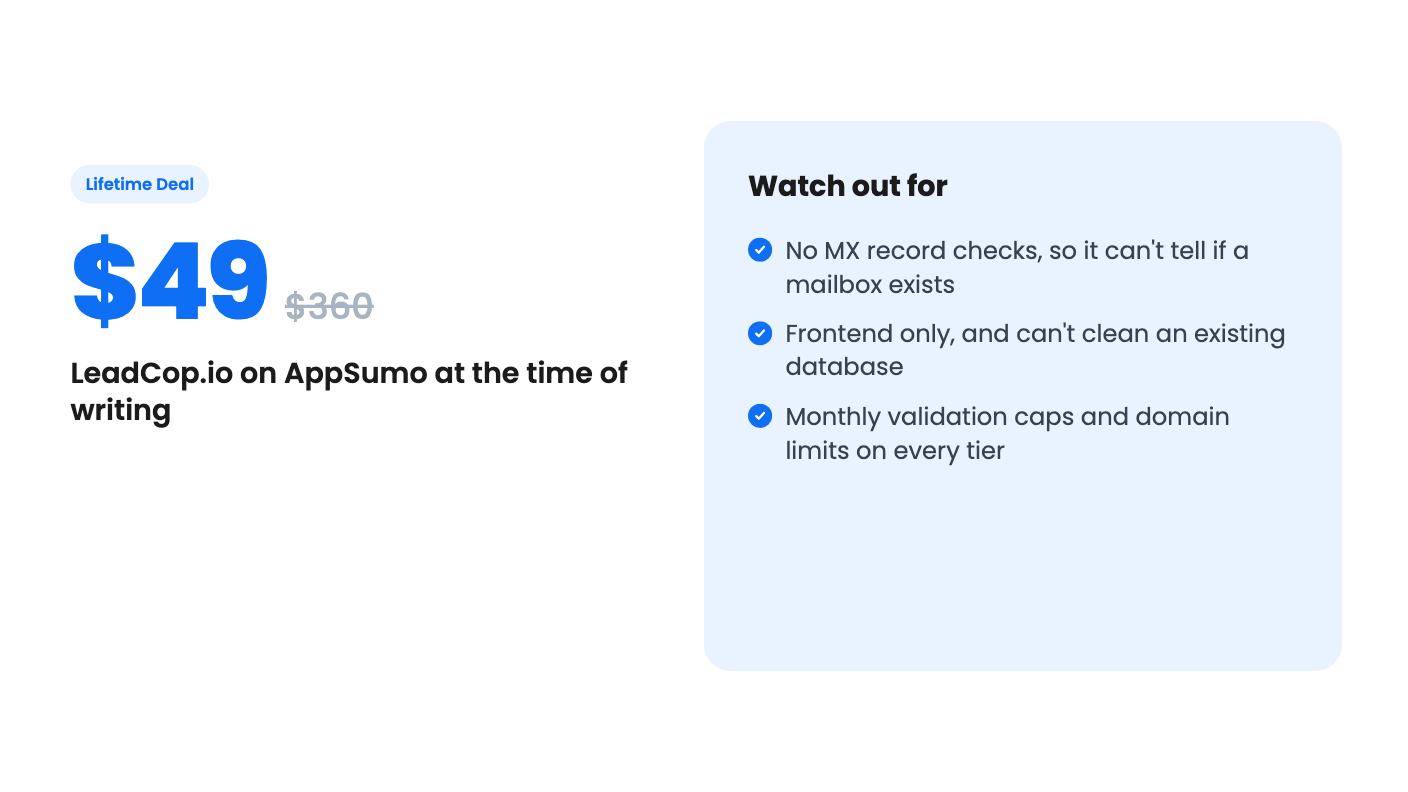
Because it’s frontend only, the check happens in the visitor’s browser. That keeps things simple, but it has a catch that the listing doesn’t address. A script running in the browser can be skipped by a bot that posts straight to your form endpoint. The listing doesn’t say whether LeadCop offers any server-side enforcement. For a blog or a small lead magnet, that’s probably fine, since most junk comes from real people using throwaway addresses. If you’re fighting automated spam, it’s a gap.
The listing says validation takes about 2 seconds. In the FAQ it says submissions are processed in milliseconds. Those aren’t the same thing, and two seconds is a noticeable pause on a signup form. We’d want to see it run on a real page before trusting either number.
The FAQ is upfront that there’s no MX record verification. The reasoning is that mail server lookups can take several seconds and cause form lag. That’s a fair design choice, and we respect the honesty. But it means LeadCop can’t tell you whether jane@somecompany.com is a real inbox. A made-up address on a normal domain will pass.
So the line in the listing about keeping your lists “100% clean” is marketing. What you get is a filter for the obvious junk. Plenty of bad addresses will still get through.
That also explains the ZeroBounce comparison. ZeroBounce is known for checking addresses deeper, including existing lists. LeadCop does a narrower job at the point of capture. The FAQ itself says that if you need to scrub an old database for hard bounces, you need an MX checker. Don’t buy this expecting it to replace one.
There are five lifetime tiers, and all of them include future plan updates. The limits are printed in a confusing way in the listing, with the numbers running from highest to lowest. Our reading is that they line up from the top tier down, which gives you this:
If the order is the other way around, the $49 tier would be the biggest, which makes no sense for the price. Double-check the numbers on the AppSumo page before you pay.
The key word is “per month.” This isn’t unlimited validation. It’s a monthly cap, and the listing doesn’t say what happens when you hit it. Does the form stop checking, let everything through, or show an error? Nobody can tell you from the listing.
The listing also says you must redeem your code within 60 days of purchase, and that you can stack up to 5 codes. It doesn’t spell out whether stacking adds up the limits or just moves you between tiers, since the tiers are already priced that way. Those list prices of $360 to $7,200 are also best ignored. Judge the deal on what you’d pay for the same job elsewhere.
For most small sites, the first tier is the only one that makes sense. Ten thousand validations a month is generous for a blog with a lead magnet, and a single domain is fine if you have one site. Agencies with client sites are the obvious audience for the upper tiers, but we’d want proof the product is solid before putting client forms behind it.
Skip it if your main problem is an existing list full of dead addresses. LeadCop won’t clean that, by its own admission.
Skip it if you need proof that a mailbox exists, if you want server-side enforcement against bots, or if you collect signups on platforms where you can’t add a snippet.
Be cautious too because the listing is short, the feature list is small, and there’s no video. That usually means a young product. A lifetime deal on a young product means you’re betting that the developer stays around and keeps the disposable-domain list current. At $49 that’s a small bet. At $245 it’s a bigger one.
If you run a WordPress or Wix site, get a steady trickle of throwaway signups, and want something you can install in an afternoon, the entry tier is a reasonable, low-risk experiment. Just treat it as a bouncer at the door, not a background check.
No. The listing says it does not do MX record verification, by design. It detects disposable domains, role-based accounts, typos and invalid TLDs, but it can't confirm that a real mailbox sits behind an address.
Not really. The listing says that if you need to scrub an old database for hard bounces, you need an MX checker. LeadCop is built to stop bad signups at the form.
Five tiers from $49 to $245. Going by the limits as printed, they range from 10,000 validations per month and 1 domain up to 250,000 validations per month and 100 domains. Codes must be redeemed within 60 days, and you can stack up to 5.
How this review was made: researched from LeadCop.io's official listing, and written with help from AI. We have not tested LeadCop.io hands-on yet. Prices and deal terms change, so check AppSumo before you buy. See our affiliate disclosure.
A look at AppSumo's own email template library, now listed at $0 as a lifetime deal. What you get, what's vague, and who should grab it.
Five AppSumo lifetime deals named as Mailchimp alternatives, grouped by what you send, with the caps and catches in each listing.
Ten email marketing lifetime deals from $29 to $79, grouped by job: sending, list cleaning, and the odd extras. Caps, catches and who should skip each one.