AI Writing & VideoTop deals
AppSumo Deals Ending Before Black Friday 2026: Buy or Wait?
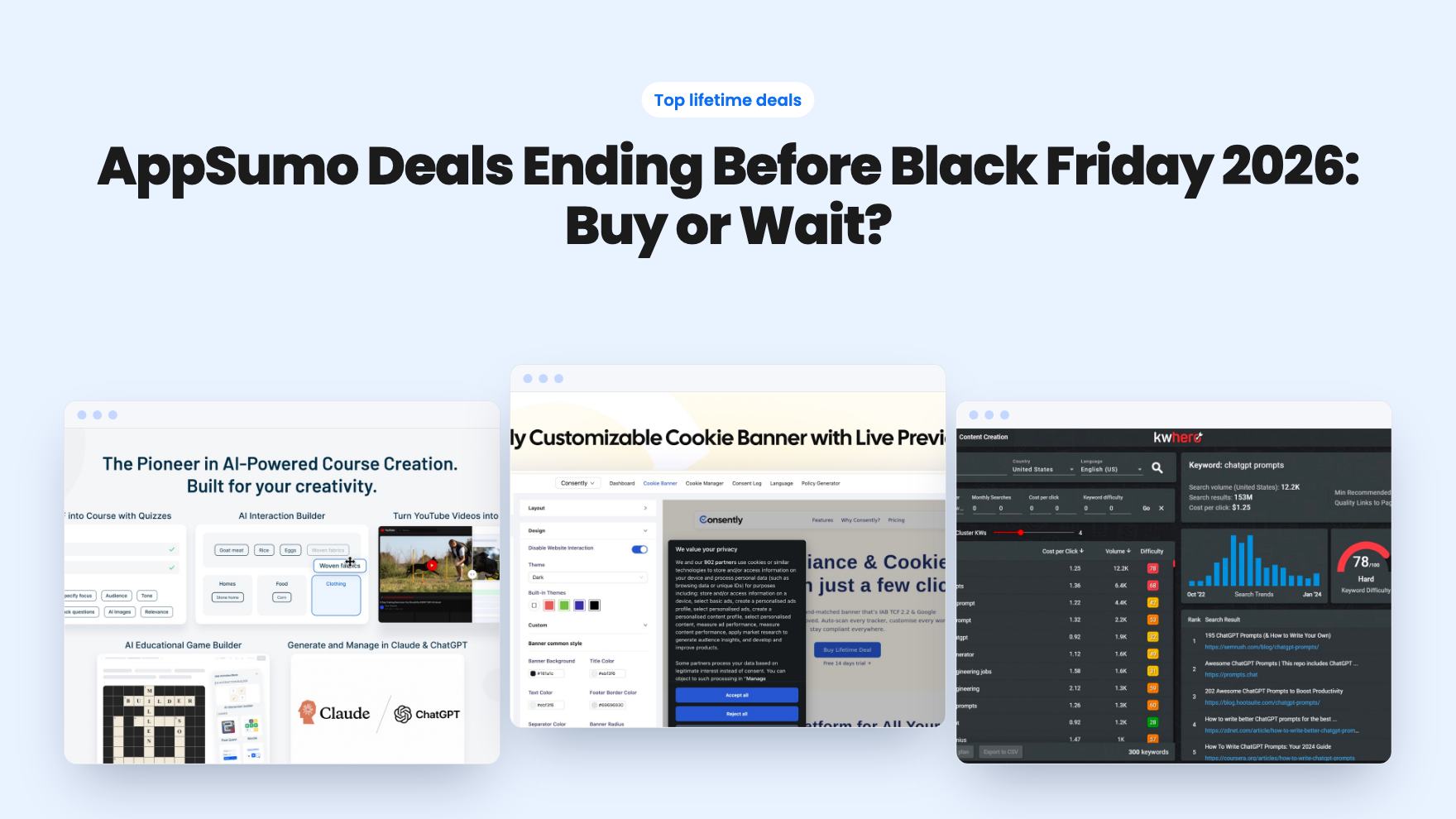
Fourteen AppSumo lifetime deals end before Black Friday on November 27, 2026. Here are the seven worth a look now, and who should skip them.
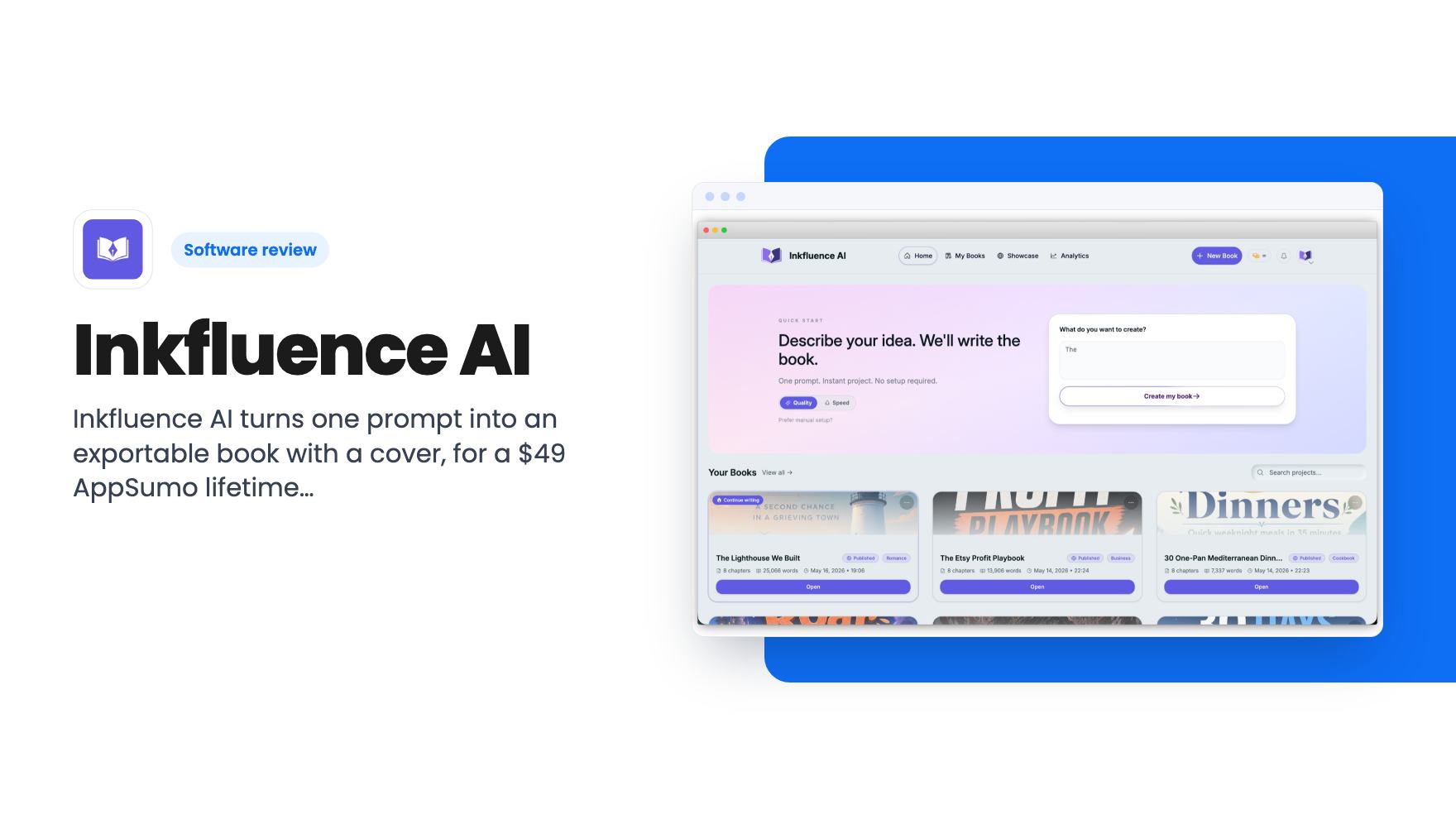
Inkfluence AI turns one prompt into an exportable book with a cover, for a $49 AppSumo lifetime deal. The tier table is unclear, so read it before you buy.
Lifetime deal price
$49$8945% off
Lifetime Deal · ends Dec 1, 2026
Our take: Buy the $49 tier if you want to turn out lead magnets, workbooks or low-content books quickly and you're fine editing AI drafts by hand. Skip it if you need tight control over prose, a long track record, or a clear answer on which tier gets which limits.
Say you’ve promised your email list a free guide, or a client wants a 30-page workbook by Friday, or you’ve had a cookbook idea sitting in a notes app for two years. The hard part usually isn’t the idea. It’s the outline, the formatting, the cover, and getting a file that Amazon or Gumroad will accept.
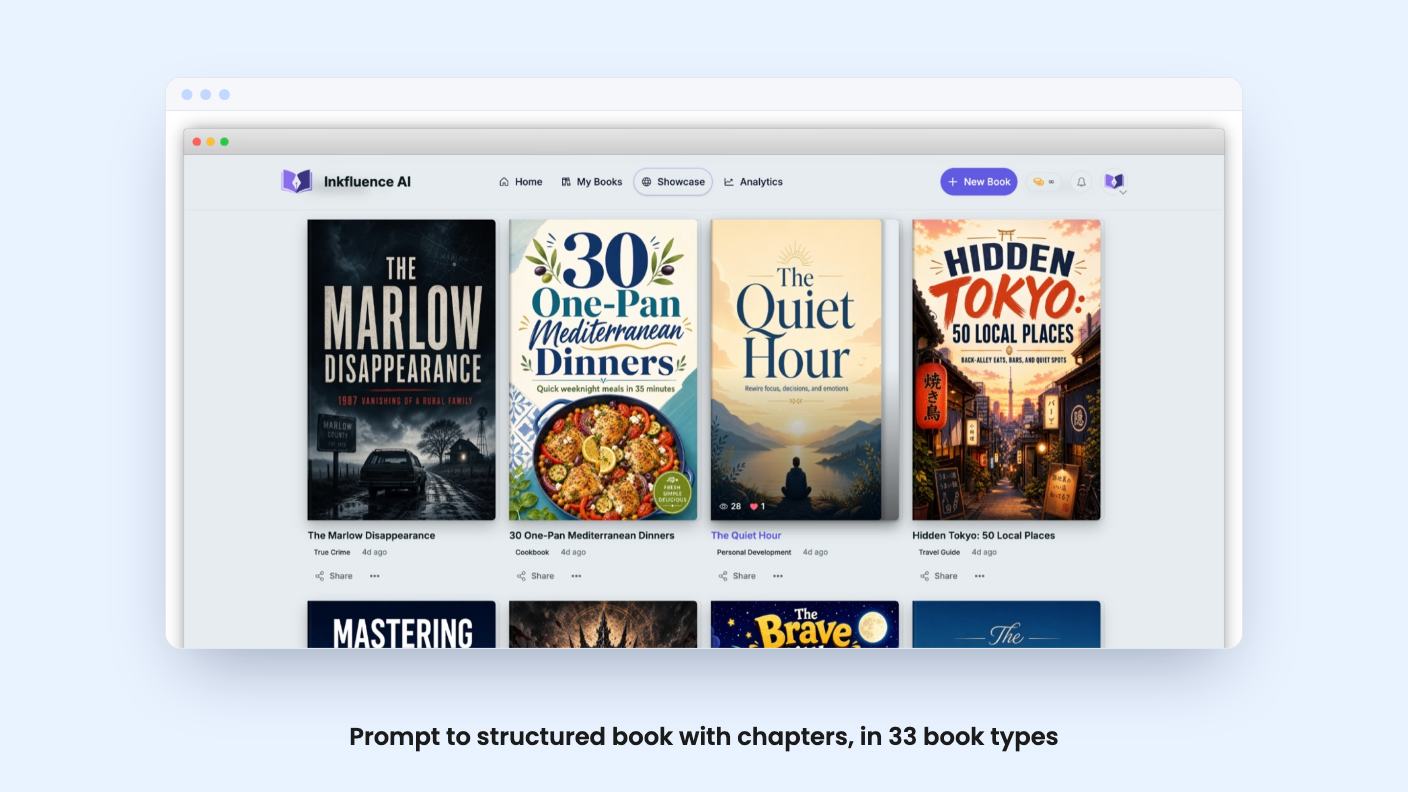
Inkfluence AI is built for exactly that chain of chores. You describe a book, it drafts the structure and the content, you add a cover, and you export a file. It’s on AppSumo as a lifetime deal starting at $49, down from a $89 list price, and the deal runs until November 30, 2026.
We haven’t used it ourselves, and there’s no demo video for this one. Everything below comes from the listing and AppSumo’s summary of buyer reviews, so treat it as a reading of the sales page, not a field report.
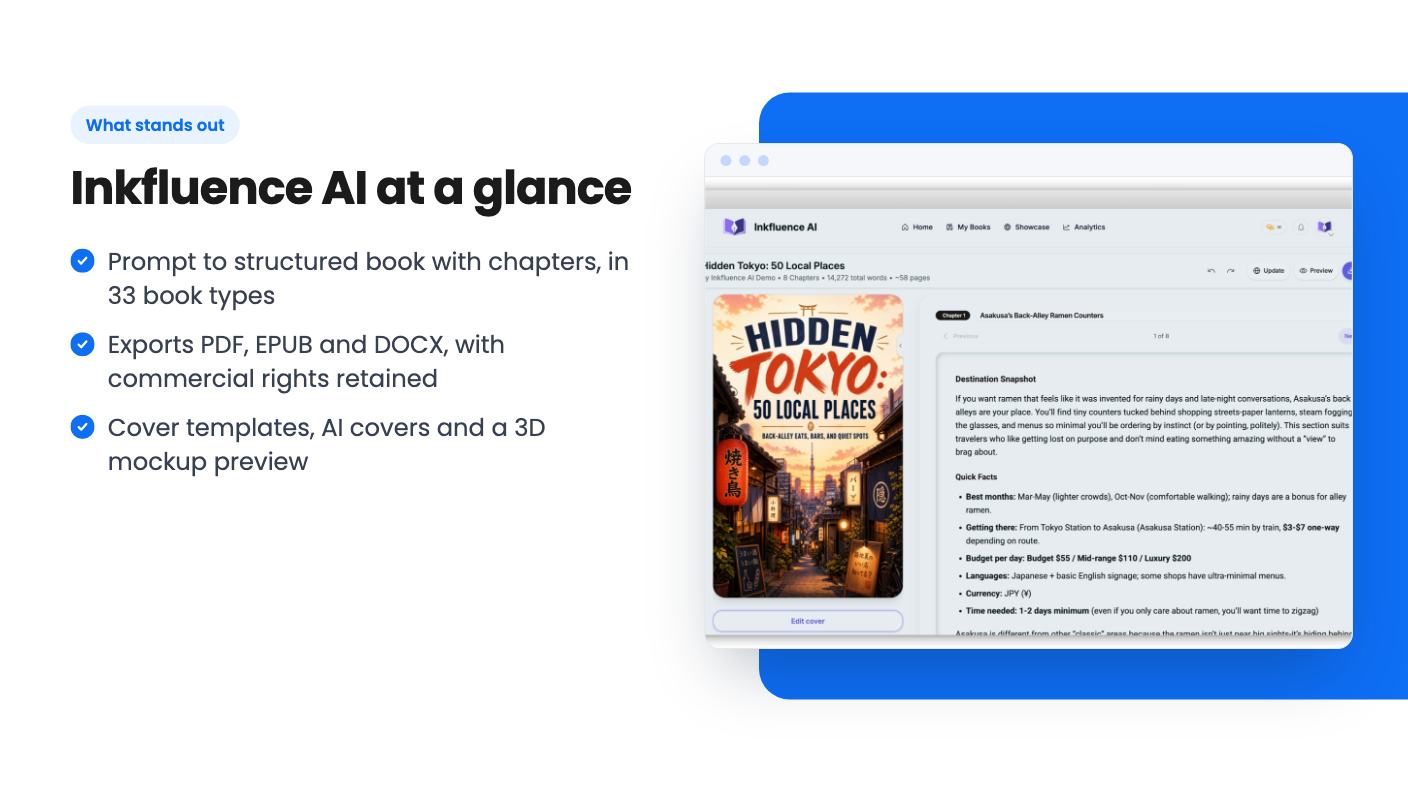
The core promise is a full book from a single prompt. According to the listing, you describe your idea and the tool produces chapters, sections and drafted content. You can pick from 33 book types, including fiction, cookbooks, guides, lead magnets and workbooks. The FAQ also mentions support for more than 30 languages.
After the draft, there’s a rich text editor for each chapter with autosave. That matters more than it sounds. A one-prompt draft is a starting point, and you’ll spend your real time in the editor fixing facts, tone and the odd paragraph that says nothing.
AppSumo’s own review summary admits “limited prompt control” as a drawback. That fits what we’d expect from this kind of tool. You steer with a description up front, then repair afterward. If you want to shape every paragraph as it’s written, this is not that kind of product, and Scrivener (which the listing names as an alternative) is a different animal entirely.
The cover tools are a bigger part of the pitch than I expected. You can browse templates and change fonts, colors and layout. You can also generate a cover with AI or upload your own artwork and apply it across the project in one click.
There’s a 3D mockup preview too, so you can see roughly what a buyer will see on a product page. For lead magnets and Gumroad products, that’s useful. For a novel going to KDP, you’ll probably still want to check the cover against Amazon’s specs yourself, because the listing doesn’t mention trim sizes or print-ready cover templates.
It lists Canva as an alternative. I’d read that generously. This looks like a book-focused cover tool, not a general design suite, so don’t expect to make social graphics or slide decks in it.
Export is simple: PDF, EPUB and DOCX. The listing says formatting stays intact and the files are ready for Amazon KDP, Gumroad or client delivery. DOCX is the one I’d care about most, since it lets you hand a draft to an editor or move it into another tool.
The listing also says you keep full commercial rights and can sell books anywhere. That’s a clear statement, and it’s what you need if you’re making products for clients. The one thing it doesn’t cover is the policy of the platforms you sell on. Amazon has its own rules about AI-generated content, and that’s on you to check.
There’s an iOS app for iPhone and iPad, with real-time sync to the browser version. You can also remix an existing book into a new format or edition. The listing doesn’t say how well either works, and there’s no mention of an Android app.
Here’s the part I’d slow down on. There are four lifetime tiers:
Tiers 1 and 2 map to the Creator plan, and tiers 3 and 4 map to Premium. The feature table lists four values per row, but it doesn’t label the columns. Read in order, the first column offers unlimited chapters, 60 audiobook chapters a month, 38 AI voices, three seats, 100 AI illustrations a month and translation. The last column offers 35 chapters a month, no audiobooks, no illustrations, but priority rendering, early voice access and client workspaces.
That would mean the cheapest tier has the biggest allowances and the $499 tier has the smallest, with Premium buying workflow extras like client workspaces. It could be right, or the table could be in a different order than the tiers. The listing doesn’t say, so I won’t guess.
The FAQ adds to the muddle by saying audiobook creation is “included in every plan,” while the table shows zero audiobook chapters for two columns. Ask support or read the plan page before you spend more than $49.
Other terms: you must activate your license within 60 days. You can upgrade between tiers while the deal is live, and downgrade within 60 days of purchase. There’s also a 60-day money-back guarantee, which is the main safety net here.
The audiobook studio turns any chapter into audio with AI voices. The listing says there are 38 voices, and AppSumo’s summary says that number grew after launch, which suggests active development.
But note the word “lifetime” has limits here. Audiobook chapters and AI illustrations are capped per month on the plans that include them. If you plan to produce picture books or coloring books in bulk, 50 or 100 illustrations a month will run out faster than you’d think. The listing doesn’t say what happens at the cap, or whether unused amounts roll over.
Skip it if you’re a serious fiction writer who wants control over voice and pacing. A one-prompt book is a draft, and you’ll be rewriting a lot.
Skip it if you need a long-established vendor. The product is young, based on the listing’s recent additions, and lifetime deals depend on the company sticking around. The listing also doesn’t mention any print-on-demand layout tools.
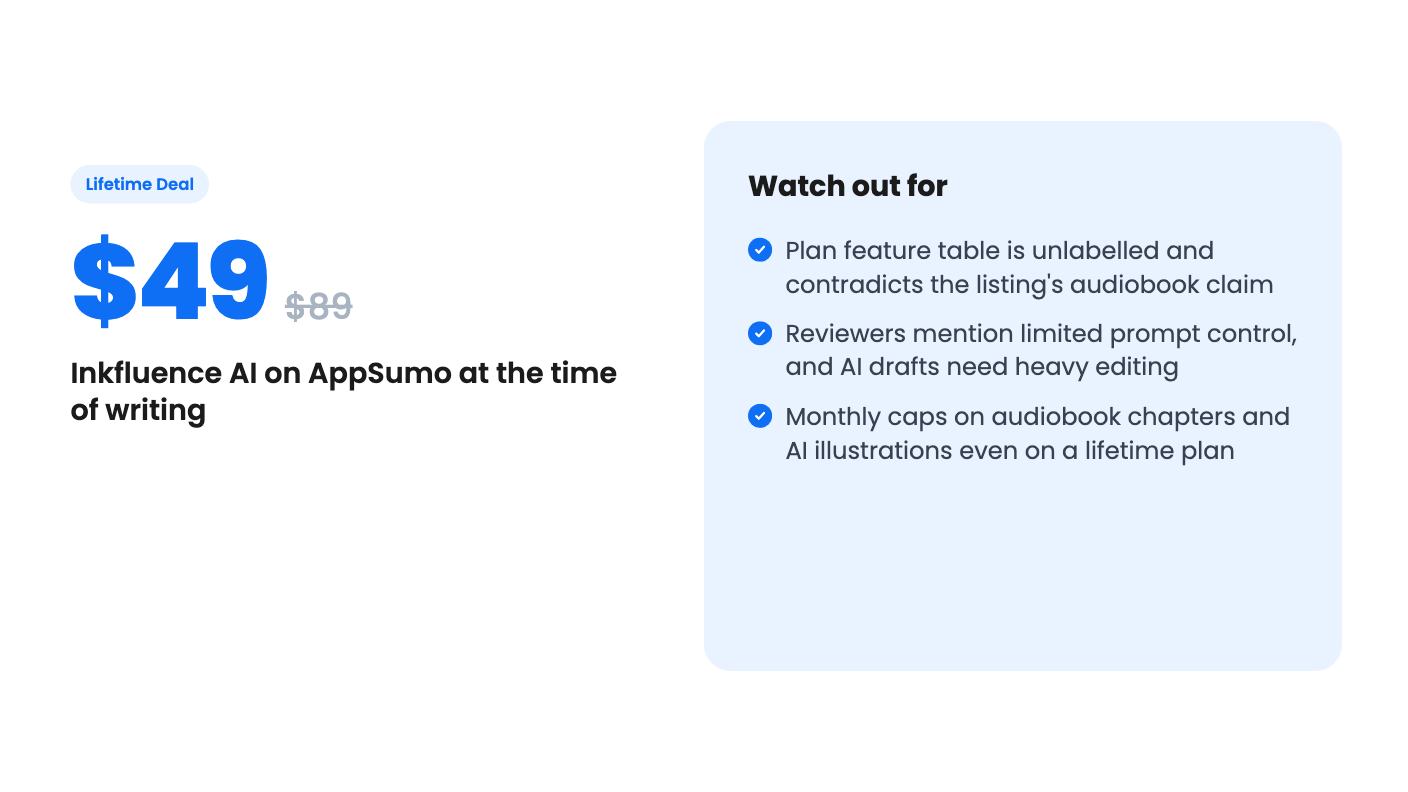
Buy it if you make lead magnets, workbooks or guides for a list or a client, and you’d rather edit than start from a blank page. At $49 with a 60-day refund window, trying it costs little. The sensible plan is to buy tier 1, run a real project through it before the window closes, and only then think about a bigger tier.
According to the listing, yes. It says you retain full commercial rights and can sell your books anywhere, including Amazon KDP and Gumroad. Check Amazon's own rules on AI-generated content before you publish there.
The listing's feature table has four columns but no labels, so we can't say for certain which column belongs to which tier. If you only want to write and export books, tier 1 at $49 is the cheap way in, and the 60-day refund window gives you time to confirm what it includes.
It exports PDF, EPUB and DOCX. The listing says these are ready for Amazon KDP, Gumroad or client delivery. It doesn't describe any direct publishing integration, and the only listed integrations are Apple App Store and Stripe.
How this review was made: researched from Inkfluence AI's official listing, and written with help from AI. We have not tested Inkfluence AI hands-on yet. Prices and deal terms change, so check AppSumo before you buy. See our affiliate disclosure.
Fourteen AppSumo lifetime deals end before Black Friday on November 27, 2026. Here are the seven worth a look now, and who should skip them.
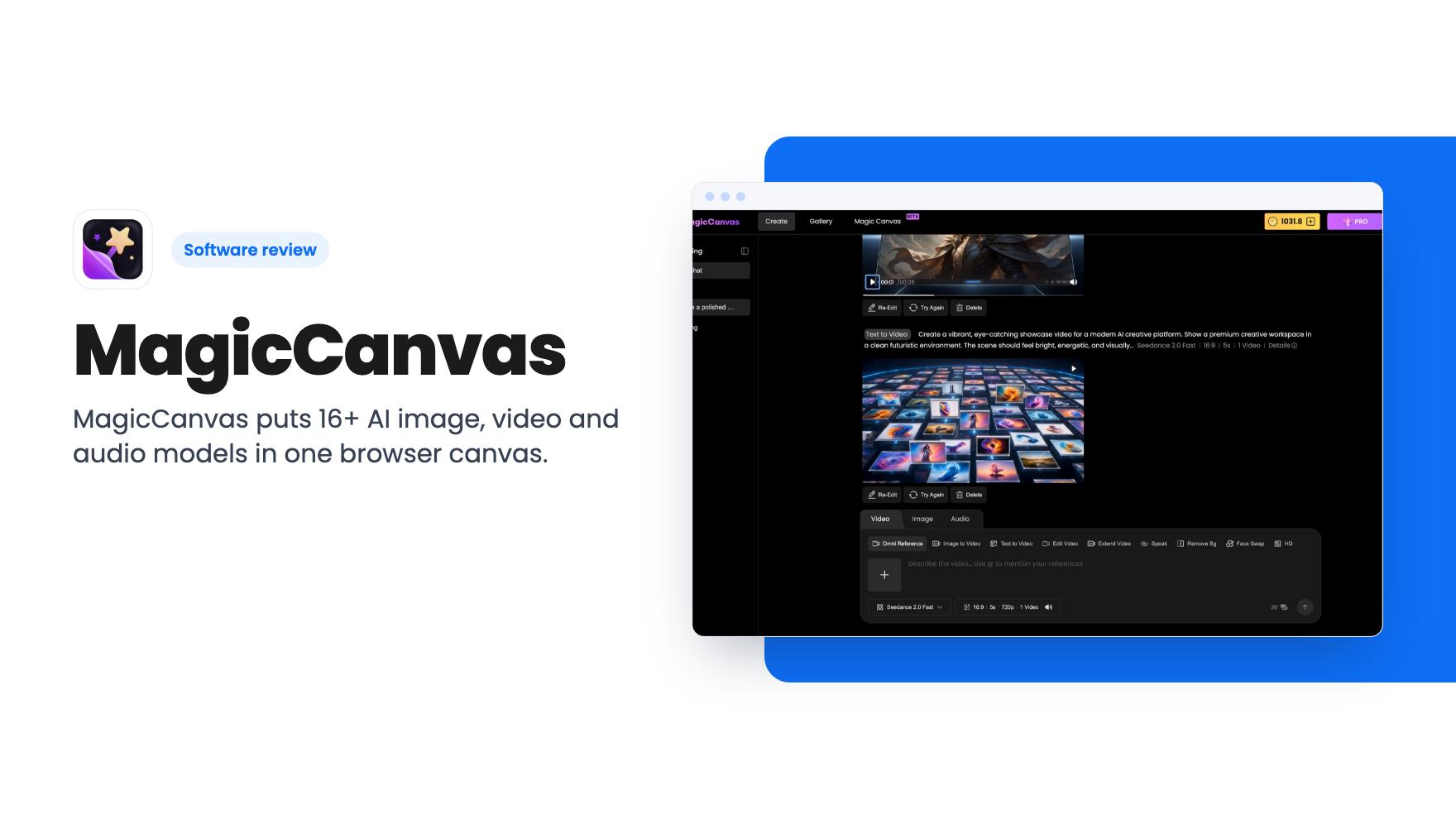
MagicCanvas puts 16+ AI image, video and audio models in one browser canvas. The $59 lifetime deal looks cheap, but the monthly credit caps matter most.
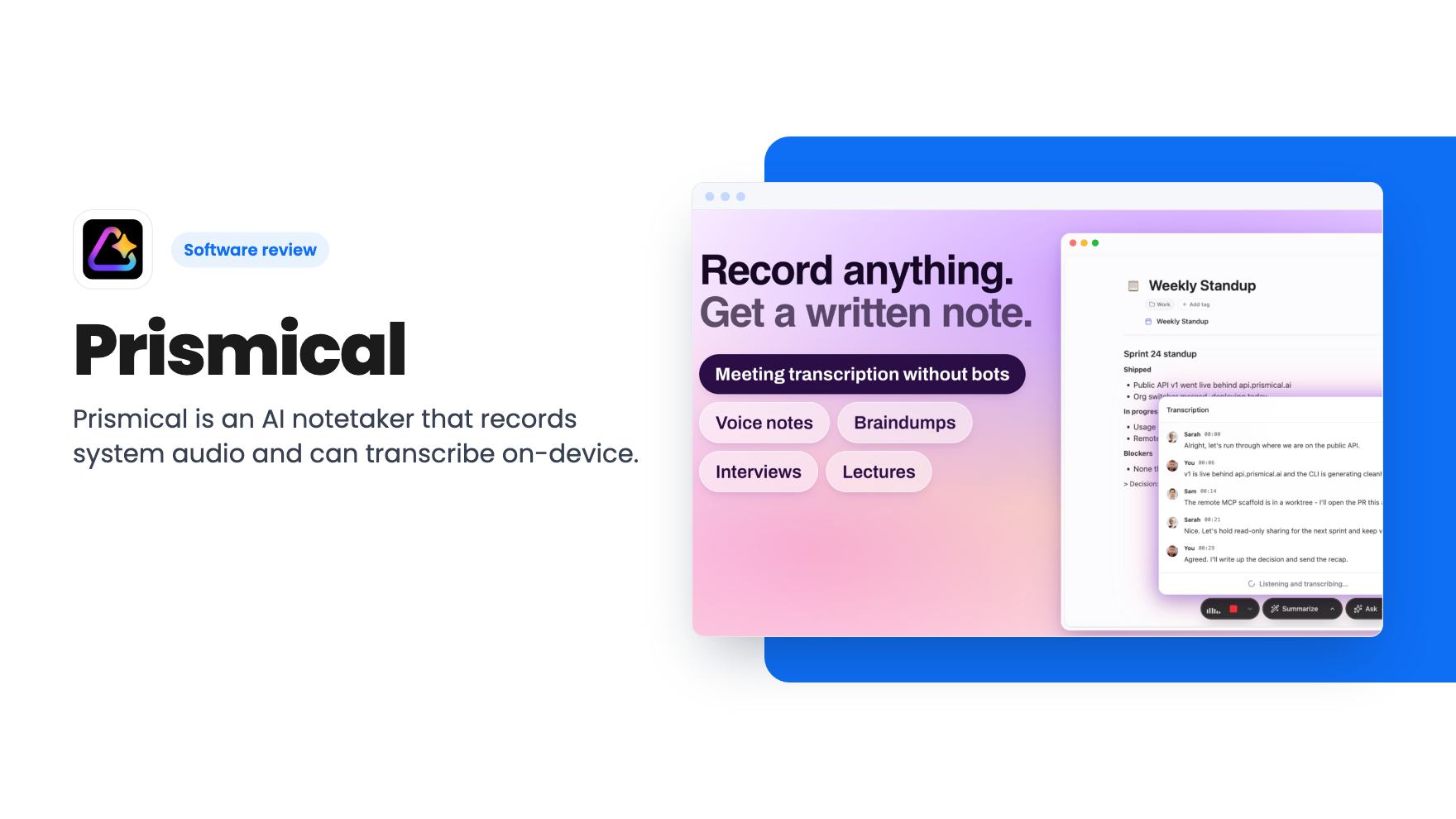
Prismical is an AI notetaker that records system audio and can transcribe on-device. The AppSumo lifetime deal runs $59 to $749, and the tier limits matter.