


Lifetime deal price
$179$29940% off
Lifetime Deal
4.8(229 AppSumo reviews)
Quick verdict
Our take: Hedy AI is worth a look for consultants and remote teams who want live prompts during calls and the option to automate notes through Zapier or an API. Skip it if you need hard numbers on transcription limits before paying, or if you rely on non-English meetings, where buyers report occasional trouble. The 60-day refund window makes a cautious trial reasonable.
Best for: Consultants, Project managers, Remote teams
Alternative to: Granola, Otter.ai
What we like
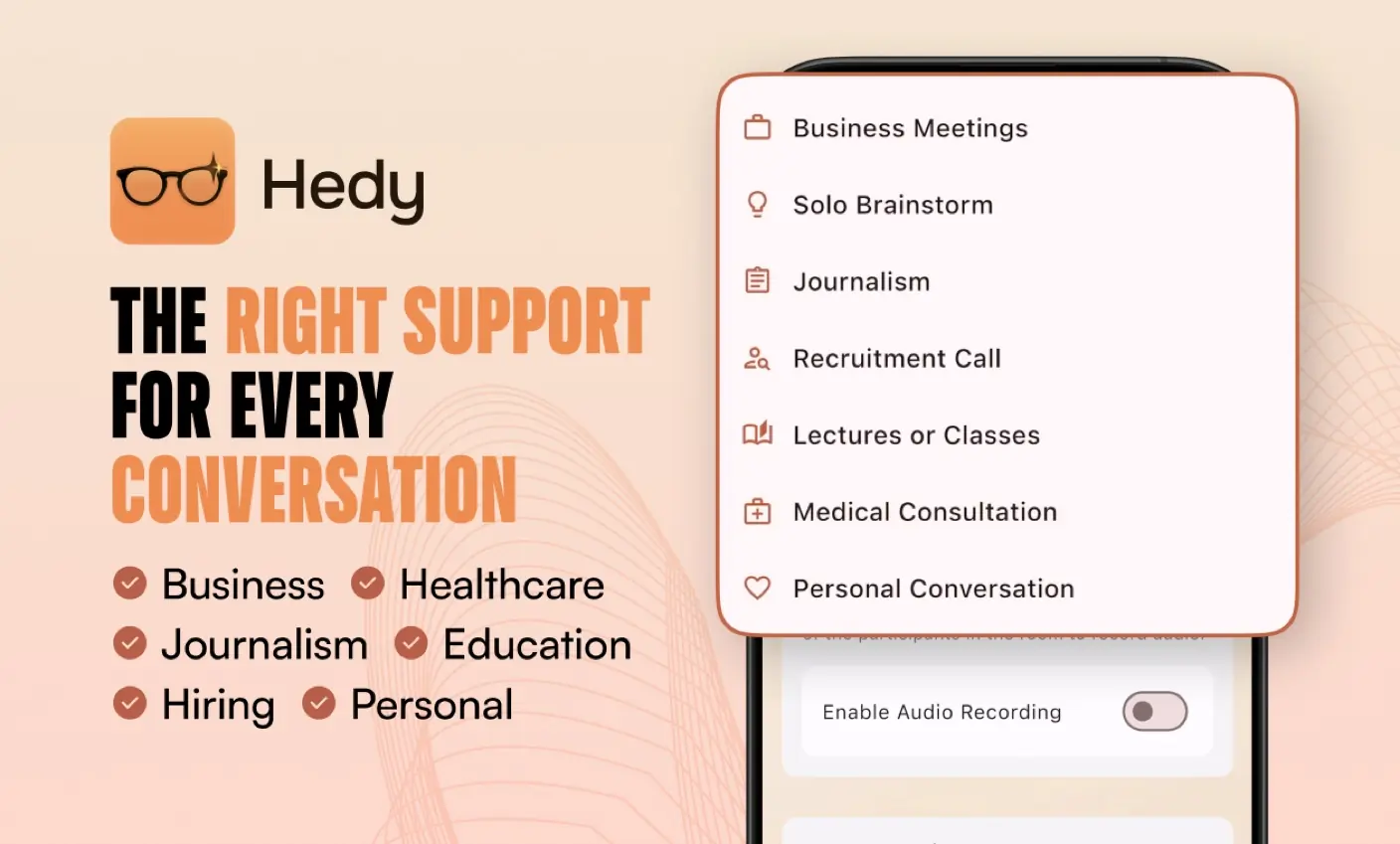
- One-time $179 price with all future Pro Plan updates included
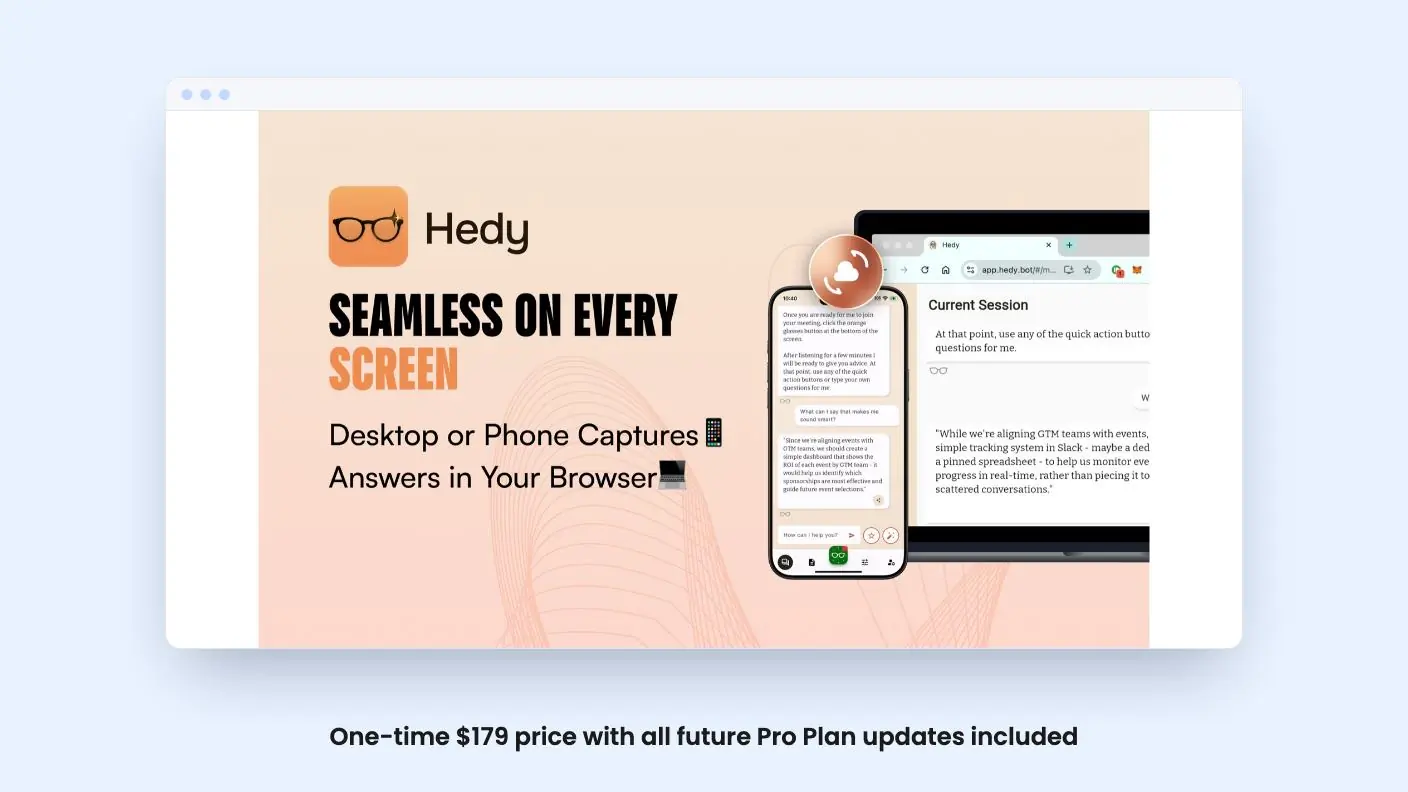
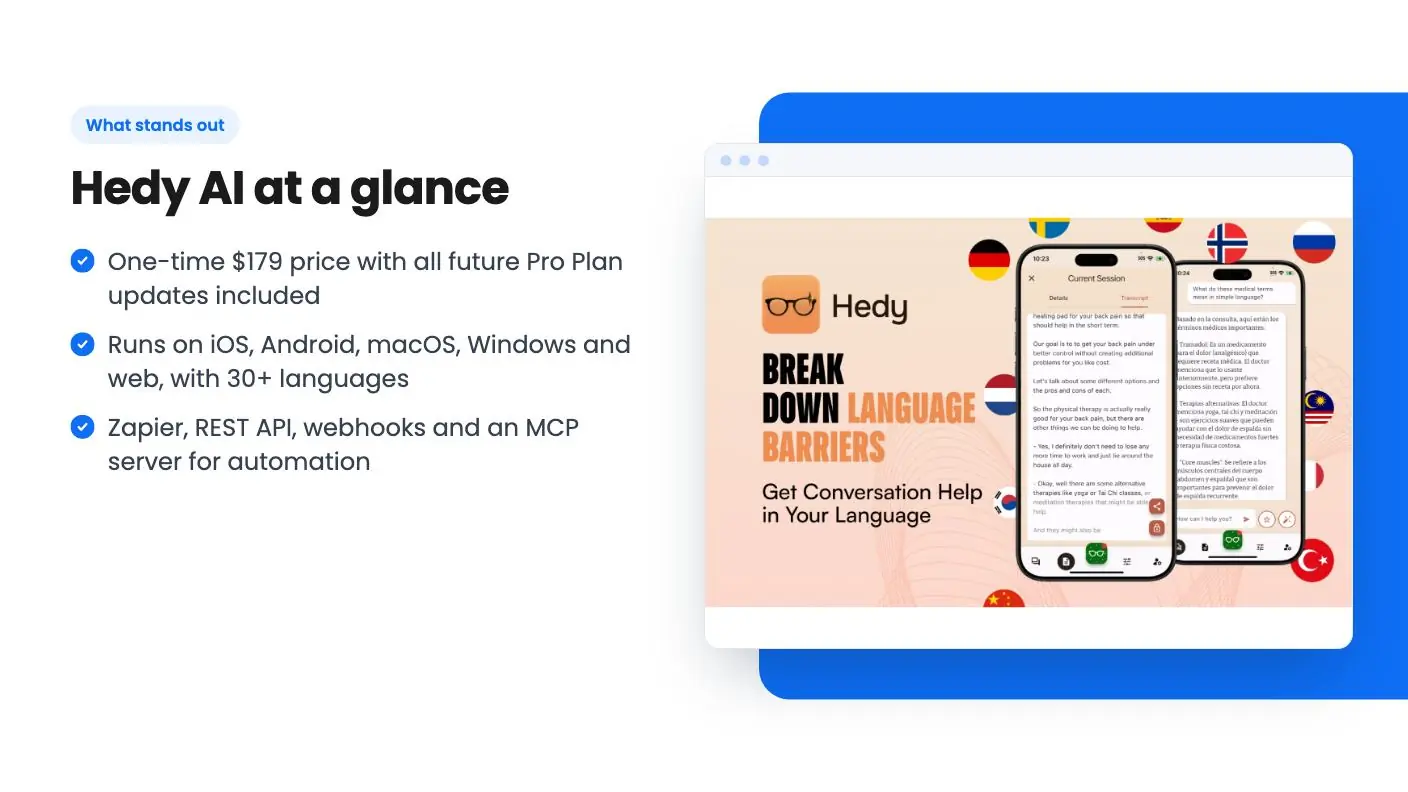
- Runs on iOS, Android, macOS, Windows and web, with 30+ languages
- Zapier, REST API, webhooks and an MCP server for automation
- 60-day money-back guarantee and a 4.76/5 average across 227 AppSumo reviews
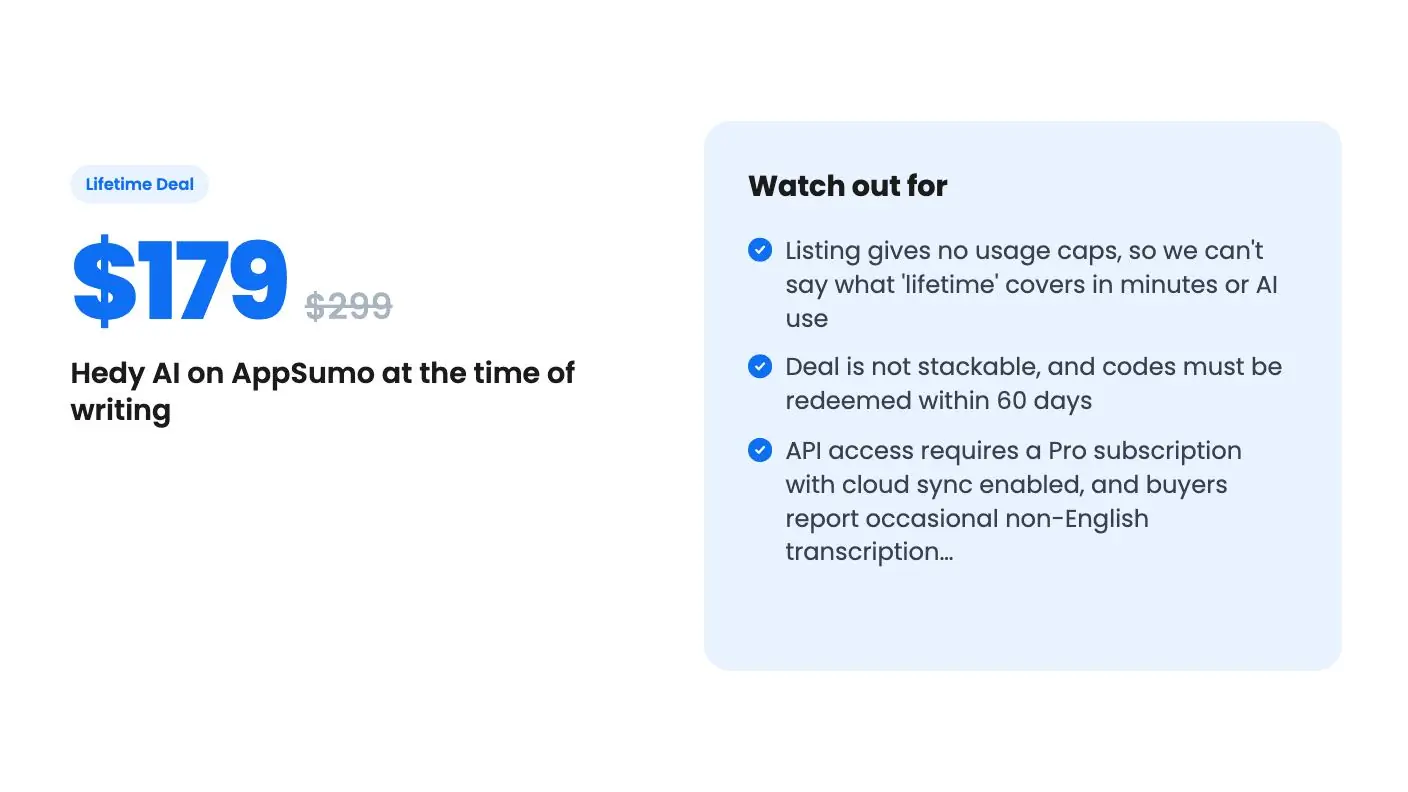
Watch out for
- Listing gives no usage caps, so we can't say what 'lifetime' covers in minutes or AI use
- Deal is not stackable, and codes must be redeemed within 60 days
- API access requires a Pro subscription with cloud sync enabled, and buyers report occasional non-English transcription issues
You finish a client call, and ten minutes later you can’t remember who promised to send what. You scribbled half a line of notes while also trying to listen, and the rest is gone. That’s the gap AI notetakers try to fill, and Hedy AI is one of the newer names selling a lifetime deal on AppSumo.
Get Hedy AI for $179 on AppSumo →
We haven’t used Hedy ourselves, so this Hedy AI review is built from the AppSumo listing and the demo video. Where the source is silent, we’ll say so.
What Hedy AI is trying to be
Hedy sits in the AI notetaker category, and AppSumo lists Granola and Otter.ai as the alternatives. The pitch goes a step beyond transcription. According to the listing, you get automatic suggestions, automatic prep notes, post-session summaries, specialized modes, and a way to organize, connect and chat with your sessions.
The live suggestions are the interesting part. Most notetakers hand you a summary after the call is over. Hedy says it can offer prompts while the conversation is still happening, which could help in a sales call or a client check-in. How good those prompts are, the listing doesn’t tell us.
AppSumo marks it as best for consultants, project managers and remote teams. That fits. These are people who sit in a lot of calls and have to turn them into follow-ups.
Where it runs and what you can feed it
Platform coverage is a real strength. Hedy is available on iOS, Android, macOS, Windows and the web. The FAQ also says there’s a native macOS app, and AppSumo’s summary says the desktop app was highly requested and has now arrived. The listing doesn’t say whether the Windows version is native or web-based, so check that if you live on Windows.
There are hardware floors for mobile. iPhones need to be an iPhone 12 or newer, and Android phones need Android 12 or newer. If your team carries older handsets, that matters.
You’re not limited to live meetings, either. You can import audio files in MP3, WAV, M4A, AAC, OGG, FLAC and WMA, and video in MP4, MKV, AVI, MOV, WEBM, 3GP and WMV. There’s also an ‘Import from YouTube’ option where you paste a URL. And if a call gets split in two, a ‘Merge Sessions’ option combines separate sessions into one.
Language support is listed at over 30, including Spanish, French, German, Japanese, Korean, Mandarin, Portuguese and Ukrainian. AppSumo’s own summary admits buyers have hit occasional transcription problems in non-English languages. If most of your calls aren’t in English, take that seriously and use the refund window to test your actual accents and vocabulary.
Get Hedy AI for $179 on AppSumo →
What the demo video shows
Honestly, not much. The video is a short brand spot. The narration talks about contributing in meetings, understanding a doctor’s orders and following lectures in class, and it says Hedy can decode medical jargon and suggest questions to ask.
There’s no walkthrough of the interface in the transcript. We can’t tell you what a summary looks like, how fast the live suggestions appear, or how you start a session. The narration also leans on big promises about reaching your full potential and being the brightest person in the room, without a single concrete example of output.
The doctor’s office and classroom scenes are also aimed at a different audience from the consultants and project managers the listing targets. Recording a medical appointment brings consent and privacy questions that the video never mentions. Think about that before you pitch this to anyone.
So treat the video as a mood piece. The more useful evidence in this Hedy AI review is the 227 AppSumo reviews averaging 4.76 out of 5, though that’s a self-selected buyer pool and AppSumo’s summary of it is marketing copy.
Hedy AI integrations, API and your data
This is where Hedy looks better than the average notetaker deal. The listing names Zapier, a REST API and webhooks. The FAQ adds an MCP server, so you can add https://api.hedy.bot/mcp to a compatible AI client and authorize through OAuth. That lets an AI assistant pull from your meeting history.
The Zapier example in the FAQ is sending session summaries to a note-taking app or logging highlights to a knowledge management system. Simple, and enough for most small teams.
There’s one catch. The FAQ says API access requires a Pro subscription with cloud sync enabled. The deal promises ‘all future Pro Plan updates’, which suggests lifetime buyers sit on the Pro plan, but the listing never states plainly that API access is included. Ask before you build a workflow around it.
Data export is listed as a feature, and so is EU data residency. For anyone with European clients, that second one is a useful detail, though the listing gives no further information on how it’s set up or whether it applies to every buyer.
The deal and its limits
There’s one tier. You pay $179 instead of the $299 list price and get lifetime access to Hedy AI plus future Pro Plan updates. The deal is not stackable, so you can’t buy several codes to raise limits. You also must redeem within 60 days of purchase.
What’s missing is the part that matters most. The listing gives no cap on recording hours, no monthly transcription allowance, no word on how many AI summaries or chats you get, and no seat count. For a tool whose running costs depend on AI processing, that silence is the main risk. A lifetime price is only a bargain if the limits are livable, and we can’t verify that from this source.
The company’s age is another unknown. The listing doesn’t say how long Hedy has existed or how it plans to fund a lifetime plan. That’s normal for these deals, but you’re betting on a young product continuing to exist.
The safety net in this Hedy AI review is the 60-day money-back guarantee. Use it properly. Record a few real calls in your usual language, check the summaries against what was said, and try one Zapier flow before the window closes.
Who should skip Hedy AI
Skip Hedy if you need published usage numbers before you spend money, because this listing doesn’t give them. Skip it if your meetings are mostly in languages where buyers report hiccups, unless a trial proves otherwise. And skip it if you want a polished video tour first, since the demo here tells you almost nothing about the product itself.
If you’re a consultant or project manager who takes plenty of calls, wants help during them rather than only after, and likes the idea of piping notes into other tools, it’s a fair gamble at $179. Just treat the refund period as your testing period, and judge it on a real week of work.
Related reading: MeetMouse (formerly Meeting Coach) review, Pressdeck review.
All Hedy AI features
Taken from Hedy AI's AppSumo listing. We haven't tested these features hands-on.
Included in every plan
- Automatic suggestions
- Organize, connect, & chat
- Automatic prep notes
- Web app
- Specialized modes
- Post-session summaries
- Data export
- Integrations
- EU Data Residency
What the lifetime deal includes
- For iPhone users, the app requires an iPhone 12 or newer.
- For Android users, the app requires Android 12 or newer
- Please note: This deal is not stackable
- All future Pro Plan updates
- You must redeem your code(s) within 60 days of purchase
- Lifetime access to Hedy AI
At a glance
- Best for
- Consultants, Project managers, Remote teams
- Alternative to
- Granola, Otter.ai
- Integrations
- Rest API, Webhooks, Zapier
- Category
- Operations › Productivity & Automation
- Website
- www.hedy.ai
Decided Hedy AI fits? The lifetime deal starts at $179. Check the tier limits on AppSumo before you pick one.
Get Hedy AI on AppSumoKeep reading about Hedy AI
Hedy AI FAQ
What does the Hedy AI lifetime deal cost and what do you get?
The AppSumo deal is a single tier at $179, down from a $299 list price. It includes lifetime access to Hedy AI and all future Pro Plan updates. It is not stackable, and you must redeem your code within 60 days of purchase.
Which devices does Hedy AI work on?
According to the listing, Hedy runs on iOS, Android, macOS, Windows and the web. iPhones need to be an iPhone 12 or newer, and Android phones need Android 12 or newer. There is a native macOS app.
Can Hedy AI connect to other tools?
Yes. The listing names Zapier, a REST API and webhooks, and the FAQ describes an MCP server for connecting AI assistants. API access needs a Pro subscription with cloud sync enabled, so check how the lifetime plan maps to that before you build on it.