If you use Claude Code or Codex for real work, you’ve probably noticed how quickly a plan’s allowance disappears. Some of that is genuine thinking. A lot of it is junk: log dumps, chatty terminal output, whole files read when a few lines would do, and the same repo layout re-explained at the start of every run.
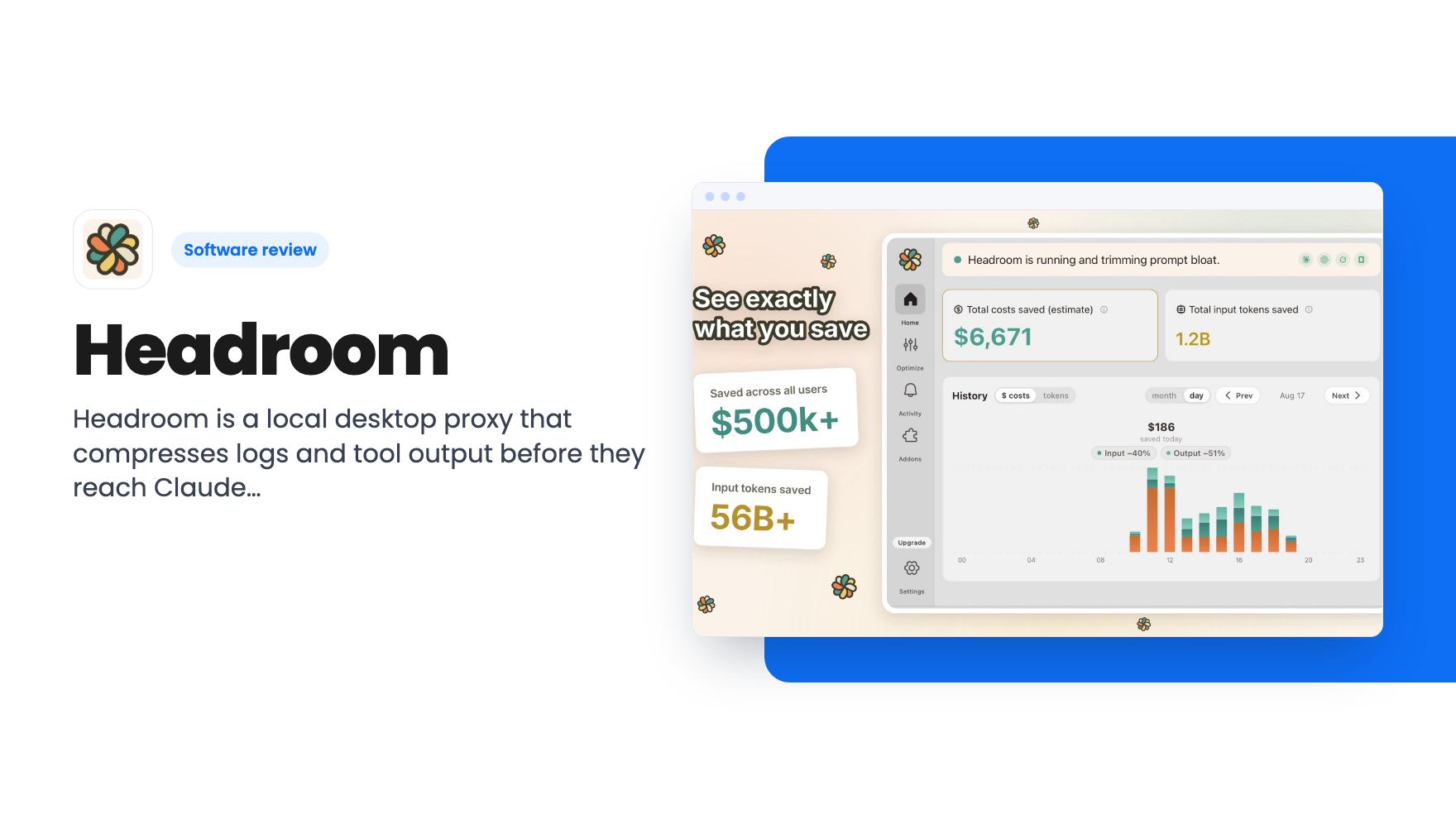
Headroom goes after that waste. It’s a menu-bar desktop app, built on an open-source Headroom CLI, that sits between your coding agent and the model provider. It trims the noise before it counts against your plan.
What it does between you and the model
The listing describes Headroom as a local proxy. You enable a connector for Claude Code, ChatGPT or both, and the app configures your shell so the agent’s traffic passes through it. It compresses tool output, logs and boilerplate on the way, and the compression is described as reversible.
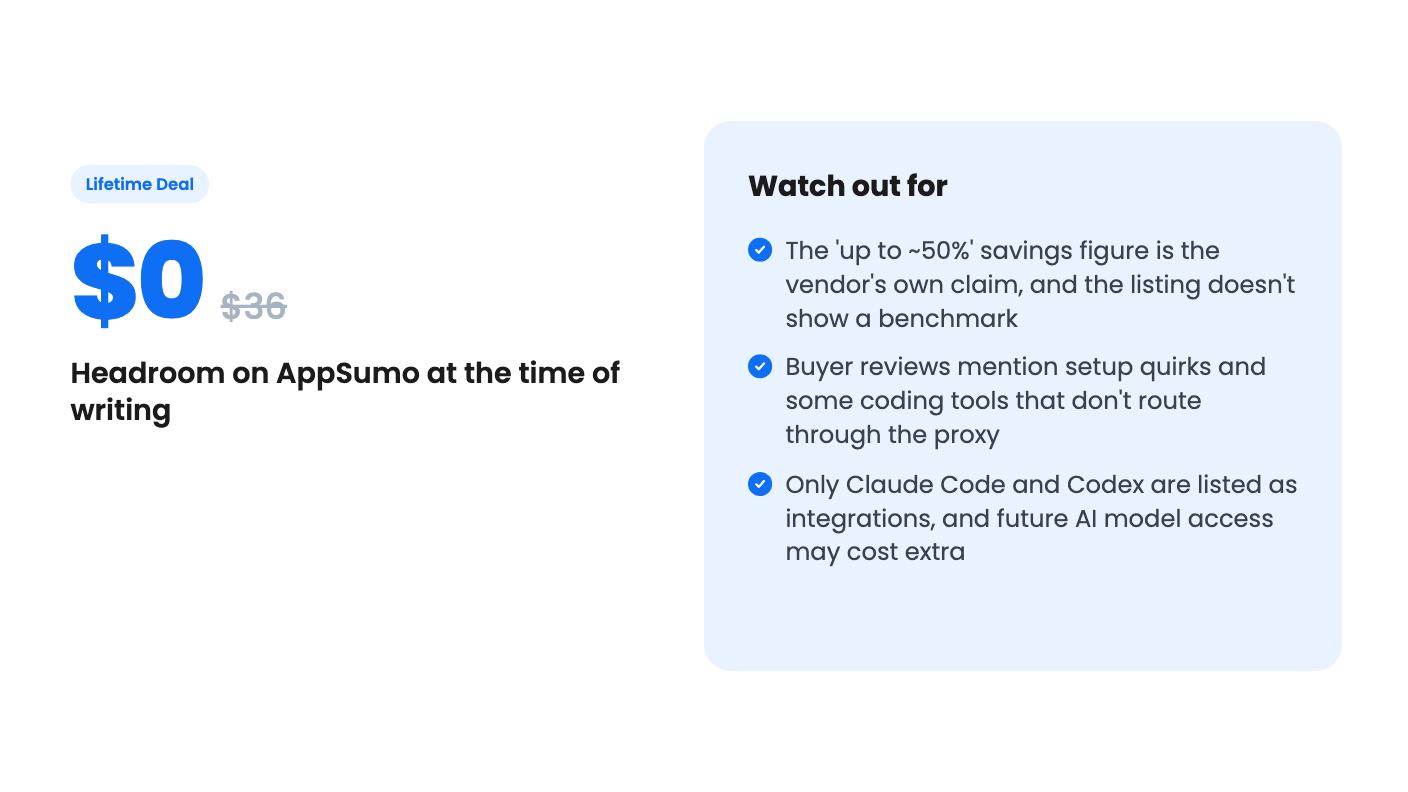
The headline claim is about 50% fewer tokens on the items it compresses, and up to about 50% overall session savings. Treat that as marketing. The word “up to” is doing a lot of work, and the listing gives no benchmark, sample session or methodology. Your numbers will depend on how noisy your own projects are.
The pitch is that the same plan stretches further without changing model output. That’s plausible in principle, since trimming a 4,000-line log is a different thing from rewriting your prompt. But we haven’t run it, so we can’t confirm it.
Setup, and where it can go wrong
Install is a normal desktop affair: drag to Applications on macOS, run the installer on Windows, or use a .deb or AppImage on Linux. On first launch it downloads an isolated Python runtime and a local compression model, so expect a wait and some disk use.
Then you switch on a connector and open a fresh terminal. Terminals that were already open keep their old environment, which is the sort of detail that trips people up. To check it’s working, you run echo $ANTHROPIC_BASE_URL (or $OPENAI_BASE_URL) and look for 127.0.0.1:6767.
AppSumo’s own summary of buyer feedback admits to “initial setup quirks” and some coding tools that don’t route through Headroom. That matters. If your daily driver is an editor-integrated assistant that ignores shell environment variables, this tool may never see its traffic. Check that before you pay anything.
The listing mentions macOS, Windows and Linux in the FAQ, while the plan table only ticks Mac and Windows. Linux users should confirm.
The dashboard and the learnings file
This is the part I find most useful on paper, because savings you can’t see are savings you have to take on faith.
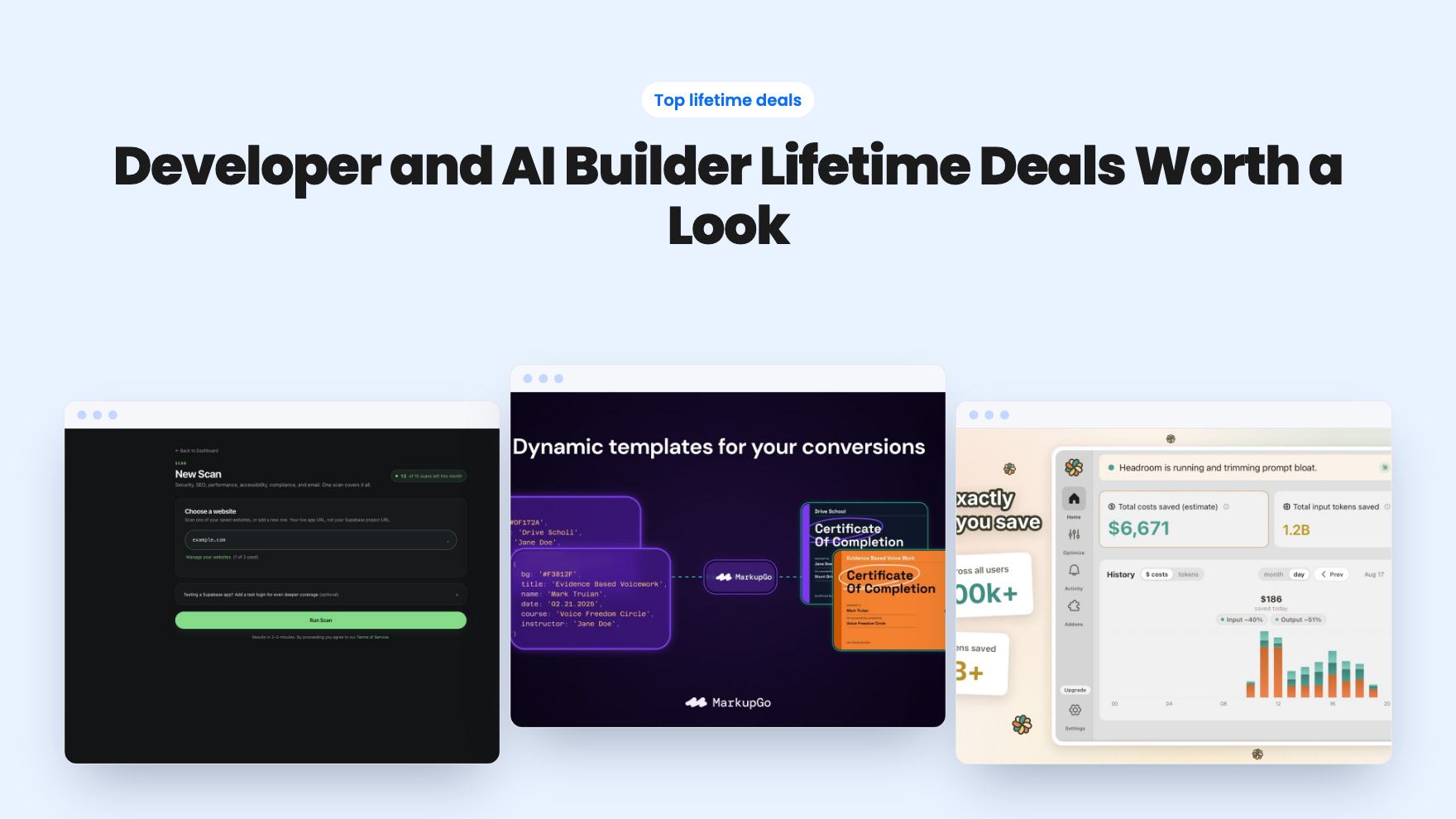
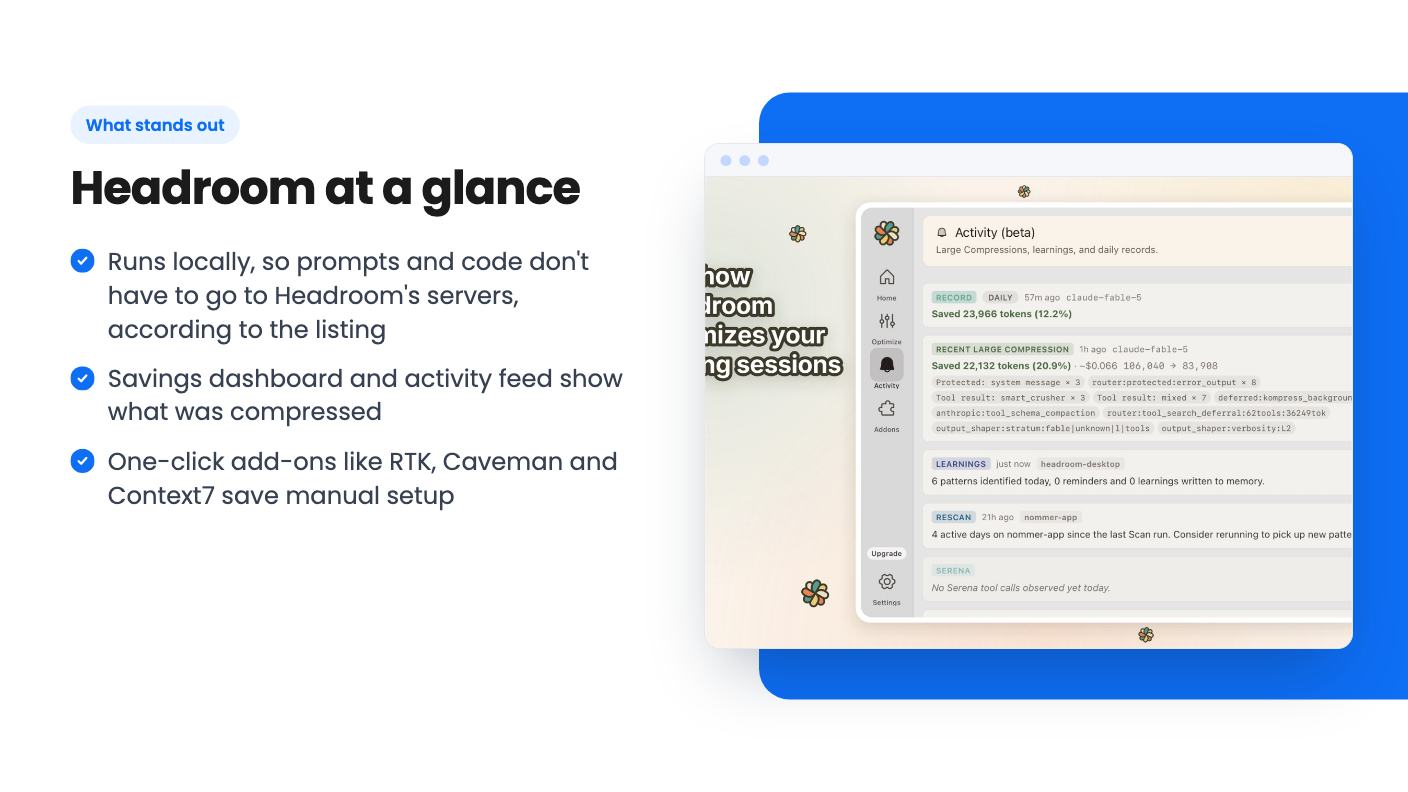
The Activity Overview and Savings dashboard track token costs and input savings over time, with daily charts that split savings from compression and savings from output. A live feed lists compressions, rescan reminders and large savings events. You can also inspect what was recently compacted, see cache hits separately, and read a plain explanation of how the savings are calculated.
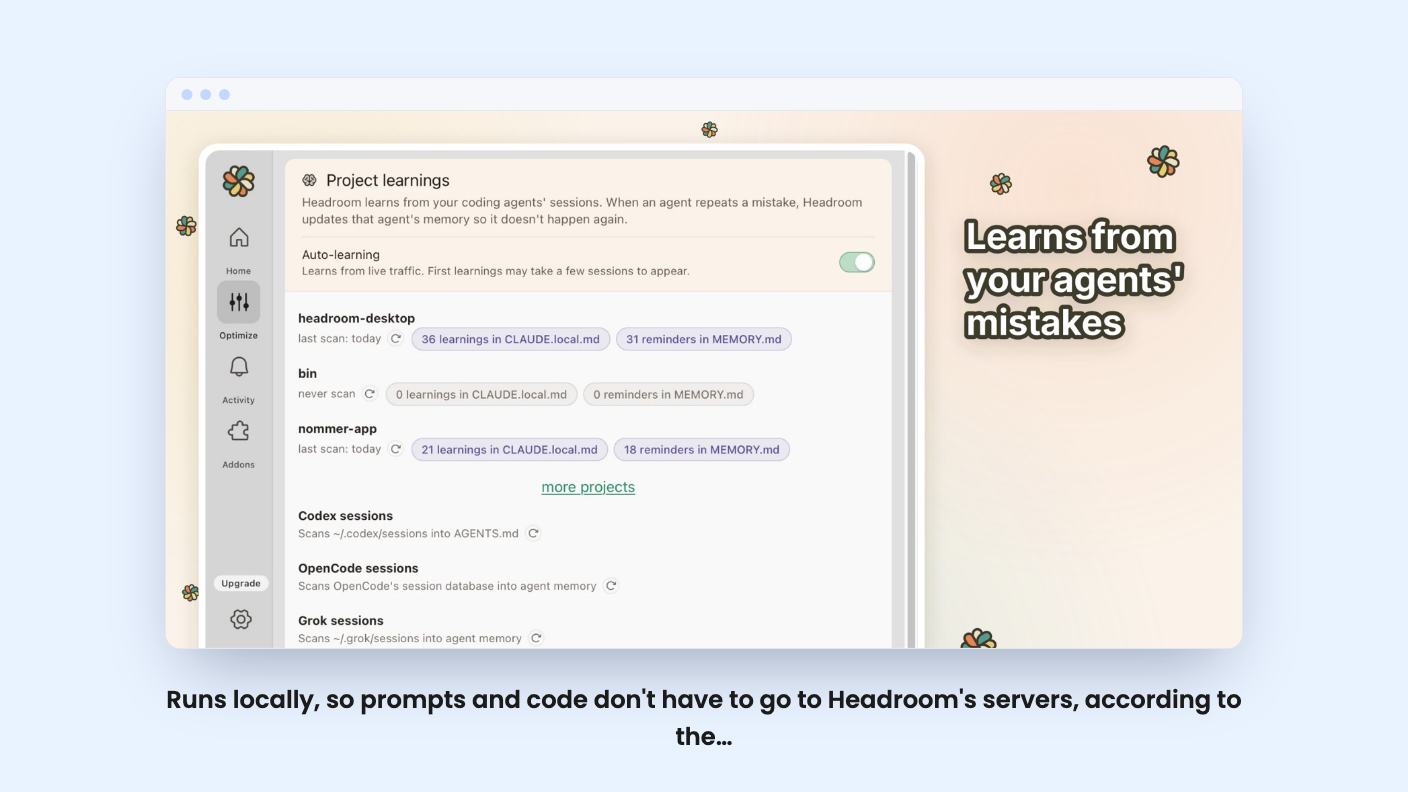
There’s also a project learnings feature. Headroom captures reusable commands and environment details per project, then writes patterns it identifies into CLAUDE.local.md and AGENTS.md. The idea is that your agent stops re-deriving your repo layout every run and answers from memory.
It’s a sensible idea, but it means a tool is writing to files your agent treats as instructions. Read what lands in those files now and then. The listing doesn’t say how you review or reject a learning before it’s written.
One-click add-ons
Headroom also works as a manager for other token-saving tools. The listing says you can enable any of these in one click:
- Ponytail
- Caveman, which targets long-winded replies
- RTK, aimed at terminal noise
- MarkItDown, for binary documents
- Serena
- Codebase Memory
- Context7
The listing says each one runs locally and doesn’t touch your project dependencies. Some of these (RTK, Ponytail, Caveman) are even named as alternatives to Headroom, so you’re getting a bundle of overlapping approaches under one roof. For a buyer who’d otherwise install and configure each by hand, that’s a real convenience. For someone who already runs one of them happily, it’s less compelling.
What the deal costs and what it doesn’t promise
The tiers are priced around the AI plan you already pay for:
- Limited License tier 1: $0 (list $36), for use with Claude Pro and ChatGPT Plus
- Lifetime tier 2: $29 (list $72)
- Lifetime tier 3: $99 (list $360), covering up to Claude Max x5 and ChatGPT Pro Lite
- Lifetime tier 4: $199 (list $719.96), covering up to Claude Max x20 and ChatGPT Pro
All tiers are one user license, and the feature set looks the same across them: reversible compression, project learnings, the dashboard, usage-limit warnings, codebase memory, a signed installer with auto updates, and the add-on manager. The difference is which AI plan size the license covers. The plan table in the listing is laid out confusingly, so double-check which column maps to which tier before you pick.
The terms deserve a slow read. You must activate within 60 days. You can upgrade while the deal is live, but you can only downgrade within 60 days of purchase. The deal is for brand-new Headroom users only. There’s a 60-day money-back guarantee, which is the best safety net here.
Then there’s the line on future AI models: access may come at a discounted rate, or it may need an add-on. That’s vague, and it’s the clause I’d worry about most. If a new model arrives and your lifetime license doesn’t cover it, you’ll have paid once and still be paying. The listing doesn’t say which outcome is likely.
The deal ends on November 6, 2026, so there’s very little time left to decide.
Who should skip it
The $0 and $29 tiers are close to a free experiment, and a 4.85 average from 26 AppSumo reviews is encouraging. It’s also a small sample on a young product, and review summaries on deal sites lean positive.
Skip Headroom if you rarely hit usage limits, since there’s nothing to save. Skip it if you work mainly in a coding tool the proxy can’t route, or if you can’t install a local runtime and model on your machine. And think twice about the $199 tier until you’ve seen real savings on your own workload. The sensible order is to start at the low end, run it for a couple of weeks with the dashboard open, and only upgrade if the numbers justify it, while the guarantee still covers you.
How this review was made: researched from Headroom's official listing, and written with help from AI. We have not tested Headroom hands-on yet. Prices and deal terms change, so check AppSumo before you buy. See our affiliate disclosure.