AI Writing & VideoTop deals
AppSumo Deals Ending Before Black Friday 2026: Buy or Wait?
Fourteen AppSumo lifetime deals end before Black Friday on November 27, 2026. Here are the seven worth a look now, and who should skip them.
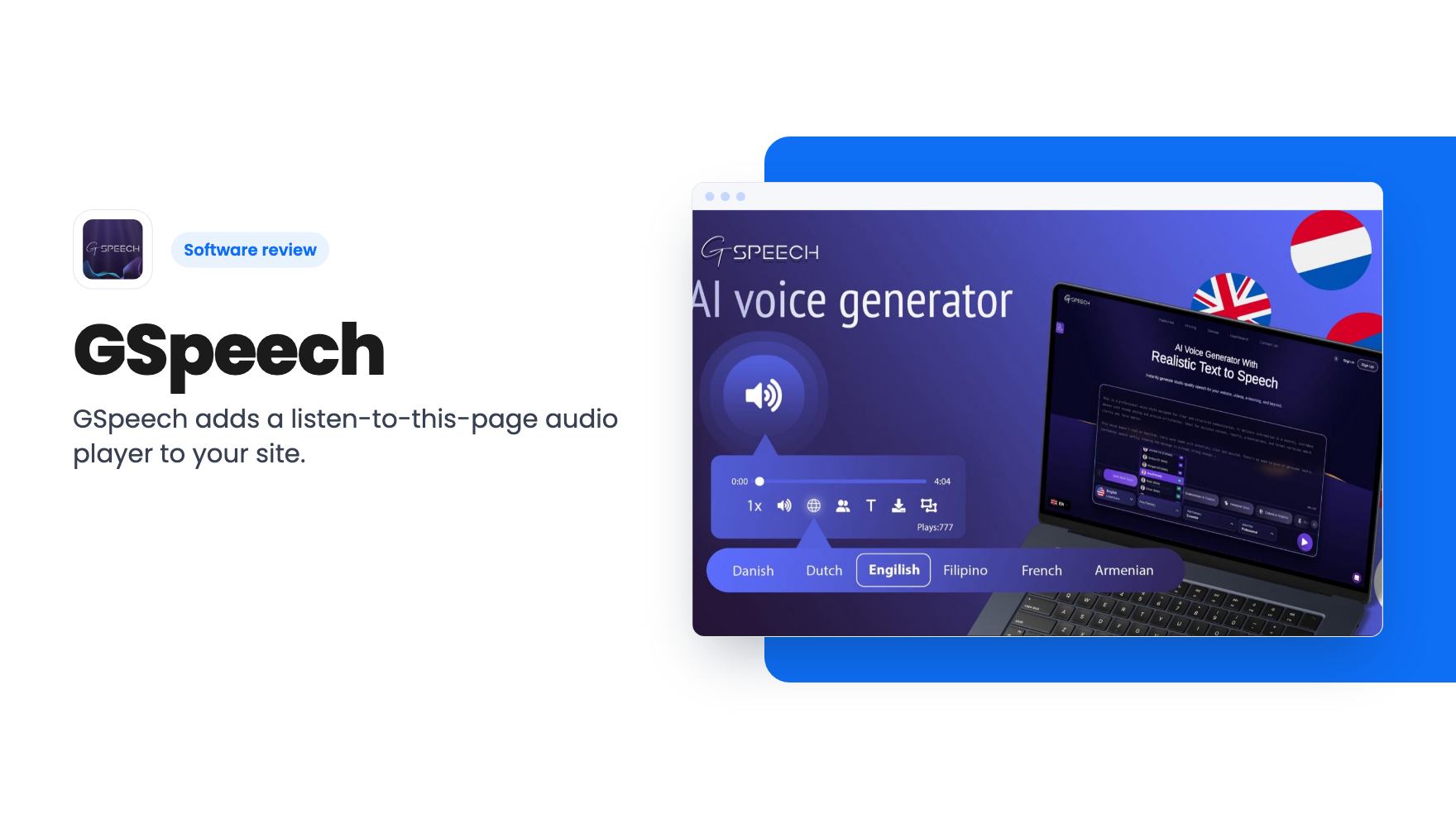
GSpeech adds a listen-to-this-page audio player to your site. The $69 lifetime tier is thin, and the best features sit in the $159 to $339 tiers.
Lifetime deal price
$69$9930% off
Lifetime Deal
Our take: GSpeech suits bloggers and small agencies who want a listen button on WordPress or HTML sites and are happy to start at tier 2 or 3. Skip it if you need voice cloning, or if the $69 tier is your budget and translation is the draw, because that tier leaves out most of the headline features.
Plenty of site owners share the same quiet regret. You wrote the long guide, the product explainer, the archive of helpful posts, and a good share of your visitors never finish any of it. Some are on a phone, some are driving, some simply prefer listening. Recording audio versions by hand is not something a small team keeps up for long.
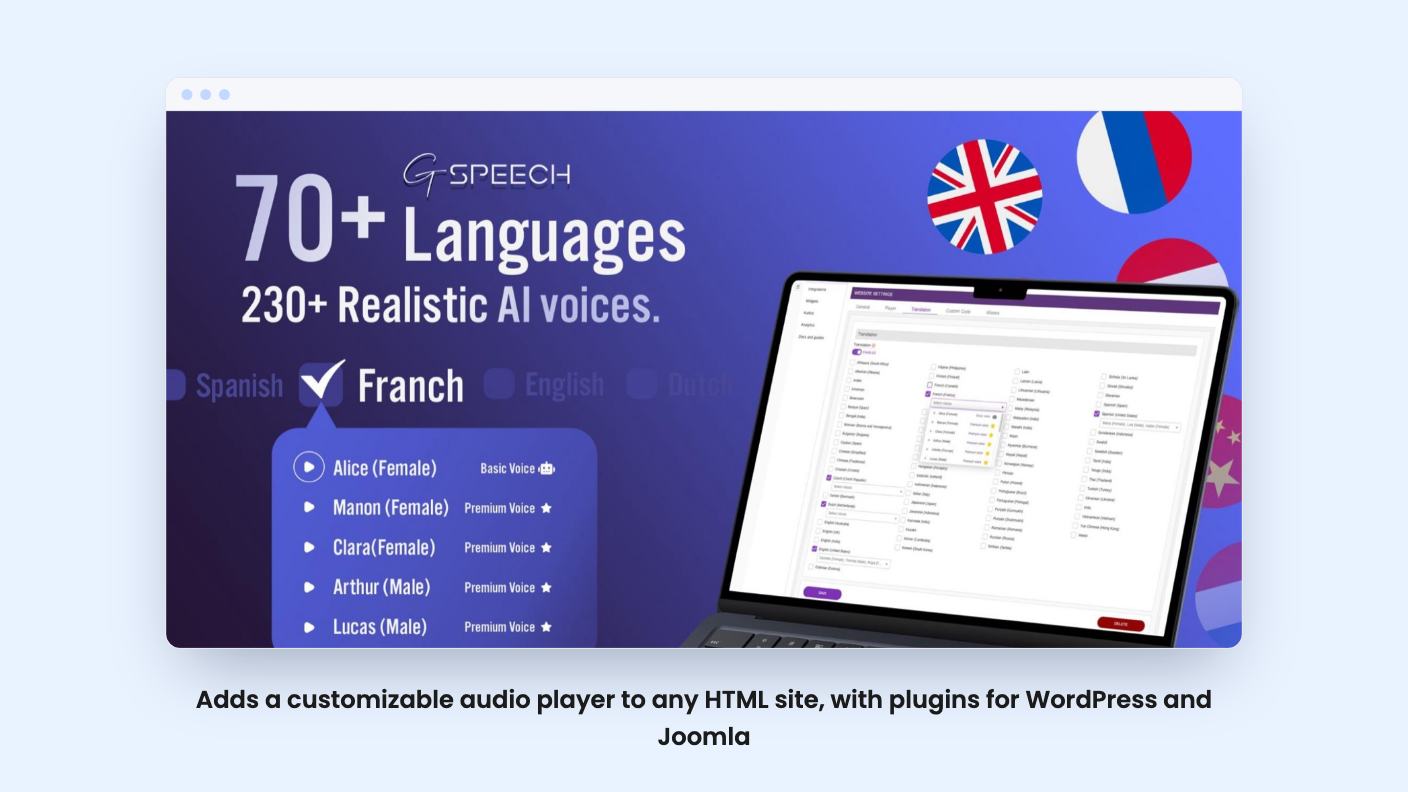
GSpeech tries to fix that with a listen button on your site that reads the page aloud. It’s an AI text-to-speech tool aimed at bloggers, content creators and agencies, and AppSumo lists it as an alternative to Speechelo. The lifetime deal starts at $69, down from a $99 list price. The catch is in what that price includes, so let’s go through it.
The pitch is simple. GSpeech reads your website text using 230+ voices across 70+ languages, and there are 100+ pre-made “voice vibes” that change the delivery style. Visitors get a player where they can skip around, change volume and change playback speed.
You can pick a full page, button or circle style for the player, and a template wizard handles the look so it matches your design. Audio is generated in real time, so edits to a post carry through. The listing says the same applies to translated versions.
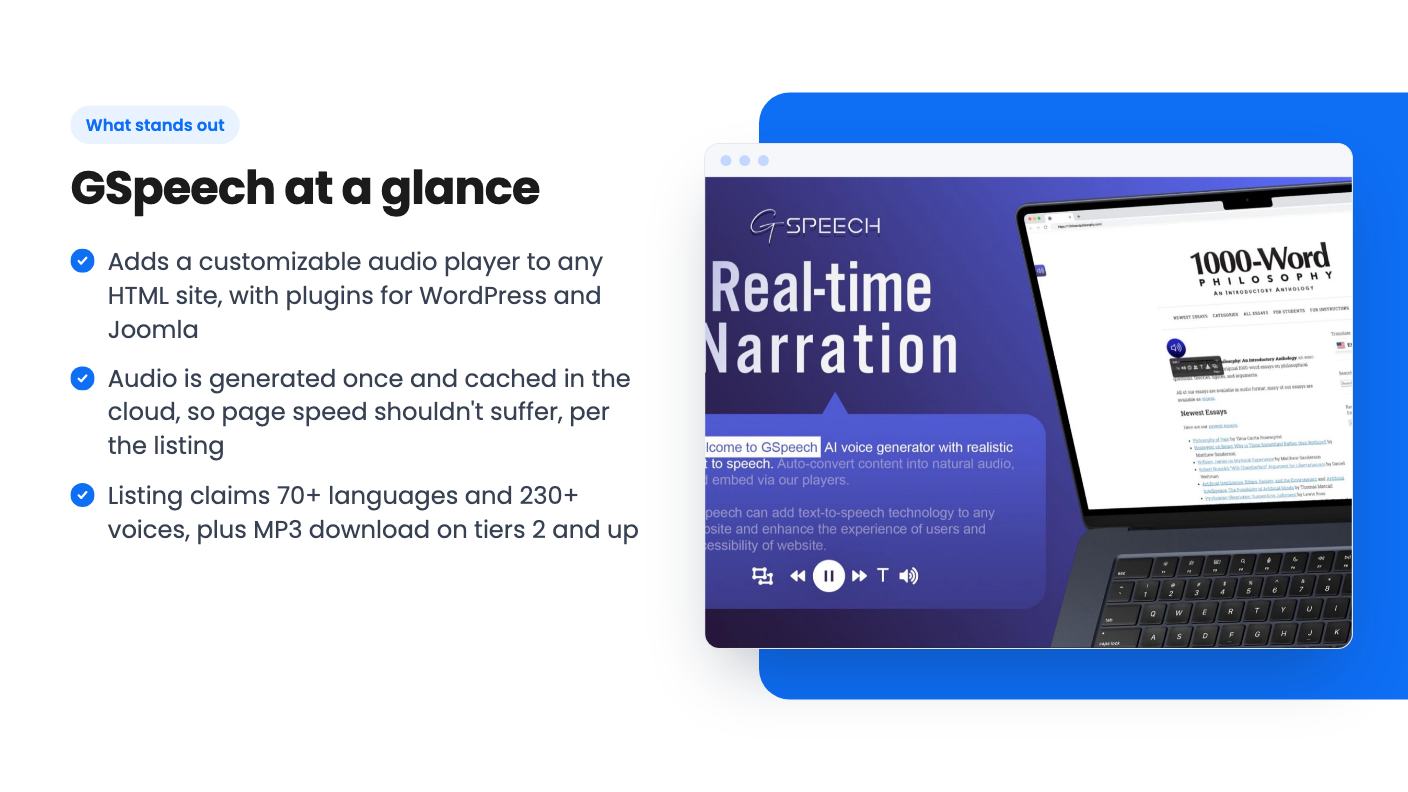
The FAQ adds some useful detail. Audio files are generated once, on the first page load, then stored in the cloud and replayed as often as you like. If that works as described, your site shouldn’t slow down. We haven’t checked that ourselves.
Installation is either one line of HTML or a plugin for WordPress or Joomla. The listing also names Shopify, Squarespace and Wix. You can show the player only on certain pages with shortcodes or a URL list, and the FAQ says it plays in the background on mobile.
One limit is stated plainly: no voice cloning. You get the voice library and nothing else.
The video is a plain walkthrough by a reviewer who also promotes an affiliate link and a 10% extra discount, so read it as a friendly demo, not a neutral test.
It starts at the dashboard, which offers two routes: the WordPress plugin or a custom site. The reviewer installs the plugin, registers a GSpeech account on the website, and signs in with the same credentials inside WordPress. It’s a few steps, not a one-click affair.
The settings screen is the useful part. You get:
There are also menu items for widgets, audios and analytics. Two blog posts then play back. The transcript of the audio is choppy, so we can’t judge voice quality from it. We’d want to hear samples on your own writing anyway.
What the video skips matters. The reviewer is on a free plan with 50,000 characters, and never shows the player template wizard, voice vibes, translation or MP3 download. Those are the selling points, and none was demonstrated.
Here’s where the listing needs careful reading. The plan table lists values from the top tier down to tier 1, and matching those against the tier prices gives this picture.
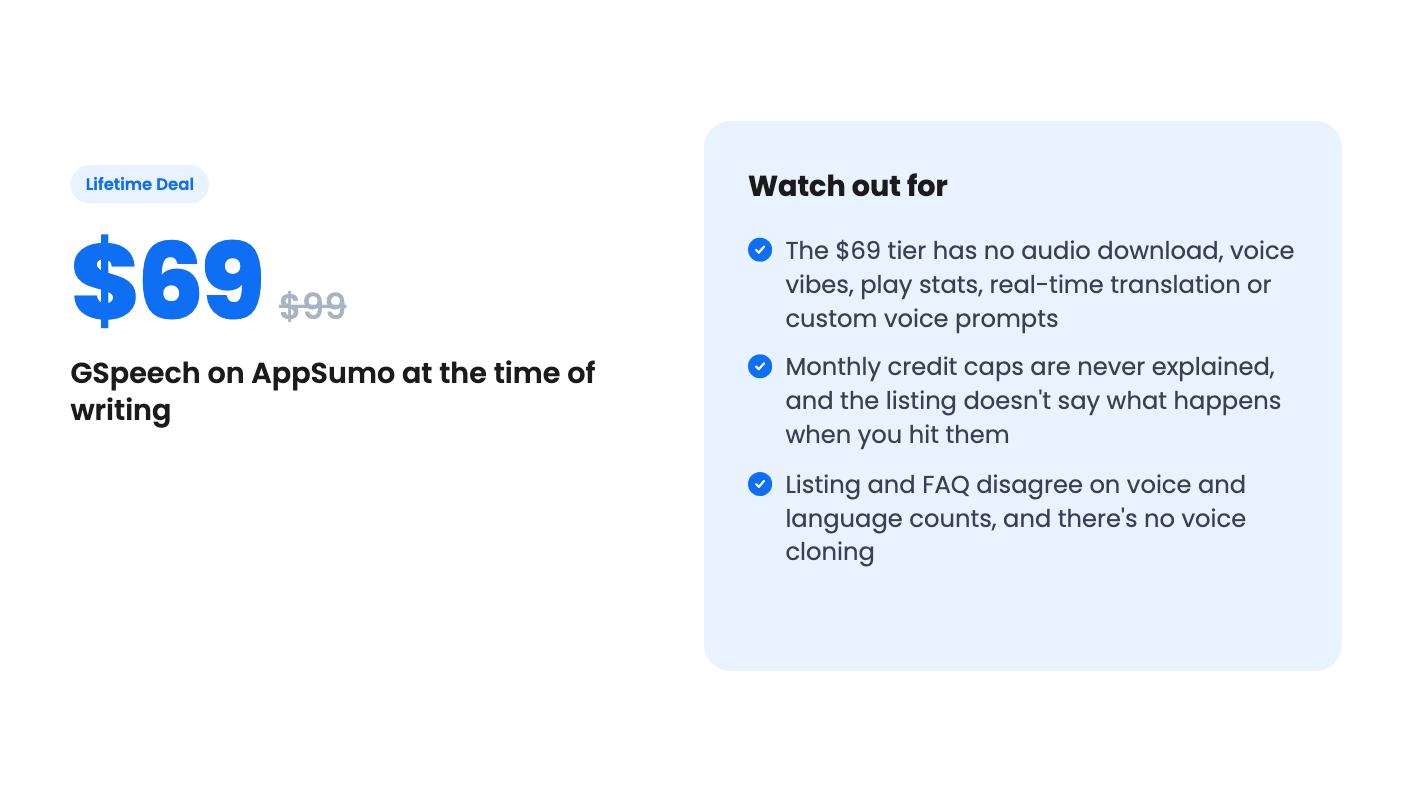
The $69 headline price is the weakest offer in the set. It strips out most of the features the listing leads with, and 30,000 AI credits a month looks tiny next to the other tiers. Translation, the big draw for a global audience, doesn’t arrive until $339.
The listing also never defines a credit. It doesn’t say how many credits a typical blog post uses, or which voices count as AI and which as non-AI. The video mentions a 50,000-character free allowance, which hints at character-style counting, but that’s a guess. Ask the vendor before you size a tier.
The deal terms are fairly standard. You must activate within 60 days. You can upgrade between tiers while the deal is live and downgrade within 60 days of purchase. No codes and no stacking. Future updates to your plan are included.
Start with the numbers. The listing text says 230+ voices and 70+ languages. The FAQ says 98 languages and 300+ voices. Either the product grew or the copy is sloppy, and the listing doesn’t say which.
AppSumo shows 49 reviews averaging 4.96 out of 5. That’s strong, but it’s a small sample, and AppSumo’s own summary admits some buyers hit initial setup challenges. The video’s multi-step plugin setup fits that.
The listing also doesn’t say what happens when you hit a monthly credit cap. Does audio stop, or does the player fall back to something else? Nor does it say how good the real-time translated audio is, or how the company plans to keep supporting a lifetime tier. These are questions worth asking before you spend $339.
The best fit is a blogger or small publisher with one or a few WordPress sites who wants a listen button without building an audio workflow. For that person, tier 2 at $159 looks like the sensible floor, since it adds MP3 download, voice vibes and play stats. Tier 1 works only if a plain player on a single site is genuinely enough.
Agencies managing client sites should look at tier 3, which gives five websites and the translation features. Tier 4 and 5 only make sense if you’re running many sites and know your credit usage.
Skip it if you want your own cloned voice, since that isn’t offered. Skip it too if you only need audio for a few videos. A month of any text-to-speech subscription costs less than the cheapest lifetime tier.
Before buying, create the free account shown in the video and run a few of your own posts through it. Listen for how your terminology and product names come out, and check how many credits a typical article uses. That one test tells you more than the listing does.
According to the listing's feature table, real-time translation starts at tier 3 ($339). Tiers 1 and 2 don't include it, and neither do they include custom voice prompts.
The FAQ says yes, but the plan table shows audio download is off on the $69 tier. It's available from tier 2 ($159) upward.
No. The listing's FAQ says it doesn't support voice cloning or converting your own voice into text-to-speech. You choose from its library of AI voices.
How this review was made: researched from GSpeech's official listing and a transcript of its demo video, and written with help from AI. We have not tested GSpeech hands-on yet. Prices and deal terms change, so check AppSumo before you buy. See our affiliate disclosure.
Fourteen AppSumo lifetime deals end before Black Friday on November 27, 2026. Here are the seven worth a look now, and who should skip them.
MagicCanvas puts 16+ AI image, video and audio models in one browser canvas. The $59 lifetime deal looks cheap, but the monthly credit caps matter most.
Prismical is an AI notetaker that records system audio and can transcribe on-device. The AppSumo lifetime deal runs $59 to $749, and the tier limits matter.