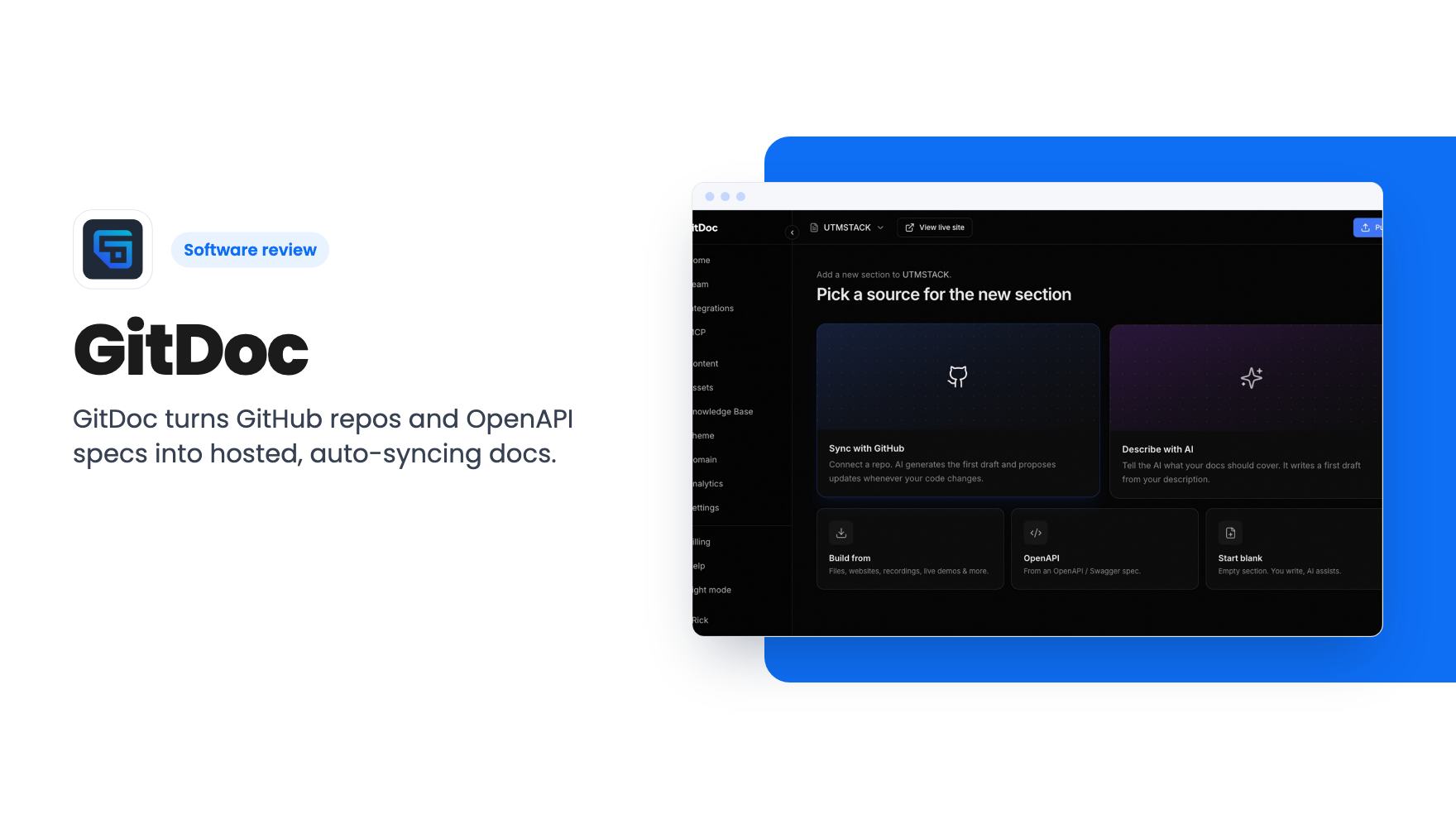
Every small software team has the same docs problem. Someone writes a decent getting-started guide at launch, the product changes twice, and six months later support is answering questions the docs got wrong. GitDoc is built to attack that drift by generating documentation from your actual repo and keeping it in step with your commits.
We haven’t used it, so everything here comes from the AppSumo listing. There’s no demo video to lean on either, which is worth knowing before you spend money.
What GitDoc actually does
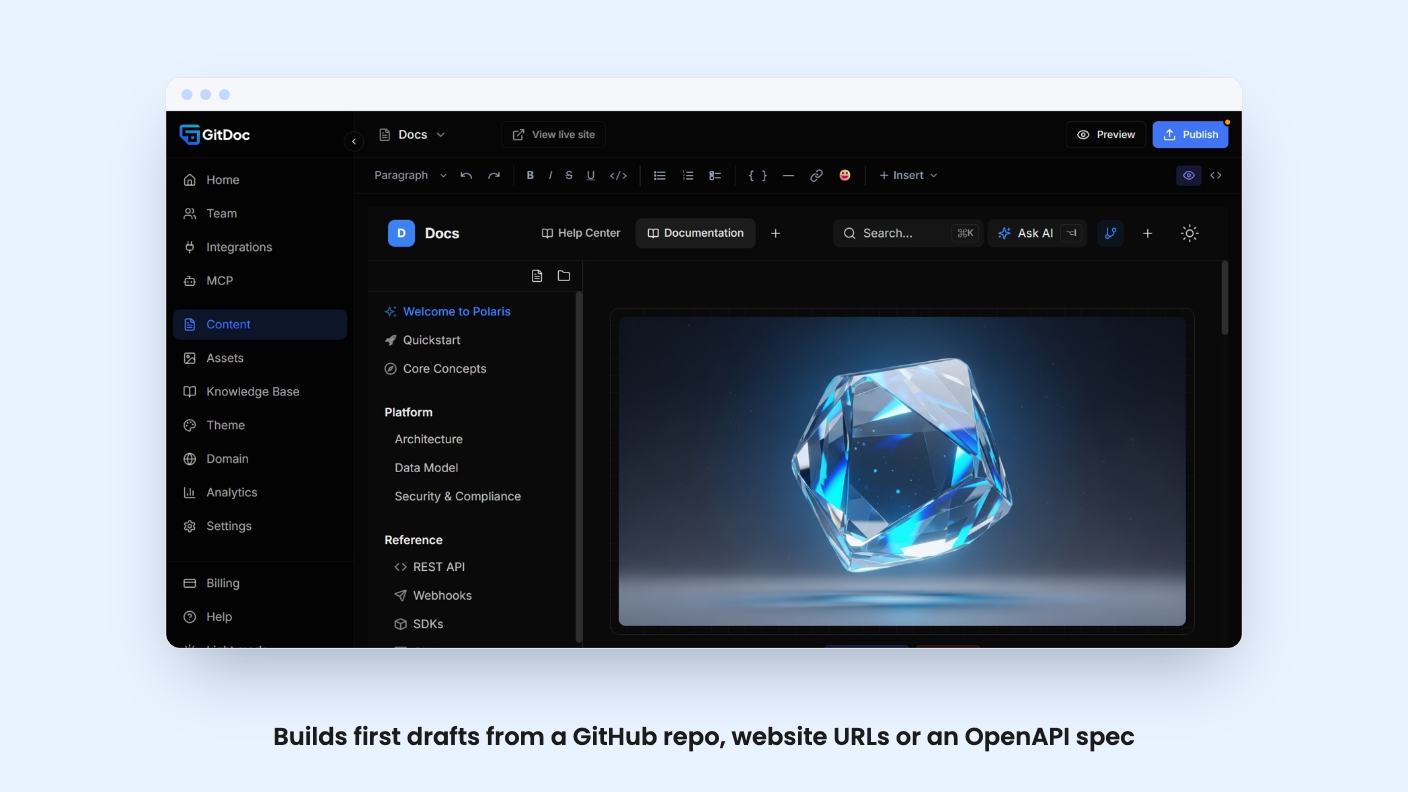
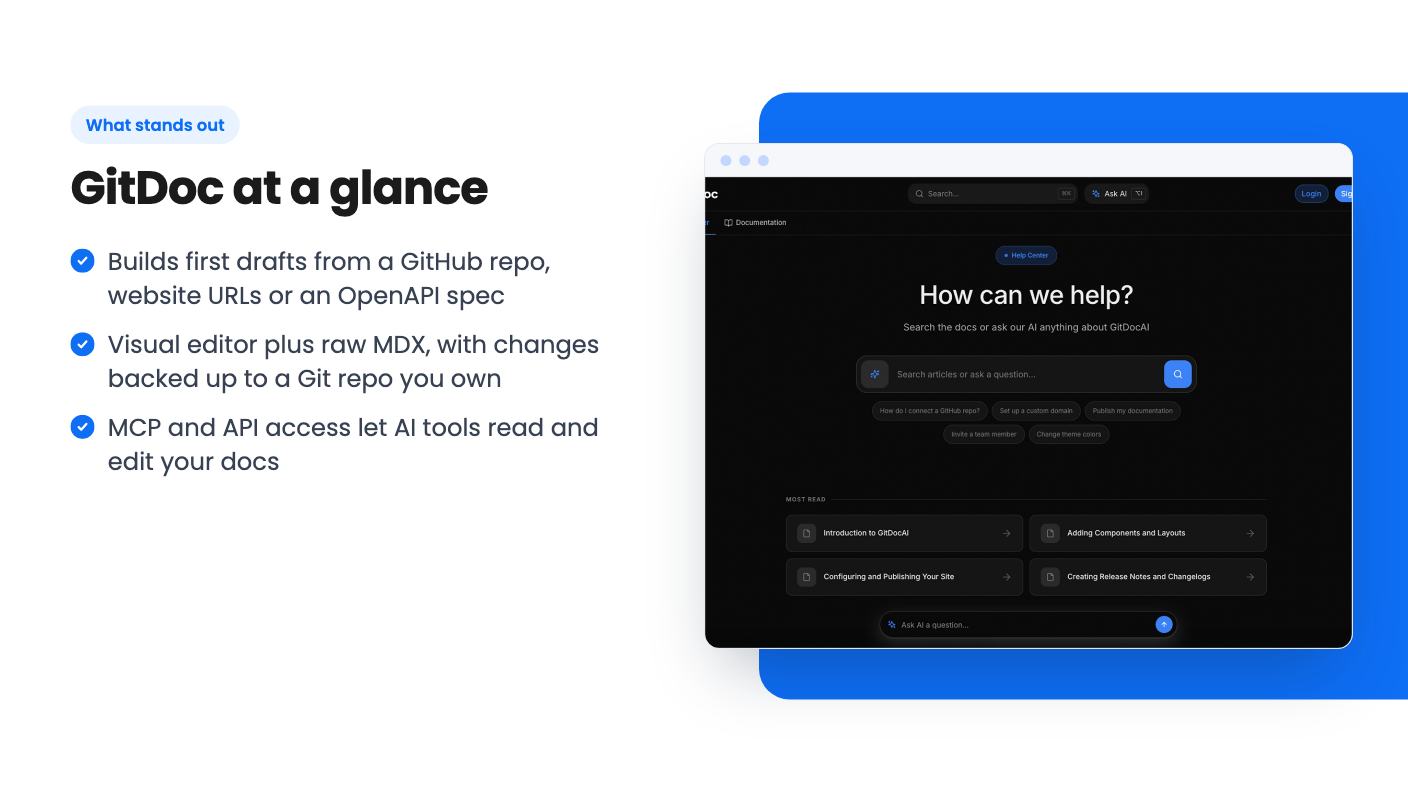
You point it at a source: a GitHub repo, website URLs, or an OpenAPI spec. You pick a doc type (Product Docs, API Reference or Changelog), and the AI writes a first draft shaped for that type. You can also skip the source and just describe what the docs should cover.
The pitch is that the result stays alive. According to the listing, the docs are hosted on your domain and sync with every commit. The headline also mentions PDFs and videos as inputs, but the feature sections only name repos, URLs and OpenAPI specs. Treat the PDF and video claim as unproven until you see it work.
It positions itself against Confluence, GitBook and Mintlify. That’s a fair set of comparisons, though the listing gives no side-by-side detail, so you’d be judging it on the AI drafting and the price.
The editor switches between a visual view and raw MDX. That’s a sensible split. A product manager can fix a paragraph without touching code, and an engineer can stay in MDX.
You can highlight a paragraph and ask the in-editor AI to rewrite, shorten, clarify or translate it. Nothing exotic, but it saves a trip to another tool.
The feature I like most is the backup. Every change is saved to a Git repo you own, with a snapshot history you can restore in one click. If the company folds, your content is still sitting in your own repository. For a lifetime deal from a young vendor, that matters more than any AI trick.
The catch is in the listing’s own FAQ. It lists manual edits being overwritten by automation as a common issue, and suggests separating generated content from editorial content. In plain terms, auto-sync and hand-polished prose can fight each other. Expect to set some ground rules.
GitDoc exposes your docs over MCP, so Claude, Cursor and ChatGPT can query or alter them. There’s also an API for custom integrations and sync pipelines. If your customers already ask an AI assistant how your product works, having docs those tools can read directly is a real plus.
Visitors get an Ask AI search that answers questions from your docs. The listing also promises SEO and GEO (generative engine optimization) improvements. GEO is a young idea with no agreed way of measuring it, and the listing doesn’t say what GitDoc actually does here. I’d call it a nice-to-have, not a reason to buy.
You can also run internal and external documentation portals from one platform. Whether you get that depends on your tier, which brings us to the pricing.
The four tiers, and a table you have to decode
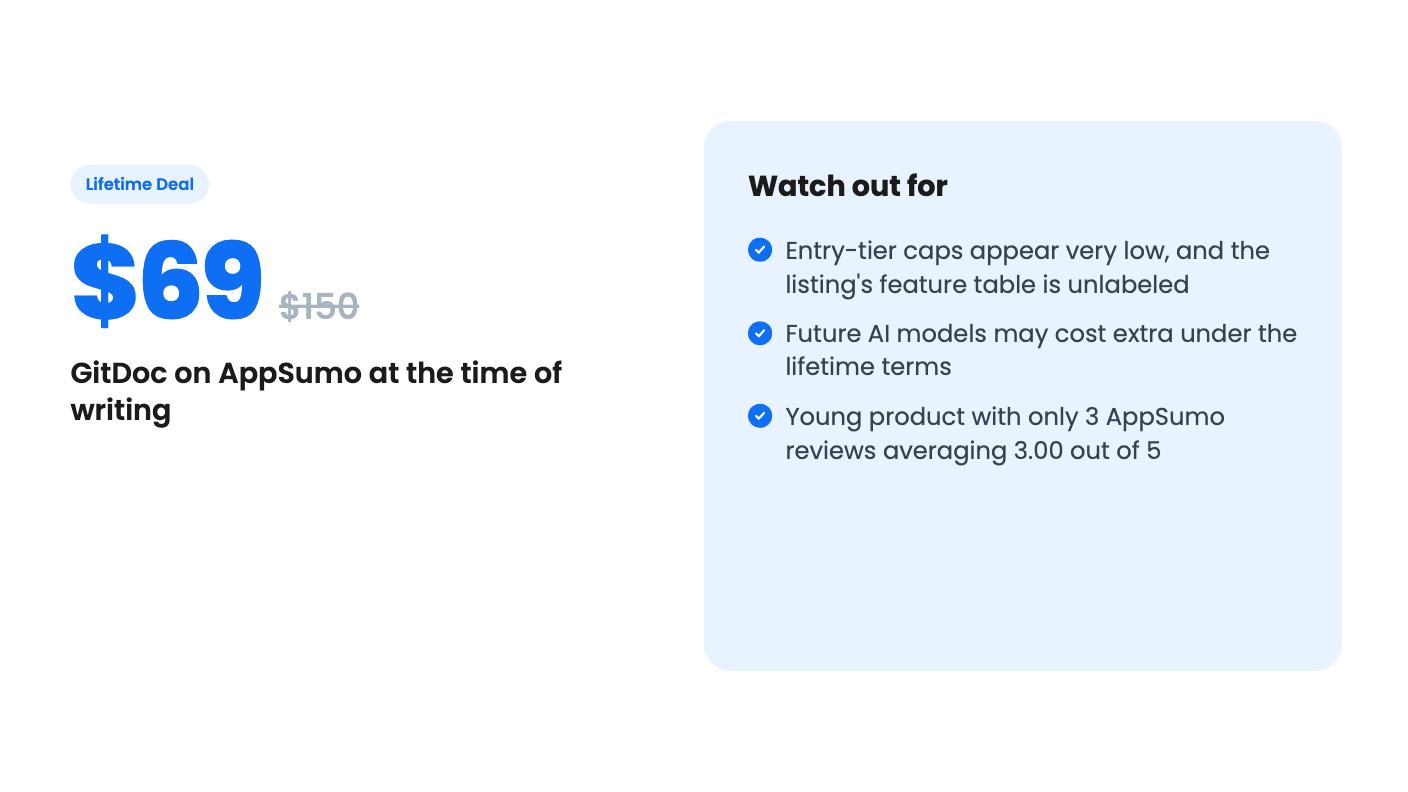
The lifetime tiers are $69 (list $150), $129 (list $300), $279 (list $900) and $399 (list $3,000). Those list prices are AppSumo’s framing, so don’t read them as what anyone pays.
The plan features table is unlabeled. It gives values as four numbers separated by slashes, with no column headings. The first column has the most of everything, so the order most likely runs from the top tier down. That’s my reading, not something the listing states. If it’s right, here’s what the $69 tier gets:
- 1 documentation site
- 2 sections, with 5 files per section
- 10 agentic generations per month
- 50 visitor AI questions per month
- No visitor analytics, no internal docs, no team invites
- The “powered by” label stays
That’s a tiny allowance. Ten files in total won’t document much of anything. At $129 you’d apparently get 2 docs, 5 sections, 10 files per section and 20 generations a month. Even that is thin for a product with a real API.
The top tier at $399 reads far better: 15 docs, 100 sections, 100 files per section, 300 generations a month, unlimited visitor questions, analytics, team invites, internal docs and role-based auth. Only that column mentions roles-based auth. Because the table is unlabeled, ask the seller to confirm which numbers belong to which tier before you pay.
Terms to read before you buy
All tiers include future plan updates and lifetime access. You must activate your license within 60 days. You can upgrade while the deal is live, but you can only downgrade within 60 days of purchase.
The line I’d underline is about AI models. Access to future models “may be provided at a discounted rate” or “may require an add on.” A documentation tool built on AI generation will want newer models over time, so the lifetime price may not cover everything it can do in two years.
The deal’s end date is 2026-11-01 at 23:59 in the listing’s timezone, which is today as we write this. So don’t expect a long window to think it over.
Who should skip it
AppSumo shows 3 reviews averaging 3.00 out of 5. That’s too little to draw conclusions, but it isn’t a vote of confidence either. We don’t know what those reviewers disliked, and the listing doesn’t say.
Skip the $69 tier if you have more than one product or a docs set bigger than a handful of pages. Skip the whole deal if you need mature versioning, extensive integrations or proof of uptime. The only integration listed is Google Fonts, and the versioning answer in the FAQ is a generic description with no specifics.
It makes sense for a small SaaS or API team with a GitHub repo, a short docs set and a wish to be found by AI assistants. If that’s you, aim for $129 at least, and for $279 or $399 if you need team members or internal docs. Test the sync with your own repo during the 60-day activation window, and keep the Git backup switched on from day one.
How this review was made: researched from GitDoc's official listing, and written with help from AI. We have not tested GitDoc hands-on yet. Prices and deal terms change, so check AppSumo before you buy. See our affiliate disclosure.