Email MarketingReview
Million Dollar Email Templates 2.0 Review: Free Swipe File Deal
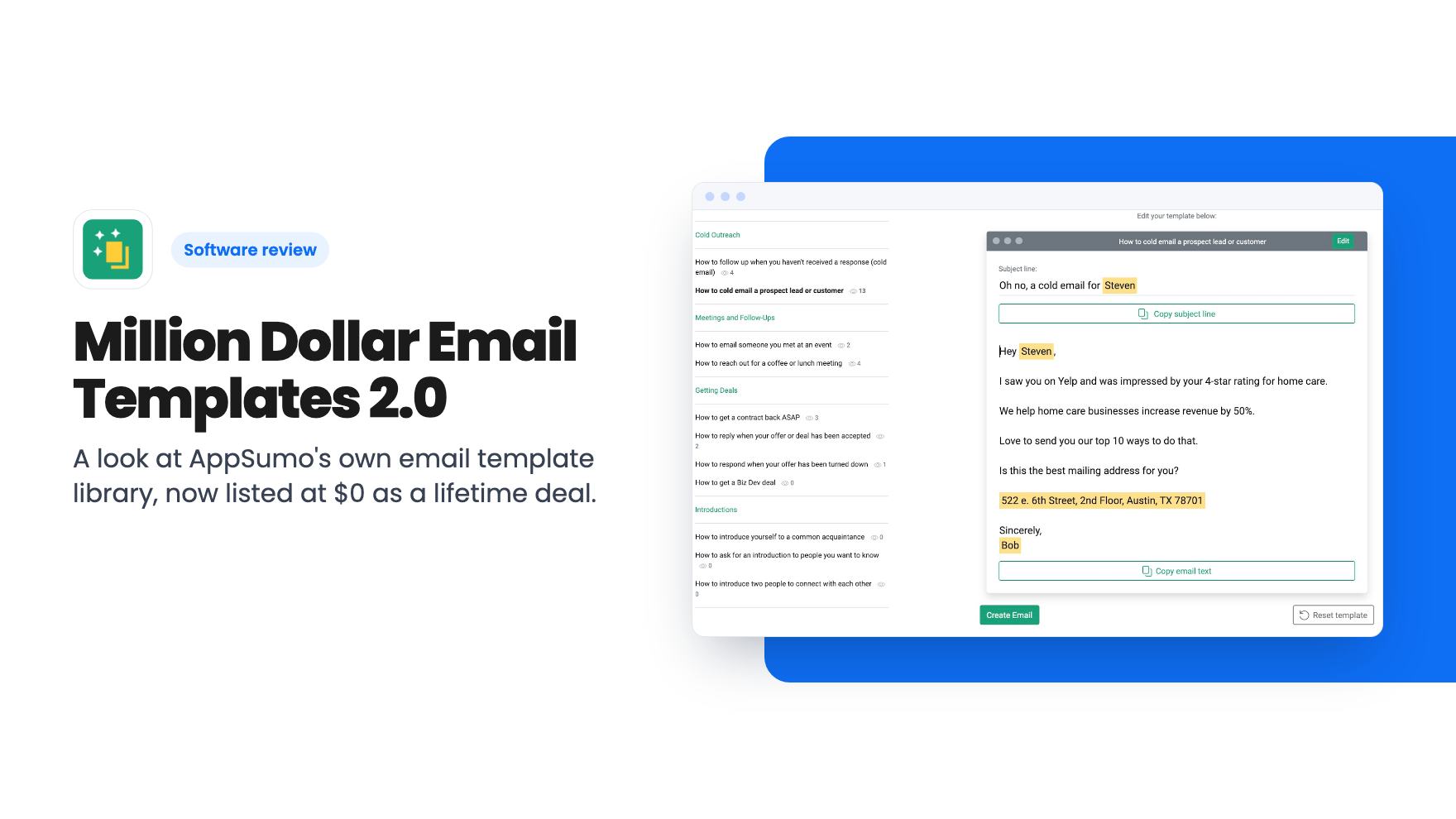
A look at AppSumo's own email template library, now listed at $0 as a lifetime deal. What you get, what's vague, and who should grab it.
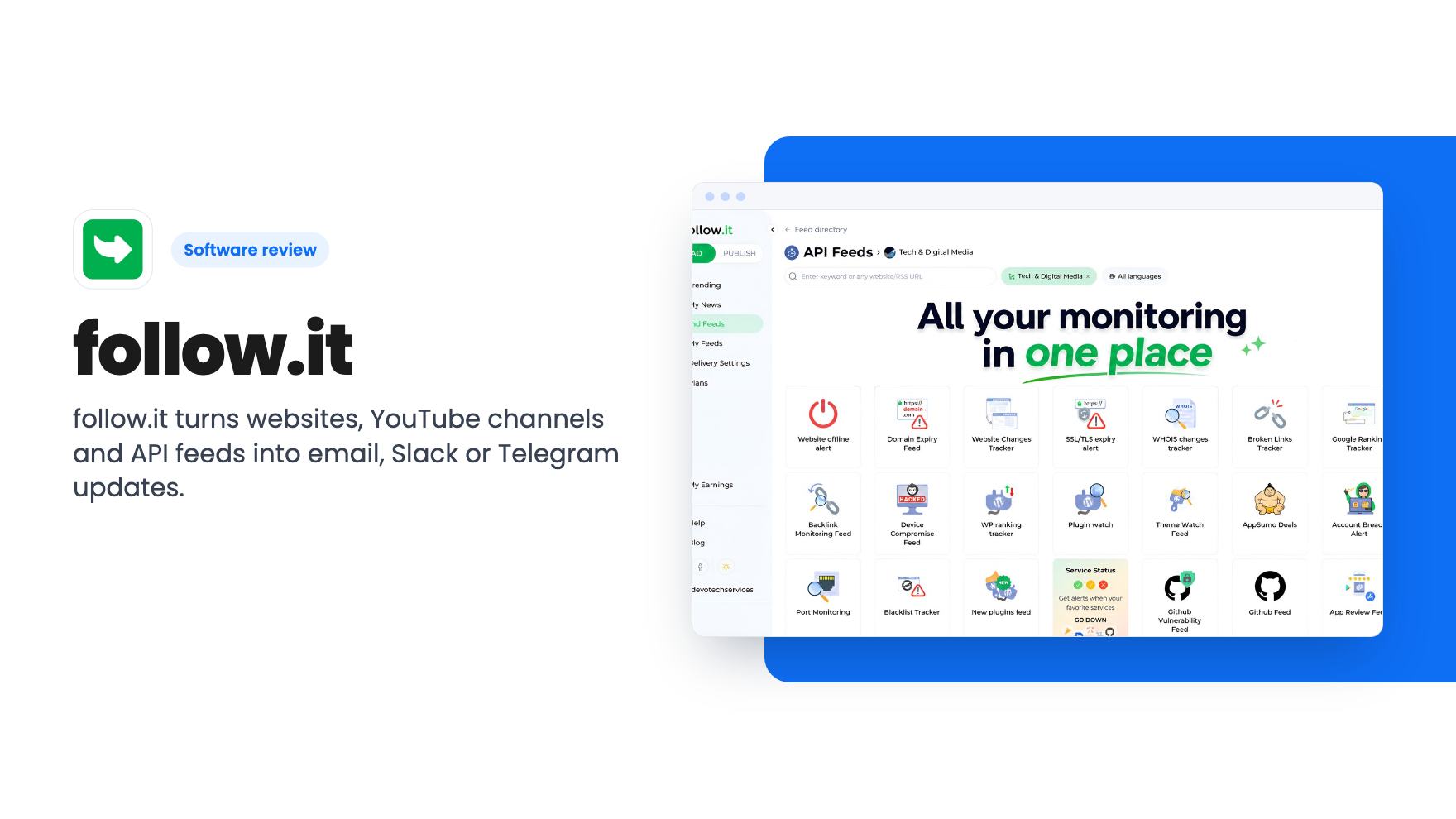
follow.it turns websites, YouTube channels and API feeds into email, Slack or Telegram updates. Here's what the $49 AppSumo deal covers and where the caps bite.
Lifetime deal price
$49$19675% off
Lifetime Deal · ends Nov 26, 2026
Our take: Buy the $49 tier if you track a modest number of blogs or competitors and want updates in email, Slack or Telegram instead of another reader app. Skip it if you need heavy AI processing, because the lower tiers have tight daily and monthly AI limits, and the listing doesn't explain the plan table clearly.
You follow a dozen competitor blogs, a few supplier news pages and a couple of YouTube channels. Half of it lands in a feed reader you open twice a month. The other half you forget exists. That gap between “I should keep an eye on this” and actually seeing it is what follow.it is built to close.
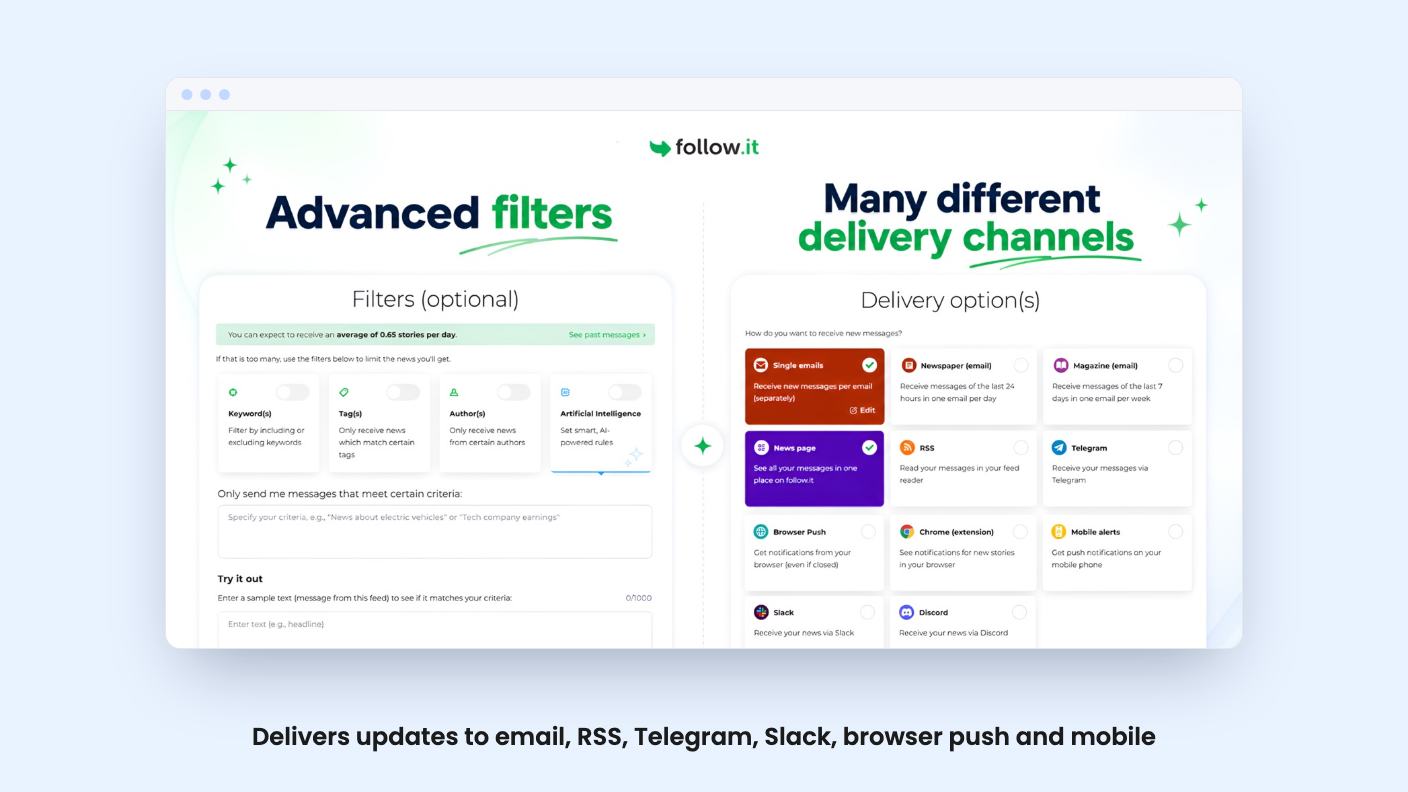
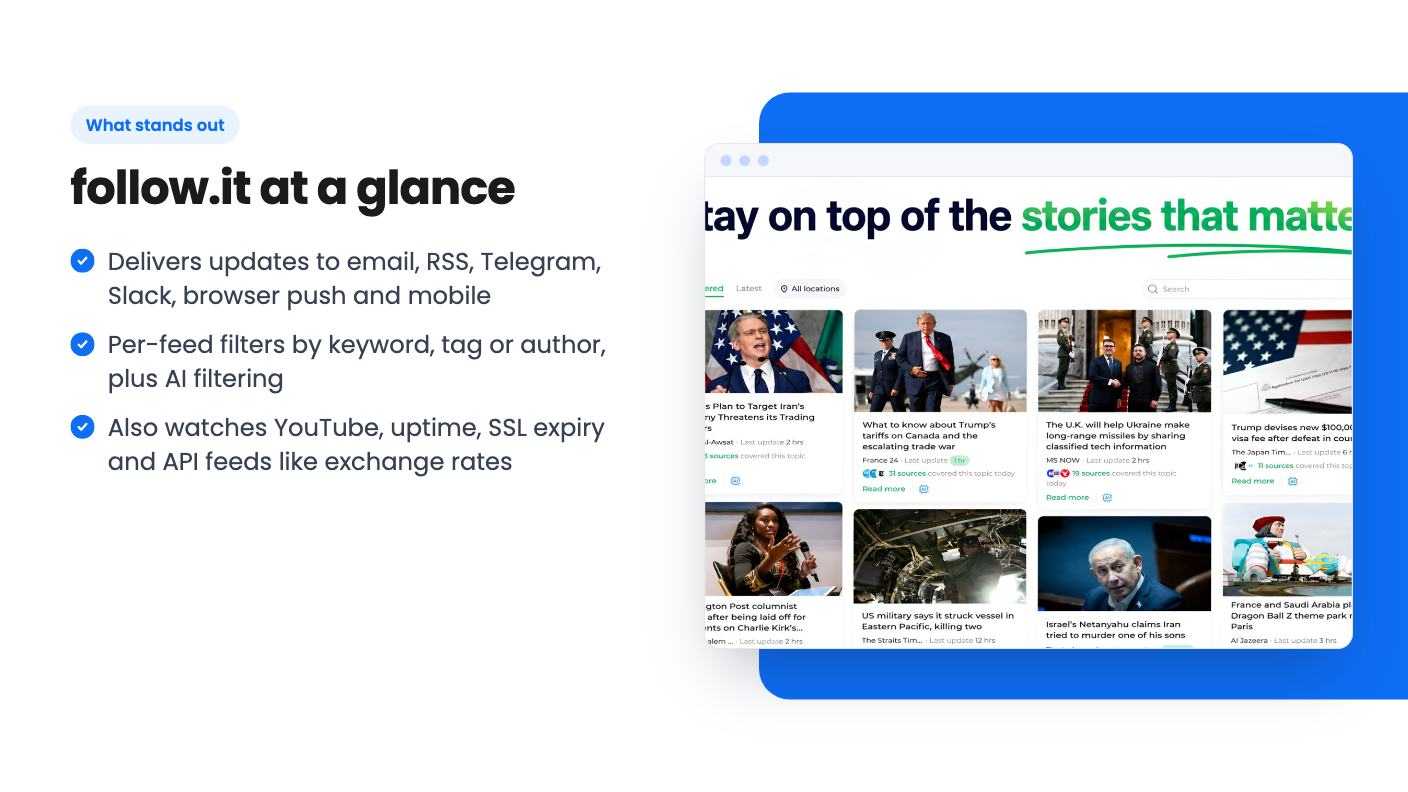
The idea is simple. You point follow.it at a website, blog, YouTube channel or one of its specialized API feeds, and it sends you updates where you already spend your day. According to the listing, that can be email, RSS, Telegram, Slack, browser push or mobile alerts.
That’s different from a traditional reader like Feedly, Inoreader or NewsBlur, which the listing names as alternatives. Those want you to come to them. follow.it pushes content out to you, and you can read stories right inside the email without clicking through.
There’s also a personal news page where you can save stories and organize what you’re tracking, plus a Chrome extension. A Buffer hand-off lets you forward a story straight into your social queue, which is handy if part of your job is sharing industry news.
You choose how often things arrive. Instant delivery is there for fast-moving sources. A daily digest called Newspaper and a weekly one called Magazine cover everything else. Frequency and channel can be set per feed, so a news site that posts twelve times a day doesn’t have to flood your Slack.
Filtering is the feature that matters most here. You can narrow any feed by keyword, tag or author. If you only care about posts mentioning pricing, or only one writer on a busy blog, you can cut the rest.
The listing also mentions AI prompts for filtering and surfacing the most important updates, and AI summaries. AppSumo’s summary adds translation. This is the newest part of the product, by AppSumo’s own account, and it’s where the plan limits get tight.
This is the part that surprised me most in the listing. follow.it isn’t only about articles.
For a small business owner, the uptime and SSL items are quietly useful. An expired certificate on your own site is the sort of thing you want an email about before a customer finds it. Still, the listing gives no detail on check intervals or how fast alerts fire, so don’t treat this as a replacement for a dedicated uptime monitor without checking.
There are four lifetime tiers, all for brand-new follow.it users:
Each one maps to a plan level: Hello, Basic, Standard and Pro. You also get future updates to the plan you bought. If the plan is renamed, your deal moves to the new name.
The feature table is where I’d slow down. The listing shows numbers for RSS feeds (ranging from 500 up to 8,000), AI processing (100 to 3,000), daily AI summaries (5 up to 100 per day) and AI filters (messages checked per month). But the columns aren’t labeled by tier and some rows have a different number of values than others. I can’t tell you with confidence exactly what the $49 tier gets for each line. Check the live listing before you pay.
What the table does make clear: the entry plan is the one with standard support and standard email speed, and it’s the one that shows ads in emails, while higher plans remove them and add premium support and faster delivery, up to 10x according to the listing.
AI is the big one. The listing says access to future AI models may be offered at a discounted rate or may require an add-on. So the AI features you see today are capped, and what comes later may cost extra. A lifetime deal on a product with AI built in always carries that risk, and here it’s spelled out.
Also, you must activate your license within 60 days. You can upgrade while the deal is live, but you can only downgrade within 60 days of purchase. Pick your tier with some care.
AppSumo’s review summary, which is marketing copy, mentions some interface spots that aren’t intuitive and that you can’t edit feed names. Those are small, but if you plan to manage dozens of feeds, being stuck with the name a source gives you is annoying. There’s no demo video in what we have, and we haven’t tried the product ourselves, so we can’t speak to how smooth setup is.
Skip it if you want a deep research tool with heavy AI analysis. The AI allowances on the lower tiers are small, and the listing is upfront that more AI may cost more.
Skip it too if you need a polished, all-in-one reading experience with annotations and team workflows. The listing doesn’t mention team features at all.
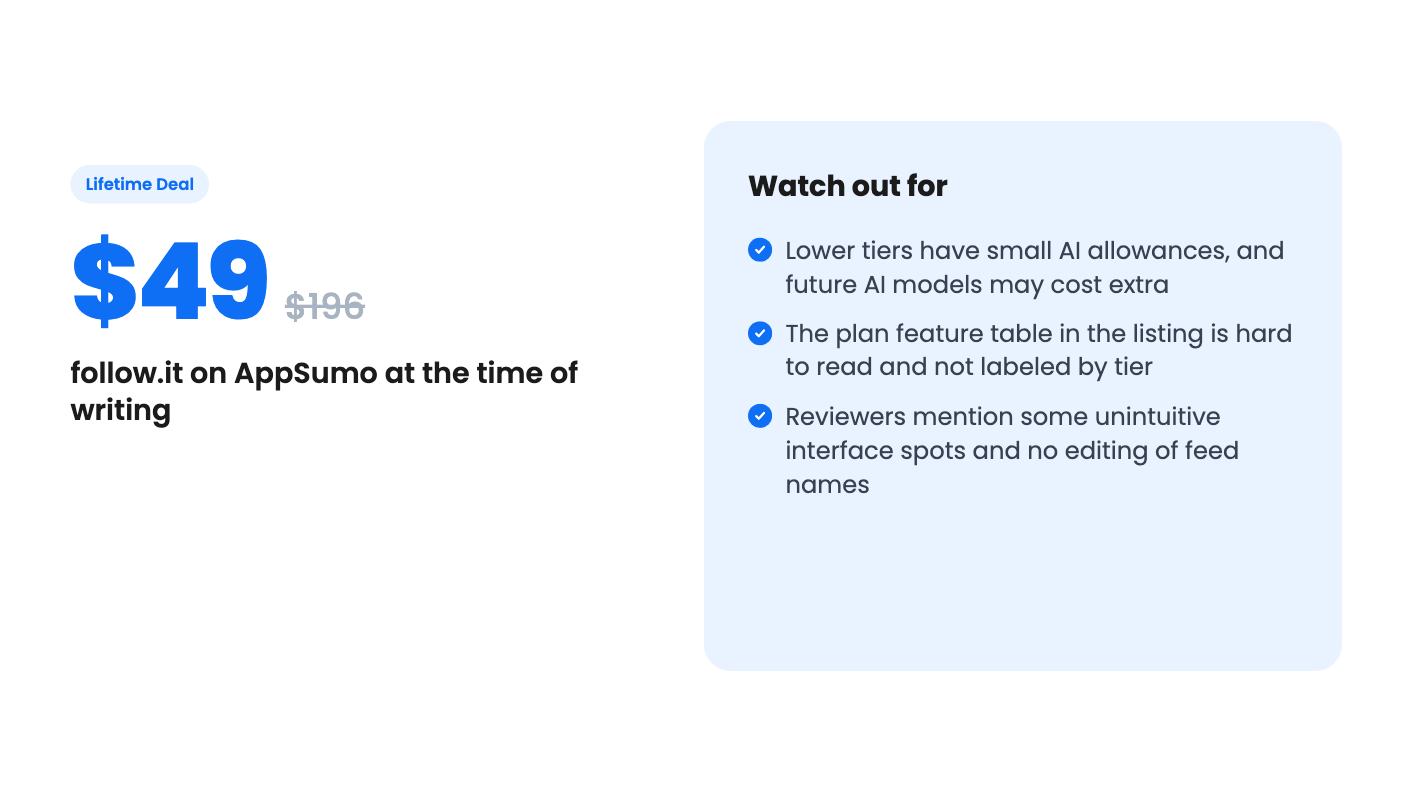
It makes more sense if you’re a solo operator, content marketer or small team that wants a quiet, filtered stream of updates in email or Slack. The 4.85 average from 116 AppSumo reviews is encouraging, though that’s a self-selected buyer pool. With the 60-day refund window, the $49 tier is a low-risk way to find out if push-style monitoring fits how you work.
Only brand-new follow.it users. The listing says no previous accounts, trials or paid plans with this partner are eligible.
Not necessarily. The listing says access to future AI models may come at a discounted rate or may require an add-on, so don't count on unlimited AI later.
AppSumo's listing mentions a 60-day money-back guarantee. You also need to activate your license within 60 days, and downgrades are only allowed in that window.
How this review was made: researched from follow.it's official listing, and written with help from AI. We have not tested follow.it hands-on yet. Prices and deal terms change, so check AppSumo before you buy. See our affiliate disclosure.
A look at AppSumo's own email template library, now listed at $0 as a lifetime deal. What you get, what's vague, and who should grab it.
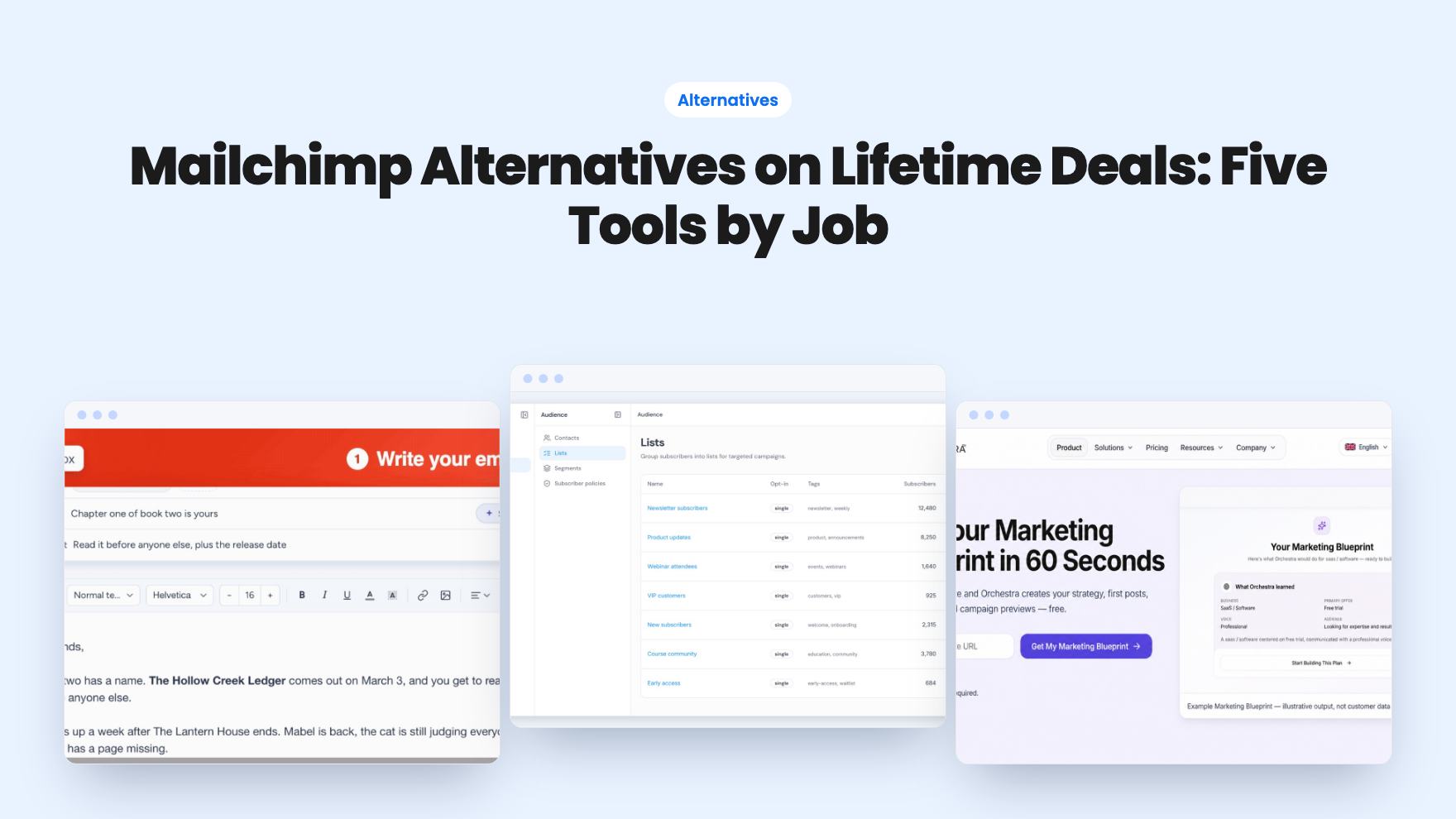
Five AppSumo lifetime deals named as Mailchimp alternatives, grouped by what you send, with the caps and catches in each listing.
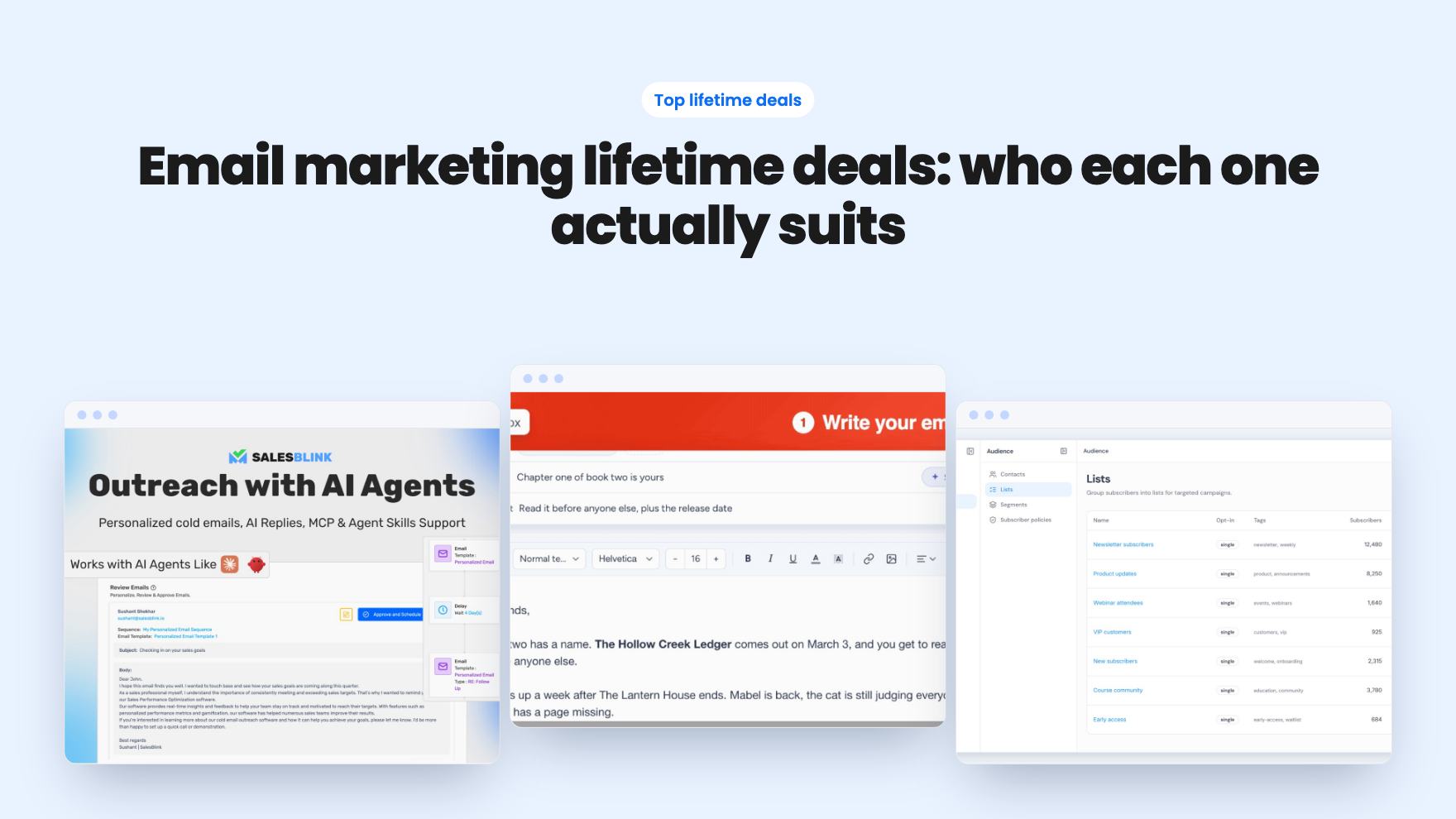
Ten email marketing lifetime deals from $29 to $79, grouped by job: sending, list cleaning, and the odd extras. Caps, catches and who should skip each one.