Email MarketingReview
Million Dollar Email Templates 2.0 Review: Free Swipe File Deal
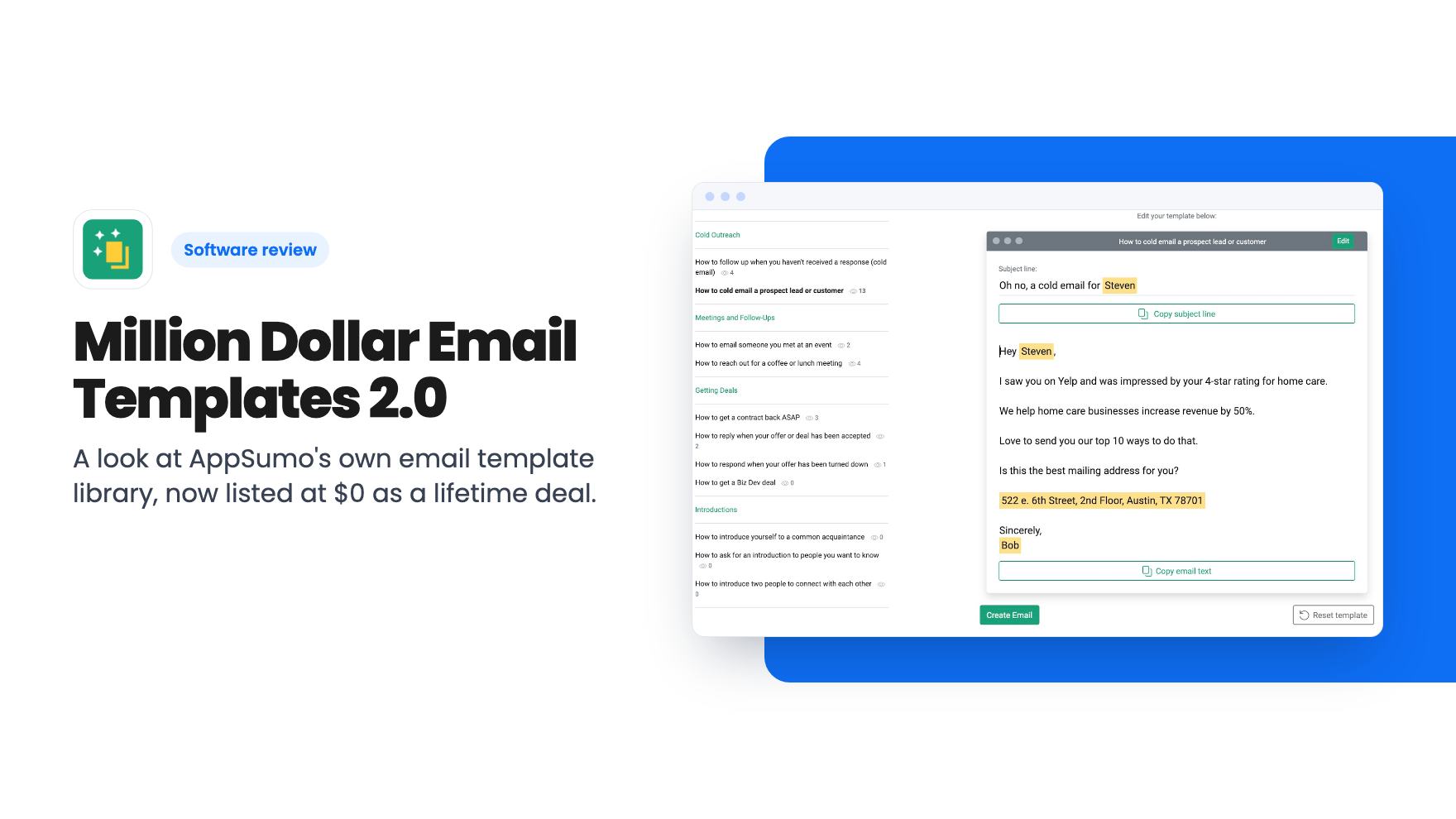
A look at AppSumo's own email template library, now listed at $0 as a lifetime deal. What you get, what's vague, and who should grab it.
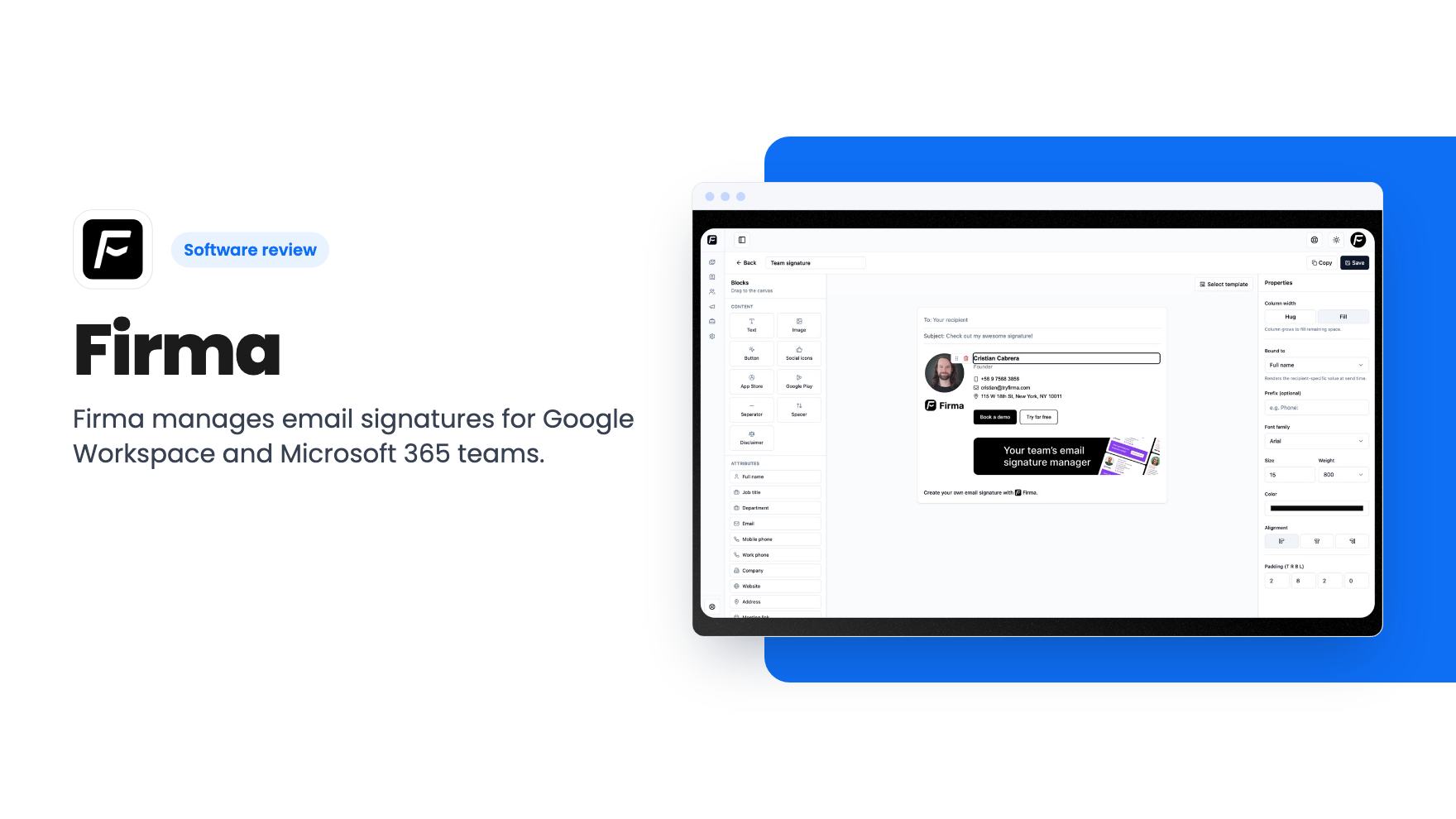
Firma manages email signatures for Google Workspace and Microsoft 365 teams. The AppSumo deal starts at $49 for a capped number of seats. Here's what to check first.
Lifetime deal price
$490
Lifetime Deal
Our take: Buy if you run a small team on Google Workspace or Microsoft 365, you're tired of fixing signatures by hand, and your headcount fits under the seat cap. Skip it if you have more people than the top tier covers, or you want proven reporting and a long track record before paying anyone.
Someone changes job titles, the office moves, a new hire starts on Monday, and now you’re asking a dozen people to paste a new signature into their email settings. Half will do it. A few will paste a screenshot. One will keep the old phone number for another year.
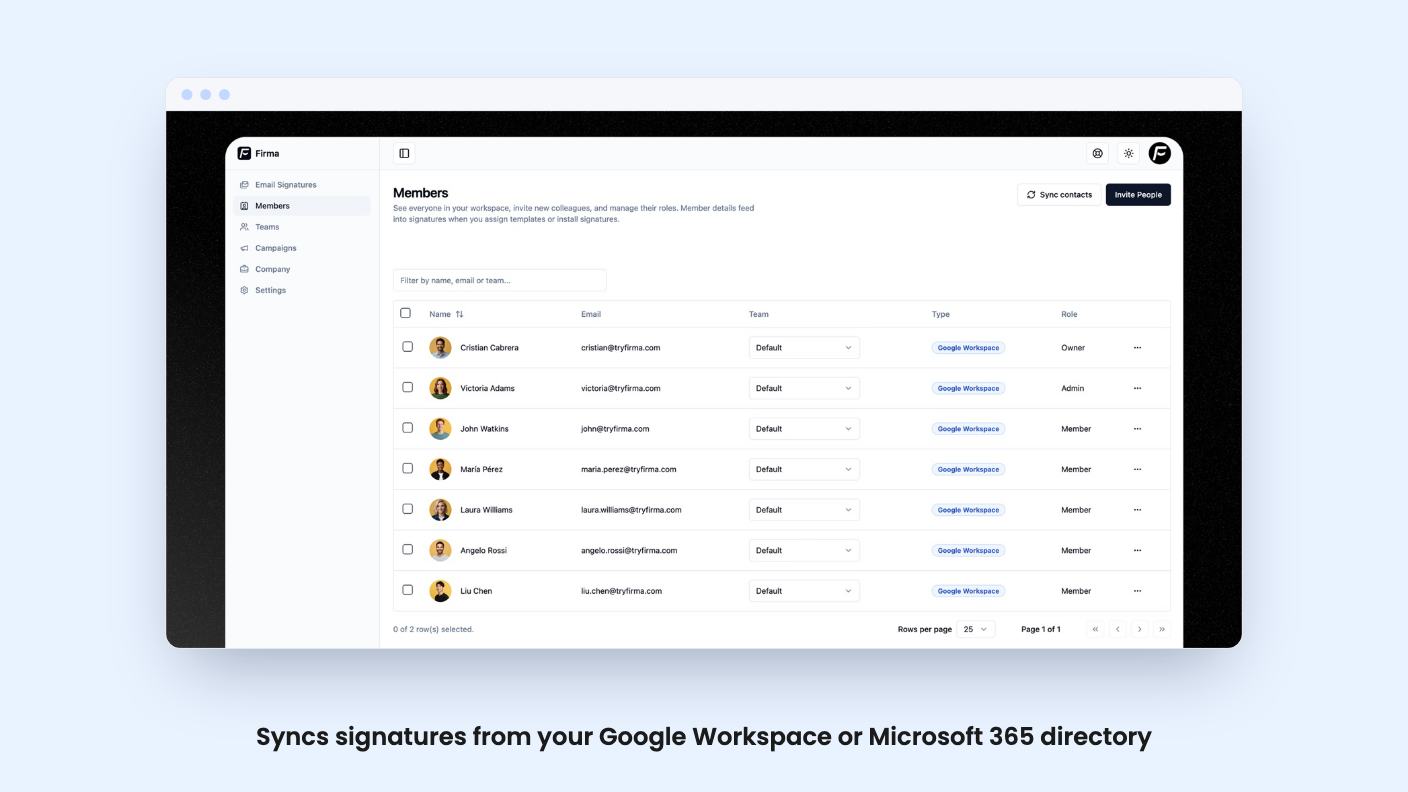
That’s the small, annoying problem Firma goes after. It’s a signature manager for teams, and on AppSumo it’s sold as a lifetime deal starting at $49. It’s a young-looking product with very little public evidence behind it so far, so let’s go through what the listing actually tells us.
The core idea is simple. You connect your company directory, Firma pulls in your users, roles and contact details, and it deploys a signature to every mailbox. You can edit those details by hand if the directory data is messy, which in small companies it usually is.
The listing says you can assign different signatures by department, role, location or seniority. So sales can carry a booking link, support can carry a help centre link, and the office in another city can show its own address. Update a phone number or job title once and, according to the listing, every signature syncs instantly.
That last claim is the whole selling point. If it works as described, you stop being the person who chases people for signature fixes.
You can start from designer-built templates or bring your own custom HTML. Logo, brand colours and fonts can be matched, and you can add social icons, website links, a phone number and clickable calls to action.
The custom HTML option matters more than it sounds. If you already have a signature your designer built, you don’t have to rebuild it inside someone else’s editor. What the listing doesn’t say is how many templates there are, or how the editor handles a signature that has to look right in both Gmail and Outlook. Those two render HTML differently, and that is usually where signature tools get awkward.
This is the part that separates Firma from a plain signature tool. You can add promotional banners to outgoing email automatically and schedule campaigns for launches, events, webinars or seasonal offers.
The listing says you can run one campaign across the whole company or assign different campaigns to different teams. Update a banner once and it goes out without anyone touching their own signature.
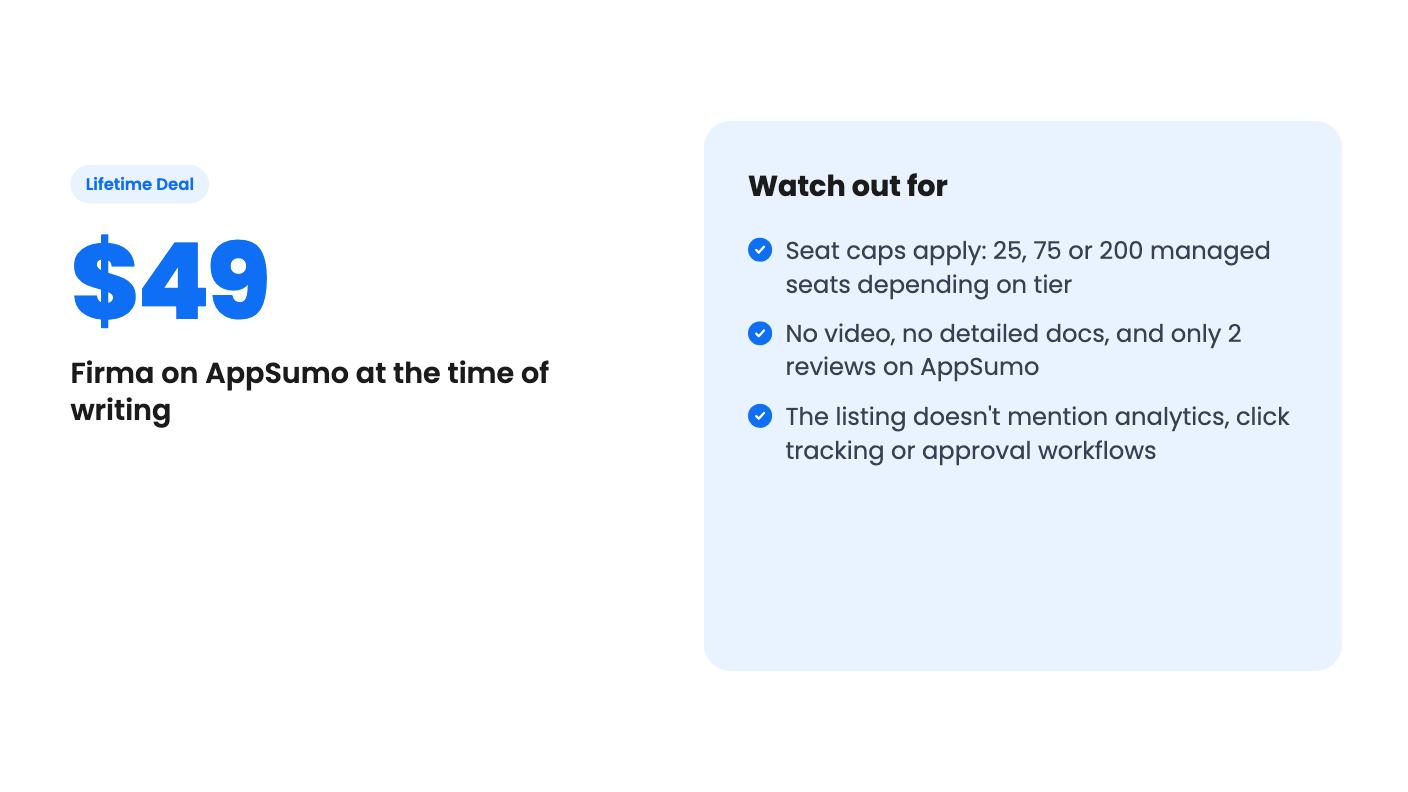
For a small business, that’s a sensible idea. Your team already sends a pile of email every day, and a line under each message about your spring promotion costs nothing extra. Still, the listing treats this as a big marketing channel (“thousands of daily employee emails”) without showing any numbers. We’d think of it as a modest nudge, not a replacement for a newsletter. And the listing doesn’t mention click tracking or reporting, so you may not be able to tell whether a banner did anything. If it does track clicks, the listing doesn’t say so.
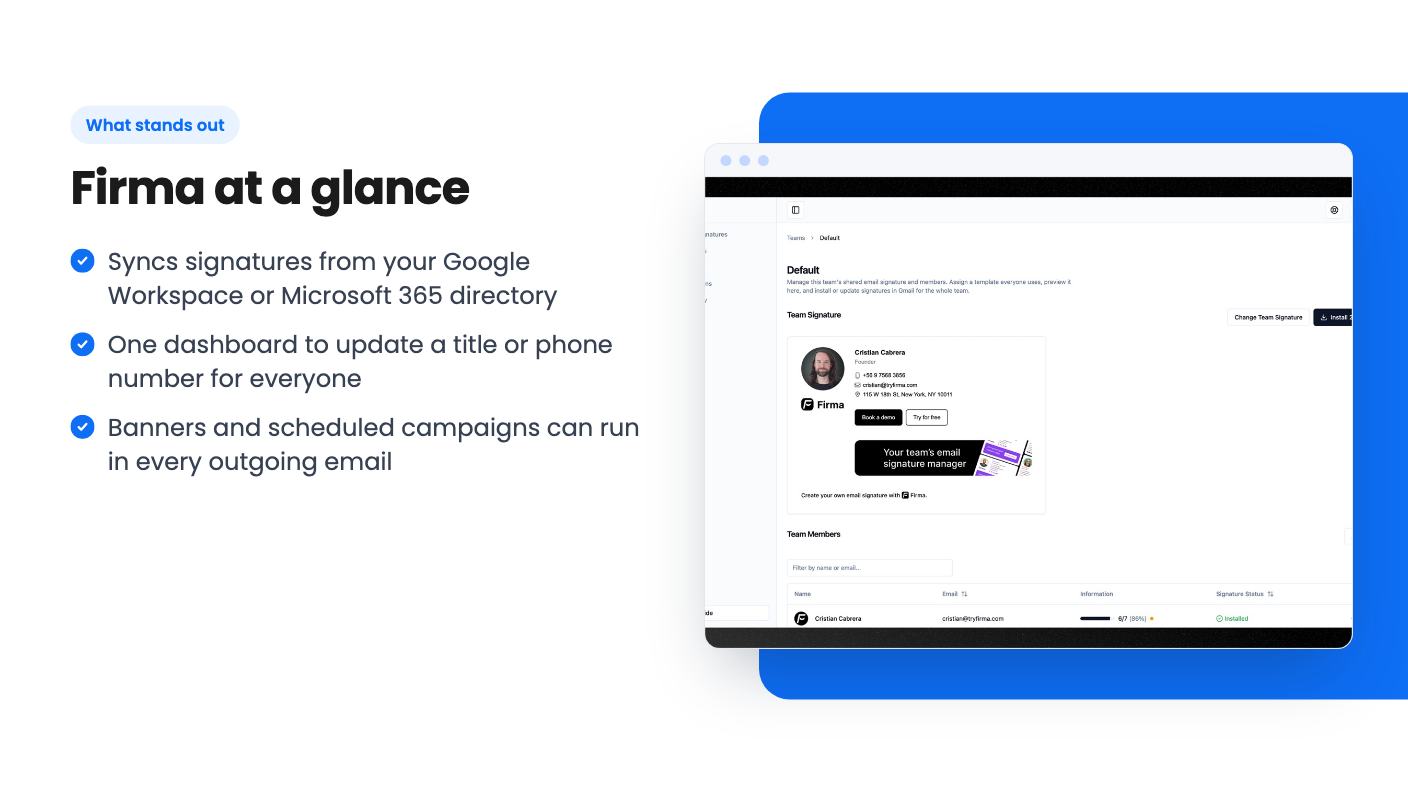
Firma claims about 5 minutes of setup, no IT ticket and no scripts. The route is a one-click install from the Google Workspace Marketplace or a connection to Microsoft 365. Then it syncs your directory.
There’s no demo video attached to this listing, so we can’t describe the interface or judge how it feels to use. Five minutes is plausible for the install itself. Cleaning up job titles and deciding which signature goes to which team will take longer, and that part is on you.
One practical point: Google Workspace and Microsoft 365 usually need an admin to approve a directory connection. “No IT department needed” is fair if you’re the admin. It’s less true if someone else holds the keys.
There are three tiers. Each is a one-time payment, and each includes lifetime access and all future plan updates. You can stack up to 3 codes, and you must redeem your codes within 60 days of purchase.
The listing gives managed signature seats as 200, 75 and 25 but doesn’t match them to tiers. Going by price, $49 should be 25 seats, $98 should be 75, and $147 should be 200. That’s our reading, not something the listing states, so check the deal page.
The maths is friendly if it holds. The listing quotes paid plans from around $1.20 per user per month on annual billing, which is about $14.40 per user per year. A 25-seat team would pay roughly $360 a year at that rate, against $49 once. Even if you only use it for a year or two, the lifetime price looks hard to argue with.
The unclear bit is stacking. The listing says you can stack up to 3 codes, but it doesn’t spell out whether each code adds another block of seats. Ask the seller before you assume three $49 codes equals 75 seats.
Also note that the listing’s own FAQ says Firma is free for up to 2 users. A two-person business doesn’t need a deal at all.
Skip it if your team is large. Custom pricing kicks in over 500 employees on the regular plans, and the biggest lifetime tier tops out at 200 seats. If you grow past your cap, the listing doesn’t say what happens, or whether you can buy more seats.
Skip it if you need hard proof before committing. AppSumo shows 2 reviews averaging 5.00, which is too thin to tell us anything about reliability or support. The listing text is also light: no changelog, no stated roadmap, no security details.
Skip it if you don’t use Google Workspace or Microsoft 365. The listed integrations are G-Suite, Gmail, Google Workspace, Office 365 and Outlook, and nothing else. A team on another mail provider shouldn’t assume it will work.
Finally, skip it if the marketing angle is why you’re buying. Campaigns look like an add-on to the signature feature here, and the listing offers no analytics to back them up.
For a 10 to 60 person company on Google Workspace or Microsoft 365 that just wants consistent, current signatures, $49 to $147 is a small bet. Before buying, run through your own checklist: count your mailboxes, confirm which tier matches them, and ask how the seat stacking works. If you want to be careful, start on the free plan for two users and see how the install behaves in your own mail setup before you redeem anything.
The listing shows managed signature seats of 200, 75 and 25 across the three tiers, priced at $147, $98 and $49. It doesn't label which number goes with which tier, but the order and prices suggest $49 gets you 25. Confirm on the deal page before you buy.
Yes, according to the listing. It installs from the Google Workspace Marketplace or connects to Microsoft 365, syncs your directory, and deploys signatures to the mailboxes in your organization. The listed integrations also include Gmail and Outlook.
The listing says Firma is free for up to 2 users. If your team is bigger than that, the deal replaces per-seat pricing, which the listing puts at about $1.20 per user per month on annual billing. You have to redeem your code within 60 days of purchase.
How this review was made: researched from Firma's official listing, and written with help from AI. We have not tested Firma hands-on yet. Prices and deal terms change, so check AppSumo before you buy. See our affiliate disclosure.
A look at AppSumo's own email template library, now listed at $0 as a lifetime deal. What you get, what's vague, and who should grab it.
Five AppSumo lifetime deals named as Mailchimp alternatives, grouped by what you send, with the caps and catches in each listing.
Ten email marketing lifetime deals from $29 to $79, grouped by job: sending, list cleaning, and the odd extras. Caps, catches and who should skip each one.