Email MarketingReview
Million Dollar Email Templates 2.0 Review: Free Swipe File Deal
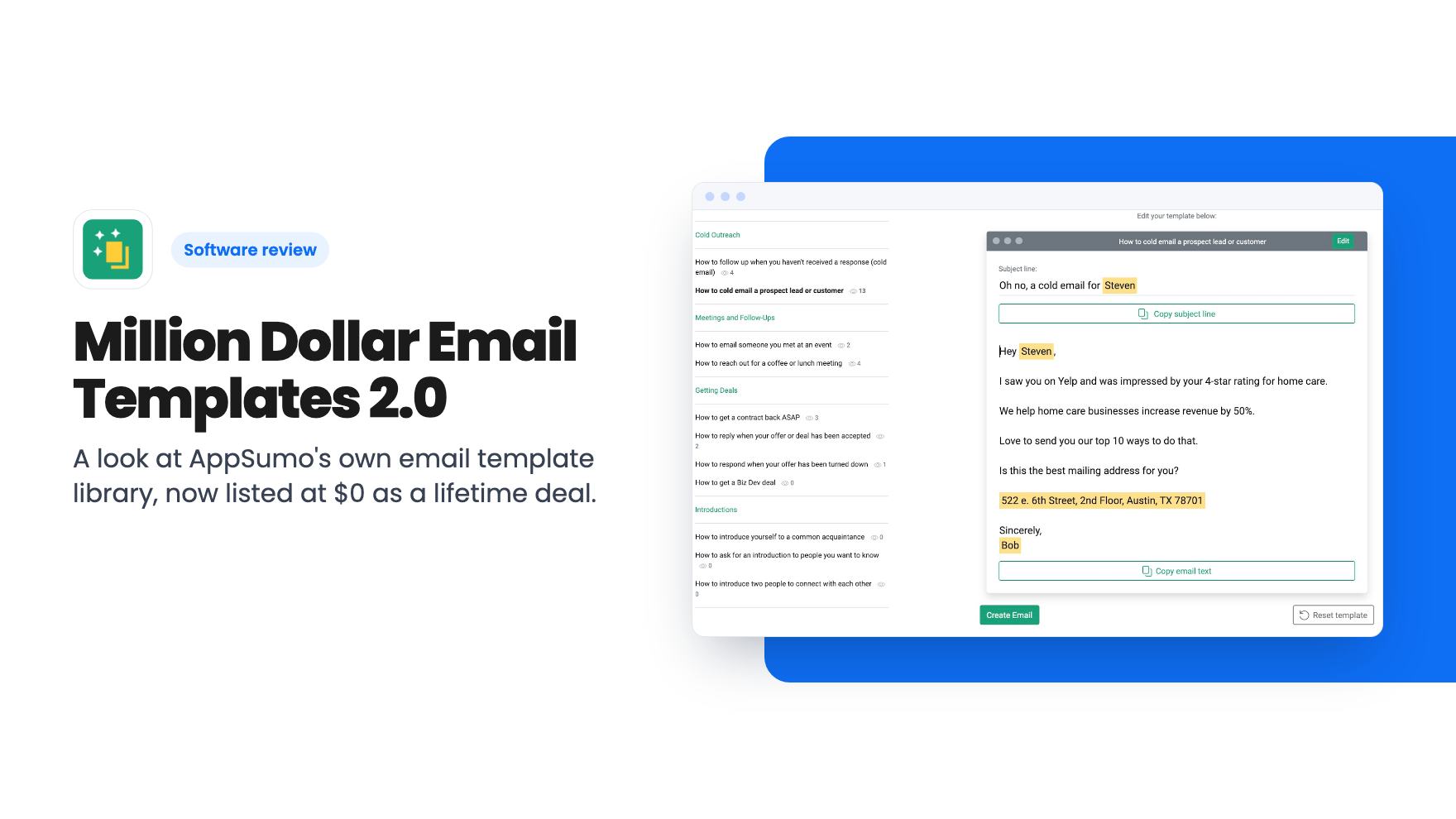
A look at AppSumo's own email template library, now listed at $0 as a lifetime deal. What you get, what's vague, and who should grab it.
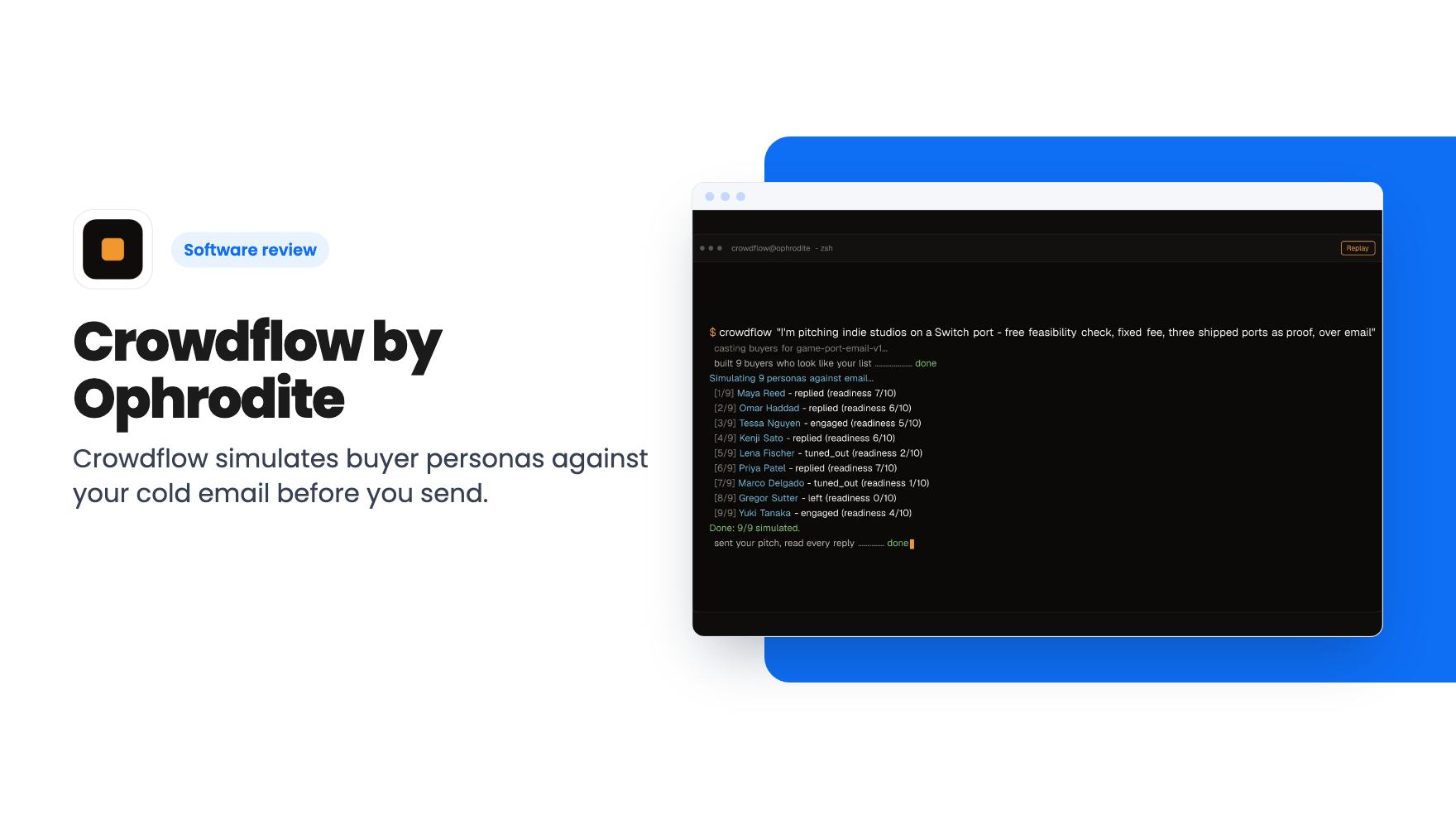
Crowdflow simulates buyer personas against your cold email before you send. The $29 AppSumo lifetime deal is a local CLI tool and needs your own API key.
Lifetime deal price
$290
Lifetime Deal
Our take: Worth a look for a solo founder or small agency that sends cold email and is comfortable in a terminal. Skip it if you want a hosted app, proof that the simulations predict real replies, or any sending features.
You’ve written a cold email you actually like. The list is ready and the sending tool is warmed up. But you know how this goes: you send a few hundred, wait a week, hear almost nothing, and have no idea whether the problem was the offer, the audience or the subject line. Meanwhile your domain has taken the hit.
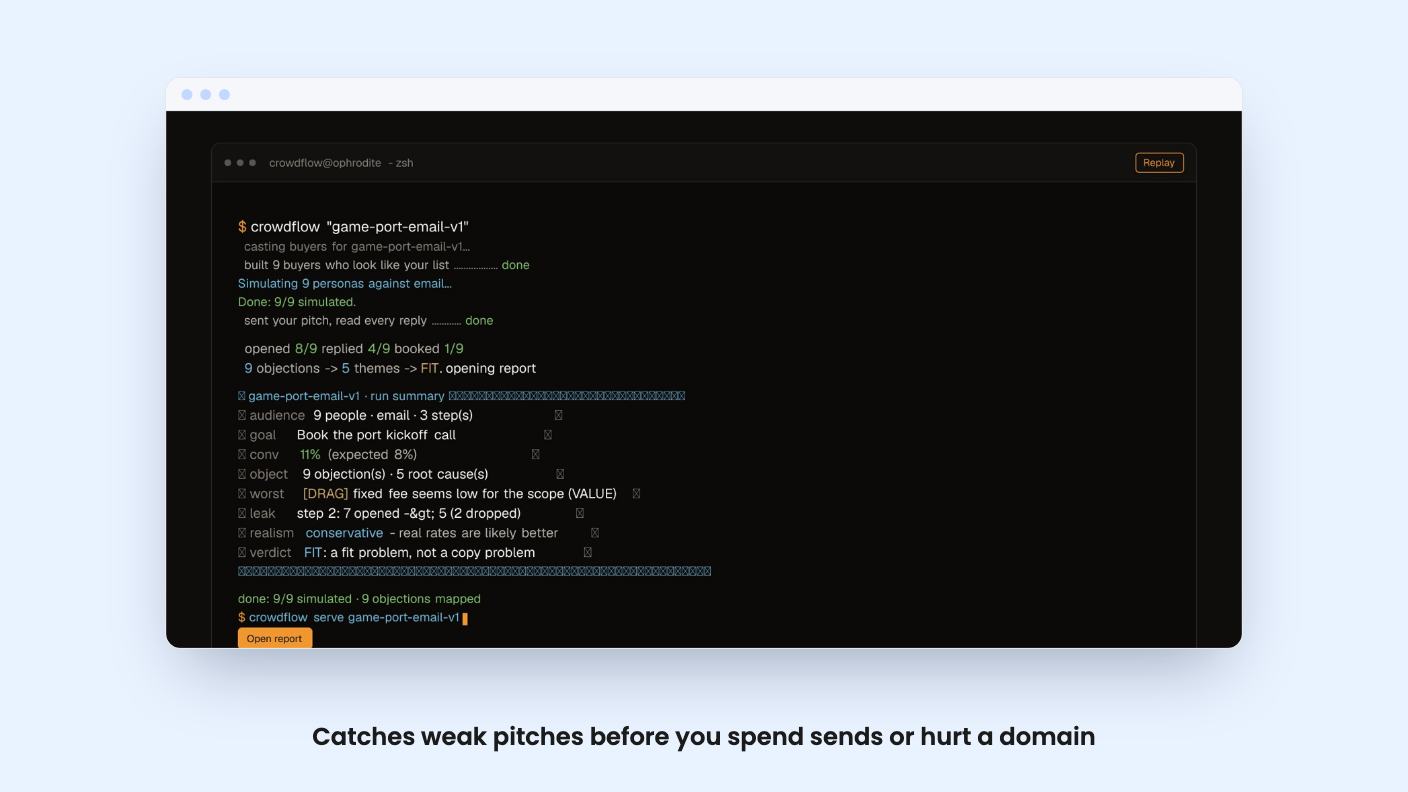
Crowdflow, from Ophrodite, is built for that gap. It’s a tool that plays your buyers before the real ones see anything.
Crowdflow doesn’t send email. It’s a simulator. You give it a pitch and a description of who you’re targeting, and according to the listing it runs nine or more AI personas through the email step by step. Each persona opens it, ignores it, replies or books, and the tool records why.
The listing describes this as backtesting cold outreach against buyers who look like your list. You can also feed in your own buyer profiles so the personas mirror who you’re really going after.
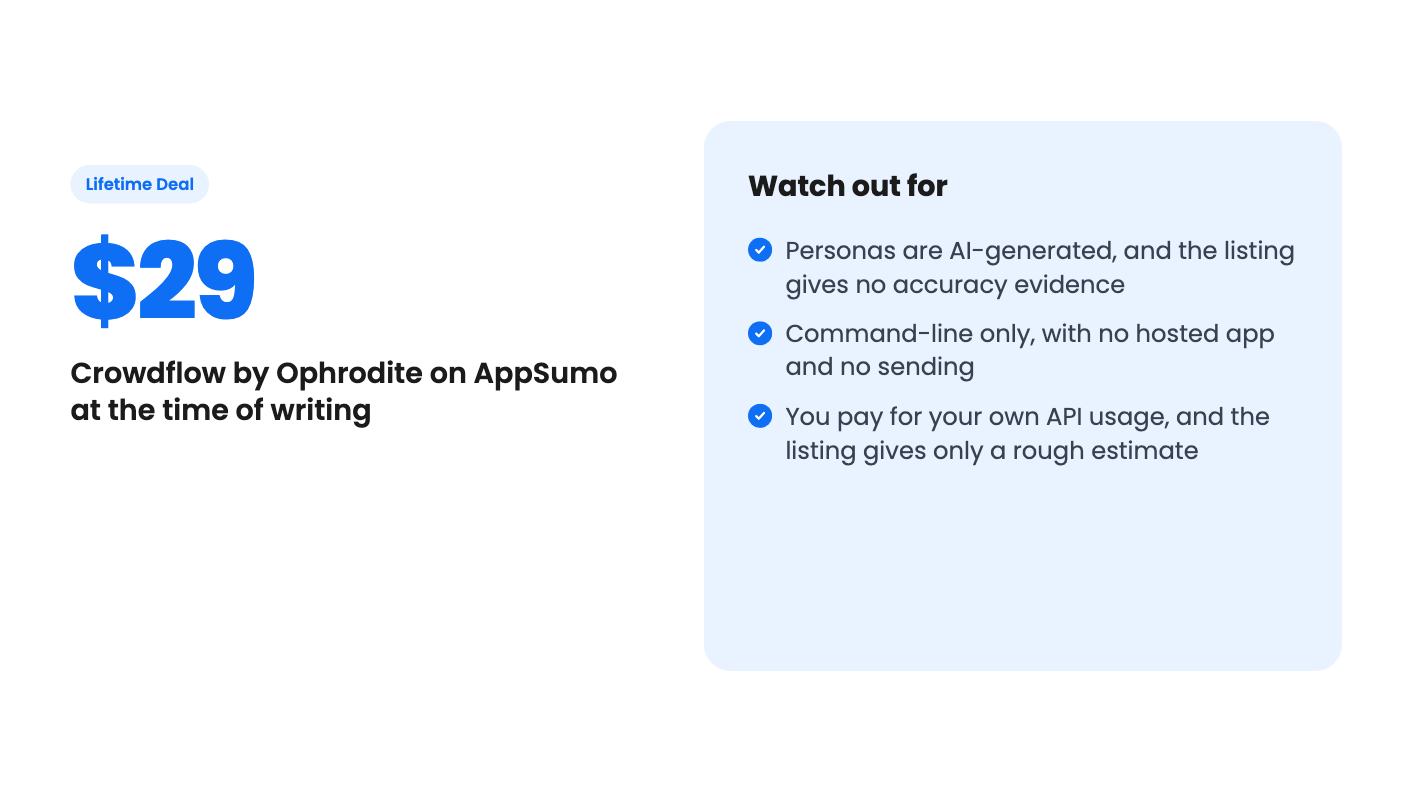
Here’s the part to keep in mind. These are model-generated personas, not real people. The listing offers no accuracy figure and no comparison against real campaign results. So treat the output as a sharp second opinion, not a forecast.
That’s still useful. Most weak cold emails fail for dull reasons: the wrong audience, a vague benefit, an ask that’s too big for a first message. A tool that points those out in minutes earns some of its keep even if the exact reply rates are fiction.
When a run finishes, you get a summary dashboard with opened, replied and booked counts. Below that, the report leads with what the listing calls “the call”, a single sentence it thinks is most likely to convert. There’s also a “Do this first” action, and a person-by-person breakdown of who did what.
Objections get sorted into root-cause themes, which the FAQ lists as:
That labelling is more useful than it sounds. If most of your lost personas are tagged TARGETING, rewriting the subject line is wasted effort. You need a different list.
The feature I find most interesting is the objection map. Every persona is a dot and every objection is a color-coded square. Left to right is purchase readiness, and a dashed line shows which objections block buyers who are otherwise ready. The idea is to fix the objection that costs you deals, not the one that shows up most often.
That’s a smart framing. I can’t tell you how well it works, because there’s no demo video and the listing text is empty. All we have is the feature descriptions.
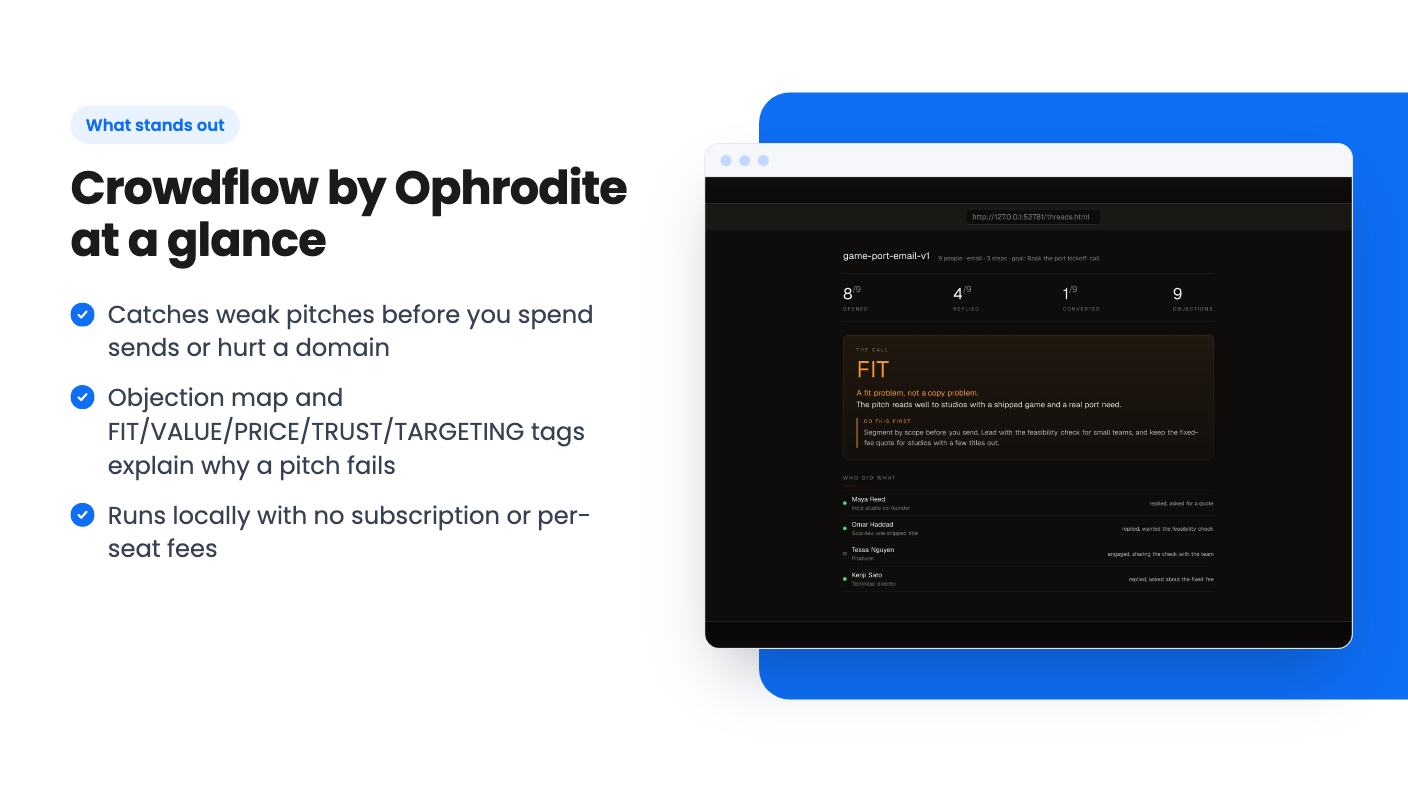
This isn’t a web app you log into. Per the FAQ, you get the full codebase, the CLI tool, a local report server and the objection-map rendering, ready to run locally. No subscription, no per-seat fees, no cloud dependency.
In practice that means a terminal. The listing doesn’t say which runtime it needs, how installation works or what support looks like. If you’ve never run a command-line tool, ask Ophrodite those questions before you buy.
You also bring your own AI key. Crowdflow works with any OpenAI-compatible provider, and the listing names Google Gemini, OpenAI and Claude as integrations. It defaults to DeepSeek V4 Flash, a budget model, and says $2 to $4 of credit lasts up to two weeks at typical usage.
Treat that as a rough guide. The listing doesn’t define typical usage, and if you point it at a pricier model the bill will climb. It gives no numbers for that case.
Then there’s the sending side. Crowdflow tells you what to fix, and you take the result to something like Instantly, Smartlead or a plain CSV import. If you don’t already have a sending setup, that’s a separate cost.
There’s one tier: $29 for lifetime access with all future plan updates. You have to redeem your code within 60 days of purchase, and the deal isn’t stackable. The listing shows a list price of $0, so there’s no regular price to compare against, and I wouldn’t read anything into the discount.
Because you’re buying a codebase, “lifetime” here means you hold the files. The FAQ says your code is reusable and you can re-download the zip any time. It also warns you to keep the code private, since anyone who has it can redeem it.
What the listing leaves out matters more than what it says. It doesn’t describe the team, a roadmap or how support works. It doesn’t spell out the license, so we don’t know if you can use it for client work. And “all future plan updates” is vague when there’s only one plan.
The website sits on a vercel.app address, which usually points to a small, early project. That isn’t a flaw, but it’s a reason to expect rough edges and to keep your expectations modest.
Skip Crowdflow if you don’t do cold outreach. It’s built for outbound pitches and nothing else in the listing suggests otherwise.
Skip it if you want a polished hosted product with onboarding, a help desk and a team behind it. This is a local tool you run yourself.
Skip it if you need evidence before you act. Simulated personas can be persuasive and still be wrong, and nothing in the listing shows they match real inboxes.
It fits a narrower person: a solo founder or a small agency that sends outbound, is fine with a terminal, and wants a cheap way to pressure-test a pitch before burning sends. For that buyer, $29 plus a few dollars of API credit is a small bet.
If you do buy, redeem the code inside the 60 days and run it on an old email whose real results you already know. If the personas’ verdict matches what actually happened, you’ll have learned more than the listing can tell you. If it doesn’t, you’ve lost very little.
No. It only simulates how buyer personas would react to your pitch. You still need a sending tool such as Instantly or Smartlead, or a CSV import, to run the campaign.
You need your own API key from an OpenAI-compatible provider. The listing says the default DeepSeek V4 Flash model means $2 to $4 of credit lasts up to two weeks at typical usage. It doesn't define typical usage, and costs will be higher with pricier models.
According to the listing, no. You get the codebase, a CLI tool, a local report server and the objection-map rendering, all meant to run on your own machine.
How this review was made: researched from Crowdflow by Ophrodite's official listing, and written with help from AI. We have not tested Crowdflow by Ophrodite hands-on yet. Prices and deal terms change, so check AppSumo before you buy. See our affiliate disclosure.
A look at AppSumo's own email template library, now listed at $0 as a lifetime deal. What you get, what's vague, and who should grab it.
Five AppSumo lifetime deals named as Mailchimp alternatives, grouped by what you send, with the caps and catches in each listing.
Ten email marketing lifetime deals from $29 to $79, grouped by job: sending, list cleaning, and the odd extras. Caps, catches and who should skip each one.