You’ve got a client who wants a booking portal, or a spreadsheet that has quietly become your whole operation, and the developer quote came back high enough that you closed the email. That’s the gap AIWA is aiming at. It promises a working app from a written description, and it’s selling lifetime access on AppSumo for $97 or $297.
We haven’t used it. Everything below comes from the AppSumo listing, which is marketing copy, and there’s no demo video to check it against.
What AIWA says it builds
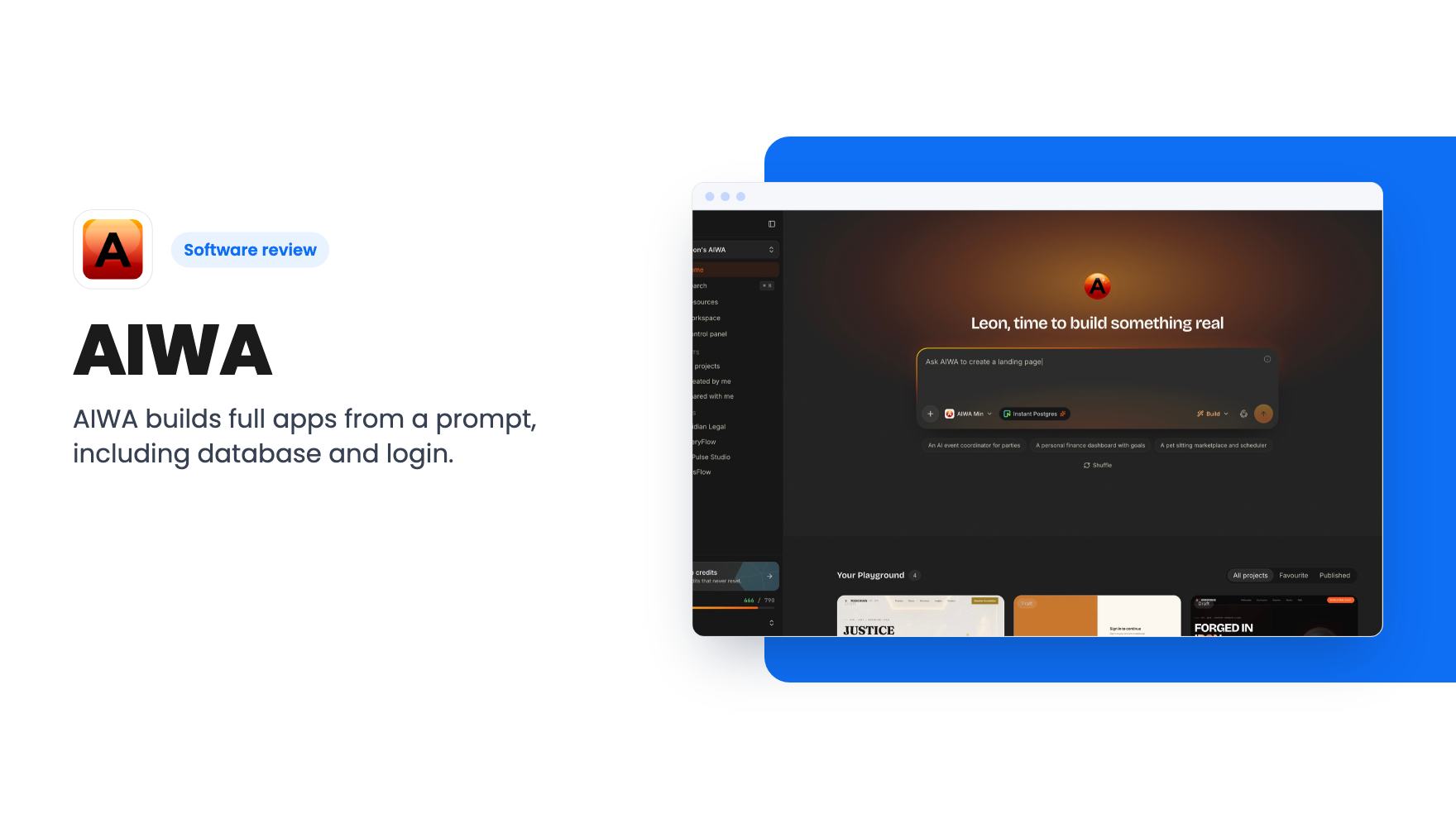
AIWA is an AI app builder. According to the listing, you describe your idea in plain language and it plans and builds the application from a single prompt. That includes the frontend, the backend, user authentication and a database.
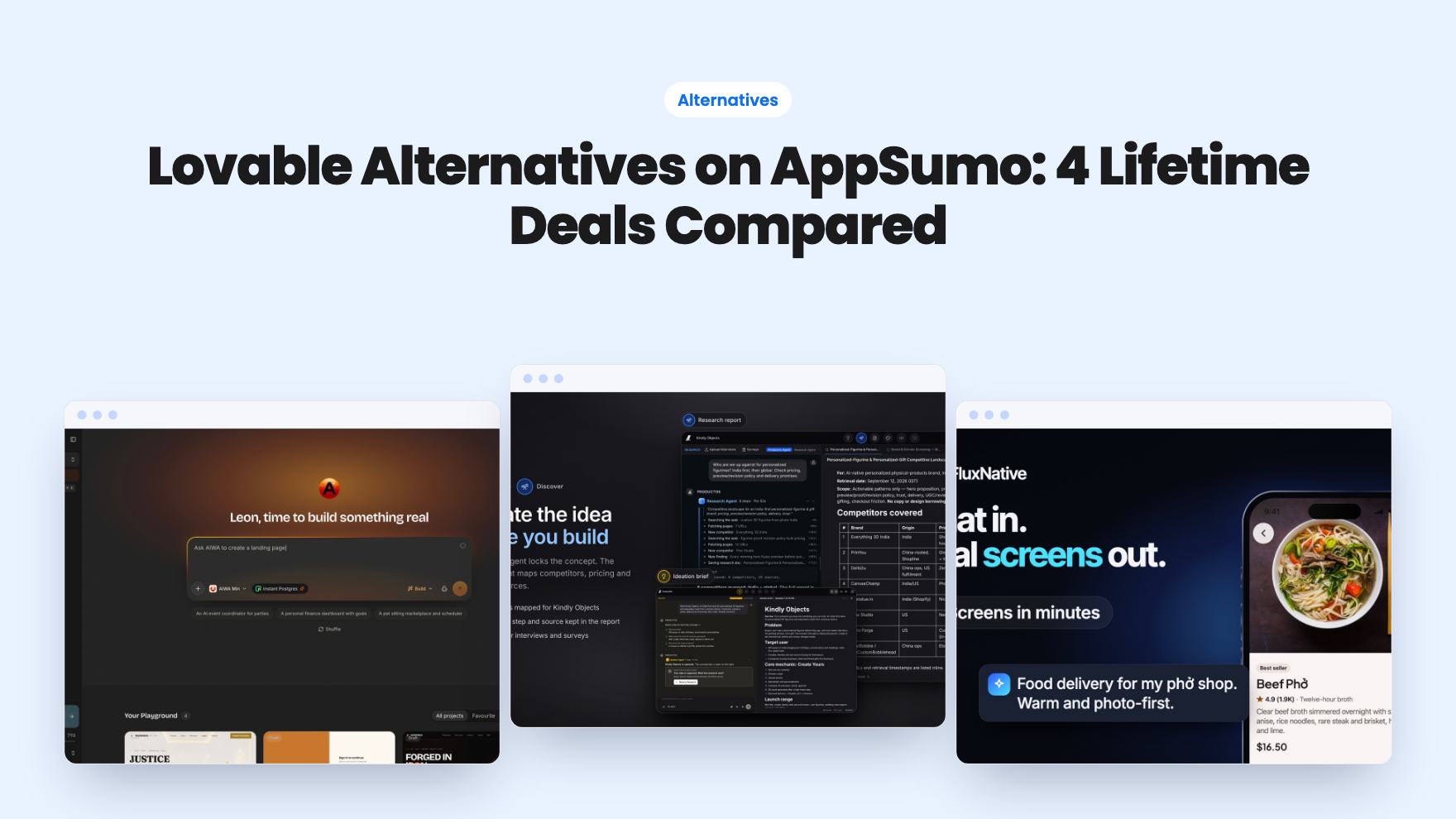
The examples are broad: websites, SaaS products, CRMs, marketplaces, dashboards and mobile-ready apps. The listing also names Lovable, Webflow and Wix as alternatives, which is an odd trio. Lovable works from prompts, while the other two are mostly visual site builders. So the pitch is that AIWA covers both jobs.
After the first build, you change things by chatting with what the listing calls your AI Product Team. You ask for a feature or a fix, and it edits the app. That’s the same loop most AI builders use, so the question is how well it holds up, not whether it exists.
The features that matter after day one
A first build is easy to demo. What decides whether you keep using a tool like this is month three, when you want to change something without breaking what already works.
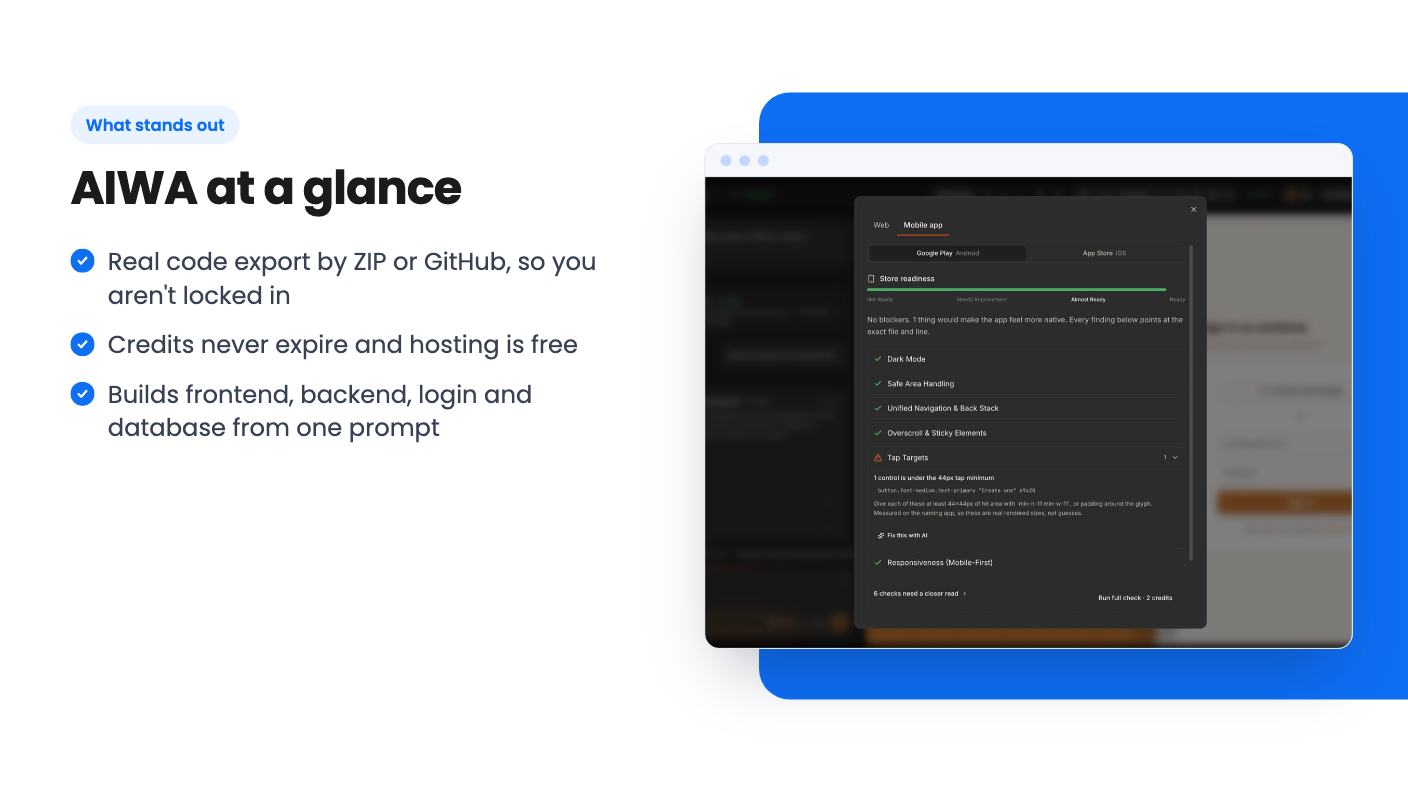
AIWA’s answer is persistent memory. The listing calls it Project Memory in one place and Product Memory in another, and says it remembers your business, rules, data and style so new features don’t break old ones. That’s a strong promise, and the listing offers no evidence for it. Treat it as a claim to test.
The listing also says AIWA opens a browser, clicks through the app, tests the login and fixes bugs before you see the result. Useful if true. Without a video or independent reviews, we can’t say how thorough that testing is.
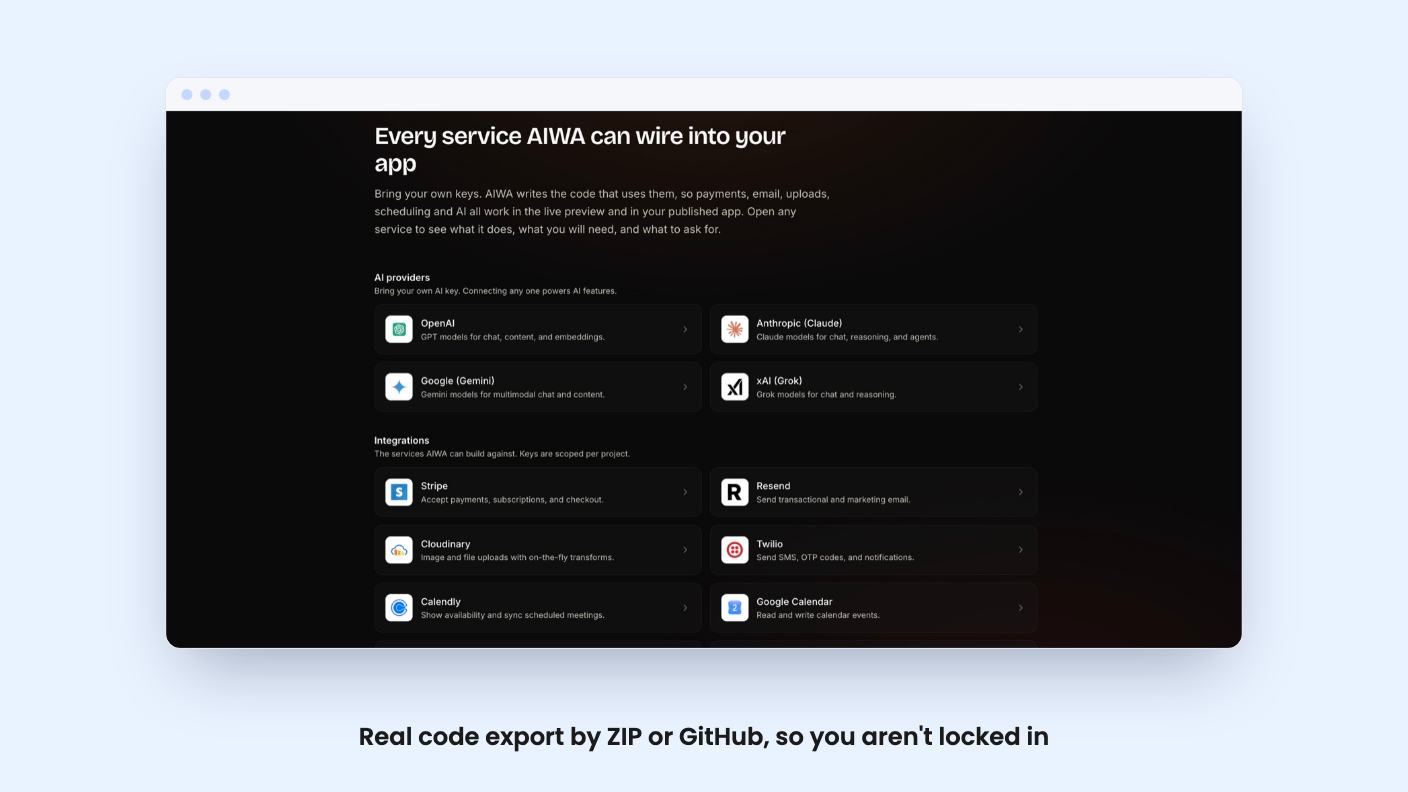
Each project gets a Project Hub for managing users, domains, SEO, analytics and settings. Stripe, Resend and Twilio are mentioned for connecting business services, and the integration list adds Calendly, GitHub and Google Calendar.
The best detail is code ownership. You can download everything as a ZIP or push it to GitHub. If AIWA disappears or changes direction, you still have the app. For a lifetime deal from a young company, that matters more than any feature.
How the credit system works
AIWA runs on credits. The listing’s FAQ says a full new app costs about 40 credits, and a small edit or bug fix costs 10. Putting an app live is free.
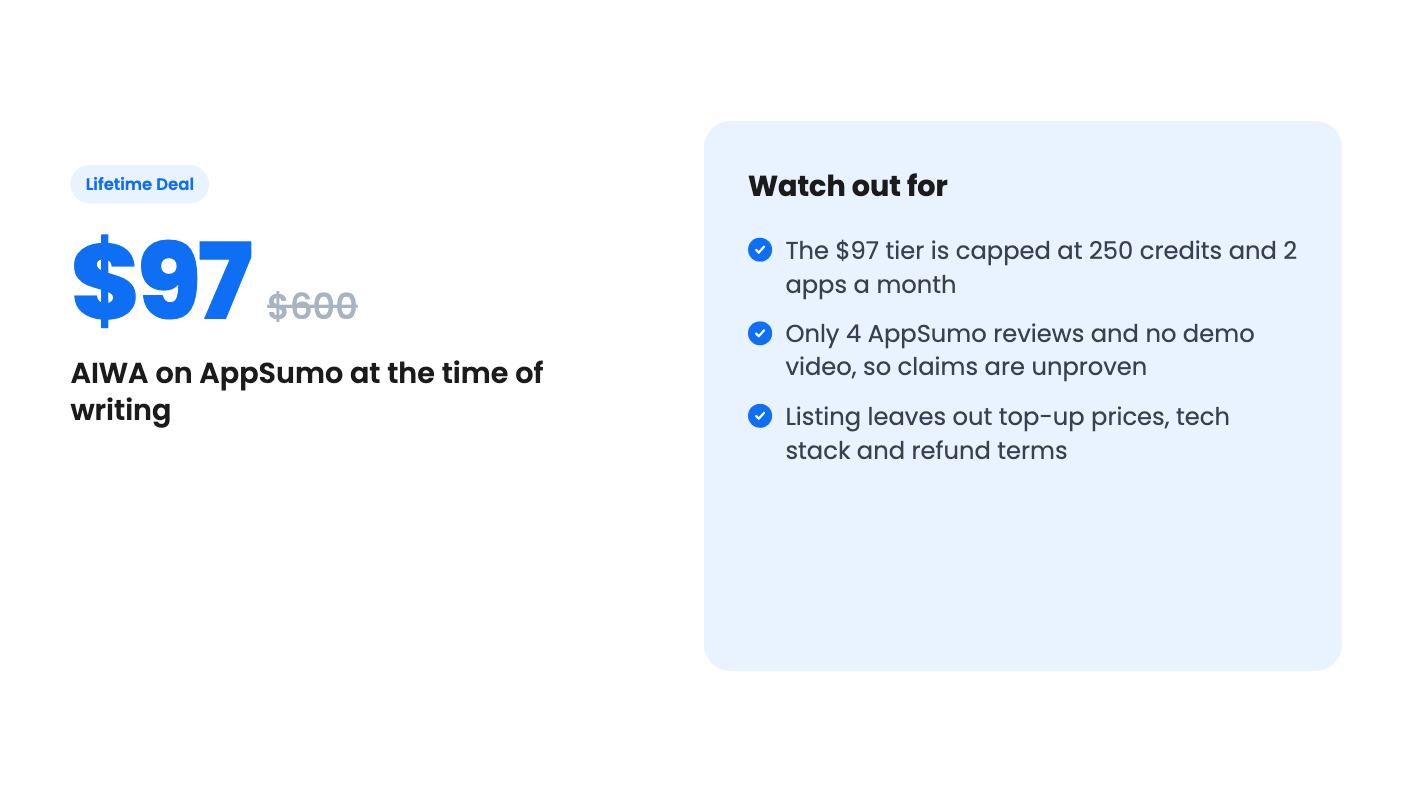
The credits from the lifetime deal are one-time and never expire, and top-ups are available on both tiers. The listing doesn’t give top-up prices, which is a real gap. You can’t judge the long-term cost without knowing what more credits cost.
Here’s what the numbers mean in practice. On 250 credits, you could build six full apps and have nothing left for edits. More realistically, you build two apps (80 credits) and have 170 credits for about 17 edits. Anyone who iterates a lot will burn through that quickly. AI builders tend to need several rounds of fixes before something feels right, and each round costs.
What you get at $97 and $297
The listing’s feature table shows two values per row without labeling the columns. The larger numbers sit beside the $297 tier, so we’re reading it that way. Confirm on the AppSumo page before you buy.
- $97 (list price $600): 250 one-time credits, 50 projects a month, 2 apps a month, 2 team seats, priority support.
- $297 (list price $1,788): 1,000 one-time credits, unlimited projects, unlimited apps, 15 team seats, VIP support.
Both tiers include future plan updates, and you can switch between the two. You must activate your license within 60 days of purchase. There are no codes and no stacking.
The visibility controls (public, unlisted, private), client handoff and client review invites show up as true for the first column and false for the others. That points to the top tier only, but the listing repeats some rows and the layout is messy. Agencies should check this before paying.
The list prices are also worth a shrug. A $600 and a $1,788 list price on a lifetime deal tell you little about what the product is worth to you.
What the listing doesn’t tell you
The listing text itself is empty, and there’s no video. All we have is feature bullets and an FAQ written by the vendor. Four AppSumo reviews averaging 4.00 out of 5 is too small a sample to lean on.
Several questions go unanswered. What stack does it generate? How does it handle mobile-ready apps, and is that a responsive site or something installable? What happens to your project if you run out of credits mid-build? Is there a refund window? The listing doesn’t mention one, so check the AppSumo page.
The custom domain answer is also fuzzy. The FAQ says paid plans can connect one, and the free plan gets an AIWA link. It doesn’t say whether lifetime buyers count as paid.
Who should buy and who should skip
The $97 tier makes sense if you’re a small business owner or freelancer with a few modest ideas, like an internal tracker, a simple client portal or a landing page with a login. Six apps’ worth of credits can cover that, and owning the code gives you an exit.
Skip it if you plan to build often. Two apps a month and 250 credits is a trial allowance, not a workshop. You’d be buying top-ups at prices nobody has published.
Agencies are the target for the $297 tier, with client handoff, seats and unlimited projects. That’s reasonable if your client work is simple. It’s a risk if you’d stake delivery deadlines on a tool this new, with this little public feedback.
Our view: this is a decent speculative buy at $97 for someone who wants to experiment and keep the code. Don’t treat it as your main development plan until you’ve seen it handle a real project, and the 60-day activation window gives you time to try one.
How this review was made: researched from AIWA's official listing, and written with help from AI. We have not tested AIWA hands-on yet. Prices and deal terms change, so check AppSumo before you buy. See our affiliate disclosure.