Email MarketingReview
Million Dollar Email Templates 2.0 Review: Free Swipe File Deal
A look at AppSumo's own email template library, now listed at $0 as a lifetime deal. What you get, what's vague, and who should grab it.
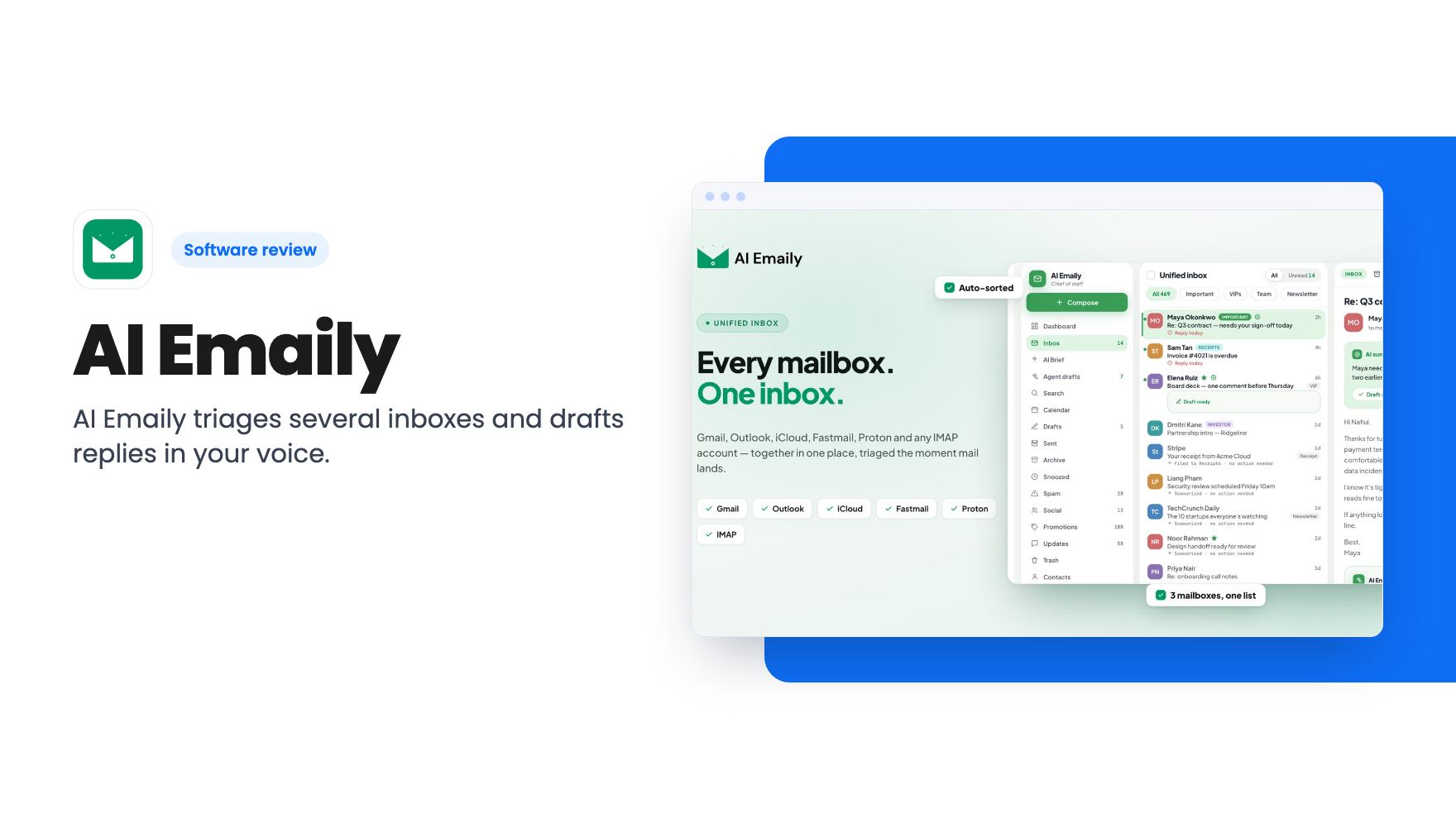
AI Emaily triages several inboxes and drafts replies in your voice. The $69 tier is capped at 2 inboxes and 1,000 AI credits, so check the limits first.
Lifetime deal price
$69$32479% off
Lifetime Deal · ends Nov 27, 2026
Our take: Worth a look if you're a solo consultant or freelancer who wants AI triage and draft replies across one or two inboxes, and the 60-day window lets you try it first. Skip it if you need Autopilot, shared inboxes or heavy daily AI use, because the cheapest tier is clearly capped and the listing's tier table is confusing.
Picture a freelancer with a work Gmail, an iCloud address from years ago and a Proton account for a few privacy-minded clients. Every morning starts with three tabs, a pile of newsletters and a vague worry that something important is buried in one of them. That’s the situation AI Emaily is built for.
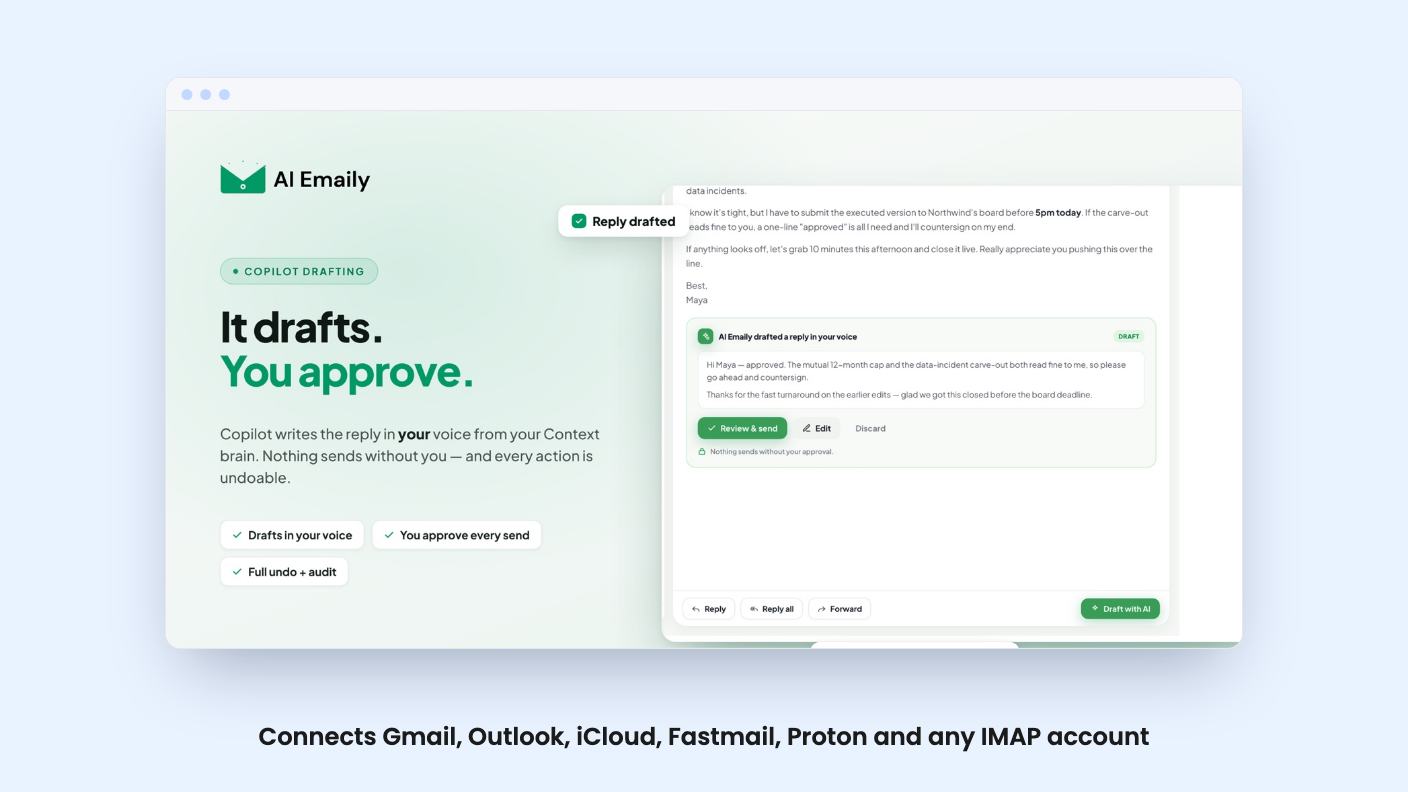
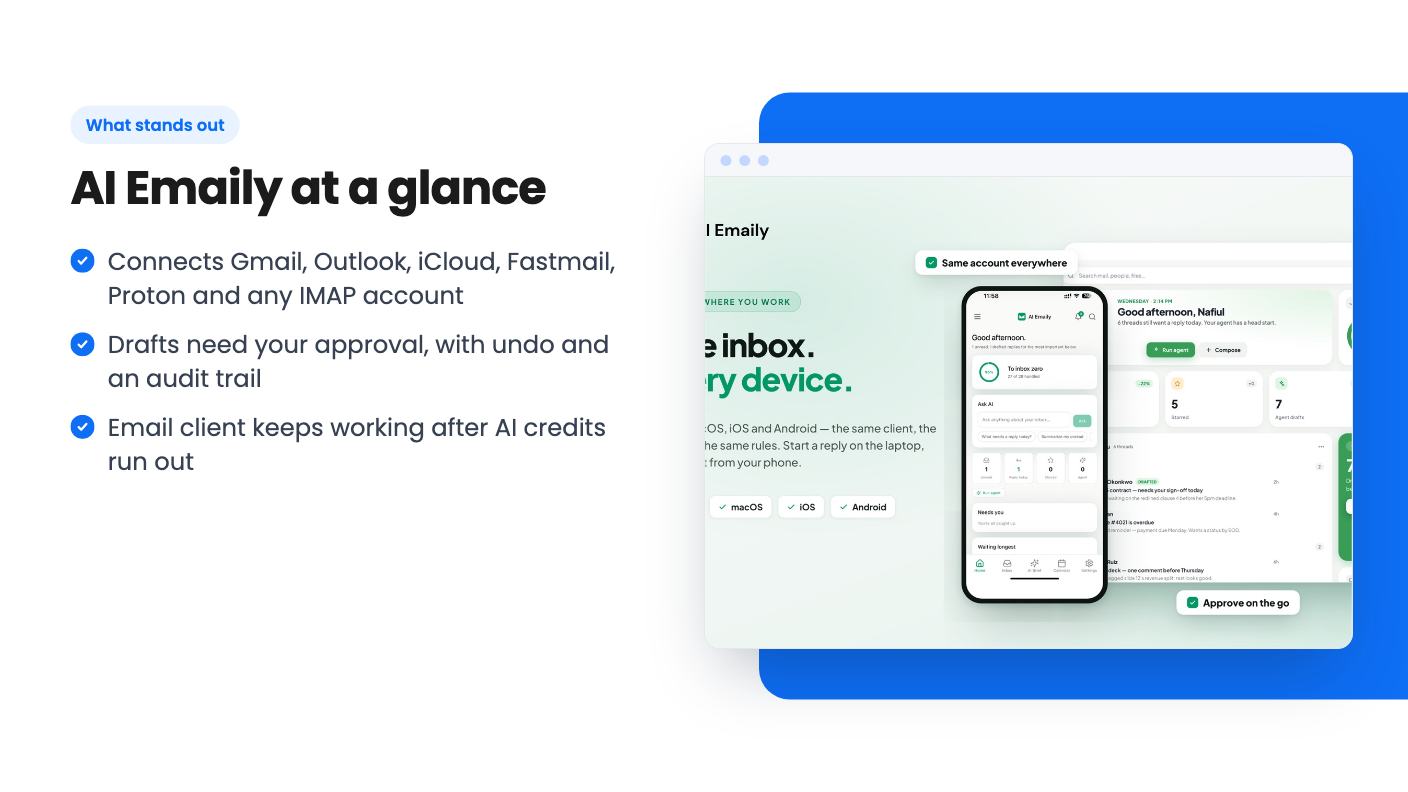
It sits on top of the accounts you already have. The listing is clear that you don’t switch providers or lose your folders. You connect Gmail, Outlook, iCloud, Fastmail, Proton or any IMAP account, and it gives you one prioritized view with smart tabs and a VIP inbox. Search works across all accounts and, according to the listing, finds messages by meaning rather than exact keywords.
There are two jobs here: sorting and writing.
On the sorting side, the listing describes auto-triaged priorities, spam and phishing filtered on arrival, thread summaries and a list of open loops so nothing slips. You also get snooze and follow-up scheduling inside a daily brief. That brief can land in Slack, Discord or Telegram before you open your inbox, which is a nice touch if you already live in one of those.
On the writing side, it drafts replies that read the full thread and client context first. It’s meant to match tone to the recipient, formal for a board deck and looser for a quick follow-up. AppSumo’s review summary says buyers like how it captures their voice and how it sorts cold pitches without deleting them. Treat that as marketing copy, but the cold email handling is a sensible design choice. Nothing disappears.
Every reply can be approved or edited inline, with full undo and an audit trail on each action. On the lower tiers it runs in Copilot mode, which means it drafts on demand and you send.
That suits a small business owner. An AI that writes to your clients without asking is a risk, and a draft you can read in five seconds is not. If your fear is a bad email going out under your name, the cheaper tiers protect you by design.
This is the part to read slowly. AI features run on credits, and the FAQ publishes the rates:
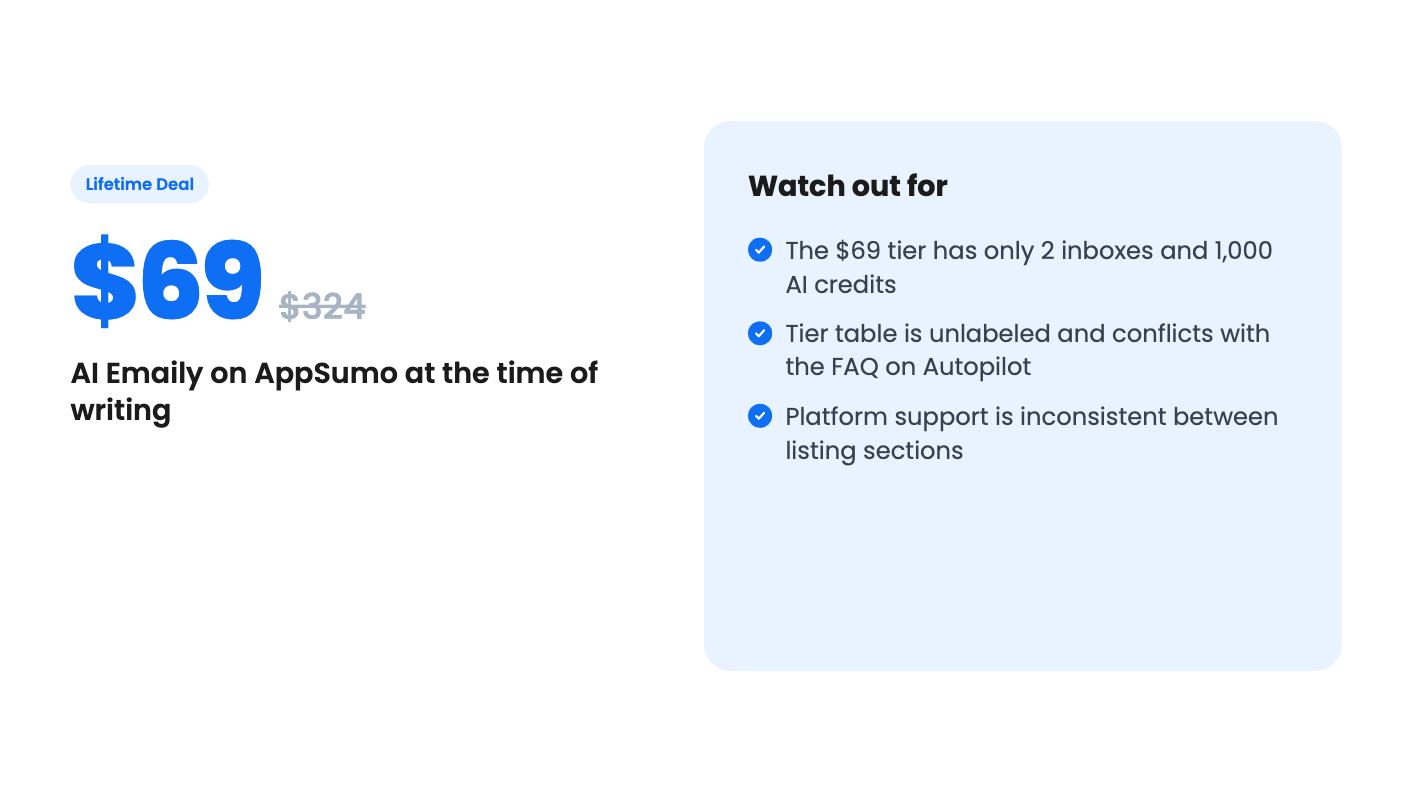
The $69 tier lists 1,000 AI credits and 100 credits per month per user. We’re reading the table in the order that makes sense, but the listing doesn’t label its columns. It shows values like 20 / 8 / 4 / 2 for inboxes, and the FAQ says Autopilot starts at tier 3, so the columns appear to run from the top tier down to the $69 one. The listing also names plans Pro, Autopilot and Team in a way that doesn’t line up neatly with that. Ask support to confirm before you pay.
If that reading is right, 100 credits a month is not much. Sorting 1,000 emails costs about 100 credits, which would use up the whole month on triage alone. Or you get 100 reply drafts and nothing else. A busy inbox will hit that ceiling fast. How the 1,000 total credits relate to the 100 monthly allowance isn’t explained, either.
There’s one good fallback. When credits run out, the AI pauses but the email client keeps working, including reading, sending, sync, search and spam protection. So the worst case is a plain email app, not a locked account.
There are four lifetime tiers, and the listed prices are $69 (was $324), $129 (was $540), $379 (was $1,650) and $799 (was $4,125). Those list prices are AppSumo’s comparison figures, so don’t read them as real savings.
Based on the table order above, the $69 tier gets 2 connected inboxes, 3 context folders, 1 client profile context, 10 global variables and 1 seat. It has no bring-your-own-key option, no Autopilot and no shared inboxes. The $129 tier, as we read it, adds more room and still sticks with Copilot. The $379 and $799 tiers are where the larger inbox counts, team seats, BYOK, Autopilot and shared inboxes show up. One FAQ also says Autopilot-level holders get access to AI Emaily’s MCP server, which connects inboxes to assistants like Claude and ChatGPT.
Some terms to note. You get all future updates to your plan. Access to future AI models may be discounted or may need an add-on, which is vague, and you should assume extra cost. You must activate your license within 60 days, and you can only downgrade within 60 days of purchase. AppSumo’s summary mentions a 60-day money-back guarantee. The deal ends November 27, 2026.
The platform story is inconsistent. One section says web, macOS, iOS and Android with offline PWA support. An FAQ says web, macOS, Windows and iOS, with Android coming soon. If you’re an Android user, don’t assume it works today.
There’s no demo video, so we can’t show you how the interface feels or how good the voice matching is. AppSumo shows 21 reviews averaging 4.29 out of 5, and the summary admits some syncing issues. That’s a small sample for a lifetime purchase. The product also looks fairly young, and credit-based AI pricing is exactly the part of a lifetime deal that tends to get adjusted later.
Skip the $69 tier if you get a few hundred emails a day, want the AI to act without approval, or need a shared team inbox. Those features sit higher up, at prices that deserve more scrutiny.
If you want one place to read two or three inboxes, get a morning brief and draft the occasional reply in your own voice, the entry tier is a fair experiment. Use the 60-day window properly: connect your real accounts early, watch how fast credits drain, and decide before the window closes.
No. The listing says you keep your address, provider and existing folders, and AI Emaily works on top of them. It supports Gmail, Outlook, iCloud, Fastmail, Proton and any IMAP account.
According to the listing, AI features pause until your monthly refill, while reading, sending, sync, search and spam and phishing protection keep working. You can wait, or buy a top-up pack. The listing text cuts off before it finishes explaining the other options.
No. The listing says tiers 1 and 2 run Copilot, where it drafts on demand and you approve and send. Autopilot, which acts on its own inside rules you set, is on tier 3 and up.
How this review was made: researched from AI Emaily's official listing, and written with help from AI. We have not tested AI Emaily hands-on yet. Prices and deal terms change, so check AppSumo before you buy. See our affiliate disclosure.
A look at AppSumo's own email template library, now listed at $0 as a lifetime deal. What you get, what's vague, and who should grab it.
Five AppSumo lifetime deals named as Mailchimp alternatives, grouped by what you send, with the caps and catches in each listing.
Ten email marketing lifetime deals from $29 to $79, grouped by job: sending, list cleaning, and the odd extras. Caps, catches and who should skip each one.