Lead GenerationReview
KingSumo Review: Free Giveaway Tool With a $49 Pro Upgrade
KingSumo runs viral email giveaways. Free tier has unlimited contests, and a one-time $49 Pro adds branding removal, tracking and Mailchimp, Kit and Klaviyo.
TexAu scrapes LinkedIn and Google Maps on your desktop. WarmySender sends and warms cold email. Here's which lifetime deal fits your outbound.

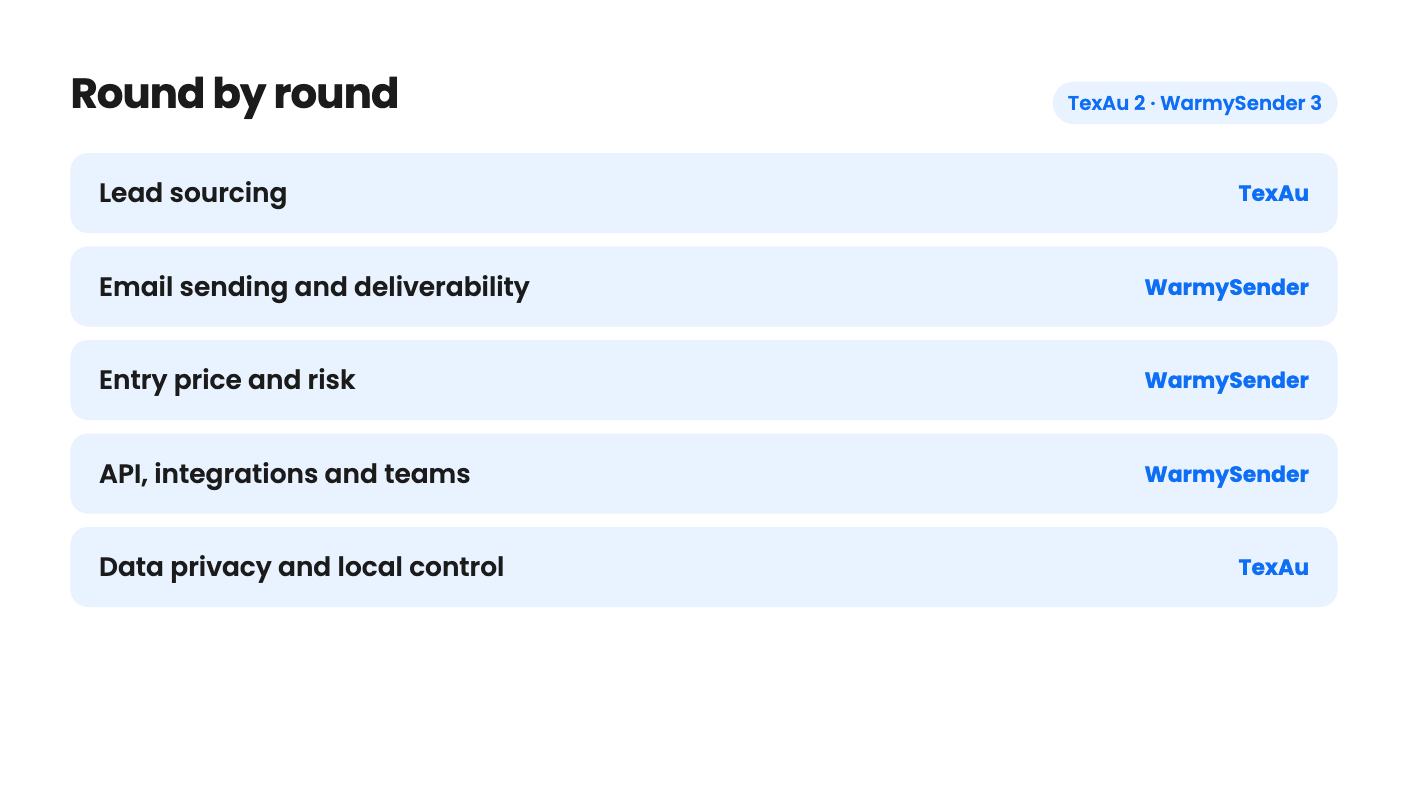
TexAu takes 2 rounds, WarmySender takes 3.
| Round | Winner | Why |
|---|---|---|
| Lead sourcing | TexAu | TexAu lists concrete automations for LinkedIn company pages and Google Maps, while WarmySender's 200M-contact database has no stated source or accuracy. |
| Email sending and deliverability | WarmySender | WarmySender has warmup, Bounce Shield verification, mailbox rotation and a spam score checker, and TexAu sends no email. |
| Entry price and risk | WarmySender | WarmySender starts at $59 and the AppSumo summary mentions a 60-day money-back guarantee, whereas TexAu starts at $69 and its listing mentions no refund. |
| API, integrations and teams | WarmySender | WarmySender offers an API, shared workspaces and Zapier, while TexAu has no public API and no shared workspaces. |
| Data privacy and local control | TexAu | TexAu runs every automation locally so your data never leaves your computer. |
| Clarity of the tier table | Tie | Both listings have unlabeled or out-of-order tier tables that you should confirm with the seller before paying. |
| TexAu | WarmySender | |
|---|---|---|
| Starts at | $69 | $59 |
| List price | $199 | $179.88 |
| Plan | Lifetime Deal | Lifetime Deal |
| Deal ends | Not listed | Nov 30, 2026 |
| Best for | Sales managers, Solopreneurs, Agencies | Consultants, Marketing agencies, Sales managers |
| Alternative to | Hunter.io, Lusha, ZoomInfo | Hunter.io, Lemlist, Lusha, ZoomInfo |
You’ve decided to try outbound, you have a small budget, and AppSumo is showing you two lead generation deals for under $70. It looks like a straight choice. It isn’t, because these tools do different halves of the job.
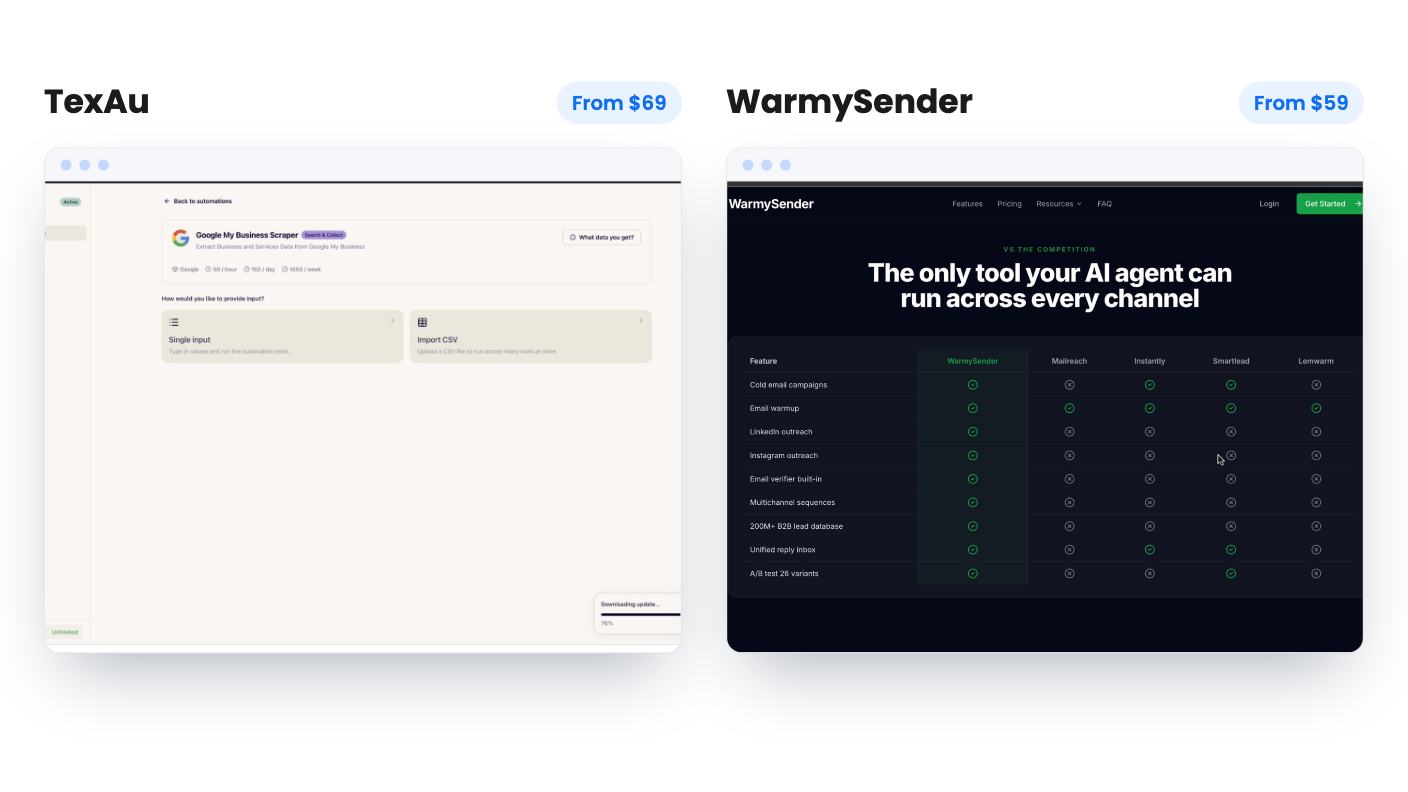
TexAu Desktop finds people. WarmySender emails them. Once you see that, the question stops being “which is better” and becomes “which half of outbound is your bottleneck right now”.
TexAu is a desktop app for Windows and Mac. You pair it with your browser through a Chrome extension, pick an automation, feed it a URL or a CSV, and it runs on your own machine. The output is a CSV file.
WarmySender is a cold email platform. It covers sequencing, mailbox warmup, address verification, a unified inbox and analytics. It also has a lead database and an AI agent link.
So one tool builds lists and automates LinkedIn actions, and the other sends campaigns and protects your sender reputation. They overlap a little, since both can feed you leads and both touch LinkedIn. But the centre of each product is different, and that matters more than the shared category on AppSumo.
TexAu is the more concrete of the two here. The listing says you can pull employee data from a LinkedIn company page, scrape Google My Business listings by location or business type, and clean up messy company names before you import a list anywhere. You can preview the data before a run and see which rows succeeded, failed or were skipped.
The library count is inconsistent, though. The feature section says 110+ automations and the listing text says 150+. I’d plan around the lower figure.
WarmySender leans on a 200M-contact B2B database. You can also build audiences from CSVs or Sales Navigator URLs. That sounds big, but the listing never says where the contacts come from, how fresh they are, or how many emails are valid. Size isn’t quality. AppSumo’s own review summary mentions daily limits on lead generation as a complaint, and the monthly lead caps vary a lot by tier, from what looks like 1,000 a month at $59.
If your leads are local businesses or people at named companies on LinkedIn, TexAu’s approach is easier to judge from the listing. If you need specific job titles in niche industries, test WarmySender’s database before you rely on it.
TexAu doesn’t send email. Its outreach side is LinkedIn connection requests, messages and comments, and its CRM story is a CSV you import yourself. The header lists HubSpot, Pipedrive and Zoho, but the FAQ says there’s no public API, so don’t expect live syncing.
WarmySender is built for exactly this gap. Its warmup system, A.H.D.E., sends emails that trigger conversations up to five replies deep. Bounce Shield checks addresses before they enter a sequence and flags catch-all domains on Outlook and Yahoo. You also get mailbox rotation, send pacing, a pre-send spam score checker, and SPF, DKIM, DMARC and blacklist checks.
The sequence builder is drag-and-drop with eight conditional branch types, and A-Z testing allows up to 26 subject line variants. Most small senders won’t have the volume to separate 26 subject lines, so expect to use three or four.
The listing claims 99.4% inbox placement across 80,000+ warmup emails in Q1 2026. That’s the vendor’s number with no method given, and warmup traffic tells you little about cold mail to strangers. Read it as a claim.
The AI agent feature, where you link an agent over OAuth and it builds and launches a sequence from a prompt, sounds handy. The listing doesn’t say which agents work, what it costs, or what checks happen before something goes live. I’d try it on a tiny list first.
TexAu has five tiers at $69, $138, $276, $552 and $999. WarmySender has six, starting at $59 and $139, then $259, going up to $999. Ignore both sets of list prices, because nothing in either listing shows anyone paying them.
TexAu’s tiers share the full automation library and differ on limits. The plan table reads backwards, so by my reading Tier 1 gives you 1 machine, 1 concurrent run and 50 runtime hours a month. Tier 2 gives 300 hours and 3 concurrent runs. Tier 4 and up is unlimited hours. Tier 1’s 50 hours is the number to check first, because scraping at a human-like pace can use hours quickly. For most working users, $138 looks like the sensible start. A proxy add-on is $49 per 10 GB, up to five units, and it’s non-refundable.
WarmySender’s table is murkier. The LinkedIn seats, workspaces and mailboxes run top-down, so the $59 tier appears to have 0 LinkedIn seats, 1 workspace, 1 member, 40 warmed mailboxes and 1,000 leads a month. The emails per month and verification rows aren’t in a sensible order, so I can’t tell you which cap belongs to which tier. The FAQ also says unlimited mailboxes while the table caps them. Ask in the AppSumo Q&A before you buy.
On risk, WarmySender is friendlier. The AppSumo summary mentions a 60-day money-back guarantee, and the deal runs until November 29, 2026. TexAu’s listing mentions a 60-day window to activate and downgrade, and nothing about refunds.
TexAu’s local-only design is a real plus for an agency handling client prospect lists, since your data stays on your computer. The cost is that it can’t run while your laptop is shut, the cloud app is excluded from the deal, and there’s no API. Team sharing means each person activates the app on their own machine with their own key. There are no sub-accounts or shared workspaces.
The listing says nothing about how LinkedIn treats automated activity, so the account risk is yours to weigh.
WarmySender goes the other way. It offers an API, shared workspaces, custom tracking domains and integrations with Gmail, HubSpot, LinkedIn, Salesforce and Zapier. How deep the HubSpot and Salesforce connections go isn’t spelled out. The $59 tier is still a solo plan with one member and one workspace, so the team features only show up higher up.
On track record, WarmySender has 65 AppSumo reviews averaging 4.85, though that’s a deal-buyer crowd and the summary is marketing copy. TexAu has four reviews averaging 5.00, which is too few to say anything.
Buy TexAu at $138 if your outbound starts with LinkedIn or Google Maps and you’re comfortable with a desktop app, CSV exports and a monthly hours cap. Check the tier table with the seller first.
Buy WarmySender if you already have a list, or plan to bring CSVs, and your problem is landing in the inbox. Start with a secondary sending domain, warm a few mailboxes, run a small verified list, and check placement yourself well inside the 60-day window.
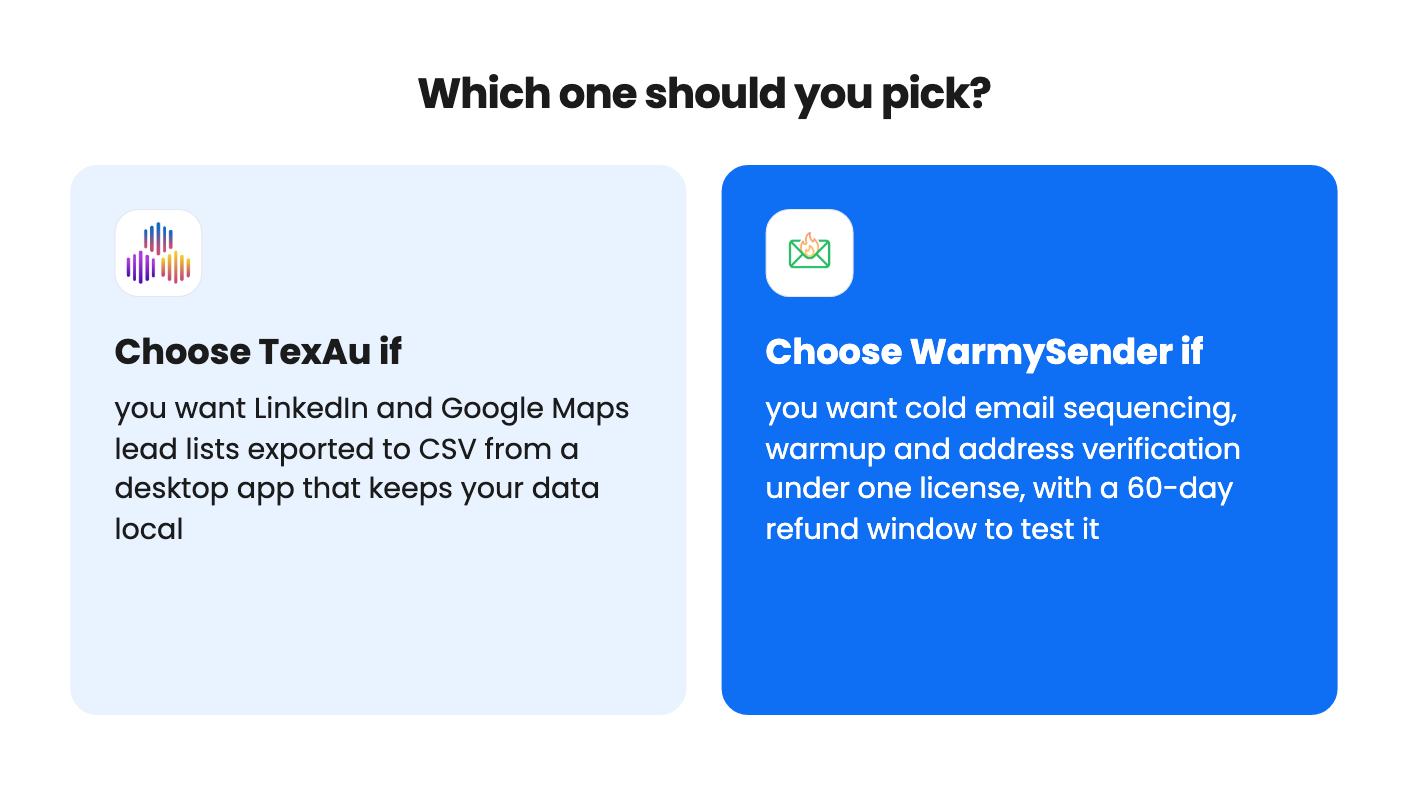
If you can only pick one and you have no leads at all, I’d lean TexAu for the list-building. If you have leads and no way to email them safely, WarmySender is the better fit.
On paper they fit together, because TexAu builds a CSV of leads and WarmySender can build audiences from CSVs. Neither listing describes this workflow, and we haven't tried it, so treat it as an idea rather than a promise.
TexAu, based on the listing. It automates connection requests, messages and comments on every tier. WarmySender's $59 tier appears to include 0 LinkedIn seats, and the listing doesn't explain what its LinkedIn features cover.
WarmySender looks safer because of the 60-day money-back guarantee mentioned in the AppSumo summary and its 65 reviews averaging 4.85. TexAu has four reviews and its listing doesn't mention a refund, only a 60-day activation and downgrade window.
How this comparison was made: researched from both tools' official listings and demo videos, and written with help from AI. We have not tested TexAu or WarmySender hands-on yet. Prices and deal terms change, so check AppSumo before you buy. See our affiliate disclosure.
KingSumo runs viral email giveaways. Free tier has unlimited contests, and a one-time $49 Pro adds branding removal, tracking and Mailchimp, Kit and Klaviyo.
XMagnet bundles prospecting, warm-up, sequences and newsletters. The $59 to $539 AppSumo deal has one-time credits and mailbox caps worth checking first.
Five AppSumo lifetime deals that cover parts of what ZoomInfo does, from contact data to cold email and local prospecting, and who each suits.